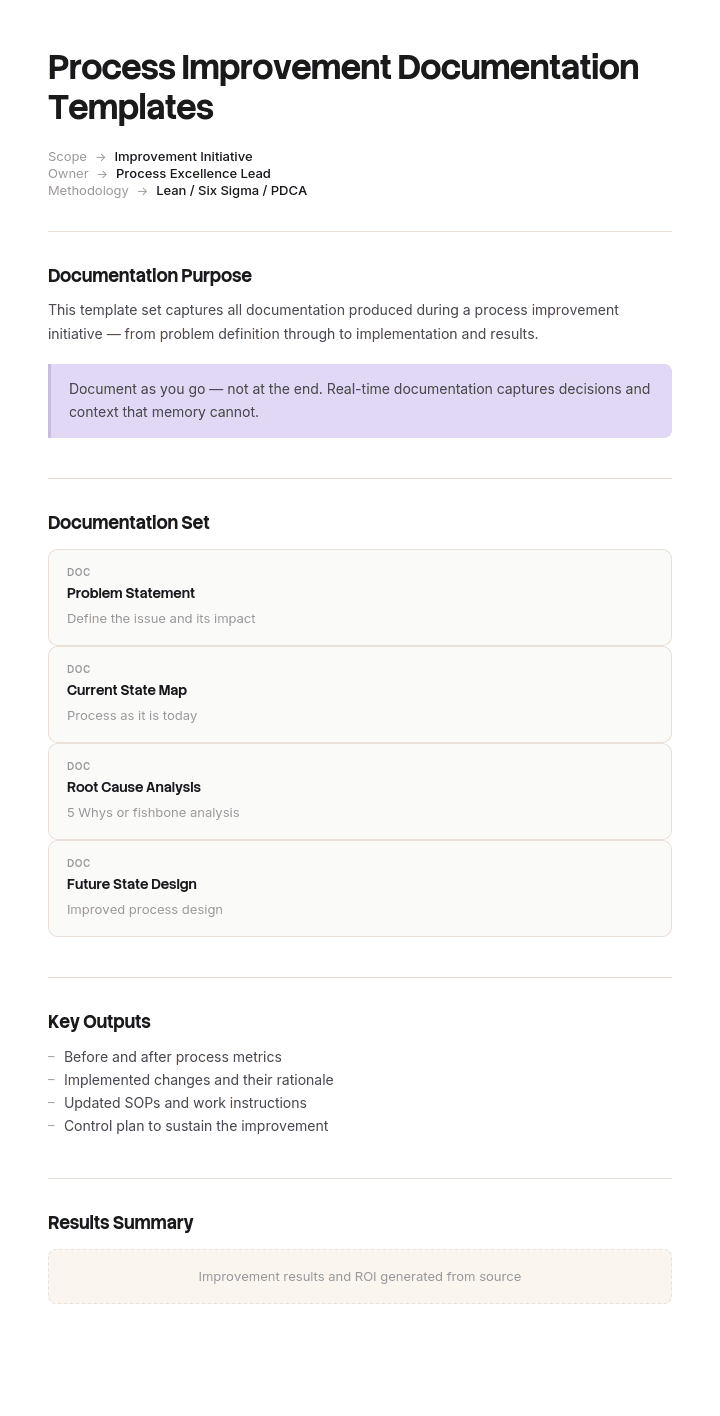
Use this template
Strong process improvement documentation turns one-off wins into compounding gains. With Trupeer, you can save hours on improvement documentation by starting with free process improvement documentation templates, customizing them with your brand guidelines, and turning improvement artifacts into video walkthroughs that drive adoption.
What is process improvement documentation?
Process improvement documentation is the record of a change to how work is done: what the problem was, what was found, what was changed, and what happened as a result.
It covers a family of documents rather than one. An A3 or a problem solving sheet during the work. A standard work document describing the new method. An improvement report at the end. A value stream map if the effort was lean-led. And whatever the change produced in the way of updated procedures.
It is distinct from process documentation, which describes how a process currently runs. Process documentation is the as-is. Improvement documentation is the record of moving from one as-is to another, and the two get conflated constantly. If what you need is a description of how a process works today, our process documentation template covers that and it is probably what you are looking for.
This page covers the paper trail an improvement leaves behind, and specifically why most of it is worthless six months later.
Why improvement reports are written for the wrong reader
Improvement documentation gets written at the end of a project, by the person who ran it, for a steering group, a sponsor, an audit or a benefits review.
That reader wants to know one thing: did it work and what did it save. So the report is organised to answer that. Background, current state, root cause, solution, implementation, benefits realised, sign-off. Every improvement report in circulation has roughly those sections, and they answer the question competently.
The trouble is that reader reads it once and never again.
The person who will actually need it is somebody eighteen months or three years later, facing a similar problem, or investigating why a metric has drifted back, or wondering whether an idea has been tried before. That reader wants entirely different things: what did you assume that turned out to be wrong, what did you try that failed, and what does this improvement rely on in order to keep working.
None of those appear in a standard improvement report, because they are not what the first reader asked for. Two of them actively look like weaknesses at the point of sign-off, which is why they get edited out.
How to customize this template in Trupeer
Step 1: Open the Templates Section
Go to the Templates section from the main navigation.

Step 2: Select and Open a Template
Click on any template you want to work with to open it.

Step 3: Expand the Template View
If needed, expand the template view to see the full layout and details clearly.

Step 4: Edit the Template
Click on Edit to start modifying the selected template.

Within the editor, you can:
Add new sections
Define or update formatting rules
Add a logo and adjust its position and related settings
Step 5: Save Your Customized Template
After making all necessary changes, click Save to store the updated template as your own.

Step 6: Preview and Fine-Tune the Template
When you want to see how your customized template looks, open the Preview.

From the preview screen, you can continue to make adjustments directly if needed, ensuring the template appears exactly as you want.
With process improvement documentation templates you can:
Save hours on documentation: Skip the blank page with structures used by Lean and Six Sigma practitioners.
Capture every artifact: Templates for maps, analyses, plans and reports.
Stay on-brand: Apply your logo, fonts and colors using Trupeer's brand kit.
Drive adoption: Convert dense reports into video walkthroughs the team will absorb.
Standardize improvement: Use the same templates across every initiative.
Reach global teams: Translate improvement docs into 65+ languages with one click.
The three sections an improvement report is missing
Three additions, none of which takes long, all of which are the only parts anyone will need later.
What we assumed and were wrong about. Every improvement starts with a hypothesis about the cause. Record what it was and how it changed. This is usually the single most valuable paragraph in the document, because the wrong assumption is normally the obvious one, and the next person will start from it too.
What we tried and discarded. Options considered and rejected, with the reason. A rejected option with no recorded reason gets proposed again within two years, and somebody spends a month rediscovering why it does not work.
What this improvement depends on. The conditions under which the result holds. This is the section that does the most work and the one covered below in its own right.
Adding these turns a closing document into a starting document. It also changes who should write it, because a report containing failed hypotheses and discarded options is a different kind of document from one written to demonstrate success, and it needs a sponsor who will accept that.
Dependencies: what your improvement quietly relies on
Almost every process improvement is contingent. It works because certain things are true, and when those things stop being true it stops working, usually without anybody connecting the two events.
Typical dependencies, none of which normally gets written down as one.
A role that was created or reassigned during the project. A rule or threshold that was changed. A meeting or review cadence that was introduced. A system configuration or automation. A specific person's involvement. A supplier or upstream team behaving in a particular way. A volume or mix assumption that made the new method viable.
Improvement reports do mention all of these, in the implementation section, described as things that were done. That is not the same as recording them as conditions the result depends on, and the difference matters enormously eighteen months later when a restructure, a system change or a policy reversal removes one of them.
Write each dependency as a row: what it is, who owns it now, and what should happen if it changes. Then put those rows somewhere that gets consulted when things change, meaning alongside the process documentation rather than inside a closed project folder. A dependency recorded only in the improvement report is a dependency nobody will ever look at again.
Free process improvement documentation templates: the report to copy
Copy from here. The three sections marked with an asterisk are the additions.
Header. Improvement reference and title. Process affected. Owner. Sponsor. Dates started and closed. Status.
The problem. Stated as an observation with a number. What was happening, how often, and how you knew.
Baseline. The measure, its value before, how it was measured, over what period, and when. Without this nothing that follows can be evaluated, which is the same point our PDCA method template makes about the Check stage.
What we assumed and were wrong about. The initial hypothesis, what the investigation actually found, and when the two diverged.
Root cause. What it turned out to be, with the evidence.
What we tried and discarded. Options considered, why each was rejected, and what would have to change for it to be worth revisiting.
What we changed. The actual intervention, described precisely enough to reproduce.
Result. The same measure, the same method, the post value, the difference, and any side effects on adjacent work.
What this improvement depends on. One row per dependency, with the current owner and what to do if it changes.
Documents changed. Which procedures, work instructions or job aids were updated, by reference. An improvement that changed no document has not been standardised.
Sign-off. Who, when, and against what evidence.
Copy to here. Keep the whole thing to three or four pages. The instinct with improvement reports is to demonstrate rigour through length, and a twenty two page report is read by fewer people than a four page one.
Types of process improvement documentation, and when to use each
Document | What it is for | When to use it | Who reads it later |
|---|---|---|---|
Problem statement or charter | Agreeing what is being fixed and why | At the start, before analysis | The next person scoping something similar |
A3 | Working through a problem on one sheet, current condition to countermeasure | Where the cause is genuinely unclear | Anybody investigating that process |
Testing one change against a baseline | Where you have a hypothesis to test | The next person testing something adjacent | |
Capturing a small change already made | Continuously, for improvements below the approval threshold | Other areas copying the idea | |
Value stream map | Seeing waiting, inventory and value-add across a whole flow | Once, at the start of a larger effort | Rarely, and that is fine |
Standard work document | Describing the new method as the standard | After adoption, always | Everybody doing the work |
Improvement report | Recording what happened and what it depends on | At closure | The next improvement on this process |
Improvement register | Finding out whether something has been tried | Continuously | Anybody, which is the point |
The two most often skipped are standard work and the register. Skipping standard work means the improvement reverts within weeks. Skipping the register means the organisation cannot answer whether something has been tried before, which is the question that most often gets asked and most rarely gets answered.
The improvement that reverted and nobody noticed
Nettlebed Financial Services administers life and pensions products with about seven hundred staff. In 2023 it ran an improvement project on new business application processing, where median turnaround was eleven point four days against a five day service standard.
Four months of work brought the median to four point two days. It was reported as a success with an annualised benefit of about three hundred and forty thousand pounds, presented to the board, and closed. The improvement report ran to twenty two pages and had every conventional section.
Two years later, turnaround was nine point eight days.
Nobody had noticed the drift, because the improvement had been closed and the measure had migrated to a different dashboard when the reporting was rationalised.
The investigation found three causes, all of which were dependencies that had never been recorded as such.
A dedicated triage role had been created during the project and was absorbed back into the general pool during a restructure in 2024. Nobody involved in that restructure knew anything depended on it.
A rule that applications missing more than two fields were returned the same day rather than chased had been quietly reversed after a complaint.
And a fifteen minute weekly review of the aged queue had stopped when the team leader who ran it moved to another department.
All three appeared in the original report. All three were described in the implementation section as things that were done, and none was listed as a condition the result depended on.
There was a second finding. The report's root cause section said the cause was insufficient resource in the new business team. The actual cause, established in week six of the project, was that thirty eight percent of applications arrived incomplete from one distribution channel. That finding sat in the project's working notes and never reached the final report, because the report had been written to justify the solution rather than to record what had been learned.
When they re-ran the project in 2026, it took three months rather than four, and they reached the same conclusion in week two, but only because somebody had kept the old working notes on a personal drive.
The report template was rewritten with the three sections above. Dependencies were registered alongside the process documentation rather than in the project folder, with an owner and a trigger for each.
In the eighteen months since, fourteen improvements have been documented under the new format. Four dependency alerts have fired, from a role change, two system changes and one policy reversal. Three led to action that preserved the improvement.
How to write an improvement report, step by step
Write the baseline section at the start of the project, not at the end. Retrofitted baselines are always slightly flattering and everybody knows it.
Keep a working note of assumptions as they change. The moment somebody says "we thought it was X but it's actually Y" is the moment to write it down, because it will not survive to the end of the project.
Record discarded options at the point of discarding, with the reason, in one line each.
Write the result section using the same measure and method as the baseline. If the measurement changed during the project, say so and explain how the comparison holds.
Write the dependency section last, by walking backwards through everything you changed and asking, for each, what happens if this goes away. That question surfaces dependencies that the implementation list does not.
Then name the documents that changed. If none did, the improvement is not finished, whatever the numbers say.
The improvement register, and why individual reports get filed
Individual improvement reports get read once and filed. That is not a discipline problem, it is a findability problem: nobody knows a relevant report exists, so nobody looks for it.
A register fixes most of it and costs an hour to set up. One row per improvement with the process affected, the problem in one line, the outcome, the date, the owner, and a link to the report.
Two columns make it genuinely useful rather than administrative. A short list of keywords describing the problem in the language people would use when searching, rather than the project's name. And the dependency count, so that anyone reviewing a restructure or a system change can filter for improvements that might be affected.
Review it when something changes structurally rather than on a calendar. The register earns its keep at exactly two moments: when somebody proposes an improvement, and when something changes that might undo one.
Process improvement documentation best practices
Document during, not after. Almost everything valuable happens in the middle of the work and is gone by the end of it.
Write the failed hypothesis down. It is the most useful paragraph in the report and the first casualty of editing for a sponsor.
Separate the report from the standard. The report records what happened once. The standard work document, SOP or work instruction records how the job is done now, and it is the one that keeps the improvement alive.
Keep it short. Four pages read beats twenty two pages filed.
Register dependencies where change happens. In the process documentation, not in the project folder.
Close the measure properly. Agree who owns the metric after the project ends and where it will be reported, because an unowned metric drifts and nobody sees it.
Improvement documentation or process documentation: which is it?
Worth being direct, because these two get searched interchangeably and they are different documents.
Process documentation describes how a process runs now. It is maintained continuously, read by people doing the work, and its measure of success is whether somebody can perform the process from it. Our process documentation template covers it.
Process improvement documentation records a change: what was wrong, what was found, what was done, what it depends on. It is written once, not maintained, and read by people considering a change rather than performing the work.
The relationship is that a successful improvement produces an update to the process documentation. If your improvement report exists and the process documentation still describes the old method, the improvement will revert, and the report will be the only evidence it ever happened.
If you came here wanting a template for writing down how a process works, that is process documentation and it is the other page. If you want a flowchart of it, our process flow template covers when that is worth drawing.
Can I get a process improvement template in Word or Excel?
Word or Google Docs for the improvement report. It is prose with structure, it gets circulated and commented on, and it is read rather than sorted.
Excel for two things. The improvement register, which is a list and needs filtering and searching. And the dependency log, which wants a row per dependency with an owner and a review trigger, filterable by process so that a restructure or system change can be checked against it.
PDF for the closed report once signed off. Keep the dependency rows editable and living elsewhere though, because they need to change when ownership changes, and a dependency frozen in a PDF is a dependency that will not be maintained.
PowerPoint suits the closing presentation to a sponsor, which is a different artefact from the report and should be built from it rather than instead of it. If only the deck survives, the assumptions and discarded options are the first things lost.
How to record what actually changed on the floor
The section of improvement documentation that decides whether the change survives is the standard work: the updated procedure describing how the job is now done. It is also the section most often skipped, because writing it means somebody re-photographing screens and rewriting steps for a method they have just spent months designing and are thoroughly tired of.
Trupeer AI removes most of that cost. Whoever performs the new method records it once, and the output is a written procedure with the steps and images already captured, ready to check rather than build. The improvement gets standardised in the same week it is proven rather than in the quarter after the project closed.
Record it. Brand it. Translate it. Trupeer it.
A second use is worth knowing: recording the old method before you change it gives you a before artefact you can compare against, which makes the result section considerably easier to write honestly. The SOP creator covers the procedures that have to change, our 5S process improvement template covers the workplace organisation side, and the output lives in your knowledge base in consistent branding. Setup instructions are in the document template setup guide.
Frequently Asked Questions
Is there a process document template in Word?
If what you need is a description of how a process currently works, that is process documentation rather than improvement documentation, and our process documentation template covers the structure, including why the exceptions matter more than the steps. The improvement report on this page is a different document written at a different moment.
Is there a step-by-step process template in Word to download?
The step by step format belongs to process documentation or an SOP rather than to an improvement report. Numbered actions, one per line, each with its expected result. There is no gated download on either page and no form.
Is there a process documentation sample in PDF?
Published samples are easy to find and worth reading for section order. For an improvement report specifically, the sections above are the useful part, and the three additions are what no published sample will contain, since almost every published example was written for a sponsor rather than for a successor.
Is there a business process document template?
Yes, and it is the as-is description rather than the improvement record. Business process document, process documentation and process description are used interchangeably for the same artefact. Our process documentation template covers it.
What is the difference between an improvement report and an A3?
An A3 is a working document used during the problem solving, laid out on one sheet from current condition through analysis to countermeasure, and it is meant to be argued over while the work is happening. An improvement report is written at the end and read afterwards. Teams using A3 well often need no separate report, provided the A3 records dependencies and discarded options.
Who should write process improvement documentation?
Whoever ran the improvement, with the working notes kept throughout rather than reconstructed. The harder requirement is a sponsor who will accept a report containing a wrong assumption and a list of things that failed, because the alternative is a document that reads well and helps nobody.
How long should an improvement report be?
Three or four pages. Length is a poor proxy for rigour here, and long reports get filed unread by exactly the people who would benefit. If the analysis genuinely needs more room, put it in an appendix and keep the report itself short.
How long should improvement documentation be kept?
Indefinitely for the register, which is cheap and becomes more useful with age. For the reports, as long as the process exists, plus whatever your quality system or certification requires. The dependency rows should not live only in the report, since they need to be findable when something changes rather than when someone goes looking for an old project.

