4.8/5
Create Free Video Tutorials with AI
Turn scripts into engaging videos with AI avatars, voiceovers, and subtitles no editing required.
Get started for free

Trupeer's Video Tutorials platform automatically converts screen recordings, scripts, or workflows into professional step-by-step video tutorials with AI voiceovers, captions, annotations, and smart highlights. This tool creates engaging instructional content for software training, product demos, and customer education without manual editing.
Why Video Tutorials is required?
Creating video tutorials demands screen recording, manual editing, voiceovers, and captions across fragmented tools, consuming days for trainers and support teams. Inconsistent tutorial quality across instructors confuses learners and increases support tickets. Updating tutorials for software changes requires complete recreations.
Teams struggle with low engagement from static text guides lacking visual demonstrations. Non-experts can't produce professional-looking video tutorials with smooth transitions and clear callouts. Scaling tutorial production for multiple products, languages, or departments becomes impossible without dedicated video staff.
What this Video Tutorials does
Trupeer's platform analyzes recordings to automatically extract steps, generate explanatory narration, add visual highlights, captions, and transitions to create complete instructional video tutorials. AI identifies key actions, suggests optimal pacing, and formats content for maximum learner comprehension across technical and non-technical audiences.
Core Capabilities
Transform screen recordings into step-by-step video tutorials automatically
Generate AI voiceovers synchronized with visual demonstrations
Add smart annotations, zooms, and callouts to highlight key actions
Export multilingual tutorials optimized for learning platforms
How Trupeer’s Video Tutorials works
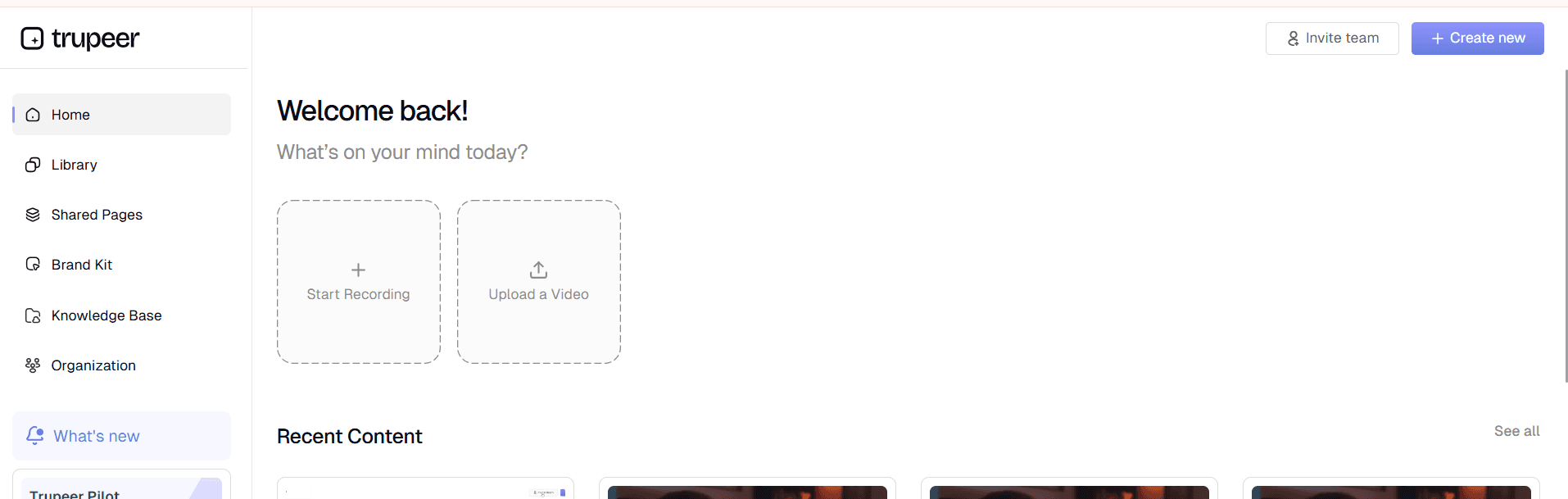
Step 1: Record or Upload Workflow
Capture your process or upload existing recording to begin tutorial analysis.
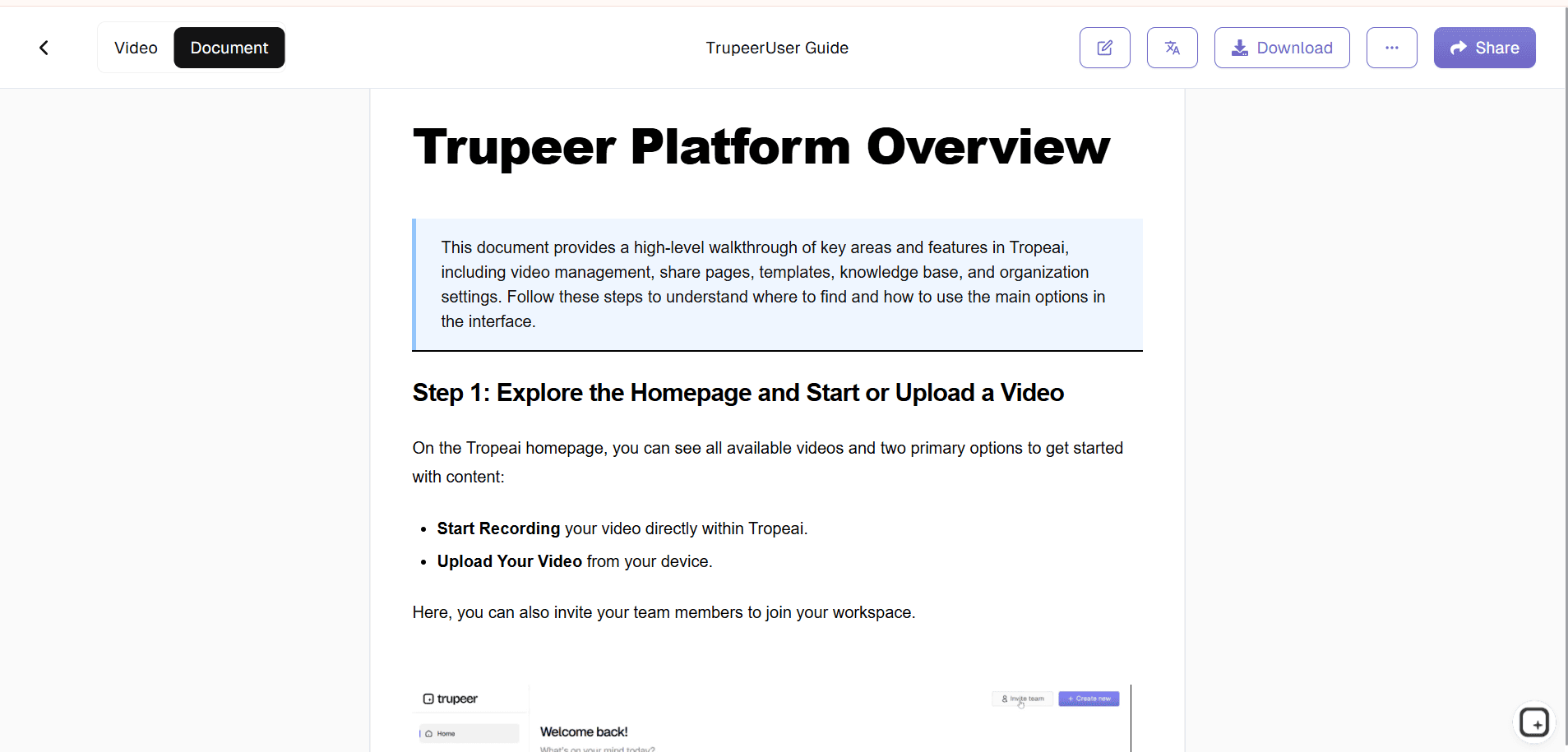
Step 2: AI Processes Tutorial
Tool extracts steps, adds narration, captions, and visual guides automatically.
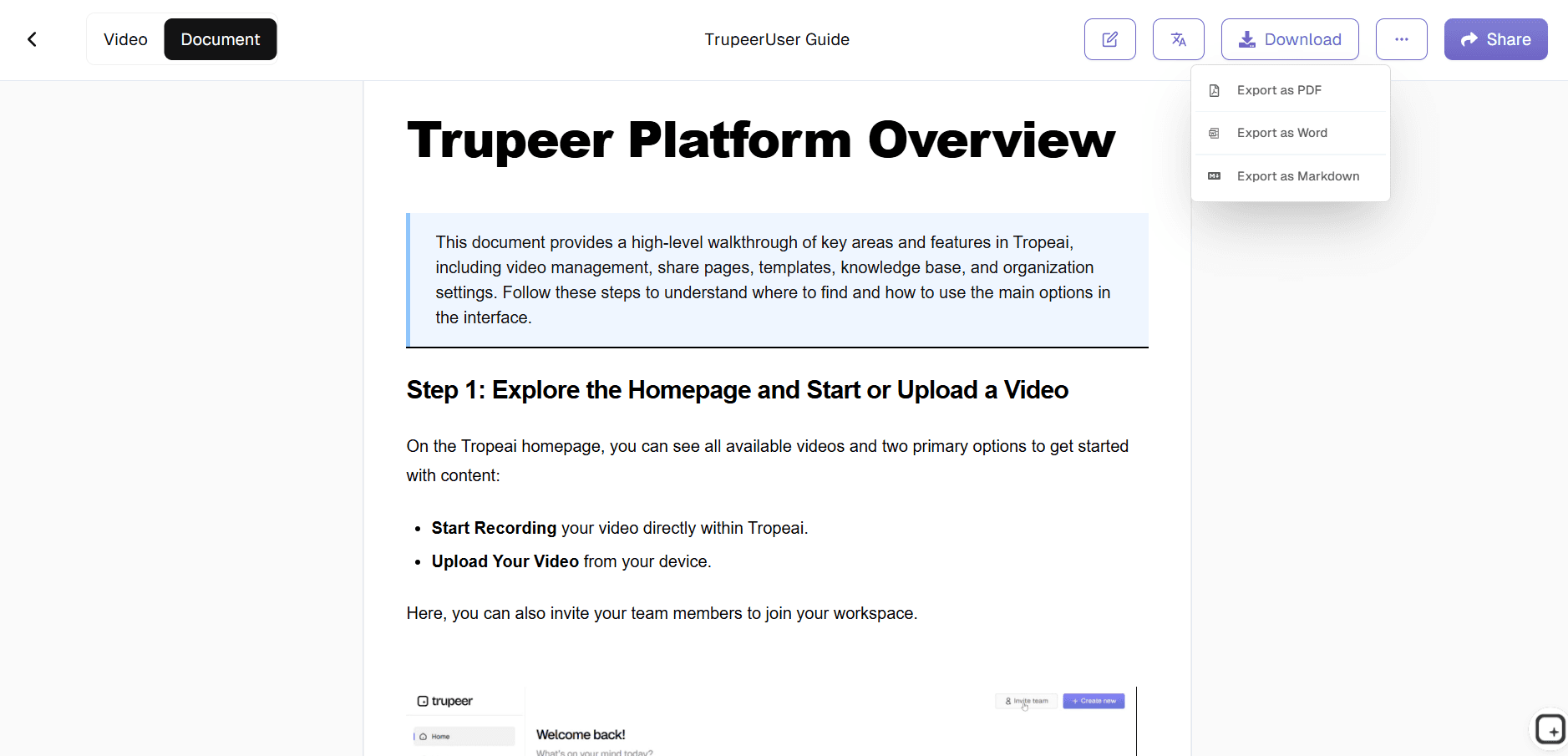
Step 3: Customize & Publish
Refine timing and branding, then share your professional video tutorial.
Who this Trupeer’s Video Tutorials is for
Essential for teams that need scalable, consistent instructional video content across organizations and products.
Training Managers:
Create standardized video tutorials for employee onboarding across departments, ensuring consistent delivery without retraining instructorsCustomer Success Teams:
Build product video tutorials that reduce support tickets by 40% through clear visual demonstrations of common workflowsSaaS Support Specialists:
Generate feature-specific video tutorials for knowledge bases, enabling self-service resolution for 70% of customer queriesTechnical Trainers:
Convert complex software processes into digestible video tutorials that accelerate user adoption and reduce learning curvesL&D Professionals:
Scale video tutorials across global teams with automatic translation and localization for multilingual workforces
Key Features of Trupeer’s Video Tutorials
Transform raw recordings into engaging, professional instructional videos that drive learning and adoption across your organization.
AI Step Detection:
Automatically identifies workflow sequences, pauses at decision points, and captures optimal screenshots to create comprehensive video tutorials covering every user actionSmart Visual Guidance:
Adds dynamic zooms, cursor highlights, and callout annotations precisely where learners need visual focus, eliminating confusion in complex software interfacesContextual Narration:
Generates explanatory voiceovers that match content difficulty, using simple language for beginners and technical terms for advanced users automaticallyInteractive Elements:
Embeds clickable hotspots, pause points, and progress tracking so learners can navigate video tutorials non-linearly based on their knowledge gapsLearning Analytics:
Tracks viewer drop-off points and confusion zones within video tutorials to help trainers refine content and improve comprehension rates
Explore Related Tools
Benefits of Using Trupeer’s Video Tutorial Creator
Professional Quality, No Filming
Create high-quality tutorials without cameras, actors, or editing.
Faster Production
Save hours of work by generating video tutorials in minutes.
Multi-Language Support
Translate tutorials into multiple languages with AI voiceovers and subtitles.
Create Video Tutorials with Trupeer
Step 1
Upload Content
Step 2
Generate Tutorial
Step 3
Download & Share
Frequently Asked Questions
Are Video Tutorials free to create?
Yes, core video tutorials generation available without subscription costs.
What inputs do Video Tutorials accept?
Screen recordings, scripts, or workflow descriptions for automatic processing.
What platforms can Video Tutorials export to?
LMS systems, knowledge bases, websites, YouTube, and mobile learning apps.
How does Video Tutorials handle complex workflows?
AI breaks down multi-step processes into digestible segments with clear visual separation.
Can teams collaborate on Video Tutorials?
Real-time editing, comments, and version control for trainer teams.
More Tools


