4.8/5
AI API Documentation Tool
Turn a recorded API workflow into a visual developer guide with steps and screenshots. Not an OpenAPI generator.
Try Trupeer free

Trupeer is an AI API documentation tool that turns a recorded API workflow into a visual developer guide. It captures the sequence as you perform it, then produces a step-by-step document with screenshots you can edit and publish.
This documents how an API is used. It is not an OpenAPI specification generator and does not replace reference tooling, which is covered below.
What Is an AI API Documentation Tool?
The term covers two quite different things, and knowing which you need saves a lot of evaluation time.
Reference generation: builds endpoint documentation from a specification or from code. Paths, methods, parameters, request and response schemas, authentication, error codes. Usually driven by OpenAPI or Swagger
Workflow documentation: documents how somebody actually uses the API. Authenticate, send a request, read the response, use the result in the next call. Usually produced from a recording or written by hand
Trupeer does the second. If you need the first, an OpenAPI toolchain is the right category and this is not a substitute for it.
What API Documentation Should Contain
A complete API documentation system may cover both layers. Reference tooling handles most of the first list; the second is where workflow documentation earns its place.
Reference layer
Endpoint, method and path
Parameters and request body
Response schema and status codes
Authentication scheme
Error codes and their meanings
Workflow layer
Getting set up: keys, environments, prerequisites
The order calls are made in, and why
What a real request and response look like in practice
How output from one call feeds the next
What goes wrong most often, and what it means
Reference documentation tells a developer what exists. Workflow documentation tells them how to get something working. Most APIs are documented well on the first and poorly on the second.
What Trupeer Can Create From an API Workflow
Integration walkthroughs: the sequence from authentication to a working result, step by step
Getting-started guides: setup, keys and environment configuration as somebody actually performs them
Internal API guides: how your own team uses an internal service, including the parts not written down anywhere
Troubleshooting documentation: the failure somebody hit and how it was resolved, captured while it happened
Onboarding material for API consumers: a visual guide alongside your reference docs
How the API Workflow Documentation Works
Step 1: Record or upload the API workflow
Record yourself working through the API in whatever you use. The recorder captures a browser tab, a specific window or the whole screen, so an API client, a terminal or a browser console all work. You can also upload a recording you already have.

Step 2: Generate the guide
AI turns the recorded API actions into ordered steps and captures the relevant screen state for each one, producing a structured draft of what was performed. What it captures is what was visible, not the underlying request and response objects.
Step 3: Review and publish
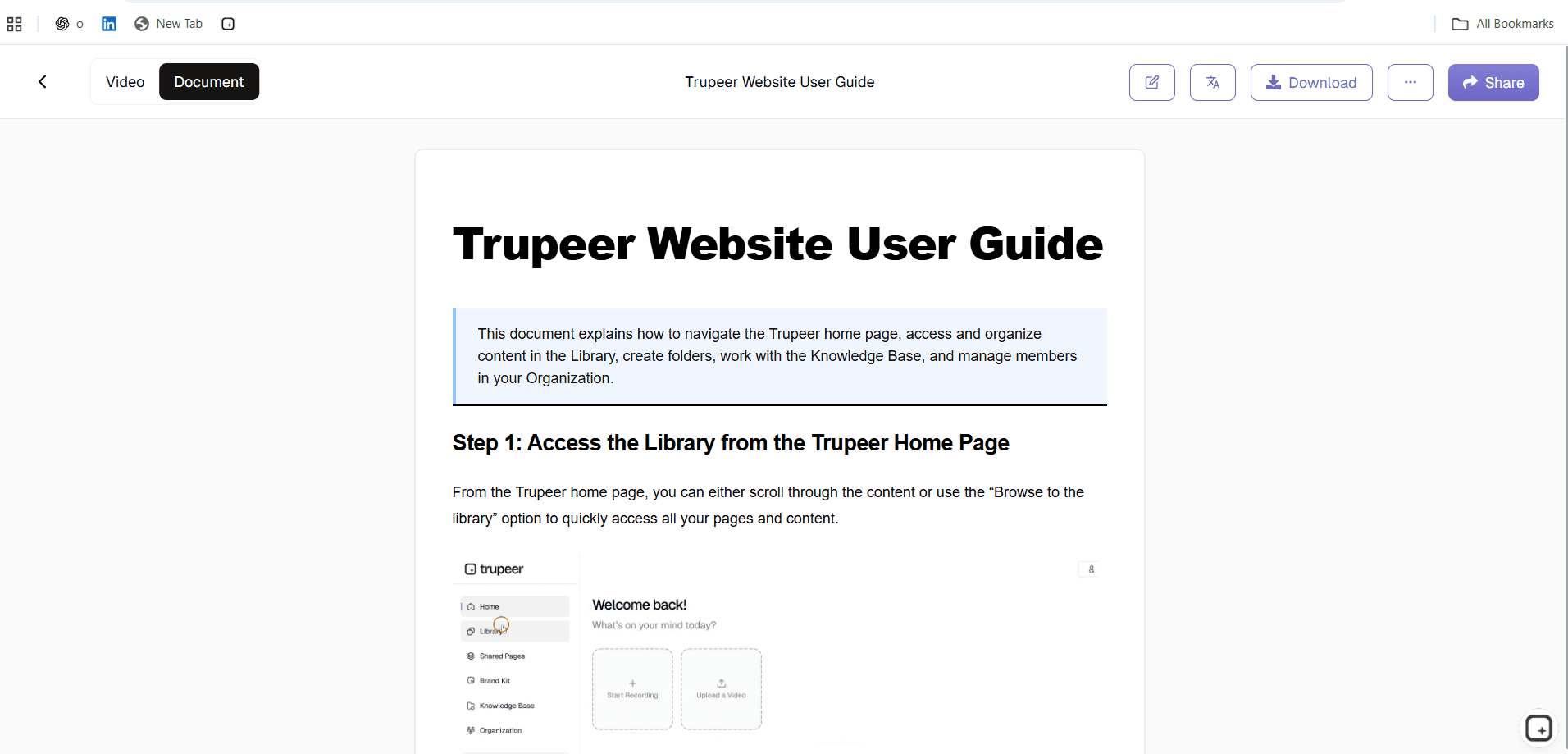
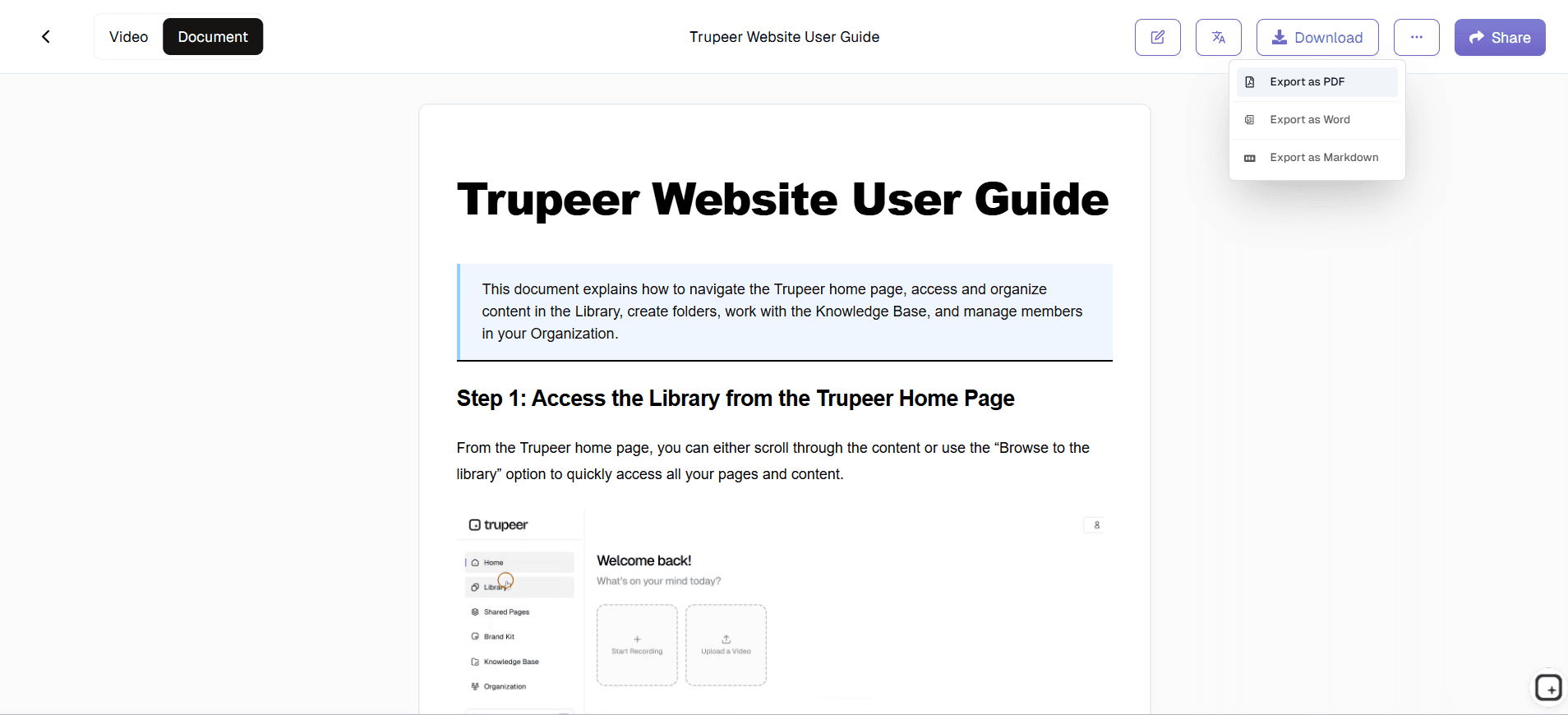
Add the explanations the recording could not carry, redact keys and tokens that appeared, then share the guide or export it to PDF or Word.
Example: Documenting an API Integration
Input: a developer records themselves authenticating, sending a request, reading the response, and using a value from it in a second call.
Output: a guide showing that sequence in order, with a screenshot at each step. The developer then adds what the screen did not show: which fields matter in the response, what the rate limits are, and what the common failure means.
What it is not: an endpoint reference. It does not enumerate every parameter or generate a schema. It documents one path through the API, which is what a newcomer needs first.
AI Workflow Documentation vs OpenAPI Documentation
OpenAPI and reference tooling | Trupeer |
|---|---|
Driven by a specification or code | Driven by a recording of the API being used |
Endpoint and reference focused | Workflow and sequence focused |
Complete coverage of every operation | One path through the API, documented in depth |
Machine-readable output | A guide for a person to read |
Answers "what does this endpoint accept?" | Answers "how do I get this working?" |
These are complements rather than alternatives. Reference documentation without a getting-started guide leaves developers assembling the sequence themselves; a guide without reference documentation leaves them stuck the moment they need a parameter it did not cover.
When Workflow Documentation Complements API Reference Docs
A developer integrating with an API usually needs both, at different moments.
Starting out: the workflow guide. What to set up, which call comes first, what a working sequence looks like end to end
Mid-implementation: the reference. Which parameters that endpoint accepts, what the response schema contains, which status codes it returns
When something breaks: both. The reference tells them what the error code means; the workflow guide tells them where in the sequence it usually happens
Reference documentation is usually the foundation, while the workflow layer is often less developed. That gap is why a new developer can have complete reference documentation available and still struggle to make the first successful call.
Redacting Keys and Tokens
Worth calling out, because API workflows put credentials on screen more than most processes. API keys, bearer tokens, account identifiers and customer data in response bodies all appear in the recording and therefore in the screenshots.
Screenshots can be cropped, annotated and blurred before anything is published, so a recording made against a real environment is still usable. Doing this at review rather than trying to avoid it during capture is usually more practical, but check it before sharing anything externally.
What This Does Not Do
Trupeer helps document API workflows visually. It does not generate OpenAPI or Swagger specifications, produce endpoint reference documentation, enumerate parameters or schemas, or replace developer reference tooling.
It also cannot supply what was not on screen: why a field matters, what the limits are, or what a status code means in your implementation. Those come from whoever wrote the API. For checking a generated draft, see AI documentation accuracy.
For documenting software workflows more broadly, see the AI software documentation generator.
Document Your Next API Workflow
Record the integration once and turn it into a guide your developers can follow. Try Trupeer free.
Key features
Workflow captured in sequence
The order of calls and what happened at each one, taken from the recording rather than reconstructed afterwards.
Screenshots with redaction
A screenshot per step, croppable and annotatable, with blur for keys, tokens and customer data that appeared on screen.
Editable and shareable
Add the context the recording could not carry, then share the guide by link or export it to PDF or Word.
How API workflow documentation works
Step 1
Record yourself working through the API. The recorder captures a browser tab, a window or the whole screen, so a client, terminal or console all work. Or upload a recording.
Step 2
AI orders the actions into steps and captures a screenshot for each, producing a structured draft.
Step 3
Add the explanations the recording could not carry, redact keys and tokens, then share or export the guide.
Frequently Asked Questions
What is API workflow documentation?
Documentation showing how an API is actually used: what to set up, which call comes first, what a working sequence looks like, and what goes wrong most often. It sits alongside reference documentation rather than replacing it.
What is an AI API documentation tool?
A tool that produces API documentation with AI. The term covers reference generation from a specification, and workflow documentation showing how the API is used. Trupeer does the second, from a recording.
Can Trupeer turn an API workflow recording into documentation?
Yes. Record yourself authenticating, sending a request and using the response, and the sequence becomes a step-by-step guide with a screenshot for each step.
What is the difference between API reference documentation and workflow documentation?
Reference documentation answers what an endpoint accepts and returns. Workflow documentation answers how to get something working, in the order the calls are actually made. Most APIs are documented well on the first and poorly on the second.
Can Trupeer generate OpenAPI or Swagger documentation?
No. Trupeer does not produce OpenAPI or Swagger output, endpoint reference, parameter lists or schemas. It documents how an API is used, which complements reference tooling rather than replacing it.
More Tools


