Use this template
Great product training is what turns curious users into confident customers and new hires into productive team members. With Trupeer, you can save hours on training design by starting with a free product training template, customizing it with your brand guidelines, and turning the training into engaging video modules.
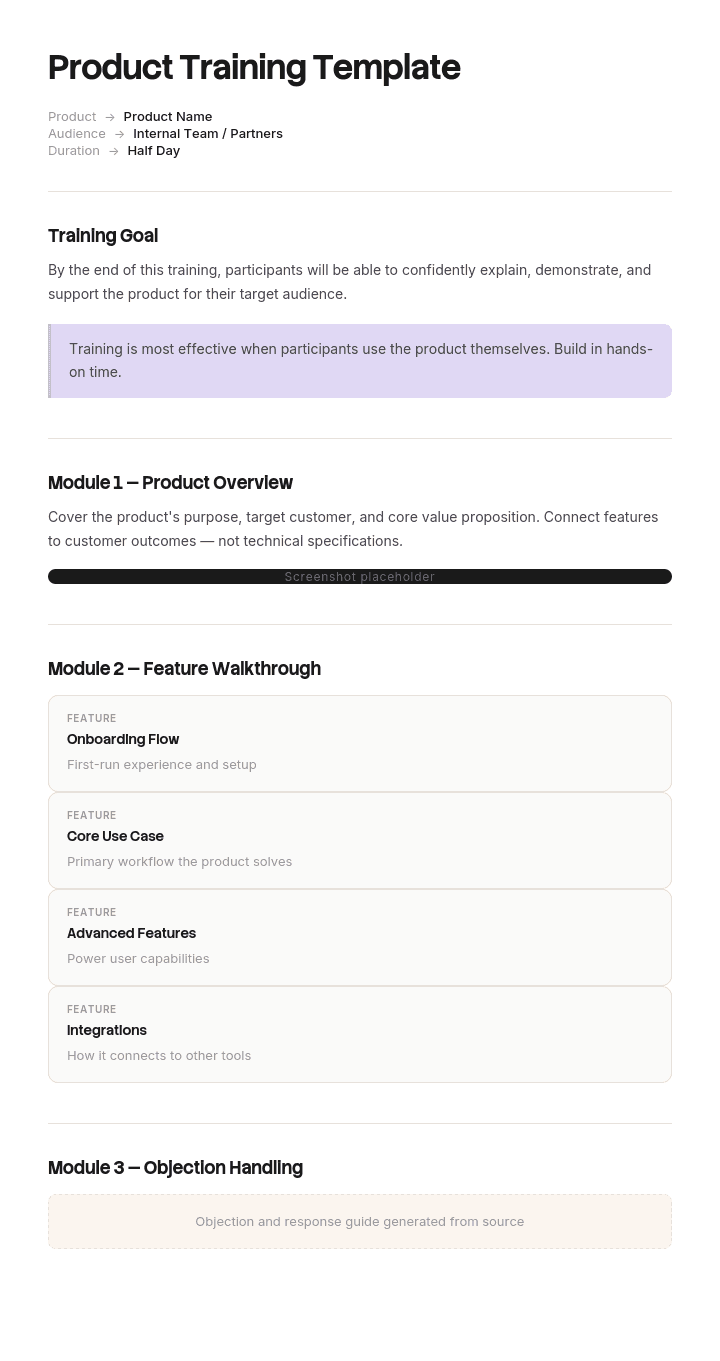
This product training template provides a structured framework to capture product overview, target personas, key features, common workflows, demos, scenarios and certifications - useful for new-hire training, customer onboarding and partner enablement. Generate AI video training, and translate into 65+ languages with one click for global teams.
How to customize this template in Trupeer
Step 1: Open the Templates Section
Go to the Templates section from the main navigation.

Step 2: Select and Open a Template
Click on any template you want to work with to open it.

Step 3: Expand the Template View
If needed, expand the template view to see the full layout and details clearly.

Step 4: Edit the Template
Click on Edit to start modifying the selected template.

Within the editor, you can:
Add new sections
Define or update formatting rules
Add a logo and adjust its position and related settings
Step 5: Save Your Customized Template
After making all necessary changes, click Save to store the updated template as your own.

Step 6: Preview and Fine-Tune the Template
When you want to see how your customized template looks, open the Preview.

From the preview screen, you can continue to make adjustments directly if needed, ensuring the template appears exactly as you want.
With a product training template you can:
Save hours on design: Skip the blank page with a proven training structure.
Train multiple audiences: Adapt the same template for new hires, customers and partners.
Stay on-brand: Apply your logo, fonts and colors using Trupeer's brand kit.
Engage learners: Convert text-heavy content into video training that's easier to consume and retain.
Scale globally: Translate product training into 65+ languages with one click.
Measure impact: Built-in metrics fields help you track engagement and completion.
A great product training program drives adoption, retention and revenue. Use this template to design training that delivers measurable results.
Frequently Asked Questions
What is product training?
Product training teaches employees, customers or partners how to use, sell or support a product effectively. It covers product overview, key features, common workflows, scenarios and best practices - typically delivered through a mix of video, hands-on practice and certifications.
What should product training include?
A complete product training program includes product overview and value proposition, target persona and use cases, key features and demos, common workflows, advanced features, troubleshooting, real-world scenarios, assessments and certifications. The depth depends on the audience.
How do you create a product training program?
Start by defining the audience and learning objectives. Outline modules covering core features, workflows and scenarios. Use a mix of video, demos and hands-on practice. Add assessments to verify learning. Pilot with a small group, gather feedback, refine and roll out at scale.
What is the difference between product training and onboarding?
Onboarding is the broader process of getting new employees or customers up and running - covering culture, tools, processes and product. Product training is one component of onboarding - focused specifically on the product itself. Onboarding includes product training; product training doesn't include all of onboarding.
How long should product training be?
It depends on product complexity and audience. A simple SaaS tool might require a 30-minute training; a complex enterprise product might require multiple weeks of structured training plus on-the-job practice. Best practice favors microlearning - short, focused modules over long sessions.

