4.8/5
Free Explainer Generator
Turn ideas into engaging explainers with AI-powered steps, visuals, and voiceovers.
Get started for free

Trupeer’s Explainer Generator turns raw ideas, scripts, or product workflows into clear, structured explainer content and videos in minutes. It helps you break down complex topics into simple, easy-to-understand narratives without needing a copywriter, designer, or video editor.
Why Explainer Generator is required?
Explaining a new product, feature, or process clearly is hard and time‑consuming. Teams often start from a blank page, rewriting the same explanations across decks, help docs, landing pages, and videos. This results in inconsistent messaging and a lot of duplicated effort.
Non-writers struggle to structure information so that it’s simple, engaging, and logically ordered. Meanwhile, designers and video editors get pulled in just to turn basic explanations into something visual. Without a dedicated explainer workflow, important messages become confusing walls of text or low-quality videos that users abandon quickly.
What this Explainer Generator does
Trupeer’s Explainer Generator analyzes your input such as a short brief, feature description, or workflow and converts it into a well-structured explainer with sections, key points, examples, and optional visuals. It can output scripts, written explainers, or video-ready storylines that are consistent, concise, and audience-friendly.
Core Capabilities
Turn short prompts or feature descriptions into detailed explainer scripts.
Structure content into problem, solution, benefits, and call-to-action sections automatically.
Suggest visuals, examples, and analogies to make explanations more engaging.
Generate variants tailored for docs, landing pages, presentations, or video voiceovers.
How Trupeer’s Explainer Generator works
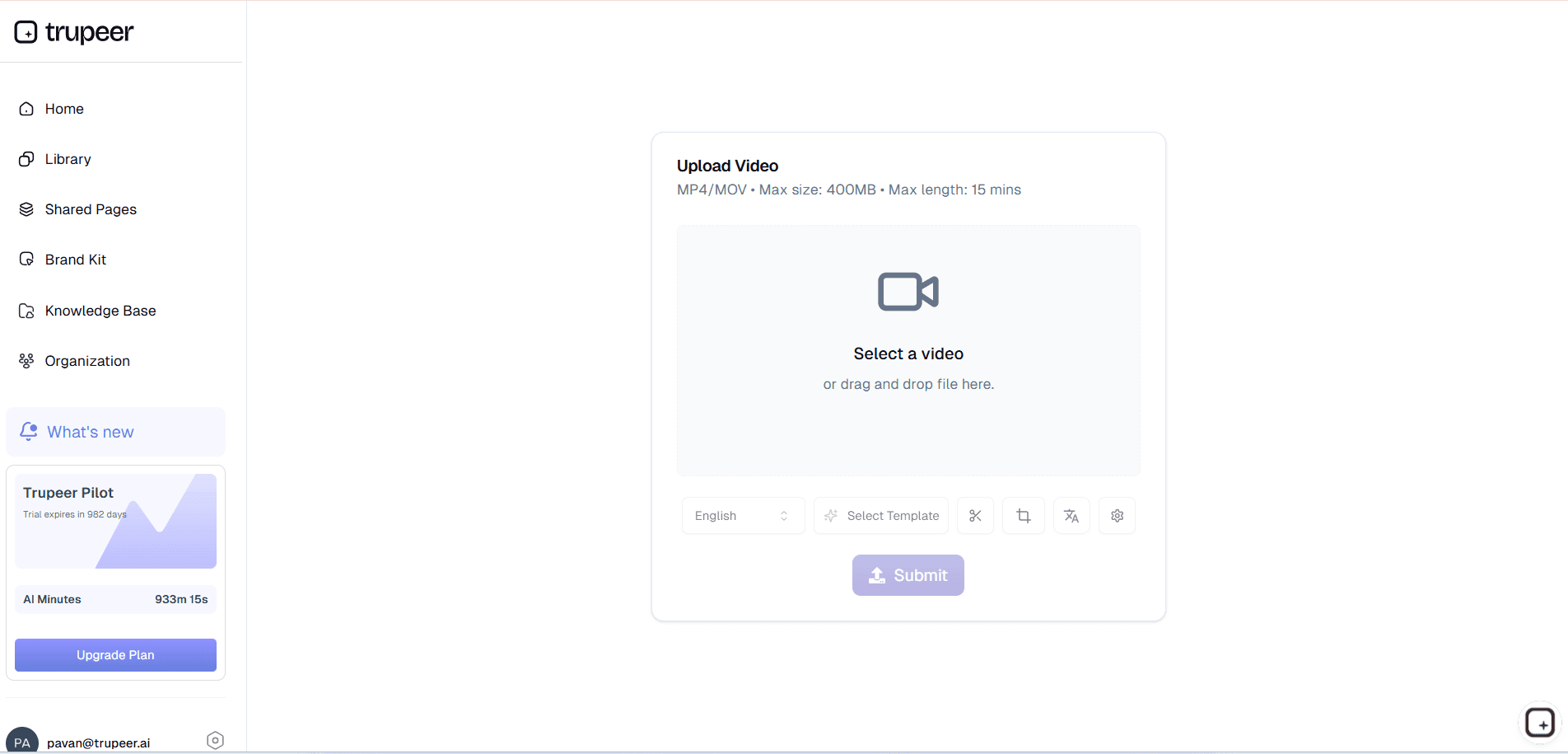
Step 1: Describe Your Topic
Enter a product description, workflow, or question you want to explain, and specify your target audience (e.g., customers, internal teams, executives).
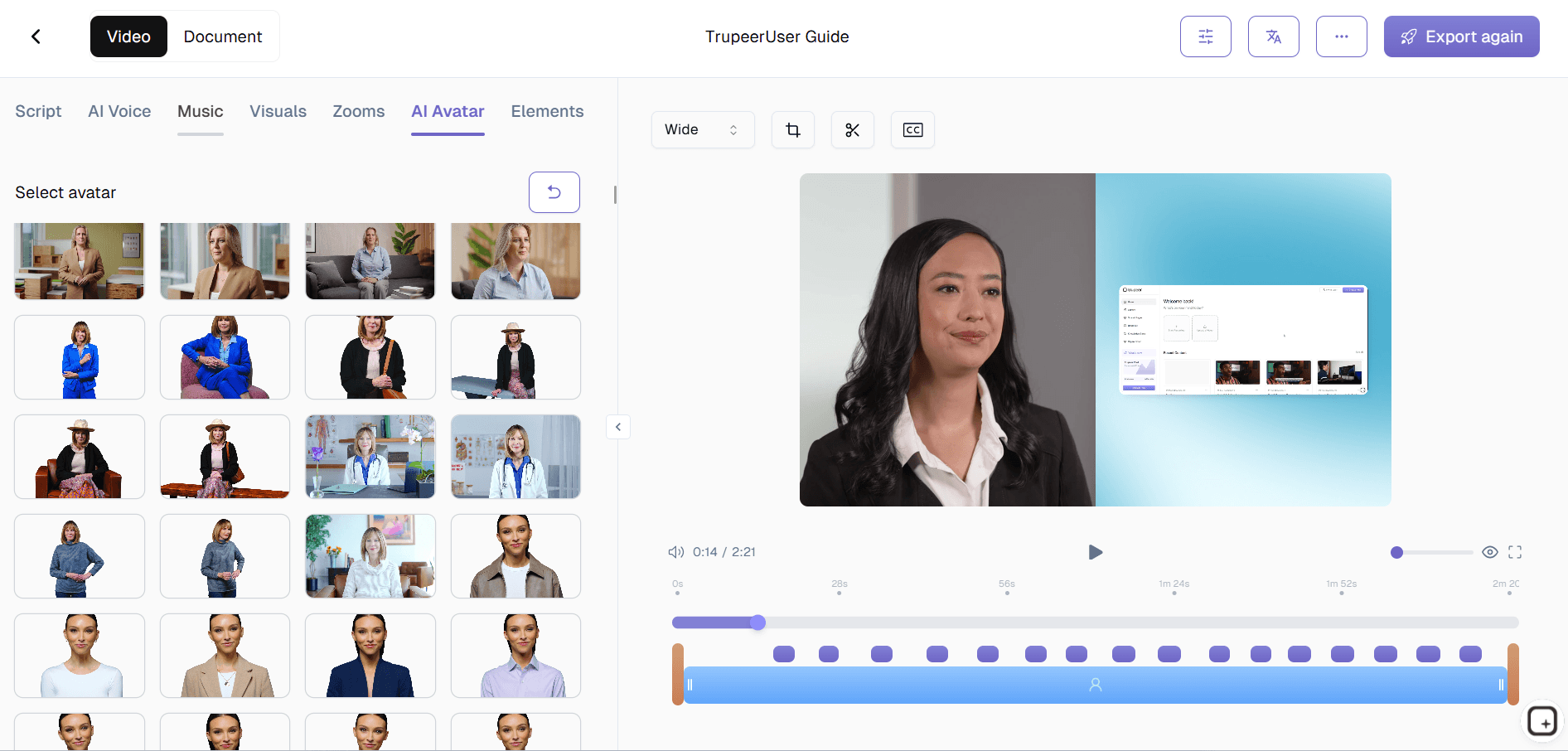
Step 2: Let AI Build the Explainer
The tool organizes the content into a logical flow introduction, core concept, breakdown, and outcomes while keeping the language simple and clear.
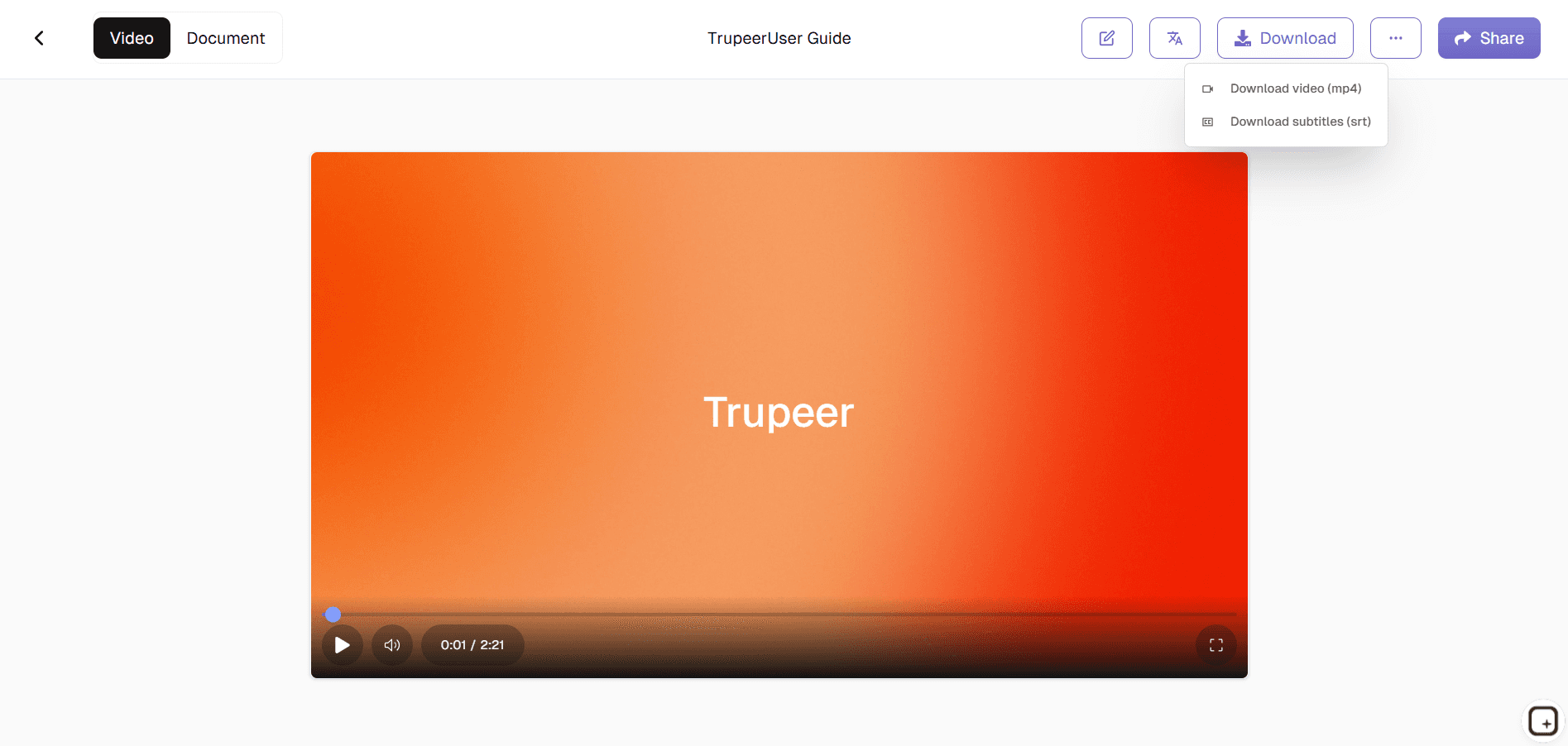
Step 3: Customize & Export
Review the explainer, tweak tone or detail level, then export it as a document, script, or outline for slides or video production.
Who this Trupeer’s Explainer Generator is for
The Explainer Generator is ideal for anyone who needs to communicate complex ideas simply and consistently across formats.
Product Managers:
Quickly turn new feature descriptions into clear explainers for internal teams, release notes, and customer-facing documentation without starting from scratch each time.
Marketers:
Generate landing page copy, email explanations, and campaign narratives that clearly convey the product’s value proposition and key benefits.Customer Support & Success Teams:
Create easy-to-follow explainers for FAQs, help-center articles, and onboarding guides that reduce ticket volume and confusion.Trainers & Educators:
Turn course topics or learning objectives into structured explainer scripts and lesson content that learners can absorb quickly.Founders & Sales Teams:
Convert pitch ideas into concise, compelling explanations for decks, demos, and one-pagers that resonate with prospects and stakeholders.
Key Features of Trupeer’s Explainer Generator
The Explainer Generator focuses on clarity, structure, and reuse so your explanations stay consistent wherever they appear.
Automatic Structure & Flow:
Organizes content into an intuitive narrative (problem, context, solution, how it works, benefits) so you don’t have to worry about outline or order.Audience-Aware Tone:
Adapts language and depth for technical users, non-technical stakeholders, customers, or executives, ensuring the explanation lands with the right people.Multi-Channel Outputs:
Generates formats suitable for docs, slide outlines, website sections, or video scripts, so the same core explainer can be reused across channels.Example & Analogy Suggestions:
Proposes simple comparisons, scenarios, and examples that make abstract or technical concepts easier to grasp.Easy Iteration & Updates:
When your product or process changes, you can update the input and regenerate an updated explainer in minutes instead of redoing everything manually.
Explore Related Tools
Benefits of Using Trupeer’s Explainer Generator
AI-Driven Content Structuring
Trupeer’s AI identifies key points and organizes your explainer content into a coherent and engaging narrative quickly.
Add Visuals and Voiceovers
Enhance understanding by pairing your explainer content with images, animations, and professional voiceovers for maximum impact.
Customize for Your Audience
Edit scripts, adjust visuals, and refine voiceovers to create explainers tailored to your brand’s tone and your audience’s needs.
Create Explainer Content with Trupeer
Step 1
Upload or Enter Your Content
Step 2
Generate & Customize
Step 3
Share or Download
Frequently Asked Questions
Is this Explainer Generator free?
Yes, the Explainer Generator includes a free tier with core explainer creation features so you can start generating structured explanations right away.
What inputs does Explainer Generator support?
You can provide short briefs, feature descriptions, process overviews, or existing rough notes, and the tool will turn them into a polished explainer.
What formats can Explainer Generator export?
Explainers can be exported as text documents, script-style outputs, or structured outlines suitable for slides and video production.
Can Explainer Generator adapt to different audiences?
Yes, you can specify audience type and tone (e.g., beginner, technical, executive, customer-focused), and the tool adjusts the language and level of detail accordingly.
Can I edit content generated by Explainer Generator?
Absolutely. All content is fully editable you can refine wording, reorder sections, or mix outputs into your existing documentation and assets.
More Tools


