4.8/5
Create a Free Text to Speech Avatar
Turn your text into a lifelike avatar video for free with natural AI voiceovers, lip-sync, and customizable presentation styles.
Get Started Now

Speech avatar videos usually enter the conversation after somebody decides recording another take is not worth it.
The original video was fine when it shipped. Then a product detail changed. Somebody rewrote onboarding copy. The intro suddenly mentions last month’s positioning. Nobody wants to reopen a camera for tiny fixes, yet product explainers, onboarding videos, internal walkthroughs, and training content have a habit of drifting out of date in small, annoying ways. A sentence feels off. A feature gets renamed. A launch message changes after feedback and now the recorded version somehow feels older than it is.
A free text to speech avatar solves a surprisingly practical problem: people still want a human presence in the video, they just do not want the production burden attached to it. A voice helps explanation land. A presenter makes onboarding feel clearer. Product videos feel easier to follow when somebody appears to be guiding the story rather than dropping text onto slides and hoping viewers stay interested. What most teams do not want is rerecording, retakes, lighting, camera setups, or waiting on the one person internally comfortable enough to film videos.
Trupeer’s Free Text to Speech Avatar helps teams turn scripts into speech avatar videos with synced AI narration, presentation-ready avatars, and reusable video workflows that stay easy to update. Product walkthroughs, onboarding explainers, internal training, launch announcements, customer education, and marketing videos can start from text instead of filming schedules. Change the wording, regenerate the video, move on.
Why Create a Free Text to Speech Avatar is required?
Creating spokesperson videos requires expensive actors, studios, and editing teams that small businesses can't afford. Manual text to speech software lacks realistic avatars and lip-sync, producing robotic outputs. Google text to speech integrations don't create visual content for marketing or training.
Teams waste time recording voiceovers separately from video production. Voice maker tools can't animate faces to match speech naturally. Scaling personalized video content across languages becomes impossible without massive budgets. Non-video experts struggle with complex word to voice workflows.
Multilingual Speech Avatar Videos Stop Becoming Separate Projects
The first version of a video is usually the easiest one. Then onboarding asks for Spanish. Sales wants a version for prospects in Germany. Customer success notices support tickets increasing in another region and suddenly localization becomes urgent.
Traditional recording workflows make this messy because every language change quietly becomes another production task.
Trupeer AI Speech avatar videos make multilingual communication easier to repeat because the message starts with script sync voiceover & speech avatar. Teams can adapt scripts, narration, and delivery for different regions without rebuilding production from scratch every time another request appears. That matters for onboarding, training, product education, internal enablement, and customer-facing communication where consistency matters but recording every variation simply does not scale well.
What this Free Text to Speech Avatar does?
Trupeer's text to speech engine converts scripts into natural speech while animating uploaded photos with lifelike facial movements, lip-sync, and expressions. This AI speaker generator creates complete talking head videos ready for training, marketing, or presentations in seconds no recording required.
Core Capabilities
Animate photos into talking head avatars automatically
Generate natural voice maker narration from any script
Perfect lip-sync for text to speech software realism
Export text to speech ai free videos with branding
How Trupeer’s Create a Free Text to Speech Avatar works
Step 1: Upload Your Video
Upload an existing video or simply record your screen to get started.

Step 2: AI Animates
Ai speaker generates speech, facial animation, and lip-sync.

Step 3: Customize & Export
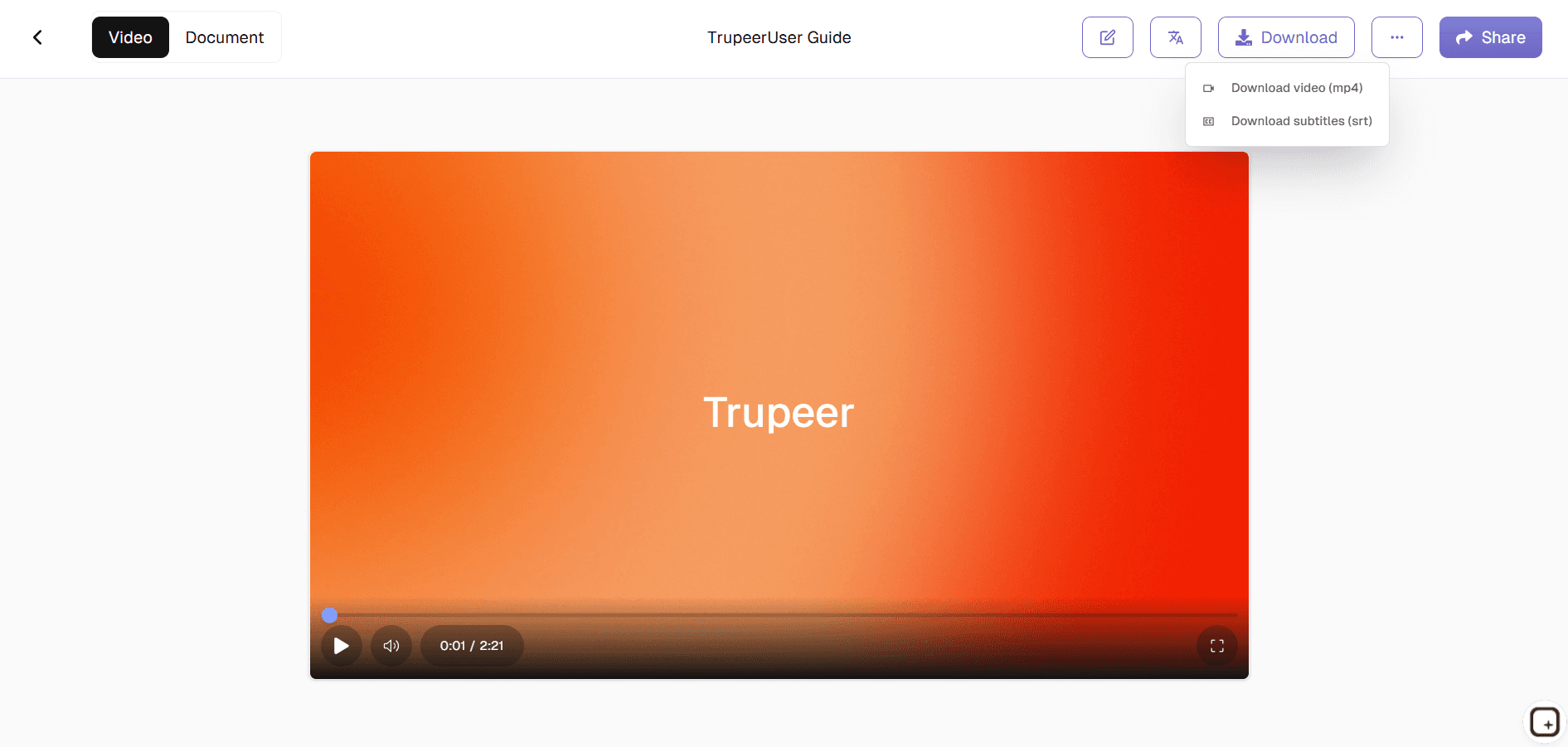
Add branding then download your word to voice video.
Who uses Trupeer’s Free Text to Speech Avatar ?
Startup Founders & Product Teams:
Create product explainers, onboarding videos, launch updates, feature walkthroughs, and customer-facing communication without rerecording content every time messaging changes or product flows evolve.
Marketing Teams:
Turn campaign scripts, product messaging, and announcements into speech avatar videos for websites, social content, paid campaigns, and customer education without waiting on filming schedules.
Customer Success & Training Teams:
Build onboarding explainers, training videos, internal walkthroughs, and enablement content that feel guided and repeatable without running the same live session over and over.
Global Teams:
Create multilingual text to speech avatar videos for distributed employees, customers, and prospects without recording separate presenters for every language requirement.
Creators & Educators:
Publish explainers, walkthroughs, and educational content without rerecording because one sentence changed or the script evolved after review.
What Trupeer’s Free Text to Speech Avatar Helps You Create
Script-to-Speech Avatar Videos:
Turn written scripts into talking avatar videos with synced AI narration for onboarding, explainers, tutorials, product communication, and customer education.
Natural AI Voice Narration:
Generate speech that feels conversational and consistent across training videos, onboarding, internal communication, and marketing content.
Avatar Videos for Product, Training, and Marketing Workflows:
Create onboarding videos, product demos, internal updates, educational walkthroughs, and launch explainers without depending on manual filming.
Localized Video Content:
Adapt speech avatar videos for different languages and audiences without treating every new market like a separate production process.
Reusable Video Workflows:
Update scripts and regenerate videos when messaging changes instead of rerecording entire videos because one explanation drifted out of date.
Explore Related Tools
Benefits of Using Trupeer’s Free Text to Speech Avatar Tool
Natural AI Voiceovers
Convert text into smooth, human-like speech with accurate tone and pronunciation.
Lifelike Avatar Presentation
AI adds precise lip-sync, facial expressions, and gestures for a realistic speaker look.
Fast Export & Sharing
Download the video instantly or share it across your website, presentations, or social media.
How to Create a Free Text to Speech Avatar with Trupeer
Step 1
Upload your video and AI will create an editable script.
Step 2
Edit the script and select your avatar.
Step 3
Generate, Preview, and Export Your Video Instantly
Frequently Asked Questions
Is this Free Text to Speech Avatar free?
Yes, you can generate and download a text to speech AI free avatar video at no upfront cost.
What inputs does Create a Free Text to Speech Avatar support?
A clear portrait image plus your script text, which the voice maker turns into speech.
Can I choose different voices for Free Text to Speech Avatar?
Yes, multiple text to speech voices, accents, and languages are available for your AI speaker.
Can I reuse the same avatar with new scripts in Free Text to Speech Avatar?
You can keep the same avatar image and regenerate videos by changing only the word to voice script.
Where can I use Free Text to Speech Avatar videos?
Avatar videos can be used in social posts, training modules, product explainers, presentations, and customer support flows.
More Tools



