4.8/5
Free Training Video Generator
Use our AI training video generator to create engaging instructional videos, perfect for employee training, corporate learning, and online courses. No editing skills required
Create Training Videos Now

Trupeer's Training Video Generator transforms scripts, screen recordings, or workflows into professional training videos with AI narration, visuals, captions, and quizzes automatically. Among the best free online training video generator tools, it creates engaging learning content without editing skills or production teams.
Why Training Video Generator is required?
HR and L&D teams spend weeks coordinating recordings, voiceovers, scripting, and editing across multiple tools for basic training modules. Without a scalable video trainer solution, manual video creation becomes time-consuming and inefficient, especially when onboarding thousands of employees or updating content quarterly. Inconsistent trainer delivery across locations creates knowledge gaps and compliance risks.
Remote teams lack engaging alternatives to static PDFs, while live sessions can’t accommodate different schedules and time zones. A standardized video trainer approach ensures consistent messaging, interactive learning experiences, and better knowledge retention across distributed teams. Compliance training often gets ignored without visual, engaging formats.
What this Best Training Video Generator does
Trupeer's generator analyzes training content to automatically produce complete videos with AI avatars, natural voiceovers, automated zooms, captions, transitions, and interactive quizzes synchronized perfectly. It converts complex procedures into structured learning modules ready for LMS platforms, saving months of production time while ensuring consistent delivery worldwide.
Core Capabilities
Transform scripts into narrated training videos with free online training video generator tools
Convert screen recordings to polished tutorial content automatically
Generate multilingual training with localized voiceovers and subtitles
Add interactive quizzes and progress tracking for better retention
How Trupeer’s Training Video Generator works
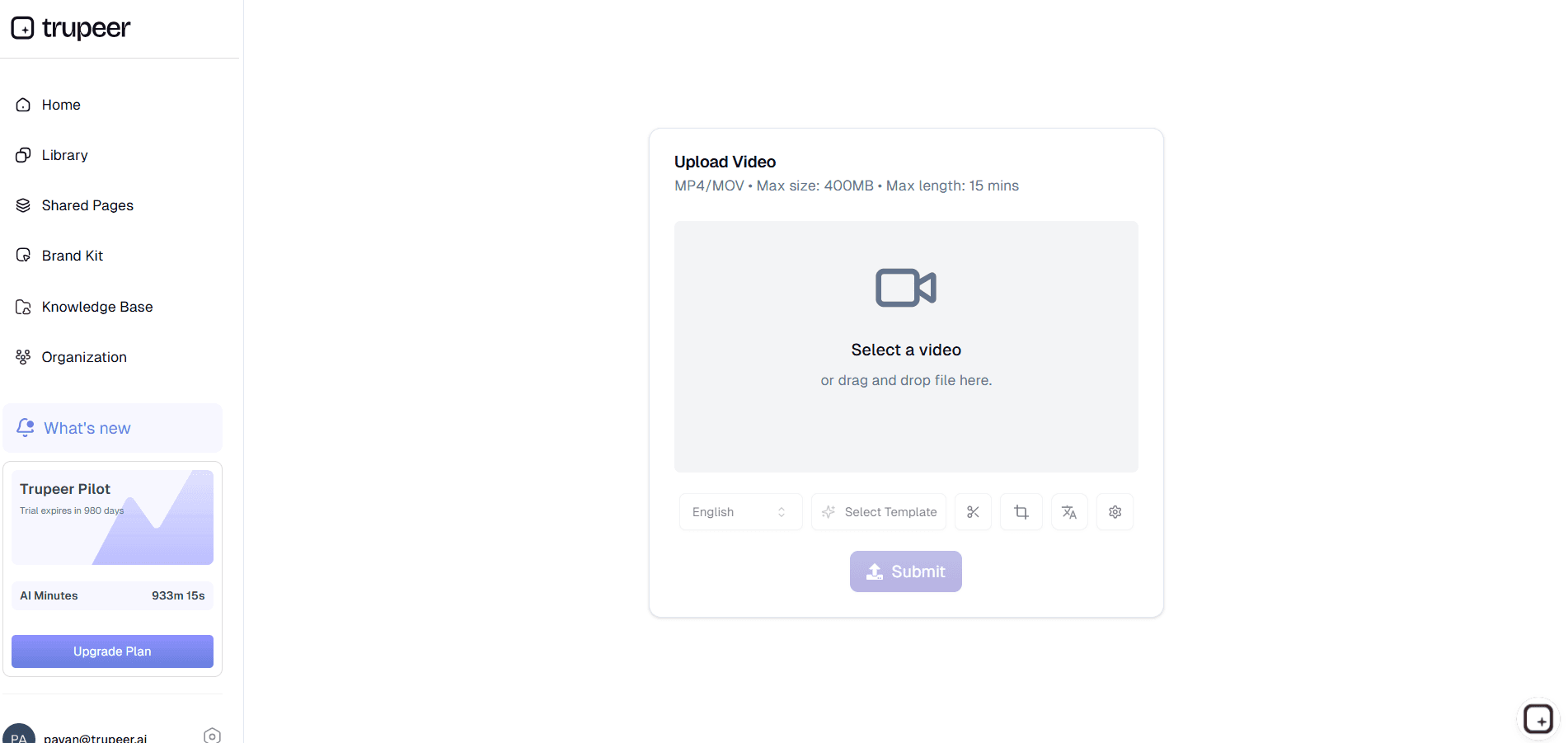
Step 1: Upload Your Training Material
Capture workflow, paste script, or upload existing content for analysis.
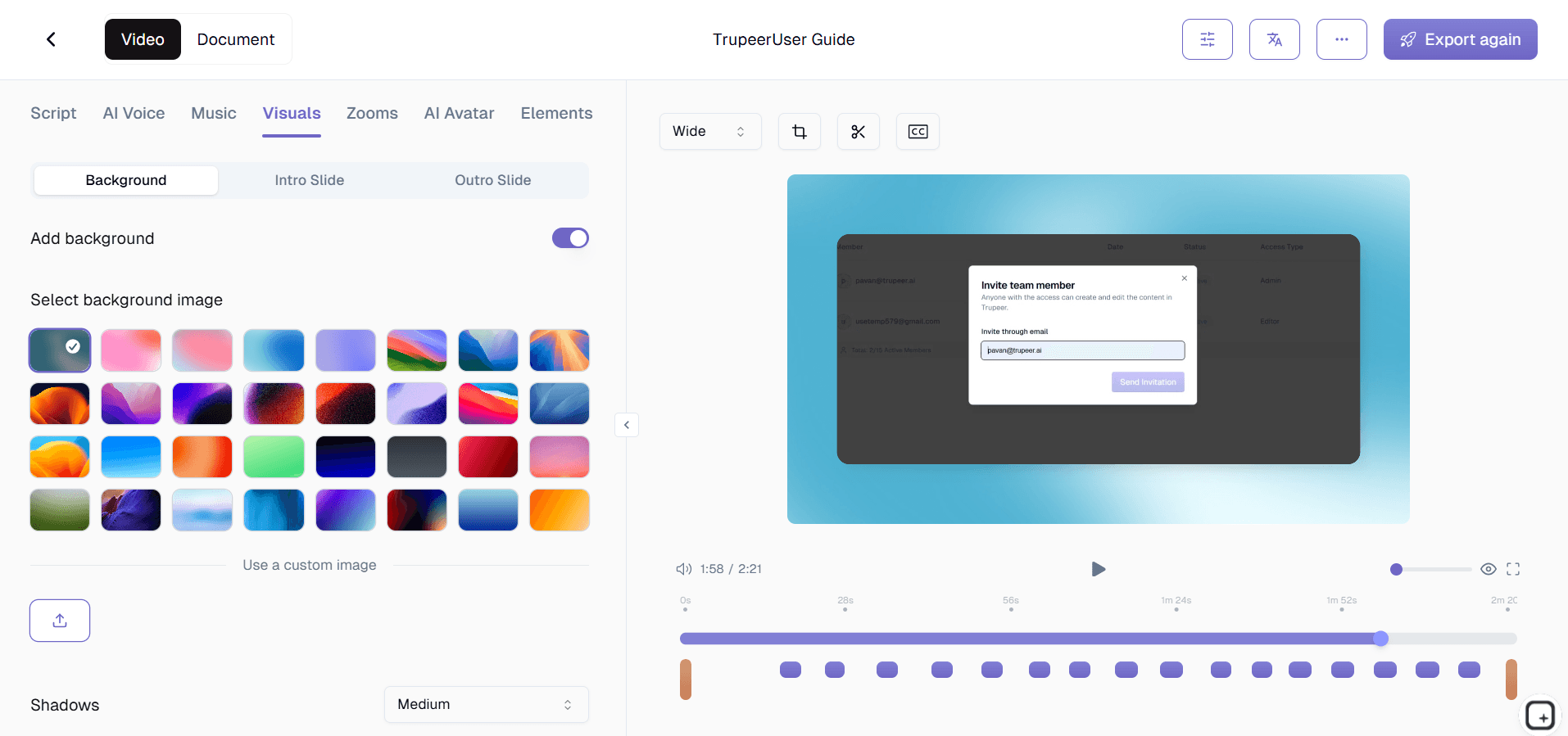
Step 2: Let AI Generate Narration
AI creates voiceovers, visuals, captions, and quizzes automatically.
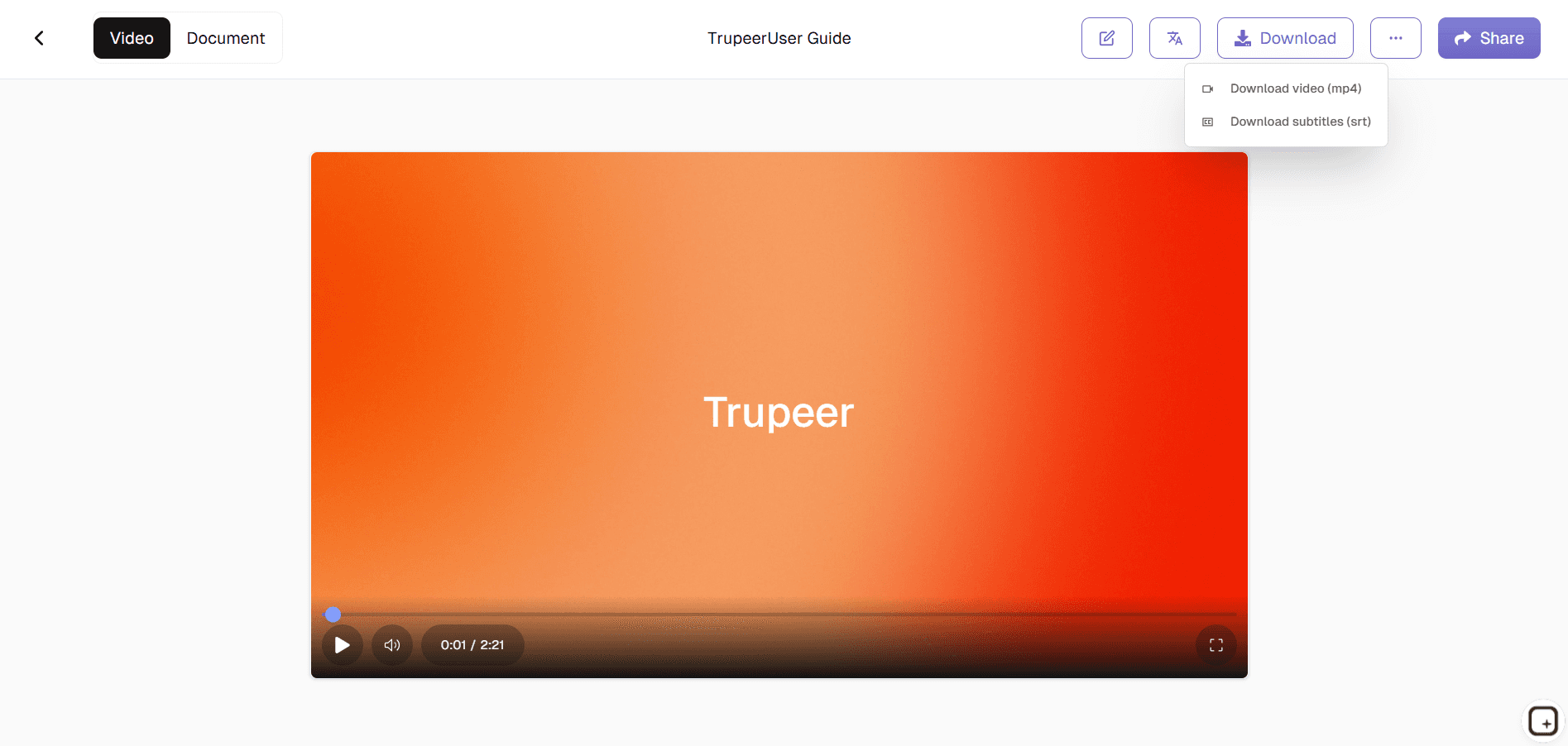
Step 3: Review, Customize, and Export
Fine-tune timing, branding, then deploy across learning platforms.
Who this Trupeer’s Training Video Generator is for
Essential for organizations scaling employee learning without video production overhead.
HR & L&D Managers:
Deploy standardized onboarding and compliance training across global teams, reducing ramp-up time by 50% while ensuring consistent messagingTraining Coordinators:
Convert live sessions into reusable video modules for async learning, accommodating shift workers and remote employees effectivelyDepartment Leads:
Create role-specific skill videos (sales processes, software tutorials) that maintain quality regardless of who delivers themCompliance Officers:
Produce mandatory training with built-in quizzes and certificates, simplifying audit trails and regulatory requirementsGlobal Learning Teams:
Generate localized versions in 50+ languages instantly, supporting multinational workforces without translation delays
Key Features of Trupeer’s Best Training Video Generator
Among leading free online training video generator tools, delivers enterprise-grade training content without studios or editors.
AI Narration Engine:
Natural voices with perfect script delivery, emotion matching, and pronunciation accuracy across 50+ languages eliminates expensive voice talent while maintaining professional qualityAutomatic Editing Suite:
Smart zooms on key actions, scene transitions, caption timing, and highlight overlays ensure instructional clarity without manual timeline scrubbingAvatar Integration:
Lifelike AI presenters enhance engagement by 3x compared to voice-only training, with customizable appearances matching company cultureInteractive Learning Elements:
Embedded quizzes, knowledge checks, and progress tracking increase completion rates by 40%, with analytics for training effectivenessLMS-Ready Export:
SCORM-compliant packages, auto-generated transcripts, and thumbnail creation integrate seamlessly with Cornerstone, Workday, and other platforms
Explore Related Tools
Why Choose Trupeer’s is Best Training Video Maker?
Save Time on Training Content
Automatically convert your screen recordings into structured training videos eliminating hours of manual editing and content creation
Make Learning More Engaging
Add AI-powered avatars that lip-sync naturally, making your training videos feel more personal and effective.
Ensure Accuracy & Compliance
Create training videos that follow company policies and compliance requirements, reducing miscommunication and improving employee retention
How to Create a Training Video with Trupeer
Step 1
Record Your Screen
Step 2
Add AI Avatars & Edit
Step 3
Translate & Share
Frequently Asked Questions
Is this Training Video Generator free?
Yes, this Training Video Generator offers core features at no cost, making it one of the most accessible training video generator tools and software options for creating professional training content.
What inputs does the Training Video Generator support?
The Training Video Generator supports scripts, screen recordings, workflows, and existing presentations, allowing you to quickly convert learning materials into engaging training videos.
What formats can Training Video Generator tools and software export?
Most training video generator tools and software export videos in MP4 format, SCORM packages, and other LMS-compatible files suitable for all learning and development platforms.
How does a Training Video Generator handle compliance training?
A Training Video Generator can automate compliance training with built-in quizzes, completion certificates, and audit trails to help organizations meet regulatory requirements efficiently.
Can teams collaborate using Training Video Generator tools and software?
Yes, modern training video generator tools and software support real-time editing, review comments, and version control, enabling seamless collaboration for L&D and training teams.
More Tools


