4.8/5
Free Internal Wiki Documentation Software
Create an Internal Wiki That Teams Will Actually Reference
Start for Free

Trupeer's Internal Wiki Documentation Software helps you build a searchable company wiki automatically using AI-powered screen recording and content generation. With Trupeer, you can record any workflow and instantly create wiki articles with screenshots, video, and written instructions.
Record workflows to generate internal wiki articles instantly.
Create visual company wiki content with automatic screenshots.
Build searchable internal company wiki software that stays current.
Organize documentation into categories your team understands.
Share internal wiki software content across departments securely.
Same recording produces a video walkthrough and a written wiki article with screenshots and numbered steps inline. One job, two formats.
Re-record one changed step when the underlying process shifts. The AI re-processes that segment. The rest of the article stays.
Visibility per article: public for customer-facing content, organization-only for internal stuff, selected domains for partner access, invite-only for restricted material.
Translation across 65+ languages on paid tiers, applied to both the video voiceover and the written article in the same job.
Here's the thing about internal wikis. Most teams have one. Most teams don't use it. The wiki sits there with 200 outdated pages, half of them written by people who left, the other half last updated when the company was a third of its current size. New hires don't trust the wiki because half the pages are wrong. Existing employees ask each other on Slack because it's faster than searching the wiki and getting a misleading answer. The wiki becomes documentation theater. Looks like documentation. Doesn't actually function as it. The Trupeer flow rebuilds the wiki from the work that's actually happening, recorded as it happens, with updates landing in seconds instead of taking somebody's afternoon. Different starting condition. Different end result.
What Is Trupeer's Internal Wiki Documentation Software?
Trupeer's internal wiki software turns your team's knowledge into searchable, visual documentation. Record any workflow and watch it become a wiki article with screenshots and instructions. No more outdated Confluence pages or Word docs nobody can find. Your internal company wiki stays current because updating takes seconds.
The thing that makes a wiki actually work versus collect dust. Search that returns the right answer in the first three results. Articles that match what people actually do, not what somebody assumed they should do. Updates that happen in seconds, not three-day documentation sprints. Most wikis fail on the third one. The team has good intentions, the wiki gets built, and then the moment processes start changing, the maintenance cost compounds. Three months in, half the articles are stale. Six months in, employees stop trusting the wiki entirely. The recording-based flow inverts this. Updates are cheap. So updates actually happen. So the wiki stays current. So people start trusting it.
What this isn't. Trupeer isn't trying to replace the full Notion or Confluence surface. The team's project planning docs, OKR trackers, meeting notes stay where they already are. What Trupeer covers is the specific layer most wikis lack: walkthrough articles with matching video, generated from one screen recording, that explain how to actually do the work. So most teams running Notion or Confluence keep both. Trupeer-produced content gets embedded back into the existing wiki as the procedural layer. Teams without an existing wiki sometimes use Trupeer's knowledge base as the standalone option, especially when the bulk of their content is walkthroughs anyway. Either pattern works.
How Does Internal Wiki Documentation Software Work?
Getting started with Internal Wiki Documentation Software takes just a few minutes.
Step 1: Record or Upload
Start a screen recording directly in your browser, or upload an existing video file you want to transform.

Step 2: AI Processing
The AI analyzes your recording, removes filler words, adds zoom effects, and generates written documentation automatically.
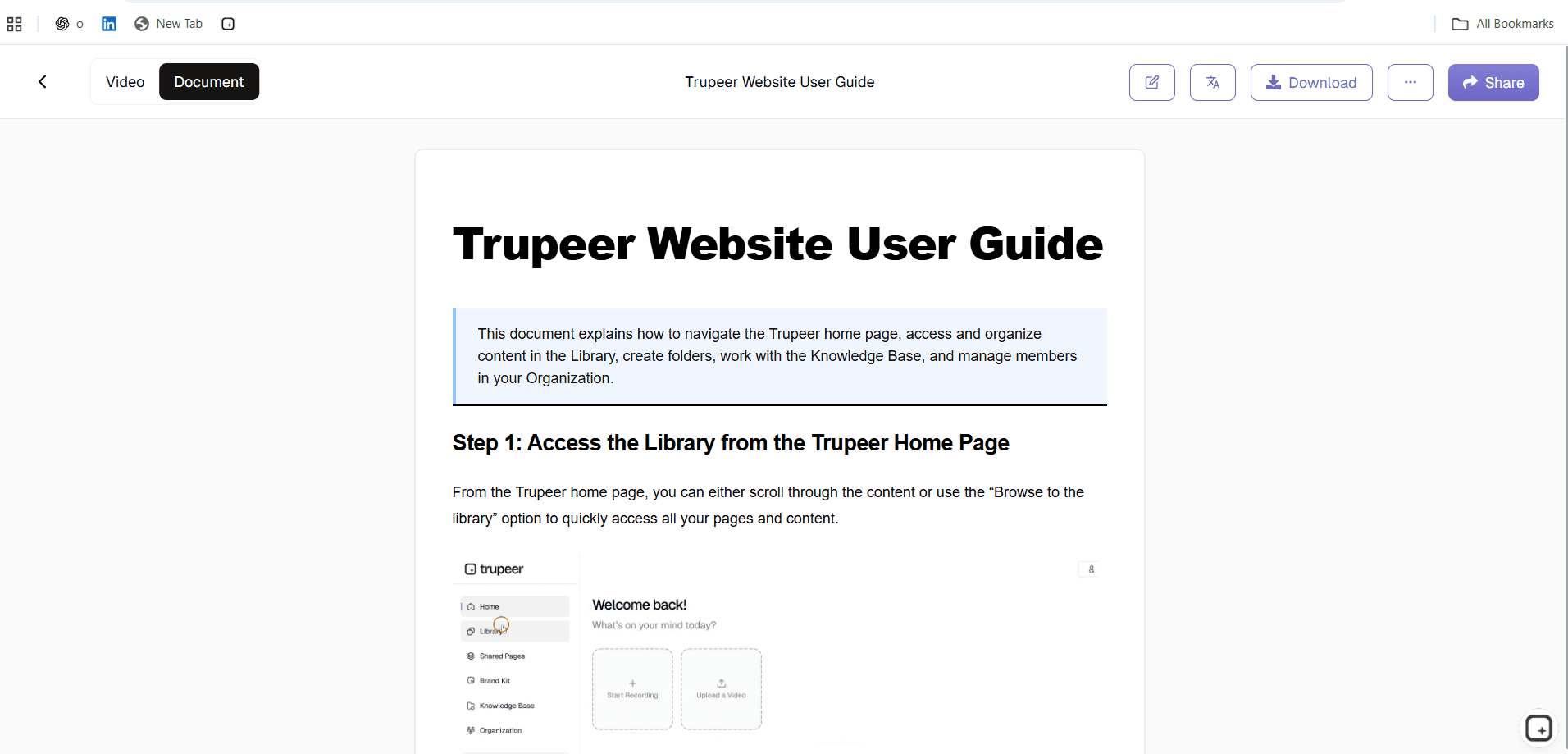
Step 3: Customize and Share
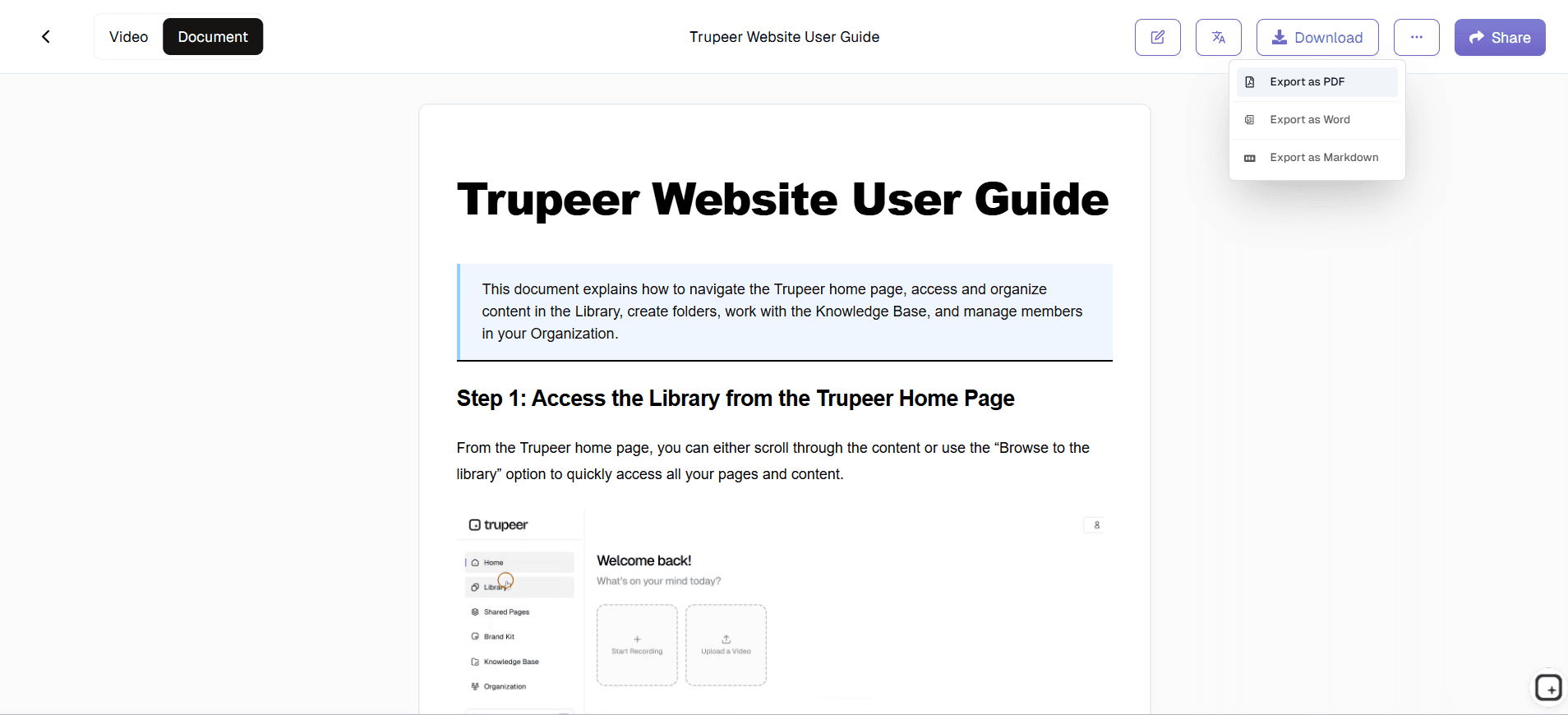
Edit the output, apply your brand kit, and share via link or embed on your website. Updates are just as easy.
Key Features of Trupeer's Best Internal Wiki Software
Visual Documentation: Every wiki article includes screenshots and optional video. People actually understand what to do instead of guessing from text. Each click in the recording becomes a screenshot in the written article, with arrows or highlights pointing to the specific button or field that mattered. Zoom effects in the video time themselves to the same moments. So the reader sees exactly what to click rather than scanning the entire UI for a tiny button. This is the part that matters when somebody opens the article at 11 PM trying to figure out a process they've never run before. They get to see the answer, not parse a wall of generic instructions.
AI-Generated Content: Record once, get written docs automatically. The documentation app writes the articles for you. The AI watches the click sequence and writes the steps. Click into Reports, choose Custom, hit Export becomes: "1. Open Reports. 2. Select Custom. 3. Click Export." Numbered. Screenshots inline. Filler words from the narration removed. Total writing time per article: zero. Total review-and-publish time: 5 minutes if you're picky, less if you're not. Most teams ship the auto-generated draft as-is.
Easy Search: Team members find answers in seconds. No more digging through folders or asking colleagues. The search covers both keyword matches and AI-assisted queries. So a search for "expense reimbursement" finds the article titled "How to Submit a Reimbursement Through Concur" even though the phrasing doesn't match exactly. The AI-assisted layer also handles questions ("how do I onboard a new vendor?") and returns the relevant article rather than just keyword hits. This matters past the 50-article mark, which is when most internal wikis stop being navigable by browsing and start needing real search to work.
Quick Updates: Processes change all the time. Update your internal wiki software by re-recording just the changed steps. The trick most teams miss: when the underlying system changes, re-record just the changed step instead of rebuilding the whole article. The AI re-processes that segment. Both the video and the written article update in place. Rest of the article stays. So a system UI update that would otherwise break 30 wiki articles becomes 30 quick re-recording passes of 30 seconds each. Maintenance stops being the reason the wiki goes stale.
Team Collaboration: Multiple people can contribute to your company wiki. Everyone's knowledge becomes shared knowledge. Multiple people on the team can produce wiki articles in the same workspace, with each article tied to its creator for accountability. Comment threads on drafts let reviewers flag issues before publishing. The collaboration scope is what you'd expect for a small-to-mid-size team: a few people contributing simultaneously, not a 200-person editorial workflow with formal approval gates. Larger enterprise teams with formal change management usually pair Trupeer with their existing review workflow tools.
Access Control: Decide who sees what. Keep sensitive internal company wiki content restricted to the right teams. Visibility set per article: public for anything customer-facing, organization-only for internal walkthroughs that should stay inside the company, selected domains for partner or contractor access, invite-only for the genuinely restricted content (executive procedures, comp-related docs, compliance-sensitive workflows). Change visibility per article without rebuilding anything. Default to organization-only for most internal wiki content. Public is the opt-in.
Why Choose Trupeer's Internal Wiki Documentation Software?
Speed: Create documentation in the time it takes to do the task once. No more spending hours writing what you could show in minutes. The "time it takes to do the task once" claim is more concrete than it sounds. The work was going to happen anyway. The article is a byproduct. So the calendar time spent specifically on documentation drops from 2 to 3 hours per article down to about 10 minutes of review and publish. Across a team producing 50 wiki articles per year, the difference is roughly 100-plus hours of senior people's time recovered.
Accuracy: Record real workflows so documentation reflects exactly how things are done, not how someone remembers them. Writing from memory after the fact misses the small details that matter. The exact button the trainee needs to click. The confirmation prompt that appears halfway through. The error message that shows up if the previous step was skipped. Recording during the actual work captures all of that. So the article reflects what really happens, not what somebody half-remembered six weeks later.
Adoption: People actually use visual guides. New hires watch real examples instead of skimming text walls. A practical observation: people don't read 8-paragraph wiki articles. They scan for the one numbered step that matches their current question. Or they watch the 90-second clip that shows the answer faster than reading it would. The dual format covers both habits. Skimmers get the steps. Watchers get the video. Same content, two ways in, depending on the moment.
Easy Updates: When processes change, re-record just the updated parts. No rewriting entire documents from scratch. What this looks like across a year. The product team ships UI updates roughly every sprint. Old wikis would have 40 articles slowly drifting out of sync over 6 months. The Trupeer flow handles updates as they happen: when the UI changes, the person who notices re-records the affected step that same afternoon. The wiki stays current as a side effect of normal product evolution, not because somebody scheduled a quarterly "wiki audit week" that always slips.
Internal Wiki Documentation Software for Internal Teams
1. Capture institutional knowledge before experienced employees leave. When your best people move on, their expertise goes with them unless it's documented. Turn years of know-how into searchable guides anyone can follow.
2. Cut new hire ramp-up time significantly. Instead of shadowing coworkers for weeks, new team members get clear visual walkthroughs from day one. They learn by watching real examples, not reading outdated manuals.
3. Keep every office and department aligned. When different locations handle the same process differently, mistakes creep in. Documentation ensures everyone follows the same proven approach.
4. Build a documentation library people actually use. When finding answers is faster than asking a coworker, people stop interrupting each other and productivity improves across the board.
Internal Wiki Documentation Software for SaaS Teams
1. Document product workflows for your help center. When customers can find answers themselves, they stop submitting tickets for basic questions. Your support team focuses on complex issues instead of repetitive ones.
2. Keep engineering, product, and support aligned. Shared documentation stays current as your product evolves, so everyone knows how features work after each release ships.
3. Create customer-facing guides that reduce support burden. Self-service documentation improves satisfaction scores because customers get answers immediately instead of waiting for responses.
4. Track process changes across releases easily. When your product updates frequently, documentation needs to keep pace. Record changes once and distribute everywhere automatically.
Internal Wiki Documentation Software for Startups
1. Document processes before they become tribal knowledge nightmares. Early-stage companies often have critical processes that only one or two people understand. Capture that knowledge now while you can.
2. Onboard new hires in days instead of weeks. Clear guides let people get productive fast without constant hand-holding from founders or senior team members who have other priorities.
3. Scale operations without senior people repeating themselves constantly. When the same questions keep coming up, documentation saves everyone time and frustration.
4. Build your documentation foundation before rapid growth makes it impossible. Companies that wait until they have 50 employees to start documenting rarely catch up.
Internal Wiki Documentation Software for Enterprises
1. Standardize processes across departments, regions, and business units. When thousands of employees need to follow the same procedures, documentation is the only way to ensure consistency.
2. Meet compliance and audit requirements efficiently. Documented procedures prove how your organization operates. Auditors can see exactly what processes exist and how they're followed.
3. Reduce training costs with reusable documentation. Creating content once and deploying it across locations saves significant money compared to running live training sessions repeatedly.
4. Support digital transformation with clear change documentation. When employees need to learn new systems, visual guides help them adapt faster than text-heavy manuals ever could.
Internal Wiki Documentation Software for Remote Teams
1. Bridge time zone gaps with async documentation. Team members access answers whenever they need them, without waiting for colleagues in different time zones to come online.
2. Show context that gets lost in text communication. Chat messages and emails miss nuance that visual walkthroughs capture. People understand processes better when they can see exactly how things work.
3. Reduce meeting fatigue by documenting once. Instead of scheduling calls to explain the same thing to different people, record it once and share everywhere.
4. Keep distributed teams aligned regardless of location. When everyone references the same documentation, remote work doesn't create knowledge silos or inconsistent practices.
Internal Wiki Documentation Software for Developers
1. Document deployment processes, debugging workflows, and code review procedures properly. Critical knowledge often lives in Slack threads or people's heads. Put it somewhere searchable.
2. Create technical documentation without breaking your coding flow. Record your screen as you work through a process, and AI handles the writing so you can stay focused on code.
3. Onboard new developers faster with real examples. Instead of theoretical documentation, show actual workflows from your codebase and development environment.
4. Keep runbooks current for on-call engineers. When incidents happen at 3am, clear documentation helps people resolve issues without escalating to senior teammates.
Internal Wiki Documentation Software for Onboarding & Support Teams
1. Build onboarding guides new hires can follow independently. When training content is clear and visual, people need less hand-holding from managers and get productive faster.
2. Document escalation processes so support teams know exactly what to do. Every situation should have clear steps, so agents don't have to guess or ask supervisors constantly.
3. Reduce ticket volume with self-service documentation. When customers can answer their own questions, your team handles fewer repetitive tickets and focuses on complex issues.
4. Train new team members without pulling senior people away. Experienced staff stay productive while new hires learn from documentation that captures institutional knowledge.
The common thread across every audience: nobody opens the wiki unless they trust it. And trust dies the third time somebody opens an article that turns out to be wrong, outdated, or missing the actual step they need. Recording during the actual work keeps articles in sync with reality. Updates land in seconds. Visual format makes the answer findable in 10 seconds instead of buried in paragraph 4. The wiki stops being documentation theater and starts being the actual first place people check. That's the only test that matters for an internal wiki.
Where Trupeer fits next to Notion, Confluence, Slab, and dedicated wiki tools
Notion and Confluence handle the broader internal documentation surface: meeting notes, project specs, OKR trackers, the freeform wiki that grows organically as the team grows. Slab, Tettra, Guru, and Document360 are dedicated knowledge base platforms with stronger search, permission models, and integration features than Notion or Confluence. Trupeer doesn't replace any of these. Different layer entirely. The wikis hold the broad surface. Trupeer produces the walkthrough articles that explain how to actually do specific procedures, generated from recordings instead of typed up from memory.
What this looks like in practice. A team running Notion as their wiki uses Trupeer to record the "how to do X" walkthroughs and pastes the article into Notion with the video embedded. A team running Confluence for engineering docs uses Trupeer for the same purpose, with the Shared Page link inserted into each Confluence article. Teams running dedicated KB tools like Slab or Document360 do the same: produce in Trupeer, host in the dedicated KB. Trupeer's own knowledge base works for teams without an existing wiki, especially when the bulk of the content is walkthroughs anyway and the team doesn't need the broader Notion-shaped surface. Either pattern works. The decision usually comes down to whether the team already has a wiki everyone uses.
Why Teams Choose Trupeer for Company Wikis
Visual First
Wiki articles with screenshots and video not just text
Always Current
Update docs in seconds when processes change
Easy Search
Team members find answers fast with smart search
How to Use Trupeer's Internal Wiki Software
Step 1
Record your workflow with screen capture
Step 2
AI generates wiki article automatically
Step 3
Organize and share with your team
Frequently Asked Questions
How can a knowledge base reduce support tickets?
By providing clear, accessible documentation, teams can find answers themselves instead of asking colleagues. This typically reduces repetitive questions and speeds up onboarding for new team members.
What's the best knowledge base software for customer support?
The best option depends on your specific needs. For teams focused on internal wiki documentation software, look for tools that offer easy recording, AI-powered editing, and flexible export options. Trupeer combines screen recording with automatic documentation generation.
How do I migrate from Confluence to another knowledge base?
Start by identifying the processes you need to document. With Trupeer, you can record your screen as you work through the process, and the AI automatically generates step-by-step documentation. No manual writing required.
What's the ROI of investing in documentation software?
This varies based on your team's specific needs and workflows. We recommend starting with a clear understanding of what processes need documentation, then choosing a tool that makes it easy to create and maintain that documentation over time.
What's the best documentation tool for my team?
The best option depends on your specific needs. For teams focused on internal wiki documentation software, look for tools that offer easy recording, AI-powered editing, and flexible export options. Trupeer combines screen recording with automatic documentation generation.
More Tools



