Use this template
A clear project timeline is one of the most powerful communication tools a project manager has. With Trupeer, you can save hours on timeline communication by starting with a free project timeline template, customizing it with your brand guidelines, and turning timelines into video summaries that bring schedules to life for every audience.
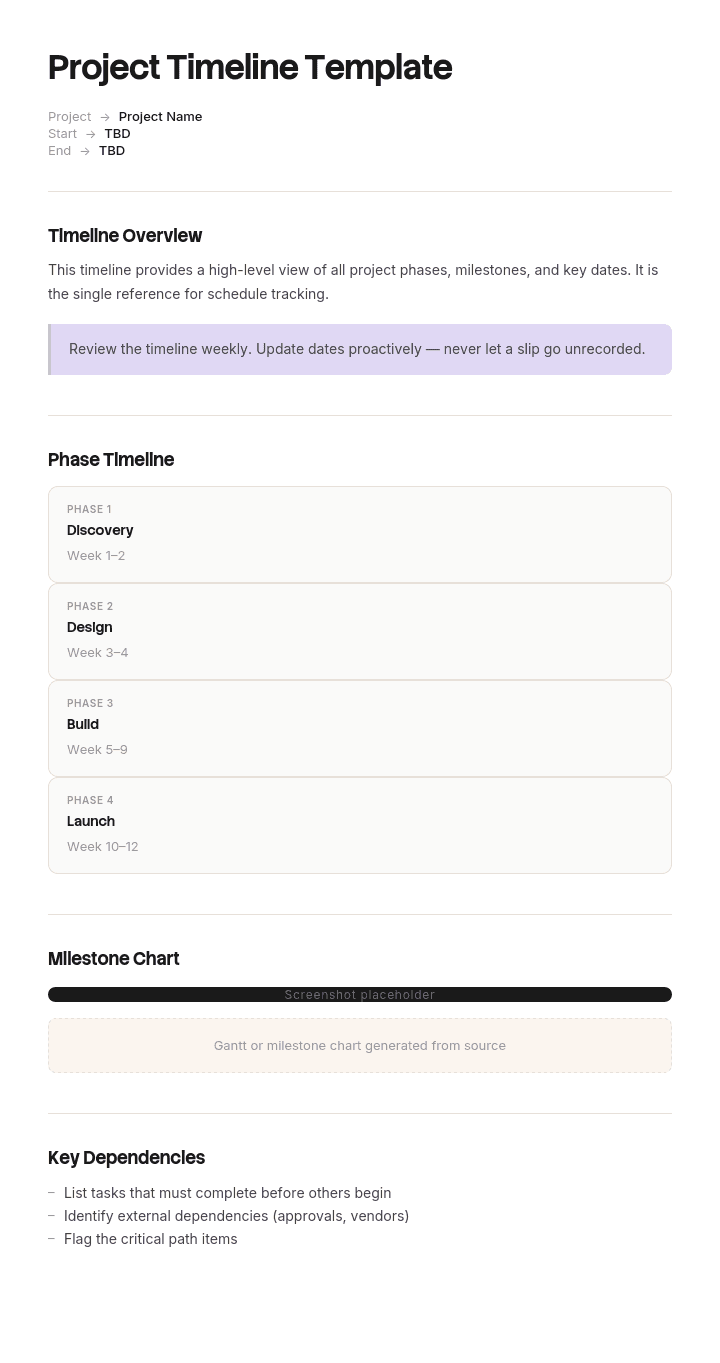
This project timeline template provides a structured framework to capture phases, milestones, deliverables, dependencies and owners - useful for software projects, marketing campaigns, construction projects and event planning. Available as a Gantt-style timeline, swimlane view or simple visual roadmap. Generate an AI video summary, pair with our sales enablement use case for client-facing projects, and translate into 65+ languages for global stakeholders.
How to customize this template in Trupeer
Step 1: Open the Templates Section
Go to the Templates section from the main navigation.

Step 2: Select and Open a Template
Click on any template you want to work with to open it.

Step 3: Expand the Template View
If needed, expand the template view to see the full layout and details clearly.

Step 4: Edit the Template
Click on Edit to start modifying the selected template.

Within the editor, you can:
Add new sections
Define or update formatting rules
Add a logo and adjust its position and related settings
Step 5: Save Your Customized Template
After making all necessary changes, click Save to store the updated template as your own.

Step 6: Preview and Fine-Tune the Template
When you want to see how your customized template looks, open the Preview.

From the preview screen, you can continue to make adjustments directly if needed, ensuring the template appears exactly as you want.
With a project timeline template you can:
Save hours on planning: Skip the blank page with a structure built for visual timelines.
Communicate clearly: Visual timelines make complex schedules instantly understandable.
Stay on-brand: Apply your logo, colors and fonts using Trupeer's brand kit.
Spot dependencies: Built-in fields for predecessors highlight critical paths and risks.
Pitch with impact: Convert timelines into video summaries for client and stakeholder reviews.
Reach global teams: Translate timeline updates into 65+ languages with one click.
A great project timeline keeps everyone aligned on what's happening and when. Use this template to plan, share and track every project's path with clarity.
Frequently Asked Questions
What is a project timeline?
A project timeline is a visual representation of a project's schedule from start to finish - showing phases, milestones, deliverables and deadlines. It's typically displayed as a Gantt chart, roadmap or swimlane view to make complex schedules easy to understand at a glance.
What should a project timeline include?
A good project timeline includes phases or major milestones, key deliverables, start and end dates, dependencies between tasks, owners, status indicators and critical-path highlights. Visuals - bars, swimlanes, or roadmaps - make timelines much easier to interpret than tables.
What is the difference between a project timeline and a project schedule?
The terms are often used interchangeably. Technically, a project schedule is the underlying data (tasks, dates, dependencies), while a project timeline is the visual representation of that schedule. Timelines are typically simpler and more high-level than full schedules.
How do you create a project timeline?
Start by listing all major phases and milestones. Identify the deliverables and deadlines for each. Map dependencies. Choose a visualization - Gantt, roadmap or swimlane - that fits your audience. Validate the timeline with your team and stakeholders before sharing.
What is the best format for a project timeline?
Gantt charts work best for detailed schedules with many dependencies. Roadmaps work best for high-level executive views. Swimlanes work best when you want to show parallel workstreams across teams. Pick the format that matches what your audience needs to understand.

