Training Manual Generator

Training Manual Generator

Training Manual Generator

Create clear, professional training manuals in minutes with AI-powered formatting, structure, and step-by-step documentation.

Create clear, professional training manuals in minutes with AI-powered formatting, structure, and step-by-step documentation.

Create clear, professional training manuals in minutes with AI-powered formatting, structure, and step-by-step documentation.

What is Trupeer's Training Manual Generator?

What is Trupeer's Training Manual Generator?


Trupeer's Training Manual Generator automatically creates professional training manuals from processes, videos, or descriptions with structured sections, visuals, and instructions. This AI tool produces complete onboarding guides, SOPs, and employee handbooks without manual writing or formatting.​

Why Training Manual Generator is required?

HR teams spend weeks writing, formatting, and updating training manuals across Word, PowerPoint, and design tools. Inconsistent documentation creates confusion during onboarding and compliance training. Manual updates for process changes require complete rewrites.​​

Organizations struggle with scattered training content across emails, PDFs, and intranet pages. Non-writers produce poorly structured manuals that employees ignore. Scaling training for new hires, departments, or global teams becomes impossible without dedicated documentation staff.​​

What this Training Manual Generator does

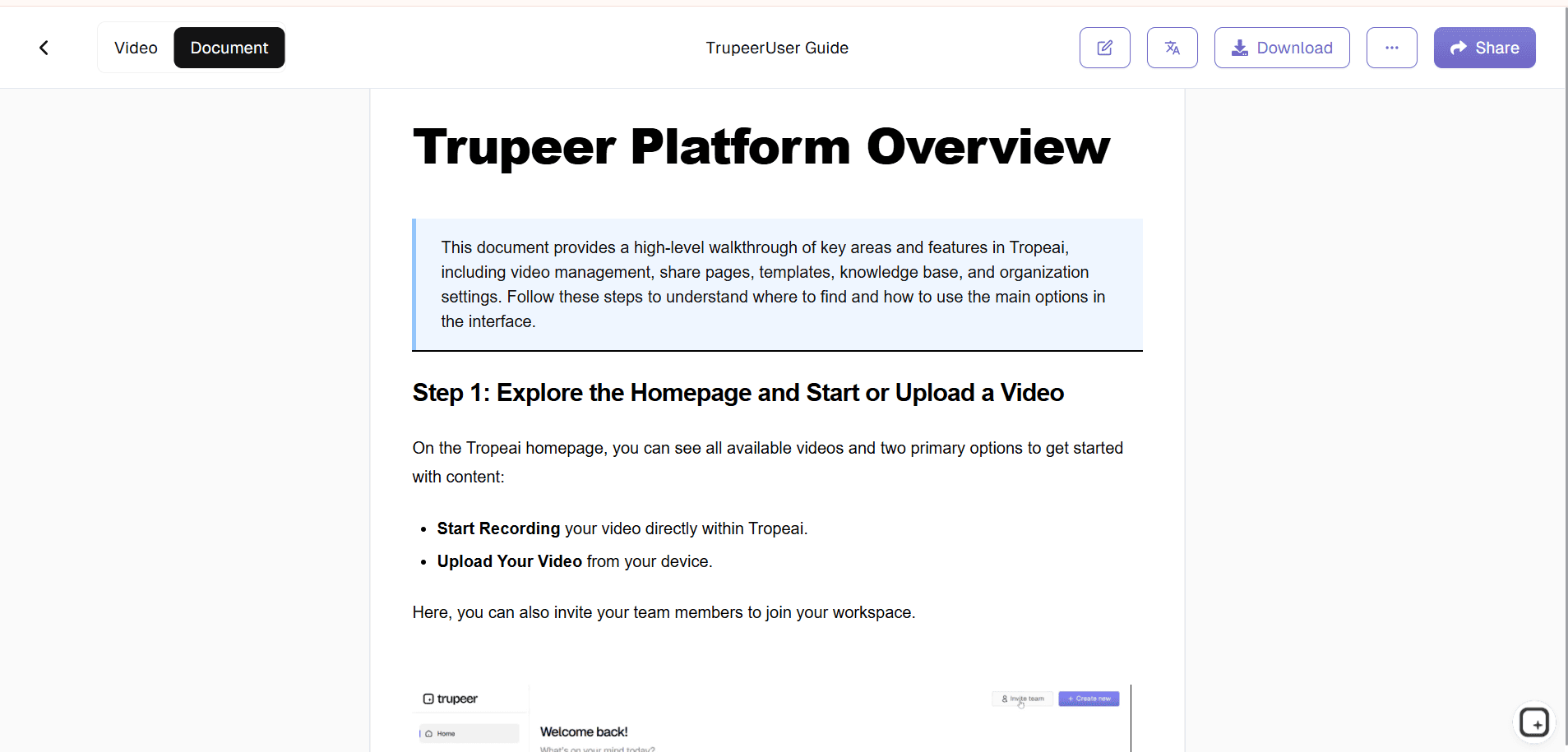
Trupeer's generator analyzes workflows, videos, or text inputs to automatically structure complete training manuals with sections, step-by-step instructions, screenshots, icons, and branding. The AI ensures logical flow, adds visuals, and formats everything professionally for immediate distribution.​

Core Capabilities

  • Convert processes into structured training manuals automatically

  • Generate visuals, icons, and screenshots for each step

  • Create multi-language manuals for global teams

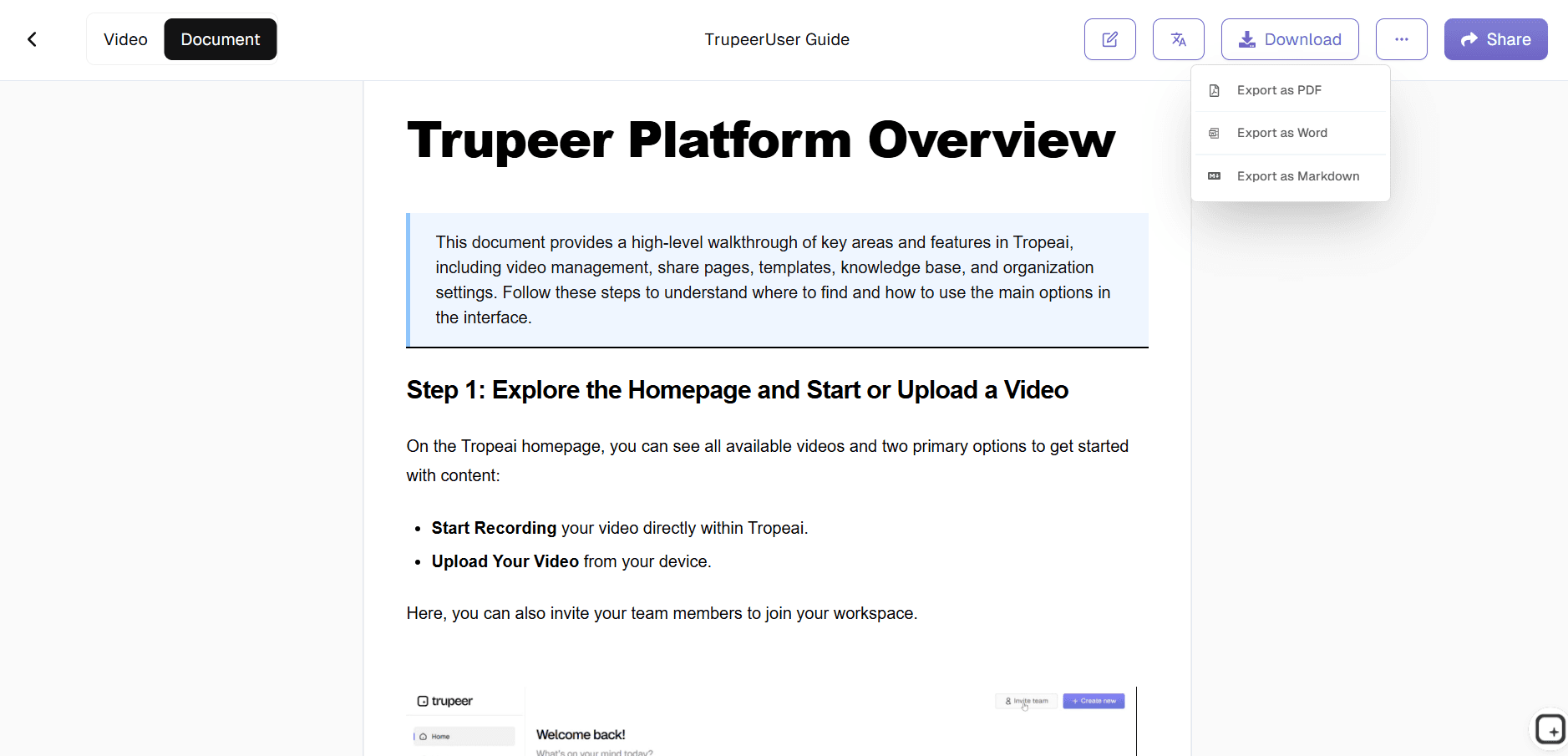
  • Export formatted PDFs, HTML, or interactive guides​

How Trupeer’s Training Manual Generator works

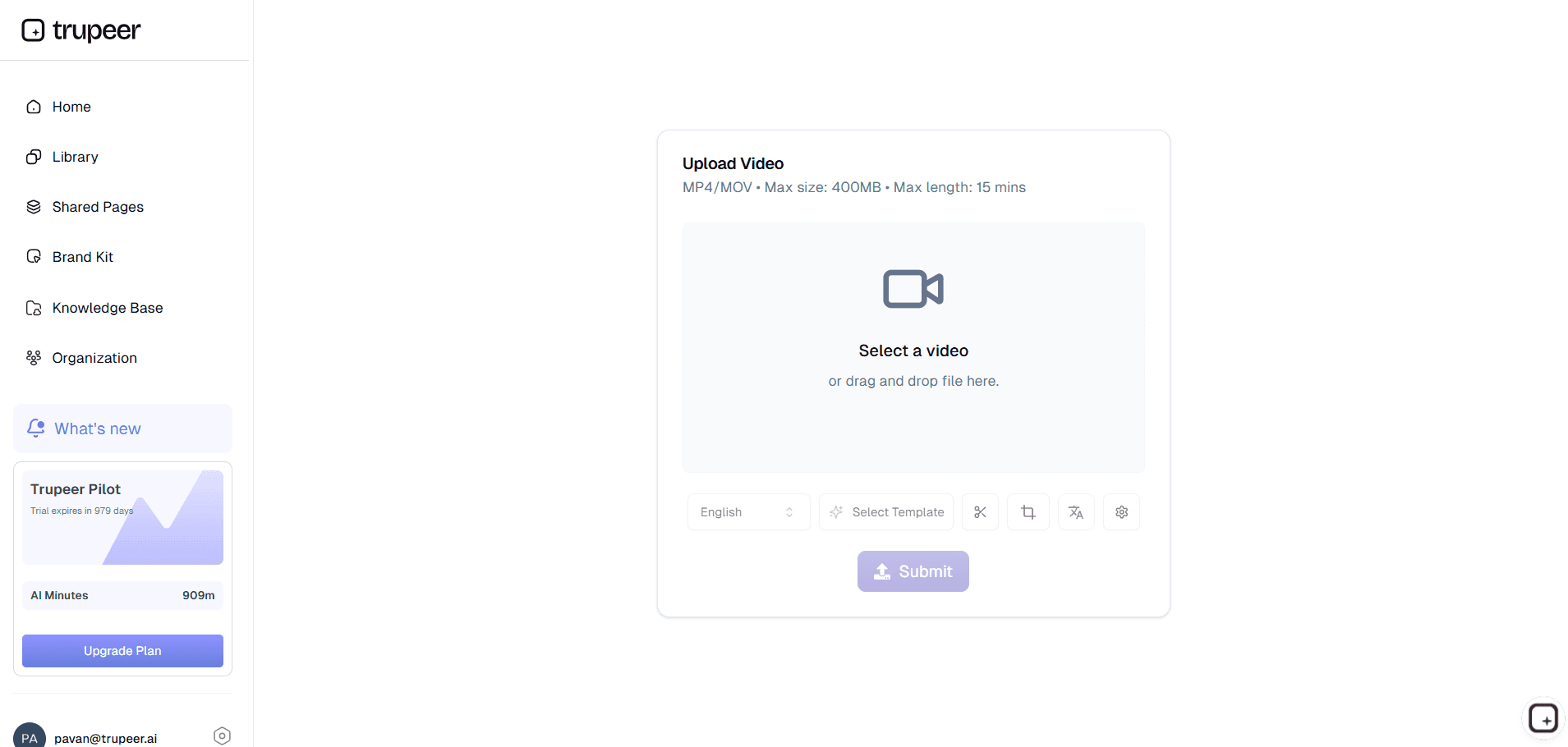
Step 1: Input Process

Describe workflow, upload video, or record screen activity.

​Step 2: AI Structures Manual

Tool organizes content into sections with visuals automatically.

​Step 3: Customize & Export

Edit branding then share your complete training manual.


Who this Trupeer’s Training Manual Generator is for

Ideal for teams creating consistent training documentation efficiently.​

  • HR Managers:
    Build onboarding manuals quickly​

  • Trainers:
    Create course workbooks from processes​

  • Operations Leads:
    Document SOPs across departments​

  • Compliance Teams:
    Generate policy handbooks automatically​

  • Global Organizations:
    Produce localized training manuals​

Key Features of Trupeer’s Training Manual Generator

Professional manuals without writing or design expertise.​

  • AI Content Structuring:
    Organizes information into logical sections​

  • Auto-Visual Generation:
    Adds screenshots and icons automatically​

  • Brand Customization:
    Applies company styling consistently​

  • Multi-Language Support:
    Translates manuals globally​

  • Version Control:
    Updates propagate across all copies​

Explore Related Tools

Benefits of Using Trupeer’s Training Manual Generator

Benefits of Using Trupeer’s Training Manual Generator

Automated Manual Creation

Trupeer’s AI converts your processes, guidelines, or workflows into a well-structured training manual.

Consistent & Easy-to-Follow Layouts

Ensure every manual follows a clean, uniform format with clear sections, bullet points.

Simple Updates & Customization

Edit, expand, or update your training manuals anytime.

Training Manual Generator with Trupeer

Training Manual Generator with Trupeer

步骤 1

Upload a screen recording, or your raw content.

第二步

Let AI structure and write your documentation.

步骤 3

Review, edit, and export your final document.

常见问题

Is this Training Manual Generator free?

Is this Training Manual Generator free?

Yes, core manual generation features available at no cost.

Yes, core manual generation features available at no cost.

What inputs does Training Manual Generator support?

What inputs does Training Manual Generator support?

Process descriptions, videos, screen recordings for manual creation.

Process descriptions, videos, screen recordings for manual creation.

What formats can Training Manual Generator export?

What formats can Training Manual Generator export?

PDF, DOCX, HTML interactive guides for any platform.

PDF, DOCX, HTML interactive guides for any platform.

How does Training Manual Generator structure content?

How does Training Manual Generator structure content?

AI analyzes inputs to create sections, steps, and visuals automatically.

AI analyzes inputs to create sections, steps, and visuals automatically.

Can I customize Training Manual Generator outputs?

Can I customize Training Manual Generator outputs?

Yes, edit text, branding, and layout with full control.

Experience the new & faster way of creating product videos.

Instant AI Product Videos and Docs from Rough Screen Recordings.

Experience the new & faster way of creating product videos.

Instant AI Product Videos and Docs from Rough Screen Recordings.

Experience the new & faster way of creating product videos.

Instant AI Product Videos and Docs from Rough Screen Recordings.