4.8/5
أنشئ دروس فيديو مجانية بالذكاء الاصطناعي
حوّل النصوص إلى فيديوهات جذابة باستخدام صور رمزية بالذكاء الاصطناعي، وتعليقات صوتية، وترجمات، دون الحاجة إلى أي تحرير.
ابدأ مجانًا

تقوم منصة Trupeer الخاصة بدروس الفيديو بتحويل تسجيلات الشاشة أو النصوص أو سير العمل تلقائيًا إلى أدلة فيديو احترافية خطوة بخطوة مع تعليقات صوتية مدعومة بالذكاء الاصطناعي، وترجمات، وتعليقات توضيحية، وتسليط الضوء الذكي. تُنشئ هذه الأداة محتوى تعليميًا جذابًا للتدريب على البرامج، والعروض التوضيحية للمنتجات، وتثقيف العملاء دون الحاجة إلى تحرير يدوي.
لماذا يلزم استخدام دروس الفيديو؟
يتطلب إنشاء دروس الفيديو تسجيل الشاشة، والتحرير اليدوي، والتعليقات الصوتية، والترجمات عبر أدوات متعددة ومجزأة، ما يستغرق أيامًا بالنسبة للمدربين وفِرق الدعم. يؤدي اختلاف جودة الدروس بين المدربين إلى إرباك المتعلمين وزيادة تذاكر الدعم. كما أن تحديث الدروس عند تغيّر البرامج يتطلب إعادة إنشاء كاملة.
تواجه الفرق ضعفًا في التفاعل بسبب أدلة النصوص الثابتة التي تفتقر إلى عروض مرئية. ولا يستطيع غير المتخصصين إنتاج دروس فيديو بمظهر احترافي مع انتقالات سلسة ونداءات واضحة. كما يصبح توسيع إنتاج الدروس لعدة منتجات أو لغات أو أقسام أمرًا مستحيلًا دون فريق فيديو مخصص.
ماذا تفعل دروس الفيديو هذه
تقوم منصة Trupeer بتحليل التسجيلات لاستخراج الخطوات تلقائيًا، وتوليد سرد توضيحي، وإضافة تسليط الضوء البصري، والترجمات، والانتقالات لإنشاء أدلة فيديو تعليمية كاملة. يحدد الذكاء الاصطناعي الإجراءات الرئيسية، ويقترح أفضل وتيرة، ويُنسّق المحتوى لتحقيق أقصى قدر من الفهم لدى المتعلمين عبر الفئات التقنية وغير التقنية.
القدرات الأساسية
تحويل تسجيلات الشاشة إلى دروس فيديو خطوة بخطوة تلقائيًا
إنشاء تعليقات صوتية مدعومة بالذكاء الاصطناعي متزامنة مع العروض المرئية
إضافة تعليقات توضيحية ذكية، ولقطات تكبير، ونداءات لتسليط الضوء على الإجراءات الرئيسية
تصدير دروس متعددة اللغات محسّنة لمنصات التعلم
كيف تعمل دروس الفيديو من Trupeer
الخطوة 1: سجّل أو ارفع سير العمل
التقط سير عملك أو ارفع تسجيلًا موجودًا لبدء تحليل الدرس.
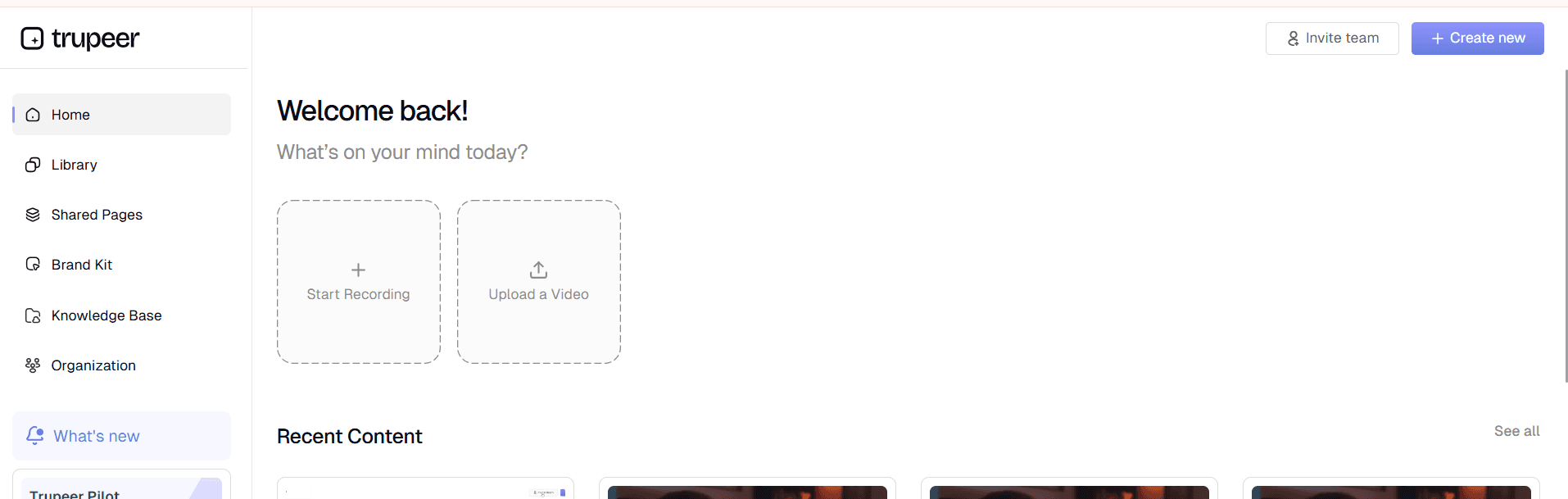
الخطوة 2: يعالج الذكاء الاصطناعي الدرس
تستخرج الأداة الخطوات، وتضيف السرد، والترجمات، وإرشادات مرئية تلقائيًا.
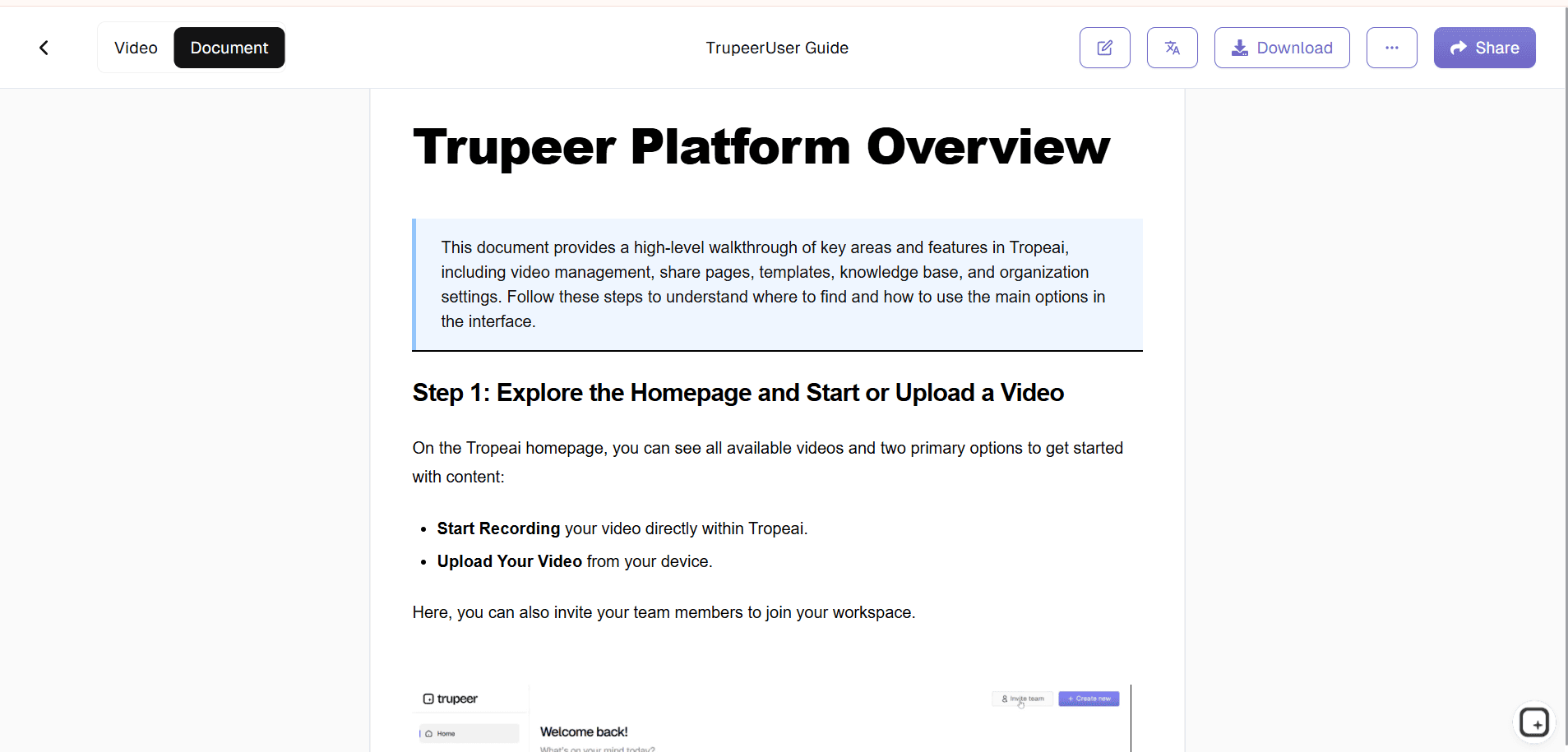
الخطوة 3: تخصيص & النشر
قم بتحسين التوقيت والعلامة التجارية، ثم شارك فيديوك التعليمي الاحترافي.
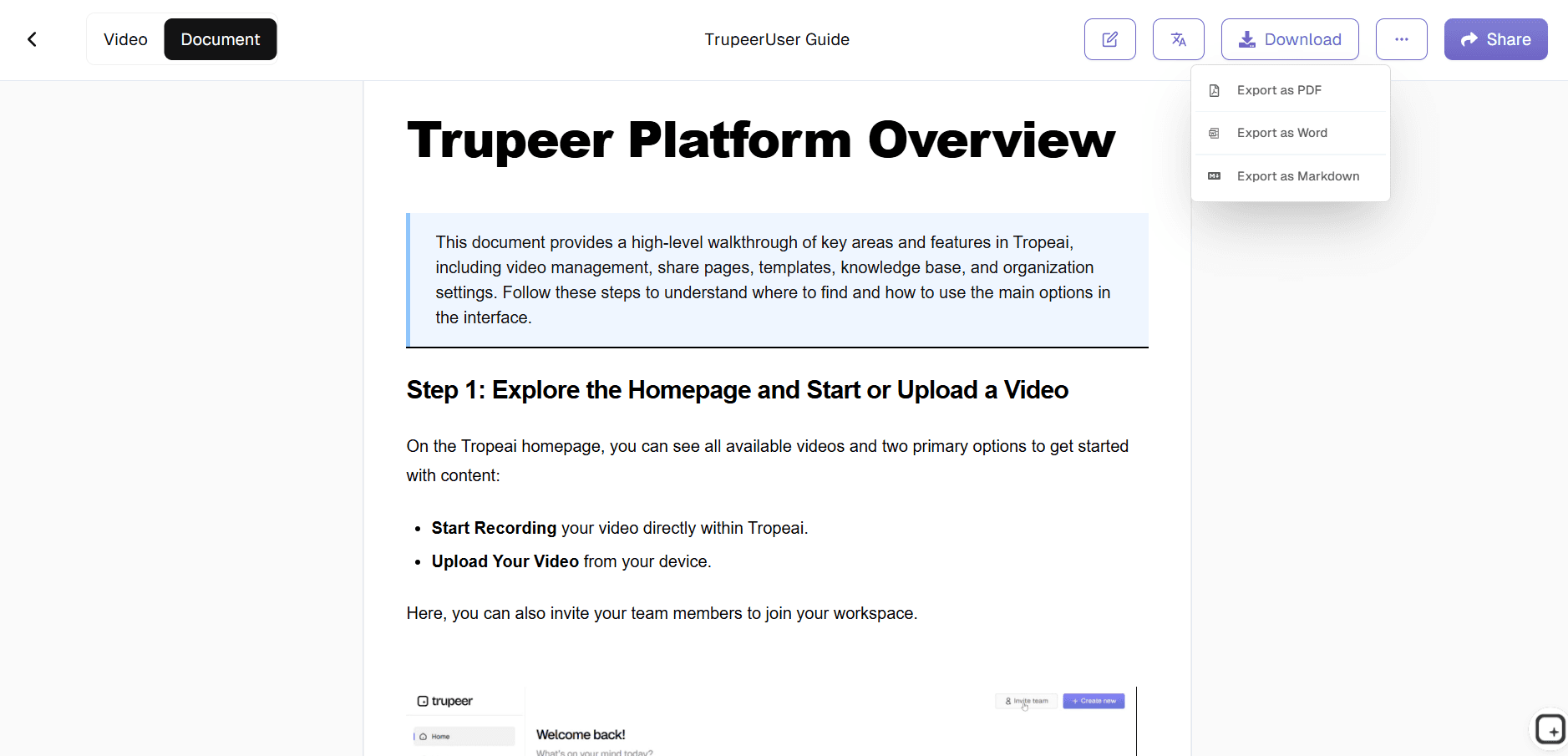
لمن تناسب دروس الفيديو من Trupeer
ضرورية للفرق التي تحتاج إلى محتوى فيديو تعليمي قابل للتوسع ومتسق عبر المؤسسات والمنتجات.
مديرو التدريب:
إنشاء دروس فيديو موحدة لتهيئة الموظفين الجدد عبر الأقسام، بما يضمن تقديمًا متسقًا دون الحاجة إلى إعادة تدريب المدربينفرق نجاح العملاء:
بناء دروس فيديو للمنتج تقلل تذاكر الدعم بنسبة 40% عبر عروض مرئية واضحة لسير العمل الشائعةأخصائيو دعم SaaS:
إنشاء دروس فيديو مخصصة للميزات ضمن قواعد المعرفة، ما يتيح حلًا ذاتيًا لـ 70% من استفسارات العملاءالمدربون التقنيون:
تحويل عمليات البرامج المعقدة إلى دروس فيديو سهلة الهضم تُسرّع تبنّي المستخدمين وتقلل منحنى التعلممختصو التعلم والتطوير (L&D):
توسيع دروس الفيديو عبر الفرق العالمية مع ترجمة وتوطين تلقائيين للقوى العاملة متعددة اللغات
الميزات الرئيسية لدروس الفيديو من Trupeer
حوّل التسجيلات الخام إلى مقاطع فيديو تعليمية جذابة واحترافية تدعم التعلم وتزيد التبنّي داخل مؤسستك.
اكتشاف الخطوات بالذكاء الاصطناعي:
يحدد تلقائيًا تسلسلات سير العمل، ويتوقف عند نقاط اتخاذ القرار، ويلتقط لقطات شاشة مثالية لإنشاء دروس فيديو شاملة تغطي كل إجراء يقوم به المستخدمإرشاد بصري ذكي:
يضيف تكبيرات ديناميكية، وتمييزات لمؤشر الفأرة، وتعليقات توضيحية بدقة في الأماكن التي يحتاج فيها المتعلمون إلى تركيز بصري، ما يلغي الالتباس في واجهات البرامج المعقدةسرد سياقي:
ينشئ تعليقات صوتية توضيحية تتناسب مع مستوى صعوبة المحتوى، باستخدام لغة بسيطة للمبتدئين والمصطلحات التقنية للمستخدمين المتقدمين تلقائيًاعناصر تفاعلية:
يُدرج نقاطًا قابلة للنقر، ونقاط توقف، وتتبعًا للتقدم حتى يتمكن المتعلمون من التنقل عبر دروس الفيديو بشكل غير خطي بناءً على فجوات معرفتهمتحليلات التعلم:
يتتبع نقاط توقف المشاهدين ومناطق الارتباك داخل دروس الفيديو لمساعدة المدربين على تحسين المحتوى ورفع معدلات الفهم
استكشف الأدوات ذات الصلة
فوائد استخدام أداة إنشاء دروس الفيديو من Trupeer
جودة احترافية، بدون تصوير
أنشئ دروسًا تعليمية عالية الجودة بدون كاميرات أو ممثلين أو تحرير.
إنتاج أسرع
وفّر ساعات من العمل من خلال إنشاء دروس فيديو تعليمية في دقائق.
دعم متعدد اللغات
ترجم الدروس التعليمية إلى لغات متعددة باستخدام التعليقات الصوتية والترجمات بالذكاء الاصطناعي.
أنشئ دروسًا تعليمية بالفيديو باستخدام Trupeer
الخطوة 1
رفع المحتوى
الخطوة 2
إنشاء البرنامج التعليمي
الخطوة 3
تنزيل ومشاركة
الأسئلة الشائعة
هل إنشاء دروس الفيديو مجاني؟
نعم، تتوفر إمكانية إنشاء دروس فيديو أساسية دون تكاليف اشتراك.
ما أنواع الإدخالات التي تقبلها دروس الفيديو؟
تسجيلات الشاشة، أو النصوص، أو أوصاف سير العمل للمعالجة التلقائية.
ما المنصات التي يمكن لـ Video Tutorials التصدير إليها؟
أنظمة إدارة التعلّم، وقواعد المعرفة، والمواقع الإلكترونية، وYouTube، وتطبيقات التعلّم عبر الجوال.
كيف تتعامل دروس الفيديو مع سير العمل المعقدة؟
يُقسِّم الذكاء الاصطناعي العمليات متعددة الخطوات إلى أجزاء سهلة الفهم مع فصل بصري واضح.
هل يمكن للفرق التعاون في الدروس التعليمية بالفيديو؟
التحرير في الوقت الفعلي، والتعليقات، والتحكم في الإصدارات لفرق المدربين.


