Trupeer Blog
Summarise

Buyer's Overview
Documentation teams are caught in a cycle of spending 60-70% of their time on formatting and structure, leaving less room for the actual content that matters. AI documentation tools are transforming this landscape by automating the repetitive tasks, allowing teams to focus on delivering accurate and clear information.
According to a recent study, 68% of technical writers report spending more time on formatting than writing content.
This guide explores the best AI software available in 2026 for creating user guides. It's designed for technical writers, product managers, and documentation teams looking to enhance their productivity and the quality of their guides. Whether you're part of a SaaS company or a content operations team, this comparison will help you choose the right tool for your needs.
Best AI Documentation Tools: Head-to-Head Comparison
Feature | Trupeer | Scribe | Tango | Document360 | Notion AI | Confluence AI | GitBook AI |
|---|---|---|---|---|---|---|---|
AI Writing | Yes | Yes | Limited | No | Yes | Yes | Yes |
Auto Step Capture | Yes | Yes | Yes | No | No | Limited | Yes |
Screenshot Annotation | Yes | Yes | No | Yes | Limited | Yes | Yes |
AI Voiceover | Yes | No | No | No | Yes | Limited | No |
Video Generation | Yes | No | No | Limited | Yes | No | No |
Smart Templates | Yes | Limited | Yes | No | Yes | Yes | Limited |
Multi-language | Yes | No | Limited | Yes | Yes | No | Yes |
API Integration | Yes | Yes | Limited | Yes | No | Yes | Yes |
Free Tier | Yes | Yes | Limited | No | Yes | No | Yes |
Trupeer

Trupeer is an AI-driven tool designed for creating comprehensive user guides with minimal manual input. It's ideal for teams seeking to automate documentation processes while ensuring high quality. Trupeer stands out with its AI voiceover and video generation capabilities, making it a versatile choice for diverse documentation needs.
Key Features
AI-driven content generation
Automated step capture
Screenshot annotation
AI voiceover for multimedia guides
Video generation
Smart templates for quick starts
Supports over 20 languages
Robust API for integrations
"Trupeer has significantly reduced the time our team spends on documentation, allowing us to focus on content quality."
Pros
Cons
Comprehensive AI features including voiceover and video.
Learning curve for new users.
Highly customizable templates.
Higher price point for advanced features.
Strong multi-language support.
Occasional AI output editing needed.
Great integration capabilities with existing tools.
Pricing
Trupeer offers a free tier with basic features. Paid plans start at $29/month per user for additional capabilities.
Scribe
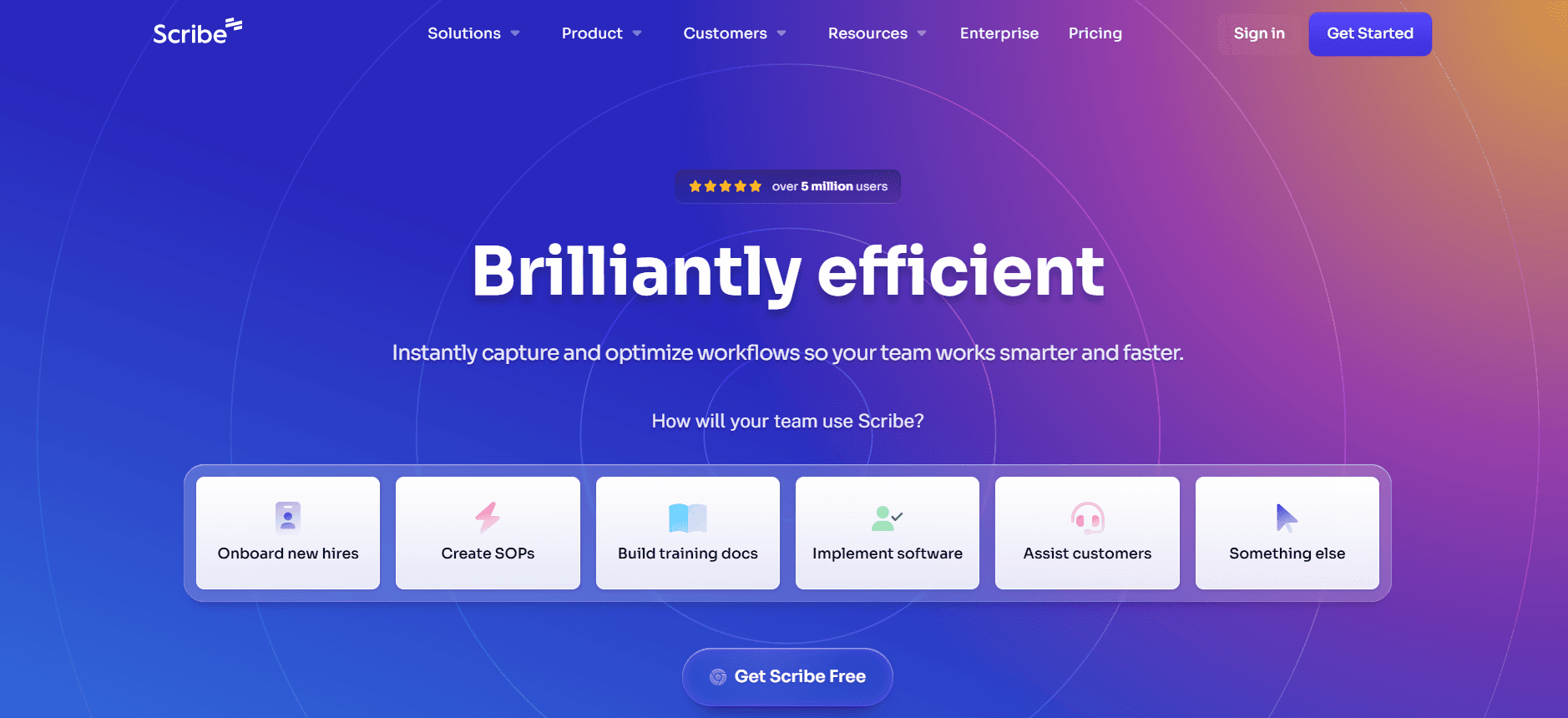
Scribe focuses on simplifying the documentation process through AI enhancements. It's perfect for small to medium-sized teams looking for efficient workflow automation. Although it lacks some advanced features like AI voiceover, its user-friendly interface makes it accessible for all skill levels.
Key Features
AI content generation
Auto step capture
Simple screenshot annotation tools
Customizable document templates
Easy collaboration features
Basic API support
Version control
Free tier available
Pros
Cons
User-friendly interface suitable for beginners.
Lacks AI voiceover and advanced multimedia features.
Good step capture and annotation tools.
Limited language support compared to competitors.
Free tier available for basic needs.
Basic API functionality.
Affordable pricing for small teams.
Pricing
Scribe's free tier offers essential features. Paid plans start at $15/month per user with additional capabilities.
Tango
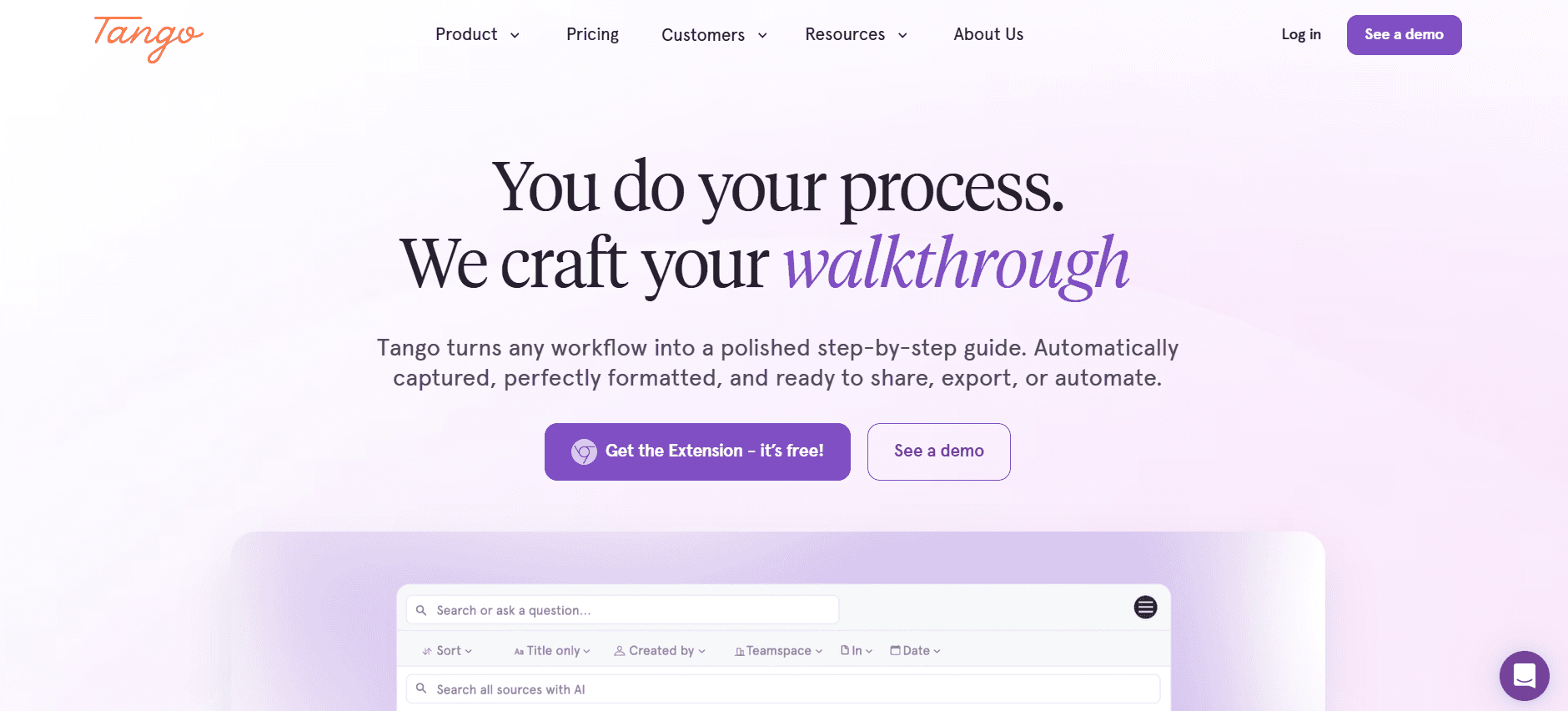
Tango is designed for teams that prioritize step-by-step guidance. While it excels in auto step capture, it lacks comprehensive AI writing features. This makes it suitable for teams that need to document detailed processes without requiring extensive AI-generated content.
Key Features
Auto step capture
Basic screenshot tools
Customizable step templates
Simple annotations
Limited AI content writing
Basic collaboration tools
Limited language support
API integration for select tools
Pros
Cons
Excels in step-by-step documentation.
Limited AI writing capabilities.
Easy to use for process capture.
No AI voiceover or video generation.
Good for teams focused on detailed guides.
Limited language support.
Affordable for process-focused teams.
Pricing
Tango offers a limited free tier. Paid plans begin at $10/month per user for extended features.
Document360
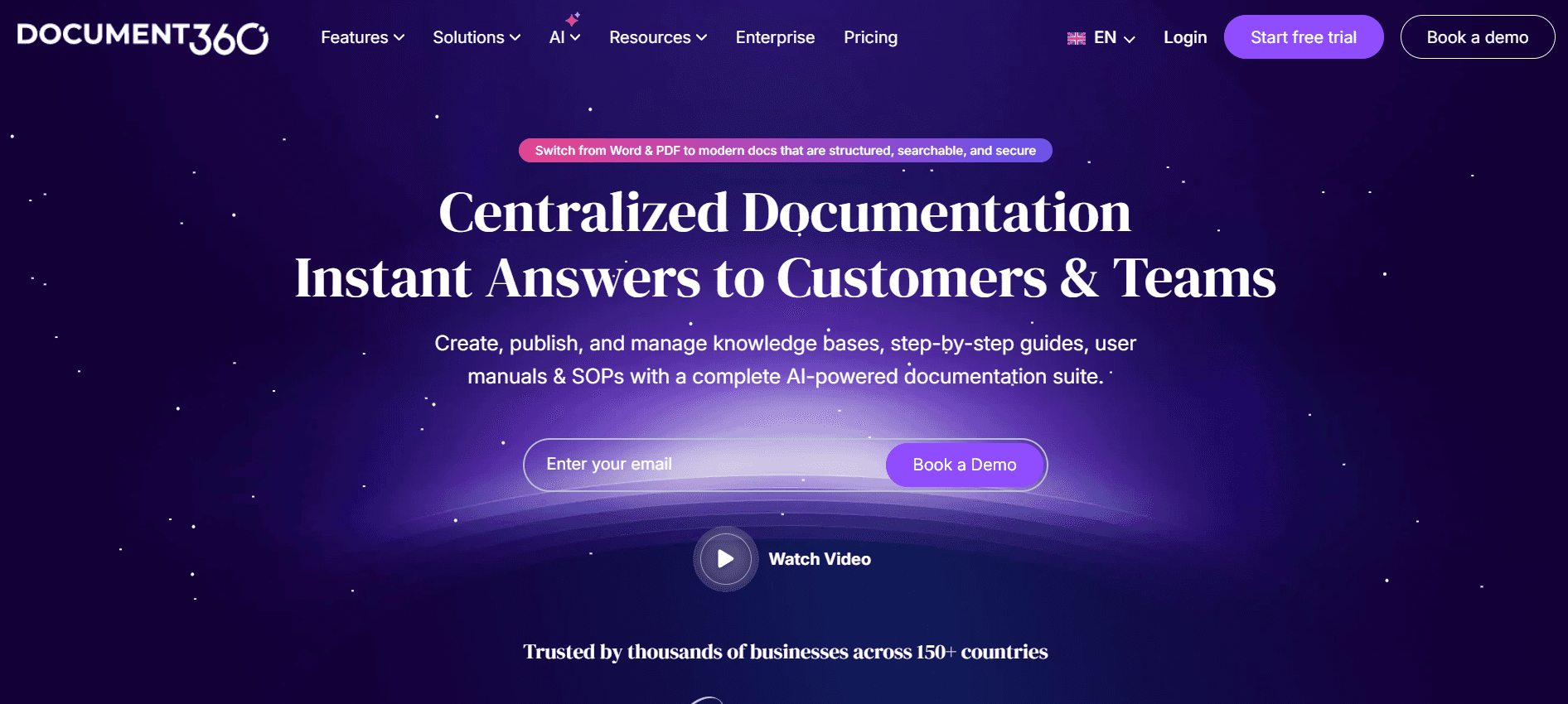
Document360 serves teams that need strong organizational features but don't require advanced AI capabilities. It's ideal for large teams managing extensive documentation libraries. While lacking in AI writing and step capture, it offers robust content management and collaboration features.
Key Features
Advanced content management
Collaboration tools
Robust version control
Strong organizational capabilities
API for integrations
Customizable templates
Powerful search functionality
Supports multiple document types
Pros
Cons
Excellent for large documentation libraries.
No AI writing or voiceover features.
Strong organizational and search tools.
Lacks auto step capture capabilities.
Robust collaboration and version control.
No free tier available.
API integration with various tools.
Pricing
Document360 does not offer a free tier. Paid plans start at $99/month for comprehensive features.
Notion AI
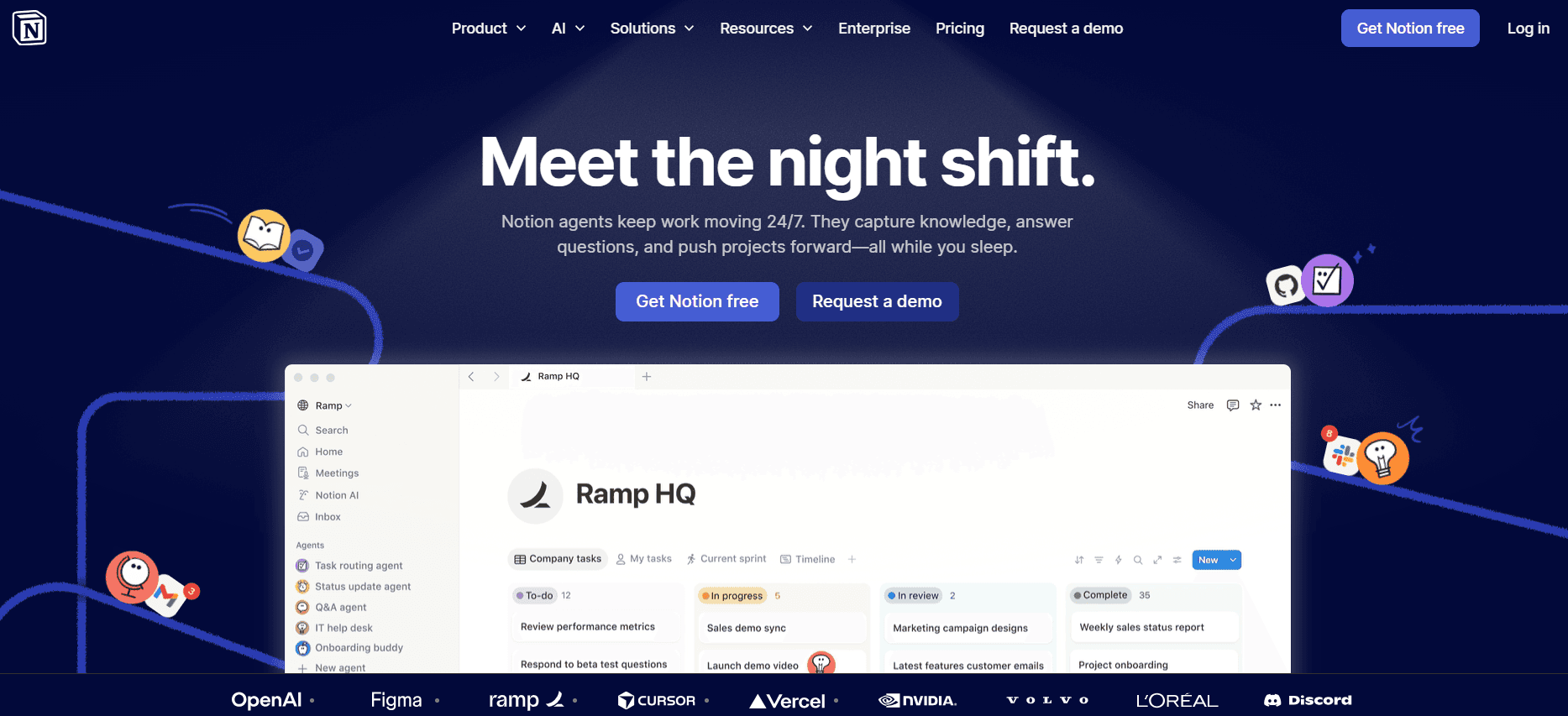
Notion AI is a versatile tool for teams that want an all-in-one workspace with AI capabilities. It's particularly beneficial for teams that value flexibility and customization. While it excels in AI writing, it falls short in specialized documentation features like step capture and voiceover.
Key Features
AI content generation
Customizable workspace
Collaboration features
Database and spreadsheet support
Integrations with popular apps
AI-driven insights
Multi-language support
Free tier available
Pros
Cons
Highly customizable and flexible workspace.
Lacks specialized documentation tools like step capture.
Strong AI capabilities for content generation.
No AI voiceover or video features.
Good for teams needing diverse functionalities.
Requires setup and customization.
Free tier available for basic use.
Pricing
Notion AI offers a free tier. Paid plans start at $10/month per user with extended features.
Confluence AI

Confluence AI is a go-to for teams already embedded in the Atlassian ecosystem. It offers seamless integration with other Atlassian tools, making it perfect for tech teams needing a collaborative environment. However, its AI features are somewhat limited compared to competitors.
Key Features
Integration with Atlassian tools
Collaboration and sharing features
Basic AI content assistance
Customizable templates
Version control
API for integrations
Limited AI-driven insights
Advanced search capabilities
Pros
Cons
Seamless integration within Atlassian suite.
Limited AI features compared to others.
Strong collaboration and sharing capabilities.
No AI voiceover or video options.
Good for tech teams needing collaboration.
Higher learning curve for new users.
Robust search and organizational tools.
Pricing
Confluence AI doesn't have a free tier. Paid plans begin at $5/month per user, providing basic integrations and features.
GitBook AI
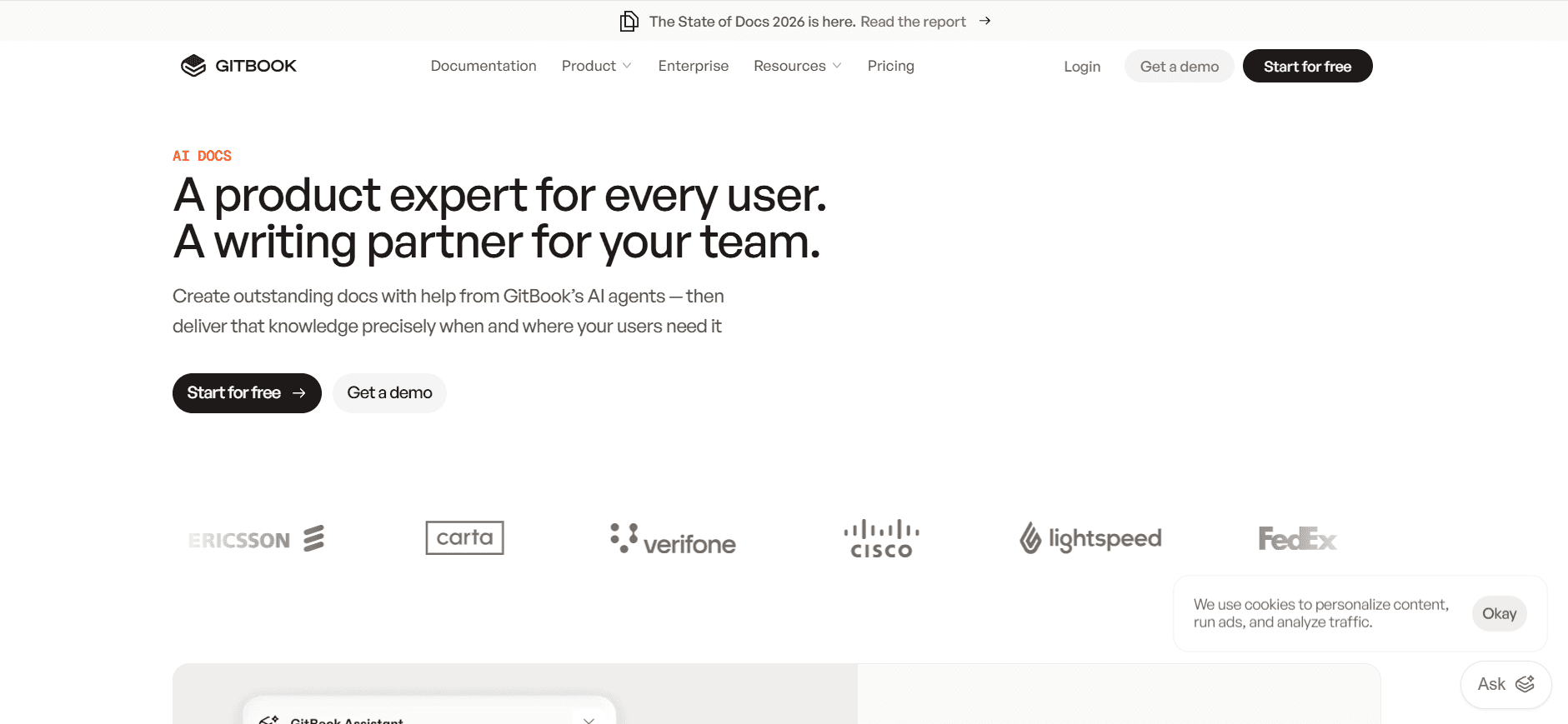
GitBook AI is designed for technical teams needing detailed documentation and version control. It excels in API documentation and is well-suited for engineering teams. While it provides strong writing tools, it lacks multimedia features like video and voiceover.
Key Features
AI content generation
Version control for documents
API documentation support
Customizable templates
Collaboration tools
Integration with development tools
Robust search functionality
Free tier available
Pros
Cons
Ideal for technical and API documentation.
No video or voiceover features.
Strong version control and collaboration tools.
Limited multimedia capabilities.
Good integration with development environments.
Requires technical knowledge to maximize usage.
Free tier available for basic documentation needs.
Pricing
GitBook AI offers a free tier. Paid plans start at $8/month per user, offering more advanced features.
AI Documentation Tools Challenges: What Teams Struggle With
Creating First Drafts Takes Too Long
Even experienced writers can get bogged down in crafting initial drafts, delaying the entire documentation process.
Time spent drafting could be used for refining content and ensuring accuracy.
AI tools can automate initial drafts, but their effectiveness varies by tool, requiring human oversight.
Without AI, teams often face writer's block, adding to delays.
Keeping Documentation Current
Product sprints and updates can quickly render documentation obsolete, challenging teams to keep pace.
Lack of real-time editing tools means updates are often reactive rather than proactive.
Inconsistent update schedules lead to fragmented documentation.
AI tools that offer real-time collaboration can mitigate these issues, but adoption varies.
Inconsistent Formatting Across Teams
Different team members may use varying formats, leading to a lack of uniformity.
Manual formatting is time-consuming and prone to errors.
AI tools with smart templates can standardize formatting, though not all tools excel in this area.
Inconsistent documents can confuse users, reducing the effectiveness of guides.
No Automatic Screenshot or Step-Capture Capabilities
Manual screenshot and step capture is tedious, often missing critical steps.
Lack of automation tools means teams must dedicate significant time to these tasks.
Some AI tools offer these features, but accuracy can vary, requiring checks.
Missing steps or improper captures can lead to user frustration.
Translation and Localization Bottlenecks
Global teams face delays due to manual translation processes.
Inconsistent terminology across languages can confuse international users.
Some AI tools offer multi-language capabilities, but effectiveness varies by language.
Translation issues can affect global market reach and user satisfaction.
Challenge | Traditional Process | Business Impact | Time Cost |
|---|---|---|---|
Creating First Drafts | Manual writing and revision | Delays in content delivery | 5-10 hours per document |
Keeping Documentation Current | Reactive updates post-sprint | Outdated information | 3-6 hours per update cycle |
Inconsistent Formatting | Manual formatting application | Brand inconsistency | 2-4 hours per document |
No Automatic Screenshots | Manual screenshot capture | Incomplete guides | 2-3 hours per guide |
Translation Bottlenecks | Manual translation efforts | Limited global reach | 5-15 hours per language |
Must-Have Features in AI Documentation Tools
AI Writing and Auto-Completion
AI writing and auto-completion are crucial for reducing the time spent on initial drafts and revisions. These features allow writers to generate content quickly, with AI suggesting phrases and sentences based on context. Trupeer and Notion AI excel in this area, offering tools that anticipate the writer's needs and provide relevant suggestions. This capability not only speeds up the writing process but also ensures that the content remains consistent in style and tone.
Automated Step Capture from Screen Activity
Automated step capture allows documentation teams to record and document processes without manual intervention. This feature is particularly valuable in tools like Tango and Trupeer, which offer precise capture capabilities. By automatically capturing each step of a process, these tools ensure no critical information is overlooked, enhancing the accuracy and completeness of user guides. This automation saves time and reduces the risk of human error in documentation.
Smart Screenshot Annotation
Smart screenshot annotation tools enable teams to highlight essential parts of a screenshot, providing users with clear visual guidance. Scribe and Document360 provide robust annotation features that make it easy to add notes, arrows, and highlights directly to screenshots. These annotations ensure that users can quickly understand and follow the steps outlined in guides, improving the overall user experience. Annotations can be customized to match the branding and style of the documentation, maintaining consistency across all materials.
AI Voiceover Generation for Video Docs
AI voiceover is an emerging feature that adds a human-like narration to video documentation, making guides more engaging and accessible. Trupeer and Notion AI incorporate this feature, allowing teams to add voiceovers without needing professional voice actors. This capability is especially useful for creating video tutorials and guides that cater to diverse learning styles. The AI-generated voiceovers can be adjusted for tone and clarity, ensuring they align with the brand's voice and communication style.
One-Click Export in Multiple Formats
One-click export capabilities are essential for efficiently sharing documentation in various formats, such as PDF, HTML, and Markdown. Tools like GitBook AI and Confluence AI offer seamless export options that allow teams to distribute content across different platforms and devices. This feature ensures that users can access documentation in their preferred format, enhancing accessibility and usability. Additionally, quick export functions streamline the process of updating and maintaining documentation across multiple channels.
Multi-Language Support
In a globalized world, multi-language support is a critical feature that allows documentation to reach a wider audience. Trupeer and Notion AI provide robust language support, enabling teams to create and manage content in multiple languages seamlessly. This feature helps overcome language barriers and ensures that international users receive the same quality information as their local counterparts. Effective multi-language support also includes consistent terminology and localization capabilities, making documentation relevant and culturally appropriate for each target audience.
How to Choose AI Documentation Tools Based on Your Use Case
Product Documentation for SaaS Companies
SaaS companies often need to deliver comprehensive product documentation that evolves rapidly with updates. Documentation accuracy and speed are critical for customer satisfaction and retention. Choosing the right AI tool can significantly streamline this process.
Key Challenges:
Frequent updates and versioning
Ensuring accuracy and consistency
Integration with development tools
Solutions Needed:
Real-time collaborative editing
Version control and tracking
API integration with development environments
Tool | Real-Time Editing | Version Control | API Integration |
|---|---|---|---|
Trupeer | Yes | Yes | Yes |
Confluence AI | Yes | Yes | Yes |
GitBook AI | Yes | Yes | Yes |
Technical Writers and Content Operations
Technical writers require tools that facilitate the creation of accurate, detailed user guides. They often work in content operations teams that manage large volumes of information across various projects.
Key Challenges:
High volume of content creation
Maintaining content accuracy
Meeting tight deadlines
Solutions Needed:
AI-powered writing and editing tools
Automation of repetitive tasks
Efficient project management features
Tool | AI Writing | Automation | Project Management |
|---|---|---|---|
Notion AI | Yes | Limited | Yes |
Scribe | Yes | Yes | Limited |
Trupeer | Yes | Yes | Yes |
Engineering and API Documentation
Engineering teams require documentation tools that can handle complex technical specifications and API documentation, often involving multiple integrations and technical details.
Key Challenges:
Complexity of technical content
Need for precise technical language
Integration with coding environments
Solutions Needed:
Advanced version control
Technical language support
Seamless integration with IDEs
Tool | Version Control | Technical Language Support | IDE Integration |
|---|---|---|---|
GitBook AI | Yes | Yes | Yes |
Document360 | Yes | Limited | No |
Trupeer | Yes | Yes | Yes |
HR and Compliance Documentation
HR teams need documentation tools that ensure compliance with company policies and legal requirements. Such tools must be adaptable to frequent regulatory changes.
Key Challenges:
Adapting to regulatory changes
Ensuring compliance across documents
Maintaining confidentiality and security
Solutions Needed:
Document security features
Regular updates and alerts for compliance
Easy access controls and permissions
Tool | Security Features | Compliance Updates | Access Controls |
|---|---|---|---|
Document360 | Yes | Limited | Yes |
Confluence AI | Yes | Yes | Yes |
Trupeer | Yes | Yes | Yes |
Best Practices for Creating User Guides
Before Starting
Define clear objectives for your user guide to ensure it meets user needs.
Gather all necessary resources, including software tools and subject matter information.
Identify your target audience to tailor the content appropriately.
Outline the structure of your guide to maintain a logical flow.
Set a timeline for drafting, reviewing, and publishing to stay on track.
During Development
Use AI tools for drafting to speed up the writing process.
Incorporate multimedia elements like screenshots and videos to enhance understanding.
Maintain consistency in formatting and style throughout the document.
Solicit feedback from stakeholders to ensure content accuracy and relevance.
Regularly save and back up your work to prevent data loss.
After Completion
Conduct a thorough review to catch errors and make necessary revisions.
Publish the guide in multiple formats to reach a wider audience.
Monitor user feedback to identify areas for improvement.
Update the guide regularly to reflect changes in software or procedures.
Ensure easy access for users, possibly through a centralized documentation hub.
Frequently Asked Questions
What is the primary benefit of AI documentation tools?
The main advantage of AI documentation tools is the automation of repetitive tasks, allowing teams to focus on creating clear and accurate content. These tools speed up the writing process and ensure consistency across documents.
Who can benefit from AI documentation tools?
AI documentation tools are beneficial for technical writers, content operations teams, product managers, and anyone involved in creating user guides, particularly in fast-paced industries like technology and SaaS.
How do AI tools assist in step capture?
AI tools automate the process of capturing each step in a guide by recording screen activity and generating detailed descriptions. This feature ensures that no important steps are missed and that guides are comprehensive.
Can AI tools handle multiple languages?
Yes, many AI documentation tools offer multi-language support, allowing teams to create guides in various languages. This feature helps reach a global audience and ensures consistency in terminology and localization.
Are there free versions of AI documentation tools available?
Yes, most AI documentation tools offer a free tier with basic features. For advanced functionalities such as AI writing and automation, paid plans are available with varying pricing structures.
What factors influence the cost of AI documentation tools?
Pricing is influenced by the range of features offered, the number of users, the level of support and integration capabilities, and whether the tool provides advanced AI functionalities like voiceover and video generation.
How easy is it to integrate AI tools with existing systems?
Most AI documentation tools come with APIs and integration capabilities that allow them to work seamlessly with existing systems, such as development environments and content management systems.
What training is needed to use AI documentation tools effectively?
While AI tools are designed to be user-friendly, some training is beneficial to maximize their features. Many providers offer tutorials and support resources to help teams get up to speed quickly.
How do you make step-by-step guides shorter and clearer?
Cut guides down by combining trivial clicks, leading with the goal, and letting a screenshot or clip replace a paragraph. Trupeer's AI user guide generator auto-builds the guide with steps and screenshots from a single recording.
Final Thoughts
Choosing the right AI documentation tool can transform your team's productivity and the quality of your user guides. From automation to multi-language support, these tools offer a range of features that cater to diverse needs. It's essential to assess your specific requirements and challenges before making a decision.
Explore Trupeer for a comprehensive solution that combines powerful AI capabilities with user-friendly features. Whether you're updating product documentation or creating compliance guides, Trupeer can streamline your processes and enhance your team's efficiency. Visit Trupeer to learn more and see how it can benefit your organization.


