Trupeer Blog
Summarise

Buyer's Overview
Documentation teams often find themselves mired in the minutiae of formatting and structure, spending over 60% of their time on these tasks instead of focusing on the actual content.
According to a recent study, 68% of technical writers reported spending the majority of their work hours on repetitive formatting tasks.
Source: Technical Writing Survey by ContentOps, 2025
This guide is designed to help teams identify which AI documentation tools can best alleviate these burdens, allowing them to focus on clarity and precision. Whether you're part of a SaaS company, a technical writing team, or managing customer self-service platforms, this comparison will provide insights into the tools that can transform your documentation processes in 2026.
Best AI Documentation Tools: Head-to-Head Comparison
Feature | Trupeer | Scribe | Tango | Document360 | Notion AI | Confluence AI | GitBook AI | Archbee |
|---|---|---|---|---|---|---|---|---|
Core Features | ||||||||
Free Tier | Yes | No | Yes | Limited | Yes | No | Limited | Yes |
AI Capabilities | ||||||||
AI Writing | Yes | Limited | Yes | No | Yes | Yes | Yes | Limited |
Auto Step Capture | Yes | Yes | Yes | No | No | Limited | Yes | No |
Professional Features | ||||||||
Screenshot Annotation | Yes | Yes | Limited | Yes | No | Yes | Yes | Limited |
AI Voiceover | Yes | No | Limited | No | No | Yes | No | Limited |
Integrations | ||||||||
API Integration | Yes | Yes | Yes | Limited | Yes | Yes | Yes | Limited |
Trupeer

Trupeer is a versatile AI documentation tool designed for teams looking to optimize their documentation workflows. Known for its user-friendly interface, Trupeer is particularly beneficial for SaaS companies and technical writing teams. Its unique strength lies in its ability to automate repetitive tasks, allowing writers to focus on content accuracy and clarity. While it excels in AI writing and auto step capture, some users may find its advanced features require a learning curve.
Key Features
AI Writing Assistant
Automated Step Capture
Screenshot Annotation Tools
AI Voiceover for Video Content
Multi-language Support
API Integration
Smart Templates
One-click Export Options
"Trupeer revolutionized our documentation process. Our team is now more focused on content quality rather than formatting issues."
Pros | Cons |
|---|---|
Simplifies complex documentation tasks with AI. | Advanced features can be overwhelming initially. |
Strong multi-language capabilities for global teams. | Limited video editing capabilities. |
Comprehensive step capture and annotation tools. | Requires integration setup for full functionality. |
Pricing
Offers a free tier with basic features. Paid plans start at $49 per user/month.
Scribe
Scribe is an efficient tool tailored for teams that need a straightforward solution for creating and managing documentation. It's particularly well-suited for smaller teams or startups. Scribe's simplicity is its standout feature, making it accessible even for users with minimal technical expertise. However, its limited AI capabilities might not meet the needs of larger, more complex projects.
Key Features
Simple User Interface
Basic AI Writing Functions
Step-by-Step Guides
Collaboration Tools
Basic API Integration
Cloud Storage Options
Document Sharing Features
Basic Analytics
Pros | Cons |
|---|---|
Very user-friendly for beginners. | Limited AI writing capabilities. |
Affordable for small teams or individuals. | Lacks advanced annotation tools. |
Easy integration with cloud services. | No voiceover or video generation features. |
Pricing
No free tier. Paid plans start at $9 per user/month.
Tango
Tango focuses on providing an intuitive interface for creating interactive guides and tutorials. Ideal for teams that need to produce step-by-step instructions efficiently, Tango's strength lies in its automation features. However, its limitations in AI voiceover and advanced editing may require users to look elsewhere for those needs.
Key Features
Interactive Guide Creation
Automated Step Capture
Basic Screenshot Annotation
Collaborative Editing
Cloud-based Platform
Basic Multi-language Support
Template Customization
Basic Analytics and Reporting
Pros | Cons |
|---|---|
Excellent for creating interactive guides. | Limited AI voiceover capabilities. |
Strong focus on automation and ease of use. | Basic annotation features may not suffice for all users. |
Simple to integrate with existing tools. | Lacks advanced video editing options. |
Pricing
Offers a free tier with limited features. Paid plans start at $12 per user/month.
Document360
Document360 is a knowledge base software designed for creating comprehensive documentation with ease. It caters to larger teams that require robust content management and collaboration features. While it offers excellent organizational tools, its lack of AI-driven capabilities might be a drawback for teams seeking automation.
Key Features
Rich Text Editor
Category Management
Version Control
Custom Branding
Advanced Search Features
Collaborative Workspace
Analytics and Insights
Multi-language Support
Pros | Cons |
|---|---|
Excellent for organizing large volumes of content. | Lacks AI-driven automation features. |
Strong version control and category management. | No step capture or advanced annotation capabilities. |
Customizable and scalable for large teams. | Higher cost compared to other tools. |
Pricing
Offers a limited free tier. Paid plans start at $99 per project/month.
Notion AI
Notion AI enhances the popular Notion platform with artificial intelligence capabilities, making it a flexible tool for teams that require a dynamic workspace for documentation and project management. Notion AI's adaptability is its primary advantage, but its AI capabilities are still evolving compared to specialized tools.
Key Features
AI Writing Assistant
Database Management
Collaboration Tools
Task Management Integration
Template Library
Cross-Platform Access
Third-Party Integrations
Customizable Workflows
Pros | Cons |
|---|---|
Extremely versatile for various documentation needs. | AI features are not as advanced as competitors. |
Strong integration with other productivity tools. | No built-in step capture or annotation. |
Highly customizable workspace. | Can be overwhelming for new users. |
Pricing
Free tier available. Paid plans start at $8 per user/month.
Confluence AI
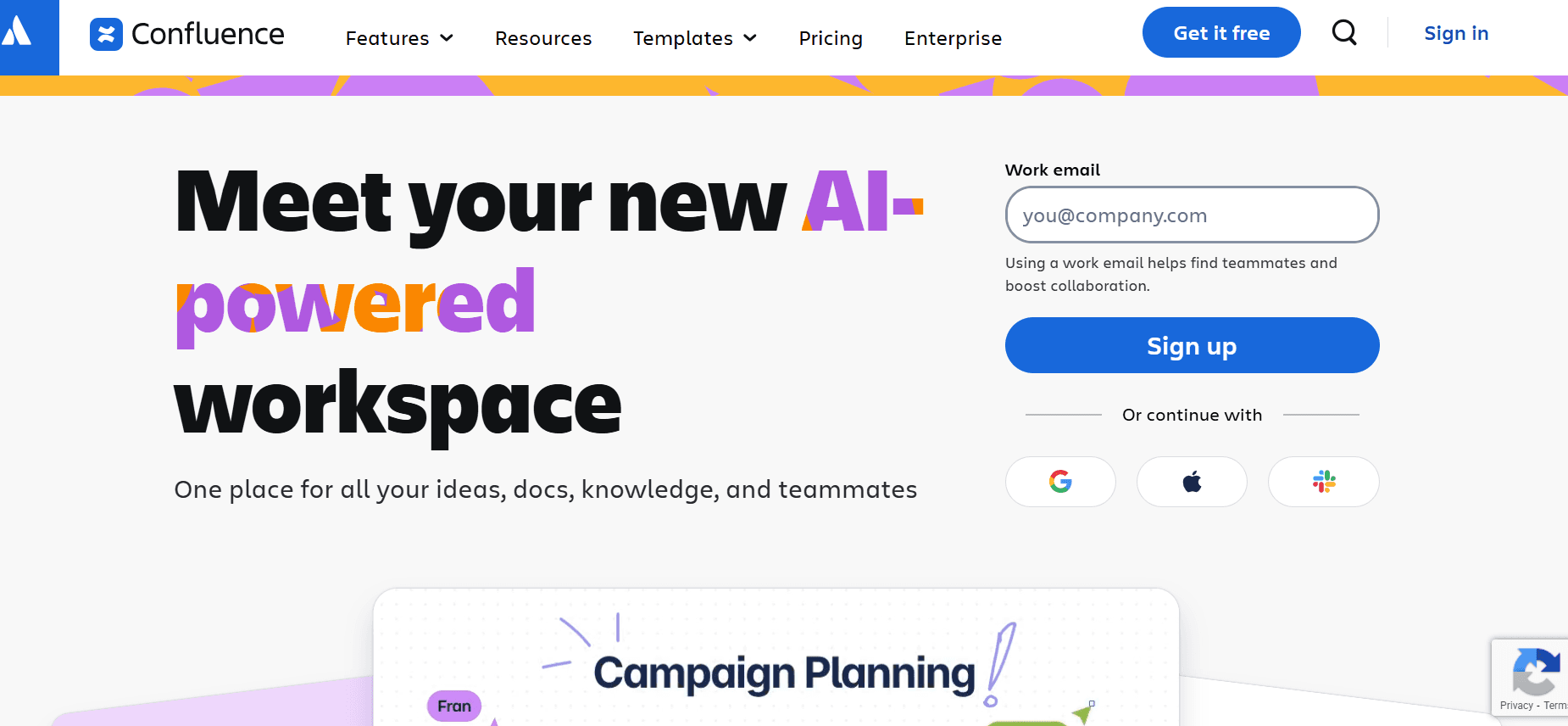
Confluence AI, an extension of Atlassian's Confluence, is designed for teams that need a seamless integration with their existing Atlassian tools. It provides enhanced collaboration and documentation capabilities, making it suitable for technical teams. However, its AI features are limited, and it might not cater to all automation needs.
Key Features
Page Versioning
Team Collaboration
Integration with Atlassian Tools
Basic AI Writing Features
Customizable Templates
Permissions Management
Analytics and Reporting
Multi-language Support
Pros | Cons |
|---|---|
Seamless integration with existing Atlassian products. | AI capabilities are still developing. |
Strong collaboration features for teams. | Limited step capture and annotation tools. |
Robust versioning and permissions management. | Higher cost for full feature access. |
Pricing
No free tier. Paid plans start at $10 per user/month.
GitBook AI
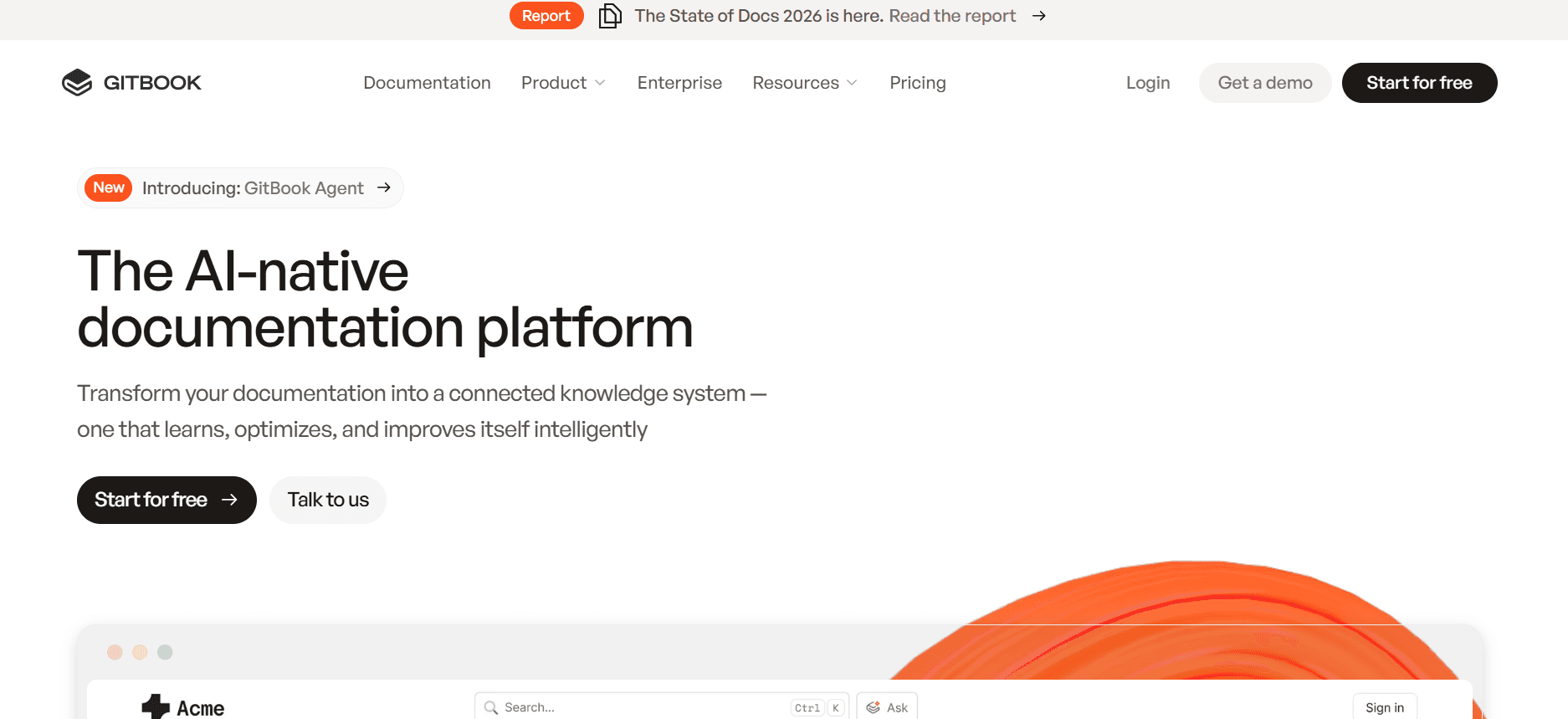
GitBook AI offers a platform that combines documentation with a collaborative editing environment, ideal for development teams focusing on code and technical documentation. Its strength is in its clean, structured document creation process, although it lacks some advanced AI features found in competitors.
Key Features
Markdown Support
Collaborative Editing
Version Control
API Documentation
Custom Domain Support
Integration with GitHub
Basic AI Writing Assistance
Customizable Templates
Pros | Cons |
|---|---|
Ideal for technical and API documentation. | Limited AI capabilities compared to others. |
Seamless integration with GitHub. | No voiceover or video generation. |
Supports Markdown for easy formatting. | Basic annotation features. |
Pricing
Free tier available. Paid plans start at $5 per user/month.
Archbee
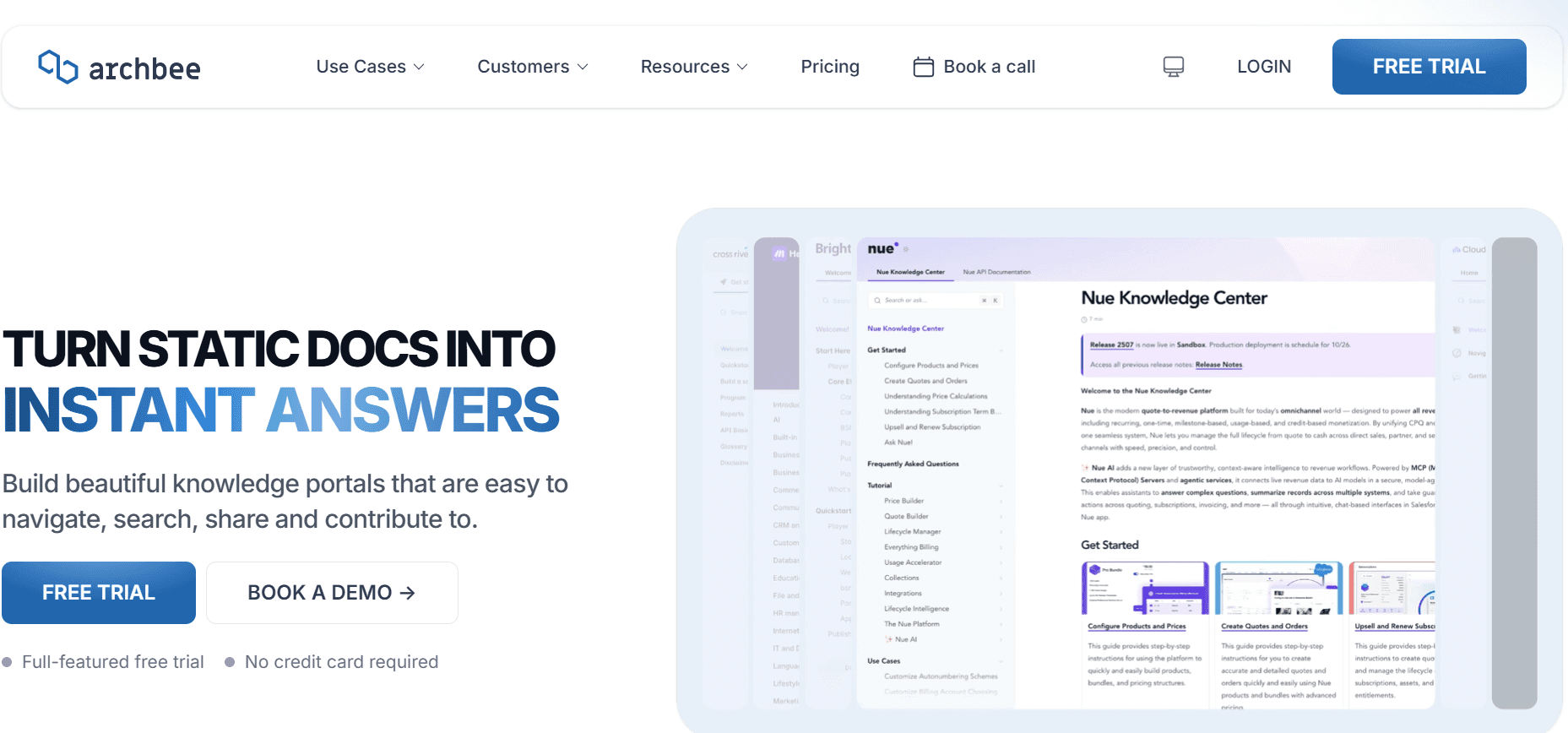
Archbee is designed for fast-growing startups and technical teams that require a centralized platform for documentation, wikis, and knowledge sharing. Its collaborative features are robust, but its AI functionalities are not as advanced as some of its competitors, which may limit automation.
Key Features
Real-time Collaboration
Knowledge Sharing
Integrated Wikis
Customizable Templates
API Integration
Markdown Support
Version Control
Basic AI Writing Features
Pros | Cons |
|---|---|
Excellent for team collaboration and knowledge sharing. | AI capabilities are still limited. |
Strong version control and markdown support. | No advanced video or voiceover features. |
Customizable and easy to set up. | Higher cost for premium features. |
Pricing
Limited free tier. Paid plans start at $15 per user/month.
AI Documentation Challenges: What Teams Struggle With
1. Creating First Drafts Takes Too Long
Even experienced writers can spend hours on initial drafts without AI assistance.
Manual drafting requires extensive research and planning before writing can begin.
Rewriting for tone and consistency adds to the time burden.
AI tools can streamline this by providing quick content suggestions and outlines.
2. Keeping Documentation Current with Every Product Sprint
Frequent product updates necessitate constant documentation revisions.
Traditional processes involve manual editing and coordination across teams.
Delayed updates can lead to outdated or inaccurate information being published.
AI can automate updates by integrating with product management tools for real-time changes.
3. Inconsistent Formatting Across Different Team Members
Different writing styles and formatting preferences can result in inconsistent documents.
Manual corrections and standardization are time-consuming and prone to human error.
AI tools can enforce templates and styles to ensure uniformity.
Embedding style guides within the tool can help maintain consistency.
4. No Automatic Screenshot or Step-Capture Capabilities
Manual screenshot capture is tedious and interrupts workflow.
Step-by-step guides require precise and clear visuals, often requiring multiple tools.
AI tools with integrated capture capabilities can save significant time and effort.
Automated step capture ensures accuracy and reduces manual errors.
5. Translation and Localization Create Bottlenecks for Global Teams
Traditional translation processes are slow and costly.
Maintaining consistency across languages is challenging without integrated tools.
AI-driven multilingual support can simplify and expedite this process.
Ensures that updates are simultaneously reflected across all language versions.
Challenge | Traditional Process | Business Impact | Time Cost |
|---|---|---|---|
Creating First Drafts | Manual writing and revisions | Delays in content release | 10-20 hours per document |
Keeping Documentation Current | Manual updates post-sprint | Outdated information risks | 5-15 hours per sprint |
Inconsistent Formatting | Manual style enforcement | Professional impression suffers | 3-5 hours per document |
Screenshot/Step Capture | Manual screenshots and edits | Higher error rates | 5-10 hours per guide |
Translation and Localization | Outsourced translation services | Delayed market entry | Weeks per project |
Must-Have Features in AI Documentation Tools
1.AI Writing and Auto-Completion
AI writing tools have revolutionized the process of creating documentation by providing instant content suggestions and auto-complete features. This aids writers in generating more coherent and structured content with minimal effort. For example, Trupeer offers an AI Writing Assistant that suggests relevant content based on the document's context, reducing the time spent on initial drafts.
2.Automated Step Capture from Screen Activity
Automated step capture tools allow users to seamlessly record processes and create detailed guides with minimal manual intervention. This feature is particularly useful for technical documentation, where precise steps are crucial. Tools like Scribe excel in this area, offering automated capture that can be edited and annotated directly within the platform.
3.Smart Screenshot Annotation
Screenshot annotation is essential for creating compelling visual aids within documentation. Tools that offer smart annotation capabilities, such as Tango, enable users to quickly highlight and comment on screenshots, enhancing clarity and understanding. This not only saves time but also ensures that visual elements are as informative as possible.
4.AI Voiceover Generation for Video Docs
AI voiceover capabilities allow for the creation of engaging video documentation without the need for professional voice actors. This feature is invaluable for teams that produce multimedia content. Confluence AI integrates basic AI voiceover features, making it easier to add voice narration to instructional videos.
5.One-Click Export in Multiple Formats
Being able to export documentation in various formats is crucial for meeting diverse stakeholder needs. Whether it's PDF, HTML, or Markdown, one-click export features simplify the distribution process. Trupeer's one-click export ensures that content can be easily shared and accessed in the preferred format, enhancing accessibility and usability for all users.
6.Multi-Language Support
For teams operating in global contexts, multi-language support is a necessity. This feature ensures that documentation can be translated and localized efficiently, maintaining consistency across different language versions. Document360 provides robust multi-language support, allowing for simultaneous updates and consistency across all published materials.
How to Choose AI Documentation Tools Based on Your Use Case
1.Product Documentation Teams at SaaS Companies
For SaaS companies, maintaining comprehensive and up-to-date product documentation is crucial. Teams need tools that can handle frequent updates and large volumes of content effectively. The ideal tool should offer robust version control and easy integration with product management systems.
Frequent product updates require rapid documentation adjustments.
Consistency and accuracy are critical across all product lines.
Collaboration between technical writers and developers is essential.
Automated update integration with development tools.
Version control to manage multiple document iterations.
Real-time collaboration features.
Tool | Version Control | Integration with Dev Tools | Collaboration |
|---|---|---|---|
Trupeer | Yes | Yes | Yes |
Document360 | Yes | Limited | Yes |
GitBook AI | Yes | Yes | Limited |
2.Technical Writers and Content Operations
Technical writers often juggle multiple documents and need tools that enhance writing efficiency while ensuring accuracy. A tool that offers strong AI writing capabilities and content management features can significantly reduce the workload.
Managing multiple documents with different audiences.
Ensuring content accuracy and consistency.
Keeping up with documentation best practices.
AI writing assistance for drafting and editing.
Content management and organization features.
Templates to standardize documents.
Tool | AI Writing | Content Management | Templates |
|---|---|---|---|
Notion AI | Yes | Yes | Yes |
Scribe | Limited | Limited | Yes |
Archbee | Limited | Yes | Yes |
3.Engineering and API Documentation
Engineering teams need documentation tools that support code snippets, API documentation, and integration with development workflows. An ideal tool should provide features specifically designed for technical content.
Documenting complex technical processes and APIs.
Ensuring compatibility with coding standards and tools.
Facilitating collaboration between developers and writers.
Support for code snippets and formatting.
Integration with version control systems like Git.
Real-time collaboration capabilities.
Tool | Code Snippets | Version Control Integration | Collaboration |
|---|---|---|---|
GitBook AI | Yes | Yes | Yes |
Confluence AI | Limited | Yes | Yes |
Archbee | Yes | Limited | Yes |
4.HR and Compliance Documentation
HR teams require tools that can handle policy documentation and compliance guidelines efficiently. The chosen tool should offer robust security features and easy access controls to protect sensitive information.
Handling sensitive and confidential employee information.
Ensuring compliance with legal and regulatory standards.
Managing access permissions for different team members.
Strong access control and security features.
Templates for policy and compliance documents.
Audit trails for tracking changes and updates.
Tool | Security Features | Access Control | Templates |
|---|---|---|---|
Confluence AI | Yes | Yes | Yes |
Document360 | Yes | Limited | Yes |
Trupeer | Yes | Yes | Limited |
5.Customer Self-Service Help Centers
Customer support teams benefit from documentation tools that facilitate easy content updates and provide intuitive user experiences. The goal is to empower customers to find answers independently.
Ensuring content is easily accessible and searchable.
Regular updates to reflect new product features or changes.
Providing a user-friendly experience for customers.
Search and indexing features to improve content discoverability.
Easy-to-update content management systems.
User-friendly interface and navigation.
Tool | Search Features | Content Management | User Interface |
|---|---|---|---|
Document360 | Yes | Yes | Yes |
Scribe | Limited | Yes | Yes |
Tango | Limited | Limited | Yes |
Best Practices for Using AI Documentation Tools
1.Before Implementation
Identify your team's specific needs and challenges to choose the right tool.
Ensure your team is trained on the basic features of the chosen tool.
Set clear goals and outcomes you want to achieve with the AI tool.
Evaluate the tool's integration capabilities with your existing systems.
2.During Implementation
Monitor the AI tool's performance and gather feedback from users.
Customize templates and workflows to align with your team’s processes.
Regularly update the tool to leverage new features and improvements.
Encourage collaboration among team members using the tool's features.
3.After Implementation
Review documentation regularly to ensure accuracy and relevance.
Use analytics to understand how documentation is being used and identify improvement areas.
Solicit continuous feedback to refine processes and tool usage.
Consider expanding the tool's usage to other departments if successful.
Frequently Asked Questions
What is an AI documentation tool?
An AI documentation tool leverages artificial intelligence to assist in creating, managing, and updating documentation. These tools automate tasks like writing, editing, and formatting to enhance productivity.Who should use AI documentation tools?
AI documentation tools are ideal for technical writers, product managers, customer support teams, HR departments, and anyone who regularly creates or manages documentation.How do AI writing features work?
AI writing features use machine learning algorithms to analyze text input and provide suggestions for content creation. They help in drafting, auto-completing sentences, and maintaining consistency in tone and style.Can these tools integrate with other software?
Most AI documentation tools offer integration with popular software like project management tools, version control systems, and cloud storage solutions to streamline workflows.Are there free AI documentation tools available?
Yes, some tools offer free tiers with limited features. However, premium features, such as advanced integrations and AI capabilities, typically require a paid subscription.How is pricing generally structured?
Pricing for AI documentation tools is usually subscription-based, with options for per-user or per-project billing. Discounts may be available for annual plans or larger teams.How long does it take to implement an AI documentation tool?
The implementation timeline varies based on the tool's complexity and the team's readiness. Small teams may implement in a few days, while larger organizations might need several weeks for full integration.What support is available during implementation?
Many tools offer onboarding support, including tutorials, customer service, and dedicated account managers to assist with the setup and initial training.
9. Which AI documentation tools support creating demo videos and written docs to embed in documentation?
Trupeer is the standout tool for this use case in 2026. It generates both a demo video and a written step-by-step guide from a single screen recording, and both formats can be embedded directly into your product documentation or developer portal. This is especially valuable for engineering and product ops teams who need to ship documentation assets alongside every feature release without doubling their workload. Most other tools on this list like Scribe, Tango, and Confluence AI produce either written docs or video, but not both from the same source.
10. How do AI documentation tools help teams produce feature-driven content when new features ship?
Feature-driven content documentation, walkthroughs, and videos built specifically around a new feature at launch requires tools that are fast enough to keep pace with rapid release cycles. The best AI documentation tools in 2026 reduce the time from feature launch to published documentation from days to minutes. Teams record the new feature, and the AI auto-generates the written guide and demo video simultaneously. Trupeer, Scribe, and Tango all support this workflow to varying degrees, with Trupeer offering the most complete output including video, written docs, and embeddable formats in one step.
11. What is the best AI documentation tool for release documentation?
For release documentation, the best AI tools are those that can generate accurate, structured content quickly and keep it current across every sprint. Trupeer excels here by combining automated step capture, AI writing, and video generation into a single workflow making it practical to ship release documentation the same day a feature goes live. GitBook AI is also strong for developer-facing release docs thanks to its Git integration and version control, while Confluence AI works well for teams already in the Atlassian ecosystem who need release notes embedded in their existing workspace.
12. Which AI documentation tools are best for creating developer walkthroughs?
For developer walkthroughs, the top tools are GitBook AI, Trupeer, and Archbee. GitBook AI is ideal for developer-centric teams comfortable with Markdown and Git workflows, offering clean structured output that integrates directly with GitHub repositories. Trupeer goes further by automatically capturing screen steps and generating both a written walkthrough and an embeddable demo video from the same recording making it especially useful when developer walkthroughs need to be published in a help center or documentation site. Archbee rounds out the top three with strong API documentation support and real-time collaboration for teams co-authoring complex technical content.
13.What are the best AI tools for process documentation?
The strongest tools capture your screen, auto-write the steps, add annotations, and export to multiple formats from one recording. Trupeer's process documentation template captures the process on screen and produces a searchable, current record for the team.
Final Thoughts
Choosing the right AI documentation tool can drastically improve your team's productivity and the quality of your documentation. By understanding your specific use cases and challenges, you can select a tool that fits your needs and enhances your workflows.
Trupeer offers a comprehensive suite of features designed to streamline your documentation processes. Explore what Trupeer can do for your team by visiting Trupeer.ai and start transforming your documentation efforts today.


