Trupeer Blog
Summarise

Buyer's Overview
Documentation teams face a significant challenge: spending a staggering 60-70% of their time on formatting rather than crafting actual content. This inefficiency detracts from their ability to focus on enhancing content accuracy and clarity. AI-powered documentation tools have emerged as a revolutionary solution, automating repetitive tasks and allowing teams to dedicate their efforts to what truly matters: creating high-quality documentation.
According to a recent study, 68% of documentation professionals report spending the majority of their time on non-writing tasks.
Source: Documentation Efficiency Report by TechInsights, 2025
This guide is tailored for documentation managers, technical writers, and team leads seeking to streamline their operations. It covers a range of AI documentation tools, exploring their unique features, pros and cons, and pricing models. Whether you're part of a SaaS company, an engineering team, or an HR department, this guide will help you select the right tool for your needs.
Best AI-Powered Documentation Tools: Head-to-Head Comparison
Feature | Trupeer | Scribe | Tango | Document360 | Notion AI | Confluence AI | GitBook AI | Archbee |
|---|---|---|---|---|---|---|---|---|
Core Features | ||||||||
AI Writing | Yes | Yes | Limited | No | Yes | Yes | Yes | Yes |
Auto Step Capture | Yes | Yes | Yes | No | No | Limited | Limited | No |
Screenshot Annotation | Yes | Yes | Yes | Limited | No | Yes | Yes | Limited |
AI Capabilities | ||||||||
AI Voiceover | Yes | No | Limited | No | No | Limited | No | No |
Video Generation | Yes | No | No | No | Limited | No | Limited | No |
Professional Features | ||||||||
Smart Templates | Yes | Yes | Limited | Yes | Yes | Yes | Yes | Yes |
Multi-language | Yes | Limited | No | Yes | Yes | Limited | No | Limited |
Integrations | ||||||||
API Integration | Yes | Yes | No | Yes | Yes | Yes | Yes | Yes |
Free Tier | Yes | Limited | Yes | No | Yes | Limited | Limited | No |
Trupeer

Trupeer is a robust AI-powered documentation tool designed for teams that prioritize efficiency and precision. It caters to businesses that need to generate detailed, accurate documentation quickly. Trupeer's standout feature is its AI voiceover capability, which provides an auditory guide to complement written content. This makes it particularly useful for training and educational materials.
Key Features
AI-Powered Writing
Automated Step Capture
Screenshot Annotation
AI Voiceover
Video Generation
Smart Templates
Multi-language Support
API Integration
"Trupeer transformed our documentation process, reducing our workload by half."
Pros
Cons
Comprehensive feature set, ideal for diverse documentation needs.
May have a learning curve for new users.
Excellent multi-language support with accurate translations.
Requires high initial setup time.
Strong API integrations for seamless workflow.
Free tier has limited features.
Pricing
Offers a free tier with basic features, with paid plans starting at $49 per month per user.
Scribe
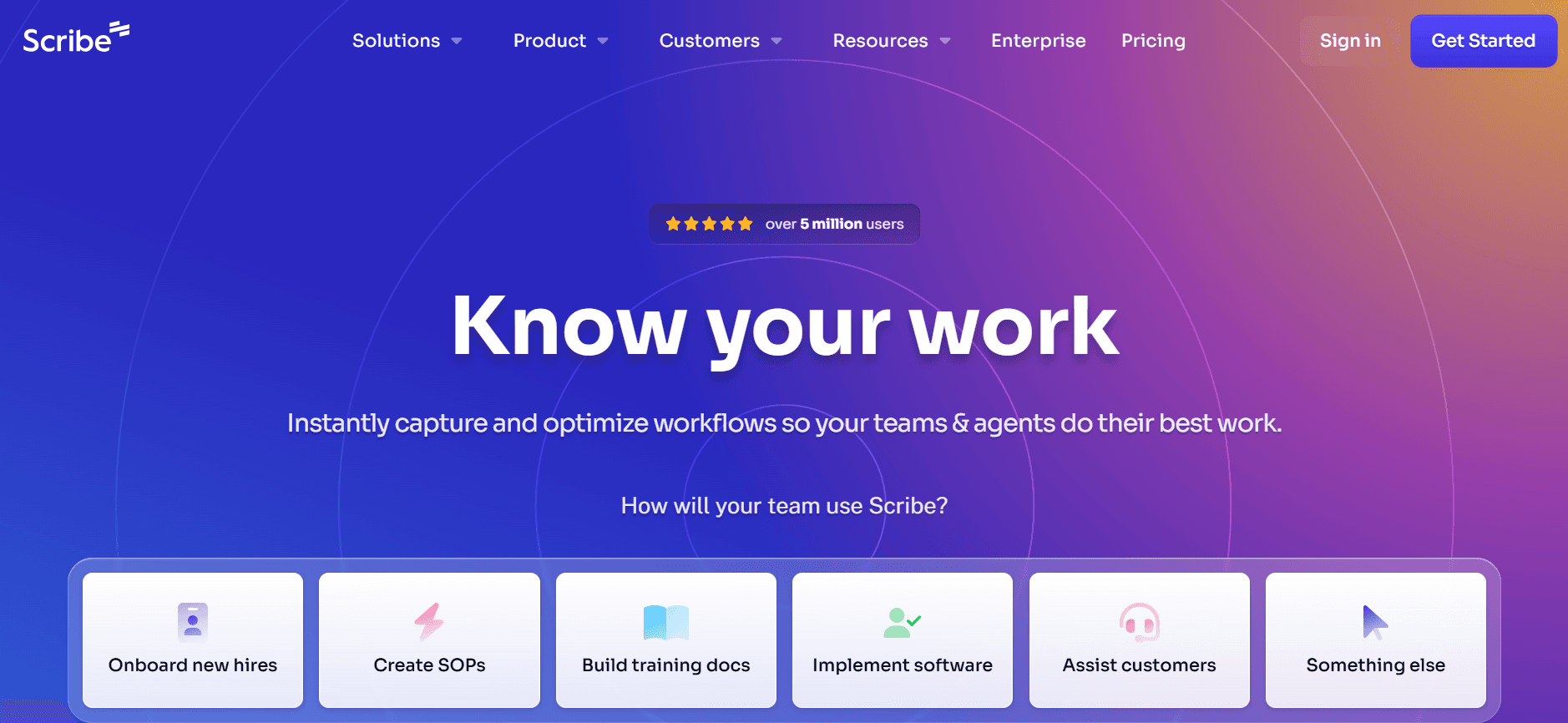
Scribe offers a streamlined approach to documentation, focusing on capturing processes efficiently. It's ideal for teams looking to document workflows and procedures with minimal effort. While its AI capabilities are limited compared to some competitors, its ease of use and straightforward interface make it a popular choice for small to medium businesses.
Key Features
Process Documentation
Step-by-Step Guides
Screenshot Annotation
Smart Templates
Basic AI Writing Support
API Integration
Limited Multi-language Support
Free Tier Available
Pros
Cons
Intuitive interface that's easy to learn.
Limited advanced AI features.
Efficient step capture and documentation tools.
Multi-language support is limited.
Offers a flexible free tier for small teams.
AI voiceover and video generation are not available.
Pricing
Provides a limited free tier. Paid plans begin at $10 per user monthly.
Tango
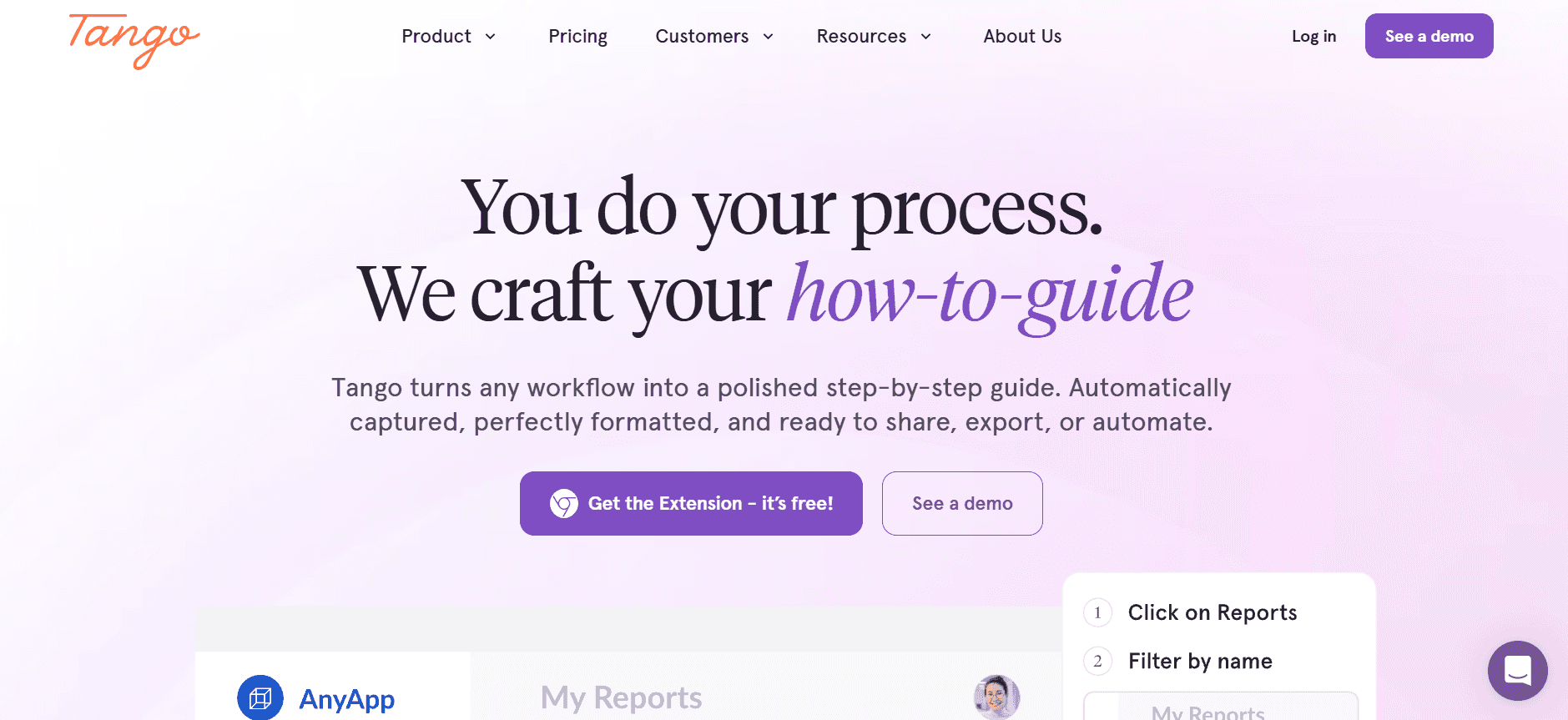
Tango specializes in creating visually engaging tutorials and documentation. It’s best suited for teams that want to present their processes in a visually appealing way. While it doesn't offer comprehensive AI writing tools, it excels in step capture and screenshot annotation, making it perfect for user guides and tutorials.
Key Features
Visual Documentation
Step Capture
Screenshot Annotation
Limited AI Writing Features
Smart Templates
Free Tier Available
Basic API Integration
Pros
Cons
Exceptional tools for visual documentation.
AI capabilities are basic and limited.
Great for creating tutorials with annotated screenshots.
Doesn't support multi-language documentation.
Offers a free tier with essential features.
No video generation capability.
Pricing
Has a free tier available, with paid plans starting at $12 per month per user.
Document360
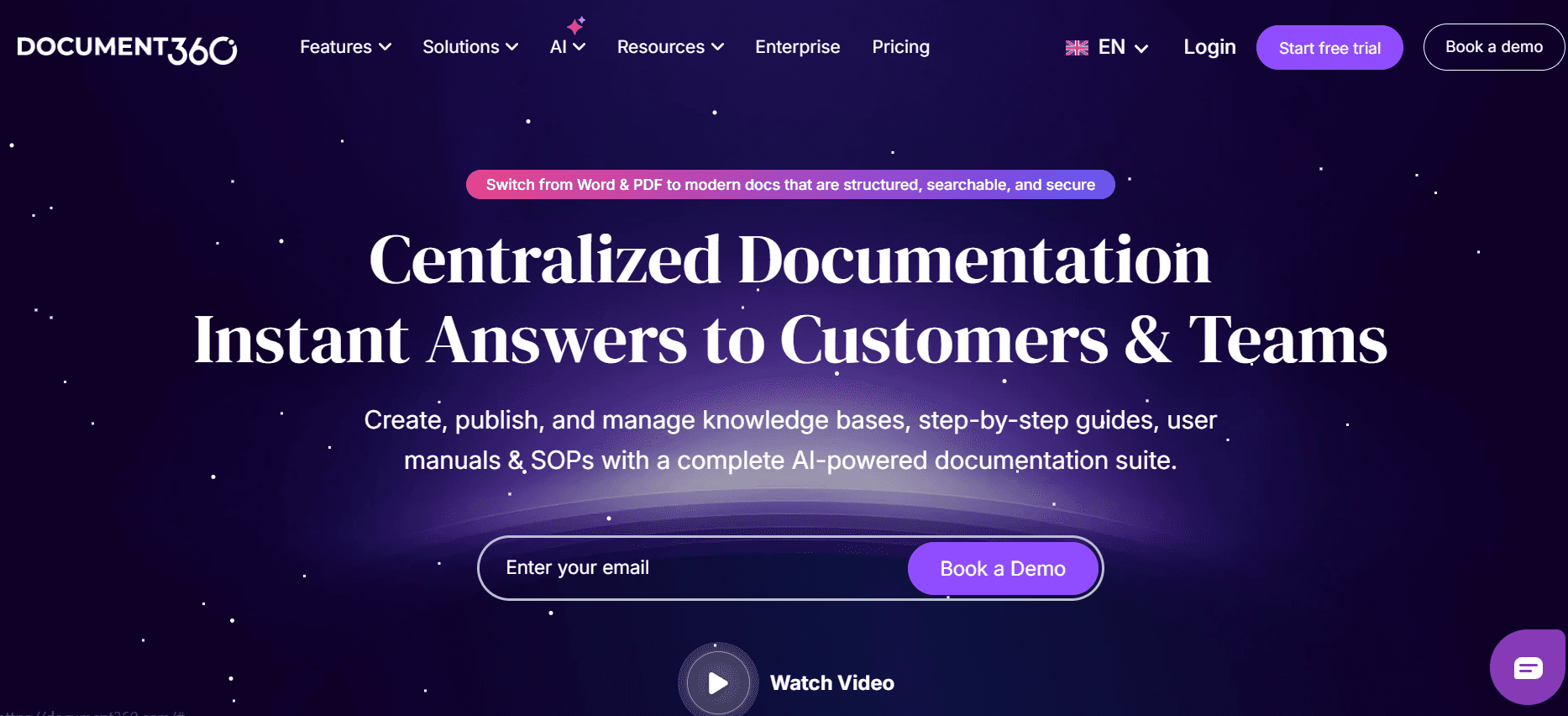
Document360 is a knowledge base software designed for companies that need a centralized repository for all their documentation. It's particularly favored by enterprises that require extensive API documentation and internal knowledge sharing. While it lacks in AI-driven features, its strength lies in its robust content management capabilities.
Key Features
Comprehensive Knowledge Base
Content Management System
API Documentation Support
Smart Templates
Multi-language Support
Advanced Search Functionality
Limited Screenshot Annotation
Pros
Cons
Strong content management and organization features.
Limited AI features compared to others.
Excellent for API and internal documentation.
No step capture or video generation.
Multi-language support for global teams.
Lacks a free tier option.
Pricing
No free tier; plans start at $99 per project per month.
Notion AI
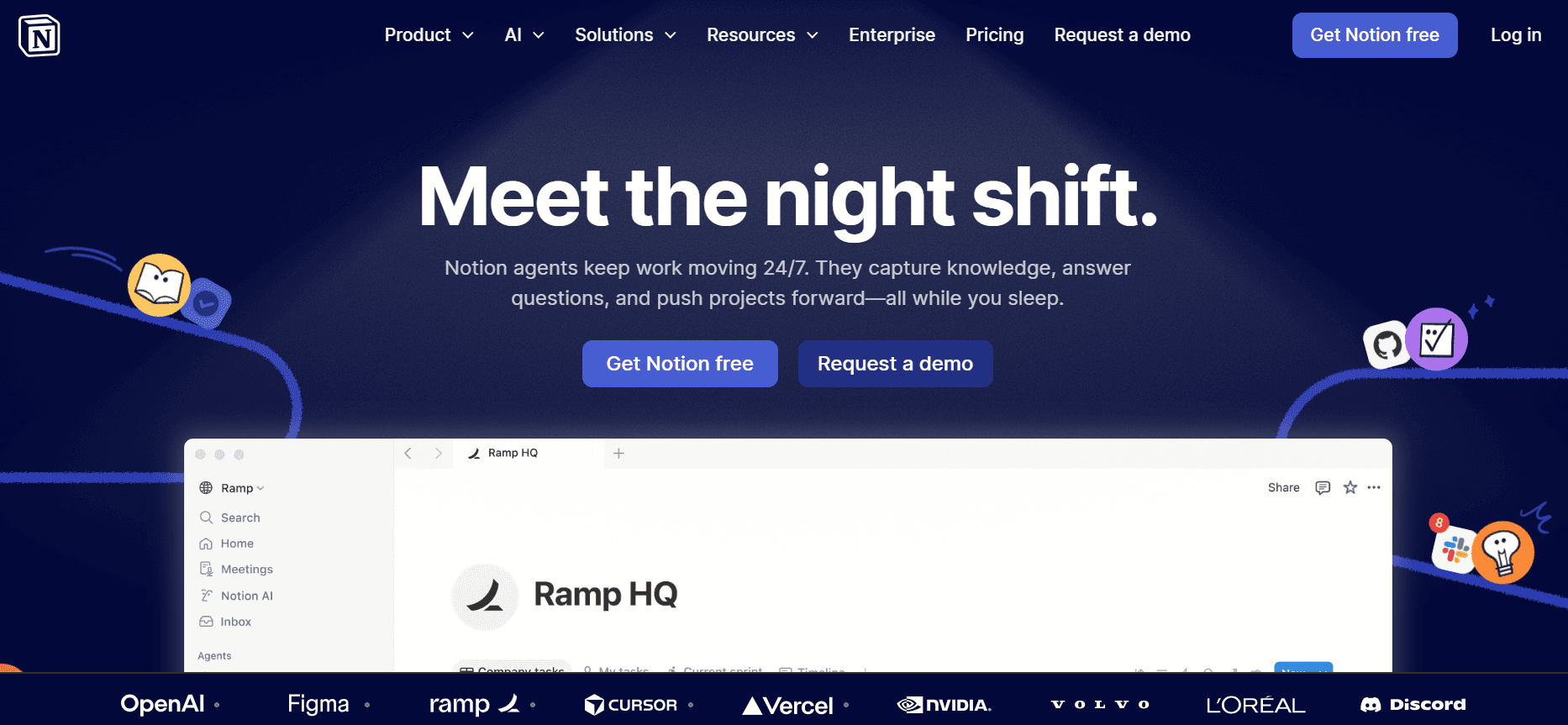
Notion AI enhances the popular Notion workspace with AI capabilities, making it a versatile tool for documentation and project management. It is well-suited for teams that need an all-in-one solution for note-taking, project management, and documentation. While it excels in AI-driven writing, it falls short in specialized documentation features.
Key Features
AI Writing Assistance
Project Management Tools
Note-Taking Features
Smart Templates
Multi-language Support
Basic API Integration
Pros
Cons
Combines project management with documentation.
Limited in specialized documentation features.
Strong AI writing capabilities.
No auto step capture or video generation.
Supports multiple languages for diverse teams.
Free tier has limited AI capabilities.
Pricing
Offers a free tier with limited AI, with paid plans starting at $8 per user per month.
Confluence AI
Confluence AI integrates AI capabilities into the well-known Confluence platform, making it a solid choice for teams already using Jira and other Atlassian products. It is ideal for businesses seeking to enhance their collaborative documentation efforts with AI-driven insights. However, its AI features are not as developed as those of dedicated AI documentation tools.
Key Features
Integrated AI Insights
Collaborative Documentation
Smart Templates
Basic AI Writing Support
Limited Multi-language Support
API Integration
Pros
Cons
Seamless integration with Atlassian tools.
AI features are limited in scope.
Good for collaborative documentation efforts.
No video or voiceover generation capabilities.
Offers smart templates for standardization.
Multi-language support is limited.
Pricing
Limited free tier available, with paid plans starting at $5 per user per month.
GitBook AI
GitBook AI combines the beloved documentation platform with AI enhancements, making it perfect for development teams that need to maintain technical documentation. Its strengths lie in its API documentation support and collaborative features, though it lacks advanced multimedia capabilities.
Key Features
Technical Documentation
Collaborative Editing
API Documentation
Basic AI Writing Support
Smart Templates
Limited AI Enhancements
Pros
Cons
Excellent for development and API documentation.
Lacks advanced AI and multimedia features.
Facilitates collaborative editing and feedback.
No voiceover or video capabilities.
Strong integration with development workflows.
Limited AI writing support.
Pricing
Limited free tier available, with paid plans starting at $6.50 per user per month.
Archbee
Archbee is designed for teams that require a fast, intuitive documentation platform, particularly those in tech and product development. While it offers strong API integration and collaborative tools, it lacks some of the advanced AI features found in other tools.
Key Features
Rapid Documentation Creation
Collaborative Tools
API Integration
Smart Templates
Basic AI Writing Features
Limited Screenshot Annotation
Pros
Cons
Highly intuitive and easy to adopt.
Lacks advanced AI features.
Great for fast-paced tech teams.
Limited multimedia capabilities.
Strong API support for integrations.
No video or voiceover features.
Pricing
No free tier; plans start at $8 per user per month.
AI-Powered Documentation Challenges: What Teams Struggle With
Creating First Drafts Efficiently
Even experienced writers can find initial drafting time-consuming.
Without AI assistance, brainstorming and outlining take longer.
Manual processes often lead to writer’s block, hindering productivity.
Inconsistent drafts require more revisions and feedback cycles.
Maintaining Up-to-Date Documentation
Frequent product updates necessitate continual documentation changes.
Lack of automated tools makes tracking changes cumbersome.
Manually updating documentation increases the risk of errors.
Teams struggle to sync documentation with sprints and releases.
Ensuring Consistent Formatting
Different team members often apply varying formatting styles.
Manual formatting adjustments are prone to human error.
Without standardized templates, documents lack uniformity.
Inconsistent formatting creates confusion for readers and users.
Capturing Screenshots and Steps Automatically
Manual screenshot and step capture is tedious and error-prone.
Without automation, documenting detailed processes takes longer.
Teams often miss steps or capture incorrect screenshots.
Reviewing and editing manually captured images adds extra work.
Overcoming Translation and Localization Bottlenecks
Manually translating content is time-consuming and expensive.
Localized documentation often lags behind product releases.
Ensuring consistent quality across languages is challenging.
Without AI, managing multiple language versions is complex.
Challenge
Traditional Process
Business Impact
Time Cost
Creating First Drafts
Manual brainstorming and outlining
Delays in content delivery, reduced quality
2-3 extra hours per document
Maintaining Up-to-Date Documentation
Manual updates and revisions
Outdated information, increased error rates
3-4 extra hours per update cycle
Ensuring Consistent Formatting
Manual formatting adjustments
Lack of uniformity, user confusion
1-2 extra hours per document
Capturing Screenshots and Steps
Manual screenshot capture
Increased errors, incomplete documentation
1-3 extra hours per process
Translation and Localization
Manual translation and localization
Delayed product launches, inconsistent quality
5-10 extra hours per document
Must-Have Features in AI-Powered Documentation Tools
AI Writing and Auto-Completion
AI writing tools and auto-completion features help streamline the initial drafting process. These tools offer suggestions, complete sentences, and even generate entire paragraphs based on input, significantly reducing the time spent on creating first drafts. For example, Trupeer excels in AI writing, providing context-aware suggestions that enhance content quality and coherence.
Automated Step Capture from Screen Activity
Automatically capturing steps and screen activities is a game changer for creating process documentation. Tools like Tango and Scribe offer this feature, allowing users to record their on-screen actions effortlessly. This capability ensures that no step is missed, and all necessary screenshots are accurately captured, saving hours of manual effort and reducing errors.
Smart Screenshot Annotation
Annotating screenshots is crucial for clarity and understanding. With smart annotation tools, users can add notes, highlight areas, and draw attention to specific parts of a screenshot. This feature is particularly useful in tools like Trupeer and Document360, where visual documentation is critical. It enhances the user's ability to convey complex information simply and effectively.
AI Voiceover Generation for Video Documentation
Creating engaging video documentation requires more than just visuals. AI voiceover generation adds a professional touch by providing clear, concise audio explanations. Trupeer stands out by offering high-quality voiceover support, which is essential for training materials and tutorials. This feature allows teams to produce polished video content without needing professional voice talent.
One-Click Export in Multiple Formats
Flexibility in exporting documents is essential for reaching diverse audiences. One-click export features allow users to convert documents into various formats, such as PDF, HTML, and Markdown. Some platforms go a step further and let you convert documents into videos with AI narration. Tools like Notion AI and Confluence AI offer robust export capabilities, ensuring that content can be easily shared and accessed across different platforms and devices.
Multi-Language Support and Translation
In today's global market, providing documentation in multiple languages is imperative. AI-powered translation features enable quick and accurate localization of content, making it accessible to a broader audience. Trupeer and Document360 provide strong multi-language support, helping teams overcome translation bottlenecks and maintain consistency across all language versions.
How to Choose AI-Powered Documentation Tools Based on Your Use Case
Use Case 1: Product Documentation for SaaS Companies
SaaS companies often need to create detailed documentation to guide users through their products. This involves maintaining up-to-date information that aligns with frequent software updates and feature releases.
Key Challenges
Keeping documentation aligned with rapid product changes.
Ensuring consistency across multiple product lines.
Managing frequent updates efficiently.
Solutions Needed
Automated documentation updates.
AI-driven consistency checks.
Advanced version control.
Tool | Best Feature | AI Writing |
|---|---|---|
Trupeer | AI Voiceover | Yes |
Document360 | Content Management | No |
Use Case 2: Technical Writers and Content Operations
Technical writers require precise and efficient tools to manage complex documentation projects. They need to ensure accuracy and standardization across various documents.
Key Challenges
Managing large volumes of content efficiently.
Ensuring high levels of content accuracy.
Maintaining consistent formatting.
Solutions Needed
AI-driven content suggestions.
Automated formatting tools.
Integrated review workflows.
Tool | Best Feature | Auto Step Capture |
|---|---|---|
Scribe | Step-by-Step Guides | Yes |
GitBook AI | Collaborative Editing | Limited |
Use Case 3: Engineering and API Documentation
Documentation for engineering teams involves detailed technical content that supports development and integration efforts. Ensuring clarity and accuracy is crucial.
Key Challenges
Creating detailed and accurate technical documents.
Aligning documentation with code changes.
Facilitating collaboration between developers and writers.
Solutions Needed
Integrated API documentation tools.
Collaborative writing features.
Version control integration.
Tool | Best Feature | API Integration |
|---|---|---|
Archbee | Rapid Documentation Creation | Yes |
Confluence AI | Collaborative Documentation | Yes |
Use Case 4: HR and Compliance Documentation
HR teams need to create and maintain documentation that complies with legal and company standards. These documents must be clear, accessible, and up-to-date.
Key Challenges
Ensuring compliance with legal standards.
Maintaining up-to-date HR policies.
Distributing documents efficiently to employees.
Solutions Needed
Automated compliance checks.
Centralized document repository.
Multi-format distribution options.
Tool | Best Feature | Multi-language |
|---|---|---|
Notion AI | Project Management Tools | Yes |
Trupeer | Smart Templates | Yes |
Best Practices for AI-Powered Documentation
Before Implementation
Identify the specific documentation challenges your team faces.
Assess the tools currently in use and identify gaps.
Set clear objectives for what the new tool should achieve.
Research and compare the features and pricing of potential tools.
Engage stakeholders early to gather input and gain buy-in.
During Implementation
Provide comprehensive training to ensure team members understand the new tool.
Use pilot projects to test features and gather initial feedback.
Establish clear guidelines for using AI features to maintain consistency.
Monitor the tool's impact on productivity and adjust usage as needed.
Encourage open communication about challenges and successes.
After Implementation
Regularly review tool usage and its impact on documentation quality.
Update training materials as new features are introduced.
Solicit ongoing feedback and adapt processes to improve outcomes.
Recognize and celebrate team successes in optimizing documentation.
Stay informed on updates and innovations in AI documentation tools.
Frequently Asked Questions
What is an AI-powered documentation tool?
AI-powered documentation tools use artificial intelligence to automate and enhance the process of creating, managing, and updating documentation. They offer features like AI writing, automated step capture, and voiceover generation to improve efficiency and accuracy.Who can benefit from using these tools?
These tools are beneficial for documentation teams, technical writers, product managers, and any professionals involved in creating and maintaining business documents. They are particularly useful in fast-paced industries like technology and SaaS.How does AI writing work in these tools?
AI writing uses machine learning algorithms to generate text based on user input and context. It can assist with drafting content, providing suggestions, and ensuring consistency and accuracy across documents.Can these tools integrate with other software?
Yes, many AI-powered documentation tools offer API integrations that allow them to connect with other software platforms like Jira, Slack, and project management tools, streamlining workflows.Are there free versions available?
Most AI-powered documentation tools offer a free tier with basic functionalities. However, advanced features typically require a paid subscription, with pricing varying based on user count and specific needs.How are pricing plans typically structured?
Pricing plans are usually structured on a per-user, per-month basis. Some tools offer discounts for annual subscriptions or provide tiered pricing based on the number of features or users.What is the typical setup time for these tools?
Setup time varies based on the complexity of the tool and the existing infrastructure. Generally, teams can expect initial setup and training to take a few days to a few weeks.How can I ensure a smooth transition to a new tool?
To ensure a smooth transition, engage stakeholders early, provide comprehensive training, and start with pilot projects to test the tool's effectiveness before a full rollout.
9. Can AI-powered documentation tools generate demo videos and written docs to embed in documentation?
Yes, and this is one of the most valuable capabilities for engineering and product ops teams in 2026. Tools like Trupeer allow you to record a single screen walkthrough and automatically generate both a polished demo video and a matching written doc from it. Both outputs can be embedded directly into your documentation pages, giving users the choice to watch or read without your team having to create two separate assets. This is a significant time saver when you need to ship complete documentation alongside every product release.
10. How do AI-powered documentation tools help produce feature-driven content when new features ship?
Feature-driven content documentation, videos, and guides built specifically around a new feature at the moment it ships is only realistic if your tools make content creation fast enough to keep pace with your release cycle. AI-powered documentation tools reduce what used to be a multi-day manual process to minutes. When a feature is ready, teams record a walkthrough, and the AI auto-generates the written guide and demo video simultaneously. This means every feature launch is accompanied by complete, publish-ready documentation rather than a backlog of unwritten content.
11. How do AI-powered documentation tools support release documentation for product and engineering teams?
Release documentation is one of the most time-critical deliverables in any product ops workflow it needs to be live the moment a feature ships. AI-powered documentation tools address this directly by making content creation fast enough to be part of the release process itself. Rather than treating documentation as an afterthought, teams can record the new feature, let the AI generate the release doc with structured steps and screenshots, and publish it the same day. Tools like Trupeer are purpose-built for this, combining automated step capture, AI writing, and video generation in one workflow.
12. Which AI-powered documentation tools are best for creating developer walkthroughs?
For developer walkthroughs, the strongest options are Trupeer, GitBook AI, and Archbee. Trupeer is the most complete it auto-captures screen steps, generates annotated screenshots, produces a written walkthrough, and creates a matching demo video all from one recording, which can then be embedded in your developer portal. GitBook AI excels for developer-centric teams already using Git-based workflows, offering clean markdown output and direct GitHub integration. Archbee rounds out the top three with strong real-time collaboration and API documentation support, making it ideal for engineering teams co-authoring complex technical walkthroughs.
Why is auto-annotation underrated in documentation tools?
Auto-annotation removes the most tedious manual editing and makes guides clearer. Trupeer's MCP integration keeps documentation structured and current so AI has reliable content to act on.
Enhancing Your Documentation with AI
AI-powered documentation tools represent a significant advancement in how teams create and manage their documents. By automating repetitive tasks and enhancing content creation, these tools allow teams to focus on producing high-quality, accurate documentation that supports business goals. Whether you're updating product manuals or drafting compliance documents, AI can streamline your process and improve outcomes.
For teams looking for a comprehensive solution, Trupeer offers a range of features designed to meet diverse documentation needs. Explore how Trupeer can transform your documentation process by visiting Trupeer's website today.



