Trupeer Blog
Summarise

Buyer's Overview
Documentation teams are often burdened by the repetitive task of formatting and structuring, consuming 60-70% of their time. This leaves less time for focusing on the actual content, which should be the core of their work. Enter AI documentation tools, which automate these mundane tasks, allowing teams to enhance the accuracy and clarity of their user guides. According to a recent study, 75% of companies using AI tools reported a significant reduction in documentation time, improving overall productivity.
In 2025, 75% of companies that adopted AI documentation tools reported a significant reduction in time spent on user guide creation.
Source: AI in Documentation Report by Tech Insights, 2025
This guide covers the best AI user guide software available in 2026, offering a detailed comparison for businesses, technical writers, and documentation teams. Whether you're in a SaaS company, handling HR documentation, or managing customer self-service platforms, this analysis will help you choose the right tool for your needs.
Best AI Documentation Tools: Head-to-Head Comparison
Feature | Trupeer | Scribe | Tango | Document360 | Notion AI | Confluence AI | GitBook AI |
|---|---|---|---|---|---|---|---|
Core Features | |||||||
AI Writing | Yes | Yes | Limited | No | Yes | Yes | Yes |
Auto Step Capture | Yes | Yes | Yes | Limited | No | Limited | No |
Screenshot Annotation | Yes | Yes | Yes | No | Limited | No | Yes |
AI Capabilities | |||||||
AI Voiceover | Yes | Limited | No | No | Yes | Limited | No |
Video Generation | Yes | Yes | Limited | No | No | Yes | No |
Professional Features | |||||||
Smart Templates | Yes | Limited | Yes | Yes | Yes | No | Yes |
Multi-language | Yes | No | Limited | Yes | Yes | Yes | Limited |
Integrations | |||||||
API Integration | Yes | Yes | No | Yes | Limited | Yes | Yes |
Free Tier | Yes | Yes | No | Limited | Yes | No | Yes |
Trupeer

Trupeer stands out as a comprehensive AI-driven documentation platform designed for teams that need to produce accurate and engaging user guides efficiently. It's tailored for technical writers, product teams, and customer service departments. Trupeer's unique advantage lies in its AI capabilities, which offer robust auto step capture and screenshot annotation features. These tools save time during the documentation process and ensure content consistency.
Key Features
AI writing assistance for creating content quickly
Auto step capture to streamline documentation
Screenshot annotation for visual clarity
Multi-language support for global teams
Smart templates for consistent design
API integration for seamless workflow
AI voiceover for engaging guides
Free tier available for small teams or trial use
"Trupeer has transformed our documentation process, making it faster and more efficient. Our team can now focus more on content quality rather than formatting."
Pros
Cons
AI writing significantly speeds up content creation.
Video generation is limited compared to competitors.
Auto step capture improves accuracy and saves time.
Learning curve for new users can be steep.
Strong multi-language support enhances global reach.
Advanced features may be overwhelming for smaller teams.
Pricing
Trupeer offers a free tier, with paid plans starting at $49 per month for enhanced features.
Scribe
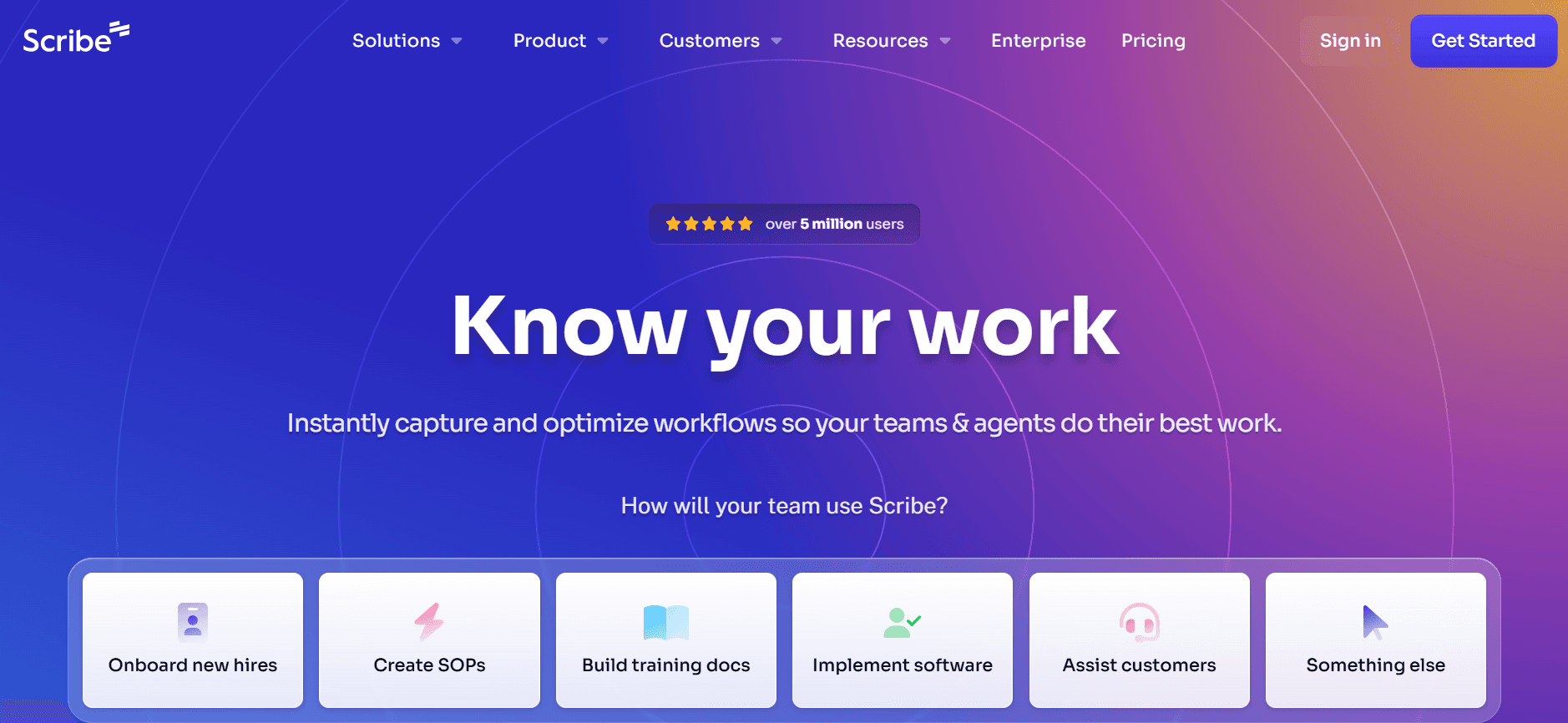
Scribe is designed for teams seeking an easy-to-use tool that simplifies the creation of step-by-step guides. It's particularly popular among small to medium-sized businesses looking to enhance their documentation without a steep learning curve. Scribe's standout feature is its intuitive interface, which allows users to capture steps quickly and annotate screenshots effectively.
Key Features
Simple AI writing for fast content generation
Efficient auto step capture
Comprehensive screenshot annotation tools
Smart template library for quick setup
Limited video generation capabilities
API integration for workflow automation
Available free tier for basic use
Collaborative features for team projects
Pros
Cons
Easy to use, even for beginners.
Limited AI voiceover capabilities.
Efficient step capture enhances productivity.
No multi-language support, limiting global use.
Free tier is suitable for small teams.
Advanced features require a higher-tier plan.
Pricing
Scribe's free tier is available, with premium plans starting at $19 per month for more features.
Tango
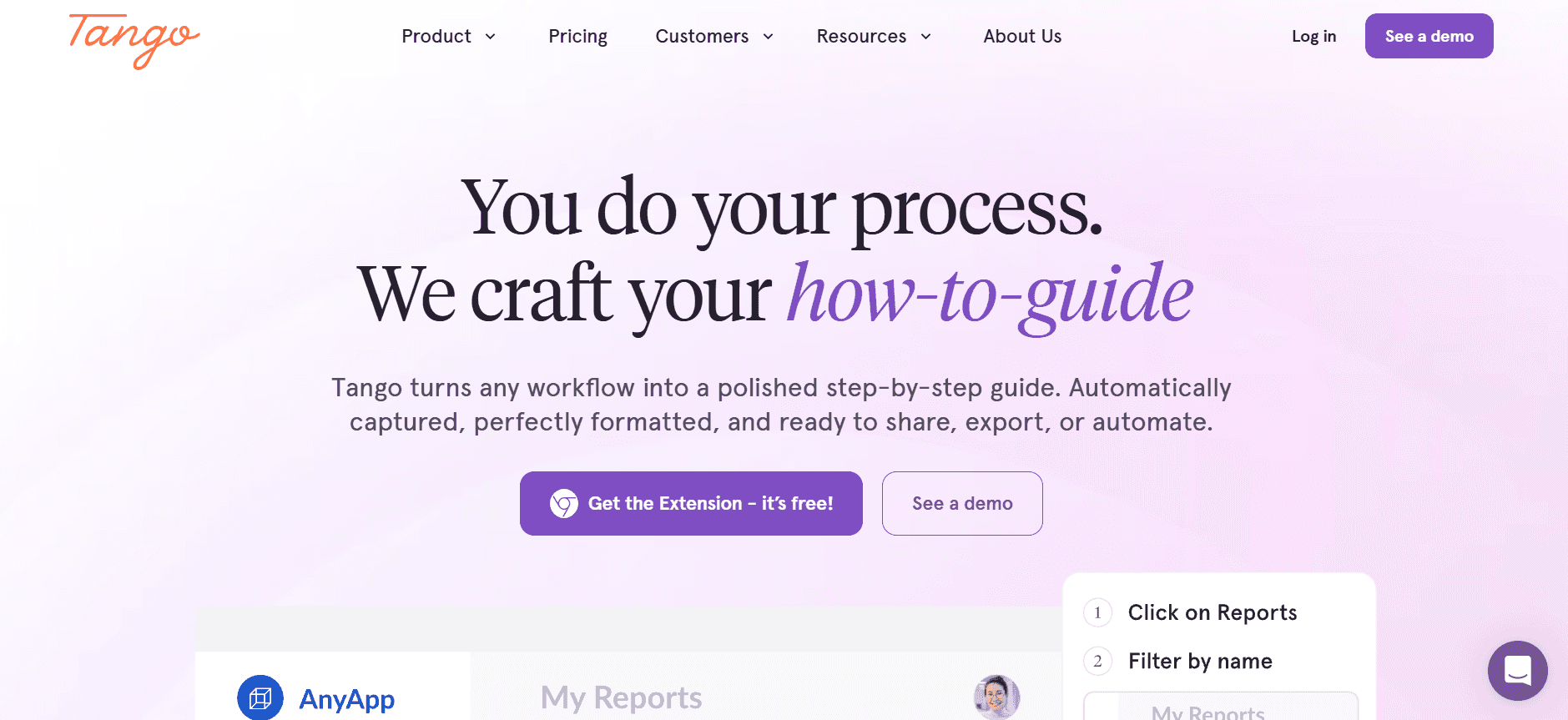
Tango focuses on making documentation interactive and engaging with its unique approach to capturing user actions. It's ideal for teams that prioritize visual storytelling in their guides. However, its AI writing capabilities are somewhat limited compared to other tools, which might require additional manual input from writers.
Key Features
Interactive step capture for dynamic guides
Advanced screenshot annotation
Integrates with popular project management tools
Smart templates for consistent branding
Limited AI writing support
Collaborative editing features
Basic video generation options
Free tier not available
Pros
Cons
Interactive guides enhance user engagement.
No AI voiceover feature available.
Seamless integration with project management tools.
Limited AI writing capabilities may slow the process.
Robust annotation tools improve clarity.
No free tier, which may limit accessibility for smaller teams.
Pricing
Tango doesn't offer a free tier. Paid plans start at $25 per month, offering comprehensive features.
Document360
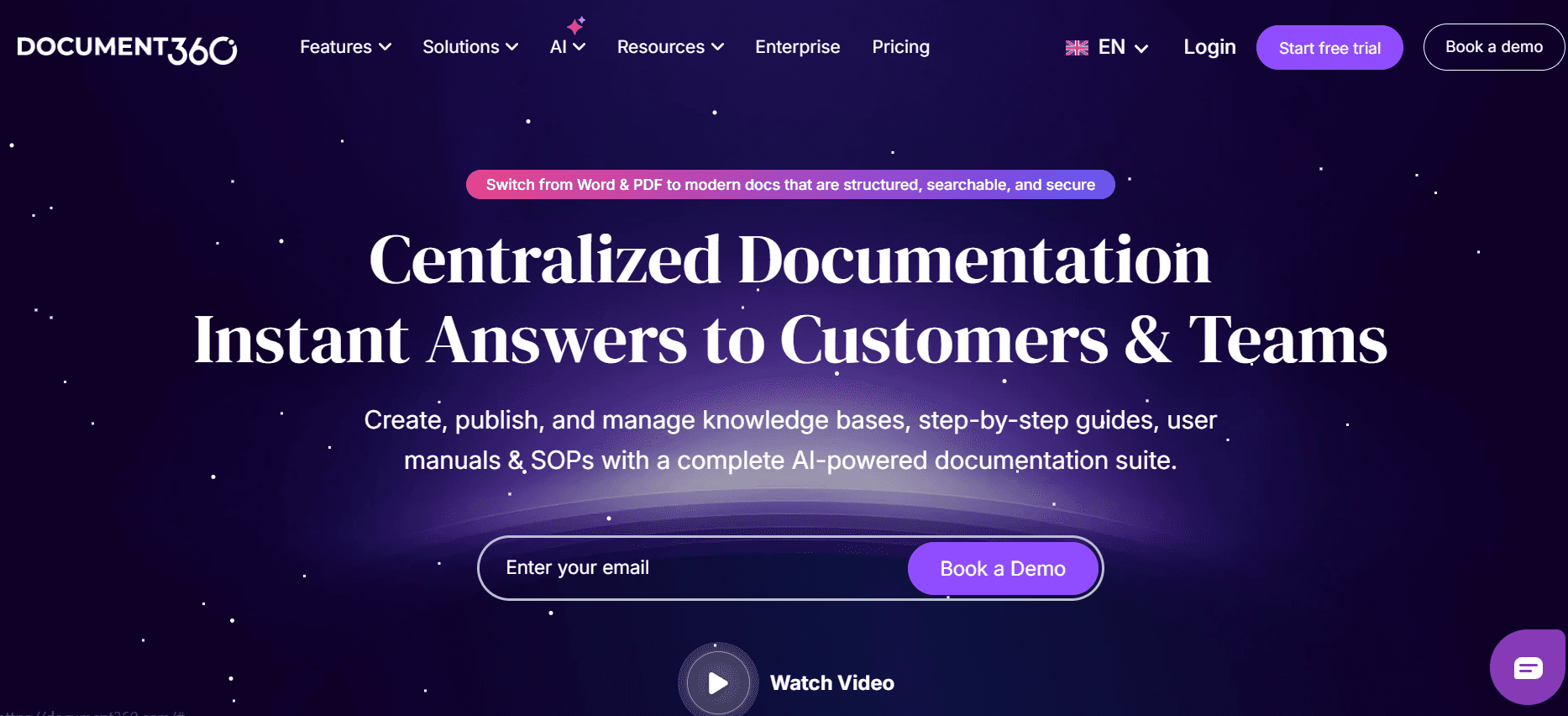
Document360 is a go-to solution for teams seeking a specialized knowledge base platform. It's particularly suited for enterprises that demand extensive documentation capabilities. While it offers robust features for content management, it lacks some of the AI-driven functionalities found in other tools, such as AI writing and voiceover.
Key Features
Extensive knowledge base management
Customizable templates for branding
Advanced search capabilities
Integrations with third-party tools
Limited AI functionalities
Multi-language support for global reach
Comprehensive analytics dashboard
Free tier available with basic features
Pros
Cons
Strong focus on knowledge base management.
Limited AI-driven features compared to competitors.
Multi-language support broadens user base.
No AI writing or voiceover capabilities.
Customizable templates enhance brand consistency.
May not be ideal for teams needing dynamic, interactive guides.
Pricing
Document360 provides a free tier, with paid plans starting at $49 per month for additional features.
Notion AI
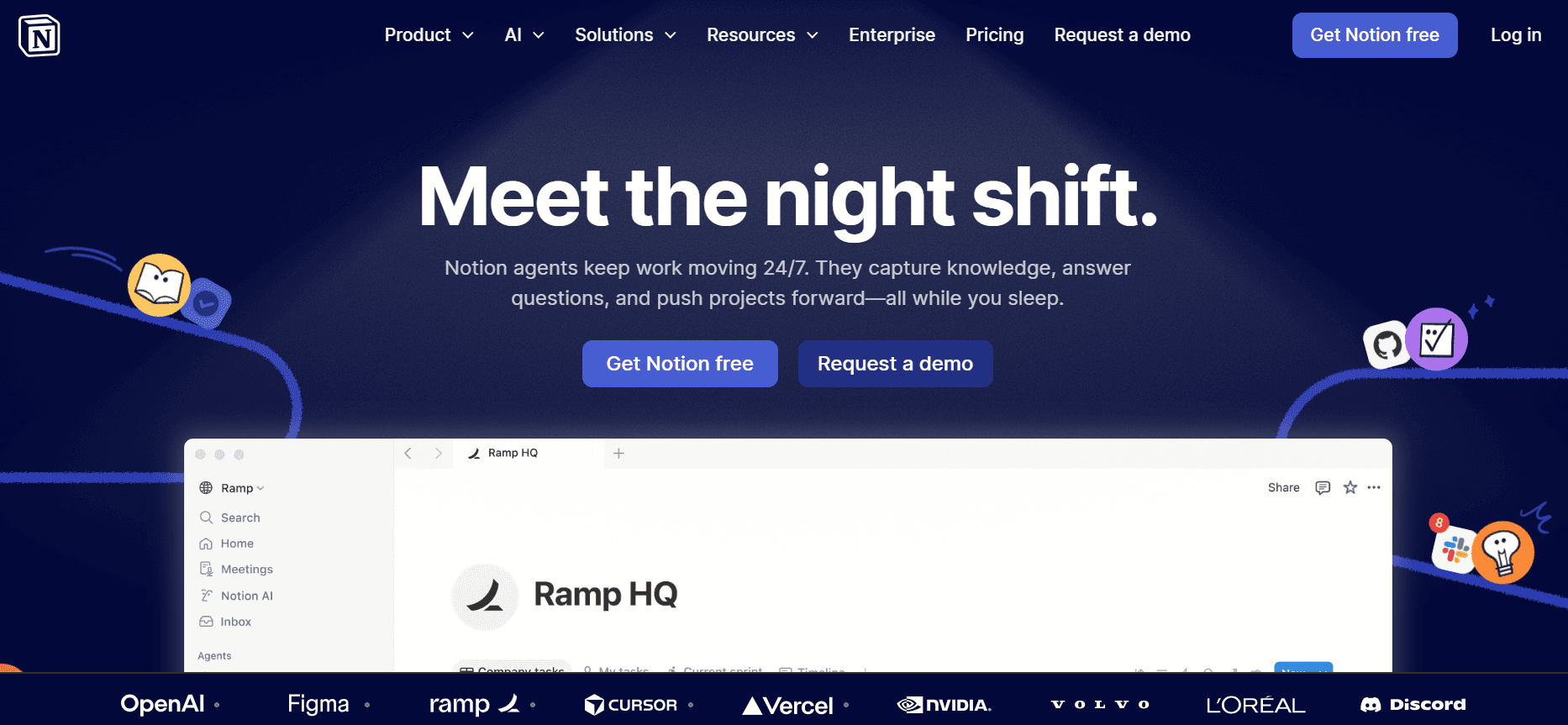
Notion AI is built for versatility, catering to teams that require a multifunctional platform beyond just documentation. Its AI capabilities are integrated into a broader suite of productivity tools, making it ideal for organizations looking to centralize their operations. However, its documentation-specific features aren't as advanced as some dedicated tools.
Key Features
Integrated AI writing assistance
Multi-language support
Flexible organization and collaboration tools
Smart templates for quick setup
AI voiceover for enhanced content
Comprehensive project management features
Real-time collaboration
Free tier for basic use
Pros
Cons
Versatile platform for various organizational needs.
Documentation features aren't as specialized.
Strong AI integration across tools.
May require additional setup time for new users.
Comprehensive free tier for initial exploration.
Some features require premium plans for full access.
Pricing
Notion AI offers a free tier, with premium plans starting at $10 per user per month.
Confluence AI
Confluence AI is designed for teams that already use Atlassian products, providing seamless integration with Jira and other tools. It's particularly useful for development teams that need to maintain detailed documentation alongside their project management tasks. However, its AI functionalities are somewhat limited, focusing more on integration and collaboration.
Key Features
Integration with Jira and other Atlassian tools
Basic AI writing capabilities
Collaborative editing and commenting
Smart templates for quick document creation
Limited AI voiceover features
Multi-language support
Comprehensive permission settings
No free tier available
Pros
Cons
Excellent integration with Atlassian ecosystem.
AI functionalities are limited compared to others.
Strong focus on collaboration and team productivity.
No free tier restricts accessibility for smaller teams.
Multi-language support enhances global usage.
May not suit teams not using Atlassian products.
Pricing
Confluence AI starts at $5 per user per month, with no free tier available.
GitBook AI
GitBook AI is targeted at developer teams who need to create and maintain technical documentation. It's known for its clean interface and strong version control, making it a favorite among engineering teams. However, its AI capabilities lag behind compared to other tools in this category.
Key Features
Version control for documentation
Basic AI writing features
Integrates with GitHub for seamless workflow
Smart templates for structured content
Limited multi-language support
Collaborative features for team editing
API integration for automation
Free tier with basic functionalities
Pros
Cons
Strong version control and integration with GitHub.
AI capabilities are basic compared to competitors.
Clean interface suitable for technical documentation.
No AI voiceover or video generation features.
Free tier allows for accessible entry.
Limited language support may restrict global use.
Pricing
GitBook AI offers a free tier, with advanced plans starting at $8 per user per month.
These tools each offer unique strengths and limitations, catering to various needs in the documentation process. Whether you need advanced AI features or seamless integration with existing tools, this comparison aims to guide you toward making the best choice for your team.
AI Documentation Challenges: What Teams Struggle With
1. Creating First Drafts Takes Too Long
Even experienced writers find it challenging to draft initial content quickly, often requiring several iterations to reach a satisfactory version.
Manual drafting is prone to inconsistencies, leading to increased editing time later.
Writers often need to conduct extensive research to support their drafts, further slowing the process.
Without AI assistance, drafting becomes a bottleneck in the overall documentation workflow.
2. Keeping Documentation Current with Every Product Sprint
Frequent product updates demand corresponding updates in user guides, a task that can overwhelm documentation teams.
Manually updating guides is time-consuming and often leads to errors or outdated information being published.
Teams struggle to keep pace with development cycles, risking misalignment between product capabilities and user documentation.
AI tools can automate parts of this process, but manual oversight is still required to ensure accuracy.
3. Inconsistent Formatting Across Different Team Members
Different team members may have varying styles, leading to inconsistencies in document appearance and readability.
Without standardized templates, documents can appear disjointed, affecting user experience.
Inconsistencies in formatting increase the workload for editors, who must standardize content across the board.
AI tools with smart templates can help enforce uniformity, but initial setup and training are critical.
4. No Automatic Screenshot or Step-Capture Capabilities
Manual screenshot capture and annotation are tedious and prone to human error.
Teams often spend excessive time formatting visuals to fit into documentation standards.
Without automation, step-by-step guides may lack the detail needed for clear user instruction.
AI tools with automated step capture can significantly reduce this time burden.
5. Translation and Localization Create Bottlenecks
Translating documentation for different regions can be resource-intensive and slow.
Localization requires cultural sensitivity and nuanced language use, which AI tools may not fully provide.
Delays in translation can lead to staggered product launches and inconsistent user experiences across markets.
Some AI tools offer multi-language support, but human oversight is still needed for quality assurance.
Challenge | Traditional Process | Business Impact | Time Cost |
|---|---|---|---|
Creating First Drafts | Manual writing and editing | Delays in content delivery | High |
Updating Documentation | Manual tracking of product changes | Outdated user guides | Moderate |
Inconsistent Formatting | Varied styles from different contributors | Disjointed user experience | High |
Screenshot Capture | Manual screenshots and annotations | Increased errors and time spent | Very High |
Translation Bottlenecks | Manual translation and localization | Delayed product launches | High |
Must-Have Features in AI User Guide Tools
AI Writing and Auto-Completion
AI writing tools are essential for reducing the time spent drafting initial content. These tools use machine learning to generate text that aligns with your documentation style and tone, helping teams produce high-quality drafts quickly. For instance, Notion AI excels in this area by integrating AI writing across various productivity tools, allowing seamless transitions between drafting and editing.
Auto-completion features further enhance productivity by predicting text input and suggesting completions, reducing typing time and errors. This functionality is particularly beneficial for teams working under tight deadlines, as it speeds up the content creation process considerably.
Automated Step Capture from Screen Activity
Automated step capture is a game-changer for creating detailed, step-by-step guides. Tools like Trupeer and Scribe offer advanced step capture capabilities, automatically recording user actions and converting them into comprehensive guides. This feature eliminates the need for manual documentation of every step, saving considerable time and ensuring accuracy.
By automating this process, teams can focus more on refining the content and less on the mechanics of capturing each user action. This leads to more precise and user-friendly guides, ultimately enhancing the end-user experience.
Smart Screenshot Annotation
Smart screenshot annotation tools allow teams to highlight and explain parts of an interface effectively. These tools often include features like automatic callouts, arrows, and text boxes, simplifying the process of making documentation visually informative. Tango and Trupeer are particularly strong in this area, providing robust annotation capabilities that streamline visual content creation.
By automatically suggesting annotations and allowing easy adjustments, these tools help maintain consistency across documents. This consistency is crucial for ensuring that users can easily follow along, regardless of who created the guide.
AI Voiceover Generation for Video Docs
AI voiceover generation transforms static documentation into engaging video content. This feature is especially useful for creating tutorials and walkthroughs that require a dynamic element. Notion AI and Trupeer offer voiceover capabilities that integrate seamlessly with their video generation tools.
By automating voiceover creation, teams can produce professional-quality video guides without needing dedicated voice talent. This not only saves costs but also ensures that updates to the voiceover can be made quickly, keeping pace with product changes.
One-Click Export in Multiple Formats
The ability to export documentation in various formats, such as PDF, HTML, and Markdown, is crucial for meeting diverse audience needs. This feature enables teams to deliver content in the format preferred by their users, whether it's for print, web, or integration into other systems.
Tools like GitBook AI provide robust export features, allowing documentation to be easily shared and integrated across platforms. This flexibility is key for teams that need to maintain consistent documentation across different channels and user interfaces.
These must-have features are essential for maximizing the efficiency and effectiveness of documentation teams. By leveraging these capabilities, teams can significantly reduce the time and effort required to produce high-quality user guides, ensuring that content is always current, accurate, and engaging.
How to Choose AI Documentation Tools Based on Your Use Case
Product Documentation Teams at SaaS Companies
SaaS companies need to keep their product documentation up-to-date with frequent software updates and feature additions. This requires tools that can quickly adapt and reflect changes in the product. The right AI documentation tool for this use case should offer features that streamline updates and maintain consistency across multiple documents.
Frequent updates needed due to agile development cycles.
High demand for precise, clear documentation that users can rely on.
Need to support diverse platforms and product versions.
AI writing to quickly draft updates and integrate new features.
Automated step capture to accurately reflect UI changes.
Multi-format export to ensure documentation accessibility across platforms.
Tool
AI Writing
Step Capture
Multi-Format Export
Trupeer
Yes
Yes
Yes
Scribe
Yes
Yes
Limited
Technical Writers and Content Operations
Technical writers often work across various projects and need a tool that enables them to manage and produce content efficiently. The tool should support collaboration and allow for easy integration with other content management systems.
Managing multiple projects simultaneously.
Ensuring consistency in style and formatting across documents.
Collaborating with other writers and stakeholders.
Smart templates to maintain consistency in document structure.
Collaborative editing features for team-based work.
API integration for seamless content management.
Tool
Smart Templates
Collaboration
API Integration
Notion AI
Yes
Yes
Limited
Tango
Yes
Yes
No
Engineering and API Documentation
For engineering teams, precision and technical accuracy are paramount. The documentation tool should facilitate easy integration with code repositories and support detailed technical content.
Need for precise, technically accurate documentation.
Integration with existing development tools and repositories.
Version control to track changes over time.
Version control features to manage document changes.
Seamless integration with development tools.
Technical writing capabilities to ensure accuracy.
Tool
Version Control
Integration
Technical Writing
GitBook AI
Yes
Yes
Yes
Confluence AI
Limited
Yes
Limited
HR and Compliance Documentation
HR and compliance documentation need to be thorough and precise to meet regulatory requirements. The tool should help streamline the creation and updating of policy documents and ensure consistency in compliance content.
Documents must meet legal and regulatory standards.
Frequent updates to policies and procedures are required.
Need for consistency in language and format.
AI writing to ensure clarity and compliance.
Multi-language support for global HR teams.
Smart templates for consistent document structure.
Tool
AI Writing
Multi-Language Support
Smart Templates
Document360
No
Yes
Yes
Tango
Limited
No
Yes
Best Practices for Using AI Documentation Tools
Before Implementation
Identify specific documentation needs and challenges within your team.
Evaluate and select tools based on features that address your key challenges.
Ensure the chosen tool integrates well with existing systems and workflows.
Set clear objectives and goals for what you aim to achieve with the tool.
Conduct a pilot test with a subset of your team to gather initial feedback.
During Implementation
Provide comprehensive training for all team members on the new tool.
Encourage collaboration and sharing of best practices among users.
Monitor usage and gather feedback regularly to address any issues.
Adjust workflows as needed to maximize the tool's capabilities.
Ensure ongoing communication with the tool's support team for troubleshooting.
After Implementation
Review the tool's impact on productivity and documentation quality.
Continue to optimize processes based on user feedback and data analytics.
Update training materials and documentation to reflect any new features or updates.
Encourage continuous learning and skill development related to the tool.
Regularly reassess the tool's performance against your initial objectives.
Frequently Asked Questions
What is AI documentation software?
AI documentation software uses artificial intelligence to automate and enhance the process of creating user guides and technical documentation. These tools offer features like automated writing, step capture, and voiceover generation to improve efficiency and accuracy.
Who should use AI documentation tools?
These tools are ideal for technical writers, product teams, HR departments, and anyone involved in creating and maintaining documentation. They are particularly beneficial for teams that need to produce high-quality content quickly and consistently.
How does AI writing work?
AI writing uses machine learning algorithms to analyze and generate text based on input data and context. It can assist in drafting content by suggesting text completions, improving grammar, and ensuring consistency in style and tone.
Can AI tools integrate with other software?
Yes, many AI documentation tools offer API integrations that allow them to connect with other software platforms. This facilitates seamless data exchange and workflow automation across various systems.
Are there free AI documentation tools available?
Yes, several AI documentation tools offer free tiers, which provide basic features suitable for small teams or individual users. However, more advanced features typically require a paid subscription.
What factors affect the pricing of AI documentation tools?
Pricing is often based on the number of users, the range of features offered, and the level of support provided. Some tools also charge based on usage or the volume of documentation produced.
How long does it take to implement an AI documentation tool?
Implementation time can vary depending on the complexity of the tool and the size of the team. Generally, it can take anywhere from a few days to several weeks to fully integrate and train users on the new system.
What are the common challenges during implementation?
Challenges can include resistance to change from team members, integration issues with existing systems, and the need for comprehensive training to ensure effective use of the tool.
How do you capture tribal knowledge before it disappears?
Have the expert record themselves doing the task and let AI turn it into a guide before they leave. Trupeer's AI user guide generator auto-builds the guide with steps and screenshots from a single recording.
Closing
Choosing the right AI documentation tool is crucial for improving efficiency and accuracy in your team's documentation processes. By understanding your specific needs and challenges, you can select a tool that offers the features necessary to streamline your workflow and enhance content quality.
Trupeer stands out with its advanced AI capabilities, offering solutions tailored to diverse documentation needs. Explore how Trupeer can transform your documentation process by visiting Trupeer and discovering the benefits it can bring to your team.


