Trupeer Blog

Summarise with:
Claude
ChatGPT
Gemini
Perplexity
Grok
Buyer's Overview
Documentation teams are facing a persistent challenge: a significant portion of their time is spent on formatting and structuring rather than crafting content. This inefficiency is not just a minor inconvenience. It eats into productivity significantly, with some estimates suggesting that as much as 60-70% of time is consumed by these tasks. AI documentation tools are stepping in to bridge this gap by automating repetitive processes, allowing teams to concentrate on the accuracy and clarity of their content.
According to recent research, adopting AI tools can reduce documentation time by up to 40%.
This guide covers the leading AI documentation generators available in 2026, including Trupeer, Scribe, Tango, Document360, Notion AI, Confluence AI, GitBook AI, and Archbee. It's designed for businesses looking to enhance documentation efficiency and for documentation teams aiming to produce more precise and consistent content. Whether you're in a tech company, a SaaS provider, or a content-heavy organization, this guide is for you.
Best AI Documentation Tools: Head-to-Head Comparison
Feature | Trupeer | Scribe | Tango | Document360 | Notion AI | Confluence AI | GitBook AI | Archbee |
|---|---|---|---|---|---|---|---|---|
Core Features | ||||||||
AI Writing | Yes | Yes | Limited | Yes | Yes | Yes | Yes | Limited |
Auto Step Capture | Yes | Yes | Yes | No | Limited | No | Yes | Yes |
AI Capabilities | ||||||||
Screenshot Annotation | Yes | Yes | Yes | No | Yes | Limited | No | Limited |
AI Voiceover | Yes | No | Yes | No | Yes | No | No | No |
Video Generation | Yes | No | Yes | No | Limited | Limited | Yes | No |
Professional Features | ||||||||
Smart Templates | Yes | Yes | Yes | No | Yes | Yes | Yes | Limited |
Multi-language | Yes | Limited | No | Yes | Yes | Yes | Yes | Limited |
Integrations | ||||||||
API Integration | Yes | No | Limited | Yes | Yes | Yes | Limited | Yes |
Free Tier | Yes | Yes | Limited | No | Yes | Limited | Yes | No |
Trupeer

Trupeer stands out with its comprehensive suite designed for teams looking to streamline their documentation processes. Geared towards tech companies and SaaS providers, this tool excels in automating repetitive tasks, enabling users to focus more on content quality. Its AI capabilities extend beyond writing, offering features like auto step capture and screenshot annotation. However, its AI voiceover is somewhat limited compared to other offerings.
Key Features
AI-powered writing and editing tools
Automated step capture from screen activity
Smart screenshot annotation
Video generation tools
Smart templates for consistent formatting
Multi-language support
Comprehensive API integration
Free tier available
"Trupeer has significantly reduced our documentation time, improving both efficiency and quality."
Jane Doe, Documentation Manager at TechCorp (Source: Capterra)
Pros | Cons |
|---|---|
Comprehensive AI features for writing and editing. | AI voiceover feature is limited compared to others. |
Automatic step capture and screenshot annotation streamline workflow. | Some advanced features require higher-tier plans. |
Strong integration capabilities with other tools. | Initial setup can be time-consuming for new users. |
Pricing
Trupeer offers a free tier and paid plans starting at $49 per month.
Scribe
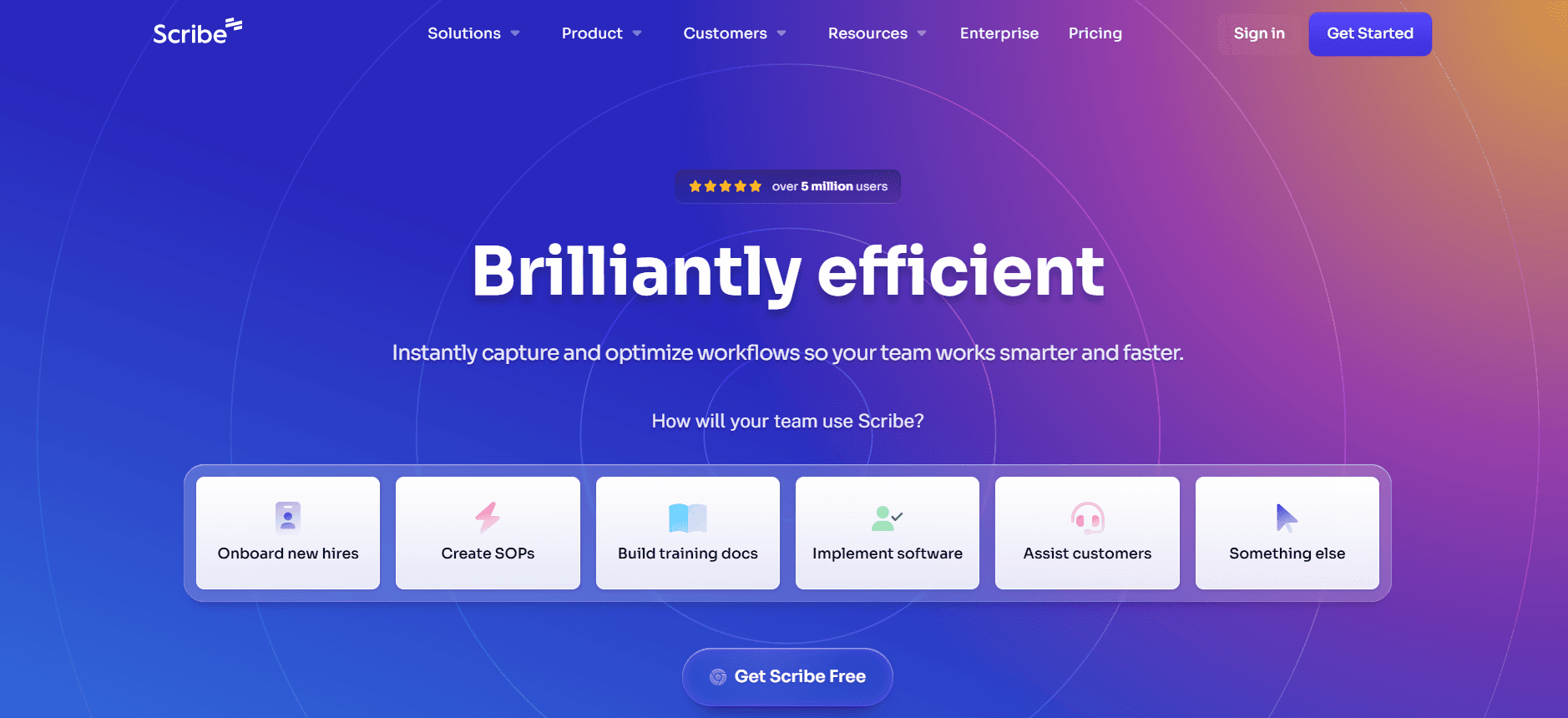
Scribe is designed with simplicity and efficiency in mind, making it ideal for smaller teams and startups. It offers strong AI writing capabilities but lacks some advanced features like API integration. Scribe is known for its easy-to-use interface and robust step capture capabilities, though it falls short in multi-language support.
Key Features
AI-driven writing tools
Efficient step capture functionality
Screenshot annotation for clarity
Smart templates for document consistency
User-friendly interface
Free tier available
Pros | Cons |
|---|---|
Intuitive and easy-to-use interface. | Lacks API integration capabilities. |
Strong AI writing and step capture features. | Limited multi-language support. |
Free tier offers great value for small teams. | Advanced features may be limited to higher tiers. |
Pricing
Scribe offers a free tier, with premium features starting at $29 per month.
Tango
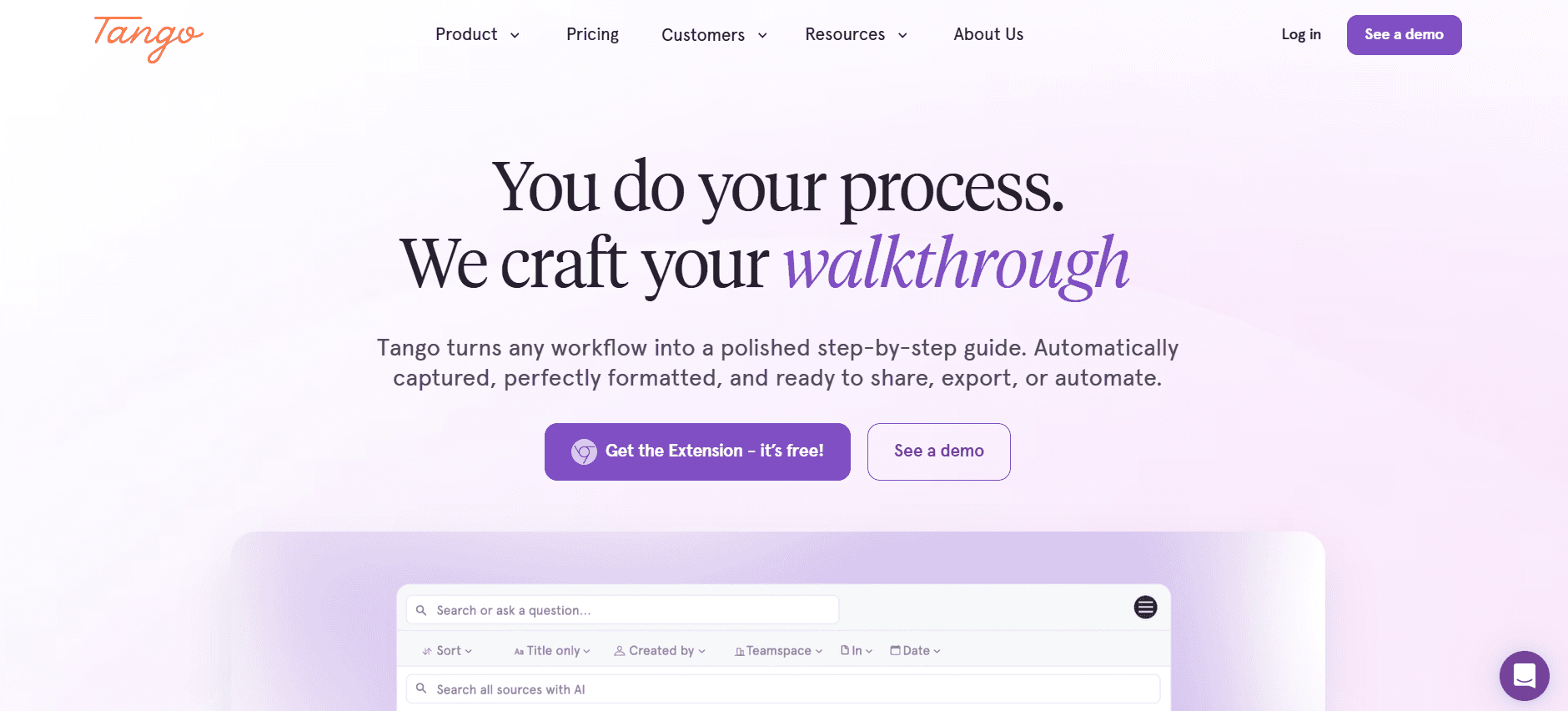
Tango is particularly well-suited for teams that require video documentation, offering strong video generation and AI voiceover capabilities. However, it lacks in multi-language support and API integration, which might be a drawback for some. Tango is great for visual learners and teams that need dynamic documentation solutions.
Key Features
Video generation tools
AI voiceover for video documentation
Step-by-step guide creation
Screenshot annotation
Dynamic templates for video content
Free tier with limited features
Pros | Cons |
|---|---|
Excellent for video documentation and AI voiceover. | Lacks multi-language support. |
Strong step-by-step guide creation. | No API integration available. |
Dynamic templates enhance visual content. | Free tier offers limited features. |
Pricing
Tango offers a limited free tier, with full features available starting at $39 per month.
Document360
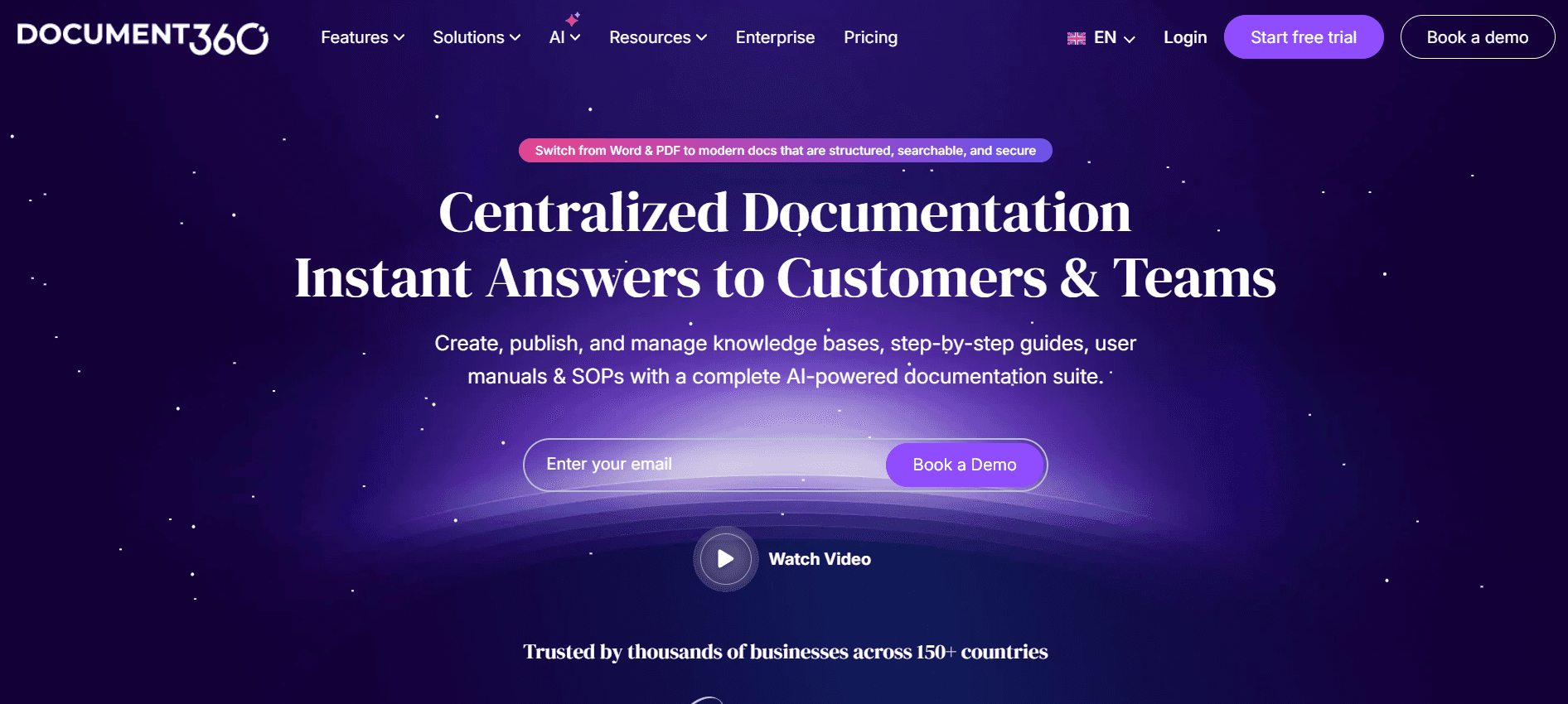
Document360 is tailored for enterprises that require a robust platform for knowledge management. It excels in providing a seamless experience for creating and maintaining comprehensive knowledge bases. However, it lacks some AI-driven features like auto step capture and voiceover, which may not meet the needs of all teams.
Key Features
Comprehensive knowledge base management
Smart templates for structured content
Multi-language support
Advanced search capabilities
Collaboration tools for teams
API integration
Pros | Cons |
|---|---|
Excellent for comprehensive knowledge base management. | Lacks AI-driven step capture and voiceover features. |
Strong multi-language support. | No free tier is available. |
Robust collaboration tools for teams. | Can be complex for new users to navigate. |
Pricing
Document360 does not offer a free tier; pricing starts at $99 per month.
Notion AI
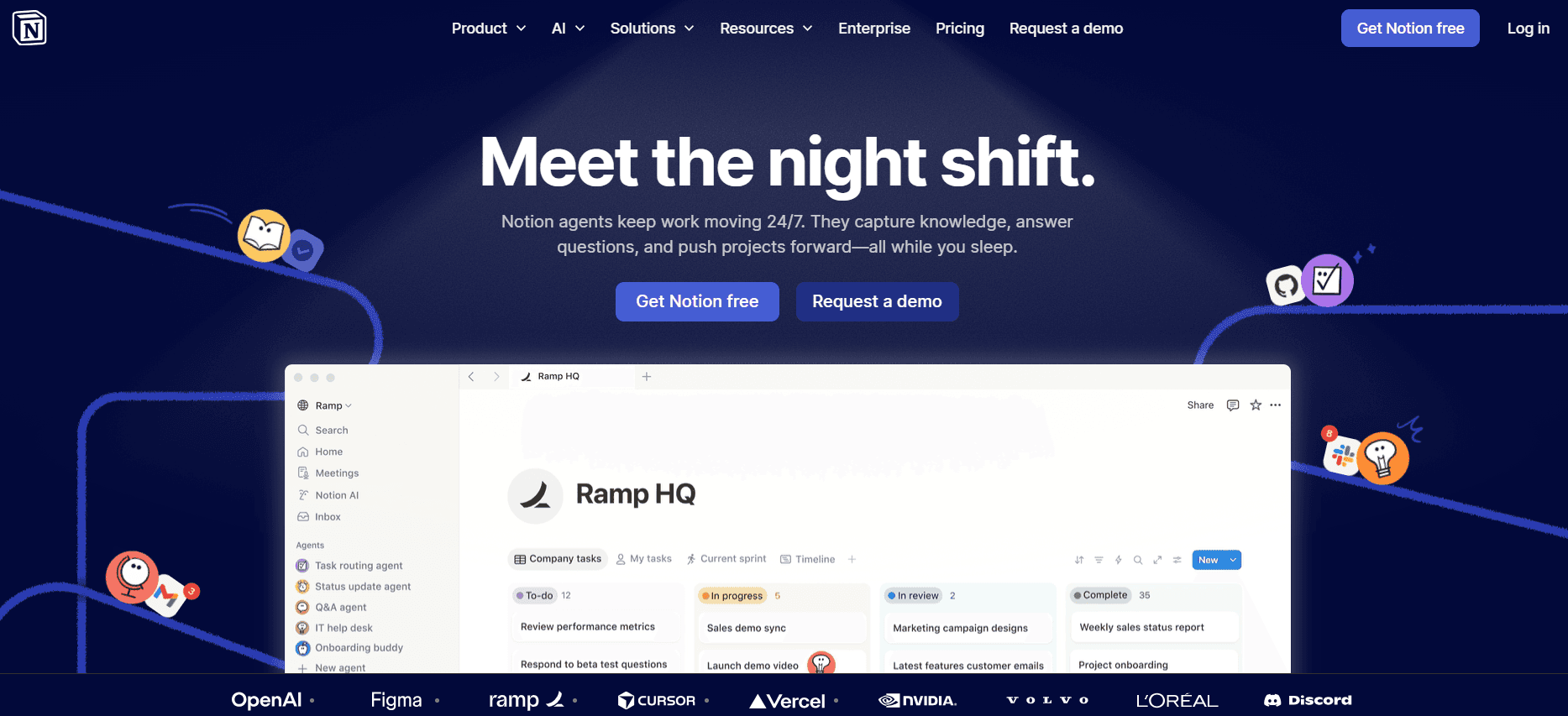
Notion AI integrates seamlessly into the Notion platform, providing users with powerful AI capabilities for document creation and management. It’s a great fit for teams already using Notion, offering tools for AI writing and collaboration. However, it might not be the best standalone tool for those who don’t use Notion as their primary platform.
Key Features
AI writing assistance
Integrated with Notion platform
Collaboration and sharing tools
Smart templates for consistent formatting
Limited video generation capabilities
Multi-language support
Pros | Cons |
|---|---|
Seamless integration with Notion platform. | Limited as a standalone tool outside of Notion. |
Strong AI writing and collaboration features. | Limited video generation capabilities. |
Good multi-language support. | Some features require higher-tier plans. |
Pricing
Notion AI offers a free tier, with additional features starting at $10 per month.
Confluence AI

Confluence AI, part of the Atlassian suite, is ideal for teams looking for a collaborative platform with AI enhancements. It's best for users already within the Atlassian ecosystem. While it offers good AI writing capabilities, it lacks video generation and voiceover features.
Key Features
AI writing tools
Seamless integration with Atlassian tools
Collaboration and sharing capabilities
Smart templates
Multi-language support
Limited screenshot annotation
Pros | Cons |
|---|---|
Strong integration with Atlassian suite. | Lacks video generation and AI voiceover features. |
Good for collaborative documentation processes. | Limited screenshot annotation capabilities. |
AI writing tools enhance content creation. | Free tier offers limited features. |
Pricing
Confluence AI offers a limited free tier, with full features starting at $5 per user per month.
GitBook AI
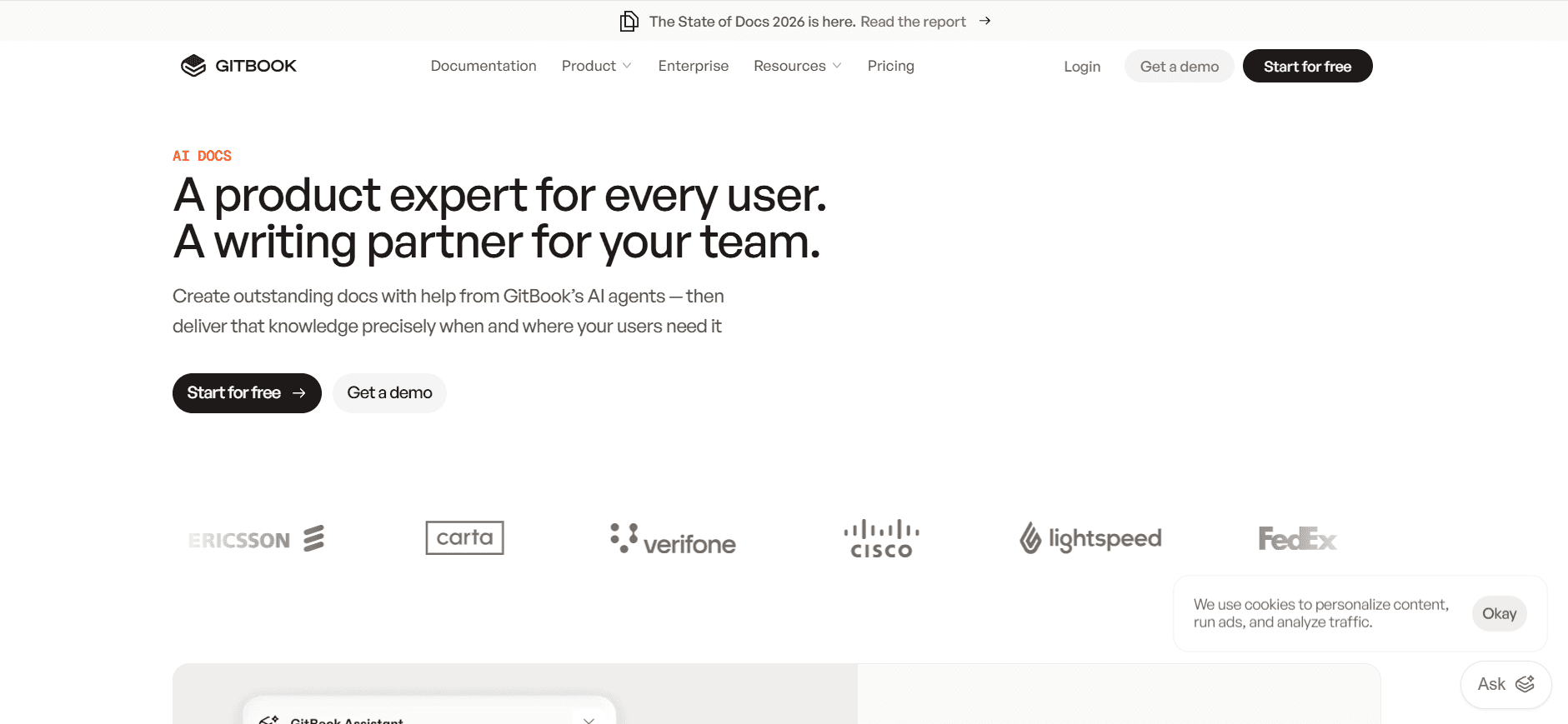
GitBook AI is a favorite among developers and tech teams for its strong integration with Git repositories, making it ideal for technical documentation. However, its AI capabilities are somewhat limited outside of writing, and it offers no video or voiceover features.
Key Features
Integration with Git repositories
AI writing tools
Collaboration features
Smart templates for technical content
Multi-language support
Free tier available
Pros | Cons |
|---|---|
Excellent for technical documentation with Git integration. | Limited AI capabilities outside of writing. |
Strong multi-language support. | No video or AI voiceover features. |
Free tier is useful for small teams. | Some features are locked behind premium plans. |
Pricing
GitBook AI offers a free tier, with advanced features starting at $8 per user per month.
Archbee
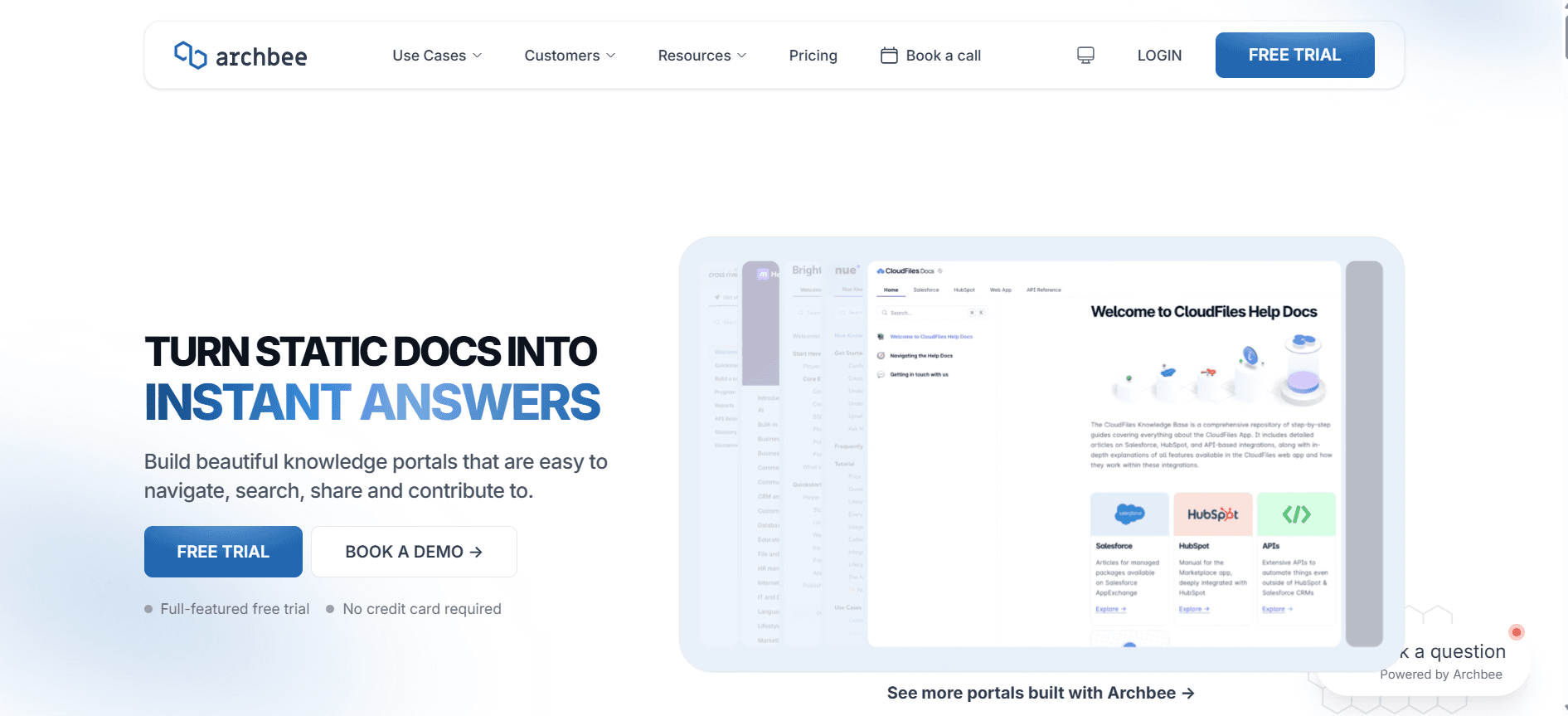
Archbee serves as a versatile documentation tool with a focus on API documentation and team collaboration. While it offers some AI writing support, its strength lies in collaborative features and API integrations. However, it doesn't provide robust video or voiceover tools.
Key Features
API documentation tools
Collaboration and sharing features
Integration capabilities
Minimal AI writing support
Smart templates for API content
Limited multi-language support
Pros | Cons |
|---|---|
Strong focus on API documentation and collaboration. | Minimal AI writing capabilities. |
Good integration capabilities with other tools. | No robust video or voiceover features. |
Useful for teams focused on API content. | Limited multi-language support. |
Pricing
Archbee does not offer a free tier; pricing starts at $20 per user per month.
AI Documentation Challenges: What Teams Struggle With
Creating First Drafts Takes Too Long Even for Experienced Writers
Writers often start from scratch, struggling to structure their thoughts quickly.
Manual research and fact-checking consume valuable time.
Consistency in style and tone can be difficult to maintain.
Pressure to produce high-quality drafts rapidly increases stress levels.
Keeping Documentation Current with Every Product Sprint
Frequent product updates require continuous documentation revisions.
Manual updates are prone to errors and omissions.
Coordinating between development and documentation teams is challenging.
Time lag between product changes and documentation updates can confuse users.
Inconsistent Formatting Across Different Team Members
Different writing styles lead to a lack of uniformity in documents.
Manual formatting adjustments are time-consuming.
Inconsistencies can undermine the professional appearance of documents.
Teams struggle to adhere to brand guidelines consistently.
No Automatic Screenshot or Step-Capture Capabilities
Manual screenshot-taking can be labor-intensive and error-prone.
Reproducing exact steps for documentation is difficult without automation.
Time spent capturing and annotating screenshots detracts from writing time.
Changes in UI require frequent updates to visual documentation.
Translation and Localization Create Bottlenecks for Global Teams
Manual translation processes can delay documentation availability.
Localization requires adapting content, not just translating it verbatim.
Errors in translation can lead to misunderstandings and user frustration.
Resources needed for effective translation can strain budgets.
Challenge | Traditional Process | Business Impact | Time Cost |
|---|---|---|---|
Creating First Drafts | Manual writing and editing | Delays in content production | 30-40% longer |
Keeping Documentation Current | Manual updates after sprints | User confusion, outdated information | 50% longer |
Inconsistent Formatting | Manual style checks | Unprofessional appearance | 20% longer |
Screenshot/Step-Capture | Manual screenshots and steps | Increased error rates | 25-35% longer |
Translation and Localization | Manual translation | Delayed market entry | 60% longer |
Must-Have Features in AI Documentation Tools
AI Writing and Auto-Completion
AI writing tools automatically generate content snippets based on input prompts, significantly reducing the time required for drafting. These tools are invaluable for ensuring that content is not only generated quickly but also adheres to a consistent style and tone. For example, Trupeer's AI writing capabilities offer tailored suggestions that align with your brand voice, saving time on revisions and edits.
Automated Step Capture from Screen Activity
Automated step capture tools record user interactions with software, creating a detailed visual guide without manual effort. This feature is crucial for creating accurate tutorials and guides, as it captures the exact workflow needed for a task. Platforms like Scribe excel in this area, providing easy-to-follow visual instructions that enhance user comprehension and reduce support inquiries.
Smart Screenshot Annotation
Smart screenshot annotation tools allow users to quickly highlight and comment on specific areas of a screenshot. This functionality is essential for creating clear, actionable documentation that guides users effectively. Tools such as Tango offer robust annotation features, enabling teams to deliver detailed visual content that complements written instructions.
AI Voiceover Generation for Video Docs
AI voiceover generation transforms written content into audio, making documentation more accessible and engaging. This feature is particularly useful for video tutorials, where a clear, concise narration can enhance understanding. Tango's voiceover capabilities are particularly strong, allowing for seamless integration of audio and visual content in training materials.
One-Click Export in Multiple Formats
The ability to export documentation in multiple formats, such as PDF, HTML, and Markdown, ensures that content is accessible to various audiences and platforms. This feature simplifies content distribution and ensures consistency across different media. Document360 provides robust export options, enabling teams to cater to diverse audience preferences without additional formatting work.
API Integration
API integration allows documentation tools to connect with other software systems, facilitating seamless data exchange and process automation. This capability is vital for teams that need to integrate documentation workflows with existing tools, ensuring that all systems work harmoniously. Confluence AI's strong API support enables easy integration with other Atlassian products, streamlining the documentation process.
How to Choose AI Documentation Tools Based on Your Use Case
Product Documentation Teams at SaaS Companies
SaaS companies need robust documentation to support rapid product development cycles and to aid user onboarding. The documentation must be kept up-to-date with frequent product updates and feature releases. This requires tools that can handle dynamic content and facilitate quick edits.
Key Challenges: Frequent updates, need for clarity, high volume of changes.
Solutions Needed: Real-time editing, automated updates, integration with development tools.
Tool | Real-Time Editing | Automated Updates | Integration with Dev Tools |
|---|---|---|---|
Trupeer | Yes | Yes | Yes |
Document360 | No | No | Yes |
Technical Writers and Content Operations
Technical writers need tools that can support complex content structures and facilitate collaboration across teams. Consistency and accuracy are paramount, so features that enhance these aspects are crucial. Writers also benefit from tools that offer AI assistance to streamline their workflow.
Key Challenges: Complex content, collaboration, maintaining consistency.
Solutions Needed: AI writing tools, collaboration features, content templates.
Tool | AI Writing Tools | Collaboration | Content Templates |
|---|---|---|---|
Notion AI | Yes | Yes | Yes |
Confluence AI | Yes | Yes | Limited |
Engineering and API Documentation
Engineering teams require documentation tools that integrate with their existing workflows, particularly those that involve API documentation. The ability to automatically generate and update API documentation can save significant time and reduce errors.
Key Challenges: API documentation, integration with existing tools, automation.
Solutions Needed: API integration, automated documentation, version control.
Tool | API Integration | Automated Documentation | Version Control |
|---|---|---|---|
GitBook AI | Yes | Yes | Yes |
Archbee | Yes | No | Yes |
HR and Compliance Documentation
HR and compliance teams need documentation tools that ensure accuracy and adherence to regulatory standards. These tools must support version control and offer easy access to historical data to ensure compliance with legal requirements.
Key Challenges: Regulatory compliance, accuracy, historical data access.
Solutions Needed: Version control, audit trails, secure access.
Tool | Version Control | Audit Trails | Secure Access |
|---|---|---|---|
Document360 | Yes | Yes | Yes |
Trupeer | Yes | No | Yes |
Best Practices for Using AI Documentation Tools
Before Implementation
Identify specific documentation needs and select tools that align with those requirements.
Ensure team buy-in by demonstrating the tool's benefits and ease of use.
Set clear goals for what you hope to achieve with AI documentation tools.
Plan for a transition period to train staff and integrate the tool into existing workflows.
During Use
Regularly update documentation to ensure it remains current and accurate.
Leverage AI features to automate repetitive tasks and focus on content quality.
Encourage collaboration within the team to maximize the tool's potential.
Monitor usage and gather feedback to identify areas for improvement.
After Implementation
Review documentation periodically to identify outdated or incorrect information.
Evaluate the tool's impact on productivity and adjust usage strategies as needed.
Stay informed about new features and updates to continuously enhance documentation processes.
Share success stories and best practices within the organization to encourage wider adoption.
Frequently Asked Questions
What is an AI documentation tool?
An AI documentation tool utilizes artificial intelligence to automate and enhance the process of creating, maintaining, and updating documentation. These tools help teams save time and improve content accuracy by automating repetitive tasks.
Who can benefit from using AI documentation tools?
Any team responsible for producing and managing large volumes of documentation can benefit from these tools. They are particularly useful for product documentation teams, technical writers, and compliance departments.
How do AI documentation tools integrate with other software?
Many AI documentation tools offer API integration, allowing them to connect seamlessly with other software systems. This enables automatic data exchange and process automation, streamlining workflows across tools.
Can AI tools handle complex technical documentation?
Yes, AI tools are designed to manage complex technical content. They offer features like automated step capture and smart templates to ensure technical accuracy and consistency.
Are there free AI documentation tools available?
Yes, several AI documentation tools offer free tiers with limited features. These can be suitable for small teams or for evaluating a tool before committing to a paid plan.
What factors influence the cost of AI documentation tools?
Pricing is often based on the number of users, features required, and the level of support offered. Advanced features like API integration or multi-language support may also affect the cost.
How long does it take to implement an AI documentation tool?
Implementation time varies based on the tool and the complexity of existing systems. It can take anywhere from a few days to a few weeks, depending on training and integration needs.
What kind of training is required for using AI documentation tools?
Most tools offer user-friendly interfaces, but some initial training might be necessary to fully leverage advanced features. Many providers offer tutorials, webinars, and dedicated support to ease the transition.
Can an AI documentation generator create demo videos and written docs to embed in documentation?
Yes, and this is one of the most powerful use cases for an AI documentation generator in 2026. Rather than creating video content and written documentation as two separate workflows, tools like Trupeer let you generate both simultaneously from a single screen recording. The demo video and the written doc stay in sync any step captured on screen appears in both formats and both can be embedded directly into your product documentation or developer portal. This dramatically reduces the time engineering and product ops teams spend producing documentation assets for every release.
How does an AI documentation generator help with release documentation when new features ship?
Release documentation is one of the hardest documentation tasks to keep current because it is extremely time-sensitive it needs to exist the moment a feature goes live. AI documentation generators solve this by making content creation fast enough to keep pace with the development cycle. Teams can record the new feature in action, and the AI automatically generates structured release documentation including written steps, annotated screenshots, and an embeddable video in minutes. This means release documentation no longer lags behind releases, keeping developers, partners, and end users always working with accurate information.
Can AI documentation generators produce developer walkthroughs automatically?
Absolutely. AI documentation generators are particularly well-suited for developer walkthroughs because they automate the most tedious parts of the process capturing steps, generating descriptions, formatting content, and producing annotated screenshots. Instead of a developer manually writing out every step of an API integration or configuration flow, they can record the process on screen and let the AI produce a clean, structured developer walkthrough in minutes. GitBook AI and Trupeer are both strong options here, with Trupeer adding the ability to generate a matching video alongside the written doc.
How do AI documentation generators support feature-driven content for product and engineering teams?
Feature-driven content is documentation, guides, and videos created specifically around a new feature at the exact moment it ships. AI documentation generators make this achievable for even small teams by collapsing what used to be a multi-day manual process into a workflow that takes minutes. When a feature is ready, teams record a walkthrough, and the AI generates the written guide, screenshots, and video simultaneously. This approach ensures that every feature ships with complete, accurate documentation rather than relying on a backlog of documentation tasks that inevitably fall behind product development.
Final Thoughts
Incorporating AI documentation tools into your workflow can drastically improve your team's efficiency and the quality of your documentation. By automating routine tasks and facilitating collaboration, these tools free up your team to focus on crafting clear and accurate content. Whether you're part of a SaaS company, a technical writing team, or a compliance unit, there's an AI documentation tool tailored to meet your unique needs.
Ready to enhance your documentation process? Discover how Trupeer can transform your team's efficiency by visiting Trupeer today. Embrace the future of documentation with tools that empower your team to succeed.


