Trupeer Blog
تلخيص

تُعد إجراءات التشغيل القياسية (SOPs) ضرورية لتحويل معرفة الشركة إلى أنظمة قابلة للتوسع.كتابة الإجراء هي الجزء الأسهل، أما نشره بحيث يتبناه الناس فعليًا فيتطلب عملية إدارة التغيير. ومع ذلك، تواجه العديد من الشركات صعوبة مع SOPs التقليدية التي تتحول إلى مستندات ثابتة، وغالبًا ما تُنسى داخل محركات الأقراص المشتركة.الحفاظ على تحديث إجراءات التشغيل القياسية يقلل اختلافات التنفيذ، ويُسهّل عملية الإعداد للموظفين الجدد، ويجعل المعرفة التشغيلية أسهل لإعادة استخدامها.إذا كنت ما زلت تحدد ما الذي تغطيه هذه الفئة بدلًا من اختيار المنتج الذي ستشتريه، ابدأ بـ برنامج SOP. يستعرض هذا الدليل أفضل برامج إنشاء SOP التي تساعدك في الحفاظ على الإجراءات ديناميكية وسهلة الوصول.سواء كنت مالك شركة صغيرة أو جزءًا من مؤسسة كبيرة، فإن اختيار الأداة المناسبة يمكن أن يُبسّط العمليات ويضمن الاتساق عبر فريقك.
ما أفضل برنامج لإنشاء إجراءات التشغيل القياسية (SOP)؟
لا توجد أداة واحدة هي الأفضل لإنشاء SOP. يعتمد الاختيار الصحيح على ما إذا كانت أولويتك هي التقاط سير العمل، أو إعداد التوثيق، أو تدريب الموظفين، أو تشغيل عمليات قابلة للتكرار. وبناءً على ذلك:
الأفضل لـ SOPs مولّدة بالذكاء الاصطناعي من تسجيلات الشاشة: Trupeer
الأفضل لإرشادات بسيطة خطوة بخطوة دون تعقيد: Scribe
الأفضل للتوثيق المعتمد على قاعدة معرفة: Document360
الأفضل لإرشادات مرئية خطوة بخطوة: Tango
الأفضل لـ SOPs مع التدريب والإعداد: Trainual
الأفضل لتشغيل SOPs كسير عمل متكرر ومؤتمت: Process Street
الأفضل لتوثيق SOP بسيط دون تعقيد: SweetProcess
الأفضل لـ SOPs تفاعلية تركز على التفاعل: Whale
يتم شرح كل خيار بالتفصيل أدناه، بما يبرع فيه، ولمن لا يناسبه، ومصفوفة الميزات وراء هذه الاختيارات.
أفضل أدوات إنشاء SOP: مقارنة مباشرة
الميزات | Trupeer | Scribe | Document360 | Tango | Trainual | Process Street | SweetProcess | Whale |
|---|---|---|---|---|---|---|---|---|
تسجيل العملية | ✔ | ✔ | ❌ | Limited | ✔ | ✔ | ✔ | Limited |
أدلة الفيديو | ✔ | ❌ | ✔ | ✔ | ✔ | Limited | ✔ | ✔ |
اكتشاف الخطوات | ✔ | ✔ | Limited | ✔ | ❌ | ✔ | ✔ | ❌ |
توليد سكربتات بالذكاء الاصطناعي | ✔ | ❌ | ✔ | Limited | ✔ | ❌ | ✔ | ✔ |
توليد المقالات تلقائيًا | ✔ | Limited | ❌ | ✔ | Limited | ✔ | ❌ | ✔ |
تعليق صوتي بالذكاء الاصطناعي | ✔ | ❌ | ✔ | Limited | ❌ | ✔ | ✔ | ❌ |
العلامة التجارية المخصصة | ✔ | ✔ | Limited | ✔ | ✔ | ✔ | Limited | ✔ |
تصدير متعدد الصيغ | ✔ | ❌ | ✔ | Limited | ✔ | ✔ | ❌ | ✔ |
تحديثات سهلة | ✔ | ✔ | ✔ | ❌ | Limited | ✔ | ✔ | ✔ |
تعاون الفريق | ✔ | ✔ | ✔ | Limited | ✔ | ✔ | ✔ | Limited |
التحكم بالإصدارات | ✔ | Limited | ✔ | ❌ | ✔ | Limited | ✔ | ✔ |
كيف قمنا بتقييم هذه الأدوات
تحل الأدوات أدناه مشكلات مختلفة، لذا فإن ترتيبًا واحدًا سيكون مضللًا. تم تقييم كل أداة وفق المعايير نفسها، ضمن أربع وظائف يتم شراء برنامج SOP من أجلها:
الإنشاء:
مدى سرعة إنتاج الإجراء. تسجيل العملية، اكتشاف الخطوات، لقطات شاشة تلقائية، توليد سكربتات بالذكاء الاصطناعي، القوالبالإدارة:
مدى جودة تخزينه والحفاظ على تحديثه. التحكم بالإصدارات، البحث، الصلاحيات، التعاون، المراجعة. يتم تغطية هذا النصف من المشكلة بعمق في برنامج إدارة SOPالتنفيذ:
ما إذا كان بإمكان الأشخاص تشغيل الإجراء داخل الأداة. قوائم التحقق، المنطق الشرطي، تعيين المهام، الأتمتةالتدريب:
ما إذا كان يمكن تعيين الإجراءات وتدريسها. هيكلة الدورات، المهام، تتبع التقدم
الأداة التي تحصل على تقييم منخفض في التنفيذ ليست منتجًا أسوأ؛ بل هي منتج مختلف. تُظهر مصفوفة الميزات أعلاه مكان تموضع كل أداة فعليًا.
الفئات الست التي تنتمي إليها هذه الأدوات
هذا هو النموذج الذهني الذي يستحق امتلاكه قبل مقارنة الميزات، لأنه يوضح لماذا تتصرف المنتجات التي تسمي نفسها جميعًا برنامج SOP بشكل مختلف جدًا.
أدوات تبدأ بالالتقاط:
Scribe، Tango. سجّل أو انقر عبر عملية واحصل على دليل. سريعة في الإنتاج، وأخف على مستوى الإدارةمنصات توثيق بالذكاء الاصطناعي:
Trupeer. الالتقاط مع توليد مخرجات مكتوبة وفيديو بالذكاء الاصطناعي من تسجيل واحد، تلقائيًا عبر مولد SOP أو عبر تحكم يدوي باستخدام منشئ SOPمنصات توثيق SOP:
SweetProcess. هيكل مصمم خصيصًا للإجراءات، دون طبقة أتمتة أو تدريب ثقيلةمنصات تنفيذ سير العمل:
Process Street. الإجراء شيء تقوم بتشغيله، وليس مجرد قراءتهمنصات قاعدة المعرفة:
Document360. تم بناؤه حول تنظيم والبحث داخل كم كبير من التوثيقمنصات التدريب:
Trainual، Whale. توجد الإجراءات لتُعيَّن وتُدرَّس وتُتابَع
مراجعات تفصيلية
Trupeer
الأفضل لـ: SOPs مولّدة بالذكاء الاصطناعي من تسجيلات الشاشة
نوع الأداة: توثيق بالذكاء الاصطناعي

يسجل Trupeer عملية ويولّد SOP مكتوبًا مع لقطات شاشة، بالإضافة إلى فيديو معلق صوتيًا من نفس الالتقاط. تسجيل العملية وتوليد سكربتات الذكاء الاصطناعي هما جوهره، لذلك تأتي المسودة من سير العمل كما تم تنفيذه فعليًا وليس من صفحة فارغة. يمكن تعديل المخرجات وتضمين العلامة التجارية ونشرها بلغات متعددة. يناسب الفرق التي تحدث عملياتها على الشاشة وتريد توثيقًا وفيديو من جلسة واحدة بدلًا من مشروعين. تغطي صفحات مولد SOP وتحويل تسجيل الشاشة إلى SOP التفاصيل.
الميزات الأساسية
تسجيل العملية
توليد سكربتات بالذكاء الاصطناعي
أدلة الفيديو وتعليق صوتي بالذكاء الاصطناعي
خيارات العلامة التجارية المخصصة
تصدير متعدد الصيغ
تحديثات سهلة مع التحكم بالإصدارات
ميزات تعاون الفريق
توفر القوالب
الإيجابيات
SOP مكتوب وفيديو معلق صوتيًا من تسجيل واحد
المسودة تأتي من سير العمل كما تم تنفيذه، لا من الذاكرة
نشر متعدد اللغات من مصدر واحد
سجل الإصدارات وتقارير التقادم للصيانة
السلبيات
لا يوجد تنفيذ لسير العمل أو تعيين مهام، لذا تُقرأ الإجراءات بدل تشغيلها
لا توجد بوابة موافقة إلزامية قبل النشر للتوقيع التنظيمي
تحتاج المخرجات إلى مراجعة بشرية لإضافة سياق خارج الشاشة والموافقات والاستثناءات
ملاءمته أضعف للعمليات المادية أو خارج الشاشة مقارنة بسير عمل البرمجيات
نقطة القوة الأساسية: تسجيل إلى SOP مكتوب وفيديو معلق صوتيًا من لقطة واحدة
غير مناسب إذا: كنت تحتاج بشكل أساسي إلى تنفيذ سير العمل أو إدارة المهام بدلًا من التوثيق.
Scribe
الأفضل لـ: إرشادات بسيطة خطوة بخطوة دون تعقيد
نوع الأداة: تبدأ بالالتقاط
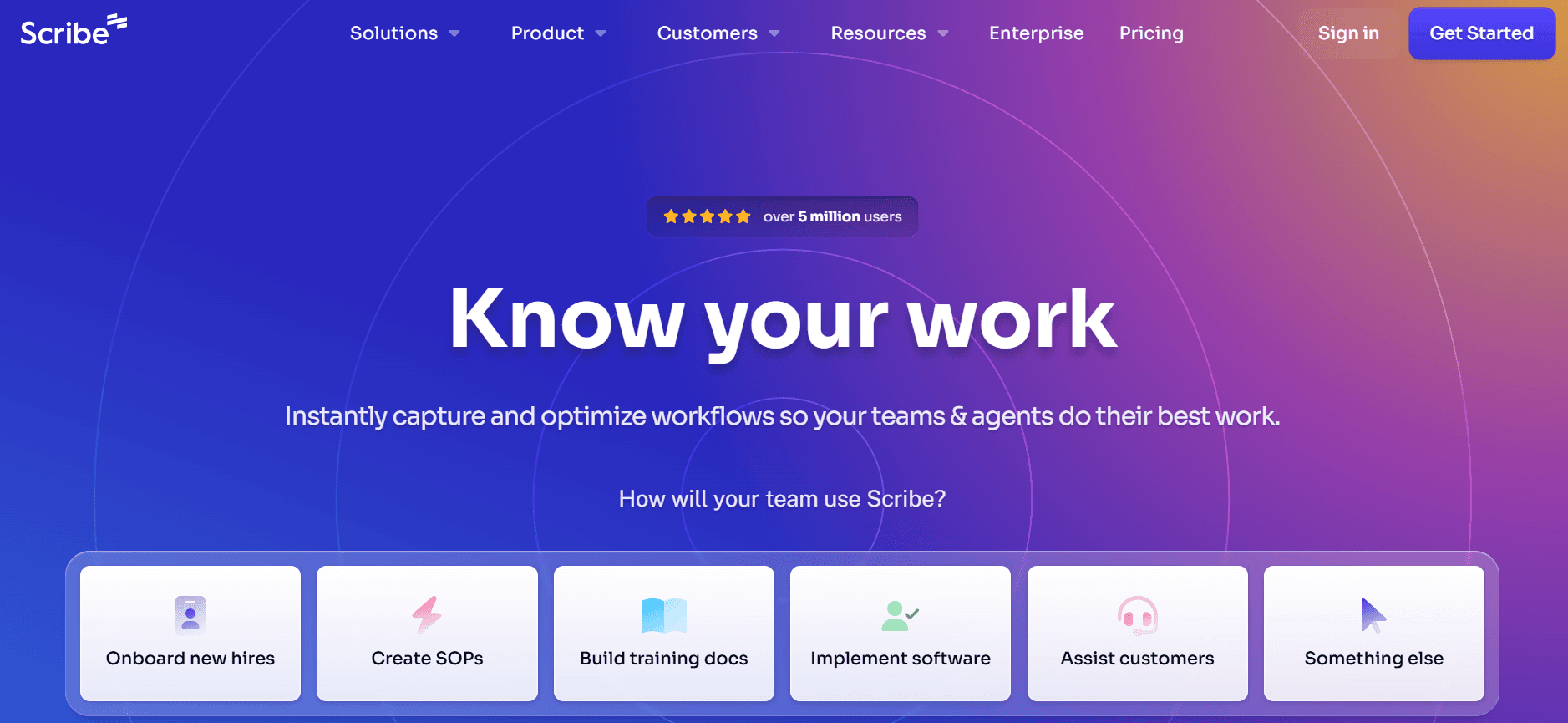
يعد Scribe مثاليًا للفرق التي تحتاج إلى إنشاء SOP بسيط دون تعقيد. يتفوق في البساطة وسهولة الاستخدام، ما يجعله خيارًا مفضلًا لدى الفرق الأصغر أو لدى من هم جدد على SOPs الرقمية. تساعد قدرات تسجيل العملية لدى Scribe المستخدمين على إنشاء أدلة خطوة بخطوة بسهولة. ومع ذلك، يفتقر إلى ميزات أكثر تقدمًا مثل توليد سكربتات بالذكاء الاصطناعي، والتي قد يجدها بعض الفرق الأكبر محدِّدة.
تم تصميم Scribe لمن يفضلون البساطة على الوظائف الواسعة. يوفر أدوات تعاون أساسية ويضمن إمكانية إنشاء التوثيق بسرعة دون الحاجة إلى تدريب أو إعداد مكثف.
الميزات الأساسية
تسجيل عملية بسيط
تعاون فريق أساسي
علامة تجارية مخصصة محدودة
اكتشاف خطوات سهل
الإيجابيات | السلبيات |
|---|---|
واجهة بديهية وسهلة الاستخدام | يفتقر إلى ميزات ذكاء اصطناعي متقدمة |
إعداد ونشر سريع | خيارات تخصيص محدودة |
فعال من حيث التكلفة للفرق الصغيرة |
التسعير
يقدم Scribe نسخة مجانية بميزات أساسية. تبدأ خططهم المدفوعة من [VERIFY BEFORE PUBLISHING: current pricing]
نقطة القوة الأساسية: تسجيل عملية بسيط مع إعداد minimal
غير مناسب إذا: كنت تحتاج إلى توليد سكربتات بالذكاء الاصطناعي أو مخرجات فيديو أغنى.
Document360
الأفضل لـ: توثيق معتمد على قاعدة معرفة
نوع الأداة: قاعدة معرفة
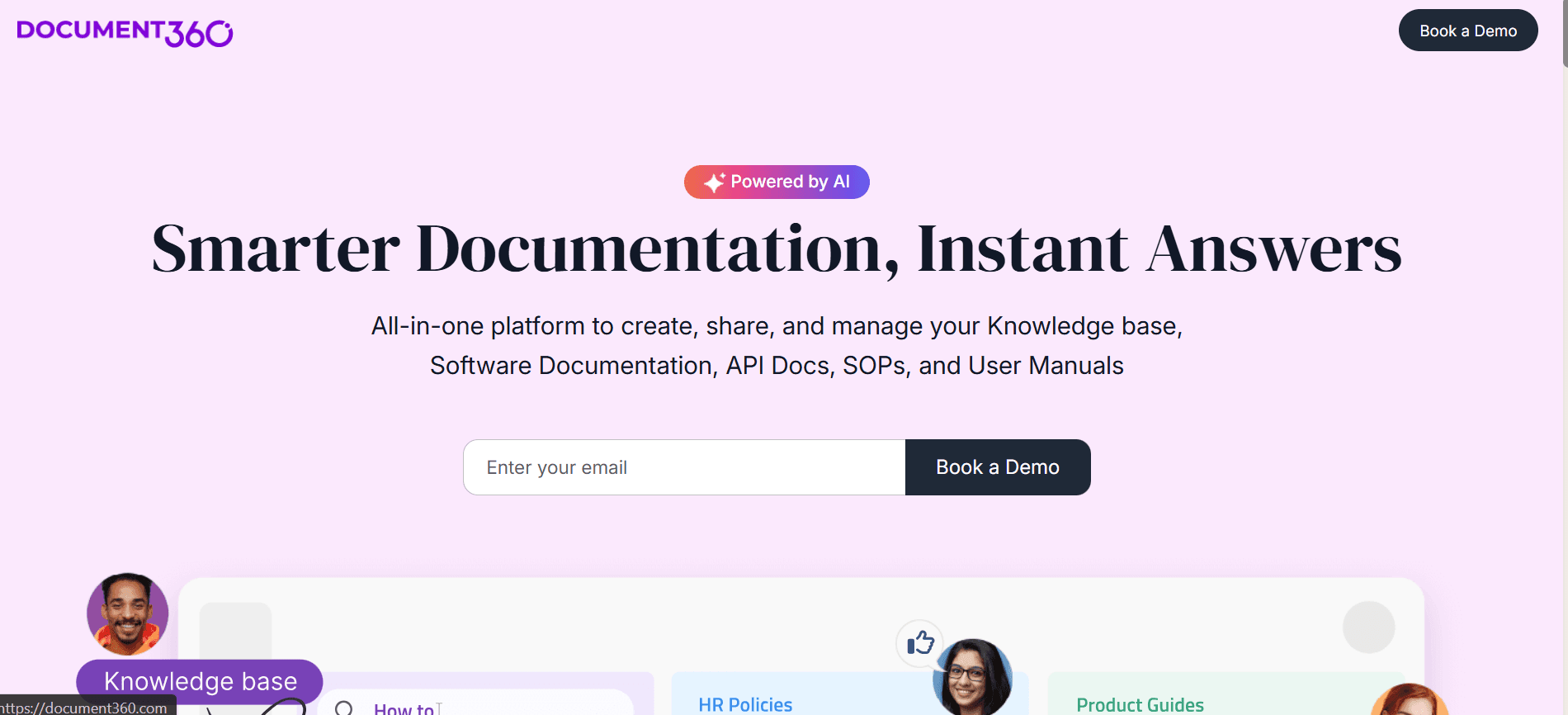
Document360 أداة متعددة الاستخدامات مصممة للمؤسسات التي تحتاج إلى إدارة توثيق شامل يتجاوز SOPs البسيطة. وهي مناسبة بشكل خاص للشركات الأكبر التي تحتاج إلى إدارة قواعد معرفة واسعة. ورغم أنه لا يقدم تسجيلًا لسير العمل، فإن قوته تكمن في قدرات الذكاء الاصطناعي القوية لتوليد السكربتات والمقالات.
يعد Document360 مثاليًا للفرق التي ترغب في دمج إنشاء SOP ضمن استراتيجية توثيق أوسع. يدعم البرنامج عدة صيغ للتصدير ويقدم خيارات تخصيص واسعة، ما يجعله خيارًا مرنًا للاحتياجات المعقدة.
الميزات الأساسية
توليد سكربتات بالذكاء الاصطناعي
إدارة قوية لقاعدة المعرفة
علامة تجارية مخصصة وتصدير متعدد الصيغ
توليد مقالات بالذكاء الاصطناعي
التحكم بالإصدارات والتعاون بين الفريق
الإيجابيات | السلبيات |
|---|---|
ميزات توثيق شاملة | لا توجد قدرات لتسجيل العملية |
تكامل ذكاء اصطناعي قوي | قد يكون مبالغًا فيه لـ SOPs البسيطة |
تحكم ممتاز بالإصدارات |
نقطة القوة الأساسية: إدارة توثيق واسع يتجاوز SOPs الفردية، مع توليد مقالات بالذكاء الاصطناعي
غير مناسب إذا: كانت أولويتك هي التقاط سير العمل، لأنه لا يملك تسجيلًا لسير العمل.
Tango
الأفضل لـ: أدلة مرئية خطوة بخطوة
نوع الأداة: تبدأ بالالتقاط
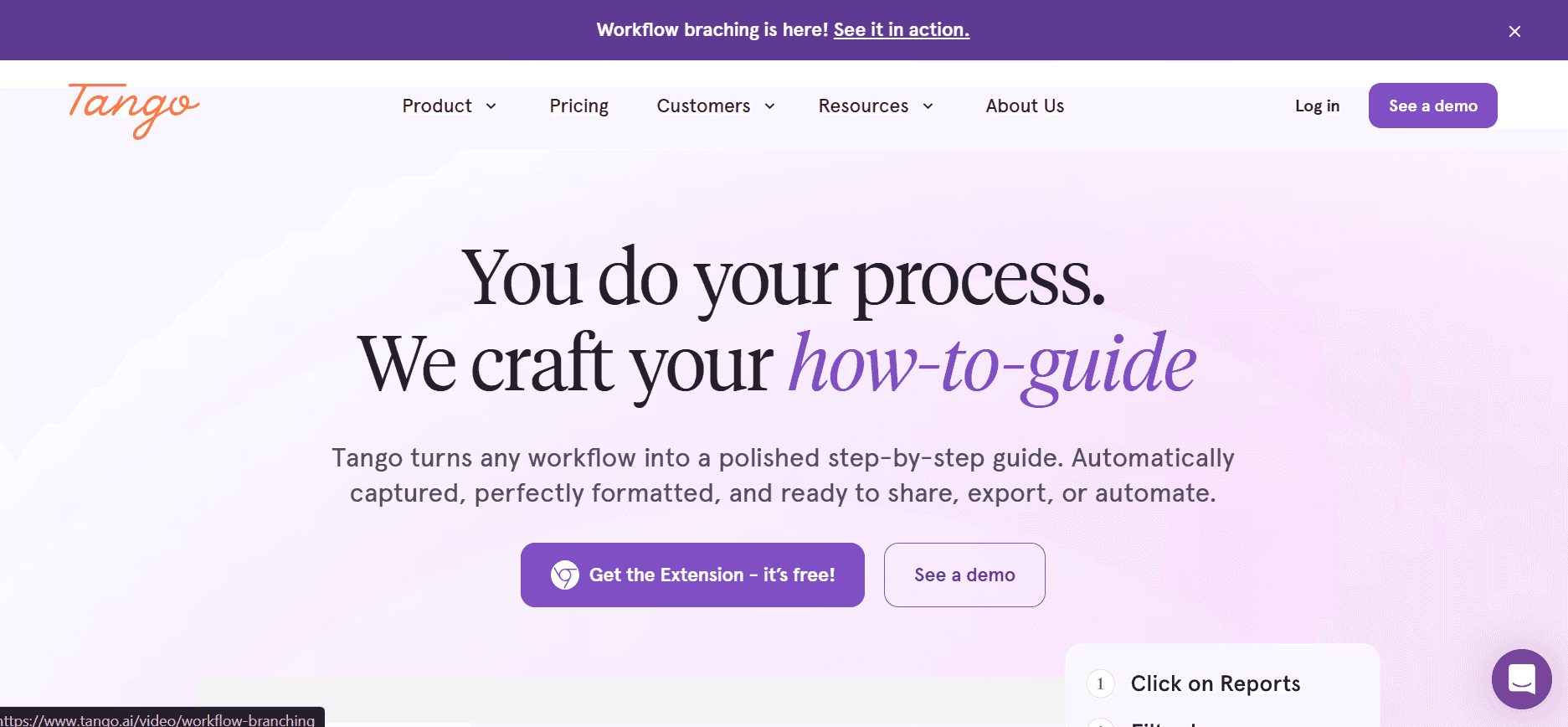
يقدم Tango نهجًا فريدًا لإنشاء SOPs مع تركيزه على الأدلة المرئية والتوثيق خطوة بخطوة. وهو مناسب بشكل خاص للفرق التي تحتاج إلى إنشاء SOPs جذابة بصريًا، رغم أنه لا يقدم الكثير من حيث ميزات الذكاء الاصطناعي. يعد Tango مثاليًا للفرق الإبداعية أو للشركات في مجالات التصميم التي ترغب في الحفاظ على توثيق جذاب بصريًا.
تم بناء الأداة حول إنشاء أدلة وفيديوهات تفاعلية، ما يجعلها خيارًا ممتازًا لسيناريوهات التدريب والإعداد. ومع ذلك، تفتقر إلى بعض الميزات المتقدمة المعتمدة على الذكاء الاصطناعي الموجودة في أدوات أخرى.
الميزات الأساسية
إنشاء أدلة فيديو
أدلة خطوة بخطوة تفاعلية
قدرات ذكاء اصطناعي محدودة
خيارات علامة تجارية أساسية
الإيجابيات | السلبيات |
|---|---|
ممتاز لإنشاء محتوى بصري | يفتقر إلى ميزات ذكاء اصطناعي متقدمة |
مثالي لسيناريوهات التدريب | خيارات تصدير محدودة |
قدرات دليل تفاعلي |
نقطة القوة الأساسية: أدلة جذابة بصريًا مبنية حول جولات تفاعلية
غير مناسب إذا: كنت تريد توليدًا مدفوعًا بالذكاء الاصطناعي أو طبقة كاملة لإدارة الإجراءات.
Trainual
الأفضل لـ: SOPs مع التدريب والإعداد
نوع الأداة: منصة تدريب
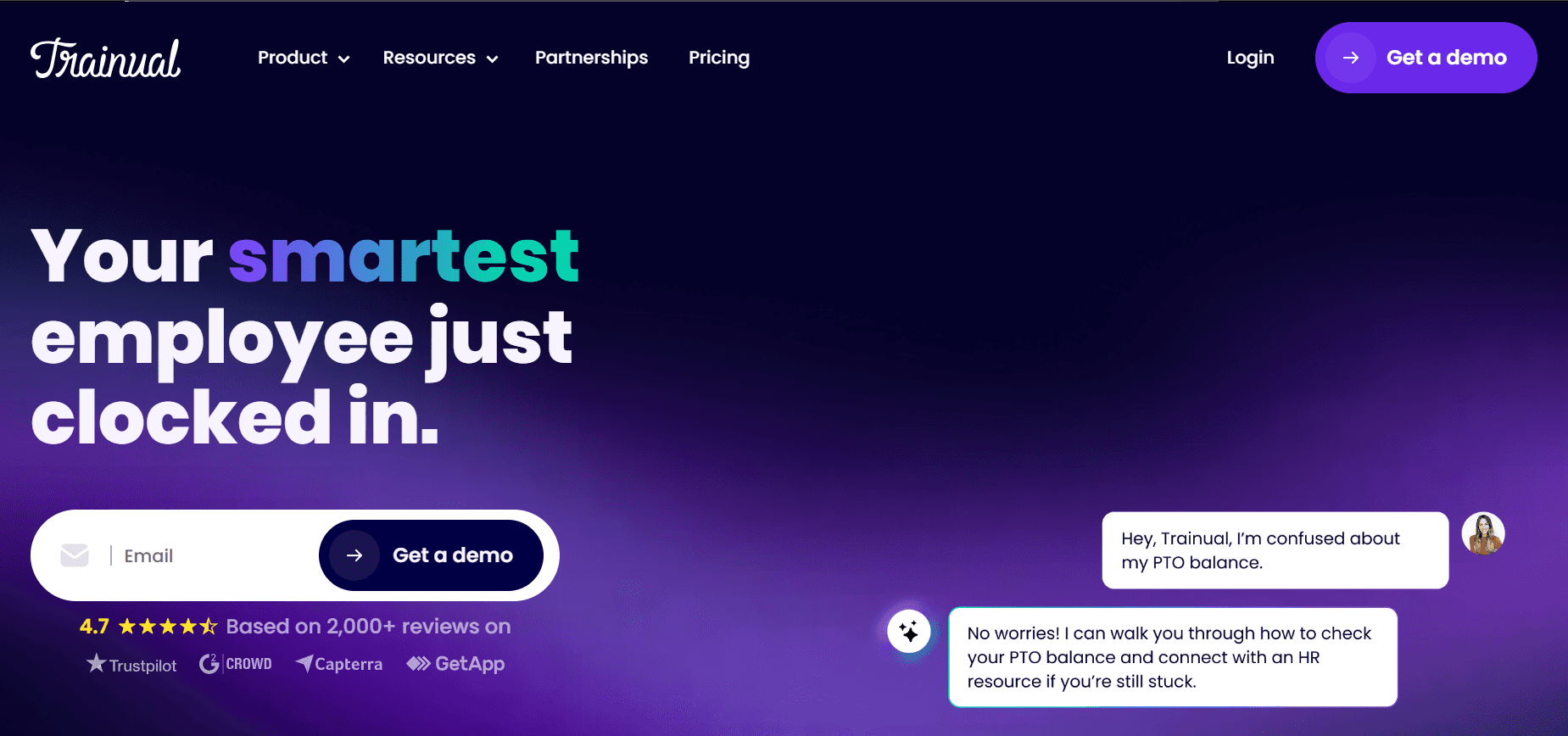
تم تصميم Trainual خصيصًا للشركات الصغيرة إلى المتوسطة التي تبحث عن إنشاء وإدارة SOPs بكفاءة. إنه خيار قوي للفرق التي تحتاج إلى حلول تدريب وإعداد شاملة. يتفوق في سهولة الاستخدام وخيارات التخصيص القوية، ما يتيح للفرق تكييف SOPs وفق احتياجاتها المحددة.
يوفر Trainual قدرات تكامل ممتازة، ما يجعله مناسبًا للشركات التي تريد ربط SOPs الخاصة بها بأدوات ومنصات أخرى. ومع ذلك، لا يحتوي على ميزات ذكاء اصطناعي متقدمة تقدمها بعض المنافسين.
الميزات الأساسية
حلول تدريب شاملة
خيارات تخصيص قوية
تكامل سهل مع أدوات أخرى
تعاون الفريق والعلامة التجارية المخصصة
الإيجابيات | السلبيات |
|---|---|
ممتاز للتدريب والإعداد | لا يوجد توليد سكربتات بالذكاء الاصطناعي |
قابل للتخصيص بدرجة عالية | قدرات فيديو محدودة |
تكامل ممتاز |
نقطة القوة الأساسية: تدريب وإعداد وتخصيص للفرق الصغيرة إلى المتوسطة
غير مناسب إذا: كنت تحتاج فقط إلى التقاط شاشة خفيف، لأن اكتشاف الخطوات ليس من نقاط قوته.
Process Street
الأفضل لـ: تشغيل SOPs كسير عمل متكرر ومؤتمت
نوع الأداة: تنفيذ سير العمل
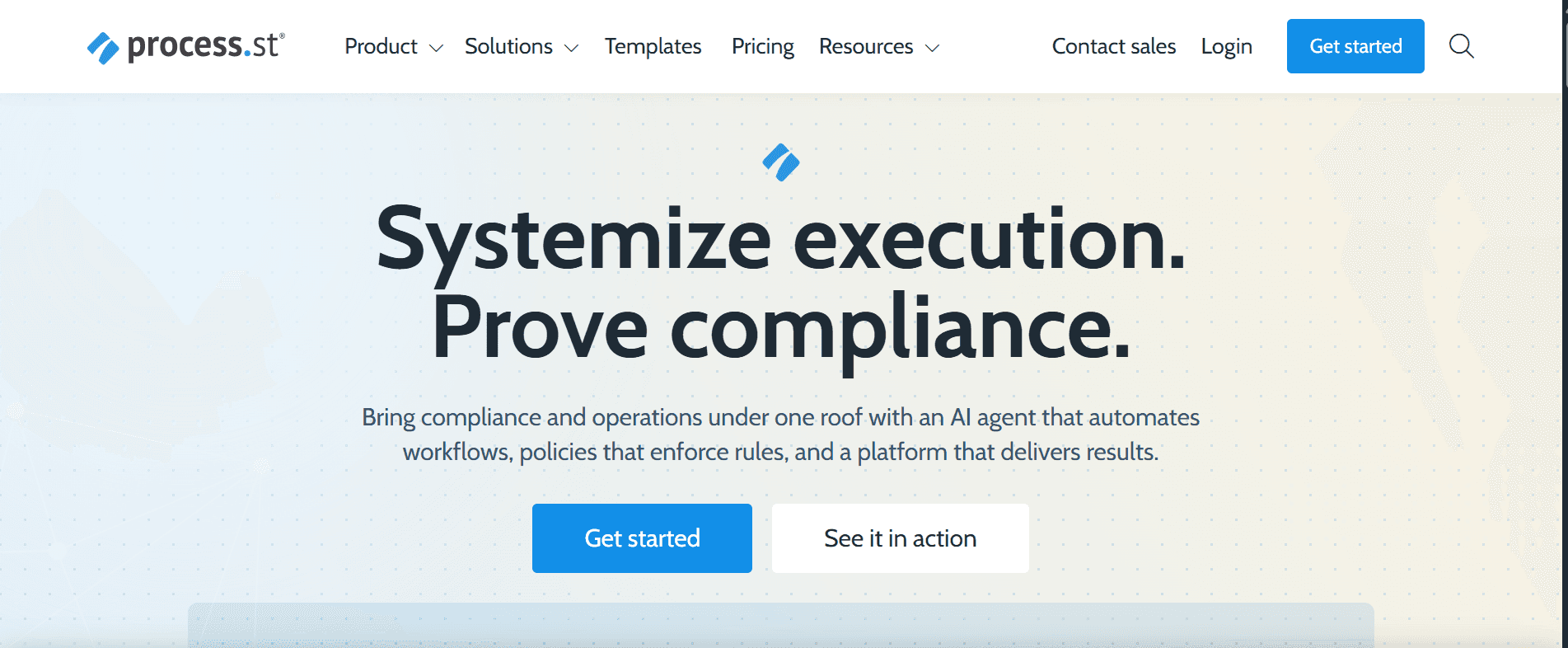
يعد Process Street أداة قوية لإنشاء وإدارة SOPs، مصممة للفرق التي تحتاج إلى قدرات متقدمة لإدارة العمليات. وهو مناسب للشركات التي تحتاج إلى توحيد وأتمتة سير العمل عبر الأقسام. تتألق الأداة في أتمتة العمليات وواجهة سهلة الاستخدام.
ورغم أنه يقدم قدرات وسائط متعددة محدودة، فإن قوته تكمن في إنشاء العمليات وإدارتها. وهذا يجعله مناسبًا ممتازًا للمؤسسات التي ترغب في تبسيط وتحسين سير العمل بكفاءة.
الميزات الأساسية
إدارة عمليات متقدمة
قدرات أتمتة سير العمل
واجهة سهلة الاستخدام
سير عمل قابل للتخصيص
الإيجابيات | السلبيات |
|---|---|
ممتاز لأتمتة العمليات | خيارات وسائط متعددة محدودة |
سير عمل قابل للتخصيص بدرجة عالية | لا يوجد توليد سكربتات بالذكاء الاصطناعي |
ممتاز للفرق الكبيرة |
نقطة القوة الأساسية: أتمتة العمليات وتوحيد سير العمل عبر الأقسام
غير مناسب إذا: كان هدفك الأساسي هو توثيق قائم على لقطات الشاشة بدلًا من التنفيذ.
SweetProcess
الأفضل لـ: توثيق SOP بسيط دون تعقيد
نوع الأداة: توثيق SOP
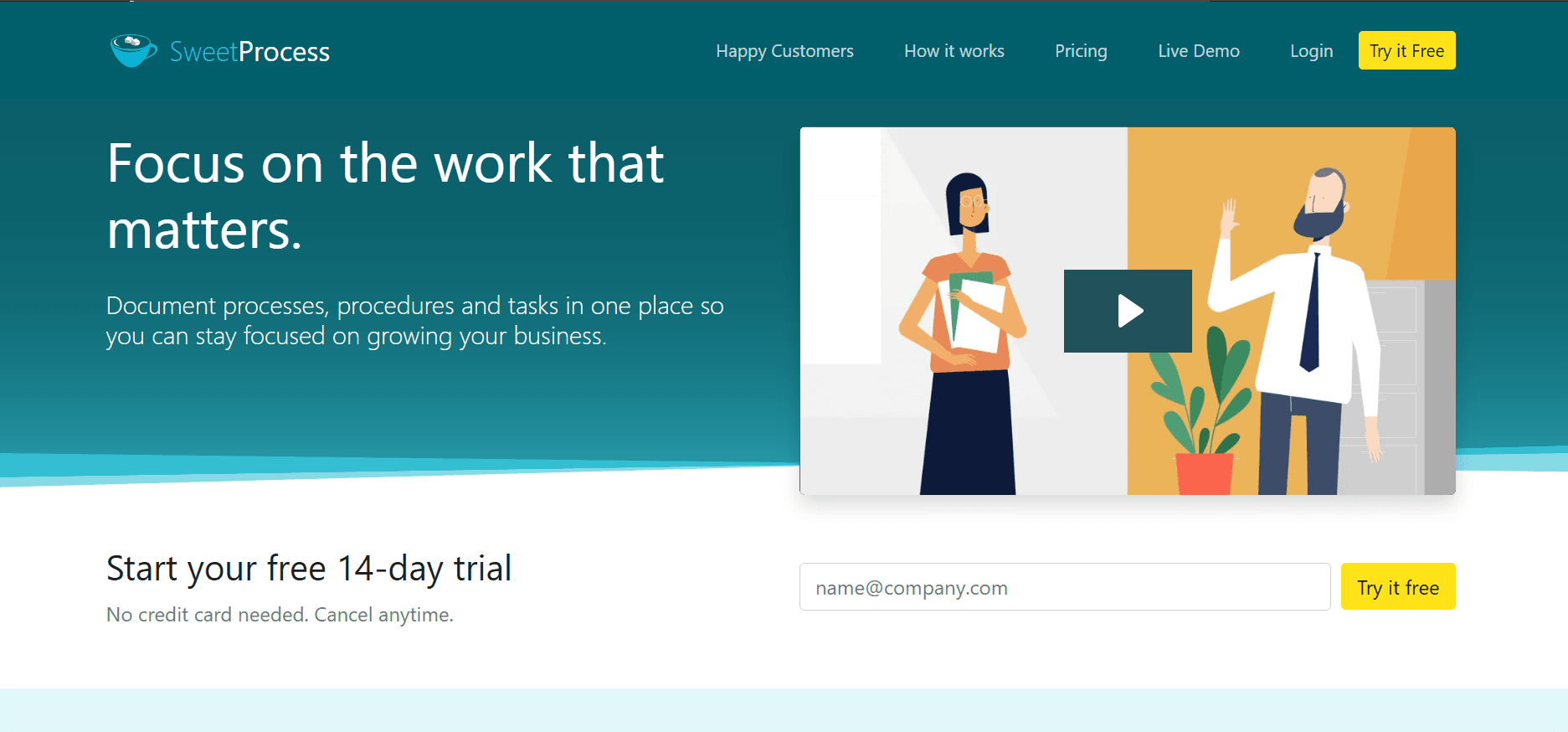
SweetProcess أداة بسيطة لإنشاء SOP، وهي الأنسب للشركات الصغيرة إلى المتوسطة التي تحتاج إلى حل بسيط وفعّال. تم تصميمها لتسهيل توثيق العمليات دون تعقيد غير ضروري. يوفر SweetProcess واجهة سهلة الاستخدام تجعل إنشاء SOP سريعًا وفعّالًا.
رغم أنه لا يتباهى بأكثر الميزات تقدمًا، فإنه يوفر وظائف كافية للفرق التي تحتاج إلى توثيق أساسي وإدارة عمليات. بساطته هي قوته وحدوده في الوقت نفسه، ما يجعله مثاليًا للفرق التي تركز على إنشاء SOPs بشكل مباشر.
الميزات الأساسية
واجهة سهلة الاستخدام
توثيق عمليات أساسي
ميزات تعاون الفريق
توفر القوالب: [VERIFY]
الإيجابيات | السلبيات |
|---|---|
بسيط وسهل الاستخدام | ميزات متقدمة محدودة |
إنشاء SOP سريع | لا يوجد تكامل بالذكاء الاصطناعي |
فعال من حيث التكلفة للفرق الصغيرة |
نقطة القوة الأساسية: واجهة مباشرة لتوثيق العمليات بسرعة
غير مناسب إذا: كنت تحتاج إلى أتمتة متقدمة أو طبقة تدريب.
Whale
الأفضل لـ: SOPs تفاعلية تركز على التفاعل
نوع الأداة: منصة تدريب

Whale أداة لإنشاء SOP تركز على إنشاء SOPs جذابة وتفاعلية. تم تصميمها للفرق التي تعطي أولوية للتدريب والإعداد، وتقدم ميزات تجعل عملية التعلم أكثر تفاعلًا. كما أن Whale فعّالة بشكل خاص للفرق التي ترغب في إنشاء SOPs أكثر تفاعلية وأقل اعتمادًا على النصوص.
ورغم أنها تقدم بعض قدرات الذكاء الاصطناعي، فإن قوتها تكمن في قدرتها على إنشاء محتوى جذاب بصريًا، ما يجعلها مناسبة للفرق في المجالات الإبداعية أو التي تحتاج إلى إبقاء التدريب جديدًا وجذابًا.
الميزات الأساسية
إنشاء SOP تفاعلي
محتوى جذاب بصريًا
قدرات ذكاء اصطناعي أساسية
توفر القوالب: 30 قالبًا تفاعليًا
الإيجابيات | السلبيات |
|---|---|
ممتاز لمحتوى تدريب تفاعلي | ميزات ذكاء اصطناعي متقدمة محدودة |
مثالي للفرق الإبداعية | خيارات تصدير محدودة |
قدرات محتوى تفاعلي |
نقطة القوة الأساسية: SOPs تفاعلية وأقل اعتمادًا على النصوص، موجهة للتدريب والإعداد
غير مناسب إذا: كنت تحتاج إلى اكتشاف الخطوات أو أتمتة سير العمل.
ما الذي تبحث عنه في برنامج إنشاء SOP؟
توضح مصفوفة الميزات أعلاه كيفية مقارنة الأدوات الثمانية. وهذه قائمة التحقق لتشغيلها على قائمة مختصرة، بالترتيب التقريبي لما يهم:
التقاط سير العمل، عبر التسجيل أو النقر عبر الخطوات
توليد خطوات وصياغات بمساعدة الذكاء الاصطناعي
لقطات شاشة وأدلة مرئية، يتم التقاطها بدلًا من نسخها
القوالب والعلامة التجارية، بحيث تكون المخرجات متسقة بين جميع الكتّاب. إذا كنت تريد رؤية شكل البنية الجيدة أولًا، فهناك قوالب SOP مجانية وقالب SOP واحد للبدء منه
التحرير والتعاون، بما في ذلك المراجعة قبل النشر
التحكم بالإصدارات، مع القدرة على رؤية الإصدارات الأقدم واستعادتها
النشر والتصدير، بما في ذلك صيغة ملف يقبلها نظام الجودة لديك
ميزات التدريب والتعيين، إذا كان الأشخاص يحتاجون إلى تعليم وليس مجرد إخبار
التكاملات، بحيث تظهر الإجراءات في الأماكن التي يعمل فيها الفريق بالفعل
أمان على مستوى المؤسسات، بما في ذلك SSO والصلاحيات، إذا كانت المشتريات جزءًا من العملية
كيفية وزنها: ميزات الإنشاء تحدد عدد الإجراءات التي تنتجها، وميزات الصيانة تحدد ما إذا كانت ما زالت صحيحة بعد عام. معظم التقييمات تُعطي وزنًا أكبر للأولى وتتجاهل الثانية. اسأل تحديدًا كيف يتم تحديث الإجراء بعد تغيير سير العملية الأساسي، وحدد ذلك ضمن عرض الأداة.
أما الباقي فيعتمد على سبب شرائك للأداة. إذا لم يتبع أحد الإجراءات اليوم، فإن ميزات التنفيذ والتعيين تصبح أكثر أهمية من سرعة إنشاء المحتوى. وإذا كان لديك توثيق كافٍ لكن لا تثق به، فإن التحكم بالإصدارات والمراجعة هما الميزتان الحاسمتان.
ما أفضل برنامج SOP لفريقك؟
الأفضل للفرق الصغيرة
أعطِ الأولوية لسرعة الإنشاء على الحوكمة. ستستفيد مجموعة صغيرة أكثر من أداة تنتج الإجراءات بسرعة مقارنةً بنظام يتطلب سير عمل موافقات لا يملك أحد وقتًا لتشغيله. تناسب Scribe وSweetProcess وTrupeer هذا الهدف. إذا كنت تريد اختبار النهج قبل الالتزام بالميزانية، فإن صانع SOP بالذكاء الاصطناعي المجاني هو أرخص طريقة لمعرفة شكل المخرجات التي يتم توليدها.
الأفضل لفرق المؤسسات
الصلاحيات، والتحكم بالإصدارات، والبحث عبر مكتبة كبيرة، والفصل بين وحدات الأعمال، كلها أمور أكثر أهمية من سرعة إنشاء المحتوى. تم تصميم Document360 وProcess Street للتوسع؛ ويغطي Trupeer ذلك عبر مساحات العمل والفصل بين الأدوار. أيًا كانت الأداة التي تختارها من القائمة المختصرة، تأكد من متطلبات SSO وإقامة البيانات ومراجعة الأمان مباشرة مع المورد. يغطي Trupeer هذه المتطلبات في صفحة المؤسسات.
الأفضل لـ BPOs والعمليات المُسندة
الاحتياجات المميزة هنا هي فصل مستوى العميل، ومعدل دوران مرتفع للموظفين، وإجراءات تُقرأ بوضوح بأكثر من لغة. بالنسبة لـ BPOs، قد تكون النشر متعدد اللغات مهمًا بشكل خاص إلى جانب الصلاحيات وفصل العميل وضوابط الإدارة وسهولة الإعداد. إن الحفاظ على مستند منفصل لكل لغة هو ما يجعل المكتبات الكبيرة تخرج عن التزامن، لذا فإن النشر من مصدر واحد يستحق أن يأخذ وزنًا أكبر. يتم تغطية جانب المؤسسات وBPOs بشكل منفصل في برنامج SOP للفرق الكبيرة وعمليات BPO، وبشكل خاص النشر متعدد اللغات عبر الترجمة.
الأفضل لتوثيق تسجيل الشاشة
إذا كانت عملياتك تحدث على الشاشة، فإن أداة تبدأ بالالتقاط أو أداة توثيق بالذكاء الاصطناعي تُزيل معظم أعمال الإنتاج. الخيارات الثلاثة المناسبة هي Trupeer وScribe وTango؛ والفرق هو مقدار ما تفعله الأداة بعد الالتقاط. للحصول على التفاصيل الدقيقة، راجع تحويل تسجيل الشاشة إلى SOP، أو تحويل تسجيل Teams إذا كانت جولاتك التوضيحية موجودة بالفعل ضمن تسجيلات الاجتماعات.
الأفضل للتدريب والإعداد
تحتاج إلى التعيين وتتبع التقدم وبنية الدورات بالإضافة إلى التوثيق. تم تصميم Trainual وWhale لهذا الغرض. ستتركك أداة توثيق فقط في تتبع الإكمال عبر جدول بيانات.
الأفضل لأتمتة سير العمل والتنفيذ
إذا كان الهدف أن يقوم الأشخاص بتشغيل الإجراء داخل الأداة، مع منطق شرطي وتسليم المهام، فهذا يُعد تنفيذ سير عمل وليس مجرد توثيق. يعد Process Street هو الأنسب بشكل أوضح ضمن هذه القائمة.
الأفضل للفرق التقنية
تحتاج Runbooks وتوفير الموارد وإجراءات الحوادث إلى البحث والترقيم الهيكلي والبنية أكثر من حاجتها إلى تحسينات شكلية. تناسب قاعدة معرفة مثل Document360 هذا، وكذلك أداة تعتمد على التسجيل حيث يكون إعادة الالتقاط بعد تغيير النظام أمرًا غير مكلف. وفي كل الأحوال، يجب أن يكون هناك مكان يمكن البحث فيه لاستضافة المخرجات، وهذا ما تفعله قاعدة المعرفة.
الأفضل للفرق الأمامية والصناعية
العمل خارج الشاشة يحتاج إلى التقاط صور أو فيديو على جهاز، وإتاحة عبر الهاتف في مكان العمل، وغالبًا إلى أدلة تدقيق. لا توجد أي من الأدوات الثمانية هنا مصممة أساسًا لهذا، لذا اعتبرها فئة يتم اختيارها بشكل منفصل بدلًا من كونها عمودًا ضمن هذه المقارنة.
ما الذي يجعل برنامج إنشاء SOP فعّالًا؟
تكلفة الإنشاء تحدد عدد الإجراءات التي تنتجها. تكلفة المراجعة تحدد ما إذا كانت ما زالت صحيحة بعد عام. معظم التقييمات تُعطي وزنًا أكبر للأولى وتتجاهل الثانية. وللتعرف على ممارسة كتابة SOPs وصيانتها بدلًا من اختيار أداة، راجع أفضل ممارسات SOP.
كم تكلفة برنامج إنشاء SOP؟
لا يمكن مقارنة الأسعار الرئيسية في هذه الفئة بشكل مباشر، وهذه هي السبب الرئيسي وراء أن قوائم الأسعار جنبًا إلى جنب قد تُضلل. تختلف النماذج:
لكل محرر:
تدفع مقابل الأشخاص الذين ينشئون الإجراءات، بينما القراء مجانًا أو بتكلفة منخفضة. مناسب لفريق توثيق صغير ينشر لمجموعة كبيرة من الجمهورلكل مستخدم:
يتم فوتره الجميع ممن يحتاجون إلى الوصول. تحقق مما إذا كانت المشاهدات للقراءة فقط تُحسب، لأن ذلك يحدد تكلفة نشر التوثيق على مستوى الشركةلكل مساحة عمل أو رسوم فريق ثابتة:
تكلفة متوقعة، وغالبًا تكون قيمة أفضل عندما يقوم عدة أشخاص بإنشاء المحتوىذكاء اصطناعي حسب الاستخدام:
يتم احتسابه بالدقائق التي تمت معالجتها أو عدد التوليدات أو الترجمات، بالإضافة إلى خطة أساسيةعقود سنوية أو عقود مؤسسية مخصصة:
عندما تكون هناك متطلبات مثل SSO أو إقامة البيانات أو مراجعة المشتريات، تتوقف قائمة السعر عن كونها الرقم الذي يهم
المقارنة المفيدة هي سيناريو ثابت وليس سعرًا يبدأ منه. قم بتسعير كل أداة من القائمة المختصرة لنفس شكل الفريق، على سبيل المثال ثلاثة أشخاص ينشئون وثلاثون يقرؤون، وأدرج استخدام الذكاء الاصطناعي إذا كنت تتوقع التوليد بشكل منتظم.
تتوفر خطط Trupeer الحالية على صفحة التسعير.
[VERIFY BEFORE PUBLISHING: current prices for each tool, and a worked cost for one consistent team size. Do not publish figures that have not been checked against each vendor's pricing page.]
أي أداة يجب أن تختارها؟
احتياجك | أفضل تطابق | لماذا |
|---|---|---|
حوّل تسجيلات الشاشة إلى SOPs | Trupeer وScribe وTango | سير عمل يبدأ بالالتقاط |
احصل على SOP مكتوب وفيديو من لقطة واحدة | Trupeer | مخرجات مزدوجة من تسجيل واحد |
أنشئ SOPs ودرّب الأشخاص عليها | Trainual وWhale | طبقة تعيين وتدريب |
شغّل SOPs كسير عمل متكرر | Process Street | تنفيذ شرطي وأتمتة |
توثيق SOP بسيط، دون أي شيء إضافي | SweetProcess | مخصص ومحدود التعقيد |
ابنِ قاعدة معرفة تقنية قابلة للبحث | Document360 | قاعدة معرفة منظمة مع توليد مقالات بالذكاء الاصطناعي |
انشر الإجراءات بعدة لغات | Trupeer | نشر متعدد اللغات من مصدر واحد |
أدلة مرئية للفرق التصميمية أو الإبداعية | Tango | جولات مرئية تفاعلية |
الأسئلة الشائعة
ما هو برنامج إنشاء SOP؟
برنامج لإنتاج إجراءات التشغيل القياسية: التقاط عملية، ثم تنظيمها إلى خطوات، وإضافة لقطات شاشة، ونشرها. تختلف الأدوات في هذه الفئة بشكل رئيسي في مقدار ما تفعله بعد الالتقاط، ولهذا تتراوح من أدوات تسجيل أدلة بسيطة إلى منصات تنفيذ سير عمل كاملة.
هل يمكن لبرنامج إنشاء SOP أن يولد إجراءات من تسجيلات الشاشة؟
يمكن لبعض الأدوات ذلك. فالأدوات التي تبدأ بالالتقاط ومنصات التوثيق بالذكاء الاصطناعي تسجل العملية وتنتج خطوات مرتبة مع لقطة شاشة لكل خطوة؛ بينما تتوقع منصات قاعدة المعرفة ومنصات سير العمل عادةً أن تكتب الإجراء بنفسك. تُظهر مصفوفة الميزات أعلاه أي من هذه الأدوات الثمانية يدعم تسجيل العملية واكتشاف الخطوات. تحويل تسجيل الشاشة إلى SOP يشرح كيف يعمل ذلك عمليًا.
ما أفضل برنامج SOP للتدريب؟
الأدوات التي تحتوي على طبقة تعيين وتتبع التقدم، لأن التوثيق وحده يتركك تراقب الإكمال عبر جدول بيانات. Trainual وWhale هما الخياران هنا المصممان حول التدريب بدلًا من التوثيق.
ما أفضل برنامج SOP لأتمتة سير العمل؟
منصات تنفيذ سير العمل، حيث يكون الإجراء شيئًا يقوم الأشخاص بتشغيله داخل الأداة مع منطق شرطي وتسليم المهام بدلًا من شيء يقرؤونه. يعد Process Street هو الأنسب بشكل أوضح ضمن هذه الثمانية.
ما أفضل برنامج SOP للفرق الصغيرة؟
أعطِ الأولوية لسرعة الإنشاء على الحوكمة. ستحصل مجموعة صغيرة على قيمة أكبر من أداة تنتج الإجراءات بسرعة مقارنةً بأداة تتطلب سير عمل موافقات لا يملك أحد وقتًا لتشغيله. تناسب أدوات البدء بالالتقاط ومنصات التوثيق المباشرة هذا السوق.
كم تكلفة برنامج إنشاء SOP؟
تختلف نماذج التسعير بدرجة كافية تجعل الأسعار الرئيسية غير قابلة للمقارنة: لكل محرر، لكل مستخدم، لكل مساحة عمل، حسب الاستخدام للذكاء الاصطناعي، أو عقود مؤسسية سنوية. قم بتسعير قائمتك المختصرة لنفس شكل الفريق، على سبيل المثال ثلاثة كتّاب وثلاثون قارئًا، وتحقق مما إذا كانت المشاهدات للقراءة فقط تُحسب. يجب التحقق من الأسعار الحالية مقابل صفحة تسعير كل مورد.
الأداة المناسبة لإنشاء SOP تعتمد على ما تحتاج إلى إصلاحه
التوثيق بطيء جدًا في الإنتاج:
أدوات تبدأ بالالتقاط أو أدوات توثيق بالذكاء الاصطناعيتوجد إجراءات لكن لا يتبعها أحد:
منصات تنفيذ سير العمليحتاج الأشخاص إلى تعليم، لا مجرد إخبار:
منصات التدريبلا يستطيع أحد العثور على أي شيء:
منصات قاعدة المعرفةلديك الكثير من SOPs لكن لا تثق بها:
هذه مشكلة صيانة وليست مشكلة إنشاء، وهي مغطاة في برنامج إدارة SOP
إذا انتهت القائمة المختصرة إلى إنشاء قائم على التسجيل، فالتفاصيل موجودة في تحويل تسجيل الشاشة إلى SOP ومولد SOP. وللفئة نفسها بدلًا من اختيار منتج بعينه، راجع برنامج SOP.



