4.8/5
Create Free Training Videos in Minutes
Instantly create engaging and professional training videos in minutes with AI-powered recording, editing, and automation.
Get started for free

Trupeer's Create Training Videos in Minutes transforms screen recordings, scripts, or notes into professional training videos with AI voiceovers, animations, and captions automatically. This tool enables trainers to produce engaging learning content without editing skills or studio equipment.
Why Create Training Videos is required?
Training teams spend weeks scripting, filming, editing, and formatting videos across multiple tools. Updates require complete re-recording and re-editing, making content maintenance expensive. Inconsistent video quality across trainers reduces learner engagement.
Remote and global teams lack scalable training materials without dedicated video production staff. Manual processes prevent frequent content refresh needed for evolving software and policies. Non-experts can't produce professional-looking training videos.
What this Create Training Videos does
Trupeer's tool analyzes screen activity to automatically generate complete training videos with AI narration, zooms on key actions, subtitles, quizzes, and step-by-step guides. It converts raw recordings into branded, multilingual training modules ready for LMS platforms in minutes.
Core Capabilities
Transform recordings into narrated training videos automatically
Generate quizzes and assessments within videos
Create accompanying step-by-step documentation
Support 50+ languages for global training delivery
How Trupeer’s Create Training Videos works
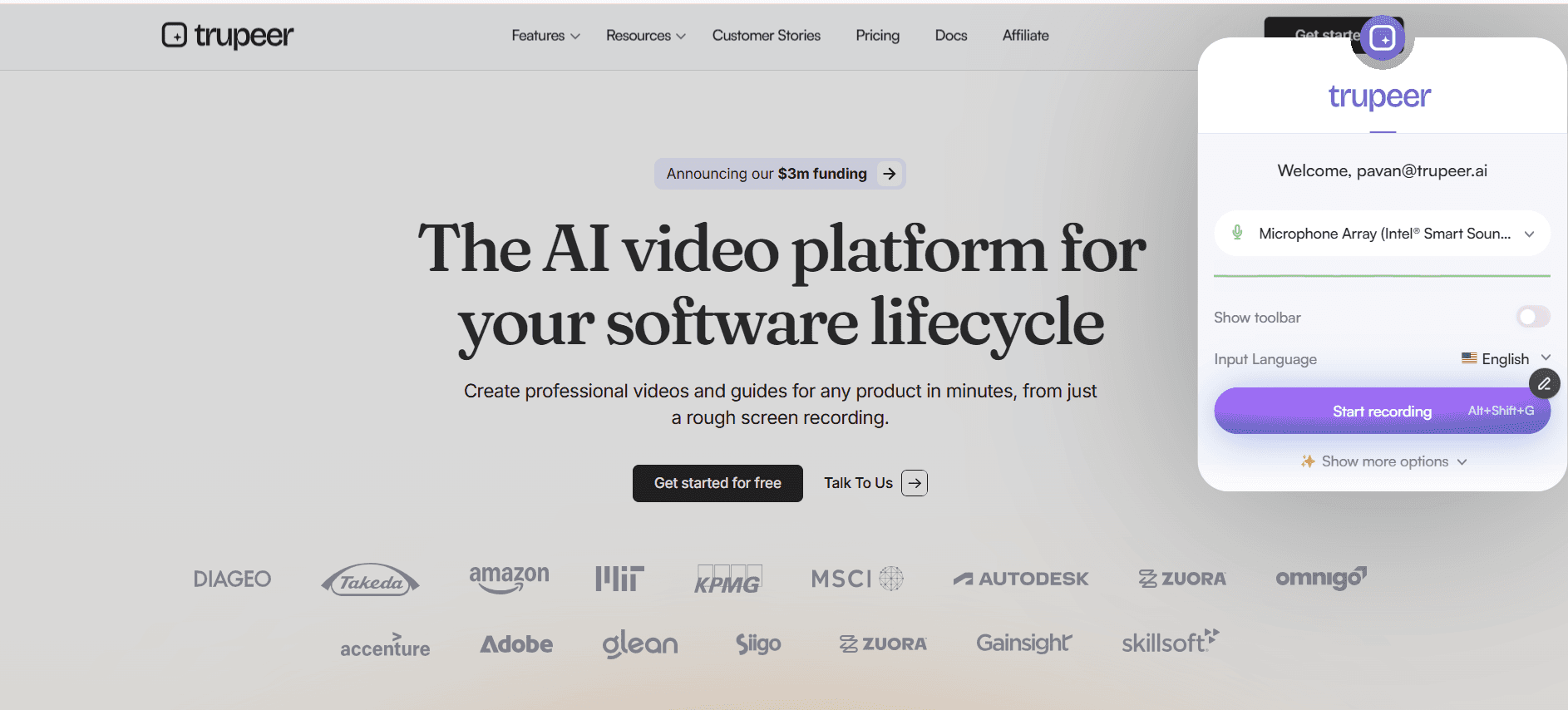
Step 1: Record Screen
Capture training demo using Chrome extension.
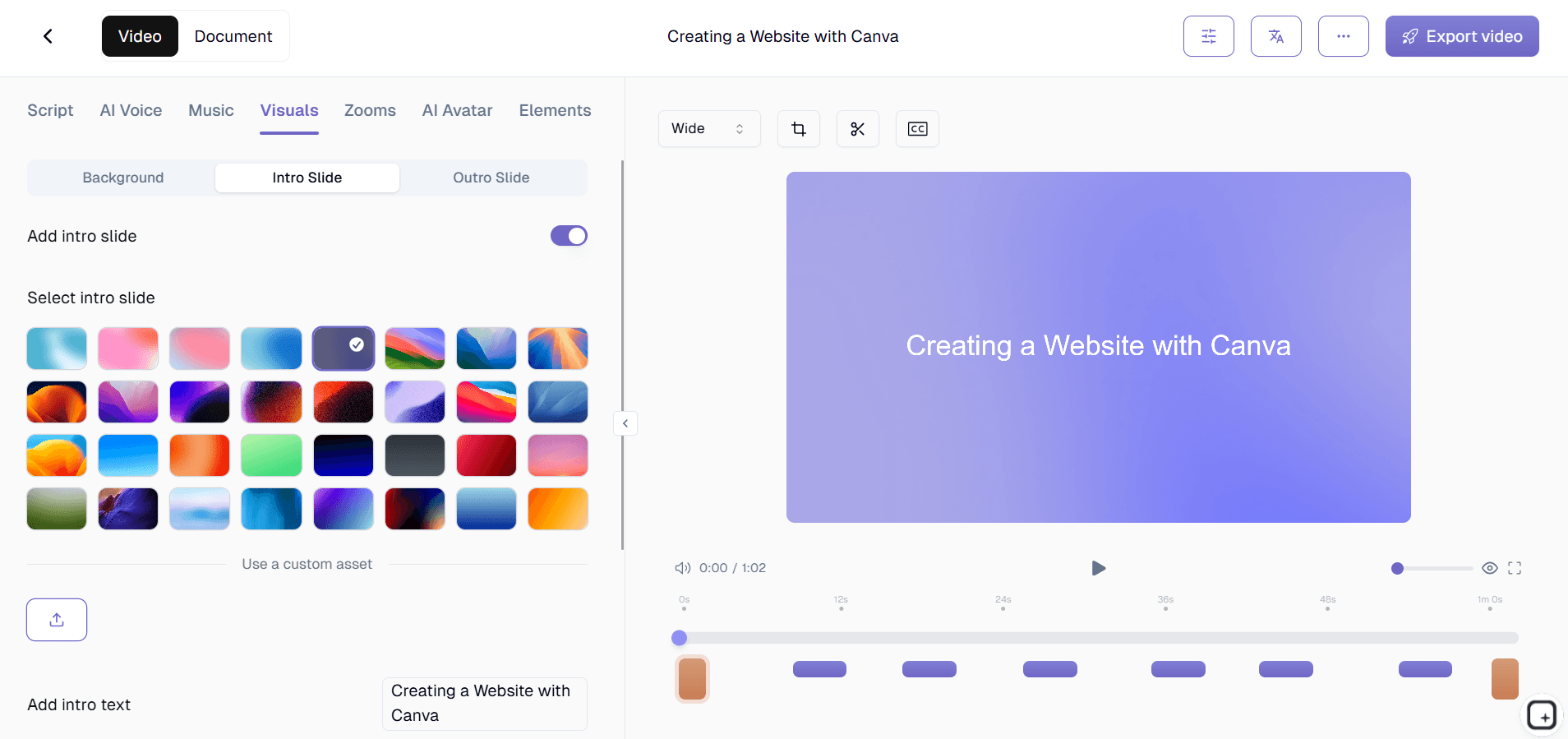
Step 2: AI Processes
Tool adds voiceover, zooms, captions, and creates guide automatically.
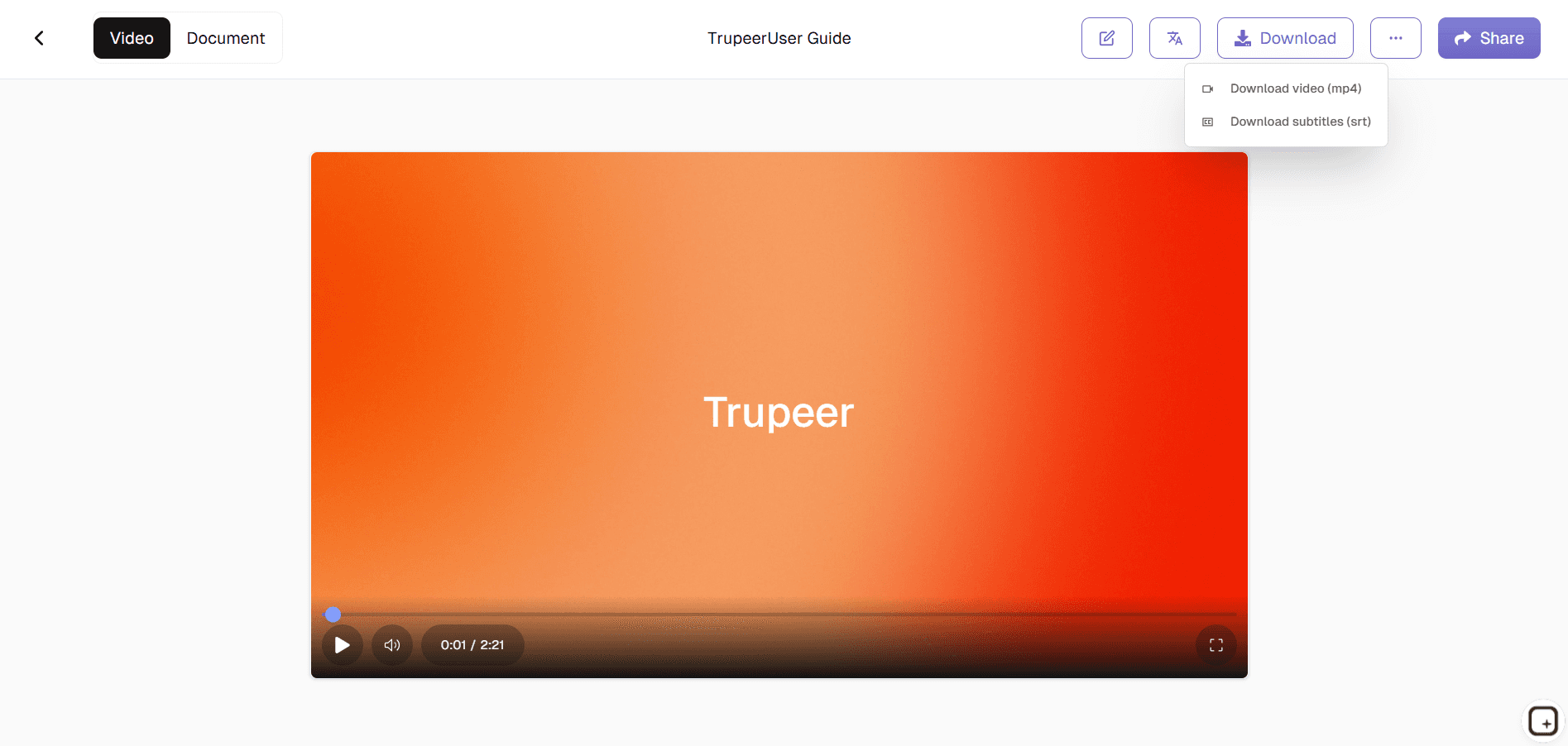
Step 3: Customize & Deploy
Edit script, brand, then share training video and guide.
Who this Trupeer’s Create Training Videos is for
Perfect for L&D teams scaling training content efficiently.
HR Trainers:
Create onboarding videos quicklyL&D Specialists:
Build consistent course librariesProduct Trainers:
Document software updatesCompliance Teams:
Generate policy training modulesGlobal Managers:
Deploy multilingual training
Key Features of Trupeer’s Create Training Videos
Professional training production without video editing expertise.
AI Video Editing:
Auto-zooms, transitions, and timingNatural Voiceovers:
100+ voices in 50+ languagesInteractive Quizzes:
Embedded assessments and promptsDual Output:
Video + step-by-step guide generatedEasy Updates:
Edit text to regenerate entire video
Explore Related Tools
Benefits of Using Trupeer’s Create Training Videos in Minutes Tool
Fast & Effortless
Transform long-form content into ready-to-share training videos in just a few minutes.
AI-Powered Professional Quality
Automatically generate clean narration, structured scenes, and smooth transitions.
Simple Customization
Easily modify text, timing, visuals, and voice style to match your training goals or brand needs.
How to Create Training Videos in Minutes with Trupeer
Step 1
Upload Your Training Content
Step 2
Let AI Auto-Generate Narration, Captions & Visual Elements
Step 3
Preview, Customize, and Export
Frequently Asked Questions
Is Create Training Videos in Minutes free?
Yes, core training video generation available at no cost.
What inputs does Create Training Videos in Minutes support?
Screen recordings, scripts, or slide presentations.
What formats can Create Training Videos in Minutes export?
MP4 videos plus PDF/Word step-by-step guides.
How fast does Create Training Videos in Minutes work?
Complete training video ready in under 5 minutes.
Can I customize Create Training Videos in Minutes branding?
Yes, add logos, colors, and templates easily.
More Tools


