Trupeer Blog

Why engineering onboarding is hard
Onboarding a new engineer is a different problem from onboarding a salesperson or a finance analyst. Engineers need to understand a codebase, a deployment pipeline, a set of internal tools, the team's tribal knowledge, and the product domain, all at once. They need their environment working on day one, access to the right systems, and enough context to start contributing without breaking things. Most engineering teams handle this with a README, a buddy, and Slack. It works poorly. New engineers take 8-12 weeks to ship their first meaningful production change, and the quality of that first change depends heavily on which buddy they got paired with.
The teams that ramp engineers fast invest in structured onboarding: architecture overviews, hands-on exercises on real code, searchable internal documentation, and short walkthrough videos of internal tools and workflows. The investment pays back in weeks, not quarters. With structured onboarding, new engineers are less likely to feel overwhelmed and more likely to contribute effectively, reducing ramp-up time by up to 50%. A recent study showed that companies with strong onboarding processes improve new hire retention by 82% and productivity by over 70%.
The 6-week engineering onboarding framework
Week 1: Environment and orientation
The first week is all about setting up the environment and orientation. Ensure the new engineer's laptop is functioning with all necessary tools installed and access provisioned to critical systems. This phase is crucial to avoid frustration and delays. Watching architecture overview videos and walking through the repository with a senior engineer provides a foundational understanding. The goal is to ship a cosmetic change to ensure that the deployment pipeline works smoothly. Avoid diving into real features during this week as it might overwhelm the new engineer. Allocate approximately 20 hours for setup and orientation, leaving room for questions and clarifications.
Potential pitfalls during this stage include incomplete access to tools or systems, which can delay progress. Regularly updating setup documentation and onboarding videos is essential. Moreover, ensure that there is a clear point of contact for any technical issues that arise. By the end of week one, the new engineer should feel comfortable with the basic tools and have a clear understanding of the team’s workflow.
Week 2: First real PR
In the second week, the new engineer should tackle their first real pull request (PR). This task should involve fixing a small bug or adding a minor feature from the "good first issue" backlog. The objective here is to start interacting with the codebase, experience the review process, and successfully ship to production without issues. Allocate around 15 hours for this task, allowing time for code review feedback and iteration.
It's important to choose an issue that is neither too easy nor too complex. A common mistake is assigning overly complex tasks that might discourage the new engineer. The key is to keep the task manageable yet challenging enough to promote learning. By engaging with the codebase directly, the engineer begins to understand the nuances of the project, laying the groundwork for more complex tasks in subsequent weeks.
Week 3-4: Feature work with oversight
During weeks three and four, the new engineer should take on a small, scoped feature with a clear specification. This involves working with close manager or tech-lead oversight to guide them through the process. The engineer should experience the full development cycle: designing, implementing, testing, deploying, and monitoring the feature. Devote approximately 30 hours over these two weeks to ensure thorough understanding and execution.
Close oversight is critical during this stage to provide guidance and feedback. A potential pitfall is insufficient communication, which can lead to misaligned expectations. Encourage frequent check-ins and provide constructive feedback to ensure the new engineer is on the right track. By the end of week four, they should have a comprehensive understanding of the development cycle and feel more confident in their abilities.
Week 5-6: Independent feature
Weeks five and six mark the transition to more independent work. The engineer should own a feature independently, soliciting feedback but driving the design and execution. By the end of week six, they should be contributing at the pace of a junior-level full-time engineer. Allocate around 40 hours for this stage to allow for deep engagement with the project.
This stage is crucial for building confidence and fostering independence. Encourage the engineer to seek feedback and iterate on their work. A common challenge is balancing independence with guidance; too much oversight can stifle creativity, while too little can lead to errors. Aim to provide support while allowing the engineer to take ownership of their work. Successful completion of this stage indicates that the engineer is ready to contribute meaningfully to the team’s goals.
Ongoing: domain depth
Gaining domain expertise is a longer-term goal, typically taking 3-6 months. This involves understanding the business problem, acquiring specific technical depth in the codebase, and mastering the product domain. It's important not to rush this process; deep expertise cannot be acquired overnight. Encourage the engineer to engage with domain experts, attend relevant meetings, and participate in ongoing training sessions.
A common mistake is attempting to shortcut this process with quizzes or rote learning. Instead, focus on providing opportunities for real-world application and learning through experience. By fostering an environment that encourages continuous learning and exploration, engineers will gradually build the domain expertise needed to excel in their roles.
Feature comparison: engineering onboarding tools
Tool | Best for | Content type | Integration |
|---|---|---|---|
Trupeer | Internal tool walkthroughs | Video, SOP, docs | HRIS, wiki |
Notion | Team documentation | Wiki pages | Broad |
Confluence | Enterprise wiki | Wiki pages | Atlassian suite |
Linear/Jira | Onboarding issue tracking | Tickets | Dev tooling |
Gitpod/Codespaces | Dev environments | Environment | GitHub/GitLab |
Backstage | Internal developer portal | Catalogs, docs | Broad |
Rippling | Provisioning | Accounts, devices | IT stack |
Tool breakdowns
1. Trupeer
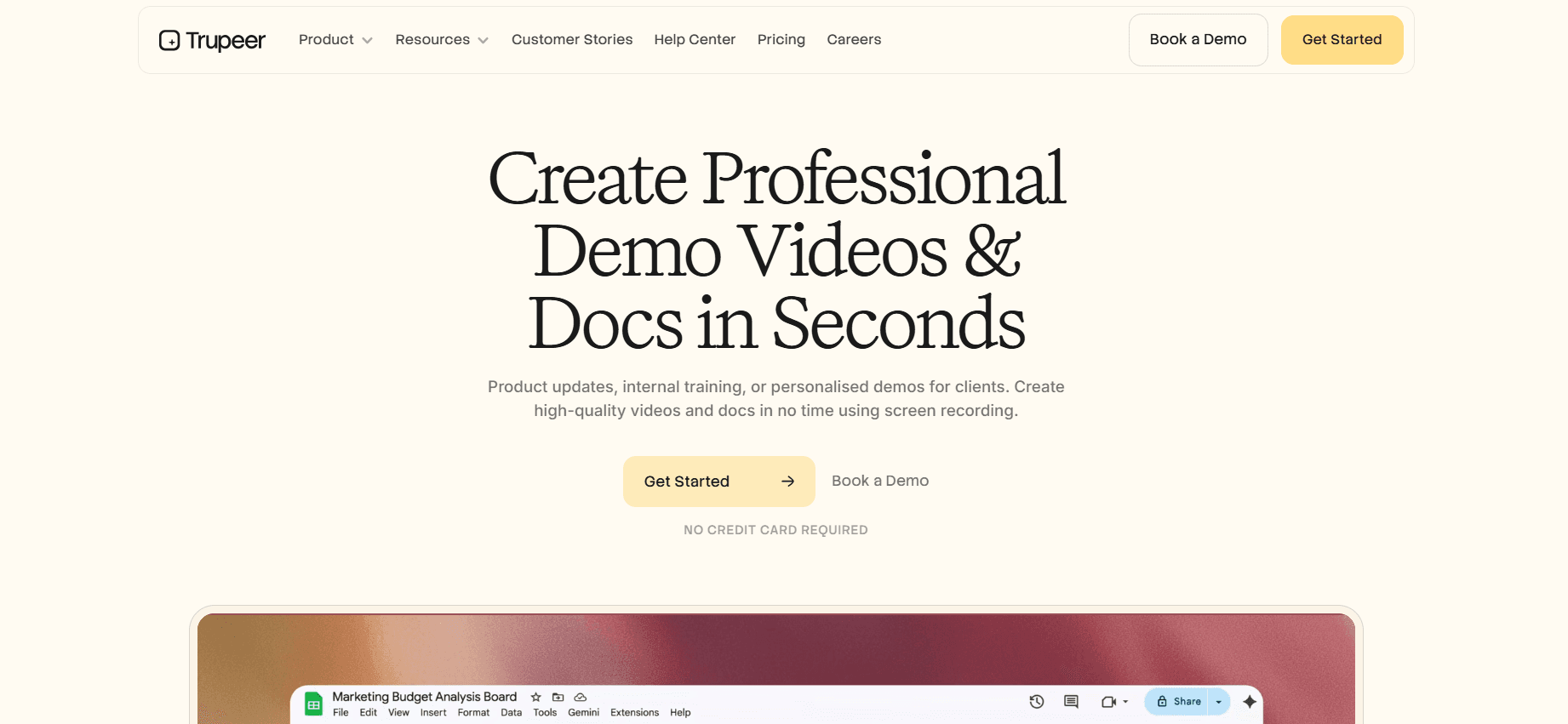
Engineers hate writing docs. They don't mind recording a 5-minute walkthrough. Trupeer turns that recording into a polished video, a written SOP, and a searchable doc. Engineering teams use it for: architecture walkthroughs, internal tool demos, "how to deploy" runbooks, and onboarding orientation content. Documentation debt drops because producing content becomes as fast as a quick meeting.
Pros: Low engineer friction, fast content production, per-user pricing.
Cons: Not a wiki replacement; pair with Notion or Confluence.
Trupeer excels at reducing the friction involved in documentation creation, making it a favorite among engineering teams. By allowing engineers to record a walkthrough quickly, it captures the necessary details without the burden of writing extensive documentation. This method not only saves time but also ensures that the content is as close to the source as possible, reducing errors and omissions. However, while Trupeer is excellent for creating content quickly, it shouldn't replace more structured documentation platforms like Notion or Confluence, which provide a broader framework for organizing and maintaining documentation over time.
2. Notion
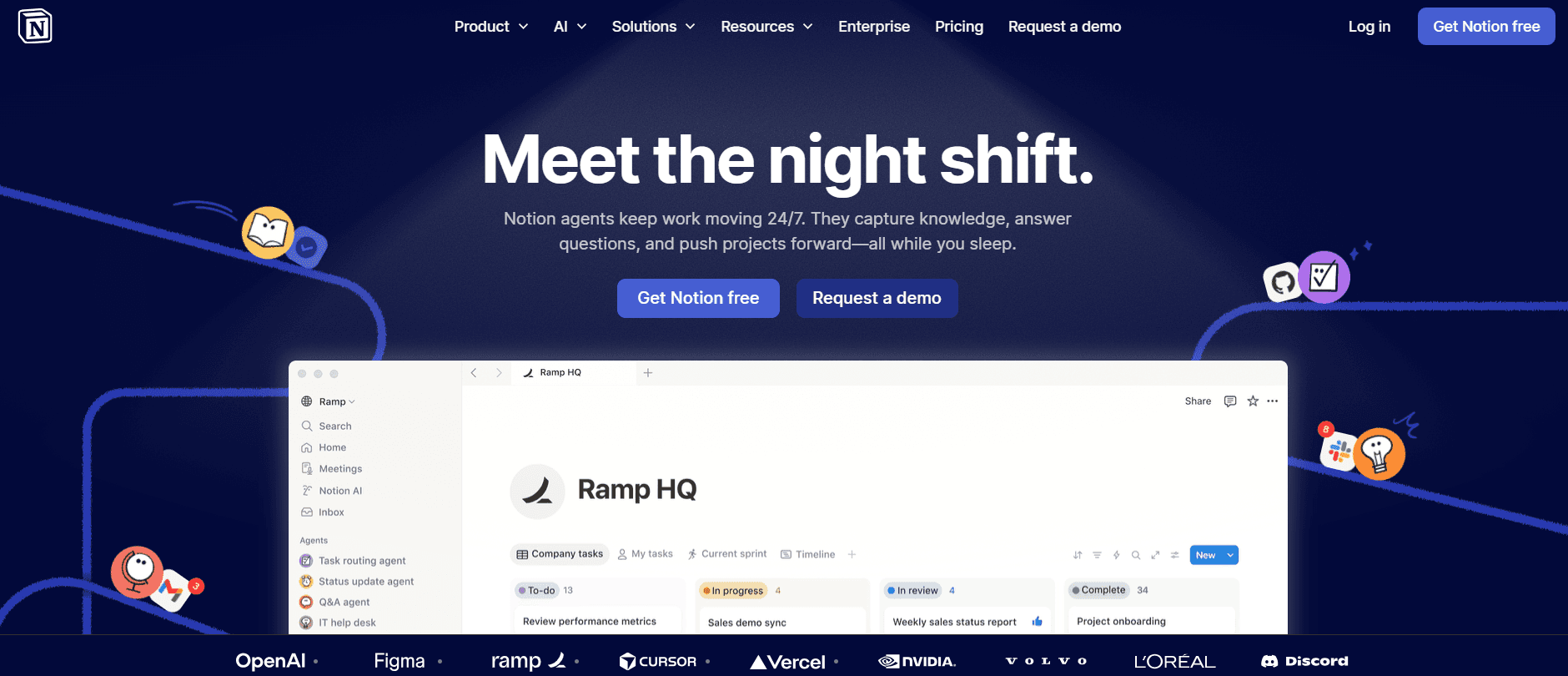
Notion has become the default for engineering team wikis. Architecture decisions, runbooks, onboarding checklists all live there.
Pros: Flexible, cheap, broadly adopted.
Cons: Content can sprawl without discipline.
Notion's flexibility makes it a popular choice for teams looking to create a dynamic and adaptable documentation system. Its user-friendly interface allows teams to quickly set up pages for various needs, from runbooks to onboarding checklists. However, this flexibility can lead to content sprawl if not managed carefully. Teams need to establish guidelines for creating and maintaining content to avoid clutter and ensure that information remains easy to find and up-to-date. Despite this potential drawback, Notion's broad adoption and cost-effectiveness make it a valuable tool for many engineering teams.
3. Confluence
Atlassian's wiki. Enterprise-standard, tightly integrated with Jira and Bitbucket.
Pros: Enterprise scale, good permissions, Atlassian integration.
Cons: Slower UX than modern alternatives.
Confluence is the go-to choice for enterprises that require a solid documentation solution integrated with other Atlassian tools like Jira and Bitbucket. Its enterprise-scale capabilities include detailed permission settings and a vast array of integrations, making it ideal for larger organizations with complex needs. However, its user experience can feel sluggish compared to more modern alternatives, which may deter smaller teams or those looking for more agile solutions. Despite this, Confluence's comprehensive feature set and integration capabilities keep it relevant for many large-scale engineering teams.
4. Linear/Jira
Use "good first issue" labels and onboarding issue tracking. Structural, not content-creation, but important.
Linear and Jira are essential for tracking onboarding issues and managing workflows. They provide a structured approach to assigning and tracking tasks, which is crucial for ensuring that new engineers have clear, manageable assignments. While these tools aren't designed for content creation, their role in structuring and tracking onboarding tasks is invaluable. By using labels like "good first issue," teams can easily identify tasks suitable for newcomers, helping them integrate smoothly into the team's workflow. This structured approach ensures that new engineers receive the right level of challenge and support as they ramp up.
5. Gitpod / GitHub Codespaces
Cloud dev environments. Spin up a pre-configured environment in minutes instead of fighting local setup for two days.
Pros: Day-one productivity, eliminates "works on my machine" problems.
Cons: Not free at scale; requires engineering investment to configure well.
Gitpod and GitHub Codespaces change the way engineers interact with development environments by providing pre-configured, cloud-based setups. This approach eliminates the common "works on my machine" problem, allowing engineers to be productive from day one. However, while these tools offer significant advantages in terms of efficiency and consistency, they're not free at scale. Teams need to weigh the benefits against the potential costs and invest in the necessary engineering resources to configure these environments effectively. Despite the upfront investment, the long-term gains in productivity and reduced setup headaches make them a worthwhile consideration for many teams.
6. Backstage
Spotify's open-source internal developer portal. Catalogs services, docs, scorecards in one place.
Pros: Unified portal, open-source.
Cons: Heavy to deploy and maintain.
Backstage offers a centralized platform for managing and accessing internal developer resources, making it a powerful tool for organizations with complex infrastructures. Its open-source nature allows for customization and integration with existing systems, creating a unified portal for services, documentation, and scorecards. However, deploying and maintaining Backstage can be resource-intensive, requiring a dedicated team to manage its infrastructure. For companies willing to invest in its setup, Backstage provides a comprehensive solution that simplifies access to key resources and improves overall developer efficiency.
7. Rippling
Provisioning: laptops, accounts, SaaS access. Covers the "why don't I have access to this" friction.
Pros: Automated provisioning, good for remote-heavy companies.
Cons: Not a learning tool.
Rippling excels in automating the provisioning of hardware, software, and access permissions, addressing one of the most common frustrations in onboarding: access issues. This tool is particularly beneficial for remote-heavy organizations, where timely provisioning can significantly impact productivity. While Rippling is not designed as a learning tool, its ability to simplify the provisioning process ensures that new engineers have the resources they need from day one, minimizing delays and maximizing their potential to contribute effectively. By automating these administrative tasks, Rippling allows teams to focus more on strategic onboarding activities that drive long-term success.
In-depth analysis: what separates fast-ramp engineering teams from slow ones
Documentation as a product
Engineering teams that ramp fast treat internal docs as a product. There's an owner (often a staff engineer rotating through), a refresh cadence, and feedback mechanisms. The docs are accurate because they're maintained, not because someone hoped they would be. Fast-ramp teams invest 5-10% of one senior engineer's time in documentation ownership.
Slow-ramp teams have wikis that were accurate in 2022. New engineers can't tell which pages are current. They ask in Slack, get inconsistent answers, and the tribal knowledge stays tribal. Documentation as an afterthought produces exactly the onboarding experience you'd expect. Treating documentation as a living product ensures that it's continuously updated and relevant. This proactive approach helps new engineers find the information they need quickly, reducing dependency on tribal knowledge and enabling them to contribute more effectively. By investing in documentation as a product, teams create a sustainable onboarding ecosystem that supports long-term growth and success.
Environment setup as a day-one problem
A new engineer who can't compile and run the codebase on day one loses a week. Cloud dev environments (Gitpod, Codespaces) solve this for most companies. The investment is worth it: a pre-configured environment that works in 10 minutes beats a 40-page setup doc and three days of debugging. If cloud environments don't fit, at least maintain a setup script that actually works and is tested monthly.
Effective environment setup is a critical component of successful onboarding. When new engineers can start coding from day one, they gain confidence and momentum. This immediate productivity reinforces their sense of belonging and capability within the team. Moreover, by eliminating the frustrations associated with local setup, teams reduce the risk of errors and inconsistencies, leading to a smoother and more enjoyable onboarding experience. Whether through cloud environments or reliable setup scripts, ensuring day-one productivity is a key differentiator between fast and slow-ramp teams.
Video walkthroughs beat written runbooks for complex procedures
The codebase tour, the deployment pipeline, the incident response flow: these are tutorial-shaped knowledge that's hard to absorb from text. A 10-minute video walkthrough retains 3-5x better than an equivalent written runbook. Teams that use screen recording for these procedures update onboarding content in an hour, not a sprint. The content also doubles as reference material for current engineers who forget the procedure.
using video walkthroughs for complex procedures offers a more engaging and effective way to convey information. Visual and auditory learning combined with the ability to pause and replay video content caters to diverse learning styles, ensuring that engineers grasp crucial processes more thoroughly. This approach not only enhances retention but also allows teams to update content quickly and efficiently. By using video, teams can create dynamic and interactive onboarding experiences that resonate with new engineers, ultimately driving faster and more effective ramp-up times.
Challenges engineering teams hit
Tribal knowledge. "Ask Sarah" doesn't scale. Capture it in videos and docs.
Relying on tribal knowledge poses a significant challenge for engineering teams. When crucial information is held by a few individuals, it limits accessibility and creates bottlenecks in knowledge transfer. Capturing this knowledge in videos and documentation democratizes access, allowing all team members to benefit from shared insights and expertise. By formalizing tribal knowledge, teams reduce the risk of key information being lost and enable new engineers to become self-sufficient learners, ultimately enhancing overall productivity and collaboration.
Shifting architecture. Docs go stale fast when architecture is in flux. Accept some decay; prioritize the procedures that stay stable.
In rapidly evolving environments, documentation can quickly become outdated, leading to confusion and inefficiencies. While it's challenging to keep up with every architectural change, teams should focus on maintaining documentation for procedures that remain stable over time. Accepting some level of decay is natural, but prioritizing core, stable processes ensures that new engineers have access to reliable and relevant information. By balancing the need for up-to-date documentation with the realities of a changing architecture, teams can provide effective guidance without becoming overwhelmed by constant updates.
Buddy inconsistency. Some buddies are great, some aren't. Structured content reduces buddy dependency.
The quality of the buddy system can vary greatly, impacting the onboarding experience for new engineers. While some buddies excel at providing guidance and support, others may lack the time or skills to be effective mentors. By creating structured content, such as standardized onboarding materials and clear guidelines, teams reduce reliance on individual buddies and ensure a more consistent experience for all new hires. This approach provides a reliable foundation for learning and development while allowing buddies to focus on building meaningful relationships and offering personalized support.
Too much day-one overload. Don't try to teach the entire codebase in week one. Layer knowledge over six weeks.
Attempting to cover too much information on day one can overwhelm new engineers and hinder their ability to absorb and retain knowledge. Instead, teams should adopt a phased approach, gradually layering knowledge over the first six weeks. By breaking down complex information into manageable chunks and providing opportunities for hands-on practice, engineers can build a solid foundation without feeling overwhelmed. This method fosters confidence and encourages a deeper understanding of the codebase, ultimately leading to more effective and efficient contributions.
No feedback loop. Most teams don't ask new engineers what was confusing. Ask at week 4 and week 8; fix the content.
A lack of feedback mechanisms can hinder the continuous improvement of onboarding processes. By actively seeking feedback from new engineers at key intervals, such as weeks four and eight, teams can identify areas of confusion and address them promptly. This iterative approach to refining onboarding content ensures that it remains relevant and effective, ultimately enhancing the experience for future hires. By valuing and acting on feedback, teams demonstrate a commitment to improvement and foster a culture of open communication and collaboration.
Must-have elements for engineering onboarding
Day-one working dev environment (cloud or tested local): Ensure immediate productivity and minimize setup frustrations.
Architecture overview videos for major services: Provide a high-level understanding of the system's structure and components.
Searchable internal docs with a clear ownership model: Maintain up-to-date and accessible documentation to support ongoing learning.
Good-first-issue backlog that's actually maintained: Offer manageable tasks to help new engineers integrate smoothly into the workflow.
Structured buddy assignment with real expectations: Provide consistent support and guidance during the onboarding process.
30/60/90 milestones with clear deliverables: Set achievable goals to track progress and build confidence.
Feedback capture from new hires to improve the program: Continuously refine onboarding processes based on real-world experiences.
Access automation so permissions don't block work: simplify provisioning to ensure new engineers have the resources they need from day one.
Use cases and personas
Mid-stage startup: Farrah, Engineering Manager, 60-person product engineering team
Farrah's team onboarded 12 engineers last year. Median time-to-first-PR was 9 days, time-to-meaningful-contribution was 11 weeks. She invested in Trupeer videos for the seven most common internal tools and walkthroughs, maintained a fresh "good first issue" backlog, and moved everyone to Codespaces. Median time-to-first-PR dropped to 3 days, time-to-meaningful-contribution to 5 weeks.
Farrah's experience highlights the transformative impact of structured onboarding tools and practices. By using Trupeer videos and maintaining a relevant backlog of beginner-friendly issues, her team significantly reduced onboarding time. The transition to Codespaces further simplified the process, enabling new engineers to become productive more quickly. Farrah's proactive approach demonstrates the value of investing in modern onboarding solutions to achieve measurable improvements in efficiency and productivity.
Platform team: Avraham, Platform Engineering Lead, 150-engineer company
Avraham's platform team supported internal developer workflows. The biggest complaint from engineering teams was "I don't know how to use our internal tools." He built a walkthrough library for every platform tool, published it inside the internal developer portal. Support tickets from engineering teams dropped 60%.
By addressing the common pain point of unfamiliarity with internal tools, Avraham significantly enhanced the productivity and satisfaction of his engineering teams. The creation of a comprehensive walkthrough library provided accessible guidance, reducing the need for support and enabling engineers to solve problems independently. Avraham's initiative underscores the importance of providing clear and effective resources to facilitate smooth onboarding and ongoing success for engineering teams.
Acquisition integration: Danielle, VP of Engineering, 800-person software company
Danielle's company acquired a 40-person engineering team. Integrating their engineers into the parent codebase was projected to take 6 months. She built an onboarding program specific to the acquired team: architecture videos, service catalog walkthroughs, targeted first-PR issues. The team was contributing at parent-company pace in 9 weeks. See onboarding software for broader fit.
Danielle's experience demonstrates the power of tailored onboarding programs in accelerating integration and collaboration. By developing a program that addressed the unique needs of the acquired team, she reduced the projected integration time by over 50%. This targeted approach ensured that the new engineers quickly adapted to the parent company's systems and practices, fostering a smooth transition and enhancing overall team cohesion. Danielle's success highlights the importance of customized onboarding strategies in achieving rapid and effective integration.
Best practices
Day-one productivity is the goal. Everything that blocks it is a bug to fix. Ensuring that new engineers can start contributing from day one is crucial for maintaining momentum and engagement. By identifying and addressing obstacles that hinder productivity, teams can create a more efficient and satisfying onboarding experience for new hires.
Own the documentation. Decay is the default; ownership is the fix. Treating documentation as a living product with clear ownership ensures that it remains accurate and relevant. By dedicating resources to maintaining documentation, teams can provide reliable guidance and support for new engineers, reducing reliance on tribal knowledge.
Use video for complex procedures. Text alone fails on multi-step workflows. Videos offer a more engaging and effective way to convey complex information, catering to diverse learning styles and enhancing retention. By using video content, teams can provide clear, accessible guidance for intricate processes, improving understanding and execution.
Structure the first six weeks. Ambiguity kills ramp. A structured approach to onboarding ensures that new engineers receive the right balance of support and challenge. By providing clear goals and milestones, teams can foster confidence and encourage meaningful contributions, ultimately accelerating the ramp-up process.
Ask new hires what was confusing. They see the gaps you can't. Actively seeking feedback from new engineers provides valuable insights into potential areas for improvement. By addressing these gaps, teams can continuously refine their onboarding processes, creating a more effective and enjoyable experience for future hires.
Frequently asked questions
How long should engineering onboarding take?
Engineering onboarding should aim for 2 weeks to the first PR, 4-6 weeks to independent feature work, and 3-6 months to achieve domain depth. This timeline allows new engineers to gradually build their skills and confidence, ensuring a smooth transition into their roles. By setting realistic expectations and providing ongoing support, teams can foster a positive onboarding experience that leads to long-term success.
Do engineers really watch training videos?
Short ones, yes. Engineers are more likely to engage with training videos under 10 minutes, especially those with clear chapter markers. Hour-long videos tend to be skipped as they can be overwhelming and difficult to digest in one sitting. By creating concise, focused video content, teams can enhance engagement and retention, making it easier for engineers to absorb and apply new information.
Is Backstage worth deploying?
At 200+ engineers with many services, often yes. Backstage offers a unified portal for managing and accessing a wide range of resources, making it a valuable tool for large organizations with complex infrastructures. Below that size, Notion or Confluence plus Trupeer-style video suffices. For smaller teams, these alternatives provide a more cost-effective and manageable solution while still offering solid documentation and collaboration capabilities.
Should engineers write their own docs?
Prefer recording over writing. Engineers will record a 5-minute walkthrough before they'll write a 1,000-word doc. This approach uses engineers' strengths and preferences, making it easier to capture and share valuable insights. By focusing on recording rather than writing, teams can produce high-quality documentation quickly and efficiently, ensuring that critical information is readily accessible to all team members.
How do I measure onboarding success?
Time-to-first-PR, time-to-first-production-change, and survey feedback at 30/60/90 days. These metrics provide a comprehensive view of the onboarding process, allowing teams to assess the effectiveness of their strategies and identify areas for improvement. By regularly evaluating these key performance indicators, teams can refine their onboarding programs to better support new engineers and drive long-term success. See the Notion vs. Trupeer comparison for doc+video workflows.
Final word
Engineering onboarding is a solvable problem. The frameworks work, the tools exist, and the ROI is large: every week you cut off ramp time is pure productivity gain. Invest in documentation as a product, use video for complex procedures, and structure the first six weeks. The companies that do this attract and retain better engineers. By prioritizing effective onboarding, organizations can create a supportive environment that fosters growth, collaboration, and innovation, ultimately achieving their strategic goals and maintaining a competitive edge in the industry.


