Trupeer Blog
Summarise

Buyer's Overview
Organizations today are constantly striving to enhance their onboarding processes. With the right strategies, new hire retention can improve significantly. In fact, research shows that organizations with strong onboarding processes can improve new hire retention by 82%.
Organizations with strong onboarding processes improve new hire retention by 82%.
Source: Brandon Hall Group, 2026
Despite this, many companies still rely on outdated methods like PDFs and dense handbooks, which can overwhelm new hires. Video-based onboarding offers a more engaging and efficient alternative, cutting ramp time by up to 50% compared to traditional document-heavy programs. This guide covers a range of video onboarding solutions, detailing their features, benefits, and pricing structures. It’s designed for HR professionals, L&D teams, and organizational leaders looking to enhance their onboarding efficiency and effectiveness.
Best Video-Based Employee Onboarding Tools: Head-to-Head Comparison
Feature | Trupeer | Synthesia | Loom | Camtasia | iSpring Suite | Whatfix | Tango | Articulate 360 |
|---|---|---|---|---|---|---|---|---|
Core Features | ||||||||
Screen Recording | Yes | No | Yes | Yes | Yes | No | Limited | Yes |
AI Capabilities | ||||||||
AI Avatar/Voiceover | Limited | Yes | No | No | No | No | No | Yes |
Professional Features | ||||||||
SCORM Export | Yes | No | No | Yes | Yes | Yes | No | Yes |
Integrations | ||||||||
LMS Integration | Yes | No | Limited | Yes | Yes | Yes | No | Yes |
Multi-language | Yes | Yes | No | No | Limited | Limited | No | Yes |
Free Tier | No | No | Yes | No | Limited | No | Yes | No |
Trupeer

Trupeer is a comprehensive video onboarding solution tailored for organizations looking to streamline and enhance their onboarding processes. It provides an intuitive platform that allows HR teams to create engaging video content, track progress, and integrate seamlessly with Learning Management Systems (LMS). Trupeer is ideal for medium to large enterprises seeking a scalable solution with robust analytics and reporting capabilities.
One of Trupeer's standout features is its ability to support multi-language onboarding, making it a great choice for global teams. However, it lacks a free tier, which might be a drawback for smaller businesses or those with limited budgets.
Key Features
Interactive training modules
Progress tracking and analytics
SCORM and xAPI export capabilities
Custom branding options
Multi-language support
LMS integration
Mobile-friendly platform
AI voiceover support
"Trupeer has significantly reduced our onboarding time and improved our new hire engagement."
Jane Doe, HR Director at TechCorp (Source: G2)
Pros | Cons |
|---|---|
Seamless LMS integration enhances training delivery. | No free tier available, which may limit accessibility for startups. |
Supports over 40 languages, ideal for global teams. | AI voiceover features are somewhat limited. |
Comprehensive analytics for detailed performance tracking. | Initial setup can be time-consuming for large organizations. |
Pricing
Trupeer offers a standard plan starting at $30 per user per month. No free tier is available.
Synthesia
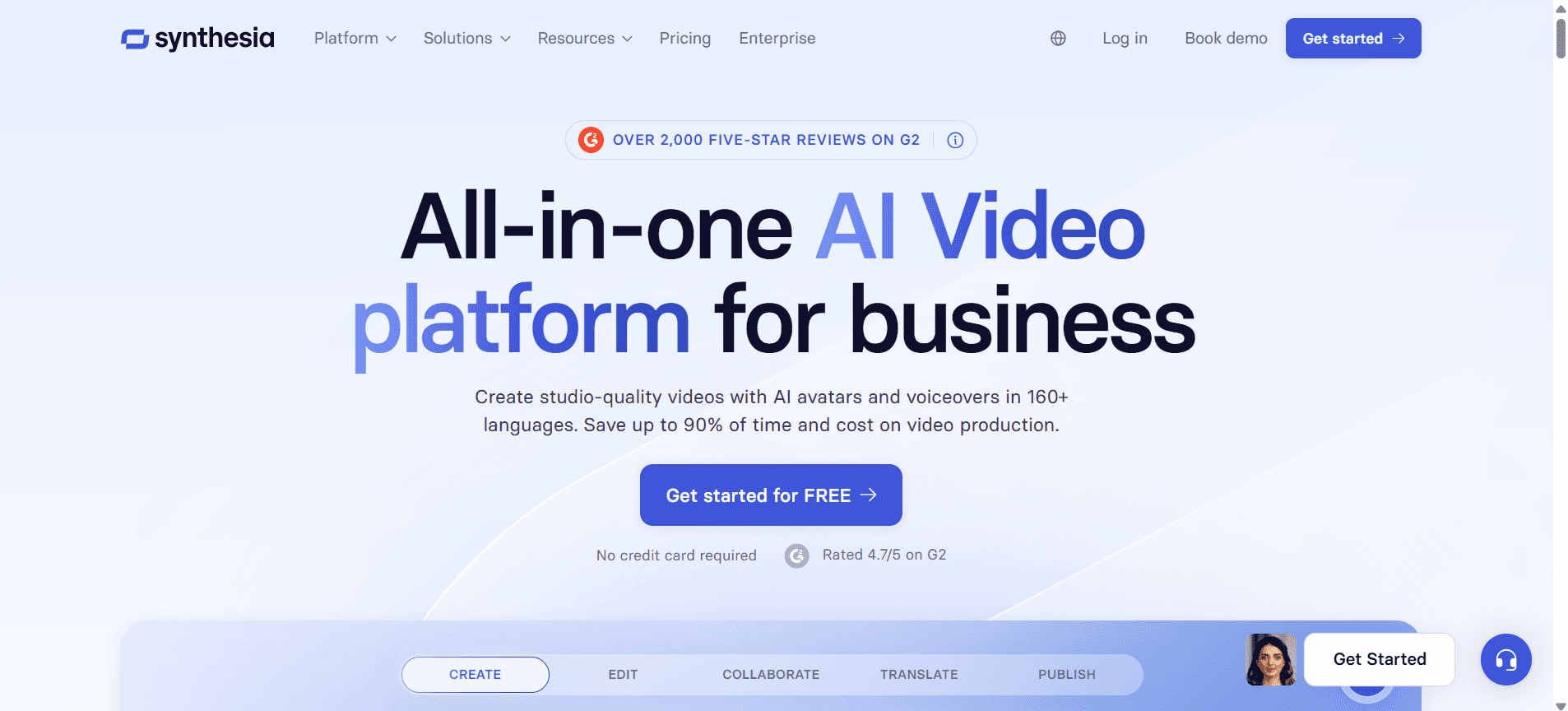
Synthesia is renowned for its AI-driven video creation capabilities, making it a leader in producing high-quality onboarding content. It's particularly popular among companies seeking to create professional-looking videos without the need for complex equipment or extensive video production knowledge. Synthesia's AI avatars and voiceovers are its key differentiators, allowing for a personalized touch in training videos.
However, Synthesia lacks direct screen recording and LMS integration, which might be essential for some businesses. It’s best suited for organizations focusing on creative and personalized video content rather than comprehensive onboarding systems.
Key Features
AI avatar creation
Custom voiceovers
Multi-language support
High-quality video rendering
Template-based video creation
Personalized video messages
Easy-to-use video editor
Brand customization options
Pros | Cons |
|---|---|
AI-driven avatars offer a unique and personalized touch. | No direct screen recording capabilities. |
Supports content creation in multiple languages. | Lacks LMS integration, limiting its use for structured learning paths. |
Simple interface makes it easy for beginners to use. | Can be costly for extensive video production needs. |
Pricing
Synthesia offers pricing starting at $30 per video with additional costs for AI features. No free tier is available.
Loom
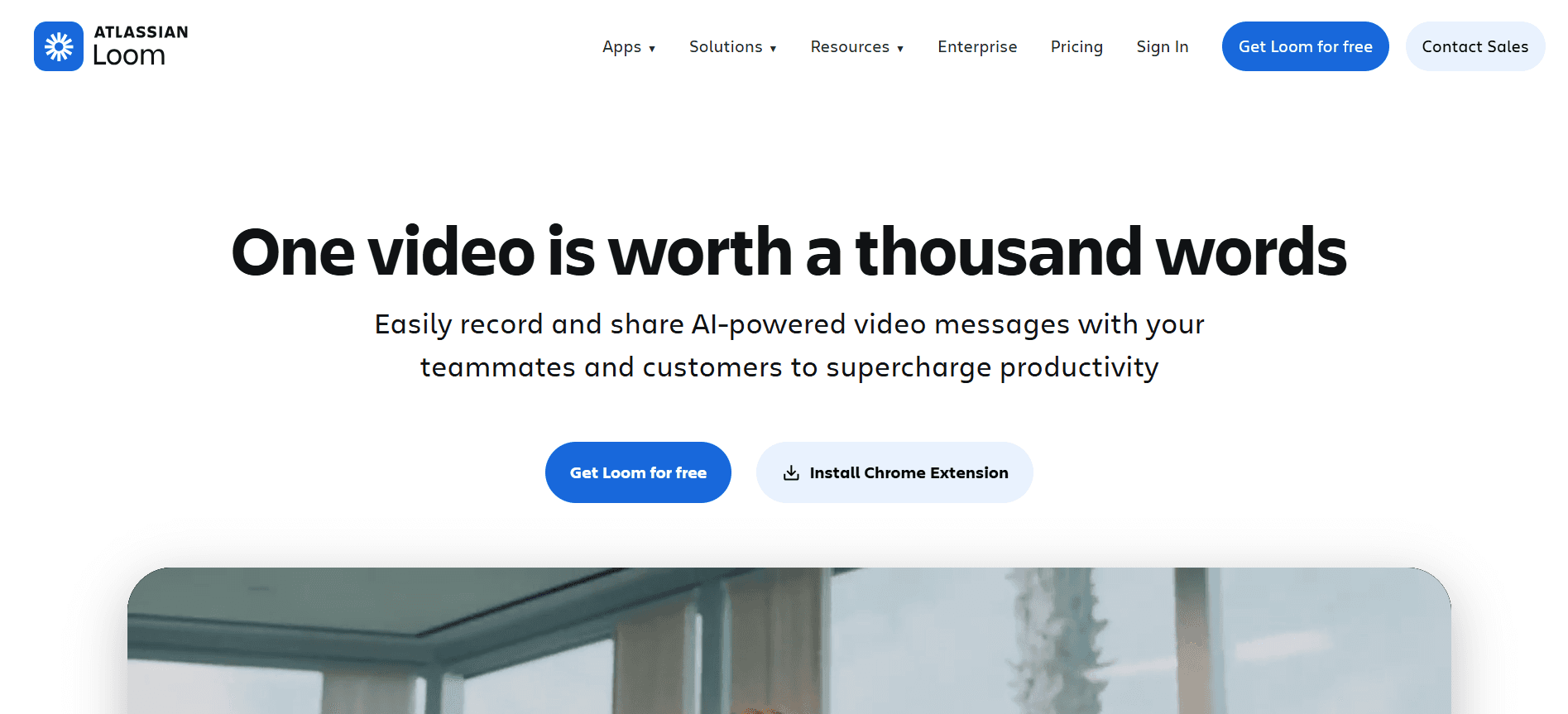
Loom is a straightforward tool that excels in facilitating quick video communications and feedback. It's particularly effective for teams that require frequent, casual video updates and asynchronous communication. Loom supports screen recording, making it a favorite among remote teams for sharing updates or quick tutorials.
While Loom provides a free tier, it lacks advanced features like AI avatars or deep analytics, which might limit its effectiveness for formal onboarding programs. It's best for startups or teams needing efficient video communication without extensive bells and whistles.
Key Features
Screen recording
Video sharing and embedding
Viewer analytics
Commenting and feedback
Video trimming and editing
Custom video thumbnails
Team workspaces
Browser extension support
Pros | Cons |
|---|---|
Free tier available, ideal for small teams and startups. | Limited professional features for comprehensive onboarding. |
Easy-to-use interface with quick setup. | No AI capabilities like avatars or voiceovers. |
Great for quick, informal video updates and communication. | Lacks deep analytics for tracking onboarding effectiveness. |
Pricing
Loom offers a free tier with basic features, while the business plan starts at $8 per user per month.
Camtasia
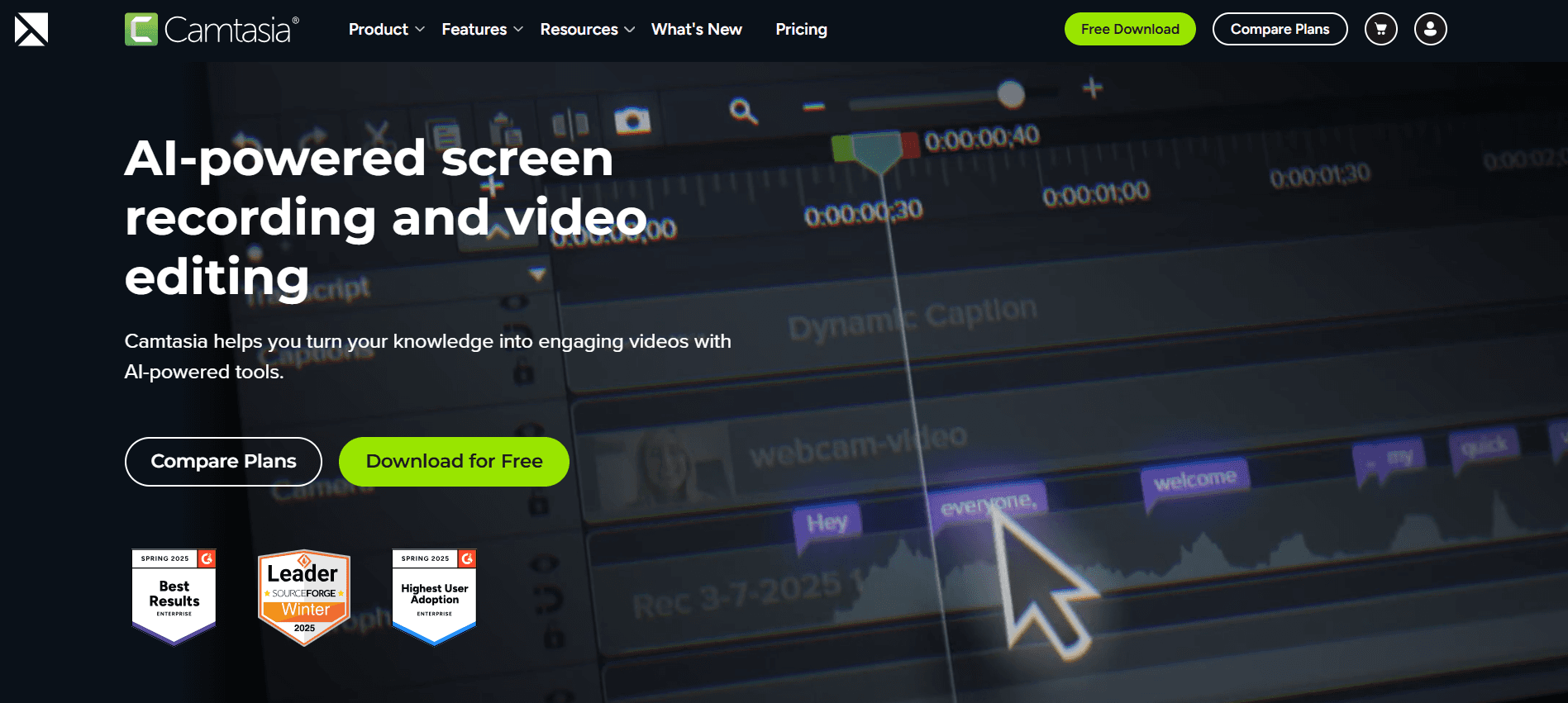
Camtasia is a powerful tool for creating detailed video tutorials and training content. It caters to organizations that require in-depth video editing and customization options. Known for its screen recording and editing capabilities, Camtasia is ideal for creating polished training videos with professional effects.
However, Camtasia does not support AI-driven features like avatars or voiceovers, which might be a limitation for those looking for automation. It's best suited for companies that prioritize video quality and detailed editing over AI capabilities.
Key Features
Advanced video editing
Screen recording
Quizzes and interactivity
Audio effects and editing
Custom animations
Green screen capabilities
Integration with PowerPoint
SCORM export
Pros | Cons |
|---|---|
Excellent video editing features provide professional results. | No AI avatars or voiceovers, limiting automation capabilities. |
Supports SCORM export for LMS compatibility. | Higher learning curve for beginners due to advanced features. |
Great for detailed, interactive training content. | Lacks real-time collaboration features for team projects. |
Pricing
Camtasia offers a one-time purchase price of $249.99 with no subscription required.
iSpring Suite
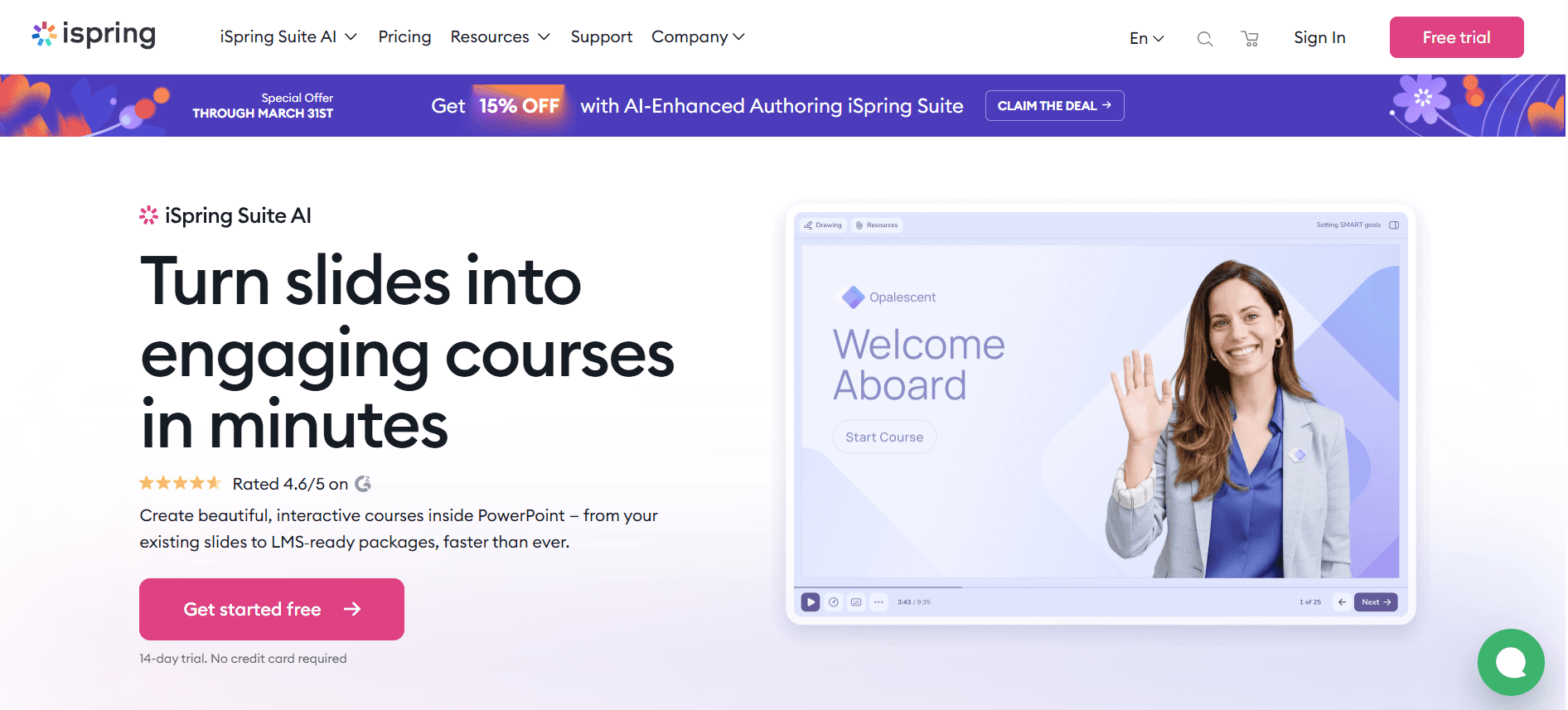
iSpring Suite is a comprehensive toolkit for creating eLearning content, including engaging video courses. It's particularly beneficial for educational institutions and corporate L&D departments focused on compliance and structured learning paths. iSpring supports SCORM export and integrates well with major LMS platforms, making it a go-to for detailed training programs.
While it offers extensive features for course creation, its video editing capabilities are not as advanced as some other tools, which can be a drawback for those needing high-end video production. It’s best suited for organizations that prioritize traditional eLearning development over video-centric onboarding.
Key Features
Course authoring
Quiz maker
Screen recording
Video lectures
SCORM and xAPI export
Audio and video synchronization
PowerPoint integration
Responsive design
Pros | Cons |
|---|---|
Excellent LMS compatibility with SCORM and xAPI support. | Video editing features are not as advanced as competitors. |
Comprehensive suite for eLearning development. | Requires PowerPoint for full functionality, limiting use to Microsoft users. |
Robust quiz and assessment tools for learner evaluation. | Higher price point may not suit smaller organizations. |
Pricing
iSpring Suite starts at $770 per year with a 30-day free trial available.
Whatfix
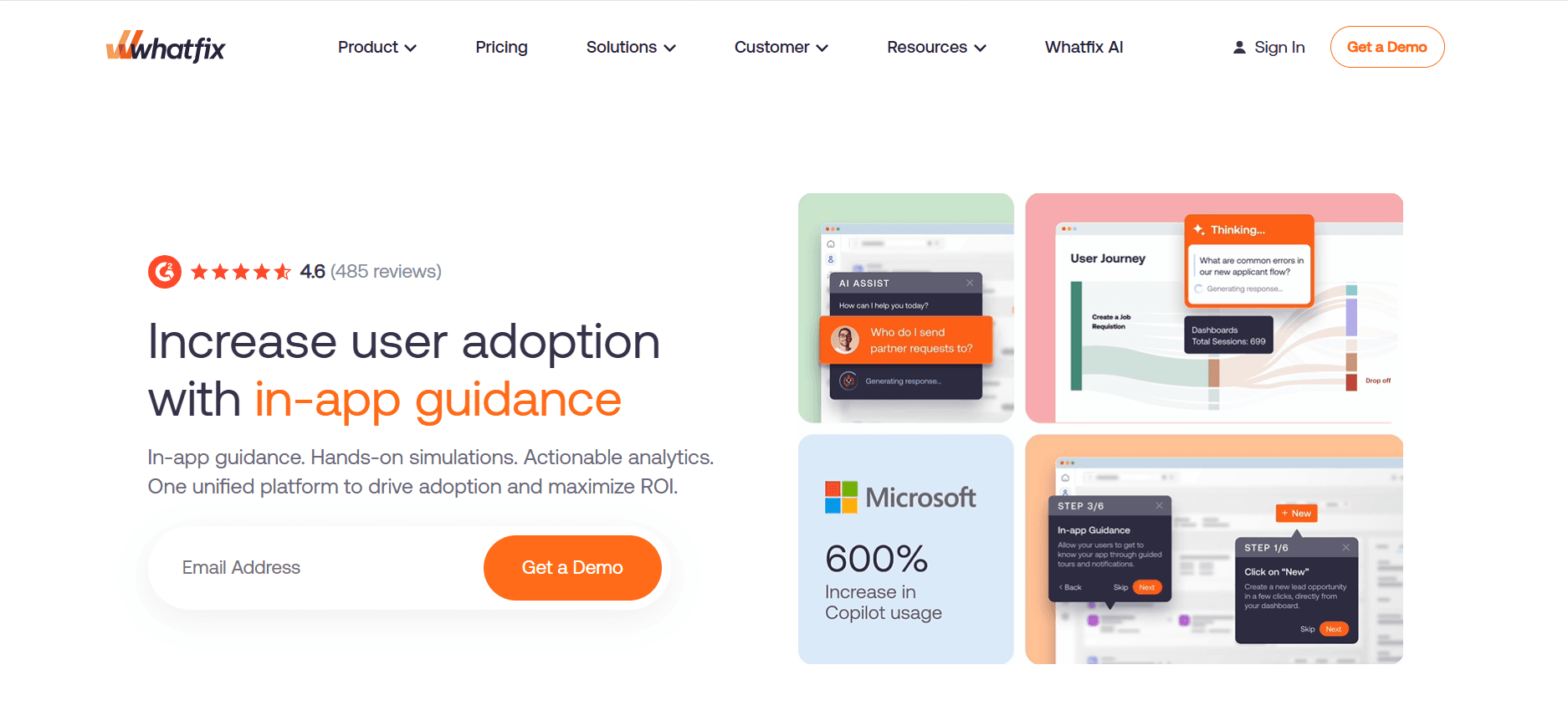
Whatfix is a digital adoption platform that offers a unique way to onboard employees through interactive guides and walkthroughs embedded directly within applications. It's particularly beneficial for organizations looking to streamline software adoption and provide in-app training without the need for extensive video content.
Whatfix excels in providing contextualized learning experiences, reducing the dependency on external resources. However, it may not fully replace traditional video onboarding for roles requiring more comprehensive training. It's ideal for tech-savvy teams or organizations adopting new software tools frequently.
Key Features
In-app guidance
Interactive walkthroughs
Contextual help
User analytics
Personalized learning paths
Integration with major applications
SCORM export
Multi-language support
Pros | Cons |
|---|---|
Real-time, in-app guidance reduces learning curves. | Limited to software training, not suitable for broader onboarding needs. |
Highly customizable learning paths tailored to user needs. | Initial setup can be complex and require technical expertise. |
Enhances user engagement with interactive elements. | May not fully replace traditional video or document-based training. |
Pricing
Whatfix pricing starts at $1,200 per year for basic plans, with custom pricing for enterprise solutions.
Tango
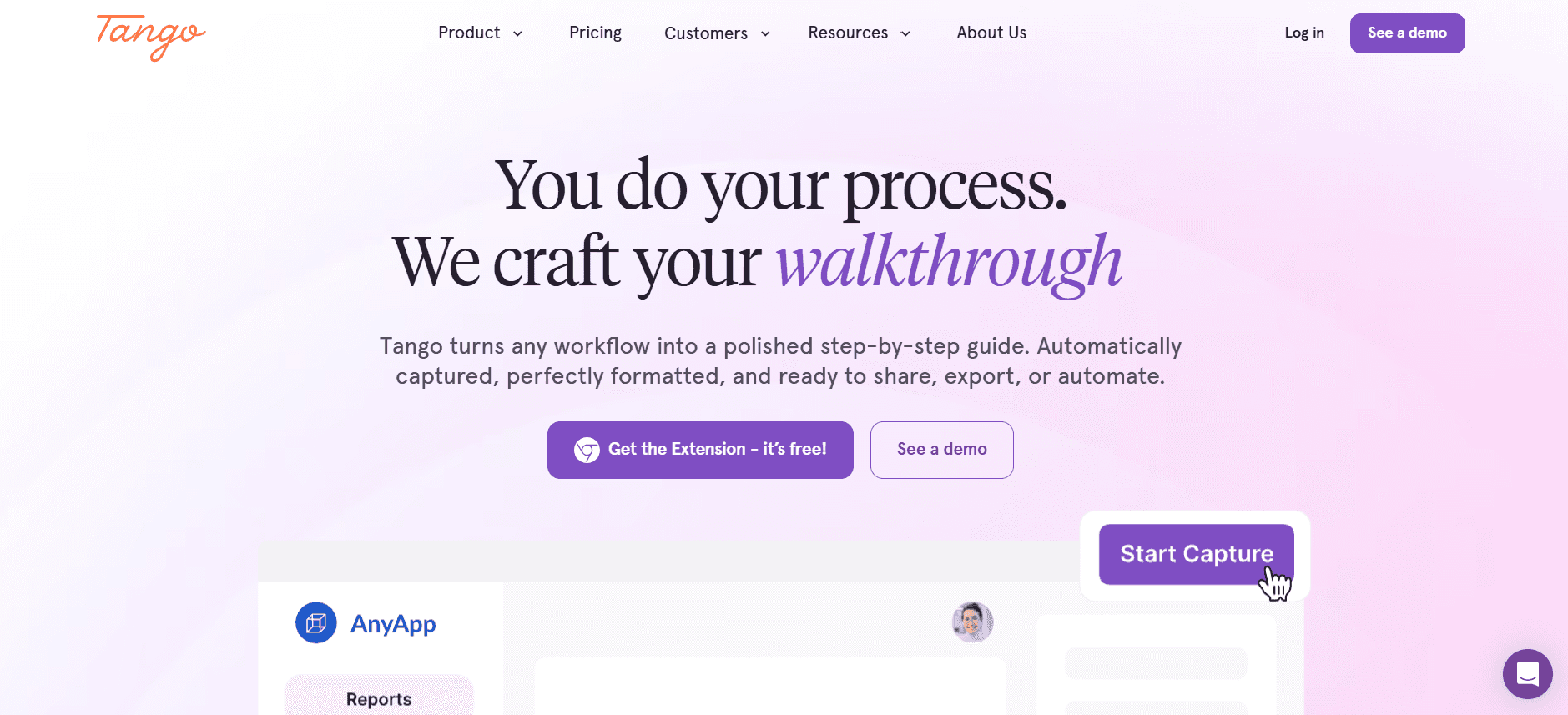
Tango is a straightforward tool for creating step-by-step guides and tutorials, making it ideal for documenting processes quickly and efficiently. It's particularly useful for teams that need to create instructional content on the fly, such as IT support or customer service departments.
While Tango excels in creating clear, concise guides, it lacks advanced video and multimedia capabilities, which may limit its use for comprehensive training programs. It's best suited for organizations that require quick documentation and process tracking rather than full-fledged onboarding content.
Key Features
Step-by-step guide creation
Automatic screenshot capture
Collaborative editing
Browser extension support
Custom branding
Export to PDF or HTML
Version history tracking
Simple user interface
Pros | Cons |
|---|---|
Fast creation of step-by-step guides with minimal effort. | Limited to text and screenshots, lacking video capabilities. |
Browser extension makes it easy to capture processes in real-time. | Not suitable for comprehensive training or onboarding. |
Effective for process documentation and quick instructions. | Basic functionality may not meet the needs of complex workflows. |
Pricing
Tango offers a free tier with basic features, and premium plans start at $99 per user per year.
Articulate 360
Articulate 360 is a comprehensive suite for creating interactive eLearning content, particularly suited for organizations that need robust course development tools. It supports multimedia elements, quizzes, and interactive scenarios, providing a full-fledged solution for instructional designers and eLearning professionals.
While Articulate 360 offers extensive capabilities for course creation, it requires a steep learning curve and significant investment, which may not suit every organization. It's best for enterprises with dedicated L&D teams focused on high-quality eLearning development.
Key Features
Interactive course creation
Multimedia support
Quizzes and assessments
Responsive design
Content library access
SCORM and xAPI export
Collaboration tools
Extensive template library
Pros | Cons |
|---|---|
Comprehensive suite for professional eLearning content development. | High cost may be prohibitive for smaller organizations. |
Supports a wide range of multimedia and interactive elements. | Steep learning curve for new users. |
Seamless integration with LMS platforms via SCORM/xAPI. | Requires significant time investment for content creation. |
Pricing
Articulate 360 offers subscriptions starting at $1,299 per user annually, with educational discounts available.
Video-Based Employee Onboarding Challenges: What Teams Struggle With
1. New Hires Overwhelmed with Information
Traditional onboarding often involves dense manuals and lengthy presentations.
New employees struggle to retain information when it's not engaging.
The lack of interactive elements can lead to disengagement and confusion.
Without follow-up, initial information can be easily forgotten.
2. Inconsistent Onboarding Experiences
Onboarding processes can vary widely across different departments or locations.
Lack of standardized training materials leads to knowledge gaps.
Remote or hybrid setups can exacerbate inconsistencies.
Employees may receive varying levels of support and resources.
3. High Production Costs for Training Videos
Creating professional-quality videos requires equipment and expertise.
Smaller companies may lack the budget for high-end production.
Outsourcing video production can be cost-prohibitive.
Frequent updates to content can lead to recurring expenses.
4. Outdated Content After Process Changes
Business processes and policies evolve, requiring constant content updates.
Static content becomes irrelevant or misleading over time.
Frequent updates can strain resources and delay onboarding.
Inflexible content formats make updates cumbersome and slow.
5. Verification and Comprehension Challenges
Lack of mechanisms to ensure content comprehension and retention.
Difficulty tracking completion and engagement metrics at scale.
Limited feedback channels for learners to express difficulties.
Inadequate testing tools to verify knowledge acquisition.
Challenge | Traditional Process | Business Impact | Time Cost |
|---|---|---|---|
New Hires Overwhelmed | Manuals, Presentations | Low Engagement | High |
Inconsistent Experiences | Varied Training | Knowledge Gaps | Medium |
High Production Costs | Professional Video Production | Budget Strain | High |
Outdated Content | Static Documents | Irrelevant Training | Medium |
Verification Challenges | Lack of Testing | Unverified Learning | High |
Must-Have Features in Video-Based Employee Onboarding Tools
Screen Recording with AI Voiceover
Screen recording capabilities are essential for creating tutorials and walkthroughs that clearly demonstrate processes and software use. Adding AI voiceovers enhances these videos by providing a human-like narrative that can be customized for different languages and accents. This feature is particularly beneficial for global organizations with diverse teams.
Tools like Trupeer and Synthesia offer AI voiceover options, allowing for a personalized touch that engages viewers more effectively than text alone. The ability to easily update and modify voiceover content without re-recording entire videos is a significant advantage.
SCORM/xAPI Export for LMS Compatibility
Ensuring that video content is compatible with Learning Management Systems (LMS) is crucial for seamless integration into existing training infrastructures. SCORM and xAPI exports allow organizations to track learner progress and performance, providing valuable insights into the effectiveness of their onboarding programs.
iSpring Suite and Articulate 360 excel in this area, offering robust LMS compatibility that supports detailed analytics and reporting. This feature is indispensable for organizations that require compliance tracking and structured learning paths.
Interactive Elements
Interactive elements like quizzes and knowledge checks keep learners engaged and allow them to test their understanding of the material. These features transform passive video watching into an active learning experience, enhancing retention and comprehension.
Camtasia provides extensive options for adding interactivity to videos, making it a standout choice for creating engaging training content. Adding quizzes and feedback loops helps organizations identify areas where learners may struggle and improve content accordingly.
Progress Tracking and Completion Reporting
The ability to track learner progress and generate completion reports is vital for measuring the success of onboarding programs. These reports provide insights into which modules are effective and where improvements are needed.
Whatfix offers detailed user analytics, allowing organizations to monitor engagement and completion rates in real-time. This feature is particularly useful for companies with large, distributed teams who need to ensure consistent training outcomes.
Easy Content Update Workflows
As business processes and technologies evolve, the ability to quickly update and distribute new content is crucial. Tools that offer simple workflows for content updates help organizations maintain relevance and accuracy in their training materials.
Trupeer's platform is designed with flexibility in mind, allowing for rapid content updates without the need for extensive re-editing. This capability ensures that training materials remain current and effective, reducing the risk of outdated information leading to compliance issues.
Custom Branding and Personalization
Custom branding options allow organizations to align their training materials with their corporate identity, reinforcing brand consistency across all learning materials. Personalization features enable the creation of tailored learning experiences that resonate with different audiences.
Synthesia and Articulate 360 provide robust branding and personalization tools, enabling companies to create a cohesive and customized onboarding experience. This feature enhances engagement and ensures that the training content reflects the organization's values and culture.
How to Choose Video-Based Onboarding Solutions Based on Your Use Case
Day-1 Orientation and Culture Videos
Day-1 orientation is crucial for setting the tone and introducing new hires to the company culture and values. This use case focuses on providing a welcoming and informative experience that aligns new employees with company goals from the start.
Key Challenges:
Ensuring consistency in messaging across all departments
Engaging new hires who may be remote or dispersed
Communicating company values effectively
Solutions Needed:
High-quality video production with custom branding
AI voiceover or avatars for personalized delivery
Multi-language support for global teams
Tool | Branding | AI Voiceover | Multi-language |
|---|---|---|---|
Trupeer | Yes | Yes | Yes |
Synthesia | Yes | Yes | Yes |
Systems and Software Tools Training
For organizations introducing new software or systems, providing comprehensive training is essential to ensure smooth adoption. This use case requires tools that can effectively demonstrate software functionality and guide users through processes.
Key Challenges:
Complexity of software features and user interfaces
Lack of in-person support for remote employees
Ensuring learners can practice and apply new skills
Solutions Needed:
Screen recording with detailed walkthroughs
Interactive elements for practice and feedback
Progress tracking to monitor learning outcomes
Tool | Screen Recording | Interactivity | Progress Tracking |
|---|---|---|---|
Loom | Yes | No | Limited |
Camtasia | Yes | Yes | Limited |
Compliance and Policy Training
Compliance training is critical for ensuring that employees understand and adhere to industry regulations and company policies. This use case involves delivering precise and clear content that is easily accessible for review and verification.
Key Challenges:
Keeping training content up-to-date with regulatory changes
Ensuring all employees complete mandatory training
Providing documentation for audits and compliance checks
Solutions Needed:
SCORM/xAPI export for LMS integration
Completion tracking and reporting
Automated updates and alerts for regulatory changes
Tool | SCORM/xAPI Export | Completion Tracking | Automated Updates |
|---|---|---|---|
iSpring Suite | Yes | Yes | No |
Whatfix | Yes | Yes | Limited |
Role-Specific Skills Training
Role-specific training is designed to equip employees with the skills needed for their specific positions. This use case requires tools that can deliver specialized content efficiently and effectively.
Key Challenges:
Customizing content to meet diverse role requirements
Ensuring trainers have the tools to create specific content
Balancing breadth of content with depth of expertise
Solutions Needed:
Customizable templates and content libraries
Collaboration features for team-based content creation
Comprehensive analytics for performance insights
Tool | Customizable Templates | Collaboration | Analytics |
|---|---|---|---|
Articulate 360 | Yes | Yes | Yes |
Tango | Limited | Yes | No |
Best Practices for Implementing Video-Based Onboarding
Before Implementation
Define clear objectives for what the onboarding program should achieve.
Identify key metrics to measure the success of the onboarding process.
Choose tools that align with your organizational needs and budget.
Engage stakeholders from various departments to gather insights and needs.
Plan the content creation process, including timelines and responsible parties.
During Implementation
Test the onboarding content with a pilot group to gather feedback.
Ensure all technical systems, such as LMS integrations, are functioning correctly.
Provide training for facilitators and HR staff on how to use the new tools.
Monitor the onboarding process closely and adjust based on feedback.
Engage new hires with interactive elements to maintain interest and engagement.
After Implementation
Collect data and analyze results to measure the effectiveness of the onboarding.
Gather feedback from new hires on their onboarding experience.
Regularly update content to keep training materials current and relevant.
Identify areas for improvement and update processes and materials accordingly.
Maintain open communication channels for ongoing support and development.
Frequently Asked Questions
What is video-based onboarding?
Video-based onboarding is a method of inducting new employees through the use of video content, which can include instructional videos, interactive modules, and multimedia presentations. It aims to provide a more engaging and efficient onboarding experience compared to traditional methods like manuals and presentations.
Why choose video-based onboarding over traditional methods?
Video-based onboarding is often more engaging, allowing new hires to learn at their own pace and revisit content as needed. It also enables consistency in messaging and can be easily updated to reflect changes in company policies or processes, making it more flexible and effective than traditional methods.
Do video onboarding tools integrate with existing LMS platforms?
Yes, most video onboarding tools offer integration with popular LMS platforms through SCORM or xAPI exports, allowing organizations to track learner progress and performance seamlessly. Tools like iSpring Suite and Articulate 360 provide robust LMS compatibility.
Can I customize the video content with branding elements?
Many video onboarding tools allow for customization with branding elements like logos, colors, and fonts to ensure that training materials are aligned with your corporate identity. Tools like Synthesia and Trupeer offer extensive branding options to personalize the onboarding experience.
Are there free video onboarding solutions available?
Some tools, such as Loom and Tango, offer free tiers with basic features. However, these may come with limitations in terms of functionality and support. For more comprehensive solutions, paid plans are generally required, which offer additional features and capabilities.
What factors should I consider when choosing a pricing plan?
When choosing a pricing plan, consider factors such as the number of users, the scale of your onboarding program, the specific features you need (such as AI capabilities or LMS integration), and your budget. It's important to select a plan that aligns with your organization's requirements and growth projections.
How long does it take to implement a video onboarding solution?
The time required to implement a video onboarding solution can vary depending on the complexity of the system and the amount of content that needs to be created. Typically, organizations can expect the process to take anywhere from a few weeks to several months, including setup, content creation, and testing.
What resources are needed to maintain video onboarding content?
Maintaining video onboarding content requires resources such as a dedicated team for content creation and updates, access to video production tools, and regular feedback from learners to ensure content remains relevant and effective. Additionally, technical support may be necessary to manage integrations and troubleshoot issues.
Enhance Your Onboarding with Video Solutions
Adopting video-based onboarding solutions can transform your organization's approach to welcoming new hires. By leveraging innovative tools, you can create engaging, efficient, and effective onboarding experiences that align with your company culture and goals. Whether you're focusing on role-specific skills or compliance training, there's a solution tailored to your needs.
Trupeer offers a comprehensive platform that excels in providing interactive, customized onboarding experiences for organizations of all sizes. To explore how Trupeer can enhance your onboarding process, visit Trupeer's website and discover the possibilities of video-based onboarding today.


