Trupeer Blog
Summarise

The state of corporate learning software
Corporate learning software used to mean one thing: an LMS that tracked completions for compliance training. In 2026, the category has split. There are enterprise LMS platforms (Docebo, Cornerstone, SAP SuccessFactors Learning) that do compliance and formal learning paths. There are learning experience platforms (Degreed, EdCast) that focus on skill development and career pathing. And there are content production tools (Trupeer) that generate the training material itself. Most enterprises end up with two: an LMS for tracking plus a content tool for creation.
This evolution has been driven by the need for flexible, on-demand learning solutions that adapt to varied organizational structures and employee needs. According to recent studies, the corporate e-learning market is expected to grow at a compound annual growth rate of 8% from 2020 to 2030, underlining the increasing demand for diverse learning solutions. Companies looking to stay competitive recognize that a one-size-fits-all approach to training no longer suffices, leading to the adoption of multiple specialized platforms.
Below is the honest comparison of the ten tools enterprise buyers actually consider in 2026, with tradeoffs called out. For related reference material, see the broader documentation market.
Feature comparison: corporate learning platforms
Tool | Best for | Content creation | Compliance tracking | Shape |
|---|---|---|---|---|
Trupeer | Content production | Yes (AI video + SOP) | Via LMS integration | Content tool |
Docebo | Enterprise LMS | Yes | Yes (deep) | LMS |
Cornerstone | Large enterprise | Yes | Yes (deep) | LMS |
SAP SuccessFactors Learning | SAP HR customers | Yes | Yes | LMS |
Workday Learning | Workday customers | Yes | Yes | LMS |
Degreed | Skills + career | Curates | Limited | LXP |
EdCast | Skills + AI | Curates + AI | Limited | LXP |
360Learning | Collaborative learning | Yes | Yes | LMS + LXP |
Absorb LMS | Mid-market | Yes | Yes | LMS |
TalentLMS | SMB | Yes | Yes | LMS |
Tool breakdowns
1. Trupeer
Best for: Enterprises that want to produce training content faster than their LMS can absorb it.
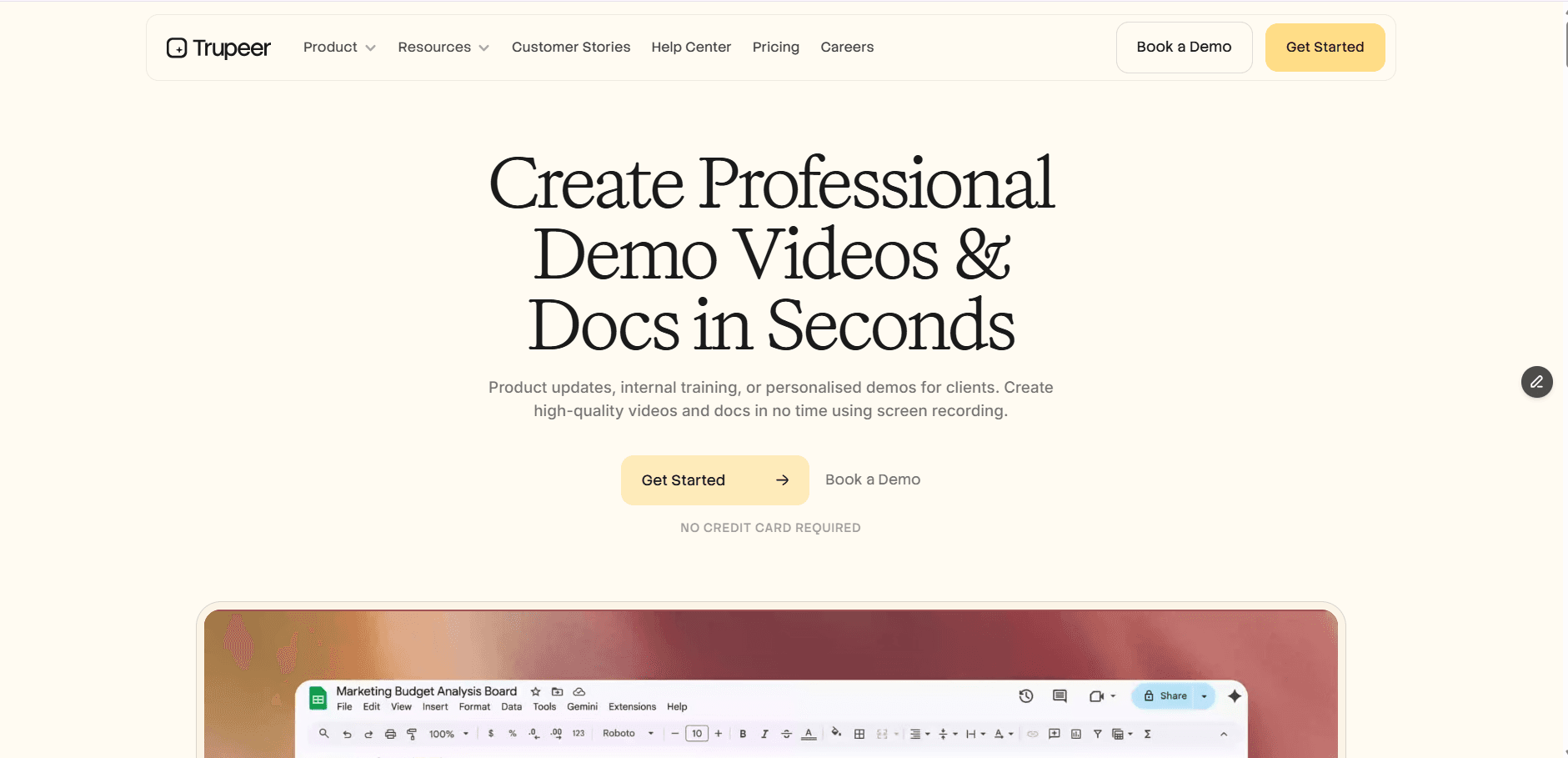
Trupeer serves as the content production powerhouse, enabling teams to quickly generate engaging training materials. Whether recording a screen walkthrough or creating a quick explainer video, Trupeer uses AI to transform raw content into polished training videos, comprehensive SOPs, and searchable documents. The smooth integration with any major LMS allows for efficient content distribution without the typical bottlenecks associated with content creation. Many enterprises find that their primary challenge isn't tracking learning progress but generating the content itself; Trupeer directly addresses this issue by accelerating content production and reducing dependency on external agencies.
Pros: Fast content generation, video + SOP + docs, integrates with major LMS platforms, per-user pricing.
Cons: Not an LMS; pair with Docebo, Cornerstone, or SuccessFactors for compliance tracking.
2. Docebo
Best for: Enterprises wanting a flexible LMS with modern UI.
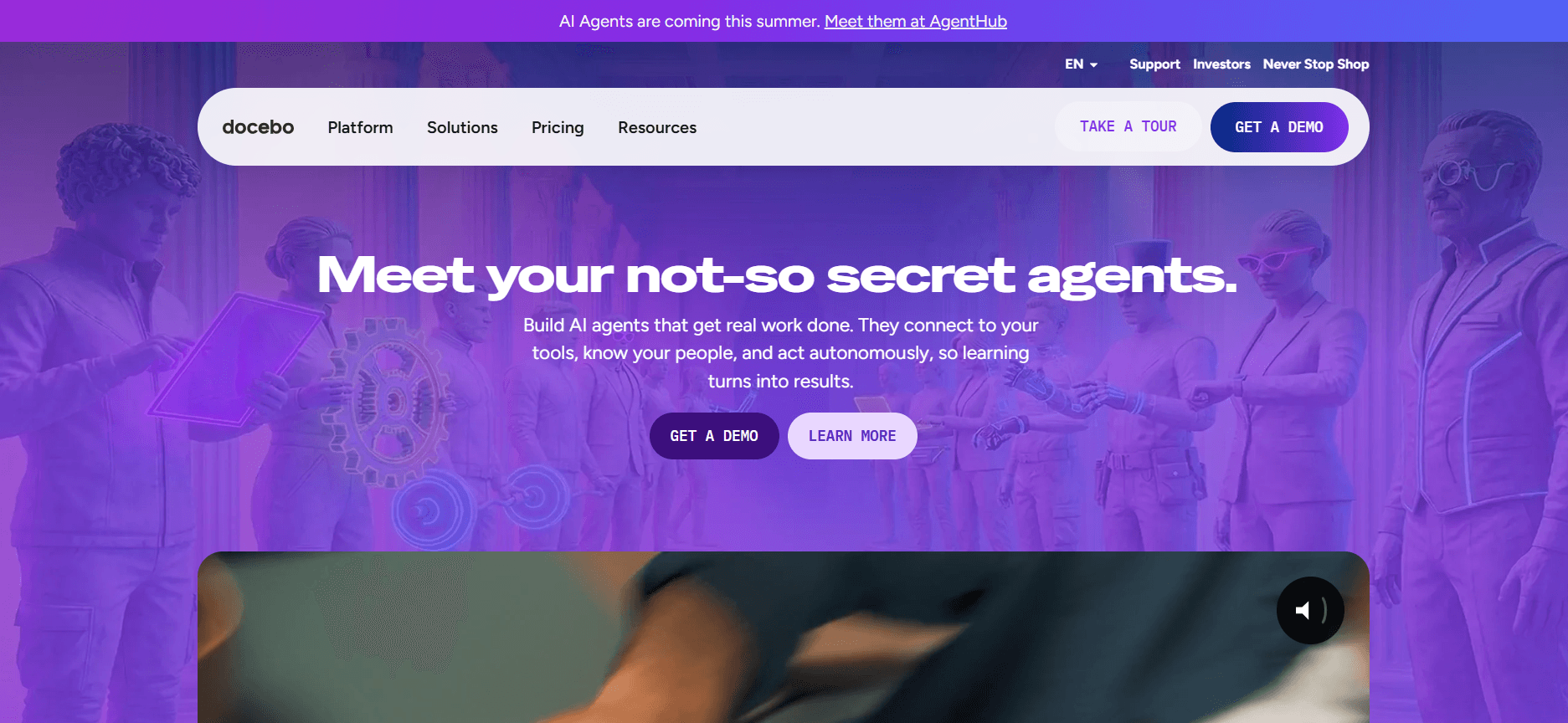
Docebo stands out as a leader in the LMS space, offering a contemporary user interface that appeals to modern enterprises. Its AI-driven content suggestions enhance user engagement by providing personalized learning experiences. The platform is well-suited for large-scale deployments, thanks to its solid enterprise integrations and comprehensive compliance tracking capabilities. However, while Docebo includes content creation tools, these are often seen as adequate rather than best-in-class, particularly when compared to dedicated video tools like Trupeer.
Pros: Modern UX, AI features, enterprise scale.
Cons: Content creation tools inside Docebo are adequate but slower than dedicated video tools.
3. Cornerstone
Best for: Very large enterprises with broad talent management needs.
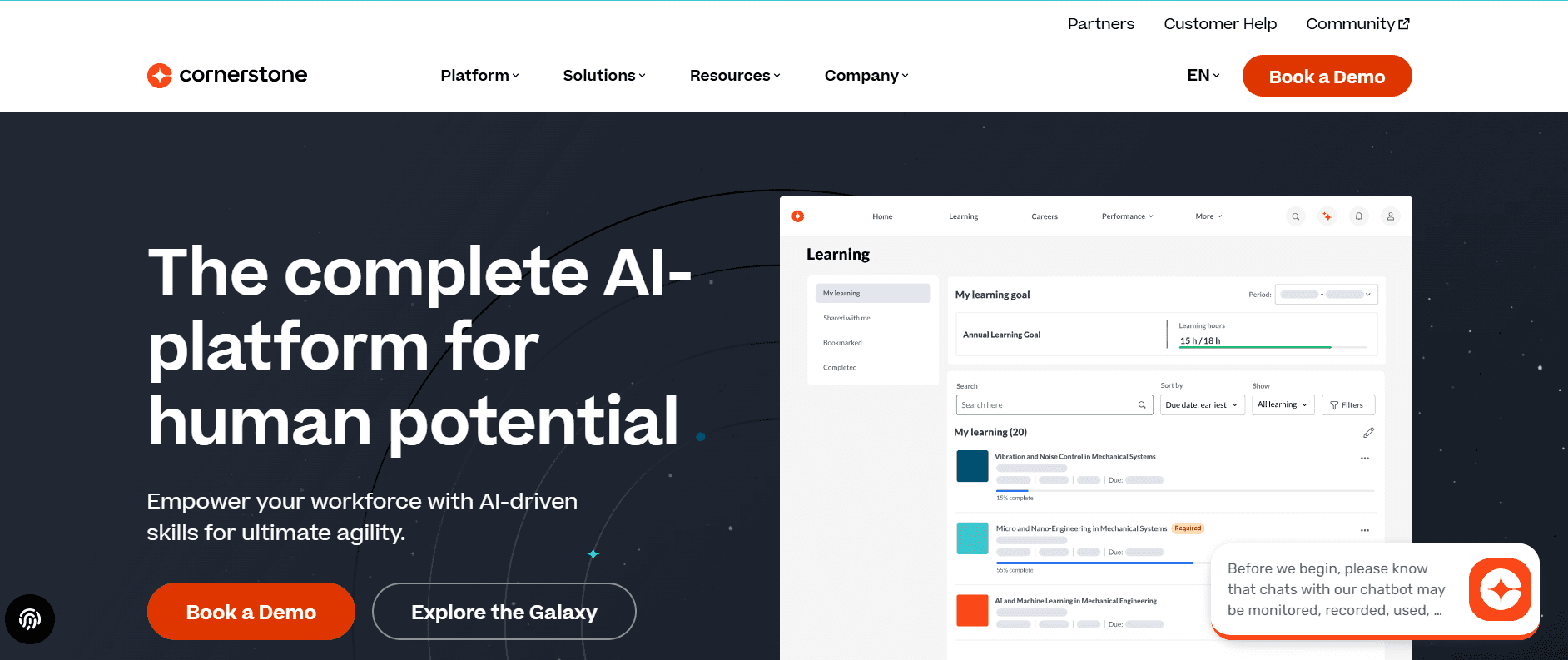
Cornerstone is a comprehensive platform designed to meet the diverse needs of large enterprises. It extends beyond learning to include performance management, recruiting, and succession planning functionalities. This makes it an attractive option for organizations seeking a unified talent management solution. However, the platform's extensive feature set can also be a drawback, as its user interface is often criticized for its outdated appearance, and the deployment process can be cumbersome for teams without dedicated IT support.
Pros: Deep enterprise coverage, mature features.
Cons: UI shows its age; heavy to deploy.
4. SAP SuccessFactors Learning
Best for: SAP HR customers.
SAP SuccessFactors Learning is a natural choice for organizations already using SAP for HR functions. Its smooth integration with SAP's ecosystem ensures that learning data flows smoothly across the enterprise, supporting comprehensive HR analytics. However, for companies not already within the SAP ecosystem, SuccessFactors can feel outdated compared to newer standalone LMS options, and its feature set may not match best-in-class competitors in terms of innovation and usability.
Pros: Native SAP integration.
Cons: Feels dated; not best-of-breed outside SAP shops.
5. Workday Learning
Best for: Workday customers wanting integrated learning.
Workday Learning offers a similar proposition to SAP SuccessFactors but within the Workday ecosystem. For organizations that rely on Workday for HR operations, this integration simplifies the management of employee learning data alongside other HR metrics. While suitable for existing Workday customers, Workday Learning is rarely chosen as a standalone LMS due to its limited feature set compared to dedicated LMS offerings.
Pros: Workday integration.
Cons: Light as a full LMS.
6. Degreed
Best for: Skills development and career pathing.
Degreed excels as a learning experience platform, focusing on skills development and career pathing. It curates content from various providers, allowing employees to build personalized skill profiles and career paths within the organization. While Degreed offers significant value as a complement to an LMS, it isn't designed to replace traditional LMS functionalities, particularly in areas like compliance tracking.
Pros: Skills taxonomy, career pathing, content curation.
Cons: Weak for compliance; not an LMS replacement.
7. EdCast
Best for: AI-heavy skill development.
EdCast is positioned as a strong competitor to Degreed, distinguished by its advanced AI features that enhance content recommendations and skill development. Following its acquisition by Cornerstone, EdCast's integration and product direction are still evolving, which may introduce some uncertainty for potential buyers. However, its focus on AI-driven capabilities makes it a compelling option for organizations prioritizing innovative skill development solutions.
Pros: AI recommendations, skills focus.
Cons: Product direction uncertain post-acquisition.
8. 360Learning
Best for: Collaborative authoring across subject matter experts.
360Learning differentiates itself by enabling subject matter experts within organizations to collaboratively author and share learning content. This approach fosters a culture of knowledge sharing and enables employees to contribute to the learning process. The platform's analytics capabilities provide insights into learner engagement and content effectiveness. However, its success relies heavily on having internal champions who can drive the adoption and utilization of the collaborative authoring features.
Pros: Collaborative authoring, decent analytics.
Cons: Authoring UX works best with internal champions in place.
9. Absorb LMS
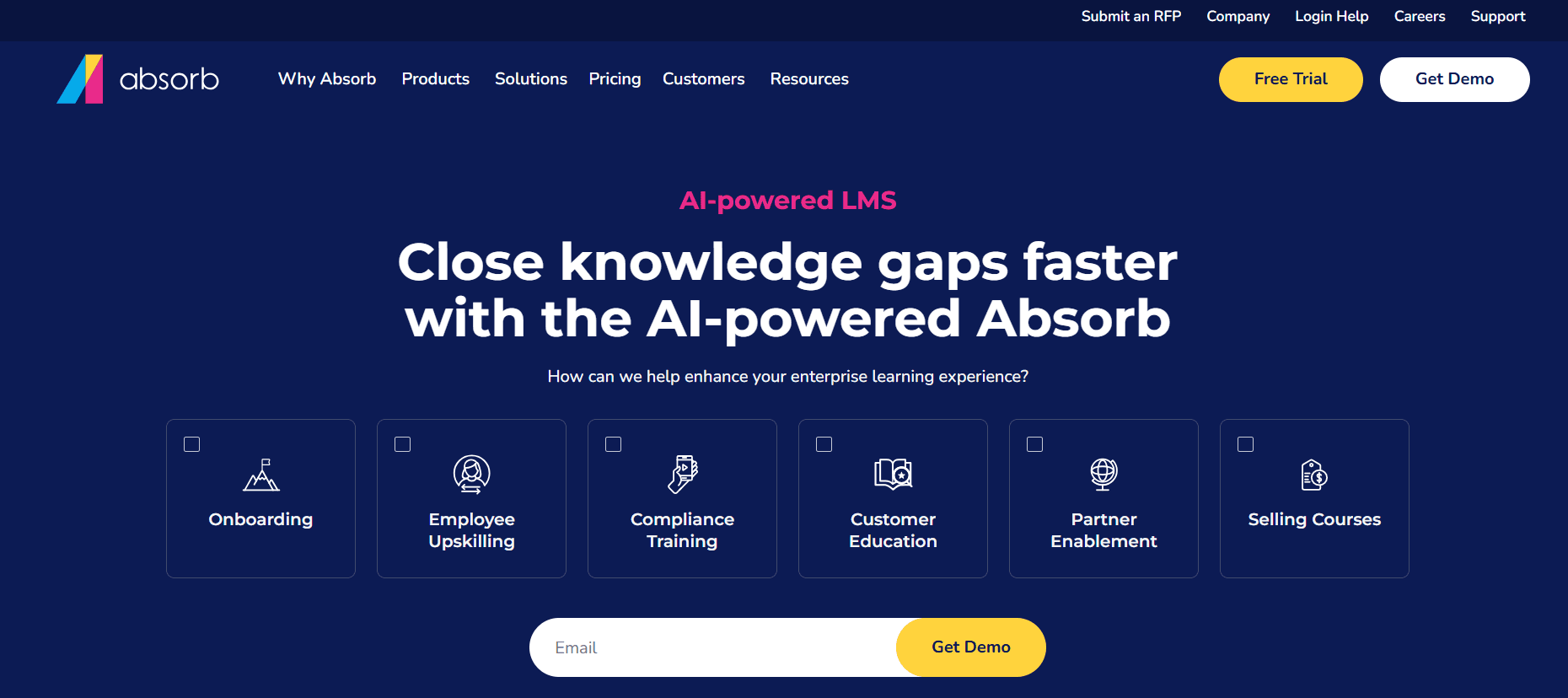
Best for: Mid-market LMS buyers.
Absorb LMS is a reliable choice for mid-market organizations seeking a straightforward and effective learning management system. It offers a clean user interface and fair pricing, making it an attractive option for companies without the need for the extensive features offered by enterprise-grade solutions. However, while Absorb is competent, it may lack the depth and scalability required by larger enterprises with more complex learning needs.
Pros: Clean UI, fair pricing.
Cons: Less enterprise depth than Docebo or Cornerstone.
10. TalentLMS
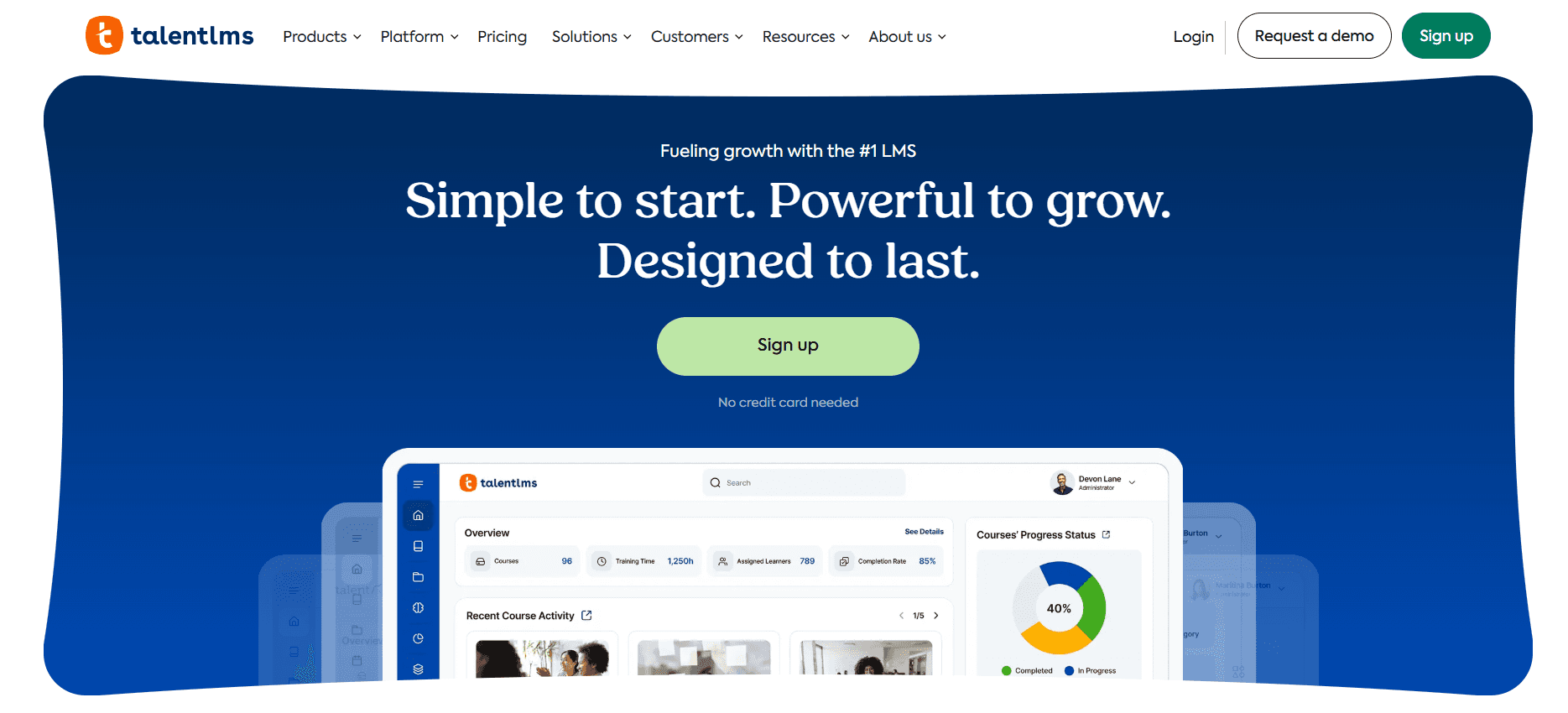
Best for: SMB or first-time LMS buyers.
TalentLMS is designed for small to medium-sized businesses or organizations new to learning management systems. It provides a cost-effective, easy-to-use platform that meets the basic needs of these organizations. Its self-serve model allows for quick setup and deployment, making it ideal for teams that require immediate access to training tools. However, as organizations grow, they may find TalentLMS limited in scalability and feature set compared to more advanced solutions.
Pros: Cheap, easy, functional.
Cons: Limited at scale.
In-depth analysis: LMS, LXP, and content tools
The LMS is not the content problem
LMS platforms excel at tracking and delivering learning experiences, but they're not designed for content creation. Many LMS authoring tools still resemble outdated PowerPoint clones, leading enterprises to spend significant amounts on external agencies to create engaging content that, despite the cost, often feels dated. This reliance on external agencies highlights a critical issue: the true bottleneck isn't the LMS itself, but the content authoring workflow.
Enterprises that incorporate screen-recorded content into their LMS environments manage to produce 5-10 times more training material per quarter compared to those relying solely on the LMS's native authoring tools. This demonstrates that while LMS platforms are excellent at their core functions, they're complemented best by modern content tools that address the need for rapid, high-quality content creation.
LMS vs. LXP: they're not the same purchase
Understanding the distinction between an LMS and an LXP is crucial for enterprises aiming to meet both compliance and skill development goals. An LMS is essentially the backbone of compliance infrastructure, ensuring that all mandatory training is tracked and reported. Conversely, an LXP provides a dynamic, personalized learning experience that fosters skills development and career growth.
Enterprises that purchase an LXP expecting it to replace an LMS often end up disappointed when it comes to compliance tracking capabilities. Similarly, those that select an LMS thinking it will drive skill development might find themselves with an infrastructure that's great for compliance but lacks the engaging, growth-focused elements of an LXP. It's not uncommon for mature enterprises to implement both systems: starting with an LMS if compliance is the immediate need, and introducing an LXP when fostering a culture of continuous learning becomes a strategic priority.
Content velocity is the hidden metric
In the realm of corporate learning, content velocity, the speed at which new training modules can be produced and deployed, often goes unmeasured, yet it's a critical factor for success. In a rapidly changing business environment, the ability to quickly update training materials in response to product changes or new regulations is essential. If an organization's LMS is producing new modules at a pace of "weeks per module," it risks becoming a repository for outdated content.
Forward-thinking learning organizations prioritize content velocity, recognizing that the half-life of training material is shrinking. By emphasizing tools and processes that enhance content production speed, these organizations ensure that their employees are equipped with the most current knowledge and skills, maintaining a competitive edge in the marketplace.
Challenges enterprise learning teams hit
Content rot. Training shipped two years ago doesn't match today's tools. Build refresh into the ownership model by setting up regular review cycles and involving subject matter experts to ensure content remains relevant and accurate.
Low engagement. Compliance training gets clicked through without engagement. To combat this, invest in shorter, role-specific content that directly relates to employees' day-to-day tasks. By making training applicable and interactive, you can rebuild trust and engagement among your workforce.
Tool sprawl. LMS + LXP + multiple content tools + authoring agencies creates chaos. To manage this, consolidate where possible by evaluating your current tech stack and eliminating redundant tools. simplifying your tools not only reduces complexity but also cuts costs.
Disconnected from business. Learning often reports to HR while outcomes live in business units. To bridge this gap, tie learning metrics to business KPIs, ensuring that learning initiatives are aligned with broader organizational goals and deliver tangible business value.
Seat-based pricing at scale. 50,000-seat LMS contracts often include features 80% of employees never use. Before renewal, audit usage to identify underutilized features and negotiate terms that better align with your actual needs, potentially leading to significant cost savings.
Must-have features
Compliance tracking with audit-ready reporting to ensure all regulatory requirements are met and documented accurately.
Content velocity (authoring or integration with fast content tools) to keep training materials up-to-date and relevant.
Skill taxonomy aligned with your roles to facilitate targeted skill development and career progression.
Video support native or easy upload, as video content continues to be a highly effective training medium.
Learning paths by role and career stage to provide structured, personalized learning journeys for employees.
HRIS integration so enrollment automates, reducing administrative overhead and ensuring smooth user management.
Analytics tied to business outcomes, enabling data-driven decisions and demonstrating the impact of learning on organizational performance.
Mobile delivery for field and hybrid workers, ensuring access to training anytime, anywhere, across devices.
Multi-language for global workforces, catering to diverse language needs and ensuring inclusivity.
Use cases and personas
Global compliance: Harpreet, VP of Learning, 25,000-employee financial services
Harpreet leads a team responsible for managing compliance training for a large financial services firm with 25,000 employees. When they relied on Cornerstone for content creation, each module took 6-8 weeks to develop using an external agency. This slow pace impeded their ability to respond to regulatory changes swiftly. By integrating Trupeer for in-house content creation, Harpreet's team eliminated the need for external agencies, reducing content cycle time to just 3 days. As a result, they increased module throughput from 30 per year to 140 per year, ensuring that their workforce remains compliant and informed.
Skills development: Jennifer, Head of Talent Development, 8,000-employee tech company
Jennifer's role at a tech company centers around fostering skills development and career growth for 8,000 employees. Initially using Cornerstone for compliance, her team added Degreed to focus on skills development. This addition allowed employees to build personalized skill profiles and career paths, increasing internal mobility rates from 12% to 19% over two years. By enabling employees to take charge of their learning and development, Jennifer's team has fostered a culture of continuous improvement and career advancement.
Sales enablement: Ramon, Sales Enablement Director, 1,200-rep sales org
Ramon oversees sales enablement for an organization with 1,200 sales representatives. Previously, sales onboarding content was refreshed quarterly, leading to outdated materials and longer ramp times for new hires. By using Trupeer's content generation capabilities and integrating with Docebo, Ramon's team now refreshes onboarding content monthly. This increased frequency has reduced ramp time by 30%, enabling new sales reps to become productive faster. For more insights on improving sales training, see the sales training platforms guide.
Best practices
Separate LMS from content creation. Each tool should focus on its primary function: an LMS for tracking and an advanced content tool for creation. This separation allows each system to operate at its highest potential, reducing inefficiencies and ensuring high-quality outcomes.
Invest in content velocity. Prioritize speed over polish when it comes to content production. Faster turnaround times mean your training materials remain relevant and responsive to business changes, maintaining employee engagement and effectiveness.
Pair compliance LMS with LXP only when culture is ready. Introducing an LXP requires a culture that values self-directed learning and skill development. Ensure your organization is prepared for this shift to maximize the LXP's benefits.
Audit seat usage before renewal. Regularly review your LMS usage to identify unused features or underutilized capacity. This practice can reveal opportunities to optimize costs and adjust contracts to better reflect actual needs.
Tie learning metrics to business outcomes. Move beyond completion rates to evaluate the impact of learning on business performance. By linking learning initiatives to key performance indicators, you can demonstrate tangible value to leadership and secure ongoing support for your programs.
Frequently asked questions
Do I need an LMS if I already have a content tool?
Yes, if compliance tracking is a requirement for your organization. An LMS provides the necessary infrastructure for tracking and reporting on mandatory training, ensuring regulatory compliance. However, if your primary need is content delivery without compliance obligations, a content tool may suffice. Most enterprises find they benefit from both systems, as they complement each other in addressing different learning objectives.
What's the cheapest enterprise LMS?
TalentLMS and Absorb LMS are often cited as more affordable options for enterprises compared to leaders like Docebo or Cornerstone. While they offer cost savings, it's important to consider the trade-offs in terms of functionality and scalability. Enterprises should evaluate their specific needs to determine the best fit, as cheaper solutions may lack the depth required for complex learning environments.
Can I use Notion or Confluence as an LMS?
While Notion or Confluence can serve as effective documentation tools for organizing information and facilitating collaboration, they aren't suitable replacements for an LMS when it comes to compliance tracking. These platforms lack the audit-ready reporting and structured learning paths necessary for meeting regulatory requirements. Enterprises needing compliance solutions should invest in a dedicated LMS to ensure they meet all legal and industry standards.
How much should I budget for corporate learning?
Budgeting for corporate learning typically ranges between 1-3% of employee compensation, with variations based on industry and organizational size. Regulated industries, which often have more stringent compliance requirements, tend to allocate a higher percentage to ensure all training needs are met. In contrast, tech companies might budget less but still prioritize investment in innovative learning solutions to maintain a competitive edge.
Is AI-generated training content trustworthy?
AI-generated training content is generally reliable for procedural and tool-specific training, offering speed and consistency. However, when it comes to policy and compliance training, human review remains essential to ensure accuracy and alignment with regulatory standards. For organizations exploring AI content workflows, it's important to establish a review process that combines AI efficiency with human oversight to maintain quality and compliance. For more information, see the Docebo vs. Trupeer comparison.
Final word
The corporate learning category is splitting into tracking (LMS), development (LXP), and creation (content tools). The best enterprise stacks use one of each, connected by HRIS and measured against business outcomes. The single biggest lever on learning ROI is content velocity; prioritize tools that let your team ship training as fast as your business changes.
Related Blogs


