Trupeer Blog
Summarise

Explore the best platforms for client training videos, tailored for external client engagement.
45 min read · 2026. March 30, 2026.
Buyer's Overview
For businesses training external clients, the need for specialized video platforms is crucial. Generic tools often fall short, lacking client portals and engagement analytics. As client expectations rise, companies face the challenge of providing personalized, interactive training experiences. A recent survey found that 72% of clients expect businesses to offer training tailored to their specific needs, highlighting the importance of customizable platforms.
72% of clients expect tailored training experiences from businesses.
Source: Client Training Report by Business Insights, 2025
This guide is designed for agencies, SaaS vendors, and consultancies looking to elevate their client training. We cover a range of platforms, each with unique strengths and limitations, to assist you in making an informed decision. Whether you're aiming for seamless integration or advanced analytics, this guide is your comprehensive resource.
Best Client Training Video Platforms: Head-to-Head Comparison
Feature | Trupeer | Panopto | Loom | Kaltura | Vidyard | Wistia | Camtasia | Vimeo OTT |
|---|---|---|---|---|---|---|---|---|
Core Features | ||||||||
Client Portal | Yes | Limited | No | Yes | No | Limited | No | No |
Access Controls | Yes | Yes | No | Yes | Limited | Limited | No | Limited |
AI Capabilities | ||||||||
AI Voiceover | Yes | No | No | Limited | Limited | No | No | No |
Custom Branding | Yes | Limited | No | Yes | Yes | Yes | No | Yes |
Professional Features | ||||||||
Interactive Video | Yes | Yes | No | Yes | No | Limited | No | Limited |
Engagement Analytics | Yes | Yes | Limited | Yes | Yes | Yes | No | Limited |
Integrations | ||||||||
Multi-language | Yes | Yes | No | Limited | Limited | Yes | No | No |
LMS Integration | Yes | Yes | No | Yes | Limited | Yes | No | Limited |
Free Tier | Limited | No | Yes | No | Yes | Limited | No | No |
Trupeer

Trupeer offers a comprehensive client training video platform designed for businesses that require robust client-facing capabilities. It's tailored for agencies, SaaS vendors, and consultancies that need to deliver dynamic, engaging content. Trupeer stands out for its seamless client portals, detailed engagement analytics, and AI-driven features. Users appreciate its ability to integrate easily with existing LMS systems, making it a versatile choice for diverse training needs.
Key Features
Client Portal with granular access
AI Voiceover and auto-translation
Interactive elements such as quizzes
Custom branding options
Per-viewer engagement analytics
LMS integration
Multi-language support
Easy content updates
"Trupeer transformed our training process by allowing us to personalize content for each client. The analytics feature is a game-changer."
Jessica Lee, Training Manager at Tech Solutions (Source: G2)
Pros
Cons
Seamless integration with LMS platforms.
Limited free tier options.
AI voiceover enhances content delivery.
Initial setup can be time-consuming.
Customizable branding for client engagement.
Advanced features can be overwhelming for new users.
Detailed analytics for tracking engagement.
Pricing
Trupeer offers a limited free tier with the option to upgrade to premium plans starting at $49 per user per month.
Panopto
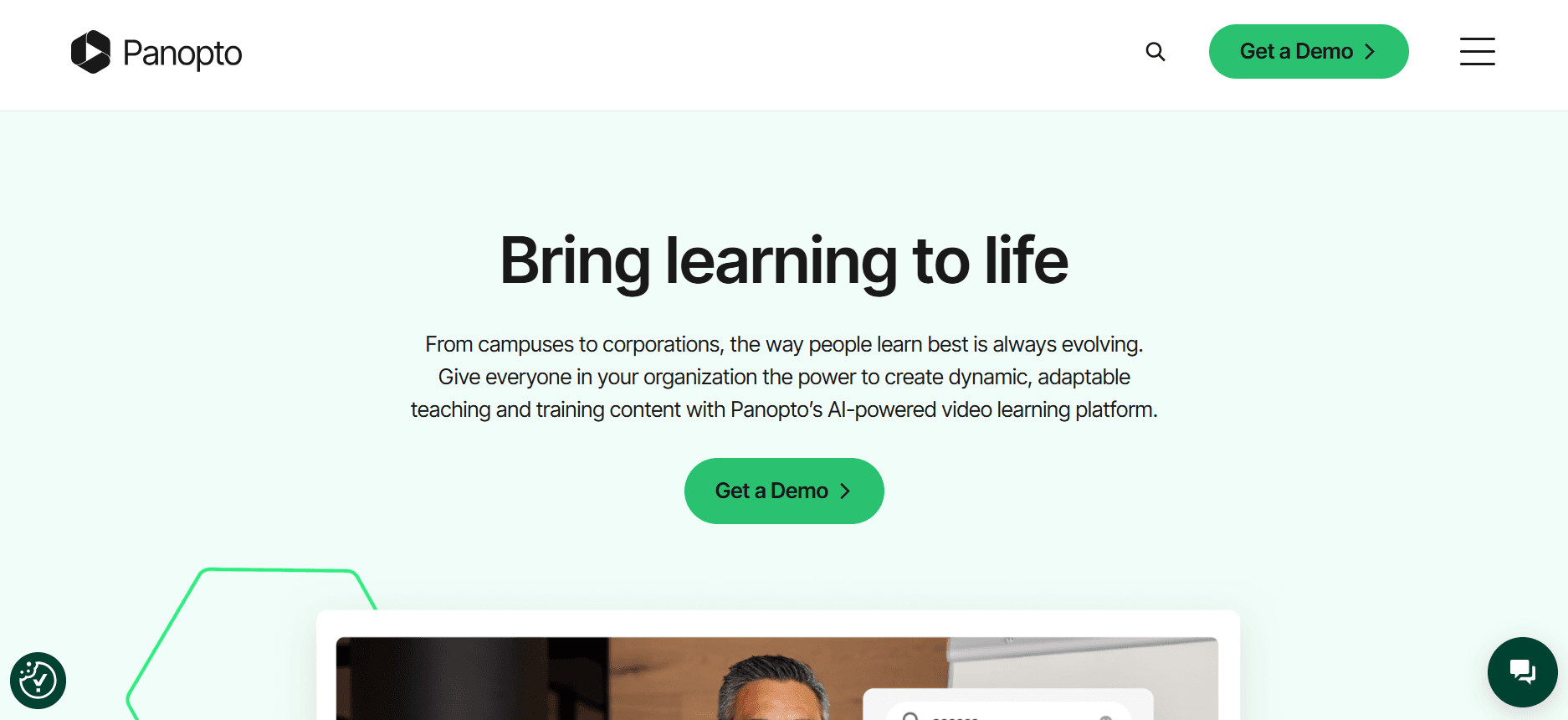
Panopto provides a versatile video platform used by educational institutions and enterprises alike. It's known for its lecture capture capabilities, making it ideal for academic environments and corporate training. With features like searchable video content and integration with LMS systems, Panopto is well-suited for large organizations that require an extensive video library and easy accessibility.
Key Features
Lecture capture and live streaming
Searchable video content
Interactive video quizzes
LMS integration
Screen recording capabilities
Multi-language support
Video editing tools
Analytics dashboard
Pros
Cons
Excellent for educational and corporate training.
Limited client portal features.
Strong integration with LMS systems.
No AI voiceover capability.
Robust video search functionality.
User interface can be complex.
Interactive quizzes enhance engagement.
Pricing
Panopto does not offer a free tier, with pricing available upon request for enterprise plans.
Loom

Loom is a popular choice for quick video communications and screen recordings. It's widely used by teams needing to share updates and tutorials efficiently. While Loom is not specifically designed for detailed client training, its ease of use and accessibility make it a favorite for creating quick, casual videos. Its simplicity is a strength, though it lacks some advanced features necessary for comprehensive client training.
Key Features
Simple screen recording
Instant video sharing
Viewer feedback tools
Basic editing features
Integration with productivity tools
User-friendly interface
Real-time notifications
Basic analytics
Pros
Cons
Easy to use for quick video creation.
Limited customization options.
Instant sharing capabilities.
No client portals or advanced analytics.
Integration with popular productivity tools.
Not suitable for detailed client training.
User-friendly interface.
Limited editing features.
Pricing
Loom offers a free tier, with Pro plans starting at $10 per user per month.
Kaltura
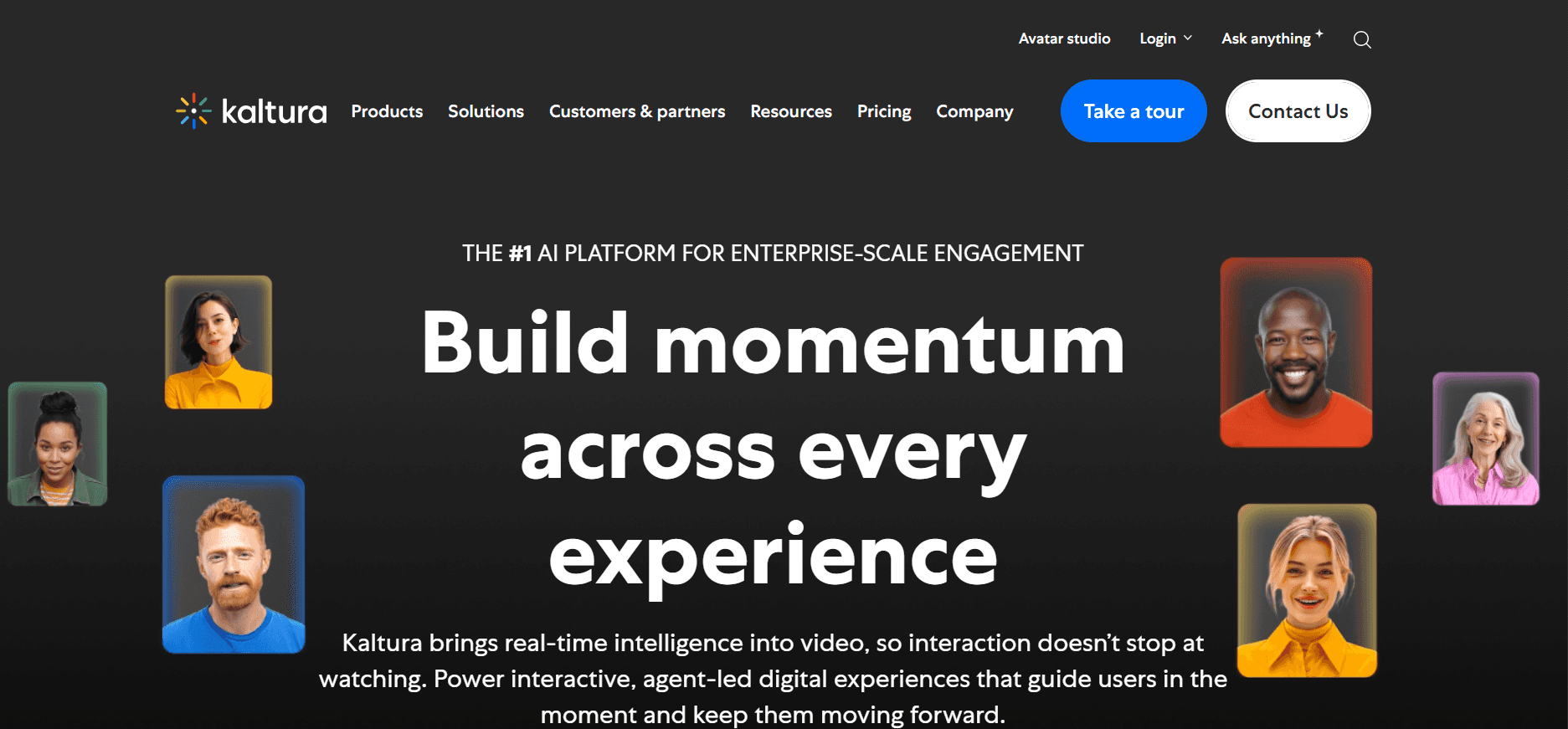
Kaltura is a highly customizable video platform used by media companies, universities, and enterprises. Known for its flexibility, Kaltura supports a wide range of video applications, including live streaming, video-on-demand, and more. It's particularly strong in educational and enterprise environments, where extensive integration capabilities are essential. While it offers powerful features, its complexity can be a barrier for smaller teams.
Key Features
Live streaming and VOD
LMS integration
Multi-language support
Customizable video player
Advanced analytics
Interactive video capabilities
Flexible deployment options
Content management tools
Pros
Cons
Highly customizable for diverse needs.
Steep learning curve for new users.
Strong integration with LMS platforms.
No free tier available.
Robust analytics for video content.
Complex setup process.
Supports live and on-demand video.
Pricing
Kaltura offers custom pricing based on the specific requirements of the organization, with no free tier.
Vidyard

Vidyard is a video platform known for its marketing and sales enablement features. It's ideal for businesses looking to enhance their customer engagement through personalized video content. With features like video personalization and detailed viewer analytics, Vidyard empowers teams to create impactful video campaigns. However, for organizations focused on client training, Vidyard may lack some necessary educational features.
Key Features
Video personalization
Detailed viewer analytics
Integration with CRM tools
Custom video branding
Interactive call-to-actions
Video SEO optimization
Analytics dashboard
Video hosting and management
Pros
Cons
Excellent for marketing and sales videos.
Limited educational features.
Strong analytics for viewer engagement.
No client portal capabilities.
Supports video personalization.
Complex for non-marketing use cases.
Integrates with CRM systems.
Pricing
Vidyard offers a free tier with premium plans starting at $15 per user per month.
Wistia

Wistia is a video hosting platform known for its professional branding tools and detailed analytics. It's a favorite among marketers and businesses looking to present polished, branded video content. Wistia is particularly strong in offering custom branding options and engagement analytics, though it may not support all the interactive elements needed for comprehensive client training.
Key Features
Custom branding options
Engagement analytics
Video SEO tools
Embedding and sharing capabilities
Heatmaps for viewer engagement
Integration with marketing tools
Video management system
Interactive video elements
Pros
Cons
Strong focus on branding and presentation.
Limited interactive features.
Detailed engagement analytics.
No client portal functionality.
Integration with marketing platforms.
Less suitable for educational content.
SEO tools for video content.
Pricing
Wistia offers a limited free tier, with premium plans starting at $99 per month for advanced features.
Camtasia

Camtasia is a powerful screen recording and video editing tool used by educators and professionals for creating tutorials and presentations. While it's not a video hosting platform, Camtasia excels in providing comprehensive editing tools for creating polished video content. It's best suited for users who need to produce detailed, high-quality videos but may require additional platforms for hosting and sharing.
Key Features
Advanced video editing tools
Screen recording capabilities
Interactive quizzes and callouts
Audio editing features
Customizable animations
Multi-channel audio support
Integration with other software
High-definition video export
Pros
Cons
Excellent for creating polished tutorials.
No hosting or sharing features.
Comprehensive editing capabilities.
Steep learning curve for beginners.
Supports interactive video elements.
Not suitable for client-facing portals.
High-quality video output.
Pricing
Camtasia offers a one-time purchase price of $299.99, with no free tier available.
Vimeo OTT
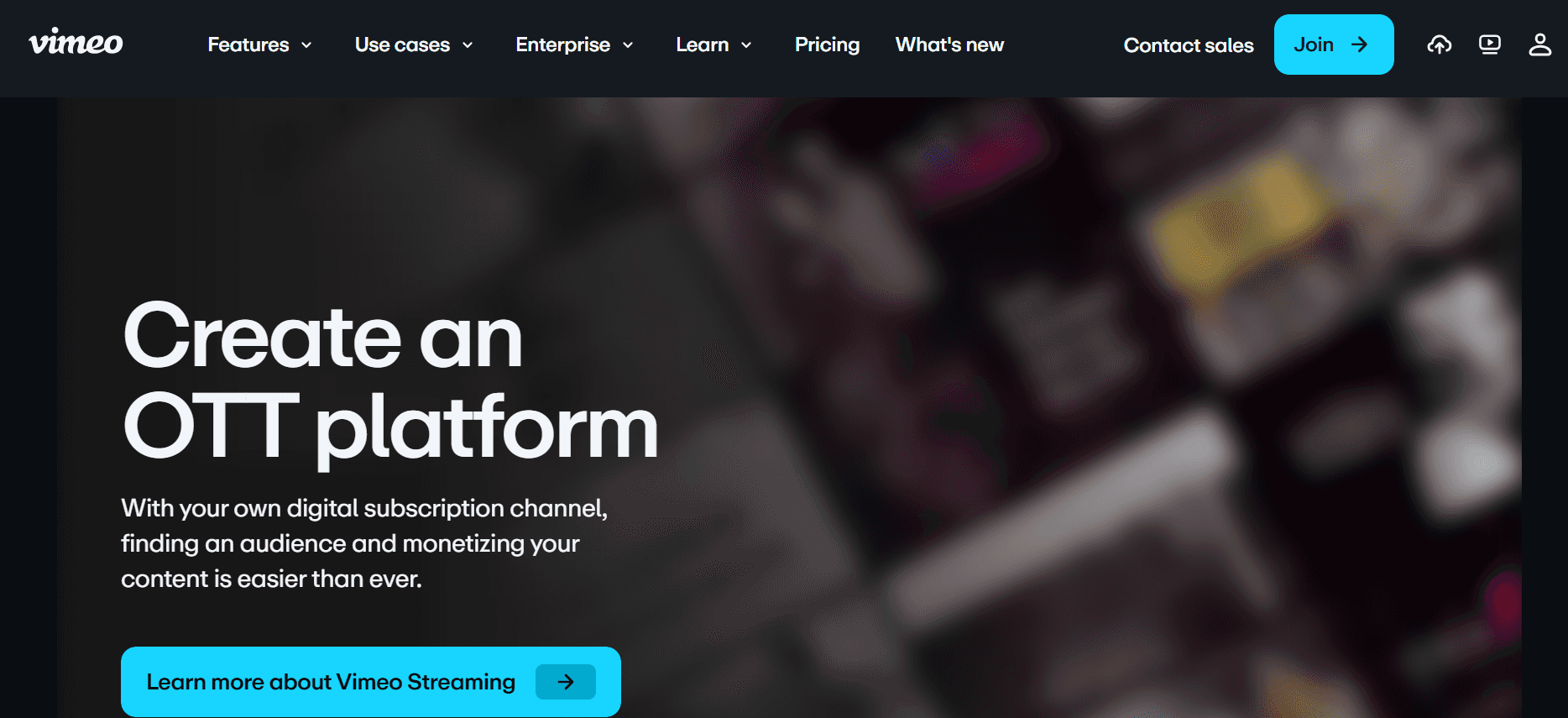
Vimeo OTT is a platform designed for businesses looking to launch their own video subscription services. It's ideal for content creators and media companies needing to monetize video content through subscriptions. While it's powerful for managing subscriptions and streaming content, Vimeo OTT may not offer the specific training features needed for client education.
Key Features
Subscription management
Customizable video channels
Monetization options
Live streaming capabilities
Analytics and reporting tools
User management features
Multi-platform support
Custom branding options
Pros
Cons
Excellent for subscription-based video services.
Limited client training features.
Strong branding and monetization tools.
No interactive training elements.
Supports multiple platforms and devices.
Complex for non-entertainment use cases.
Customizable video channels.
Pricing
Vimeo OTT offers custom pricing based on the specific needs of your subscription service, with no free tier.
Client Training Video Platform Challenges: What Teams Struggle With
No Dedicated Client Access Controls
Many platforms rely on generic links for video sharing, which can compromise security and privacy.
Clients may accidentally access unauthorized content, leading to potential data breaches.
Without gated portals, it’s difficult to manage who has access to specific training materials.
Tracking client access and engagement becomes challenging without proper controls.
No Visibility into Client Engagement
Traditional platforms often lack detailed analytics, preventing teams from understanding client behavior.
Without this data, it's hard to measure the effectiveness of training materials.
Teams miss out on opportunities to improve content based on client engagement metrics.
Limited feedback loops can lead to repetitive or unengaging content.
Lack of Professional Branding
Generic video platforms don't offer advanced branding options, affecting client perception.
Inconsistent branding across training materials can confuse clients.
Teams struggle to tailor the training experience to align with brand identity.
Unbranded content may not convey professionalism and trust.
No Interactive Elements for Self-Paced Training
Static videos can lead to lower engagement and retention rates among clients.
Without quizzes or interactive paths, clients can't test their knowledge effectively.
Interactive elements enhance learning experiences but are often missing in basic tools.
Lack of interaction can make training feel monotonous and less effective.
Re-recording Required for Product Updates
Frequent updates require teams to spend time and resources on re-recording videos.
This process can delay the delivery of updated training materials to clients.
Re-recording also risks inconsistencies in training content.
Teams may face challenges in maintaining a current and relevant training library.
Challenge
Traditional Process
Business Impact
Time Cost
No Dedicated Client Access Controls
Generic link sharing
Security risks, data breaches
High
No Visibility into Client Engagement
Lack of analytics
Missed improvement opportunities
Medium
Lack of Professional Branding
Basic branding options
Inconsistent client experience
Medium
No Interactive Elements
Static videos
Lower engagement and retention
Medium
Re-recording Required
Manual video updates
Resource-heavy, delays
High
Must-Have Features in Client Training Video Platforms
Client Portal with Granular Access Controls
A client portal that offers granular access controls is essential for managing who views your training content. By setting user-specific permissions, you can ensure that clients only see the materials relevant to them. This not only enhances security but also improves the client experience by providing a personalized portal. Trupeer excels in this area, offering robust access controls that are easy to manage.
Video Analytics Showing Per-Viewer Engagement
Understanding how clients interact with your training videos is crucial for continuous improvement. Detailed analytics can reveal which parts of the video are most engaging or where viewers drop off. Tools like Vidyard provide comprehensive analytics dashboards that help you make data-driven decisions to refine your content and enhance its effectiveness.
Interactive Elements (Quizzes, Chapters, Branching)
Interactive elements transform passive viewers into active learners. Features like quizzes, chapters, and branching scenarios enable clients to engage with content actively, reinforcing learning and improving retention. Kaltura offers robust interactive video capabilities, making it a strong choice for teams looking to enhance client engagement.
AI Voiceover and Auto-Translation
AI-driven voiceover and auto-translation features can significantly reduce the time and cost associated with creating multilingual training content. This is particularly beneficial for global teams that serve clients in different languages. Trupeer's AI voiceover capabilities are a standout, providing seamless multilingual content delivery.
Custom Branding with Logo and Colors
Custom branding is a must-have to ensure that your training videos reflect your company's identity. This feature allows you to incorporate logos and brand colors into your videos, creating a consistent and professional appearance. Wistia provides excellent customization options, allowing businesses to brand their videos effortlessly.
Easy Content Updates Without Re-recording
Frequent product updates shouldn't mean starting from scratch with your training videos. Platforms that offer easy content updates allow you to modify sections of the video without a complete re-record. This feature saves time and resources, keeping your training library current and relevant. Trupeer simplifies this with its easy edit features, ensuring your content stays up-to-date without excessive effort.
How to Choose Client Training Video Platforms Based on Your Use Case
Software Onboarding Videos for Clients
Software companies often need to onboard new clients efficiently. Onboarding videos can serve as a vital tool for introducing clients to your software, explaining its features, and ensuring they use it effectively. These videos should be engaging and easy to navigate to prevent overwhelming new users.
Key Challenges
Providing interactive walkthroughs
Ensuring content is easy to understand
Tracking client progress and engagement
Solutions Needed
Interactive elements and quizzes
Clear, concise video content
Detailed analytics for tracking progress
Platform
Interactive Elements
Analytics
Ease of Use
Trupeer
Yes
Yes
Yes
Panopto
Yes
Yes
Limited
Ongoing Product Training Libraries
For companies with complex product lines, maintaining a library of training videos is essential. These libraries should be easily accessible and regularly updated to reflect the latest product features and improvements. Consistency and accessibility are key to ensuring clients can find and use the resources they need.
Key Challenges
Content management and organization
Frequent updates needed
Ensuring up-to-date content
Solutions Needed
Efficient content management systems
Easy editing and updating tools
Searchable video libraries
Platform
Content Management
Updating Tools
Searchability
Kaltura
Yes
Yes
Yes
Camtasia
No
Yes
No
Compliance and Certification Training for Clients
Compliance training is critical for industries such as finance and healthcare, where regulations are stringent. The content needs to be precise, easy to follow, and verifiable. Certification processes should be integrated to allow clients to demonstrate their understanding and compliance with industry standards.
Key Challenges
Accurate and up-to-date content
Certification tracking
Ensuring client comprehension
Solutions Needed
Regular content audits and updates
Integrated certification tools
Engaging and interactive content
Platform
Certification Tools
Content Updates
Interactivity
Vidyard
Limited
Yes
No
Wistia
No
Yes
Limited
Partner Enablement Video Programs
Partner enablement programs rely on video content to ensure partners understand your products and can sell them effectively. These videos should be clear and engaging, offering partners the necessary tools to succeed. Tracking partner progress is essential for identifying areas where additional support may be needed.
Key Challenges
Ensuring partner engagement
Providing comprehensive product knowledge
Tracking partner progress
Solutions Needed
Engaging video content
Comprehensive training modules
Detailed progress analytics
Platform
Engagement Tools
Progress Tracking
Comprehensive Modules
Loom
No
Limited
No
Trupeer
Yes
Yes
Yes
Best Practices for Creating Client Training Videos
Before Creating the Video
Define clear learning outcomes for each video to guide the content creation process.
Plan a series of videos organized by topic to provide a structured learning path.
Identify the target audience and tailor content to their specific needs and knowledge level.
Gather necessary resources and materials to ensure a comprehensive presentation.
Set measurable goals to evaluate the effectiveness of the training videos.
During Video Creation
Keep each video under five minutes to maintain viewer engagement and focus.
Use chapters to break down complex topics into manageable sections.
Incorporate interactive elements like quizzes to reinforce learning and engagement.
Ensure high-quality audio and visuals for a professional and polished presentation.
Use clear and concise language to communicate concepts effectively.
After Video Release
Track completion rates and engagement metrics to assess video performance.
Gather feedback from clients to identify areas for improvement and enhancement.
Refresh content quarterly to keep information current and relevant.
Provide additional resources or follow-up materials to support ongoing learning.
Analyze data to refine future video content and strategies.
Frequently Asked Questions
What is a client training video platform?
A client training video platform is a specialized tool designed to host, manage, and deliver video content specifically for training external clients. These platforms often include features like client portals, analytics, and customization options to enhance the training experience.
Who should use a client training video platform?
Businesses that need to train external clients, such as agencies, software vendors, and consultancies, will find these platforms valuable. They enable efficient content delivery and improve client engagement and retention.
Can I integrate the platform with my existing LMS?
Many client training video platforms, such as Trupeer and Kaltura, offer integration with popular Learning Management Systems (LMS). This allows you to streamline your training processes and manage content more effectively.
How secure is my training content?
Security features vary by platform, but most offer robust access controls to protect your content. Trupeer, for example, provides granular access controls to ensure only authorized users can view your training materials.
Are there free options available?
Some platforms, like Loom and Vidyard, offer limited free tiers that provide basic features. However, for more comprehensive tools and capabilities, you may need to explore paid plans.
How are pricing plans structured?
Pricing plans typically vary based on the number of users, features, and customization options. Platforms like Trupeer offer tiered pricing to accommodate different business sizes and needs.
How long does it take to set up a client training video platform?
The setup time depends on the platform and your specific requirements. While tools like Trupeer offer intuitive interfaces for quick setup, more complex platforms like Kaltura may take longer to configure fully.
What support is available during implementation?
Most platforms offer onboarding support and customer service to assist during the implementation phase. It's advisable to choose a platform with a strong support team to ensure a smooth transition.
Final Thoughts
Choosing the right client training video platform is crucial for enhancing your client engagement and delivering effective training. Each platform offers unique features, and the best choice depends on your specific use case and business needs. Whether you need advanced analytics, customization options, or seamless integration, there's a solution tailored for you.
Trupeer stands out as a versatile option, offering a comprehensive suite of tools designed to meet the diverse needs of businesses seeking to elevate their client training experiences. Explore Trupeer's capabilities further at Trupeer and discover how you can transform your training programs today.
Related Blogs



