Trupeer Blog
Резюмировать

Your SAP S/4HANA project is weeks from go-live. The system is configured, the Fiori launchpad is set up and the roles are assigned. Then someone asks the question every project dreads: what are the end users going to learn from? A 200-slide deck of transaction screenshots won't help an accounts payable clerk find the right tile, and a generic SAP course won't show your company's apps, fields or approval steps.
SAP Fiori end user training materials solve that. They're the role-based guides, videos and quick references that show each user exactly how to do their job in your Fiori apps. This guide explains what SAP Fiori end user training materials you need, how to organise them by role, how to create them quickly from screen recordings and how to keep them current as Fiori apps change.
What are SAP Fiori end user training materials?
SAP Fiori end user training materials are the learning resources that teach business users how to use the SAP Fiori apps assigned to their role. They include launchpad navigation guides, step-by-step task guides, short video walkthroughs, quick reference cards, practice exercises and FAQs, all based on your own system configuration rather than generic SAP screens.
They differ from classic SAP GUI training in one important way. Fiori is role-based: each user sees a launchpad with only the tiles, spaces and pages for their job. Good SAP Fiori end user training materials follow the same structure, so every user learns only the apps they'll actually use. For the wider S/4HANA picture, see the SAP S/4HANA training video guide for end users.
Why do SAP Fiori end users need dedicated training materials?
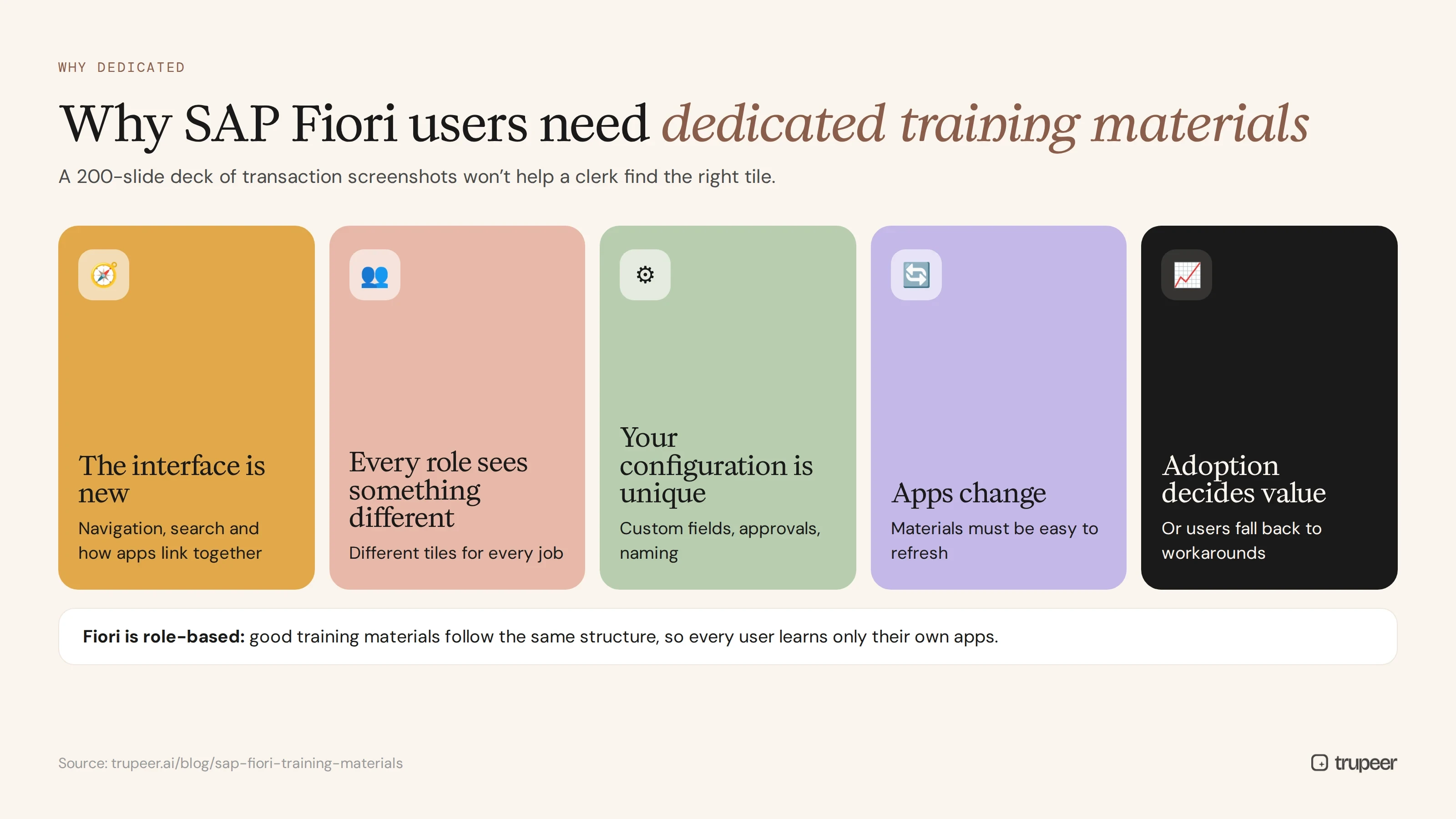
The interface is new to most users. People moving from SAP GUI need to relearn navigation, search and how apps link together.
Every role sees something different. A buyer, an AP clerk and a plant manager each have different tiles, so one generic course doesn't fit.
Your configuration is unique. Custom fields, approval workflows and naming only appear in your own system.
Apps change. Fiori apps and launchpad layouts are updated over time, so materials need to be easy to refresh.
Adoption decides the project's value. If users can't find or use their apps, they fall back to workarounds, spreadsheets and support tickets.
What SAP Fiori end user training materials do you need?
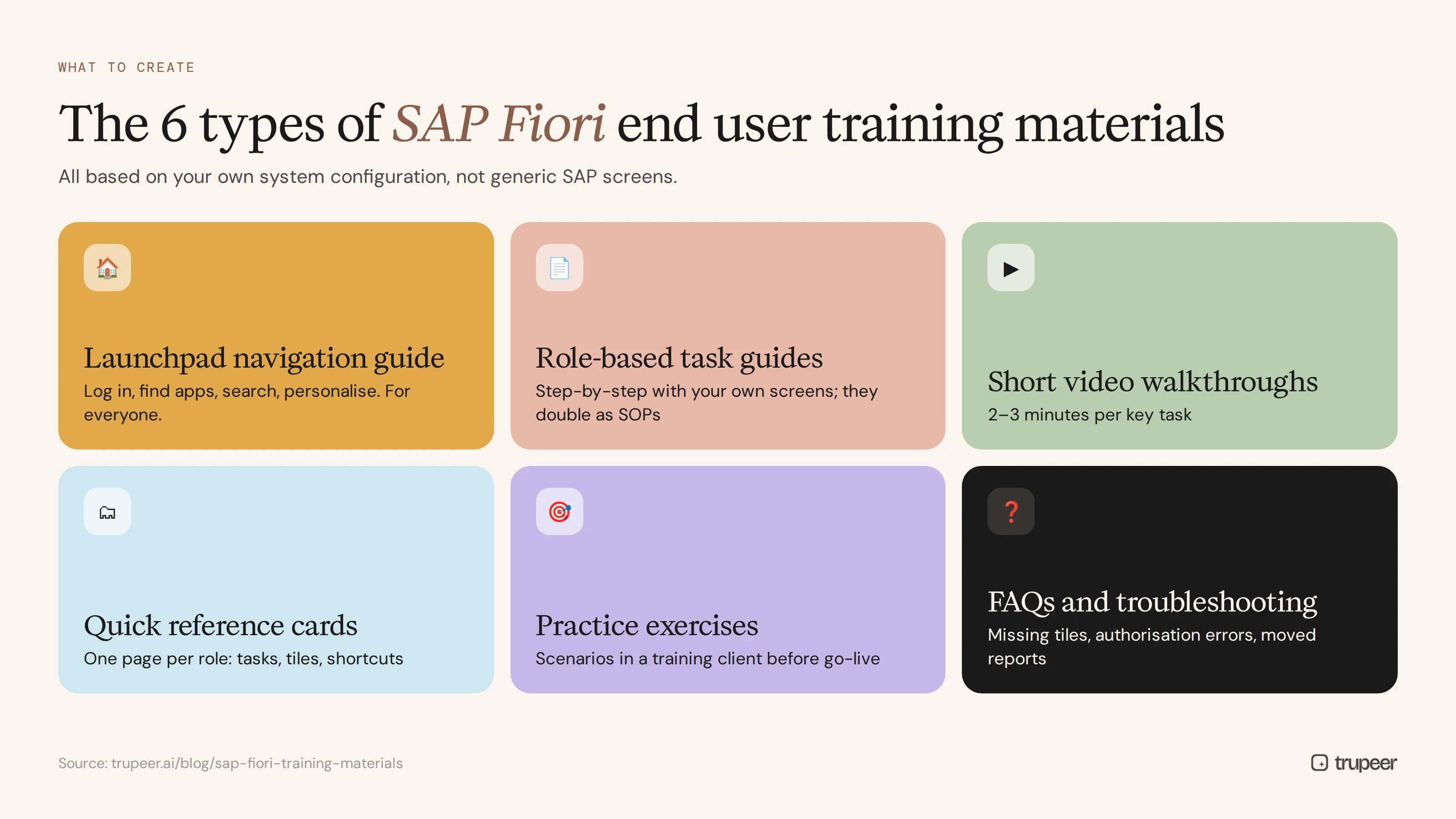
Fiori launchpad navigation guide
A short guide and video for every user on the basics: logging in, finding apps, using search, personalising spaces and pages, managing notifications and using the user menu. This is the one piece of content everyone needs, whatever their role.
Role-based task guides
Step-by-step guides for each task in each role, such as "Create a purchase order" or "Post an incoming invoice", with screenshots of your own Fiori apps. These are the core of your training, and they double as SOPs after go-live.
Short video walkthroughs
Two-to-three-minute videos of each key task, recorded in your training or quality system. Videos show the clicks, field values and navigation that are hard to explain in text.
Quick reference cards and job aids
One-page summaries of the most common tasks, tiles and shortcuts for each role, for people to keep open while they work. Start from a job aid template.
Practice exercises
Scenario-based exercises in a training client, such as "Approve these three purchase requisitions", so users practise before go-live.
FAQs and troubleshooting guides
Answers to the questions users ask most often, such as missing tiles, authorisation errors and where a report has moved, collected during testing and hypercare.
What should each SAP Fiori task guide include?
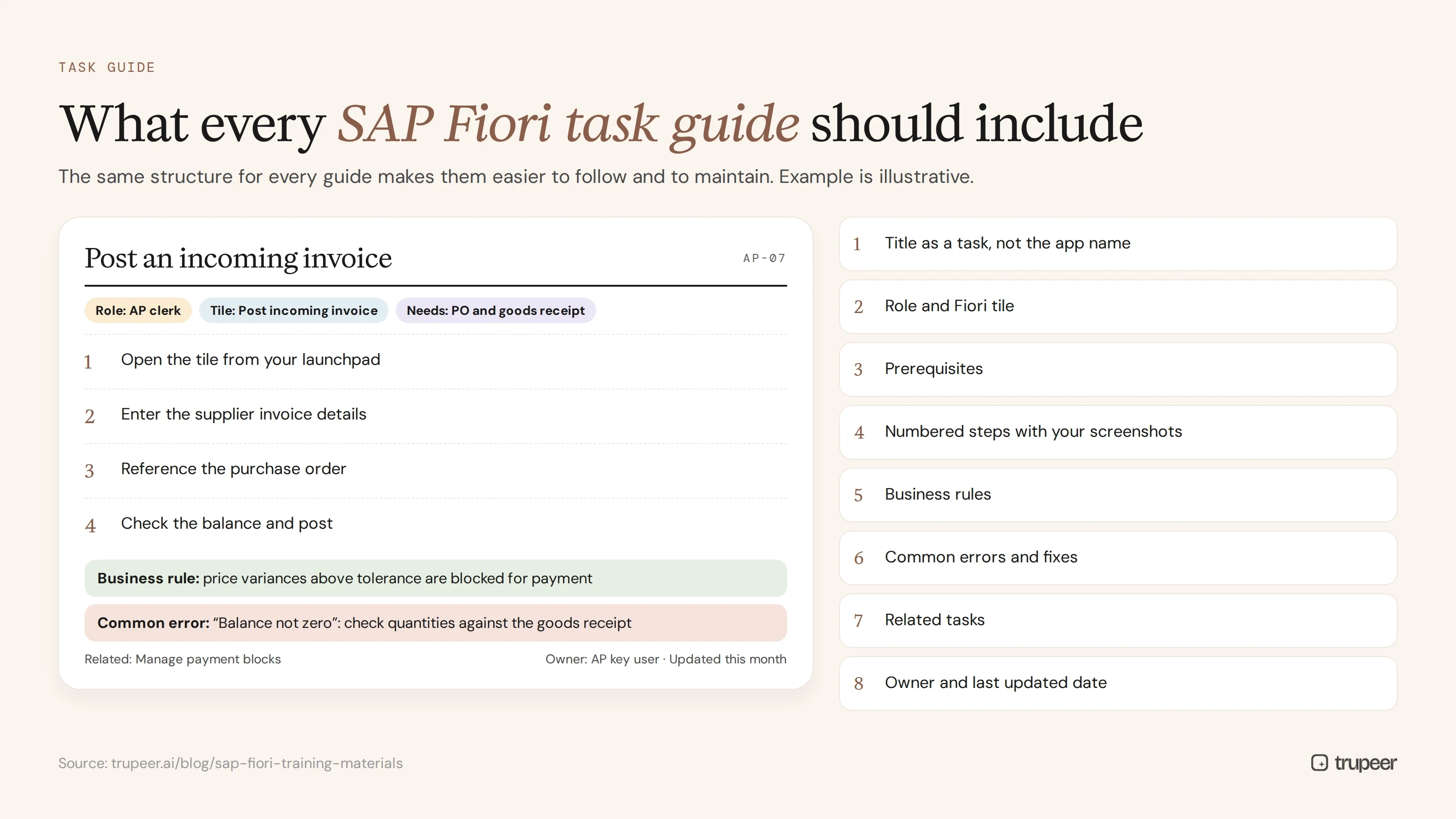
Consistency makes SAP Fiori end user training materials easier to follow and easier to maintain. Give every task guide the same structure:
Title as a task: "Post an incoming invoice", not the app's technical name.
Role and app: who does this task and which Fiori tile to open.
Prerequisites: authorisations, data or approvals needed before starting.
Numbered steps with screenshots from your own system, one action per step.
Business rules: the checks, tolerances or approvals the user must follow.
Common errors: messages users might see and what to do about them.
Related tasks: what usually happens next, and which guide covers it.
Owner and last updated date, so users can trust the guide is current.
A consistent SOP template keeps every guide in the same shape, whoever creates it.
How do you organise Fiori training materials by role?
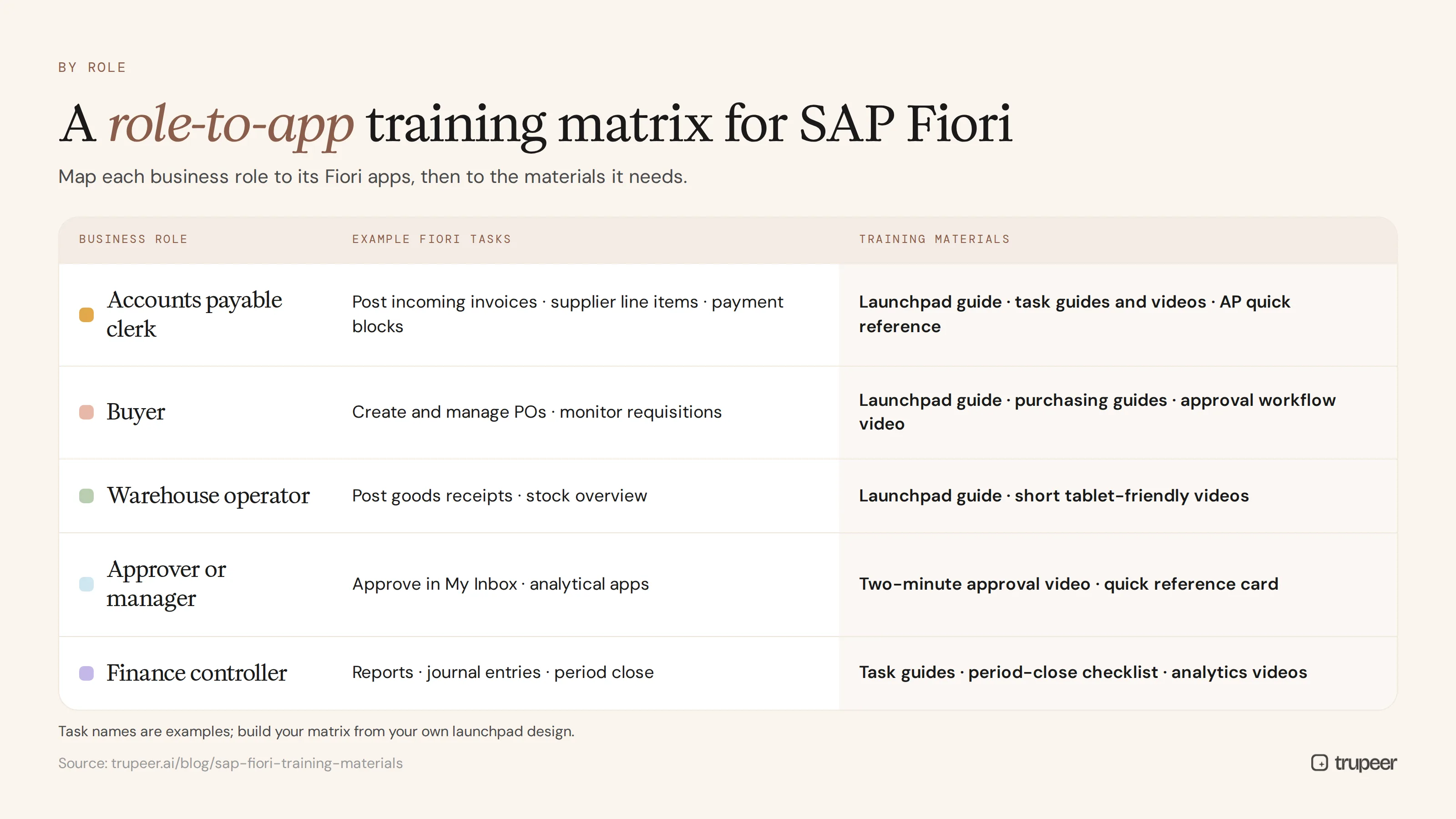
Map every business role to its Fiori apps, then to the materials each role needs. A simple role matrix keeps training focused:
Business role | Example Fiori tasks | Training materials |
|---|---|---|
Accounts payable clerk | Post incoming invoices, manage supplier line items, manage payment blocks | Launchpad guide, task guides and videos, AP quick reference card |
Buyer | Create and manage purchase orders, monitor purchase requisitions | Launchpad guide, purchasing task guides, approval workflow video |
Warehouse operator | Post goods receipts, stock overview | Launchpad guide, short task videos on a tablet-friendly format |
Approver or manager | Approve requests in My Inbox, view analytical apps | Two-minute approval video, quick reference card |
Finance controller | Run reports, manage journal entries, period close tasks | Task guides, period-close checklist, analytical app videos |
The task names here are examples; build your matrix from the business roles and apps in your own launchpad design. A training needs assessment helps confirm what each role needs.
How do you create SAP Fiori end user training materials step by step?
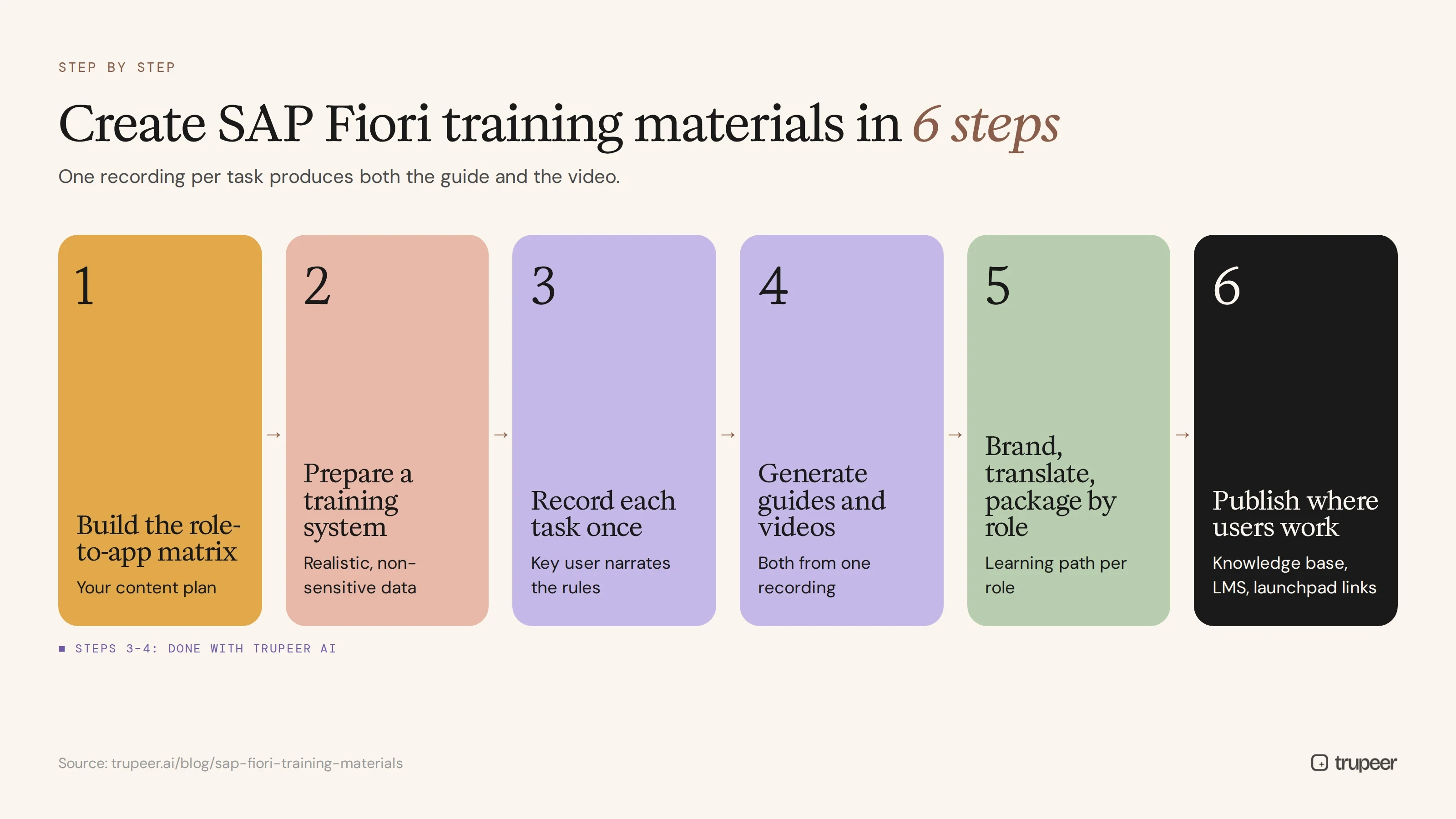
Step 1: Build the role-to-app matrix
List every business role and the Fiori apps assigned to it. This becomes your content plan and tells you how many guides and videos you need.
Step 2: Prepare a training system
Record in a quality or training client with realistic but non-sensitive data, so screens match production without exposing real records.
Step 3: Record each task once
Have a key user perform each task in Fiori while recording with Trupeer's AI screen recorder, narrating each step and the business rules behind it. One task per recording keeps materials focused.

Step 4: Generate guides and videos from each recording
Trupeer turns each recording into a step-by-step guide with screenshots and a narrated video, so one recording produces both the task guide and the walkthrough. For SAP specifically, the SAP training video generator is built for this workflow.

Step 5: Brand, translate and package by role
Apply your template and branding so every guide looks the same, translate materials for every country, and group them into a learning path for each role.

Step 6: Publish where users work
Publish materials in a searchable knowledge base, your LMS or links from the Fiori launchpad, so users find help at the moment they need it. For long guides, see how to break SOPs into knowledge articles.
How do you keep SAP Fiori training materials up to date?
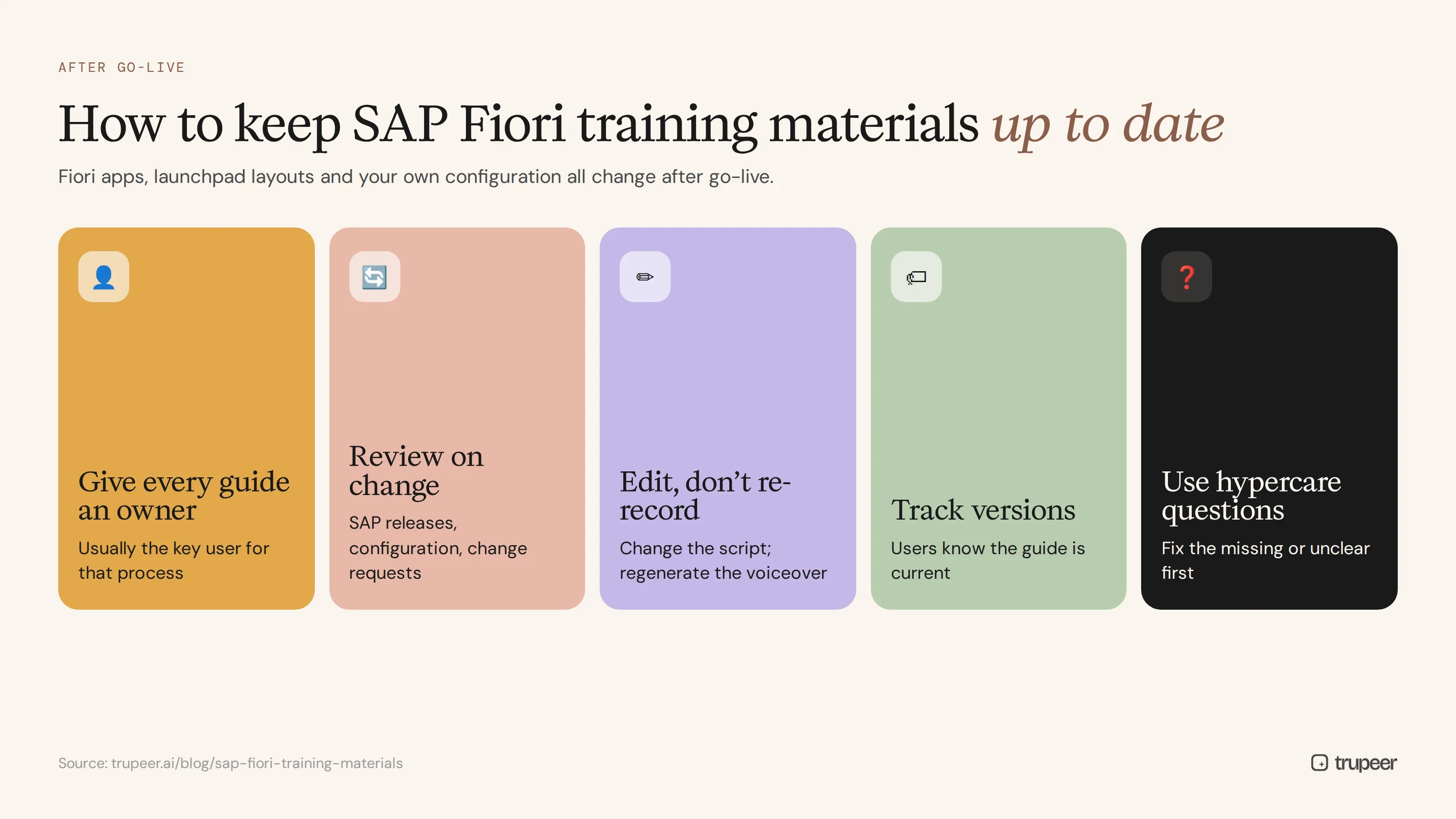
Fiori apps, launchpad layouts and your own configuration all change after go-live. To keep SAP Fiori end user training materials current:
Give every guide an owner, usually the key user for that process.
Review materials when SAP releases or your configuration change, and after every major change request.
Update by editing, not re-recording. Change the script and regenerate the voiceover when wording or fields change; see how to update a training video without re-recording.
Track versions, so users know they're looking at the current guide.
Use hypercare questions to find missing or unclear materials, and fix those first.
SAP Fiori training materials for go-live and hypercare

Time your materials around the project plan. Launchpad basics and role-based guides should be ready before end user training starts, quick reference cards should be on every desk at go-live, and FAQs should grow daily during hypercare. The ERP go-live readiness checklist covers what to have ready and when.
If some users still work in SAP GUI or access SAP through Citrix, include those screens too; recording-based guides work for both. Teams that use SAP Enable Now often compare it with recording-based tools; see the SAP Enable Now competitors guide.
Genpact used this recording-first approach for a company-wide Workday rollout, turning recorded process sessions into more than 500 training collaterals in five languages in 3 months instead of 12. The same method applies to SAP Fiori rollouts. Read the Genpact customer story.
Common mistakes with SAP Fiori end user training materials
Using generic SAP screenshots instead of your own apps and configuration.
Training everyone on everything instead of by role.
Skipping launchpad basics, so users can't find the apps they were trained on.
Text-only guides for tasks that are much easier to learn by watching.
Building materials too early, before the configuration is stable, then never updating them.
No home for materials after go-live, so they're lost in project folders.
Create SAP Fiori training materials with Trupeer
Trupeer turns recordings of your key users working in Fiori into step-by-step guides and training videos for every role, ready to translate, publish and update. See the SAP training video generator or start free with Trupeer.
Frequently asked questions
What are SAP Fiori end user training materials?
They're the learning resources that teach business users how to use the Fiori apps in their role: launchpad navigation guides, step-by-step task guides, video walkthroughs, quick reference cards, practice exercises and FAQs based on your own system.
What should a Fiori end user training plan include?
A role-to-app matrix, a launchpad basics module for everyone, role-based task guides and videos, quick reference cards, practice exercises in a training client and a support plan for hypercare.
How do you create Fiori training materials quickly?
Record key users doing each task in a training or quality system, then use a tool like Trupeer to turn each recording into a step-by-step guide and video, and package them by role.
Should Fiori training be role-based?
Yes. Fiori shows each user only the apps for their role, so training should follow the same structure and cover only the apps each role uses.
How long should Fiori training videos be?
Keep task videos to two or three minutes, one task per video, so users can find and watch exactly the step they need.
How do you keep Fiori training materials current?
Assign an owner to each guide, review materials when SAP releases or your configuration change, and update videos by editing the script rather than re-recording.
Can the same materials be used after go-live?
Yes. Role-based task guides become your SOPs and onboarding materials for new hires, as long as they're kept up to date.
Do Fiori training materials work for SAP GUI users too?
Recording-based guides work for any SAP screen, so you can create materials for Fiori apps and SAP GUI transactions in the same way.
Похожие блоги



