

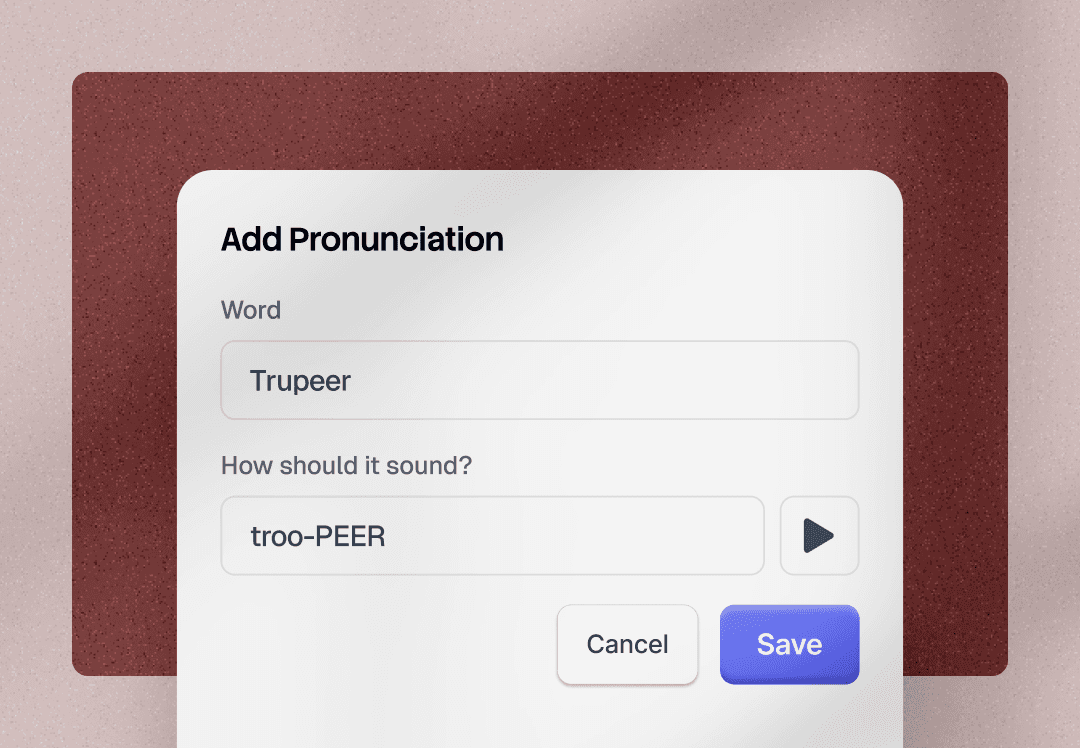
Technical Details
Six concrete deltas vs. before:
1. Doc types: was 1 (guide). Now: PRD, FAQ, summary email, SOP, job aid, manual, plus any custom type users define.
2. Outputs per recording: was a video and a guide. Now: unlimited (pick upto 5 you want + video).
3. Template editor: Did not show how the output will look like. Now: split-pane editor with live preview.
4. Template sharing: was limited. Now: Mine / Workspace / Public tiers.
5. Template forking: was none. Now: one-click on any template (including Trupeer Defaults).
6. Post-generation additions: was none (had to reupload or duplicate and apply some new template). Now: add output types from documents tab.
The Process
Pain Point
Documents Trupeer generated were locked into a step-by-step format. Users wanted to produce other doc types from their recordings — FAQs, PRDs, slide-driven explainers, marketing one-pagers, mail drafts. Those use cases weren't getting fulfilled, so users would either skip Trupeer entirely for those formats or generate a step-by-step doc and manually rewrite it into the format they actually needed.
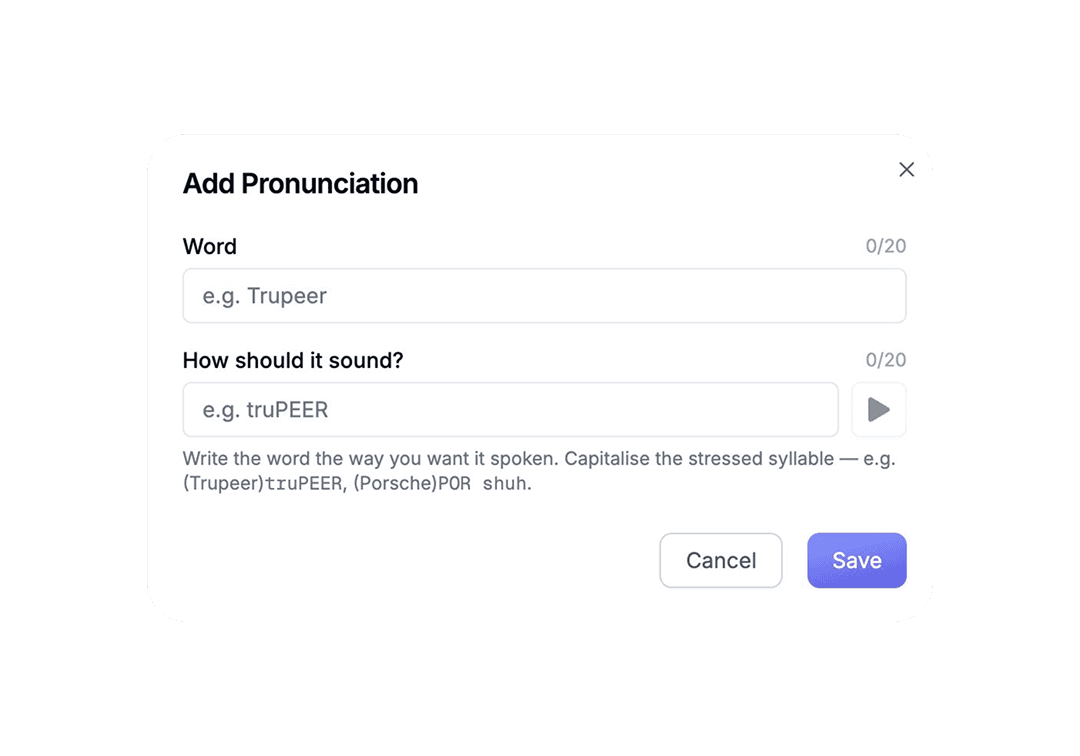
On top of that: a single recording could only produce one document. To get a video + a guide + an FAQ + a marketing doc from the same source, users had to duplicate agents, duplicate videos, and run the whole flow multiple times. The process was unintuitive, slow, and inefficient.
Thought Process
Three big calls shaped the design.
1. Templates as a system, not a setting. Every template has a name, icon, sharing controls, sections, and instructions. They're discoverable, forkable, shareable.
2. Preview before commit. Users couldn't trust templates they hadn't seen produce output. We added a split-pane editor where instructions sit on the left and a live-rendered preview sits on the right. Users can run the template against a sample video or one of their own short recordings before saving.
3. Multi-output from one recording. At the end of every recording, users pick everything they want to generate. Video, guide, PRD, FAQ, mail draft — all generated in one pass. They can also add more output types later from the documents tab if they realize something else is needed.
The Solution
Doc Templates 2.0 is a full template system. It has three layers.
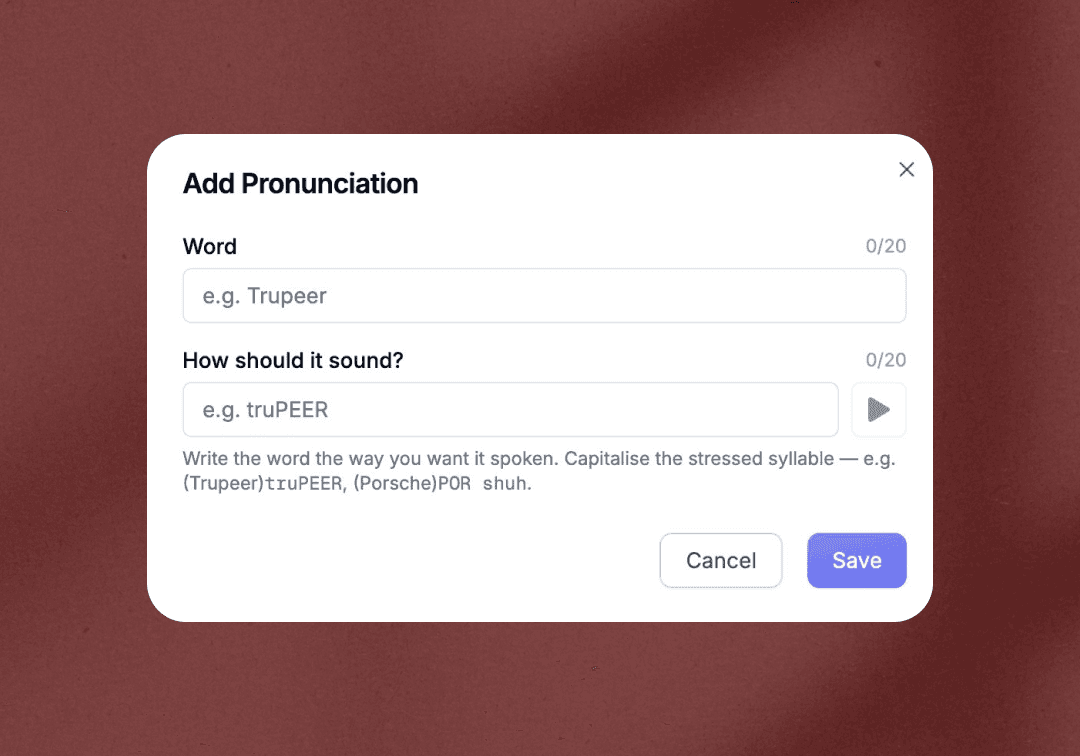
Templates: Trupeer ships defaults for the most-asked types — SOP, job aids, PRD, FAQ, help articles, summary emails. Users can fork any default into their own copy, edit it, save it, share it.
Creation: a split-pane editor with live preview. Users define template structure (icon, sections, instructions, formatting rules), then test it against a sample video or their own short recording (under three minutes) before saving. Sharing controls let users keep templates private (Mine), share within their team (Workspace), or publish publicly to the Trupeer community (Public).
Application: at recording end or upload, users see one consolidated picker. Video and Guide are pre-checked. Below those, an 'Also generate' section lets users tick on PRD, FAQ, mail draft, or any custom template they want. All outputs are generated together. Users can add more output types from the documents tab afterwards if they realize they need something else.

