Video Presentation Maker

Video Presentation Maker

Video Presentation Maker

Transform your slides, scripts, or content into engaging video presentations automatically AI handles narration, visuals, and transitions.

Transform your slides, scripts, or content into engaging video presentations automatically AI handles narration, visuals, and transitions.

Transform your slides, scripts, or content into engaging video presentations automatically AI handles narration, visuals, and transitions.

クレジットカードは必要ありません

クレジットカードは必要ありません

What is Trupeer's Video Presentation Maker?

What is Trupeer's Video Presentation Maker?


Trupeer's video presentation maker converts scripts, slides, or bullet points into professional video presentation content using ai presentation maker technology. This presentation maker ai creates dynamic talks with animations, voiceovers, and transitions without manual design work.​

Why Video Presentation Maker is required?

Professionals spend hours formatting slides, recording narration, and syncing timings across PowerPoint and video editors. Ai presentation tools lack video export capabilities, creating fragmented workflows. Inconsistent presentation video maker quality reduces virtual meeting engagement.​

Teams face ai presentation maker free limitations with watermarks and export restrictions. Manual video presentation production doesn't scale for frequent pitches, webinars, or training sessions. Non-designers create static slides lacking motion, voice, and professional polish.​

What this Video Presentation Maker does

Trupeer's presentation ai analyzes content to automatically generate animated slides, professional voiceovers, smooth transitions, and captions for complete video presentation output. The ai presentation handles layout design, timing synchronization, and visual enhancements, turning static notes into engaging video presentations instantly.​

Core Capabilities

  • Convert slides into animated video presentation sequences automatically

  • Generate narration using presentation maker ai voices

  • Auto-sync transitions, captions in ai presentation maker

  • Export presentation ai free videos optimized for platforms​

How Trupeer’s Video Presentation Maker works

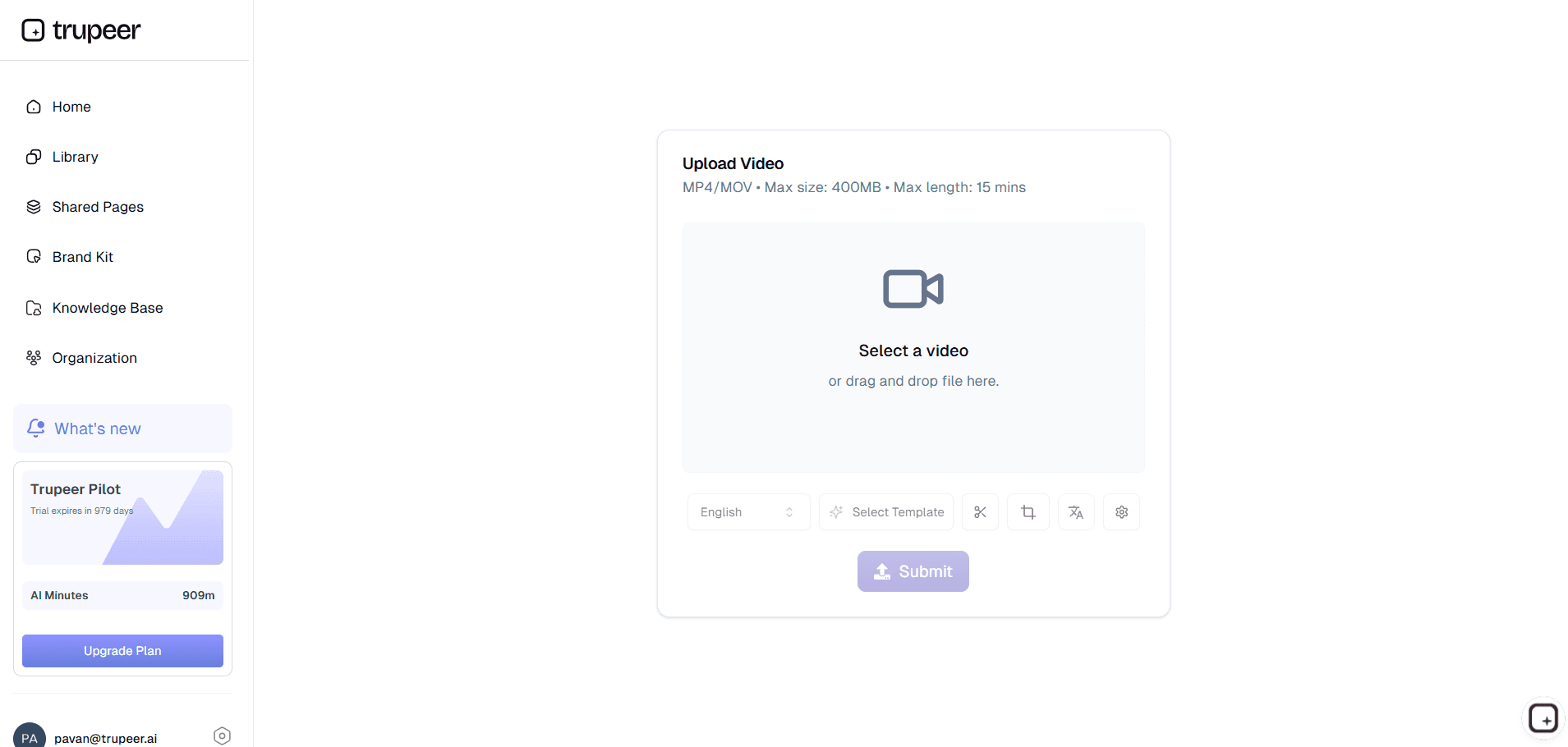
Step 1: Upload Content

Share slides, scripts, or outlines for video presentation maker processing.

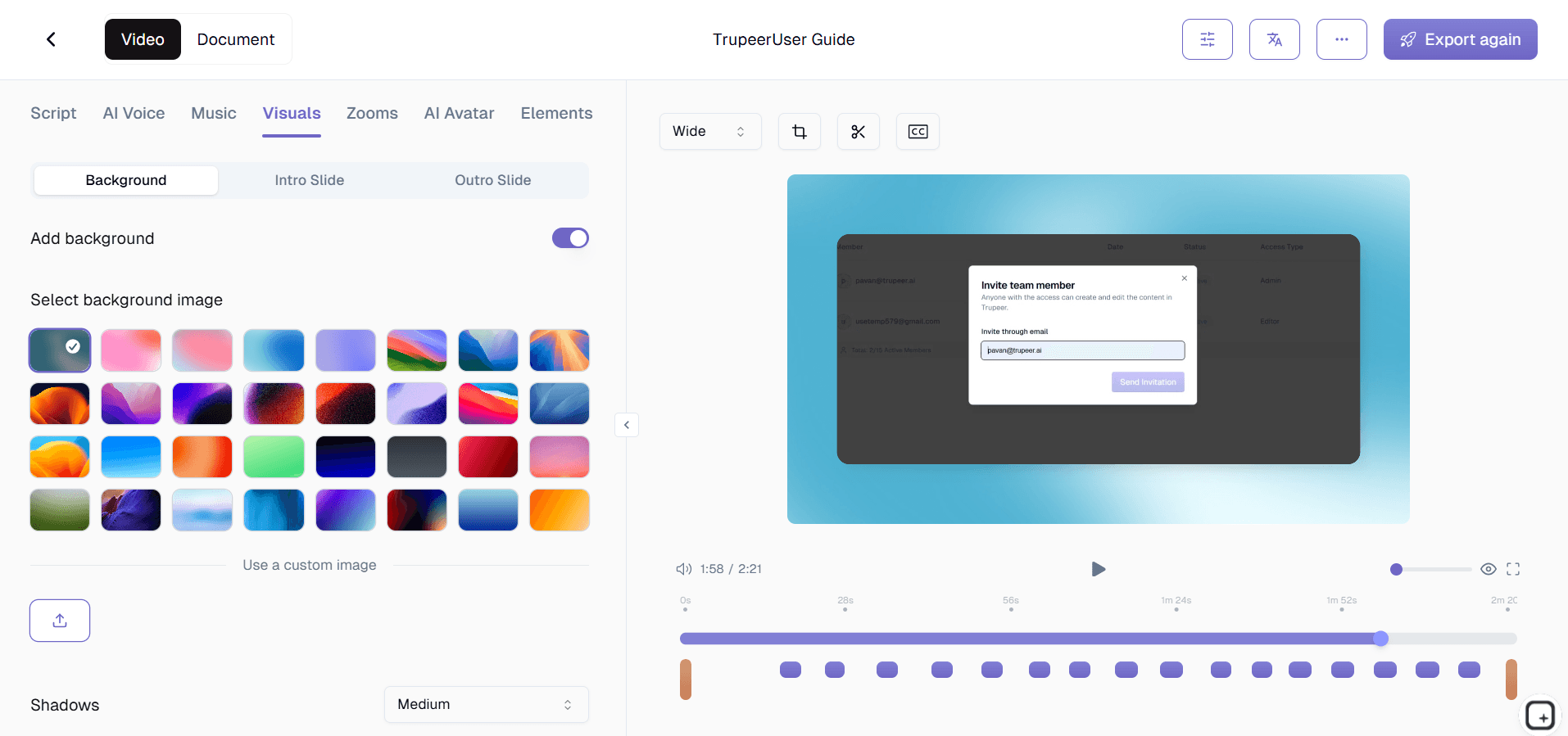
Step 2: AI Builds Presentation

Presentation ai creates animated slides with voiceovers and effects.

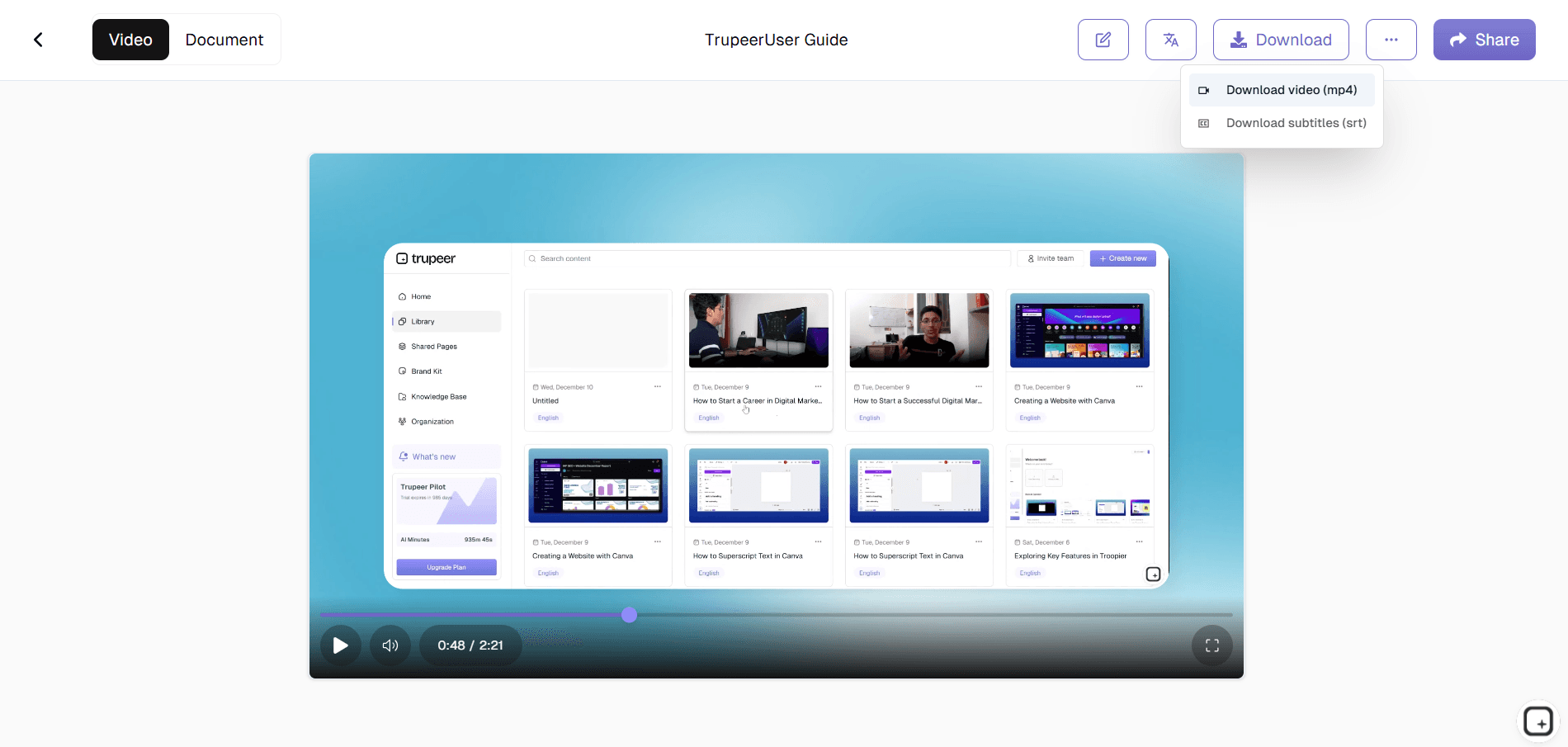
Step 3: Customize & Export

Adjust timing then download your ai presentation video.


Who this Trupeer’s Video Presentation Maker is for

Perfect for creating professional presentations without design expertise.​

  • Sales Professionals:
    Build pitch video presentation decks quickly​

  • Educators & Trainers:
    Create course ai presentation maker videos​

  • Marketers:
    Produce webinar presentation video maker content​

  • Executives:
    Generate board presentation ai updates​

  • Consultants:
    Convert materials to ai presentation format easily​

Key Features of Trupeer’s Video Presentation Maker

Professional video presentations without PowerPoint recording or editing.​

  • Auto Slide Animation:
    Smooth transitions for video presentation content​

  • AI Voice Narration:
    Natural delivery via presentation maker ai​

  • Smart Timing Sync:
    Perfect ai presentation maker free coordination​

  • Branded Templates:
    Professional presentation ai styling​

  • Platform Export:
    Share video presentation maker anywhere​

Explore Related Tools

Benefits of Using Trupeer’s Video Presentation Maker

Benefits of Using Trupeer’s Video Presentation Maker

Time-Saving

Turn presentations into polished videos in minutes without manual recording or editing.

Professional Quality

AI automatically adds narration, transitions, and visuals for a smooth, engaging experience.

Easy Sharing & Export

Download or share videos directly for meetings, training, webinars, or marketing purposes.

How to Create Video Presentations with Trupeer

How to Create Video Presentations with Trupeer

ステップ1

Upload Your Video Content

ステップ2

Let AI Add Narration, Animations, and Visual Enhancements

ステップ3

Preview, Customize, and Export Your Video Presentation Instantly

よくある質問

Is this tool free?

Is this tool free?

Yes, ai presentation maker free includes core presentation ai features.

Yes, ai presentation maker free includes core presentation ai features.

What inputs does it support?

What inputs does it support?

Slides, scripts, PDFs for video presentation generation.

Slides, scripts, PDFs for video presentation generation.

What formats can I export?

What formats can I export?

MP4 from presentation video maker optimized for all platforms.

MP4 from presentation video maker optimized for all platforms.

Does it replace slide software?

Does it replace slide software?

Yes, ai presentation creates superior video presentation maker output.

Yes, ai presentation creates superior video presentation maker output.

Can I customize presentation maker ai?

Can I customize presentation maker ai?

Full control over voices, layouts, and presentation ai free timing.

Experience the new & faster way of creating product videos.

Instant AI Product Videos and Docs from Rough Screen Recordings.

Experience the new & faster way of creating product videos.

Instant AI Product Videos and Docs from Rough Screen Recordings.

Experience the new & faster way of creating product videos.

Instant AI Product Videos and Docs from Rough Screen Recordings.