

Record a process once. Trupeer maps it into a flow your whole team can see.

Require review and approval before content publishes. Reviewers comment on the content itself, every change is saved as a version, and Audit Logs record every step. Set it per workspace.

Doc to Video NEW FEATURE デッキまたはドキュメントをアップロードすると、Trupeerがそれをもとに動画を作成します。スクリプトとナレーションも含まれており、録画する必要はありません。詳しくはこちら

ナレッジベースの分析とプレビュー PRODUCT ENHANCEMENT 設定していくのと同時に、ナレッジベースがどのように形になっていくかを確認でき、同じページからパフォーマンスも見られます。

ライブラリでページを共有 PRODUCT ENHANCEMENT 共有したすべてのページが、他のコンテンツと一緒にライブラリに追加されます。フィルタ、開く、削除の準備が整った状態です。

ウォークスルーは、クリックごとにズームインして色でハイライトされるようになりました。すべての手順で、読者がどこへ進めばよいかが一目でわかります。

すべての録画にわたって個人情報を非表示にします。
録画する内容の多くは機密性があります。スマートブラーがそれをあなたの代わりに処理します。Trupeerが動画またはドキュメントを処理する際に、氏名、メールアドレス、IPアドレス、生年月日などの個人情報を自動的に非表示にします。非表示にする内容はあなたが選べます。動画とドキュメントそれぞれに個別のコントロールがあります。Enterpriseで利用可能です。
Trupeer の知識が、すでに使っている AI ツールの中で機能するようになりました。
Trupeer MCP は、社内のナレッジグラフ、チームの働き方、そしてその背景にある推論を Claude、ChatGPT、ならびに MCP に対応するあらゆるツールへ拡張します。ワンクリックで、ツールが会社の文脈に基づいて動作します。

ページを離れずにガイドを作成して公開できます。スラッシュコマンド、移動可能なセクション、テーブル、画像編集をその場で行えます。

ユーザーが読むあらゆる言語で、動画とドキュメントを。1 回翻訳して 1 つのリンクを共有すれば、各人が自分の知っている言語でそのまま追いかけられます。

複数の動画を 1 つに統合
作業は分割して記録しており、これまでその分割されたパーツは別々のままでした。Trupeer は、複数の録画を 1 つに統合できるようになりました。いくつかのシステムにまたがるワークフローを記録し、各人が自分の担当する手順を記録したり、1 つずつ記録した機能を組み合わせたりしてから、それらを 1 つのウォークスルーに統合できます。そして後から手順が変更された場合は、その 1 つの録画だけを差し替えて、残りはそのままにできます。

Trupeerの「Ask」は、チームが録画したあらゆる内容に対するエージェント型検索です。質問は、同僚に聞くようにそのまま投げてください。自分たちの動画、ガイド、ドキュメントから直接答えを引き出し、正確なタイムスタンプ付きの該当シーンがすぐに開ける状態で提示されます。

トリミングしながら音声を確認できます。
トリム表示を開くと、音声が波形として表示されます。話している箇所は山が立ち、休止している箇所は平坦になります。切り取るべき部分は見つけやすいので、数クリックで分割できます。タイムラインをズームしてより細かい編集も可能で、いつでもやり直せます。動画をアップロードした場合でも、Trupeerで録画した場合でも、同じやり方で作業できます。

台本を思いどおりに細かくコントロール。
欲しい部分だけを正確に編集し、残りはそのままにできます。台本全体で1回の操作で単語を検索して置換し、選択したチャンクだけにAI編集を実行し、1つのプロンプトで任意のセクションから不要なつなぎ言葉をきれいにします。長い台本でも細かく制御できるので、意図した場所に変更が反映されます。

ガイドを自社サイトでホスティングできます。
Trupeerは、ハウツー動画とドキュメントをすべて1か所に集約し、検索できるようにします。
これで、そのナレッジベースを自社サイト上で、docs.yourcompany.comのようなアドレスで公開できるようになり、サイトの自然な一部になります。
Trupeerで作成した動画やドキュメントはすべて、自社のWebプレゼンスに加算されます。公開すればするほどサイトは強くなり、顧客があなたを見つけやすくなります。
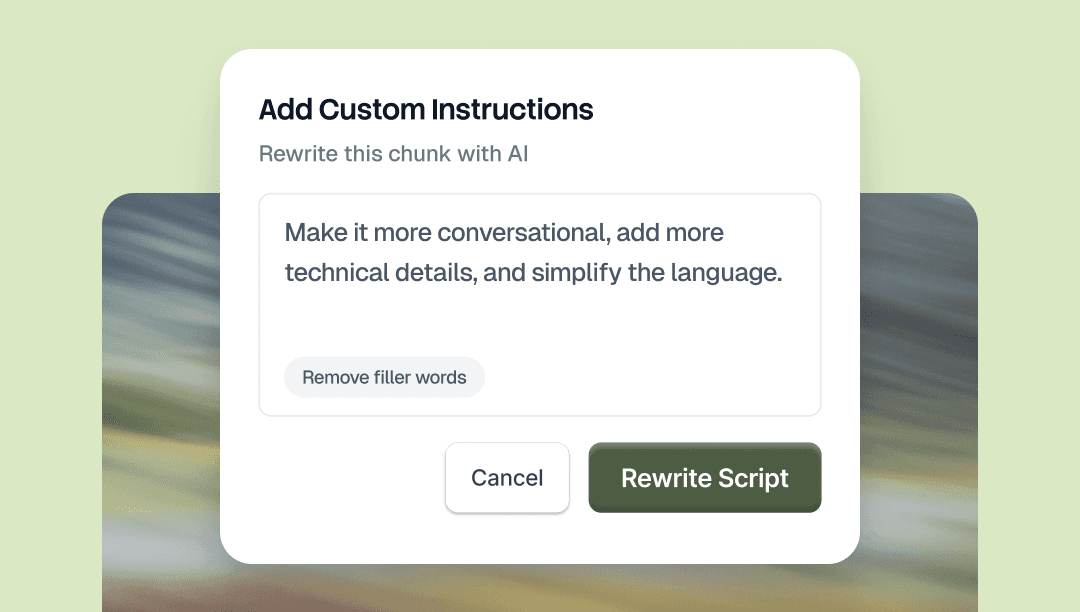
スクリプトの任意の部分を選択し、AIに何を変更するか伝えます。トーンの変更、単語の置き換え、セクションの短縮、文法の修正など、言葉でわかりやすく指示してください。変更されるのは、選択した部分だけです。
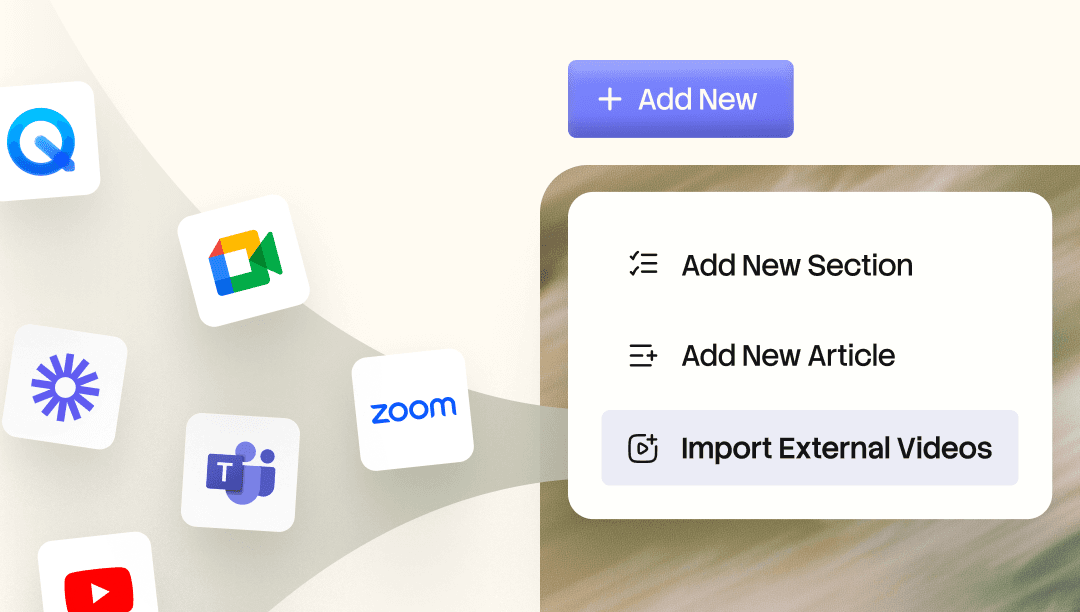
既存のLoomやZoomの録画をKnowledge Base.AIに取り込みます。AIがすべての単語をインデックス化するため、横断検索して必要な瞬間にすぐジャンプできます。録画を、洗練された動画、チャプター付きのウォークスルー、または文章のドキュメントに変換できます。

ガイドを自社サイトでホストしましょう。
Trupeerは、ハウツー動画とガイドをすべて1か所にまとめ、検索できるようにします。
これでナレッジベース は、自社サイトの docs.yourcompany.com のようなアドレスでホストできるようになり、サイトの自然な一部になります。
Trupeerで作成するすべての動画やドキュメントは、自社のWebプレゼンスに追加されます。より多く公開するほどサイトは強くなり、顧客があなたを見つけやすくなります。
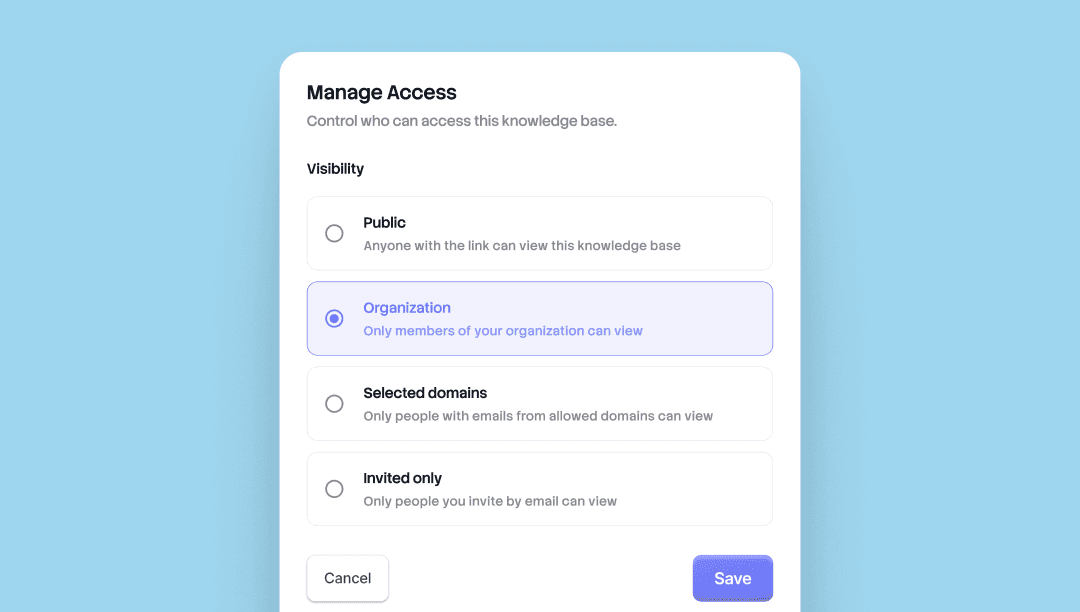
誰が何を見るかを選択できます。Trupeer のすべてのナレッジベースと共有ページには、4 つのアクセスレベルが標準で用意されています。表示範囲を各面ごとに設定し、必要に応じていつでも変更できます。
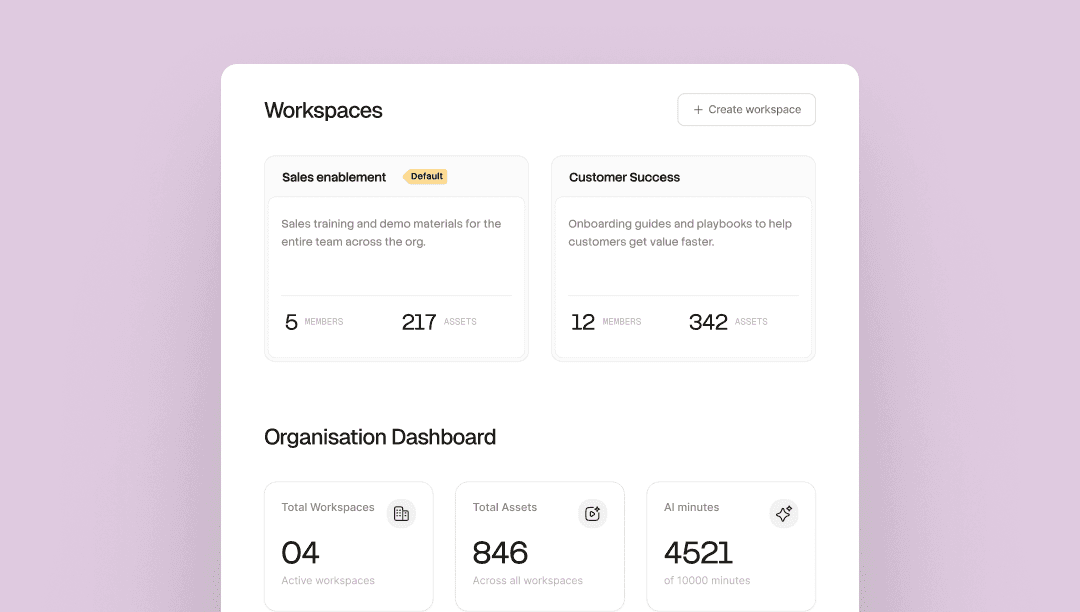
1 つの組織。各チームにはそれぞれのスペースがあります。1 つの Trupeer 組織の中で複数のチームを運用し、各ワークスペースには独自の管理者、メンバー、Skills、ライブラリがあります。
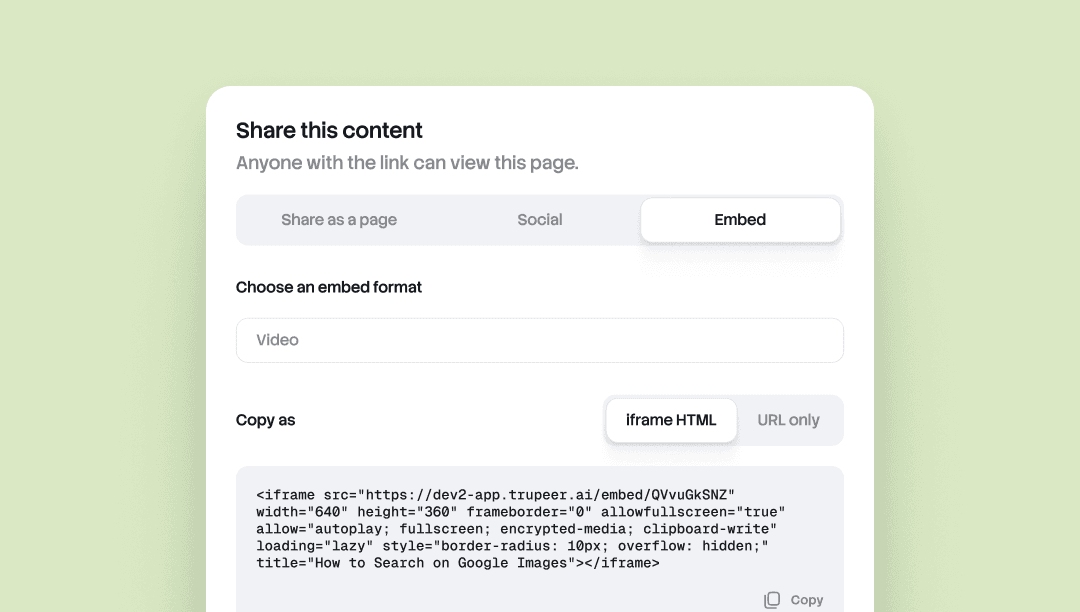
Embed Anywhere では、iframe に対応するあらゆるツールに、Trupeer のドキュメントや動画をそのまま埋め込めます。
Notion、Confluence、Zendesk、Webflow、ヘルプセンター、CMS、Wiki。Trupeer でソースを更新すれば、すべての埋め込みが自動的に更新されます。再エクスポート不要、再貼り付け不要、各面でのバージョンずれもありません。
複数の場所にまたがってコンテンツを管理し、どこでも常に最新の状態を保ちたいチームに最適です。
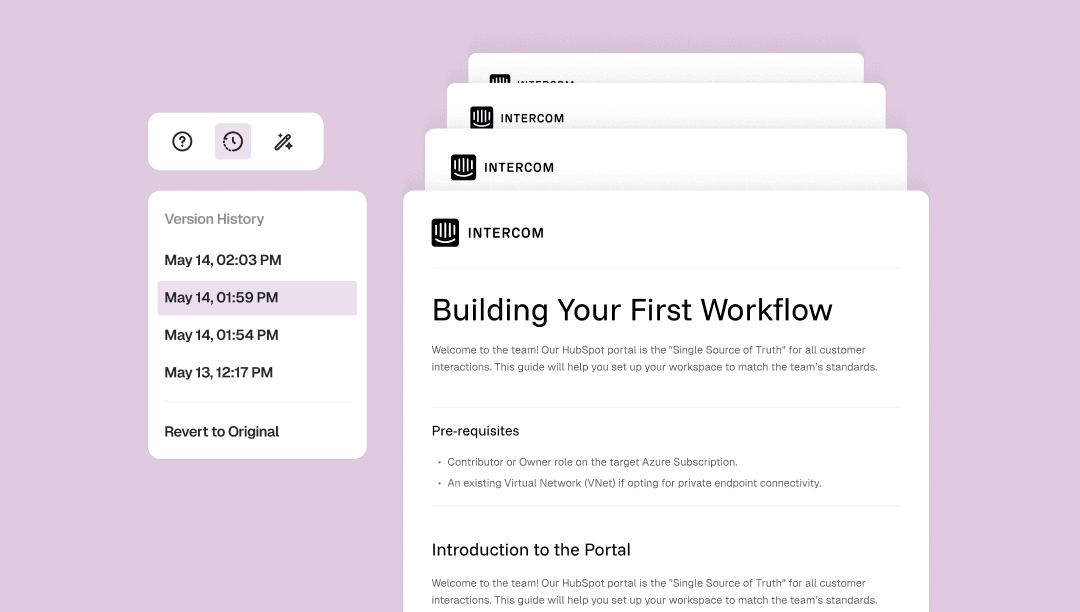
Doc Version Historyは、ドキュメントへの変更をすべて自動で保存し、タイムスタンプも記録します。
ドキュメントツールバーからバージョンパネルを開けば、いつでも以前のバージョンに戻れます。また、最初の状態に完全に戻すことも可能です。ワンクリックで、手作業のチェックポイント不要、失われる作業もありません。
自分を疑いながら編集することなく、自由に構成を組み替えたり、切り取ってしまったはずの段落を復元したりするのに役立ちます。
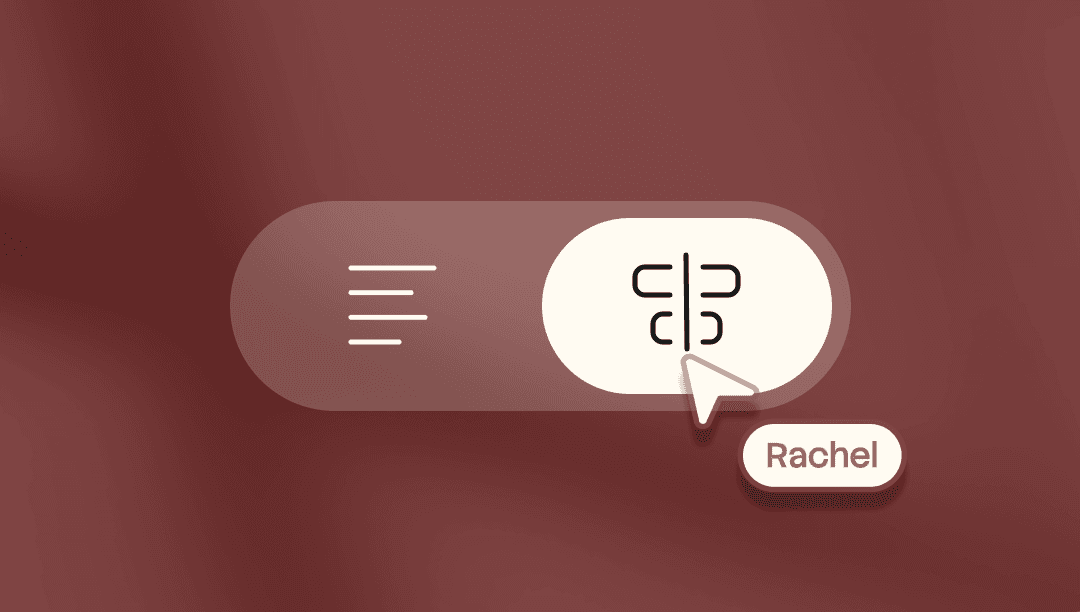
動画のあらゆるフレームを正確に制御できます。どのフレームにも任意の単語を配置。動画とスクリプトを個別にトリミング。動画のセクションを再構成できます。
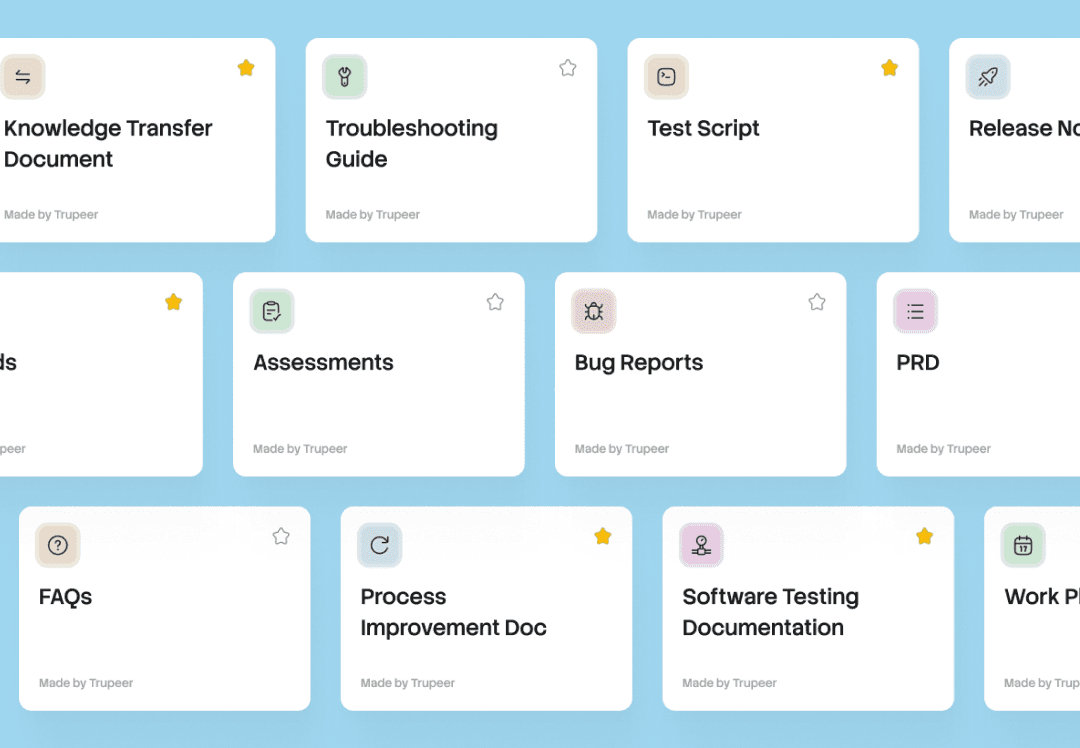
1つの録画で、すべてのドキュメント。Skillがプロンプト、書式、ルールをまとめます。任意の録画に適用すると、Trupeerがすぐに使えるドキュメントと動画を生成します。
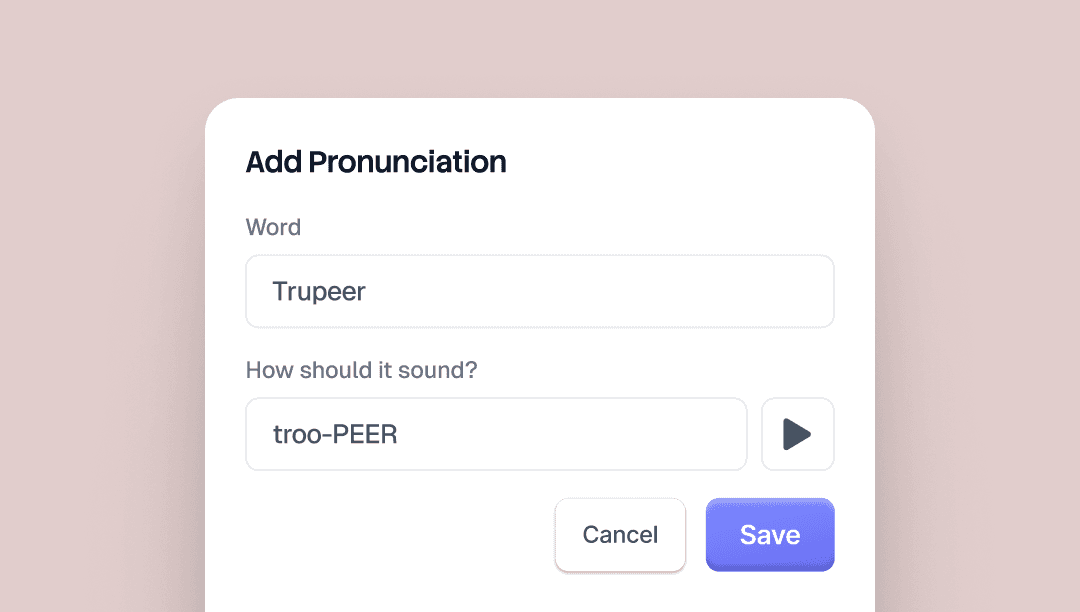
Alias Pronunciationsを使うと、TrupeerのAIボイスが特定の単語をどう発音するかを制御できます。書かれているとおりに単語を入力し、次に正しく聞こえるようにもう一度入力してください。
たとえば「Trupeer」なら「true peer」と書きます。AIボイスは、すべての動画にわたってそれを反映します。
保存する前に結果を聞けるように、ブランドキットページにプレビューボタンがあります。
ブランド名、製品名、略語、そしてAIボイスが誤って発音しがちなあらゆる用語に便利です。

