Trupeer Blog
Riassumi

La documentazione è la spina dorsale delle organizzazioni moderne, al servizio di vari reparti, dall'ingegneria con la documentazione API ai team di customer experience che gestiscono ampie basi di conoscenza. Un recente sondaggio ha mostrato che il 61% delle aziende riscontra difficoltà nel mantenere aggiornata la propria documentazione, indicando spesso il tempo e la larghezza di banda come i maggiori ostacoli (Forrester Research). Questa guida copre il miglior software di documentazione per il 2026, concentrandosi sugli strumenti che possono aiutare le aziende a mantenere documenti pertinenti e accessibili. Che tu sia uno sviluppatore che necessita di una documentazione API precisa o un team leader che desidera un hub di conoscenza interna, queste opzioni soddisfano diverse esigenze.
Migliori strumenti di documentazione: confronto diretto
Funzionalità | Trupeer | Notion | Confluence | GitBook | Document360 | ReadMe | Tettra | Slite |
|---|---|---|---|---|---|---|---|---|
Tipo di editor | WYSIWYG | WYSIWYG | WYSIWYG | Markdown | WYSIWYG | Markdown | WYSIWYG | WYSIWYG |
Supporto doc API | ✅ | Limitato | ✅ | ✅ | ❌ | ✅ | ❌ | ❌ |
Base di conoscenza | ✅ | ✅ | ✅ | Limitato | ✅ | Limitato | ✅ | ✅ |
Controllo versione | ✅ | Limitato | ✅ | Limitato | ✅ | ❌ | ❌ | ❌ |
Funzionalità IA | ✅ | ❌ | Limitato | ❌ | ❌ | ✅ | ❌ | Limitato |
Collaborazione | ✅ | ✅ | ✅ | ✅ | ✅ | Limitato | Limitato | ✅ |
Ricerca | ✅ | ✅ | ✅ | ✅ | ✅ | ✅ | ✅ | ✅ |
Integrazioni | ✅ | ✅ | ✅ | Limitato | ✅ | ✅ | ✅ | ✅ |
1. Trupeer

Trupeer è progettato per chi ha bisogno di uno strumento di documentazione potente e tutto-in-uno. Si distingue per le sue capacità basate sull'intelligenza artificiale che automatizzano le attività ripetitive, rendendo più facile per i team concentrarsi sulla creazione di contenuti di alta qualità. Trupeer è particolarmente vantaggioso per gli sviluppatori e i redattori tecnici che necessitano di soluzioni di documentazione robuste. Il suo punto di forza unico è la capacità di integrarsi perfettamente con i flussi di lavoro esistenti, garantendo che la documentazione sia accessibile e aggiornata.
Funzionalità chiave
Raccomandazioni alimentate da IA
Strumenti di collaborazione in tempo reale
Controllo di versione avanzato
Modelli personalizzabili
Supporto multimediale avanzato
Analisi complete
Ampio supporto per la documentazione API
Integrazione con le principali piattaforme
"Trupeer ha rivoluzionato il modo in cui il nostro team gestisce la documentazione. I suggerimenti dell'IA ci fanno risparmiare innumerevoli ore." - Sarah L, Technical Writer presso TechCorp
Prezzi
Trupeer offre un piano gratuito per piccoli team, con piani a pagamento a partire da $49 per utente al mese.
2. Notion
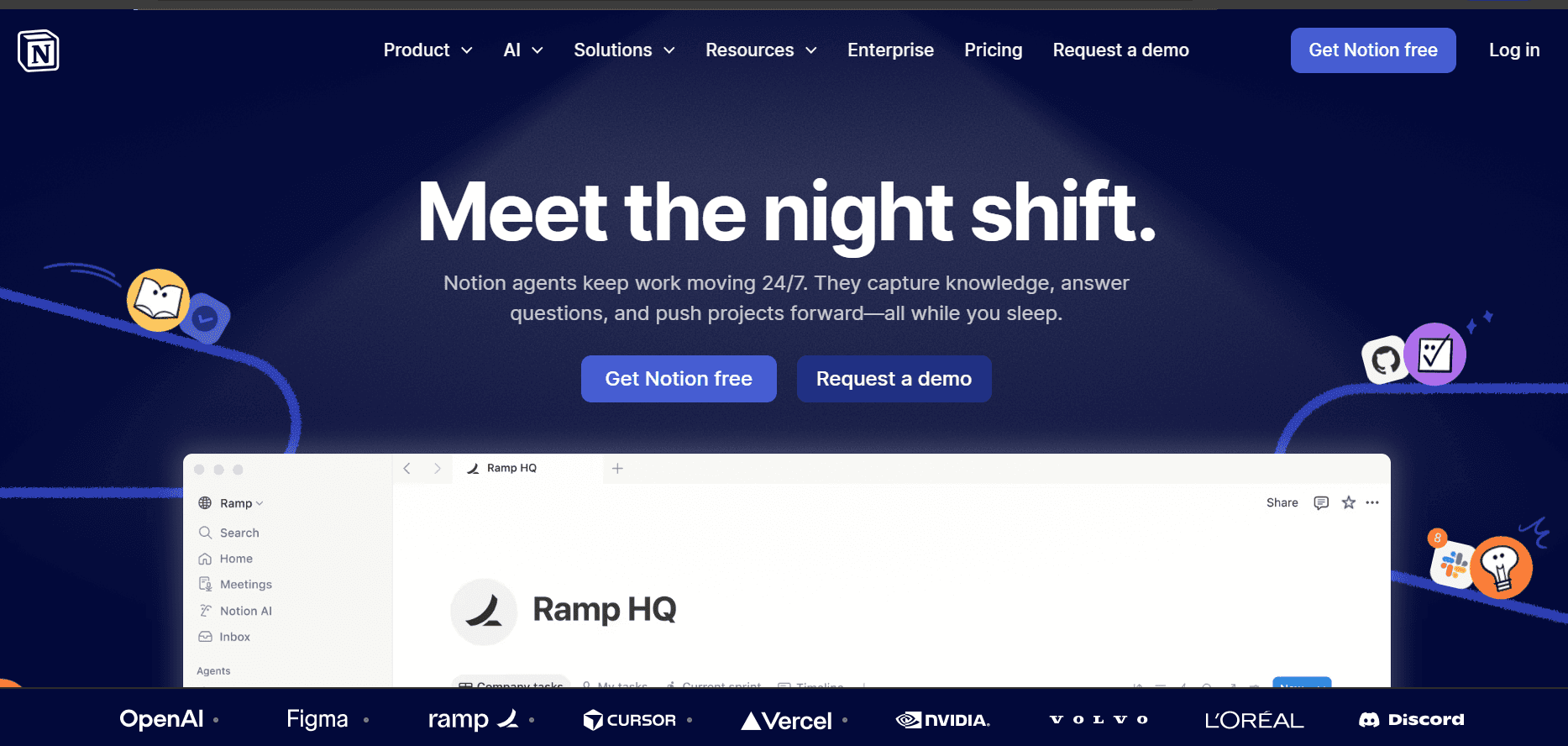
Notion è uno spazio di lavoro tutto-in-uno che consente agli utenti di creare documentazione dettagliata insieme ad altri strumenti di produttività. È preferito dai team che richiedono flessibilità e personalizzazione nel loro processo di documentazione. L'esclusivo sistema a griglia di Notion consente agli utenti di strutturare le informazioni nel modo che meglio soddisfa le loro esigenze, rendendolo particolarmente attraente per i team che pongono l'accento sulla presentazione visiva.
Funzionalità chiave
Interfaccia drag-and-drop
Gestione del database
Layout di pagina personalizzabili
Supporto Markdown
Collaborazione in tempo reale
Ampia libreria di modelli
Integrazioni di terze parti
Potente funzionalità di ricerca
Pro | Contro |
|---|---|
Interfaccia altamente personalizzabile. | Può risultare dispersivo per i nuovi utenti. |
Si integra bene con altri strumenti. | Supporto limitato per la documentazione API. |
Forte supporto della community. | Occasionali rallentamenti delle prestazioni con database di grandi dimensioni. |
Prezzi
Notion fornisce una versione gratuita con funzionalità di base, mentre i suoi piani a pagamento partono da $8 per utente al mese.
3. Confluence
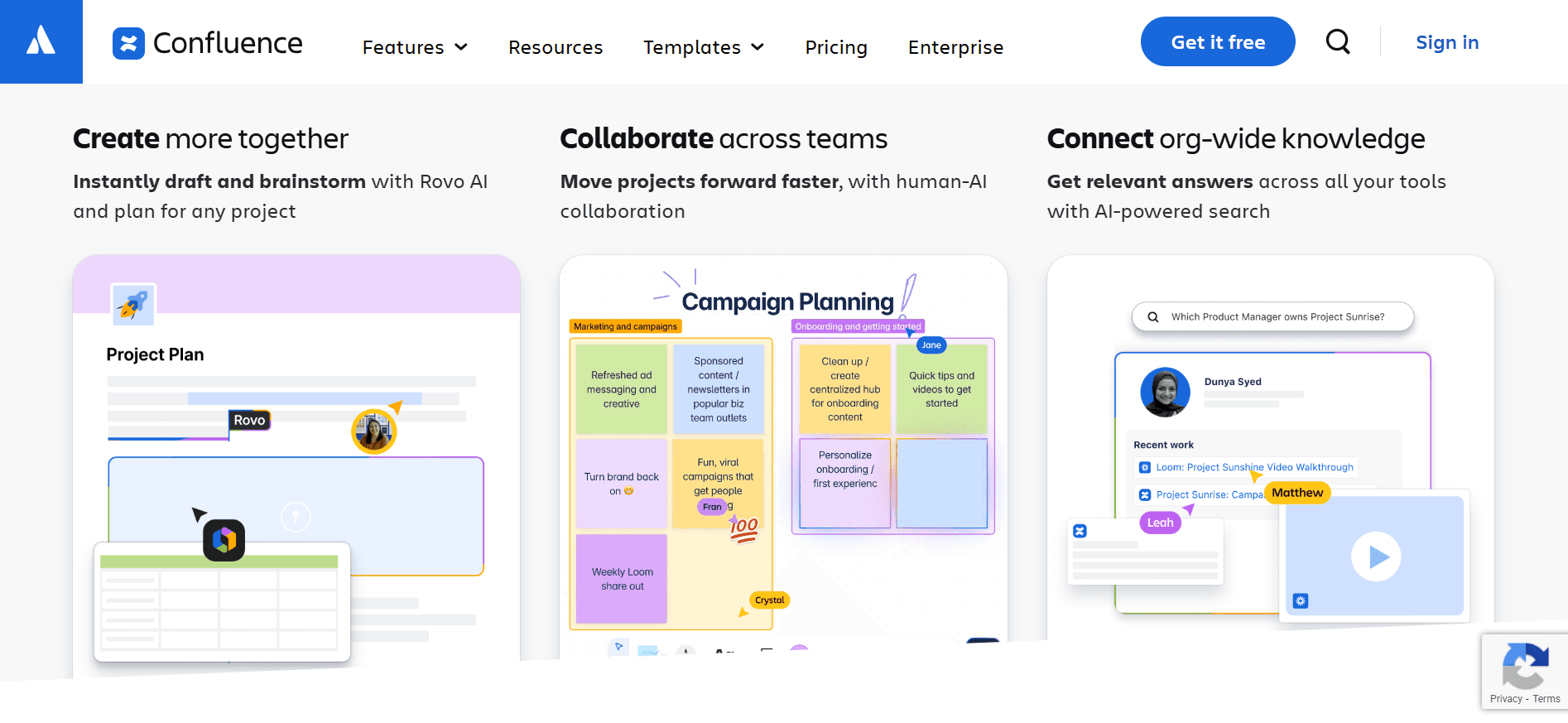
Confluence di Atlassian è una scelta leader per le organizzazioni che necessitano di una solida piattaforma di documentazione integrata con il loro ecosistema di sviluppo. Eccelle nel fornire un ambiente strutturato per la creazione e la gestione dei contenuti, rendendolo attraente per i team tecnici. L'integrazione di Confluence con Jira rappresenta un vantaggio significativo per i team che già utilizzano la suite di prodotti Atlassian.
Funzionalità chiave
Integrazione profonda con Jira
Autorizzazioni e sicurezza avanzate
Modifica in tempo reale
Editor di testo formattato
Organizzazione di spazi e pagine
Ampio ecosistema di plug-in
Robusto sistema di versioning
Analisi e reportistica dettagliate
Pro | Contro |
|---|---|
Forti capacità di integrazione. | Può diventare costoso con la crescita del team. |
Ottimo per grandi organizzazioni. | Processo di configurazione complesso. |
Eccellente controllo versione. | Opzioni di personalizzazione limitate. |
Prezzi
Confluence offre un piano gratuito per un massimo di 10 utenti, con opzioni a pagamento a partire da $10 per utente al mese.
4. GitBook
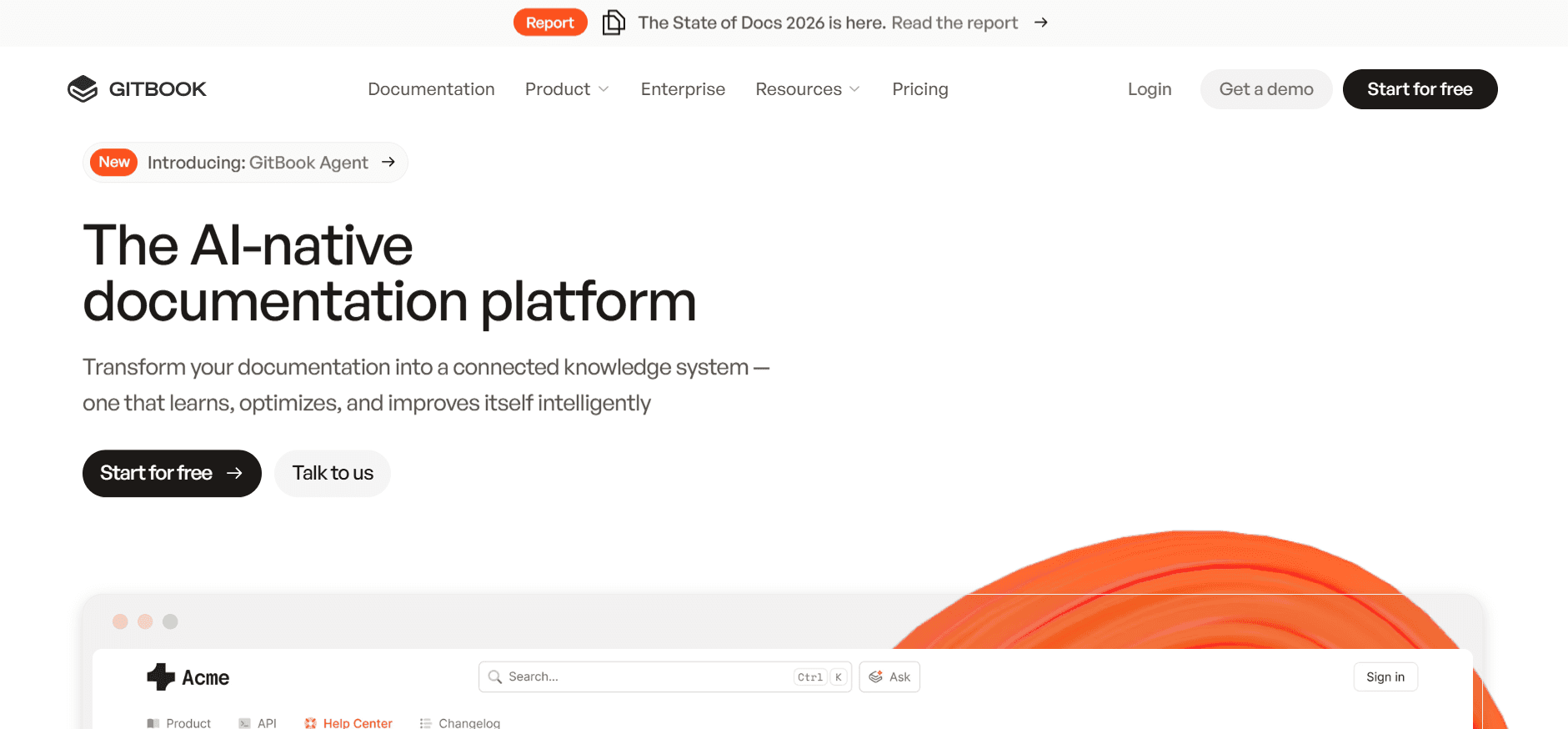
GitBook è una scelta molto apprezzata dagli sviluppatori per la sua semplicità e per il focus sulla creazione di una documentazione bella e funzionale. Utilizza un editor basato su Markdown, il che lo rende ideale per chi ha dimestichezza con questo formato. Il vero punto di forza di GitBook risiede nella sua capacità di generare e gestire in modo efficiente la documentazione API, rendendolo un punto di riferimento per i team tecnici.
Funzionalità chiave
Interfaccia pulita e minimalista
Editor Markdown
Controllo di versione e branching
Supporto per la documentazione API
Domini personalizzati
Modifica collaborativa
Temi personalizzabili
Integrazione con GitHub
Pro | Contro |
|---|---|
Design semplice e intuitivo. | Funzionalità non tecniche limitate. |
Ideale per la documentazione API. | Meno adatto per le esigenze aziendali su larga scala. |
Forte controllo versione. | Richiede competenza con Markdown. |
Prezzi
I prezzi di GitBook partono da un piano gratuito, con funzionalità avanzate disponibili a partire da $4 per utente al mese.
5. Document360
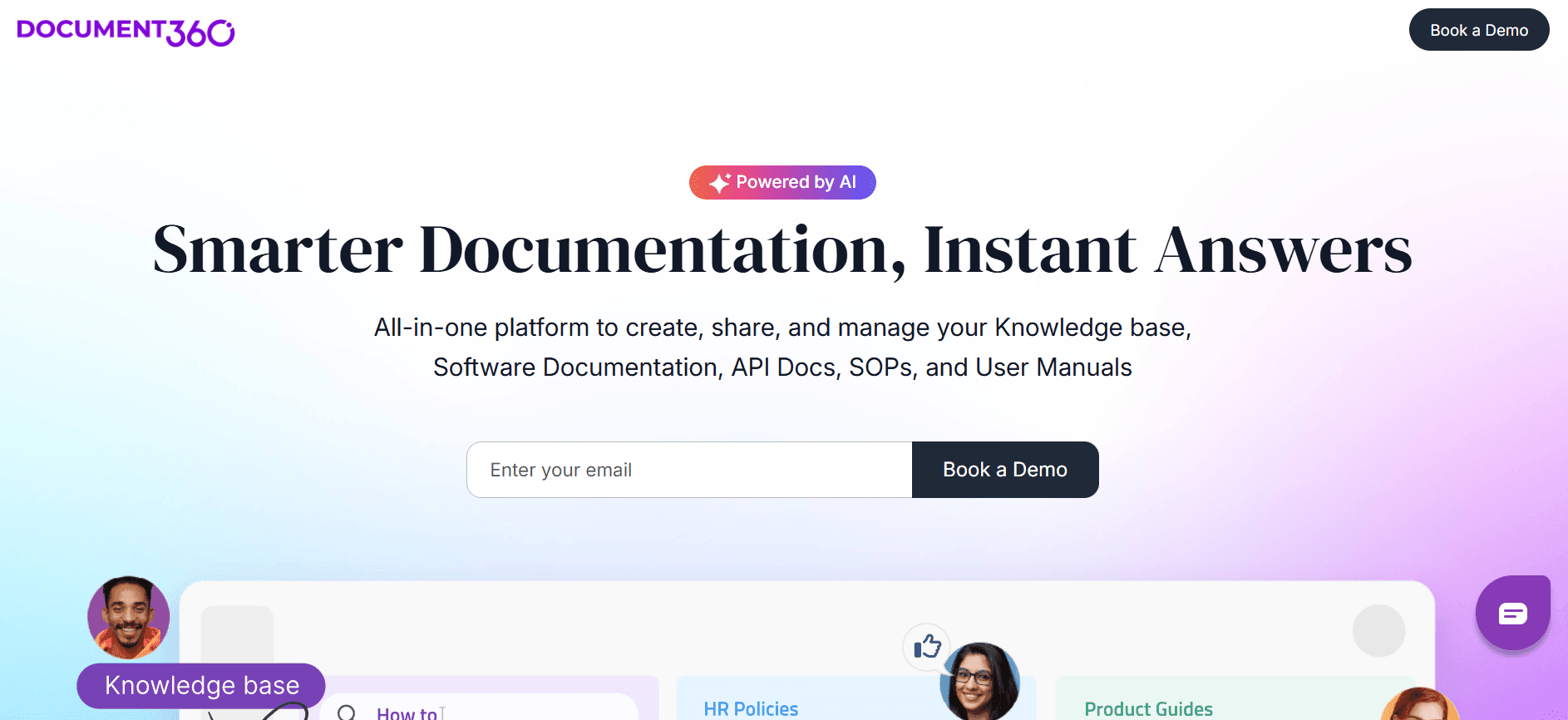
Document360 è un software per basi di conoscenza progettato per creare e gestire una base di conoscenza self-service per clienti e dipendenti. Si distingue per il suo focus sulla fornitura di un'esperienza di assistenza clienti senza interruzioni. Document360 si rivolge ai team che necessitano di uno strumento completo di gestione della conoscenza con forti capacità di ricerca e funzionalità di organizzazione dei contenuti.
Funzionalità chiave
Gestione delle categorie
Ricerca intelligente
Dashboard di analisi
Branding personalizzabile
Cronologia delle versioni
Accesso basato sui ruoli
Editor di contenuti avanzato
Supporto multilingue
Pro | Contro |
|---|---|
Eccellente funzionalità di ricerca. | Funzionalità limitate per la documentazione API. |
Analisi e reportistica ricche. | Costo più elevato per le funzionalità premium. |
Scalabile per team in crescita. | Complesso per utenti non tecnici. |
Prezzi
Il piano base di Document360 parte da $99 per progetto al mese, con funzioni più avanzate disponibili nei piani di livello superiore.
6. ReadMe
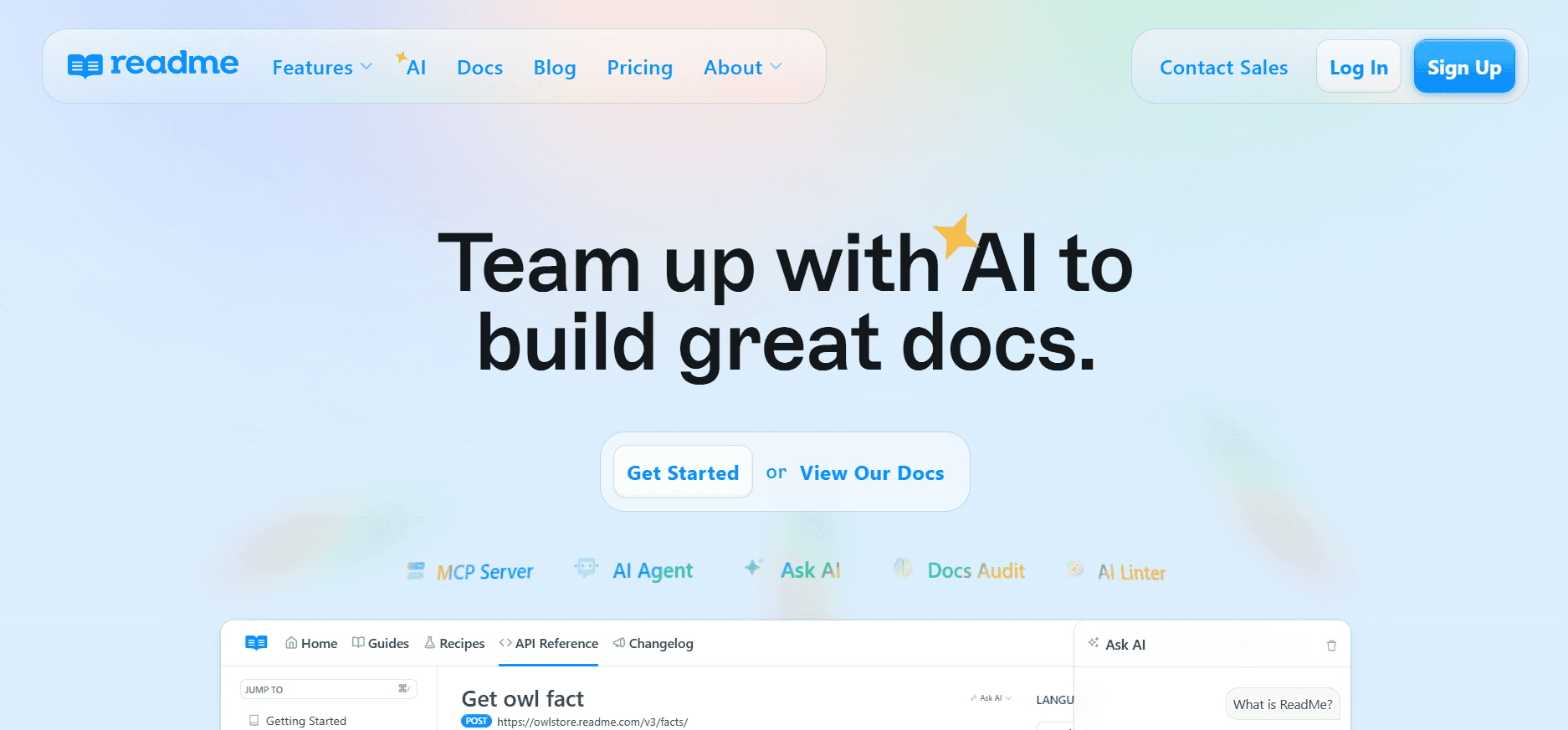
ReadMe è uno strumento di documentazione rivolto principalmente alla documentazione API. Offre una piattaforma che consente agli utenti di creare riferimenti e guide API interattive, rendendolo ideale per i team incentrati sugli sviluppatori. La caratteristica distintiva di ReadMe è la sua capacità di fornire esperienze di documentazione personalizzate per gli utenti finali in base ai loro modelli di utilizzo.
Funzionalità chiave
Riferimenti API dinamici
Documentazione interattiva
Raccolta di feedback degli utenti
Supporto per frammenti di codice
Branding personalizzato
Analisi e approfondimenti
Integrazione con API Gateway
Esperienze utente personalizzate
Pro | Contro |
|---|---|
Documenti API altamente interattivi. | Si concentra principalmente sulla documentazione API. |
Ottimi strumenti di coinvolgimento degli utenti. | Funzionalità limitate per documentazione non API. |
Forti capacità di analisi. | Fasce di prezzo più elevate. |
Prezzi
ReadMe offre una prova gratuita, con piani a pagamento a partire da $99 al mese.
7. Tettra
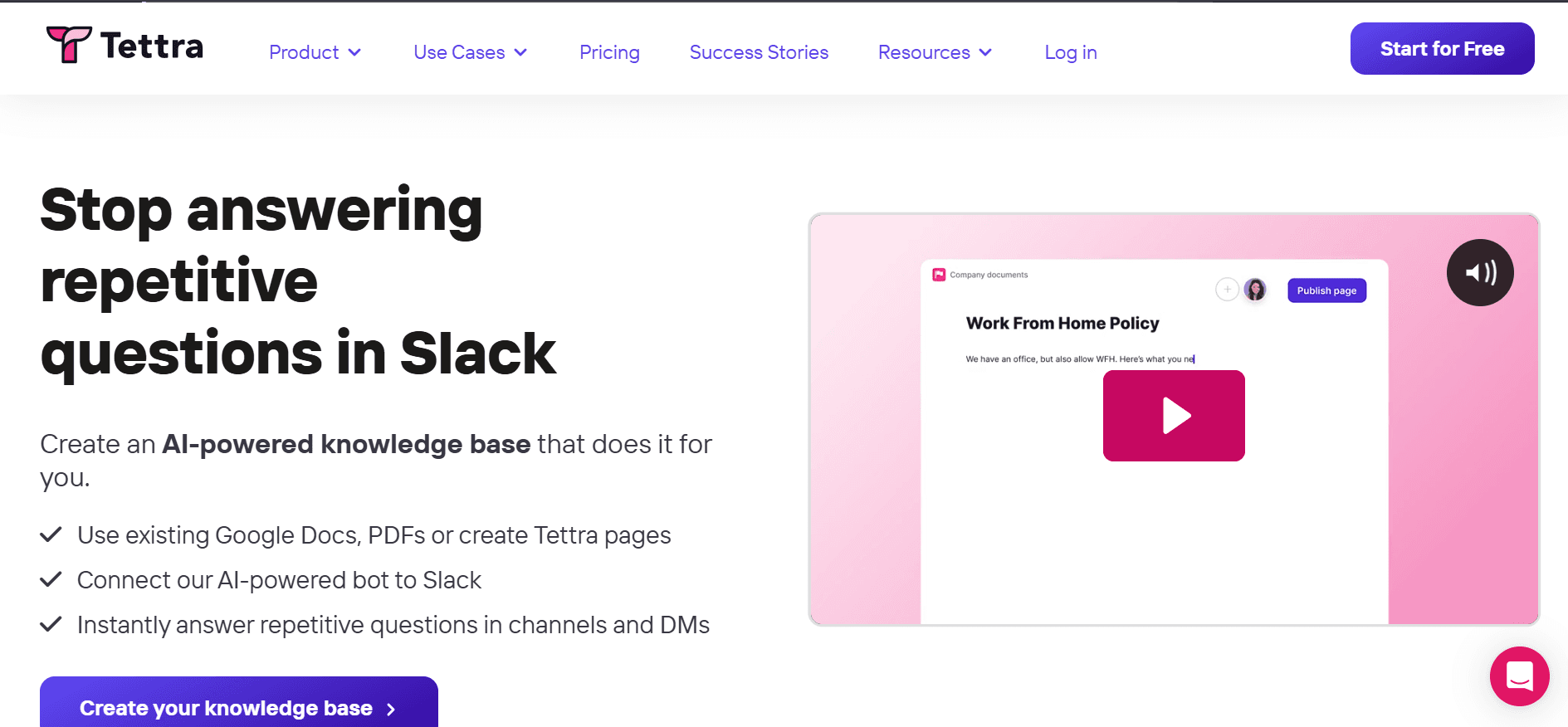
Tettra è una soluzione di gestione della conoscenza che aiuta i team a memorizzare e organizzare le informazioni aziendali. È particolarmente utile per i team che danno priorità a un accesso rapido e facile alla conoscenza condivisa. Tettra si integra bene con Slack, rendendolo una scelta popolare per i team che si affidano molto alla messaggistica istantanea per comunicare.
Funzionalità chiave
Integrazione con Slack
Sistema di richiesta di conoscenza
Collegamento facile delle pagine
Verifica dei contenuti
Autorizzazioni e controllo degli accessi
Editor semplice
Feed delle attività del team
Ricerca e scoperta
Pro | Contro |
|---|---|
Integrazione perfetta con Slack. | Funzionalità avanzate limitate. |
Facile da configurare e utilizzare. | Funzionalità di editing di base. |
Ottimo per team di piccole e medie dimensioni. | Meno adatto per esigenze di documentazione complesse. |
Prezzi
Tettra offre un piano gratuito con funzionalità limitate, mentre i piani a pagamento partono da $8 per utente al mese.
8. Slite
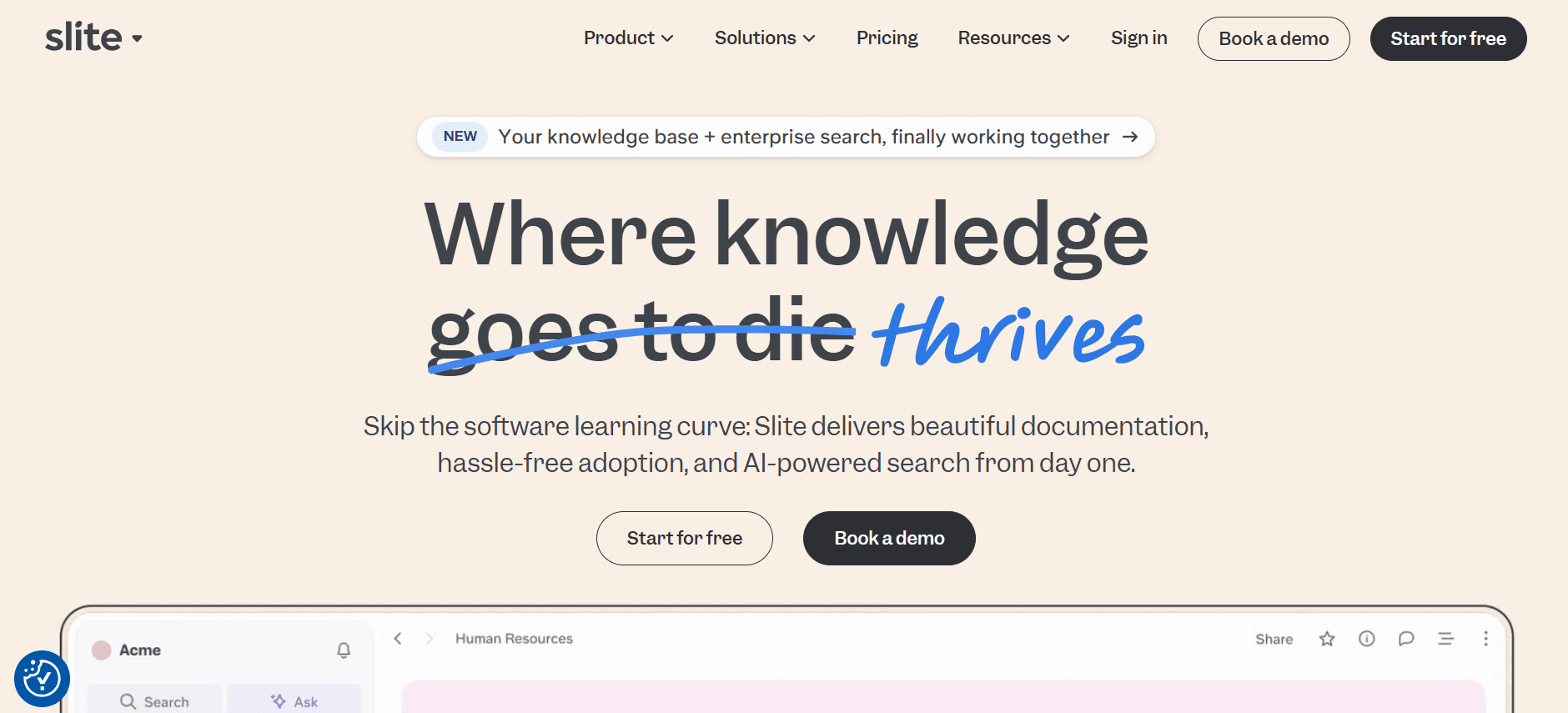
Slite è uno strumento di documentazione collaborativa progettato per i team che hanno bisogno di acquisire, organizzare e condividere informazioni rapidamente. Con il suo focus sulla semplicità e sulla facilità d'uso, Slite è perfetto per i team che vogliono ridurre la curva di apprendimento spesso associata a piattaforme di documentazione più complesse. Il suo vero punto di forza risiede nella capacità di facilitare la collaborazione all'interno del team e di mantenere tutti allineati.
Funzionalità chiave
Collaborazione in tempo reale
Interfaccia intuitiva
Supporto Markdown
Condivisione dei documenti e autorizzazioni
Versionamento dei documenti
Editor di testo formattato
Integrazioni con strumenti popolari
Struttura organizzativa
Pro | Contro |
|---|---|
Semplice e intuitivo. | Opzioni di personalizzazione limitate. |
Facilita la collaborazione del team. | Non ideale per la documentazione tecnica. |
Forte controllo versione. | Funzionalità di ricerca di base. |
Prezzi
Slite offre una versione gratuita per piccoli team, con funzionalità premium disponibili a partire da $6.67 per utente al mese.
Sfide di documentazione: per cosa lottano i team
1. Silos di contenuti
I team creano spesso la documentazione in modo isolato, portando a informazioni frammentate all'interno dell'organizzazione.
La mancanza di integrazione tra gli strumenti fa sì che la conoscenza non venga condivisa in modo efficace, riducendo l'efficienza complessiva.
Reparti diversi possono utilizzare formati diversi, complicando il consolidamento delle informazioni.
Le limitazioni di accesso possono impedire ai membri del team di recuperare documenti critical quando necessario.
2. Documentazione obsoleta
Aggiornamenti software rapidi possono rendere obsoleta la documentazione, creando un accumulo di materiale non aggiornato.
Gli aggiornamenti manuali sono soggetti a errori, il che porta a inesattezze che confondono gli utenti.
I team di documentazione spesso non dispongono delle risorse necessarie per tenere il passo con i cambiamenti dei prodotti.
Le informazioni obsolete possono danneggiare la credibilità e la fiducia degli utenti se non affrontate tempestivamente.
3. Scarsa ricercabilità
Funzioni di ricerca inadeguate rendono difficile per gli utenti trovare rapidamente le informazioni pertinenti.
Senza una corretta indicizzazione, anche i documenti più completi possono andare persi nella confusione.
Gli utenti possono ricorrere al contatto con l'assistenza per ottenere risposte, aumentando i costi operativi.
Il recupero lento delle informazioni può portare a ritardi nel processo decisionale.
4. Formattazione incoerente
La documentazione creata da diversi membri del team spesso manca di uno stile unificato.
L'uso incoerente di modelli può causare confusione e interpretazioni errate delle informazioni.
I problemi di formattazione possono tradursi in una mancanza di professionalità nei documenti rivolti all'esterno.
Il tempo speso a riformattare i documenti riduce la produttività complessiva.
5. Sovraccarico di creazione manuale
I processi di documentazione manuale richiedono molto tempo e sono soggetti a errori umani.
Gli strumenti di automazione sono sottoutilizzati, il che porta a inefficienze nella creazione dei documenti.
I team spesso dedicano un tempo eccessivo ad attività banali come l'aggiornamento dei metadati.
I processi manuali limitano la capacità di ridimensionare gli sforzi di documentazione con la crescita dell'azienda.
Sfida | Processo tradizionale | Impatto aziendale | Costo in termini di tempo |
|---|---|---|---|
Silos di contenuti | Repository separati | Duplicazione degli sforzi | Alto |
Documentazione obsoleta | Aggiornamenti manuali | Affidabilità ridotta | Moderato |
Scarsa ricercabilità | Ricerca basata su parole chiave | Aumento dei costi di assistenza | Moderato |
Formattazione incoerente | Formattazione manuale | Impatto sulla professionalità | Alto |
Sovraccarico di creazione manuale | Processi scritti a mano | Scalabilità limitata | Alto |
Affrontare queste sfide richiede un approccio strategico alla documentazione. Gli strumenti moderni possono aiutare a snellire i processi e a migliorare la qualità della documentazione, rendendola più accessibile e affidabile per gli utenti. Scopri le funzionalità indispensabili che possono trasformare le tue pratiche di documentazione.
Funzionalità indispensabili nei moderni strumenti di documentazione
1. Controllo versione
Il controllo di versione è essenziale per mantenere l'integrità della documentazione. Consente ai team di tracciare le modifiche nel tempo, assicurando che tutti lavorino con le informazioni più aggiornate. Strumenti come Confluence e GitBook eccellono in quest'area fornendo robusti sistemi di versioning che consentono agli utenti di ripristinare le versioni precedenti, se necessario. Questa funzionalità è particolarmente cruciale negli ambienti in cui la collaborazione è elevata e l'integrità del documento è fondamentale.
2. Strumenti di collaborazione
Strumenti di collaborazione efficaci sono un pilastro dei moderni software di documentazione. Consentono a più utenti di lavorare sullo stesso documento contemporaneamente, favorendo un approccio più integrato alla creazione di contenuti. Ad esempio, Notion e Slite offrono funzionalità di collaborazione in tempo reale che consentono ai team di vedere le modifiche mentre avvengono. Questa capacità riduce la necessità di comunicazioni continue, accelerando il processo di documentazione e migliorando la sinergia del team.
3. Funzionalità di ricerca avanzata
La funzionalità di ricerca avanzata rappresenta una svolta per le organizzazioni che gestiscono grandi volumi di documentazione. Consente agli utenti di trovare rapidamente informazioni specifiche senza dover scorrere contenuti irrilevanti. Document360 e ReadMe offrono solidi strumenti di ricerca che indicizzano i contenuti in modo efficace, consentendo un recupero rapido. Questa funzione non solo fa risparmiare tempo, ma aumenta anche la soddisfazione degli utenti rendendo le informazioni facilmente accessibili.
4. Capacità di integrazione
Le capacità di integrazione sono fondamentali per garantire che gli strumenti di documentazione funzionino perfettamente con gli altri software del proprio stack tecnologico. Trupeer e Confluence offrono ampie opzioni di integrazione, rendendo semplice la connessione con strumenti di gestione dei progetti, CRM e altro ancora. Questa connettività garantisce che la documentazione non sia solo completa, ma anche parte attiva del flusso di lavoro, migliorando la produttività e riducendo gli errori di immissione manuale.
5. Modelli personalizzabili
I modelli personalizzabili aiutano a standardizzare la documentazione tra i diversi reparti. Forniscono una struttura coerente che i team possono seguire, assicurando che tutta la documentazione mantenga un aspetto professionale. Strumenti come Trupeer e Notion offrono un'ampia gamma di modelli che possono essere adattati per soddisfare specifiche esigenze aziendali. Questa funzione consente di risparmiare tempo sulla formattazione e permette ai team di concentrarsi sulla qualità dei contenuti piuttosto che sul design del documento.
6. Funzioni di importazione/esportazione
Le funzionalità di importazione ed esportazione sono cruciali per i team che passano a nuove piattaforme di documentazione. Consentono il trasferimento continuo dei documenti esistenti in un nuovo sistema, riducendo al minimo le interruzioni e mantenendo la continuità. Strumenti come GitBook e Tettra forniscono solide funzioni di importazione/esportazione che supportano diversi tipi di file, garantendo che i team possano migrare facilmente i dati senza perdere informazioni critiche.
Come scegliere il software di documentazione in base al proprio caso d'uso
1. Documentazione ingegneristica/API
I team di ingegneria richiedono spesso una documentazione dettagliata e precisa per le API e i processi tecnici. Questa documentazione deve essere completa e facilmente accessibile agli sviluppatori che potrebbero integrare o estendere il sistema. L'obiettivo principale è garantire che tutti i dettagli tecnici siano chiari e prontamente disponibili per evitare errori di implementazione.
Sfide chiave:
Garantire che la documentazione sia sempre aggiornata con le ultime modifiche alle API.
Fornire esempi chiari e concisi per l'uso da parte degli sviluppatori.
Mantenere la coerenza tra più versioni dell'API.
Soluzioni necessarie:
Strumenti con forti capacità di controllo della versione e branching.
Supporto per documentazione interattiva e frammenti di codice.
Integrazione con ambienti e strumenti di sviluppo.
Strumento | Supporta il caso d'uso |
|---|---|
GitBook | Sì |
ReadMe | Sì |
Confluence | Sì |
Trupeer | Sì |
Notion | Limitato |
"La scelta di uno strumento di documentazione che si integra bene con le nostre piattaforme di sviluppo esistenti ci ha fatto risparmiare innumerevoli ore, migliorando sia l'efficienza che l'accuratezza." - Alex J., Lead Developer presso InnovateTech
2. Base di conoscenza rivolta al cliente
I team di assistenza clienti si affidano a basi di conoscenza complete per fornire risposte rapide e accurate alle richieste dei clienti. Una base di conoscenza ben organizzata riduce il carico di lavoro del personale di supporto e migliora l'esperienza del cliente, consentendo agli utenti di trovare risposte autonomamente. L'attenzione è rivolta all'usabilità e all'accessibilità.
Sfide chiave:
Creazione di un'interfaccia user-friendly che i clienti possano navigare facilmente.
Garantire che i contenuti siano facilmente ricercabili e aggiornati di frequente.
Mantenere un tono e uno stile coerenti in tutti gli articoli.
Soluzioni necessarie:
Funzionalità di ricerca intelligente e sistemi di tagging.
Strumenti per aggiornamenti in tempo reale e gestione dei contenuti.
Layout personalizzabili e opzioni di branding.
Strumento | Supporta il caso d'uso |
|---|---|
Document360 | Sì |
Tettra | Sì |
Confluence | Sì |
Slite | Limitato |
Notion | Sì |
3. Wiki interna
Le wiki interne fungono da hub centrale per la conoscenza aziendale, aiutando i dipendenti ad accedere rapidamente alle informazioni cruciali. Sono essenziali per l'onboarding dei nuovi assunti e per garantire che le politiche e le procedure aziendali siano prontamente disponibili. La preoccupazione principale è quella di mantenere l'accuratezza e garantire che tutti i reparti contribuiscano e mantengano aggiornate le loro sezioni.
Sfide chiave:
Garantire che i contributi di tutti i reparti siano coerenti e accurati.
Evitare che i contenuti diventino obsoleti o irrilevanti.
Facilitare l'accesso ai dipendenti con diversi livelli di competenza tecnica.
Soluzioni necessarie:
Strumenti di collaborazione che consentano più contributori.
Controllo di versione per tracciare modifiche e aggiornamenti.
Interfacce semplici per incoraggiare contributi e aggiornamenti regolari.
Strumento | Supporta il caso d'uso |
|---|---|
Confluence | Sì |
Trupeer | Sì |
Notion | Sì |
Slite | Sì |
Tettra | Sì |
4. Documentazione di processo
La documentazione di processo descrive i passaggi necessari per svolgere le operazioni aziendali. È fondamentale per mantenere la qualità e l'efficienza, specialmente in processi complessi che coinvolgono più stakeholder. L'obiettivo è fornire una guida chiara passo-passo che possa essere facilmente seguita da qualsiasi membro del team coinvolto nel processo.
Sfide chiave:
Documentare processi complessi in modo chiaro e conciso.
Garantire che i documenti vengano aggiornati al variare dei processi. Quando i processi cambiano, la documentazione è solo la prima fase; guidare l'adozione è il resto del processo di gestione del cambiamento.
Facilitare la comprensione tra reparti diversi.
Soluzioni necessarie:
Strumenti di diagrammazione per la rappresentazione visiva dei processi.
Notifiche automatiche per aggiornamenti e revisioni.
Funzionalità di collaborazione tra reparti diversi.
Strumento | Supporta il caso d'uso |
|---|---|
Notion | Sì |
Trupeer | Sì |
Confluence | Sì |
Document360 | Limitato |
Slite | Limitato |
"Avere un sistema centralizzato di documentazione dei processi ha ridotto i tempi di formazione e aumentato significativamente l'efficienza operativa." - Emily P., Operations Manager presso Synergy Solutions
5. Materiali per l'onboarding
I materiali per l'onboarding sono essenziali per far familiarizzare i nuovi dipendenti con la cultura e i processi aziendali. Questi documenti dovrebbero fornire una panoramica completa dell'azienda, delle sue politiche e delle responsabilità specifiche dei nuovi assunti. L'obiettivo è garantire che i nuovi dipendenti possano diventare rapidamente membri produttivi del team.
Sfide chiave:
Creare materiali accattivanti e informativi che catturino l'attenzione dei nuovi dipendenti.
Aggiornare regolarmente i materiali per riflettere eventuali modifiche alle policy o alla struttura dell'azienda.
Garantire un facile accesso a questi materiali per tutti i nuovi dipendenti.
Soluzioni necessarie:
Contenuti interattivi che coinvolgano ed educhino i nuovi assunti.
Liste di controllo di onboarding automatizzate e monitoraggio dei progressi.
Integrazione con i sistemi HR per un accesso senza interruzioni.
Strumento | Supporta il caso d'uso |
|---|---|
Trupeer | Sì |
Slite | Sì |
Notion | Sì |
Tettra | Limitato |
Confluence | Limitato |
Migliori pratiche per una documentazione efficace
1. Prima di creare la documentazione
Identificare il pubblico principale di ciascun documento per personalizzare il contenuto di conseguenza.
Sviluppare un modello coerente per garantire l'uniformità di tutti i documenti.
Condurre una revisione approfondita dei materiali esistenti per evitare ridondanze.
Stabilire obiettivi chiari per ciò che ogni documento dovrebbe raggiungere.
Raccogliere tutte le risorse e le informazioni necessarie prima di iniziare il processo di scrittura.
2. Durante la creazione della documentazione
Utilizzare un linguaggio chiaro e conciso per migliorare la leggibilità e la comprensione.
Incorporare elementi visivi come diagrammi o grafici per illustrare concetti complessi.
Coinvolgere gli stakeholder per ricevere feedback per garantire l'accuratezza e la pertinenza dei contenuti.
Sfruttare gli strumenti di collaborazione per consentire modifiche e contributi in tempo reale.
Salvare regolarmente le versioni per tracciare le modifiche e mantenere una cronologia delle modifiche.
3. Dopo che la documentazione è completa
Condurre una revisione finale per verificare la presenza di errori di ortografia, grammatica e formattazione.
Distribuire la documentazione al pubblico di riferimento utilizzando i canali appropriati.
Stabilire un programma per aggiornamenti regolari in modo da mantenere i contenuti aggiornati.
Sollecitare il feedback degli utenti per identificare le aree di miglioramento.
Archiviare i documenti obsoleti per evitare confusione e mantenere l'organizzazione.
Domande frequenti
1. Cos'è un software di documentazione?
Il software di documentazione è uno strumento utilizzato per creare, gestire e distribuire informazioni su varie piattaforme. Aiuta a garantire la coerenza, l'accuratezza e l'accessibilità dei documenti sia per gli stakeholder interni che esterni.
2. Perché la documentazione è importante?
La documentazione è fondamentale per la condivisione delle conoscenze, il mantenimento della coerenza operativa e la fornitura di linee guida chiare. Aiuta i team a evitare errori e garantisce che le informazioni siano facilmente accessibili quando necessario.
3. Come funziona il controllo di versione negli strumenti di documentazione?
Il controllo delle versioni consente agli utenti di tenere traccia delle modifiche e di ripristinare le versioni precedenti del documento, se necessario. Aiuta a mantenere l'integrità del documento e consente ai team di collaborare in modo più efficace senza perdere informazioni importanti.
4. Il software di documentazione può integrarsi con altri strumenti?
Sì, la maggior parte dei moderni strumenti di documentazione offre capacità di integrazione con altri software come la gestione dei progetti, i CRM e gli strumenti di sviluppo, migliorando la produttività e l'efficienza del flusso di lavoro.
5. Sono disponibili software di documentazione gratuiti?
Sì, molti strumenti di documentazione offrono versioni gratuite con funzionalità di base. Tuttavia, le funzionalità avanzate, le integrazioni e l'accesso per team più grandi richiedono solitamente abbonamenti a pagamento.
6. Quali fattori influenzano il costo del software di documentazione?
Il costo varia spesso in base al numero di utenti, alle funzionalità offerte, al livello di supporto e alle capacità di integrazione. I piani personalizzabili possono aiutare a adattare il software alle specifiche esigenze aziendali.
7. Quanto tempo occorre per implementare un software di documentazione?
Il tempo di implementazione dipende dalla complessità dello strumento e dalle dimensioni dell'organizzazione. Gli strumenti semplici possono essere configurati in pochi giorni, mentre le soluzioni più complete possono richiedere settimane per essere completamente integrate.
8. Quale supporto è disponibile durante il processo di implementazione?
La maggior parte dei fornitori offre supporto tramite documentazione, tutorial e servizio clienti. Alcuni forniscono anche assistenza per l'onboarding e sessioni di formazione per garantire una transizione agevole.
9. Quali strumenti sono migliori per la documentazione API?
Strumenti come GitBook, ReadMe e Trupeer sono ideali per la documentazione API grazie al loro forte controllo di versione, alle funzionalità di documentazione interattiva e alla capacità di integrazione con gli strumenti di sviluppo.
10. Quali funzionalità dovrebbero cercare i technical writer?
I technical writer dovrebbero dare priorità agli strumenti con un solido controllo della versione, editing collaborativo e analisi complete. L'integrazione con altri strumenti di produttività può anche migliorare l'efficienza del flusso di lavoro.
11. Il software di documentazione può creare video dimostrativi e documenti scritti da incorporare nella documentazione?
Sì, e i migliori software di documentazione nel 2026 supportano esattamente questo. Invece di gestire i contenuti video e la documentazione scritta come risorse separate, strumenti come Trupeer consentono di generarli entrambi a partire da una singola registrazione dello schermo. Il video dimostrativo e il documento scritto risultanti possono essere incorporati direttamente nelle pagine di documentazione, offrendo ai lettori la possibilità di scegliere se guardare o leggere senza che il team debba creare due contenuti separati.
12. In che modo il software di documentazione aiuta con la documentazione di rilascio quando vengono fornite nuove funzionalità?
La documentazione di rilascio è una delle attività di documentazione più sensibili al fattore tempo: deve essere pronta esattamente nel momento in cui la funzionalità diventa attiva. Il software di documentazione moderno affronta questo problema consentendo la creazione rapida di contenuti direttamente da registrazioni dello schermo o input scritti, con formattazione, struttura e screenshot generati dall'intelligenza artificiale integrati. Strumenti come Trupeer, Confluence e GitBook supportano tutti rapidi flussi di lavoro di documentazione di rilascio, garantendo che il registro delle modifiche, gli articoli di aiuto e le guide alle funzionalità siano pubblicati lo stesso giorno del rilascio.
13. Quali strumenti di documentazione sono i migliori per creare guide dettagliate per sviluppatori?
Per le guide dettagliate per gli sviluppatori, i migliori strumenti sono quelli che combinano un forte supporto alla formattazione tecnica con la capacità di catturare e documentare flussi multi-step. GitBook e Trupeer sono particolarmente forti in questo: GitBook per la sua interfaccia pulita basata su markdown con cui gli sviluppatori hanno familiarità, e Trupeer per la sua capacità di catturare automaticamente i passaggi da una registrazione dello schermo e trasformarli in una guida strutturata e annotata. ReadMe è eccellente anche quando la guida è specificamente incentrata sulle API.
14. In che modo il software di documentazione può aiutare i team a produrre contenuti guidati dalle funzionalità al momento del rilascio di nuove funzioni?
La documentazione e i video incentrati sulle nuove funzionalità al momento del lancio sono possibili solo se il software di documentazione è sufficientemente veloce da tenere il passo con il ciclo di rilascio. Lo strumento giusto consente a un redattore tecnico o a un membro del team di product ops di registrare una rapida guida sullo schermo della nuova funzionalità, generare automaticamente la guida scritta e pubblicarla immediatamente come parte del rilascio. Trupeer è progettato specificamente per questo flusso di lavoro, riducendo a meno di un'ora il tempo che intercorre tra il lancio della funzionalità e la pubblicazione della documentazione.
15. Qual è una buona alternativa a Confluence per i team che desiderano una guida all'interno dei propri strumenti?
Confluence è ottimo per archiviare documenti, ma debole nel guidare le persone attraverso un'attività effettiva. Trupeer AI è costruito attorno al flusso di lavoro stesso: registra un processo e ricevi un video condivisibile insieme a una guida scritta, così invece di cercare in una wiki, il tuo team riceve un aiuto passo-passo mappato su ciò che sta facendo.
16. Come si documenta il lancio di un software prima della messa in servizio?
Documenta il flusso di lavoro di destinazione prima del lancio registrando il sistema configurato e raccogliendo le decisioni con gli stakeholder. Lo strumento di documentazione IA di Trupeer genera la stesura direttamente da una registrazione e la cronologia delle versioni la mantiene allineata al processo reale.
Considerazioni finali
La scelta del giusto software di documentazione può influire notevolmente sull'efficienza e sulla produttività della tua organizzazione. Ogni strumento ha i suoi punti di forza, adatti a diversi casi d'uso, dalla documentazione API alle wiki interne. Trupeer si distingue per le sue funzionalità complete e le capacità di integrazione senza interruzioni, offrendo una scelta versatile per varie esigenze di documentazione.
Pronto a migliorare il tuo processo di documentazione? Esplora Trupeer oggi stesso per scoprire come può soddisfare le tue esigenze di documentazione e migliorare le prestazioni del tuo team. Visita il sito web di Trupeer per ulteriori informazioni e per una prova gratuita.


