Use this template
The right project plan template depends on the project. With Trupeer, you can save hours on planning by starting with free project plan templates, customizing them with your brand identity, and turning plans into video summaries that align stakeholders fast.
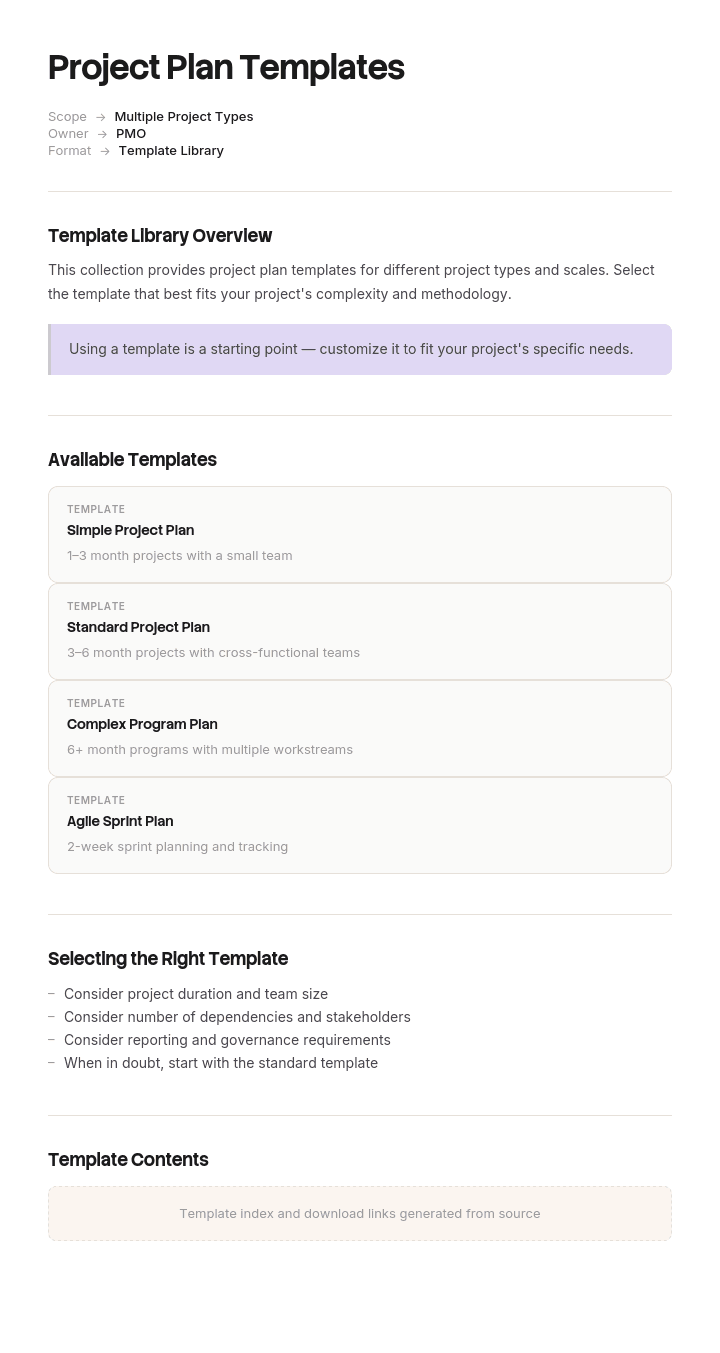
These project plan templates cover simple project plans, comprehensive plans (PMBOK), agile project plans and IT project plans - useful for software, marketing, construction, operational and consulting projects. Pair with our change management use case for change-heavy projects, generate AI video summaries, and translate into 65+ languages for global stakeholders.
How to customize this template in Trupeer
Step 1: Open the Templates Section
Go to the Templates section from the main navigation.

Step 2: Select and Open a Template
Click on any template you want to work with to open it.

Step 3: Expand the Template View
If needed, expand the template view to see the full layout and details clearly.

Step 4: Edit the Template
Click on Edit to start modifying the selected template.

Within the editor, you can:
Add new sections
Define or update formatting rules
Add a logo and adjust its position and related settings
Step 5: Save Your Customized Template
After making all necessary changes, click Save to store the updated template as your own.

Step 6: Preview and Fine-Tune the Template
When you want to see how your customized template looks, open the Preview.

From the preview screen, you can continue to make adjustments directly if needed, ensuring the template appears exactly as you want.
With Trupeer's project plan templates you can:
Save hours on planning: Skip the blank page with proven structures for every project type.
Cover every angle: Templates for scope, schedule, budget, risk and stakeholder management.
Stay on-brand: Apply your logo, fonts and colors using Trupeer's brand kit.
Align stakeholders: Convert dense plans into video summaries everyone can absorb.
Standardize across projects: Use the same templates for every initiative.
Reach global teams: Translate project plans into 65+ languages with one click.
The right project plan template is the foundation of disciplined delivery. Use this collection to plan every project with clarity and rigor.
Frequently Asked Questions
What types of project plan templates do I need?
Most teams benefit from a mix: a simple project plan template for small initiatives, a comprehensive plan (PMBOK) for complex projects, an agile project plan for software teams and an IT project plan for technology rollouts. Pick the format that matches the project's complexity and risk.
What should a project plan include?
A complete project plan includes scope, deliverables, schedule, milestones, budget, resources, stakeholders, risks, communication plan, quality plan and success criteria. The depth of each section depends on project complexity - small projects can keep it lean.
How long should a project plan be?
It depends on project complexity. Small projects might need a 2-page plan. Complex enterprise initiatives can run 30-50 pages. Focus on what's needed to align the team and stakeholders - not on hitting a page count. Better to have a tight, useful plan than an exhaustive one no one reads.
What is the difference between a project plan and a project schedule?
A project plan is the comprehensive document covering scope, schedule, budget, risk and more. A project schedule is one component - the timeline of tasks, dependencies and milestones. The schedule lives inside the project plan, often as a Gantt chart or roadmap.
How do you choose the right project plan template?
Match the template to the project's complexity and methodology. Waterfall projects benefit from PMBOK-style plans. Agile teams prefer lighter templates with sprint structure. IT projects need additional sections for architecture and dependencies. Use the simplest template that does the job.

