Use this template
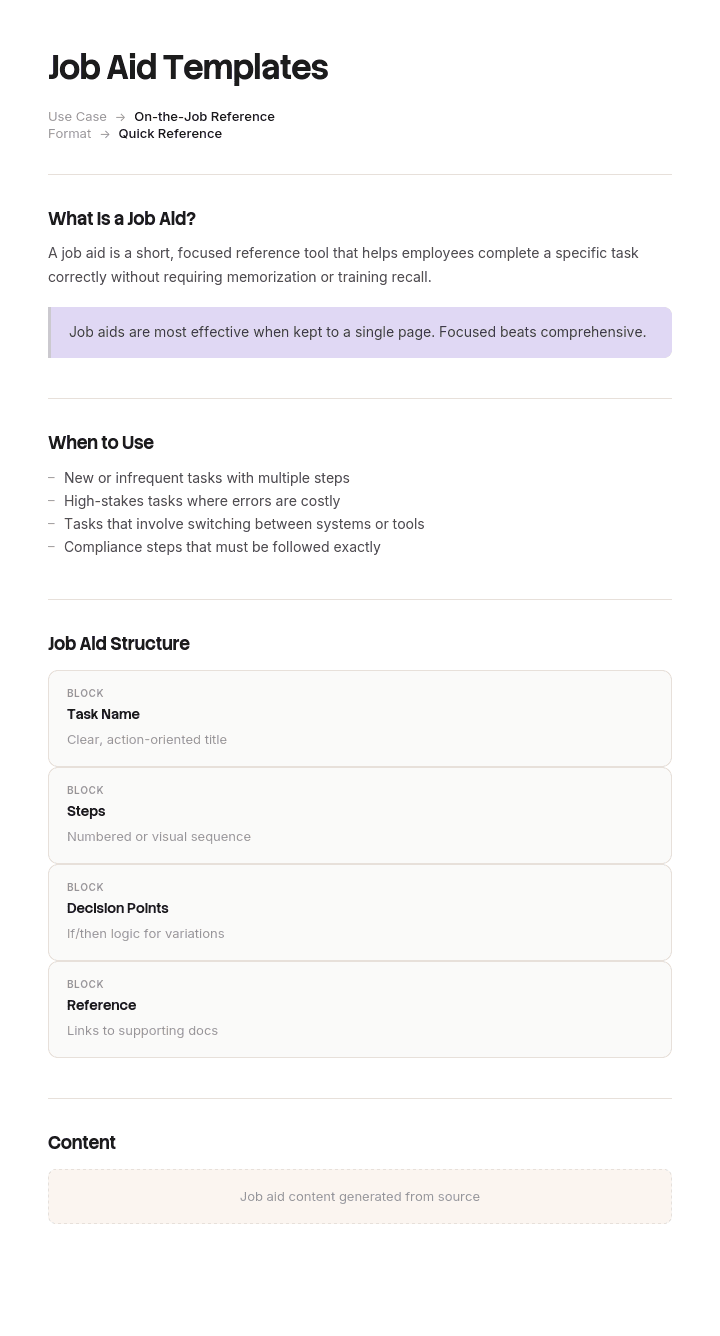
A job aid is a quick-reference resource that helps employees perform tasks accurately at the moment of need. With Trupeer, you can save hours on creating job aids by starting with ready-to-use job aid templates, customizing them with your brand guidelines, and turning them into bite-sized video tutorials that are easier to find, understand and apply than text checklists.
These job aid templates give you a ready-to-use framework for creating checklists, decision trees, quick-reference guides, troubleshooting flows and process cards - available in Word and editable formats. Browse job aid examples in the template to see how to structure each format. Combine them with our AI job aid generator to create video versions that are searchable, sharable and perfect for in-the-moment learning - then translate into 65+ languages with one click.
How to customize this template in Trupeer
Step 1: Open the Templates Section
Go to the Templates section from the main navigation.

Step 2: Select and Open a Template
Click on any template you want to work with to open it.

Step 3: Expand the Template View
If needed, expand the template view to see the full layout and details clearly.

Step 4: Edit the Template
Click on Edit to start modifying the selected template.

Within the editor, you can:
Add new sections
Define or update formatting rules
Add a logo and adjust its position and related settings
Step 5: Save Your Customized Template
After making all necessary changes, click Save to store the updated template as your own.

Step 6: Preview and Fine-Tune the Template
When you want to see how your customized template looks, open the Preview.

From the preview screen, you can continue to make adjustments directly if needed, ensuring the template appears exactly as you want.
With Trupeer's job aid templates you can:
Save hours on creation: Use a proven job aid template that's easy to fill in and turn into video.
Reduce ramp time: New hires reach proficiency faster with clear, visual job aids.
Cut training costs: Replace expensive in-person sessions with on-demand video job aids - ideal for training and customer success.
Stay on-brand: Apply your logo, colors and fonts using Trupeer's brand kit - so every job aid is consistent with your identity.
Scale across teams: Build once, share everywhere - across roles, regions and shifts.
Localize globally: Translate job aids into 65+ languages with one click.
Update on the fly: Adjust job aids as processes evolve, without re-recording videos.
Job aids are the smallest, most powerful learning tool in your arsenal. Use these templates to deliver the right information at the right time, every time.
Frequently Asked Questions
What is a job aid?
A job aid is a quick-reference resource - like a checklist, decision tree, flowchart, cheat sheet or short video - that helps an employee perform a task accurately at the moment of need. Unlike training, job aids are designed to be used during work, not before it. The job aid meaning has expanded in recent years to include digital and video formats alongside traditional printed cards.
What are the types of job aids?
The most common types include step-by-step checklists, decision trees, flowcharts, reference cards, troubleshooting guides, process maps and short video tutorials. The right format depends on the task - simple sequential tasks suit checklists, while complex decisions are better served by decision trees.
How are job aids different from training?
Training builds skills and knowledge before someone starts a task. Job aids support workers during the task - by reminding them of steps, criteria or decisions. They work together: training teaches the bigger picture, job aids handle the on-the-job moments where memory or precision matter.
How do you create an effective job aid?
Start by identifying the audience and the exact task they need help with. Keep the job aid focused, short and visual. Use clear language, numbered steps and visuals where helpful. Test it with the people who'll use it - if they can complete the task quickly with the aid, it's working.
What is an example of a job aid?
Job aid examples include a pilot's pre-flight checklist, a barista's drink recipe card, a customer service agent's troubleshooting flowchart, a nurse's medication-administration guide, or a software user's keyboard-shortcut cheat sheet. Anything an employee references during work to perform a task accurately is a job aid.

