v/s

Why Limit to basic Guides?

Why Limit to basic Guides?

Get Smarter, Branded
Guides with Trupeer

Create Client-Ready Videos and Guides with Trupeer

v/s

Process

Detailed product guides in less than 10 minutes

Detailed product guides in less than 10 minutes

01

Purple gradient

REC

Record your screen

Record with the Trupeer extension or upload any existing video

Record with the Trupeer extension or upload any existing video

02

Orange gradient

AI generates a full document

Get a fully formatted, 100% complete document with relevant screenshots, structured sections and contextual steps

Get a fully formatted, 100% complete document with relevant screenshots, structured sections and contextual steps

03

Pink gradient

Review and ship

Review and make any edits like adding external screenshots, translating into multiple languages and share with clients and internal teams

Review and make any edits like adding external screenshots, translating into multiple languages and share with clients and internal teams

See Why Teams choose Trupeer for Smarter Guides

See Why Teams choose Trupeer for Smarter Guides

Auto-Generated Step-by-Step Guides

Screenshot-Based Documentation

Dynamic Content Updates for Guides

Knowledge Base & Centralized Repository

Indexable & Searchable Documentation

Export & Embed Documentation

Branding in Guides & Documentation

Multi-Language Support for Guides

Auto-Summaries & Annotations in Docs

Enterprise-Grade Security for Docs

Comprehensive guides with screenshots, steps, summaries, annotations


 High-quality screenshots + auto highlights/zoom/annotations

 Edit script once → auto-sync visuals, screenshots, guide

 AI-searchable KB for guides/videos/SOPs; likes, comments, tracking


 Full AI-powered search across guides & video content

Unlimited exports (docs/PDF/web); easy embeds

Full: logos, colors, wallpapers, reusable templates


 65+ languages; synced text + voiceover


Smart summaries + automated annotations


SOC2/ISO, SSO (some on Enterprise)


Basic storyline + steps


Limited annotations


Limited (manual re-gen often needed)

Basic sharing/library; no AI search


Limited searchability

Share/embed available; limited exports noted

Basic brand kit


Limited/Enterprise-gated


Basic AI storyline


SOC2/ISO, SSO (some on Enterprise)

Screen recording

Native screen recording tool with Chrome extension and video upload functionality

Screen and audio on MacOS, Windows, and Chrome

Enterprise-Grade Security

ISO 27001 & SOC2 compliance

SOC2, ISO 27001

Collaboration & Team Features

Full enterprise support: SSO, SCIM, and flexible roles & permissions

Basic shared workspace with roles & permissions

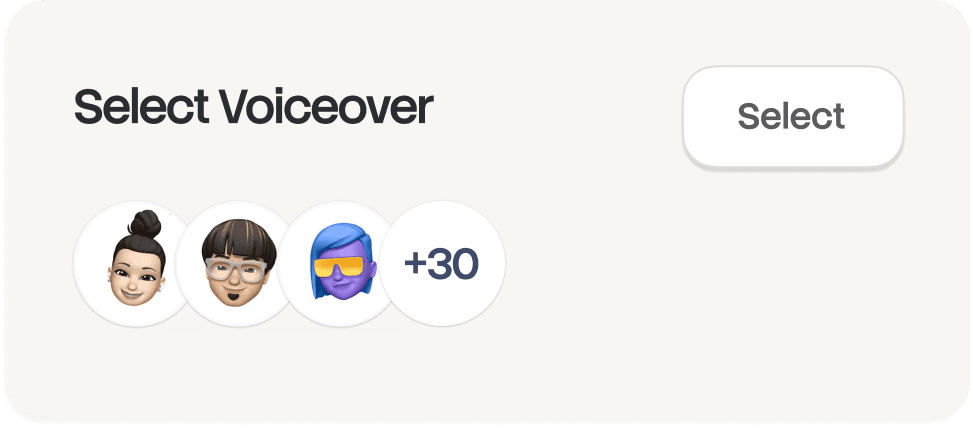
AI-Powered Voiceovers

Studio-quality voiceovers

Doesn't exist

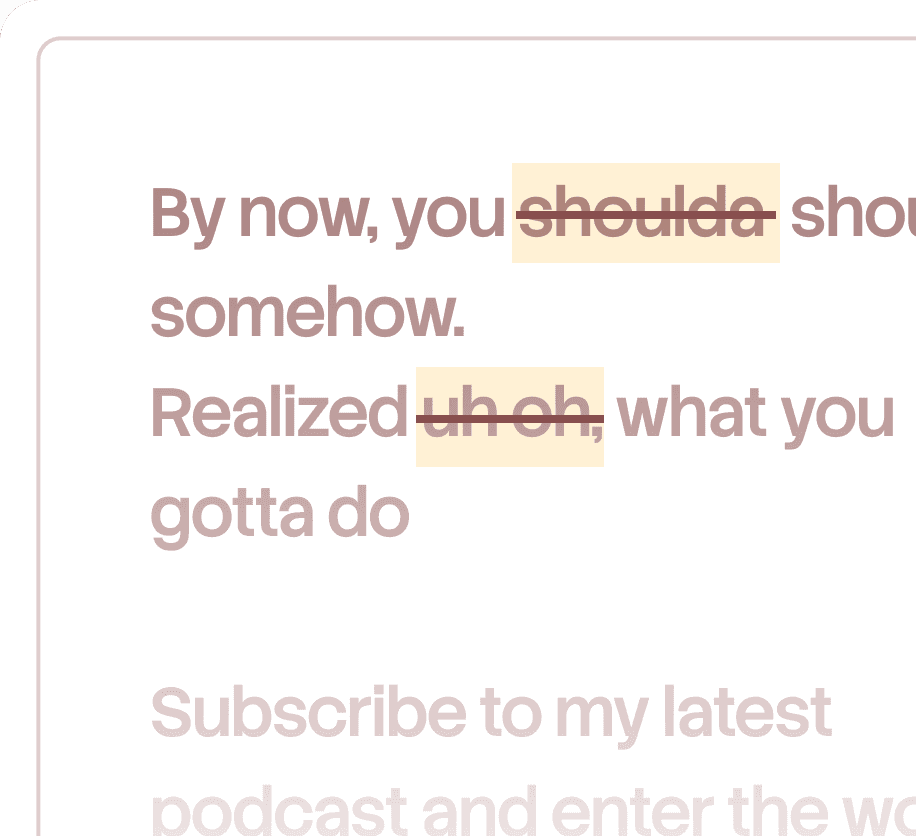
Automated Script Creation

Automatically generates scripts from recordings

Doesn't exist

AI Avatars for Video

Realistic AI avatars for dynamic video creation

Doesn't exist

Translation & Language Support

Translate video and guide into 40+ languages; fully synced, with accents/styles

Doesn't exist

Auto-Generated Documentation

Converts video into comprehensive guides

Doesn't exist

Process Documentation

Auto-detects process steps for guides

Doesn't exist

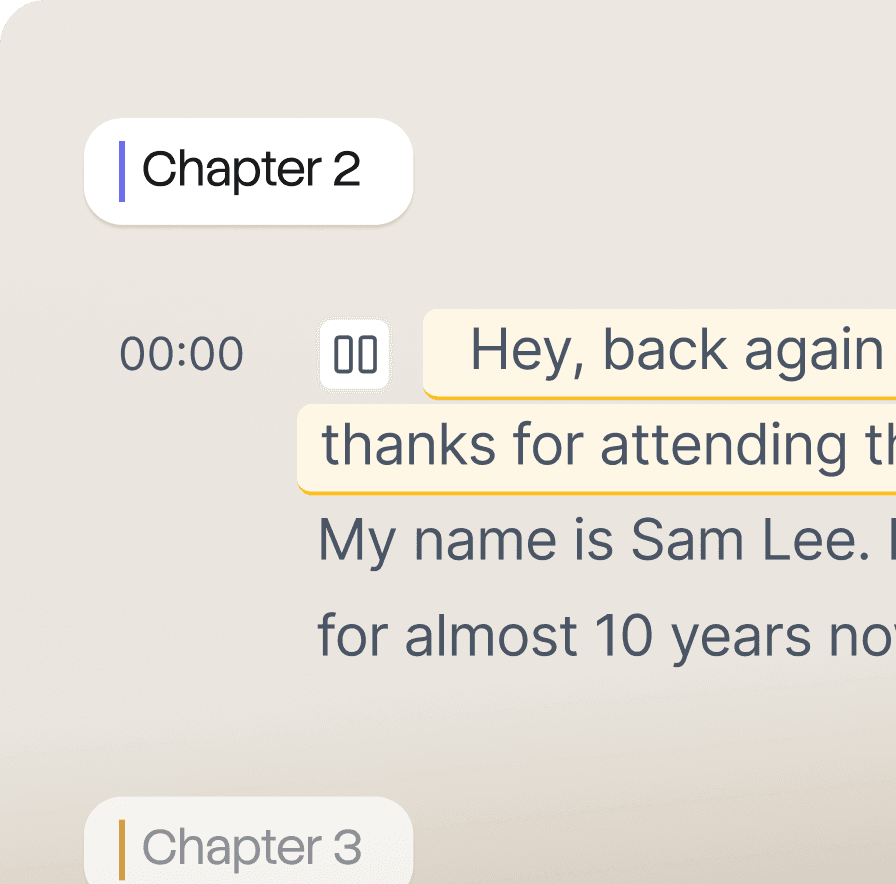
Speech-to-Text & Transcription

Auto-transcription synced with video

Doesn't exist

Screen recording

Enterprise-Grade Security

Native screen recording tool with Chrome extension and video upload functionality

ISO 27001 & SOC2 compliance

Screen and audio on MacOS, Windows, and Chrome

SOC2, ISO 27001

Collaboration & Team Features

Full enterprise support: SSO, SCIM, and flexible roles & permissions

Basic shared workspace with roles & permissions

AI-Powered Voiceovers

Studio-quality voiceovers

Doesn't Exist

Automated Script Creation

Automatically generates scripts from recordings

Doesn't Exist

AI Avatars for Video

Realistic AI avatars for dynamic video creation

Doesn't Exist

Translation & Language Support

Translate video and guide into 40+ languages; fully synced, with accents/styles

Doesn't Exist

Auto-Generated Documentation

Converts video into comprehensive guides

Doesn't Exist

Process Documentation

Auto-detects process steps for guides

Doesn't Exist

Speech-to-Text & Transcription

Auto-transcription synced with video

Doesn't Exist

Use Cases

Built for every team that ships knowledge

Assist Customers

Job Aids

Technical Documentation

Create SOPs

Implement Software

Onboard New Hires

Use this procedure when a customer requests to move from a "Standard" to a "Professional" or "Enterprise" plan via support channels.

Processing Customer Subscription Upgrades

Zoho logo

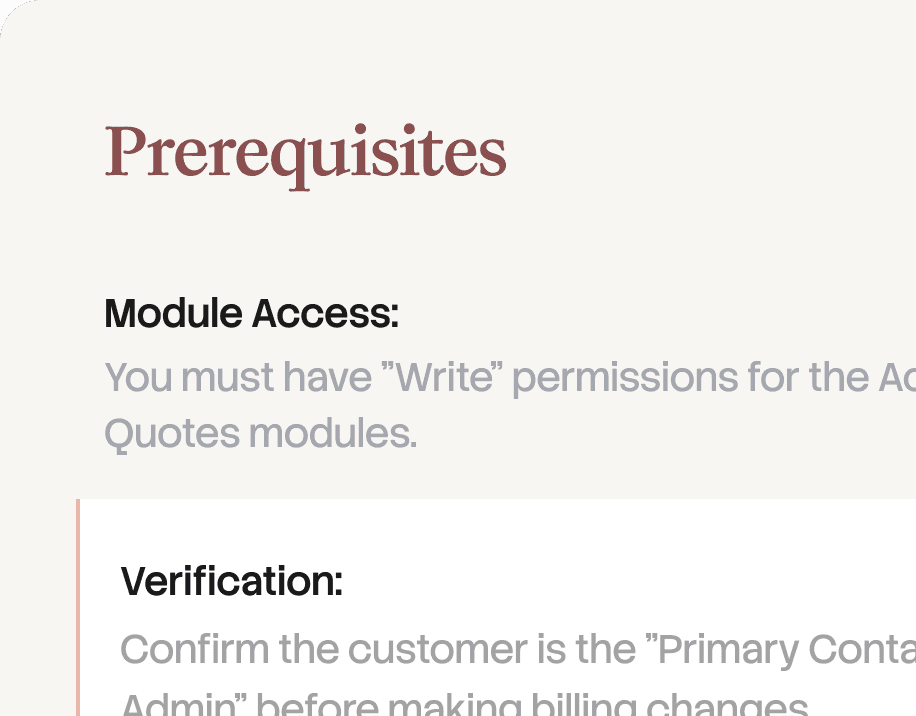
Prerequisites

Module Access:

You must have "Write" permissions for the Accounts, Deals, and Quotes modules.

Verification:

Confirm the customer is the "Primary Contact" or an "Authorized Admin" before making billing changes.

Step 1: Verifying Current Subscription Status

Locate the customer's profile by searching their email or organization name in the global search bar. Once in the Accounts module, scroll down to the "Subscription Details" section to verify their current plan, seat count, and renewal date.

ZohoCRM customer portal.

As a new hire, your first priority is to "claim" a lead by changing the Lead Owner to yourself. This prevents duplicate outreach and ensures clear ownership of the prospect relationship from day one.

Step 2: Conducting Initial Discovery and Updating Status

Use this table to determine when to move a deal to the next stage. Each stage requires specific data points to be "saved".

Use this table to determine when to move a deal to the next stage. Each stage requires specific data points to be "saved".

Use Cases

Built for every team that ships knowledge

Assist Customers

Job Aids

Technical Documentation

Create SOPs

Implement Software

Onboard New Hires

Use this procedure when a customer requests to move from a "Standard" to a "Professional" or "Enterprise" plan via support channels.

Processing Customer Subscription Upgrades

Zoho logo

Prerequisites

Module Access:

You must have "Write" permissions for the Accounts, Deals, and Quotes modules.

Verification:

Confirm the customer is the "Primary Contact" or an "Authorized Admin" before making billing changes.

Step 1: Verifying Current Subscription Status

Locate the customer's profile by searching their email or organization name in the global search bar. Once in the Accounts module, scroll down to the "Subscription Details" section to verify their current plan, seat count, and renewal date.

ZohoCRM customer portal.

As a new hire, your first priority is to "claim" a lead by changing the Lead Owner to yourself. This prevents duplicate outreach and ensures clear ownership of the prospect relationship from day one.

Step 2: Conducting Initial Discovery and Updating Status

Use this table to determine when to move a deal to the next stage. Each stage requires specific data points to be "saved".

Use this table to determine when to move a deal to the next stage. Each stage requires specific data points to be "saved".

Use Cases

Built for every team that ships knowledge

Assist Customers

Job Aids

Technical Documentation

Create SOPs

Implement Software

Onboard New Hires

Use this procedure when a customer requests to move from a "Standard" to a "Professional" or "Enterprise" plan via support channels.

Processing Customer Subscription Upgrades

Zoho logo

Prerequisites

Module Access:

You must have "Write" permissions for the Accounts, Deals, and Quotes modules.

Verification:

Confirm the customer is the "Primary Contact" or an "Authorized Admin" before making billing changes.

Step 1: Verifying Current Subscription Status

Locate the customer's profile by searching their email or organization name in the global search bar. Once in the Accounts module, scroll down to the "Subscription Details" section to verify their current plan, seat count, and renewal date.

ZohoCRM customer portal.

As a new hire, your first priority is to "claim" a lead by changing the Lead Owner to yourself. This prevents duplicate outreach and ensures clear ownership of the prospect relationship from day one.

Step 2: Conducting Initial Discovery and Updating Status

Use this table to determine when to move a deal to the next stage. Each stage requires specific data points to be "saved".

Use this table to determine when to move a deal to the next stage. Each stage requires specific data points to be "saved".

features

Finally, the most intelligent documentation writer that you wish existed

Finally, the most intelligent documentation writer that you wish existed

Purple gradient

DOC

Documentation generated

DOC

MP4

Meeting Recording

Uploaded

AI Documentation Writer

Upload a screen recording. Trupeer understands the context and delivers a complete document in minutes.

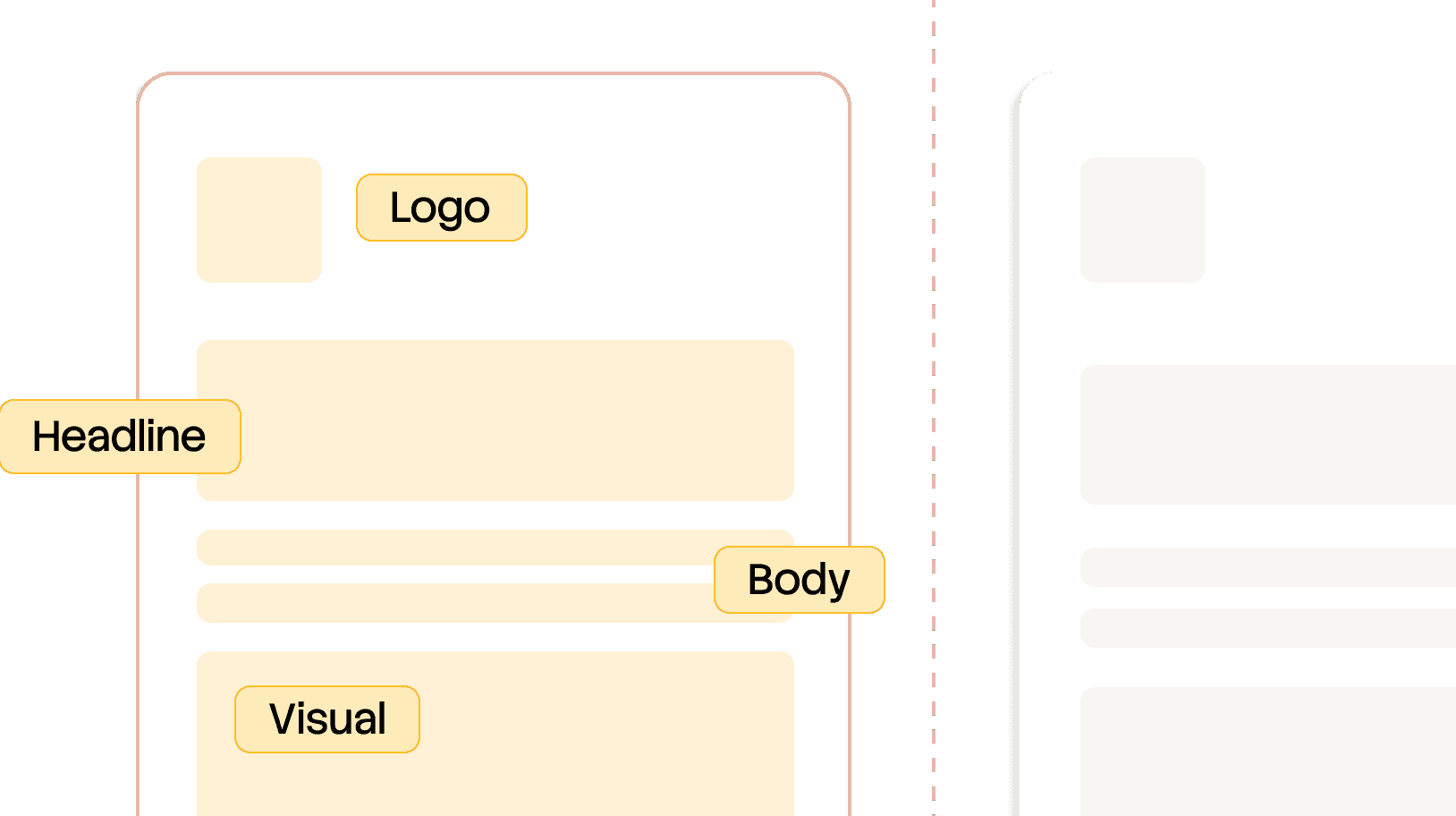
Logo

h1

Document title
in two lines

section

Section

step

Step One

section body

Body content in a few more lines that should take up the rest of the space here and it should have some tags on the side to indicate which type of content all these are, sort of like syntax tags.

Blue gradient

Mirror your brand rules

Upload an existing company document. Trupeer learns your structure, fonts, colors, and layout and applies it to every new guide.

Orange gradient

step 2

context

Detect action from any recording

Upload any recording. Trupeer uses vision-based analysis to accurately detect actions, decide what matters, and turn it into clear step-by-step documentation.

Purple gradient

DOC

Documentation generated

DOC

MP4

Meeting Recording

Uploaded

AI Documentation Writer

Upload a screen recording. Trupeer understands the context and delivers a complete document in minutes.

Document title
in two lines

Section

Step One

Body content in a few more lines that should take up the rest of the space here and it should have some tags on the side to indicate which type of content all these are, sort of like syntax tags.

Blue gradient

Mirror your brand rules

Upload an existing company document. Trupeer learns your structure, fonts, colors, and layout and applies it to every new guide.

Orange gradient

step 2

context

Detect action from any recording

Upload any recording. Trupeer uses vision-based analysis to accurately detect actions, decide what matters, and turn it into clear step-by-step documentation.

Purple gradient

DOC

Documentation generated

DOC

MP4

Meeting Recording

Uploaded

AI Documentation Writer

Upload a screen recording. Trupeer understands the context and delivers a complete document in minutes.

Logo

h1

Document title
in two lines

section

Section

step

Step One

section body

Body content in a few more lines that should take up the rest of the space here and it should have some tags on the side to indicate which type of content all these are, sort of like syntax tags.

Blue gradient

Mirror your brand rules

Upload an existing company document. Trupeer learns your structure, fonts, colors, and layout and applies it to every new guide.

Orange gradient

step 2

context

Detect action from any recording

Upload any recording. Trupeer uses vision-based analysis to accurately detect actions, decide what matters, and turn it into clear step-by-step documentation.

 Ready to experience Trupeer’s AI magic? 

 Ready to experience Trupeer’s AI magic? 

Gradient background

Testimonials

What our customers say about us

Built for enterprise

Enterprise ready from Day 1. Designed for security and scalability for your entire org

SOC II

ISO 27001 and SOC2

Enterprise level security across all systems and operations

SSO & SCIM Support

Enabling organizations to provision and mange access across roles

Forward Deployed Teams

Dedicated forward deployed engineers for deployment and continuous support

Gradient background

Testimonials

What our customers say about us

Built for enterprise

Enterprise ready from Day 1. Designed for security and scalability for your entire org

SOC II

ISO 27001 and SOC2

Enterprise level security across all systems and operations

SSO & SCIM Support

Enabling organizations to provision and mange access across roles

Forward Deployed Teams

Dedicated forward deployed engineers for deployment and continuous support

Gradient background

Testimonials

What our customers say about us

Built for enterprise

Enterprise ready from Day 1. Designed for security and scalability for your entire org

SOC II

ISO 27001 and SOC2

Enterprise level security across all systems and operations

SSO & SCIM Support

Enabling organizations to provision and mange access across roles

Forward Deployed Teams

Dedicated forward deployed engineers for deployment and continuous support

FAQ

Your questions, answered

Your questions, answered

Do I have to create a template first?

No. We don't use templates in the traditional sense. You just upload a a document in the format you already like, and we reverse-engineer the layout to match it.

How accurate is the AI at writing the steps?

Highly. We don't just guess based on the image; we analyze the metadata of your clicks and the context of the screen transitions to describe exactly what is happening.

Can I edit the guide after it's generated?

Yes. You have full control. You can tweak the text, swap screenshots, or adjust the branding at any time before you ship.

Does this work with my existing Help Center?

Yes, You can export guides as branded PDFs, or embed them directly into platforms like Zendesk, Intercom, or Notion.

What if my product UI changes?

You don't have to start from scratch. You can update specific steps by recordong a quick 10-second clip of the new UI, and we'll swap it into your existing guide.

Is my data secure?

Always. We don't use your private product recordongs to train public models. Your brand assets and product data remain yours alone.

Do I have to create a template first?

No. We don't use templates in the traditional sense. You just upload a a document in the format you already like, and we reverse-engineer the layout to match it.

How accurate is the AI at writing the steps?

Highly. We don't just guess based on the image; we analyze the metadata of your clicks and the context of the screen transitions to describe exactly what is happening.

Can I edit the guide after it's generated?

Yes. You have full control. You can tweak the text, swap screenshots, or adjust the branding at any time before you ship.

Does this work with my existing Help Center?

Yes, You can export guides as branded PDFs, or embed them directly into platforms like Zendesk, Intercom, or Notion.

What if my product UI changes?

You don't have to start from scratch. You can update specific steps by recordong a quick 10-second clip of the new UI, and we'll swap it into your existing guide.

Is my data secure?

Always. We don't use your private product recordongs to train public models. Your brand assets and product data remain yours alone.