Trupeer Blog
Summarise

Buyer's Overview
Many companies struggle to create engaging and effective onboarding experiences for new hires. Traditional methods often overwhelm new employees with an avalanche of documents, leading to information fatigue and poor retention. A study by the Brandon Hall Group found that organizations with robust onboarding processes improve new hire retention by 82%. Video-based onboarding is a powerful alternative, reducing ramp-up time by up to 50% compared to text-heavy methods.
Organizations with strong onboarding processes improve new hire retention by 82%.
Brandon Hall Group, State of Onboarding Report, 2024
This guide is designed for HR professionals, training managers, and team leads who are looking to revamp their onboarding processes using video. We'll explore top video-based onboarding tools, compare their features, and highlight their pros and cons. By the end, you'll have a clear understanding of which solution best fits your organization's needs.
Best Video-Based Employee Onboarding Tools: Head-to-Head Comparison
Feature | Trupeer | Synthesia | Loom | Camtasia | iSpring Suite | Whatfix | Tango | Vyond |
|---|---|---|---|---|---|---|---|---|
Screen Recording | Yes | No | Yes | Yes | Yes | No | No | No |
AI Avatar/Voiceover | Yes | Yes | No | No | No | Limited | No | Yes |
SCORM Export | Yes | No | No | Yes | Yes | Yes | No | No |
LMS Integration | Yes | Limited | No | Limited | Yes | Yes | No | Yes |
Interactive Training | Yes | No | No | Yes | Yes | Yes | No | Limited |
Progress Tracking | Yes | No | No | Yes | Yes | Yes | No | No |
Custom Branding | Yes | Yes | Yes | Yes | Yes | Limited | No | Yes |
Multi-language | Yes | Yes | Limited | No | Yes | No | No | Yes |
Free Tier | Yes | No | Yes | No | No | No | Yes | No |
Trupeer

Trupeer is designed for organizations seeking to streamline their onboarding process through video. It stands out with its AI-driven customization options and seamless integration capabilities. Trupeer is ideal for companies that need to onboard employees across various departments efficiently. What sets Trupeer apart is its robust AI voiceover feature that can generate realistic audio in multiple languages, making it perfect for global teams.
Key Features
AI Avatar and Voiceover
Multi-language Support
Screen Recording Capabilities
SCORM and xAPI Export
Interactive Quizzes and Assessments
Custom Branding Options
Progress Tracking and Reporting
LMS Integration with popular platforms
"Trupeer transformed our onboarding experience, making it more engaging and effective."
Pros
Cons
Supports 50+ languages for global teams.
Limited free tier access.
Comprehensive LMS integration options.
Requires initial setup time.
AI-generated voiceovers are remarkably natural.
No advanced video editing features.
Interactive elements enhance engagement.
Pricing can be higher for small businesses.
Pricing
Limited free tier available, with paid plans starting at $49 per user per month.
Synthesia
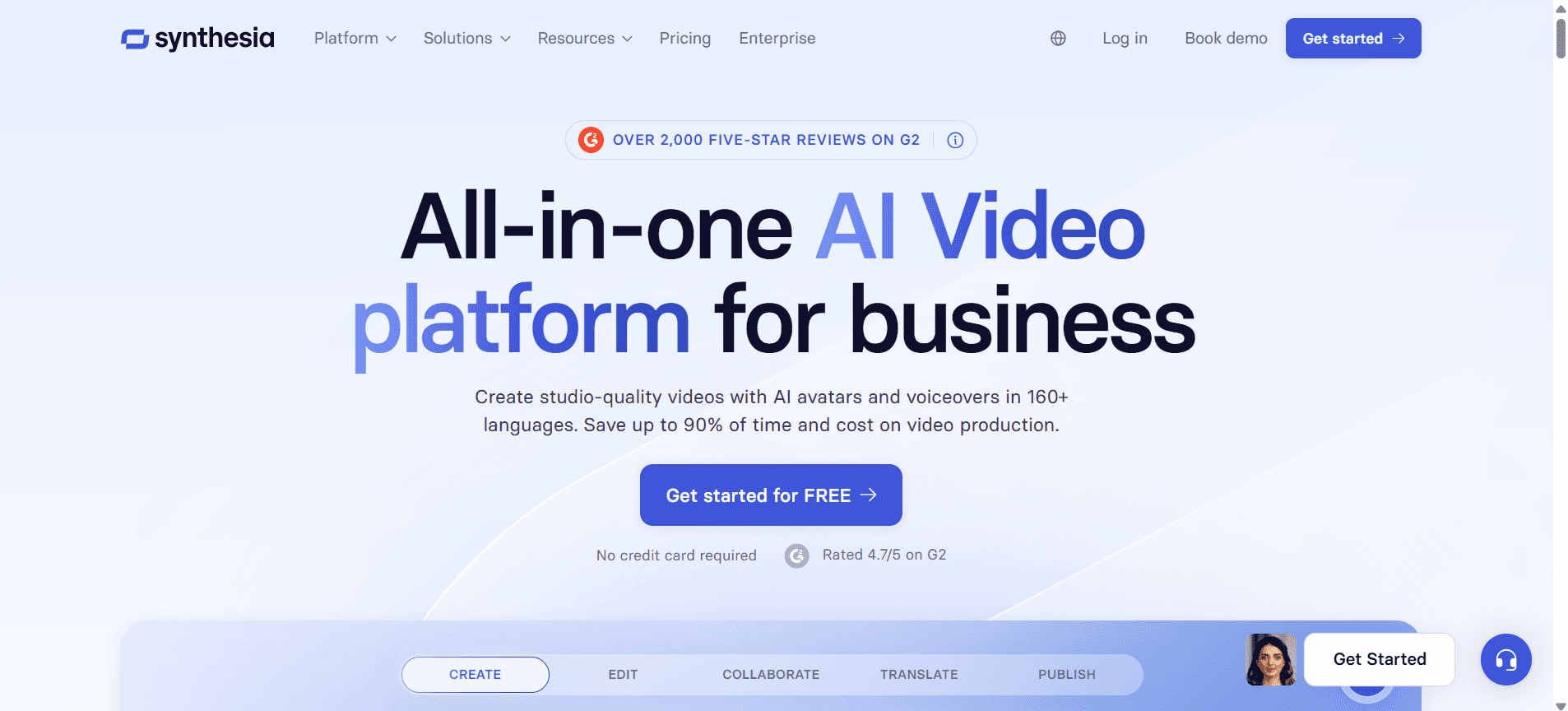
Synthesia is renowned for its advanced AI-driven video creation capabilities. Primarily used for creating professional-grade training videos, Synthesia is suitable for organizations that want highly customized video content without the need for live actors. Its AI technology can produce videos with lifelike avatars, making it a favorite among companies with a tech-savvy workforce.
Key Features
AI-Driven Video Creation
Lifelike Avatars
Multi-language Support
Customizable Templates
Text-to-Speech in Multiple Languages
Video Analytics
Branding Customization
Script Customization
Pros
Cons
Produces videos with realistic AI avatars.
Lacks screen recording capability.
Supports over 60 languages for text-to-speech.
No free tier option available.
Highly customizable video templates.
Limited integration with LMS platforms.
Excellent for creating professional-quality videos quickly.
Complex UI for non-technical users.
Pricing
No free tier. Paid plans starting at $30 per video minute.
Loom
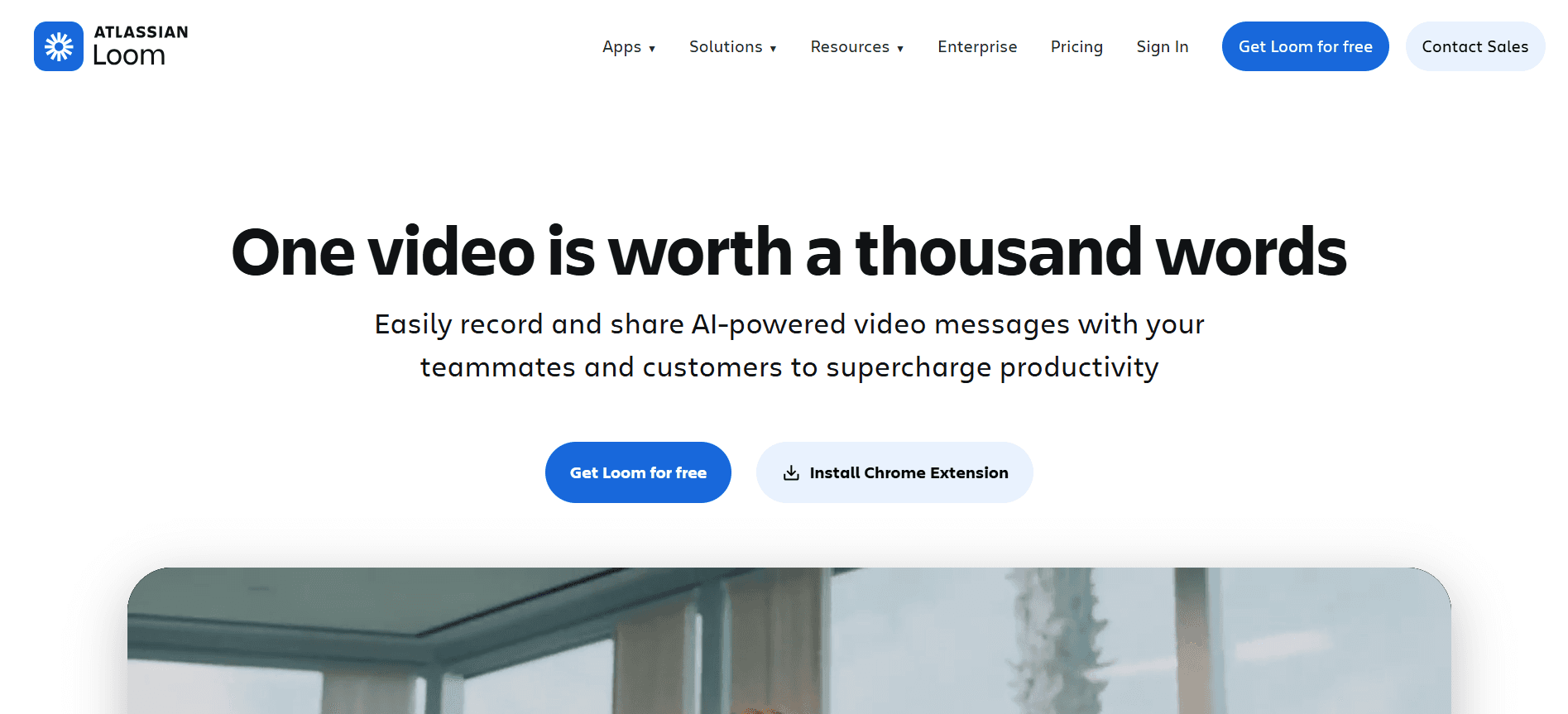
Loom is a straightforward tool that allows users to create quick video messages and screen recordings. It's ideal for teams that need to communicate frequently and share updates in a more personal way. While not as feature-rich as some competitors, Loom excels in ease of use and accessibility, making it a popular choice among startups and small businesses.
Key Features
Instant Screen Recording
Quick Video Messaging
Basic Editing Tools
Viewer Insights
Team Workspace
Custom Recording Dimensions
Embed Options
Custom Thumbnails
Pros
Cons
Very user-friendly interface.
No AI avatar or voiceover features.
Free tier available with basic features.
Limited LMS integration.
Great for quick, informal videos.
No interactive elements like quizzes.
Provides viewer insights and engagement stats.
Lacks advanced editing tools.
Pricing
Free tier available, with Pro plans starting at $10 per user per month.
Camtasia
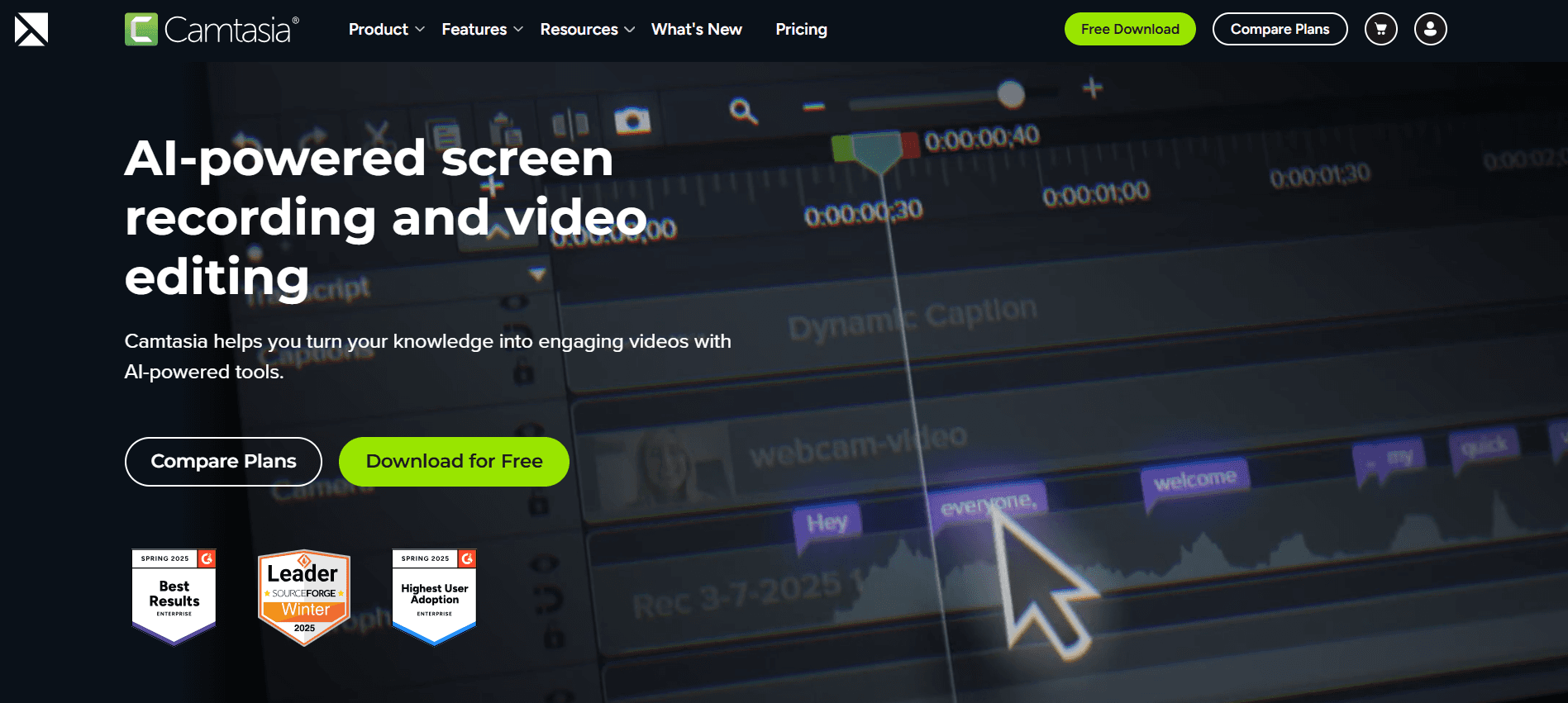
Camtasia is a powerful tool for creating professional training videos with advanced editing capabilities. It's perfect for teams that need comprehensive video editing features to produce polished content. Camtasia is often used in educational settings and corporate environments where quality and detail are paramount.
Key Features
Advanced Video Editing Suite
Screen Recording
Interactive Quizzes
Multi-track Timeline
Customizable Intros and Outros
Green Screen Effects
Music and Sound Effects Library
Annotations and Callouts
Pros
Cons
Robust video editing capabilities.
No AI avatar support.
Interactive quizzes and assessments available.
Higher learning curve for new users.
Comprehensive suite for professional video production.
No free tier available.
Supports SCORM export for LMS use.
Can be costly for small teams.
Pricing
No free tier. One-time purchase costs $249.99 per user.
iSpring Suite
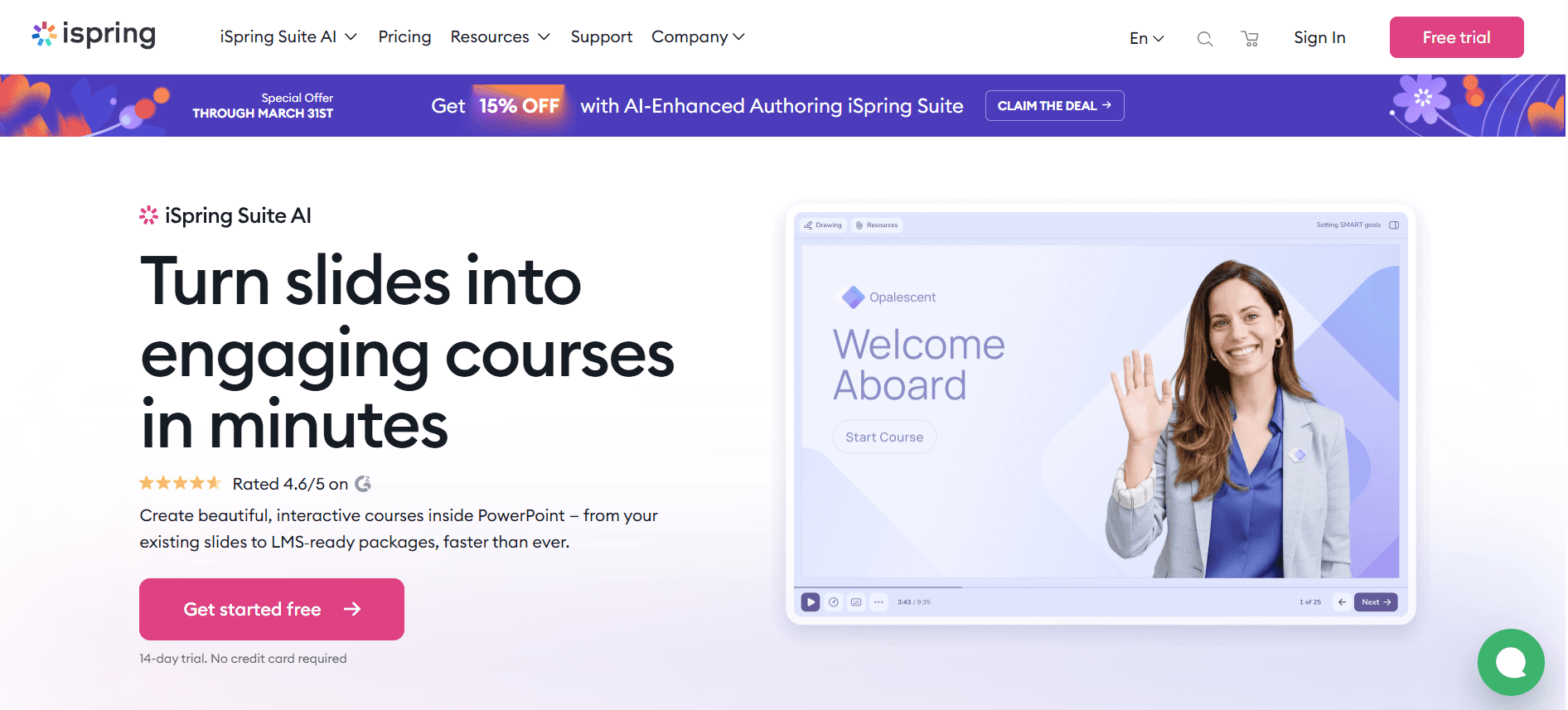
iSpring Suite is a comprehensive e-learning authoring tool that provides everything you need for creating interactive courses and assessments. It caters to organizations that require detailed and interactive training modules, often used in corporate training and educational institutions. iSpring Suite integrates well with most LMS platforms, making it a versatile choice.
Key Features
SCORM/xAPI Export
Interactive Quizzes and Surveys
Role-Playing Scenarios
Screen Recording
PowerPoint Integration
Video Narration
Content Library
Multi-language Support
Pros
Cons
Excellent for creating interactive learning modules.
Higher cost of entry.
Seamless integration with PowerPoint.
No AI avatar or voiceover.
Comprehensive SCORM and xAPI support.
Can be overwhelming for beginners.
Large library of ready-made content.
Requires software installation.
Pricing
Paid plans start at $770 per year per user.
Whatfix
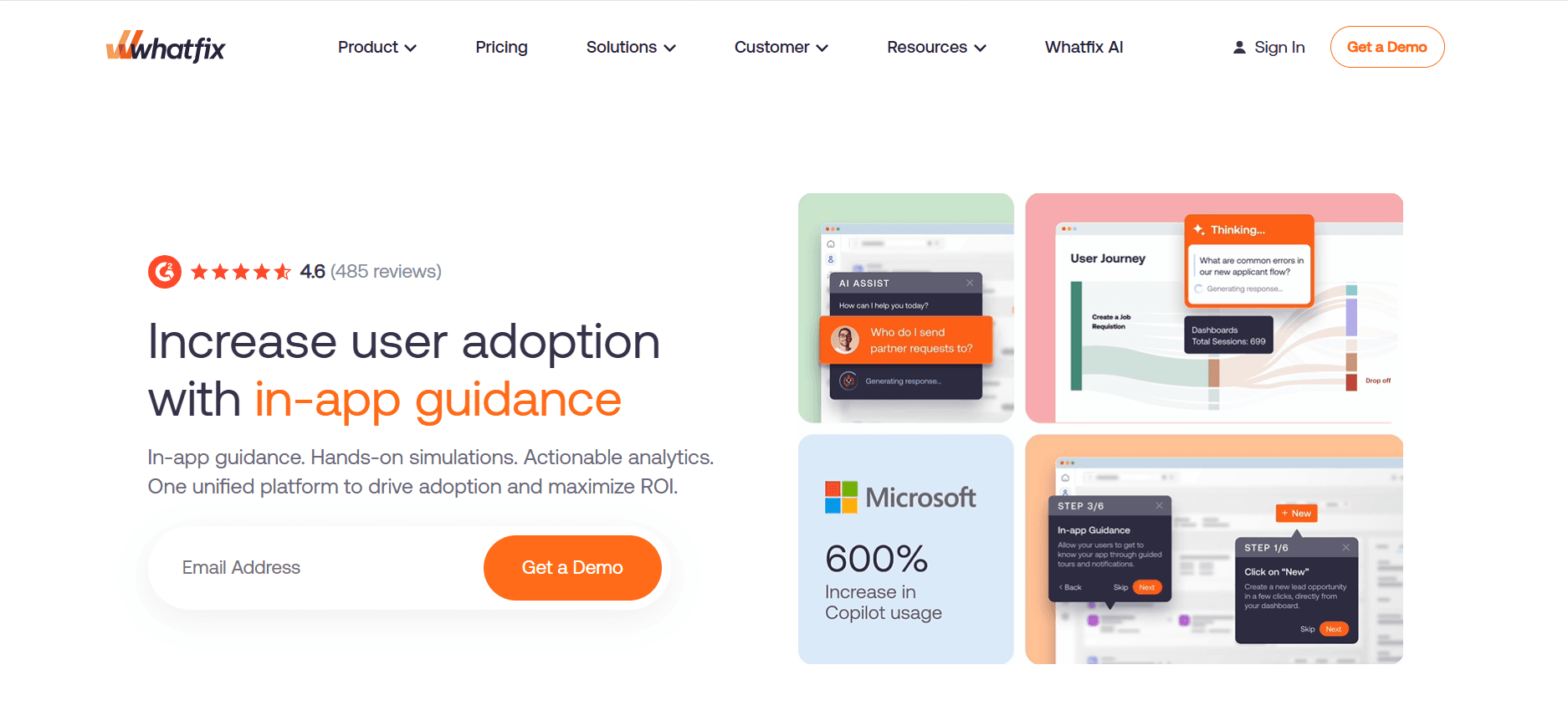
Whatfix is a digital adoption platform that simplifies the onboarding process by providing contextual guidance and training. It's particularly useful for software onboarding where users need to learn new applications quickly. Whatfix excels in providing in-app guidance, making it a favorite among tech companies and enterprises with complex software systems.
Key Features
In-App Guidance
Contextual Walkthroughs
Multi-language Support
SCORM/xAPI Export
Performance Support Tools
Data Analytics and Insights
Customizable UI
Integrations with CRM, LMS, etc.
Pros
Cons
Great for in-app training and support.
No video recording feature.
Supports multiple languages.
No free tier available.
Strong integration capabilities.
Complex setup process.
Detailed analytics and user insights.
Can be expensive for small businesses.
Pricing
No free tier. Pricing upon request, typically based on number of users.
Tango
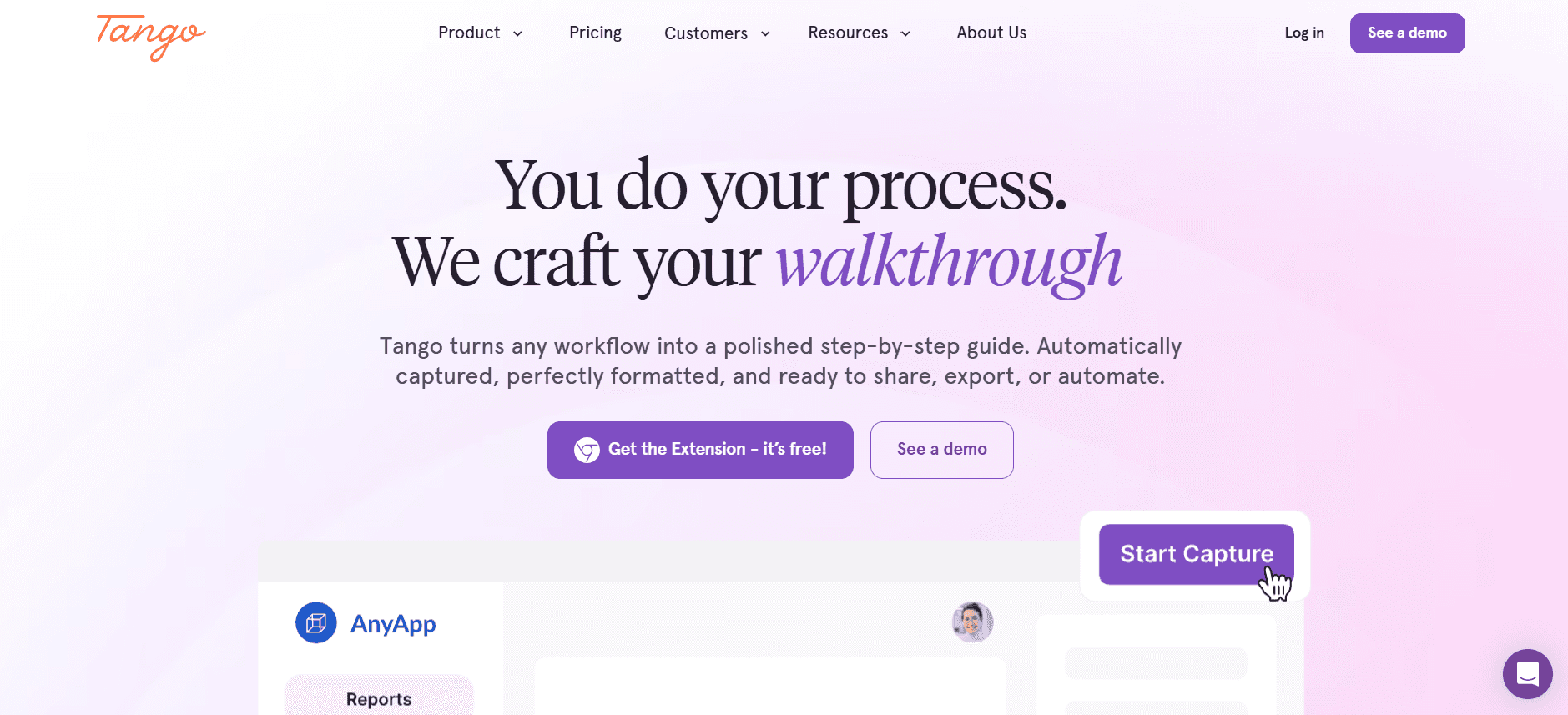
Tango is a unique tool that focuses on creating step-by-step guides and workflows through automatic documentation. It's ideal for teams that need to create clear instructions and training materials quickly. Tango's simplicity and focus on documentation make it a great choice for small teams and startups.
Key Features
Automatic Workflow Documentation
Step-by-Step Guide Creation
Simple Editing and Annotation
Instant Sharing
Collaborative Editing
Integration with Popular Tools
Custom Branding
Export to PDF or Web Links
Pros
Cons
Easy to create detailed guides quickly.
No AI or video features.
Great for documenting processes.
Limited to text and images.
Free tier available for basic use.
No interactive or multimedia content.
Integrates with popular productivity tools.
Basic feature set compared to others.
Pricing
Free tier available, with Pro plans starting at $8 per user per month.
Vyond
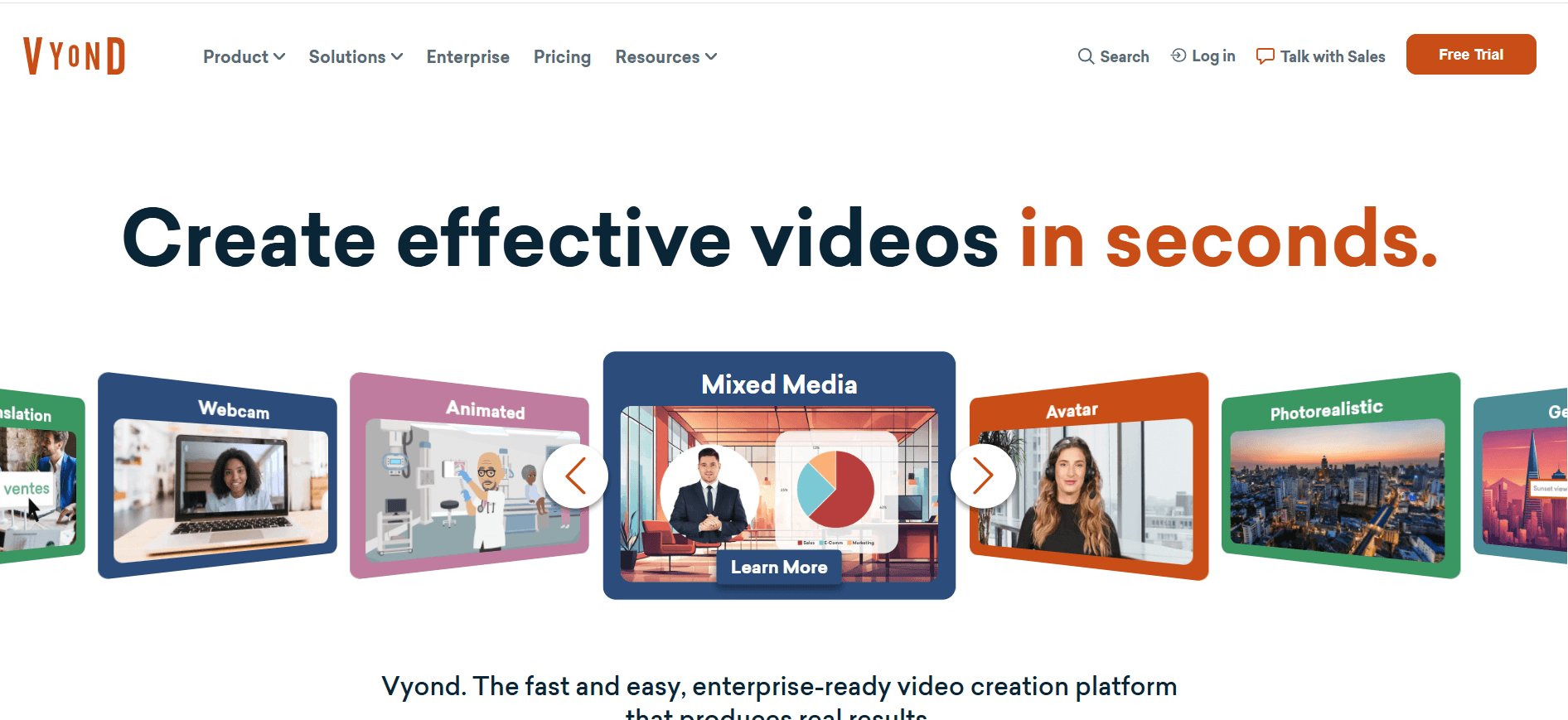
Vyond specializes in creating animated videos, offering a creative way to engage employees during the onboarding process. It's perfect for teams looking to add a bit of flair and creativity to their training materials. Vyond's animation capabilities make it a standout option for roles that require a more dynamic presentation style.
Key Features
Animation Creation Tools
Pre-Made Templates
Customizable Characters and Scenes
Multi-language Voiceover
Real-Time Collaboration
Video Export Options
Branding and Styling Tools
Sound Effects and Music
Pros
Cons
Great for creating engaging animated content.
Higher cost for advanced features.
Offers real-time collaboration tools.
No screen recording capability.
Highly customizable character and scene options.
Steeper learning curve for beginners.
Multi-language support for voiceovers.
No SCORM or xAPI support.
Pricing
No free tier. Paid plans start at $49 per user per month.
Video-Based Employee Onboarding Challenges: What Teams Struggle With
1. New Hires Are Overwhelmed with Too Much Information
Bombarding new employees with extensive documentation and procedures can lead to information overload.
Without proper structure, employees might miss crucial details, affecting their performance.
Lack of engaging content makes it difficult for new hires to retain information effectively.
Employees may feel unsupported, impacting their overall confidence and productivity.
2. Inconsistent Onboarding Experience Across Locations and Teams
Varied onboarding practices can lead to inconsistencies in training quality and content delivery.
Employees at different locations may receive different levels of information and support.
Without a standardized process, it's challenging to ensure all employees meet the same performance standards.
Differing experiences can affect team cohesion and company culture.
3. High Production Cost for Professional-Quality Training Videos
Creating high-quality video content often requires significant financial and time investments.
Small to medium-sized companies may lack the resources to produce professional-level videos.
Outsourcing video production can be costly, adding to budget constraints.
Frequent updates to training materials can inflate production costs further.
4. Content Becomes Outdated After Every Internal Process Change
As companies evolve, training materials must be updated to reflect new processes and policies.
Keeping content current is a continuous task that requires dedicated resources.
Outdated training materials can misinform employees, affecting job performance and compliance.
Frequent updates are needed to maintain relevance and accuracy, demanding consistent effort.
5. No Way to Verify Completion or Test Comprehension at Scale
Without proper tracking, it's difficult to ensure all employees have completed necessary training.
Lack of assessments makes it hard to evaluate comprehension and knowledge retention.
Inability to track progress can lead to gaps in knowledge and skill among employees.
Without verification, compliance with training requirements may be compromised.
Challenge | Traditional Process | Business Impact | Time Cost |
|---|---|---|---|
Information Overload | Text-heavy manuals | Poor retention and productivity | High |
Inconsistent Experience | Varied practices | Uneven performance standards | Moderate |
High Video Production Cost | Outsourcing | Budget constraints | High |
Outdated Content | Manual updates | Compliance risks | High |
No Verification of Completion | Manual tracking | Knowledge gaps | Moderate |
Must-Have Features in Video-Based Employee Onboarding Tools
Screen Recording with AI Voiceover
Screen recording is essential for creating detailed, step-by-step tutorials. Coupled with AI voiceover, this feature allows you to produce engaging and informative videos without the need for a live narrator. Tools like Trupeer and Camtasia excel in this area, providing natural-sounding AI voiceovers that support multiple languages, making it easier to cater to a global workforce.
AI voiceover technology ensures consistency in narration, reducing the chances of error or variation in how information is presented. This feature is especially beneficial for companies that frequently update their software or processes, as it allows for quick and cost-effective video updates.
SCORM/xAPI Export for LMS Compatibility
SCORM and xAPI compatibility are crucial for integrating onboarding content with Learning Management Systems (LMS). This feature allows organizations to track employee progress and completion rates effectively. iSpring Suite and Whatfix offer strong SCORM export capabilities, ensuring seamless integration with most LMS platforms.
By exporting content in SCORM or xAPI format, companies can leverage existing LMS infrastructures to deliver training, track employee performance, and maintain detailed records of learning activities, which is essential for compliance and reporting.
Interactive Elements: Quizzes and Knowledge Checks
Interactive elements such as quizzes and knowledge checks enhance engagement and help measure comprehension. Tools like Camtasia and iSpring Suite offer robust options for adding interactivity to videos, allowing employees to test their understanding in real-time.
These features not only make training more engaging but also provide valuable insights into employee learning progress. By identifying areas where employees struggle, organizations can tailor future training to address specific knowledge gaps, ensuring continuous improvement.
Progress Tracking and Completion Reporting
Tracking employee progress and reporting on training completion are vital for assessing the effectiveness of onboarding programs. Trupeer and Whatfix excel in providing detailed analytics and reporting tools that help HR teams monitor engagement and completion rates.
With comprehensive tracking, organizations can identify patterns and trends, allowing them to optimize their onboarding processes over time. This data-driven approach ensures that training remains relevant and aligned with business objectives.
Easy Content Update Workflows
In fast-paced business environments, the ability to update training content quickly is crucial. Tools like iSpring Suite and Trupeer offer user-friendly interfaces and streamlined workflows that make content updates a breeze.
Easy content updates ensure that training materials remain accurate and up-to-date, minimizing the risk of employees receiving outdated information. This feature is particularly beneficial for businesses with frequent product updates or policy changes, as it reduces the time and effort required to keep training current.
How to Choose Video-Based Employee Onboarding Software Based on Your Use Case
Day-1 Orientation and Culture Videos
Onboarding new hires with a strong introduction to company culture is crucial. Videos that encapsulate the organization's values and mission can make a significant impact. This use case benefits from tools that offer custom branding and engaging content delivery.
Key Challenges:
Conveying company culture effectively through digital means.
Ensuring consistency across all new hire orientations.
Creating an engaging first impression.
Solutions Needed:
Custom branding options.
Interactive elements to engage viewers.
Multi-language support for diverse teams.
Tool | Custom Branding | Interactive Elements | Multi-language |
|---|---|---|---|
Trupeer | Yes | Yes | Yes |
Vyond | Yes | Limited | Yes |
Systems and Software Tools Training
Training employees on new software is essential for productivity. Detailed tutorials and screen recordings help users understand complex systems. This use case requires tools with robust screen recording and voiceover capabilities.
Key Challenges:
Explaining intricate system functionalities.
Ensuring employees retain critical software knowledge.
Adapting training for different user levels.
Solutions Needed:
Screen recording features.
AI-generated voiceovers for clarity.
Customization for different skill levels.
Tool | Screen Recording | AI Voiceover | Customization |
|---|---|---|---|
Camtasia | Yes | No | Yes |
Trupeer | Yes | Yes | Yes |
Compliance and Policy Training
Ensuring employees understand and comply with company policies is crucial for legal and ethical operations. Videos that break down complex policies into digestible content can aid in comprehension.
Key Challenges:
Presenting legal and policy information clearly.
Maintaining up-to-date training materials.
Tracking compliance and completion.
Solutions Needed:
Interactive quizzes and assessments.
SCORM/xAPI export for compliance tracking.
Easy content updating features.
Tool | Interactive Quizzes | SCORM/xAPI Export | Content Updates |
|---|---|---|---|
iSpring Suite | Yes | Yes | Yes |
Trupeer | Yes | Yes | Yes |
Role-Specific Skills Training
Role-specific training is critical for enhancing employee skills and improving job performance. Video content tailored to particular job roles can accelerate learning and adaptation.
Key Challenges:
Developing content that is relevant to specific job roles.
Ensuring content is engaging and interactive.
Providing comprehensive coverage of required skills.
Solutions Needed:
Tailored content creation tools.
Interactive elements for skill assessment.
Progress tracking to evaluate learning.
Tool | Tailored Content | Interactive Elements | Progress Tracking |
|---|---|---|---|
Whatfix | Yes | Yes | Yes |
Trupeer | Yes | Yes | Yes |
Best Practices for Implementing Video-Based Onboarding
Before Implementation
Identify the specific onboarding needs for each department.
Set clear, measurable goals for the onboarding process.
Choose the tools that best fit your organizational needs.
Develop a content strategy that aligns with company values and objectives.
During Implementation
Engage stakeholders across departments for comprehensive input.
Ensure all video content is accessible and mobile-friendly.
Incorporate interactive elements to maintain engagement.
Monitor progress and gather feedback from new hires.
After Implementation
Regularly review and update training materials to ensure relevance.
Analyze data to measure the effectiveness of the onboarding process.
Solicit feedback from new hires to identify areas for improvement.
Continue to refine the process based on performance and feedback.
Frequently Asked Questions
What is video-based onboarding?
Video-based onboarding uses video content to introduce new hires to a company’s culture, processes, and role-specific training. It offers a dynamic and engaging alternative to traditional text-based methods, helping new employees retain information more effectively.
Why should I consider video-based onboarding?
Video-based onboarding provides a consistent, scalable, and engaging way to deliver training. It improves retention rates, reduces ramp-up time, and can be customized to meet the diverse needs of a global workforce.
Do these tools require a high level of technical expertise?
Most tools are designed to be user-friendly, with intuitive interfaces that require minimal technical knowledge. However, advanced features like video editing or custom integrations might require some additional training or support.
Can I integrate these tools with existing LMS platforms?
Yes, many tools offer SCORM or xAPI export capabilities, allowing seamless integration with popular LMS platforms. This ensures tracking and reporting are consistent with existing training systems.
Are there free options available?
Some tools, like Loom and Tango, offer free tiers with basic features. However, to access advanced functionality, you may need to opt for paid plans, which typically offer more comprehensive features and support.
How is pricing typically structured for these tools?
Pricing varies by tool, often based on the number of users or the amount of content created. Some offer subscription models, while others might charge per video or feature set. It's important to review each tool's pricing structure to understand the total cost.
How long does it take to implement video-based onboarding tools?
The implementation timeline can vary depending on the complexity of your onboarding program and the tool selected. Typically, smaller setups can be completed in a few weeks, while more comprehensive systems may take a few months.
What support is available for implementation?
Many providers offer implementation support through tutorials, customer support teams, and community forums. Some may also provide dedicated onboarding specialists to help with setup and customization.
Closing
Choosing the right video-based employee onboarding tool is critical to enhancing your onboarding process and ensuring new hire success. By understanding your specific use cases and challenges, you can select a tool that aligns with your organizational needs and provides the best support for your team.
To explore how Trupeer can transform your onboarding experience, visit Trupeer's official website and discover a solution tailored to your business's unique requirements. Boost engagement, improve retention, and streamline your onboarding with Trupeer today.


