Trupeer Blog
Summarise

Discover the leading tools for automating client onboarding in 2026.
45 min read · 2026. March 30, 2026.
Buyer's Overview
Client onboarding is often a bottleneck for companies, especially when customer success teams spend 40-60% of their time on repetitive tasks that could be automated. This manual approach not only increases time-to-value but also contributes to early churn, impacting your bottom line significantly. A
recent study showed that companies with automated onboarding processes reduced their churn rates by 20% in the first three months.
Source: Client Onboarding Trends Report by Onboarding Metrics, 2025
This guide is designed for customer success managers, operations teams, and business leaders seeking to optimize their onboarding processes through automation. We’ll cover essential features, compare the top tools available, and provide practical insights to help you make informed decisions.
Best Client Onboarding Automation Tools: Head-to-Head Comparison
Feature | Trupeer | Rocketlane | Dock | GuideCX | UserPilot | Pendo | ChurnZero |
|---|---|---|---|---|---|---|---|
Core Features | |||||||
Client Portal | Yes | Yes | No | Yes | No | Limited | Yes |
Task Automation | Yes | Yes | Limited | Yes | Yes | Limited | Yes |
AI Capabilities | |||||||
Progress Tracking | Yes | Yes | No | Yes | Limited | Yes | Yes |
In-App Guidance | Yes | No | No | Limited | Yes | Yes | Limited |
Professional Features | |||||||
Email Sequences | Yes | Yes | No | Yes | Limited | No | Yes |
CSM Workflow Automation | Yes | Limited | No | Yes | No | Yes | Yes |
Integrations | |||||||
CRM Integration | Yes | Yes | Yes | Yes | No | Yes | Limited |
Analytics | Yes | Yes | No | Yes | Yes | Yes | Yes |
Trupeer
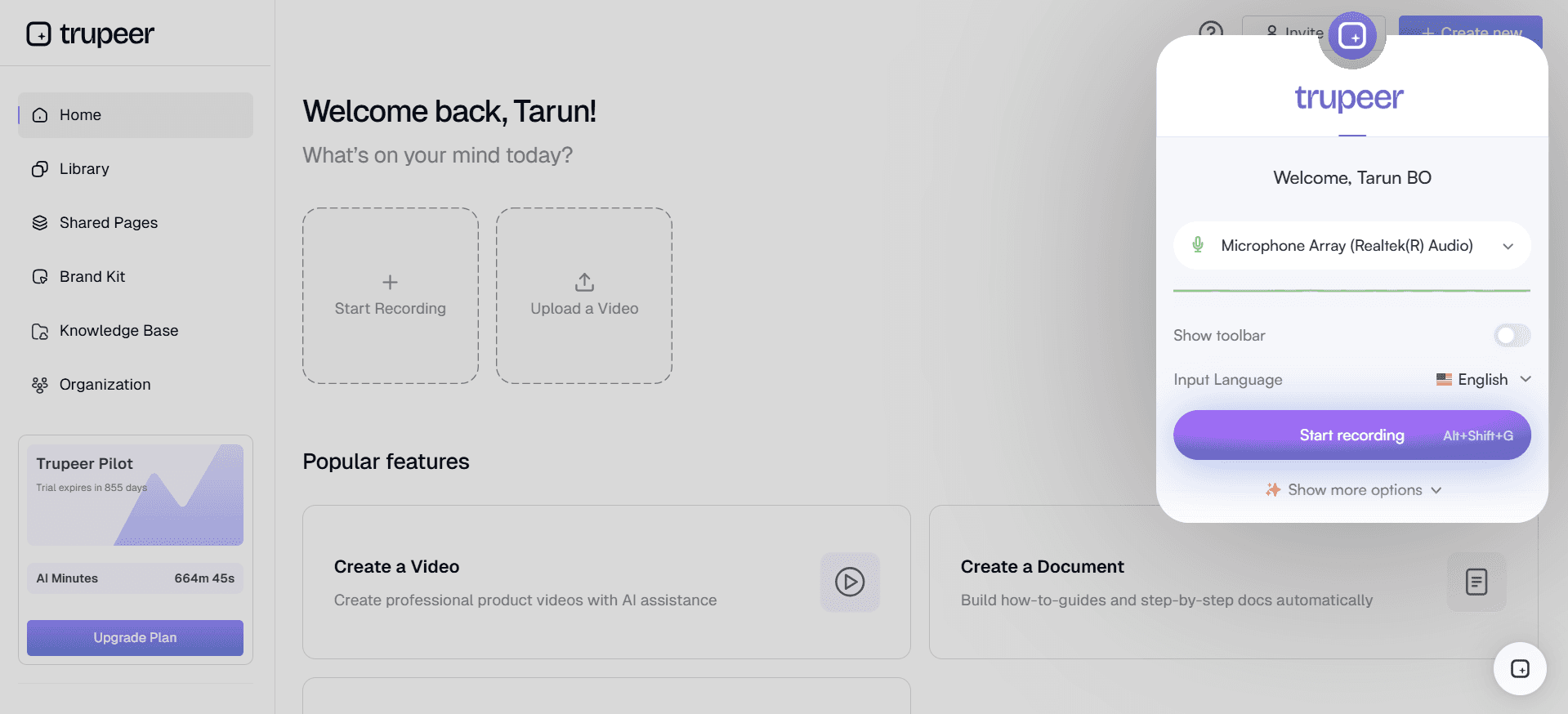
Trupeer is a comprehensive client onboarding automation tool designed for businesses aiming to streamline their client onboarding process. It's particularly useful for companies looking to reduce manual tasks and improve time-to-value. Trupeer stands out with its robust client portal and task automation features. However, its limited in-app guidance options might not suit every company.
Key Features
Client Portal
Automated Task Management
Email Sequences
CSM Workflow Automation
CRM Integration
Advanced Analytics
Progress Tracking
Time-to-Value Metrics
"Trupeer has drastically cut down our onboarding time and improved our client satisfaction scores."
Pros
Cons
Excellent client portal with visibility.
Limited in-app guidance features.
Seamless CRM integration.
Complex setup process for new users.
Comprehensive analytics dashboard.
Higher price point than some competitors.
Pricing
Trupeer offers a free tier with basic features. Paid plans start at $49 per user per month.
Rocketlane
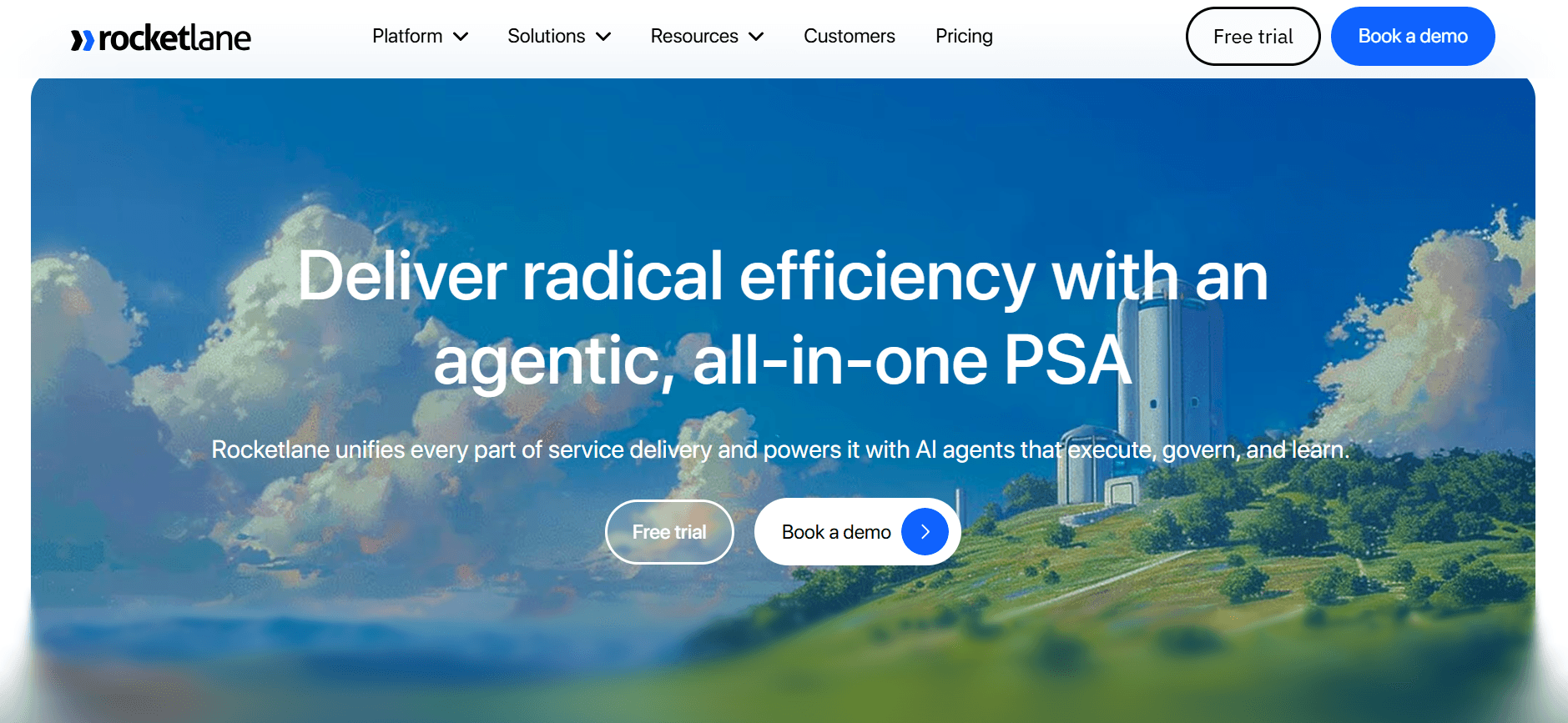
Rocketlane is designed for teams that want to focus on efficient project delivery during onboarding. It's ideal for customer success and implementation teams. Rocketlane is known for its collaborative project management features but lacks in-app guidance.
Key Features
Collaborative Project Management
Task Automation
Email Notifications
Progress Tracking
Client Communications
Customizable Templates
CRM Integration
Analytics and Reporting
Pros
Cons
Strong project management capabilities.
No in-app guidance features.
Effective progress tracking.
Limited customization options.
Seamless client communication tools.
Requires training for optimal use.
Pricing
Rocketlane offers a free trial. Paid plans begin at $100 per month per team.
Dock
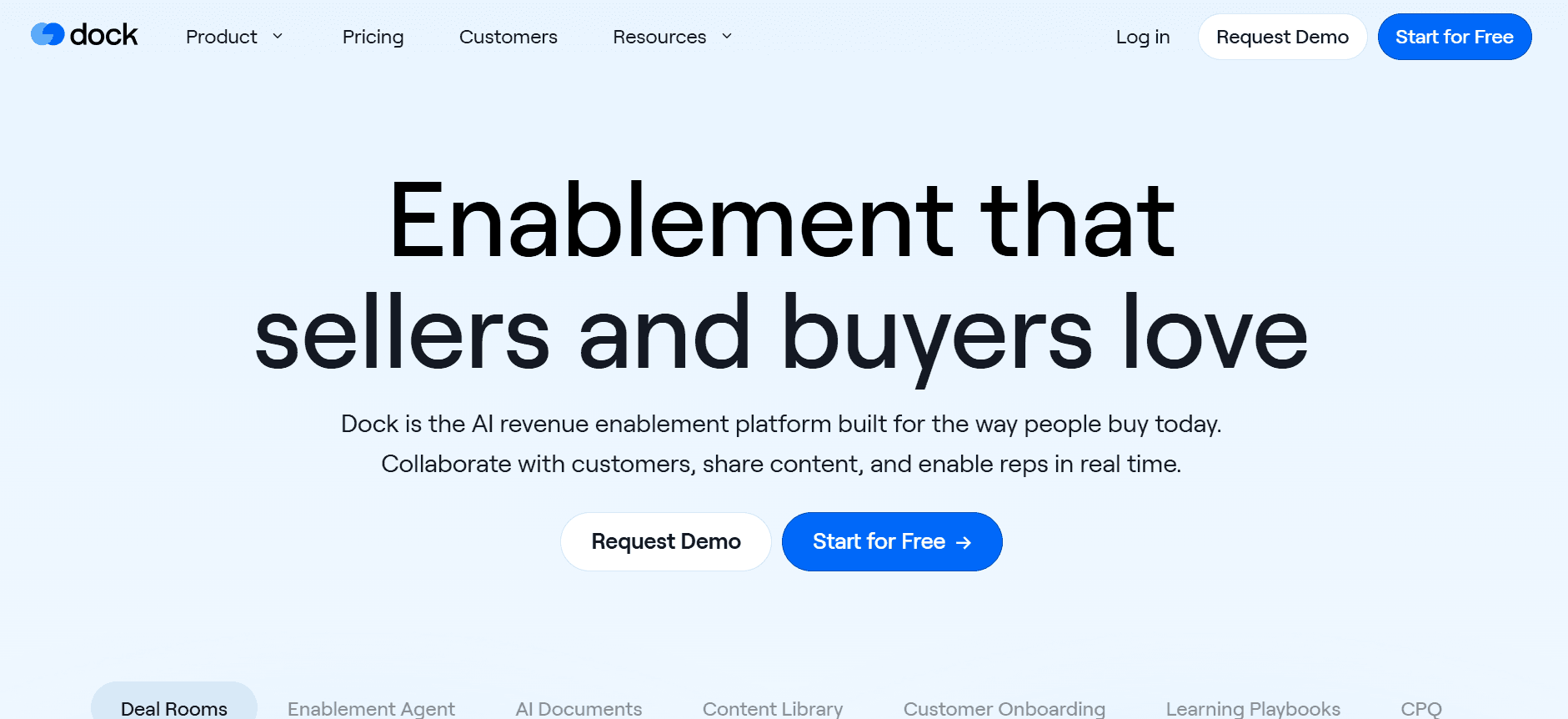
Dock is a simpler tool aimed at smaller teams who need straightforward client communication and task management. While it offers key features like CRM integration, it lacks advanced task automation and in-app guidance.
Key Features
Client Communication Hub
Simple Task Management
Basic CRM Integration
Progress Updates
Shared Resources
Client Feedback Collection
Customizable Dashboards
Pros
Cons
Easy to use for small teams.
Lacks advanced task automation.
Efficient client communication.
No in-app guidance or walkthroughs.
Affordable for startups.
Basic analytics features.
Pricing
Dock offers a basic free plan. Paid plans start at $20 per month per user.
GuideCX
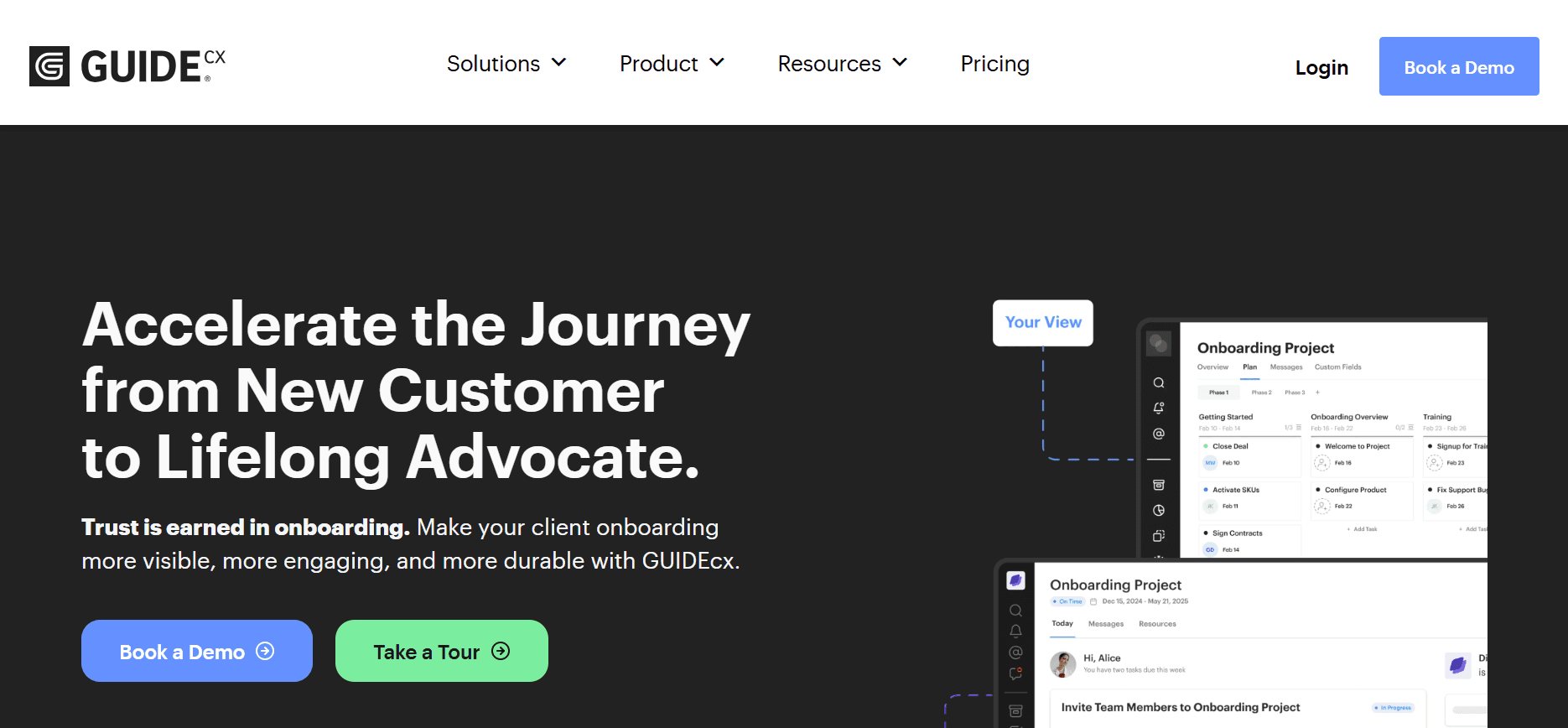
GuideCX is designed for organizations that prioritize visibility and client transparency. It excels in providing a clear view of project status for both internal and client teams. However, the tool's limited in-app guidance can be a drawback for complex onboarding processes.
Key Features
Client Project Visibility
Task Automation
Email Sequences
Progress Tracking
Client Feedback
CRM Integration
Analytics Dashboard
Pros
Cons
Excellent client visibility features.
Limited in-app guidance.
Seamless task automation.
Higher learning curve for new users.
Strong CRM integration.
Expensive for small businesses.
Pricing
GuideCX offers a trial. Paid plans start at $300 per month for small teams.
UserPilot
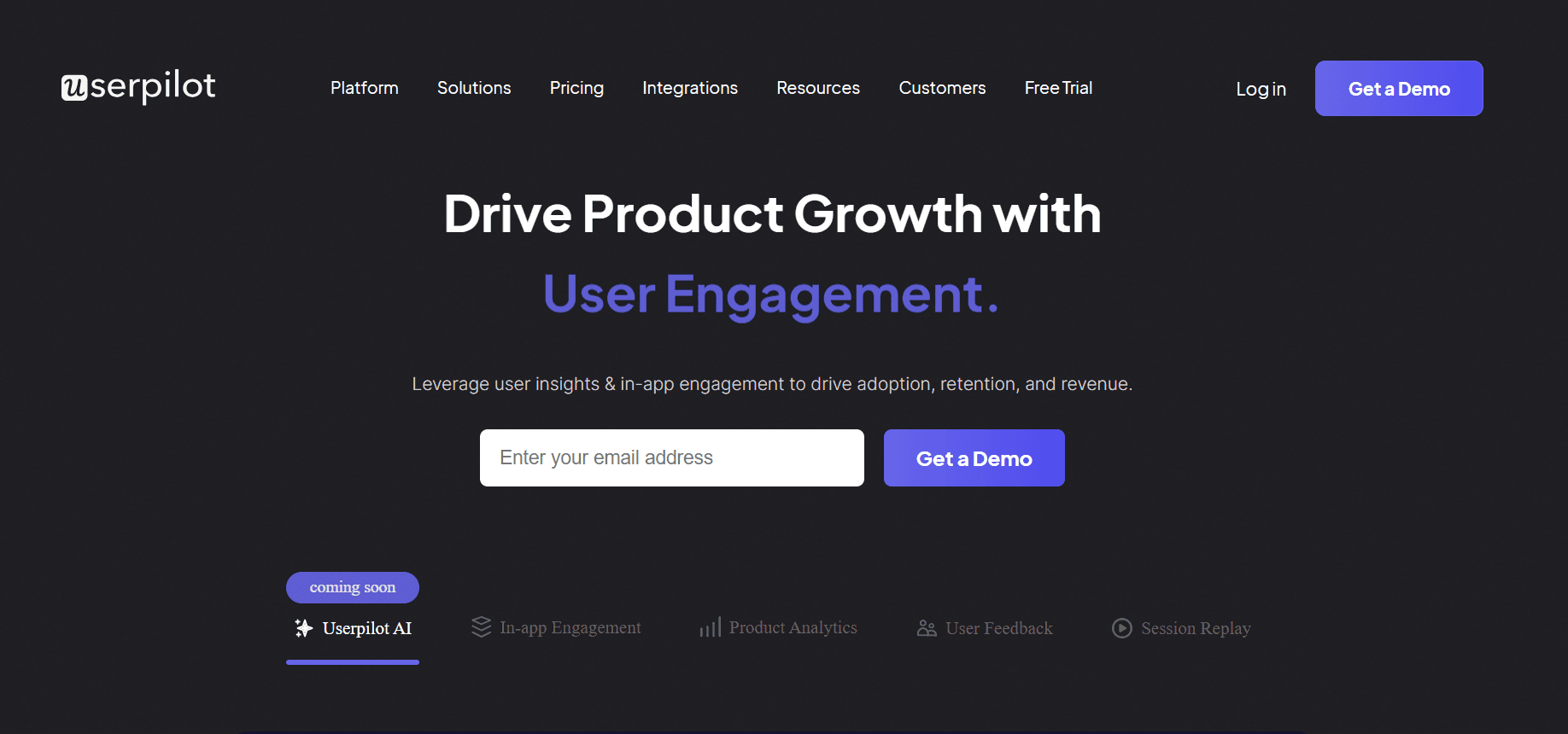
UserPilot is tailored for teams that need dynamic in-app guidance and user engagement tools. It's ideal for SaaS companies that want to enhance user experience through guided onboarding. However, its CRM integration capabilities are lacking.
Key Features
In-App Guidance
User Onboarding Flows
Feature Adoption Tracking
Progress Analytics
Customized User Experiences
Feedback Collection
Engagement Metrics
Pros
Cons
Excellent in-app guidance tools.
Lacks CRM integration.
Great for feature adoption tracking.
Limited task automation.
Customizable user experiences.
Higher pricing for advanced features.
Pricing
UserPilot offers a free trial. Premium plans start at $249 per month.
Pendo
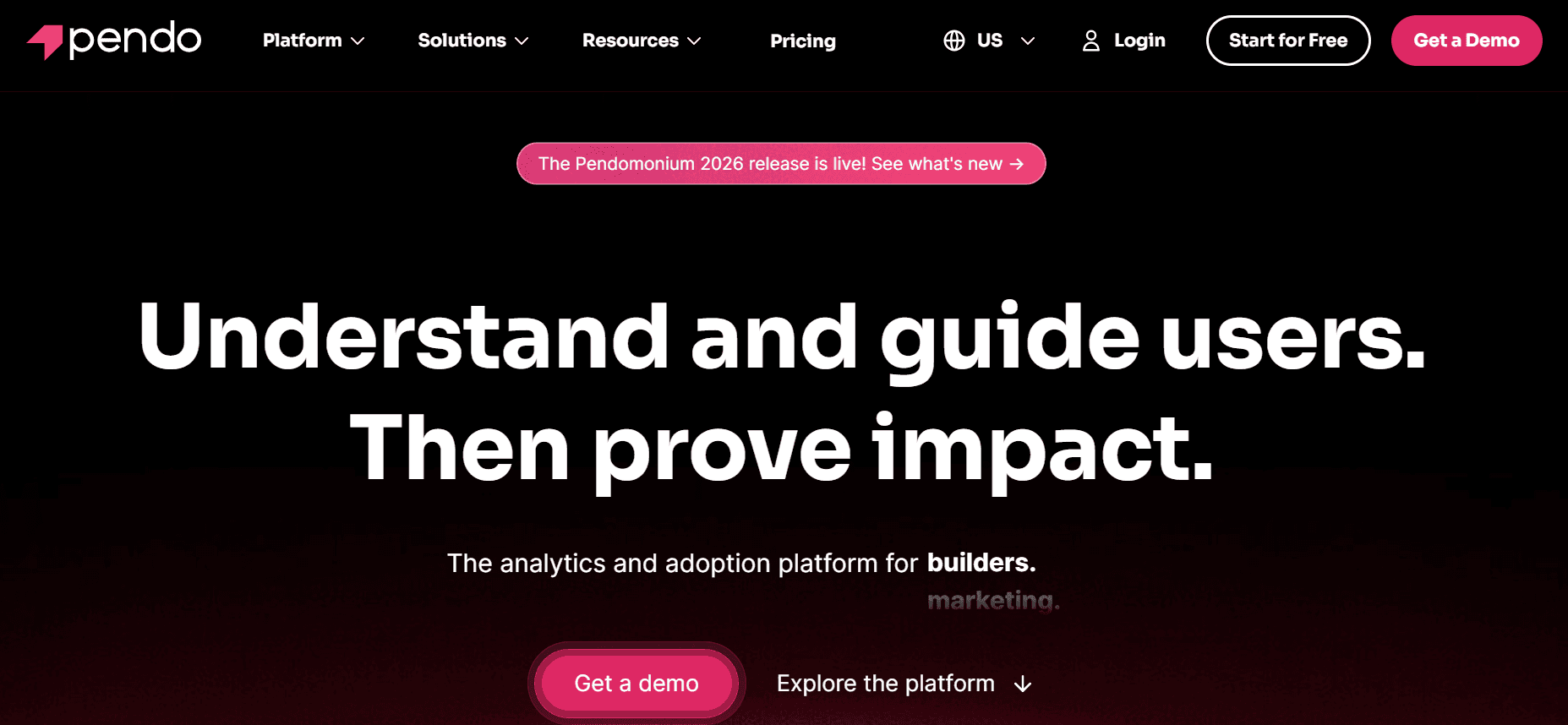
Pendo focuses on enhancing user experience through detailed product analytics and in-app messaging. It's best for product teams that want to understand user behavior and engagement, but it doesn't offer a client portal.
Key Features
Product Analytics
In-App Messaging
User Feedback Collection
Engagement Tracking
Feature Adoption Insights
Guided Walkthroughs
Progress Analytics
Pros
Cons
Robust product analytics features.
No client portal functionality.
Effective in-app messaging.
Limited task automation.
Insightful engagement tracking.
Complex initial setup process.
Pricing
Pendo offers a free tier with limited features. Paid plans start at $200 per month.
ChurnZero
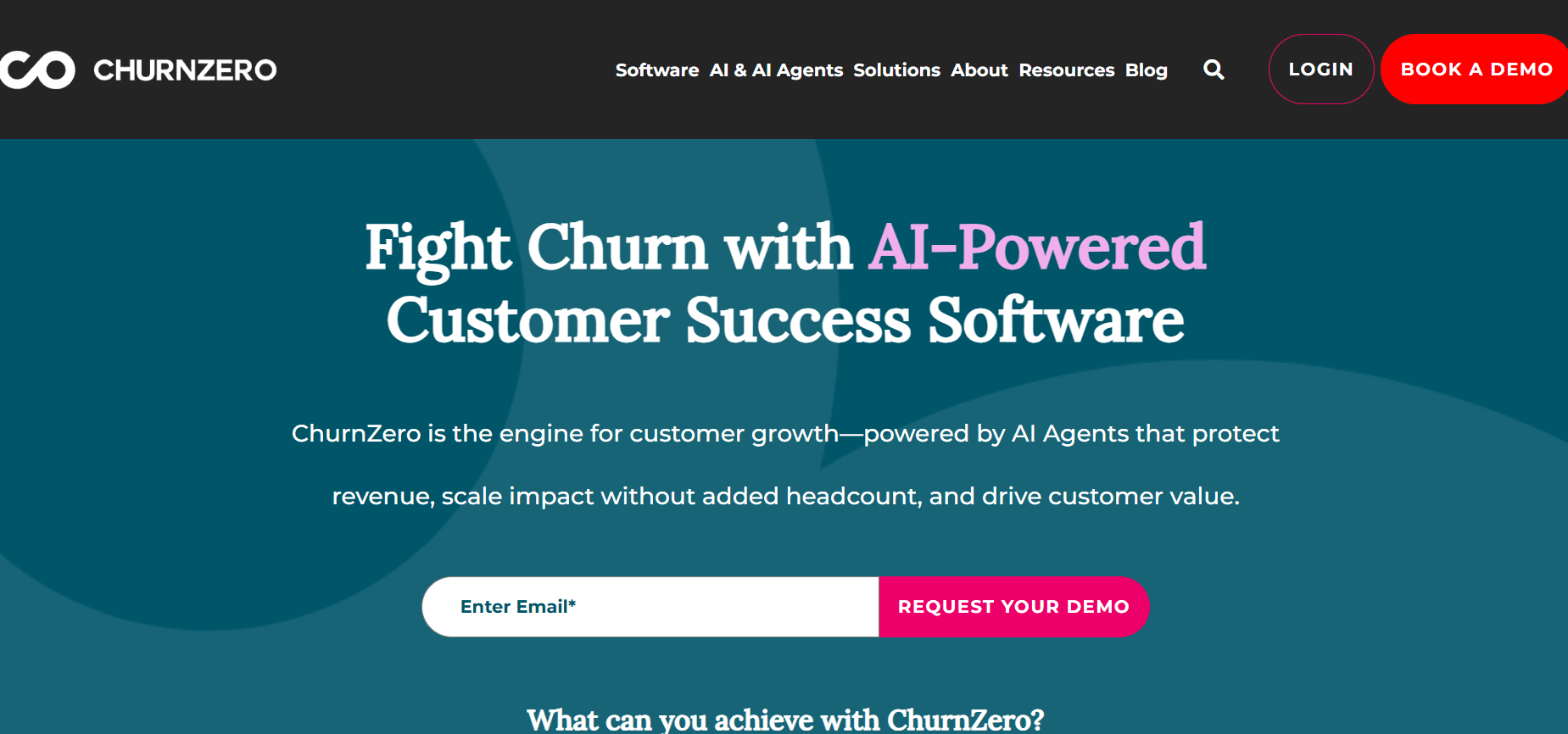
ChurnZero is designed for businesses that need to monitor customer health and reduce churn through proactive engagement. It's perfect for customer success teams that want to stay ahead of potential churn risks. However, its client portal capabilities are limited.
Key Features
Customer Health Scoring
Automated Playbooks
Engagement Tracking
CRM Integration
Analytics and Reporting
Proactive Alerts
Task Automation
Pros
Cons
Strong customer health monitoring.
Limited client portal features.
Effective automated playbooks.
Higher price point for small teams.
Proactive engagement tools.
Requires integration setup.
Pricing
ChurnZero provides a free demo. Pricing starts at $500 per month for teams.
Client Onboarding Automation Challenges: What Teams Struggle With
1. Manual Task Assignment and Follow-Up
Teams often handle task assignments through emails, leading to missed communications.
Lack of centralized task management results in duplicated efforts.
Manual follow-ups require significant time and can delay the onboarding process.
Tracking task completion becomes burdensome without a systematic approach.
2. No Real-Time Visibility into Client Progress
Teams lack tools to provide clients with progress updates, causing confusion.
Without visibility, identifying bottlenecks and delays becomes challenging.
Clients remain unaware of what steps they need to complete next.
Real-time dashboards are often absent, limiting effective project management.
3. Inconsistent Onboarding Experience
Varied approaches by different CSMs lead to inconsistent onboarding experiences.
Clients receive mixed messages and expectations, impacting satisfaction.
Standardization of onboarding processes is often lacking.
Training new staff becomes difficult without a unified onboarding procedure.
4. Long Time-to-Value
Manual processes extend the time-to-value from weeks to months.
Delayed value realization leads to increased churn rates.
Clients become frustrated, impacting future sales opportunities.
Teams struggle to efficiently demonstrate product ROI to new clients.
5. Inability to Scale Without Adding Headcount
CS teams often need to hire more staff as client numbers grow.
Manual processes limit scalability, restricting business expansion.
Automation tools remain underutilized, leading to increased labor costs.
High staff turnover due to burnout from repetitive tasks.
Challenge | Traditional Process | Business Impact | Time Cost |
|---|---|---|---|
Manual Task Assignment | Email-based coordination | Missed deadlines and duplicated efforts | 4-6 hours/week |
No Real-Time Visibility | Periodic manual updates | Client confusion and frustration | 3-5 hours/week |
Inconsistent Experience | Varied CSM approaches | Client dissatisfaction and churn | Variable |
Long Time-to-Value | Extended manual processes | Increased churn rates | 1-2 months |
Inability to Scale | More staff hiring | Increased labor costs | Significant |
Must-Have Features in Client Onboarding Automation Tools
Automated Milestone and Task Tracking
Automated milestone and task tracking are essential for keeping both your team and your clients on the same page. These features allow you to set clear objectives and deadlines, ensuring that every party involved knows what to expect and when. With tools like Rocketlane and Trupeer, you can automate reminders and notifications, helping to keep tasks moving along efficiently. This feature minimizes the risk of tasks falling through the cracks, ensuring timely project completion.
Client-Facing Portal with Progress Visibility
A client-facing portal provides a centralized location where clients can view their onboarding progress, access necessary documents, and communicate directly with their onboarding team. GuideCX excels in offering such transparency, which is crucial for maintaining client satisfaction. When clients can see progress in real-time, it reduces the number of inquiries they need to make, freeing up your team's time for more strategic activities.
In-App Guidance and Video Walkthroughs
In-app guidance and video walkthroughs are invaluable for complex products or services. These features help clients understand how to use your product effectively, reducing the learning curve and increasing user adoption. UserPilot and Pendo are leaders in offering dynamic in-app guidance, which can be tailored to the specific needs of each client segment. Video walkthroughs provide visual explanations, making complex steps easier to understand and follow.
CRM and Ticketing Integration
Seamless integration with CRM and ticketing systems is a must-have to streamline client interactions and ensure data consistency across platforms. Trupeer and ChurnZero offer robust integrations, making it easier to manage client relationships and resolve issues promptly. By connecting these systems, you can automate data flow, reducing the need for manual data entry and minimizing the risk of errors.
Time-to-Value Analytics and Health Scores
Time-to-value analytics and health scores are critical for monitoring the effectiveness of your onboarding process. These features help you measure how quickly clients begin to see value from your product, allowing you to make data-driven improvements. ChurnZero provides comprehensive analytics that help you identify at-risk clients before they churn. By understanding the factors contributing to successful onboarding, you can refine your process and improve client retention rates.
Customizable Onboarding Templates
Customizable onboarding templates allow you to standardize processes while still tailoring them to individual client needs. Rocketlane offers flexible templates that can be adapted for various industries and client types. These templates save time by providing a framework that covers common onboarding scenarios, ensuring that no critical steps are overlooked. By customizing templates, you can also incorporate best practices that have proven successful in past onboarding experiences.
How to Choose Client Onboarding Automation Tools Based on Your Use Case
SaaS Product Onboarding
For SaaS companies, onboarding is critical to user retention and success. Ensuring that new users can quickly realize the value of your software is paramount. The challenges include managing a high volume of users and providing personalized onboarding experiences.
High user volume requiring efficient onboarding.
Need for personalized user experiences to cater to diverse needs.
Ensuring users quickly understand product value.
Automated user guides and walkthroughs.
Personalized onboarding sequences.
In-app messaging for real-time assistance.
Tool
Personalization
In-App Guidance
User Volume Handling
UserPilot
Yes
Yes
Yes
Pendo
Yes
Yes
Limited
Professional Services Delivery
In professional services, client onboarding involves setting clear expectations and aligning project goals. The complexity of these projects often requires close coordination and clear communication.
Complex project coordination.
Need for clear communication channels.
Alignment of client and service provider goals.
Collaborative project management tools.
Client portals for real-time updates.
Automated task and milestone tracking.
Tool
Project Management
Client Portal
Communication
Rocketlane
Yes
Yes
Yes
GuideCX
Yes
Yes
Limited
Enterprise Implementation Projects
Enterprise projects often involve multiple stakeholders and long timelines, necessitating robust tools that can handle complexity and scale.
Long project timelines with multiple stakeholders.
Complex coordination and resource management.
Integration with existing enterprise systems.
Advanced project management features.
Scalable solutions with robust integration capabilities.
Automated reporting and analytics.
Tool
Scalability
Integration
Advanced Features
Trupeer
Yes
Yes
Yes
ChurnZero
Limited
Yes
Yes
Partner Onboarding Programs
For businesses that rely on partners, onboarding processes need to ensure partners understand your products and can effectively represent your brand.
Ensuring partner alignment with brand values.
Providing comprehensive product training.
Managing partner performance and engagement.
Training modules and resources.
Performance tracking and analytics.
Customizable onboarding sequences.
Tool
Training Modules
Performance Tracking
Customization
Dock
Limited
Yes
Yes
GuideCX
Yes
Yes
Limited
Best Practices for Client Onboarding Automation
Before Onboarding
Map your ideal onboarding journey to identify key touchpoints and milestones.
Define clear milestone criteria to ensure measurable progress.
Select the right tools that align with your onboarding goals and client needs.
Prepare a comprehensive checklist of tasks and resources needed for onboarding.
During Onboarding
Automate reminders and notifications to keep clients engaged and informed.
Use video for complex steps to provide clear and engaging instructions.
Maintain open communication through client portals and in-app messaging.
Regularly review progress and adjust strategies as needed.
After Onboarding
Review health scores to identify at-risk clients and address their concerns.
Run retrospectives to evaluate what worked well and what can be improved.
Collect client feedback to understand their experience and satisfaction.
Document best practices and lessons learned for future onboarding efforts.
Closing
Choosing the right client onboarding automation tool can significantly enhance your onboarding process, reduce churn, and improve client satisfaction. By understanding your specific use cases and challenges, you can select a tool that meets your needs and scales with your business growth.
To learn more about how Trupeer can transform your client onboarding experience with its comprehensive suite of features, visit Trupeer's website and get started today.
Related reading
Frequently Asked Questions
What is client onboarding automation?
Why is automated onboarding important?
Can onboarding tools integrate with existing systems?
Do these tools require extensive IT support?
Are there free options for onboarding tools?
What factors influence the cost of onboarding tools?
How long does it take to implement an onboarding tool?
What are the common challenges during implementation?



