4.8/5
AI Dubbing - Free Video Dubbing Tool (120+ languages)
Dub your videos into any language with AI voices. Free to start with professional quality output.

Trupeer's AI dubbing tool gives you free AI video dubbing into 120+ languages with natural AI voices. Upload a video, pick your target languages, and get a professionally dubbed version in minutes, no voice actors or studio required.
Dub any video into 120+ languages automatically.
Natural AI voices with lip-sync matched to your video.
Clone the original speaker's voice for consistency.
Keep your original visuals, on-screen text, and branding intact.
Free to start, no editing skills needed.
What Is Trupeer's AI Dubbing Tool?
Trupeer's AI dubbing converts your video's audio into a new language while keeping the visuals, timing, and branding intact. Upload your video, select one or more target languages, and Trupeer generates natural AI voices matched to your speaker and lip-synced to the footage. It pairs with Trupeer's video translation for full localization.
How Does AI Dubbing Work?
Getting started with AI Dubbing takes just a few minutes.
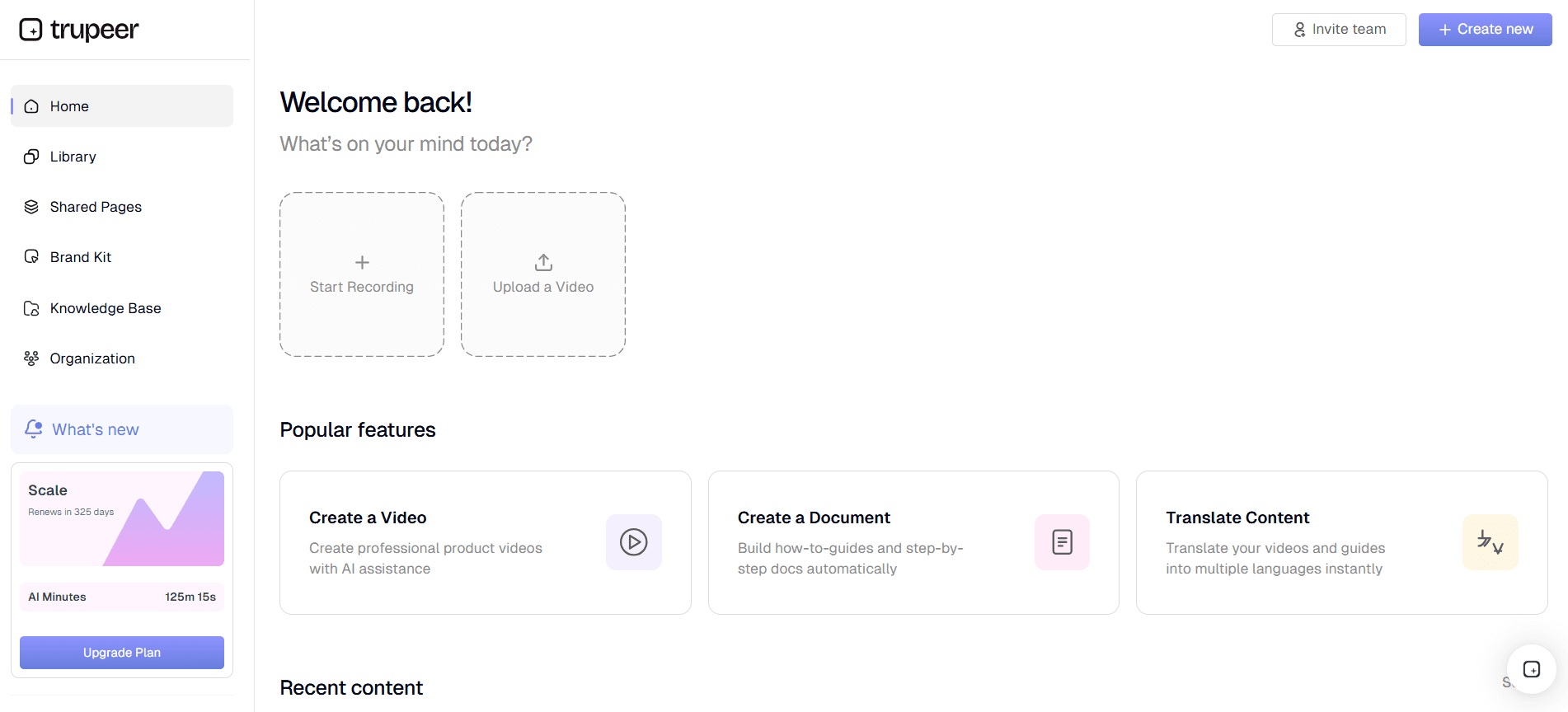
Step 1: Record or Upload
Start a screen recording directly in your browser, or upload an existing video file you want to transform.
Step 2: AI Processing
Select your target language(s). The AI transcribes the original audio, translates it, and generates natural dubbed voices optionally cloning the original speaker and lip-syncing to the video.

Step 3: Customize and Share
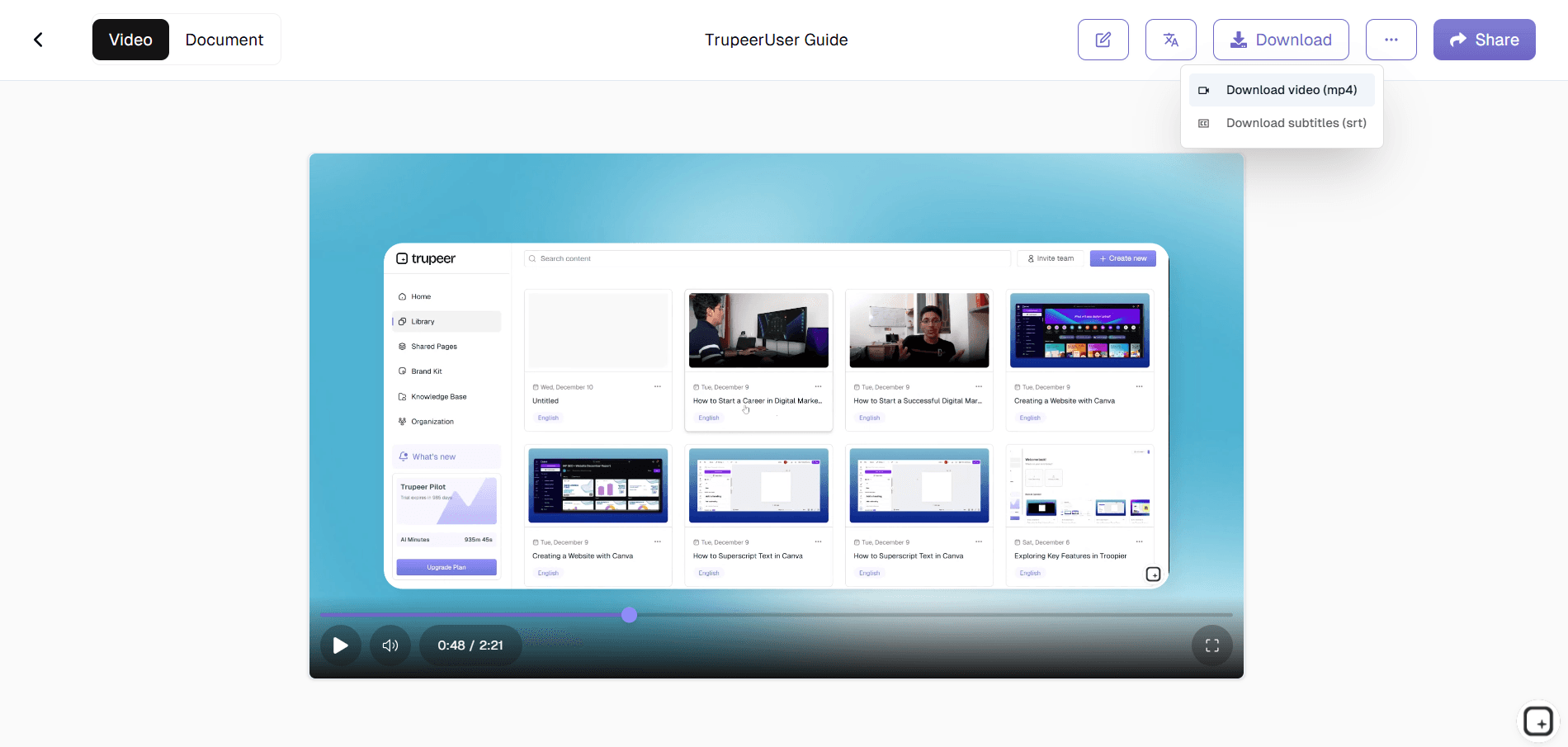
Edit the output, apply your brand kit, and share via link or embed on your website. Updates are just as easy.
Key Features of Trupeer's Best AI Dubbing Tool
Natural AI voices. Trupeer generates realistic, human-sounding speech that matches the tone, pacing, and emotion of your original delivery. Not the flat, robotic output most tools produce. Your dubbed video sounds like a real narrator, so viewers stay engaged instead of tuning out.
120+ languages. Dub a single upload into 120+ languages including Spanish, French, German, Hindi, Arabic, Mandarin, Japanese, and Portuguese all at once. Instead of commissioning a separate recording per market, you localize one video into every language you need from the same source.
Lip sync. The dubbed audio is matched to your speaker's on-screen mouth movements, so the video looks natively spoken rather than voiced over. This keeps facial timing and expression aligned with the new language, which is what makes a dubbed demo or training video feel authentic.
Voice cloning. Trupeer can clone the original speaker's voice and carry it across every language you dub into. Your founder, trainer, or presenter sounds like themselves in Spanish or Hindi keeping your brand voice consistent worldwide from one recording.
Fast turnaround. Get dubbed output in minutes, not the days or weeks a studio takes. Upload, pick your languages, and download what used to be a multi-week localization project becomes a same-day task.
Broadcast-quality output. Every dubbed video comes out clean and publish-ready, with clear audio and accurate translation you can ship straight to YouTube, your product, or a training platform no extra editing pass required.
Free to start. Try Trupeer's AI video dubbing free, with no credit card required. Dub your first videos at no cost; longer videos and premium export are available on paid plans when you're ready to scale.
Why Choose Trupeer's AI Dubbing tool?
Speed: Dub into several languages in minutes, not the days or weeks a studio takes
Natural voices: AI voices sound human, with tone and pacing matched to your original.
Voice cloning: Keep the original speaker's voice across every language.
Lip sync: Dubbed audio is matched to mouth movements so videos feel natively spoken.
Translate Your Video Into English and 120+ Languages
Trupeer dubs into 120+ languages, including English, Spanish, French, German, Portuguese, Italian, Dutch, Hindi, Arabic, Mandarin Chinese, Japanese, Korean, Russian, Turkish, Indonesian, and Vietnamese and you can dub one upload into several at once.
The original visuals, on-screen text, and branding stay intact, so you are localizing the video rather than rebuilding it. A common usecase is taking a product or training video recorded in one language and producing English, Spanish, or Hindi versions for different markets from the same source. For translation-first workflows, the AI Video Translator and YouTube Video Translator handle the same job for uploaded files and YouTube links.
AI Dubbing vs Traditional Dubbing
Subtitles ask viewers to split attention between reading and watching, and they translate words but not tone. Dubbing lets people follow in their own language while they watch, so the message lands and more of them finish the video. For product demos, onboarding, and training, dubbed audio drives higher completion than subtitles alone and Trupeer generates subtitles alongside the dub, so you can offer both.
Traditional dubbing means booking voice actors, a studio, and an editor, then waiting days or weeks per language and paying for each one. AI dubbing collapses that into minutes. With Trupeer you upload the video, choose your target languages, and get natural AI voices on the dubbed output, free to start, with no studio or editing skills required. Across several languages, that is the difference between a multi-week project and a same-day turnaround, which is why teams localizing product, training, and marketing videos at scale use AI dubbing software instead of studios.
Explore Related Tools
Why Teams Choose Trupeer for Dubbing
Natural Voices
Natural AI voices that sound real
Fast Processing
Fast Dubbing in minutes
Multi-Language
120+ languages from one upload
How to Use Trupeer's AI Dubbing
Step 1
Upload your video to the platform
Step 2
Select target languages for dubbing
Step 3
Download your ai dubbed videos
Frequently Asked Questions
How many languages can I dub my video into?
Trupeer supports over 120+ languages, so you can dub a single video into multiple languages from one upload.
How do I dub a video with AI?
Upload your video, select one or more target languages, and Trupeer generates the dubbed version with natural AI voices. No voice actors, recording studio, or editing skills are needed.
Will the dubbed video include subtitles?
Yes. Subtitles are generated alongside the dubbed video, so viewers can both hear and read the translated content.
Can I translate my video into English?
Yes. Trupeer can translate a video into English, as well as 120+ other languages, while keeping the original visuals and branding intact.
Is the AI dubbing tool free?
You can start dubbing for free with Trupeer. Advanced options, like longer videos and premium export, are available on paid plans.
More Tools


Understand how work happens.
Carry it into your next transition.
Start Free Trial
Book a Demo
Resources

