Trupeer Blog
Resumir

Os Procedimentos Operacionais Normalizados (PONs) são fundamentais para transformar o conhecimento de uma empresa em sistemas escaláveis. Escrever o PON é a parte fácil; fazer o seu lançamento para que as pessoas o adotem de verdade implica seguir um processo de gestão da mudança. Ainda assim, muitas empresas têm dificuldades com SOPs tradicionais que acabam por se tornar documentos estáticos, frequentemente esquecidos nas unidades partilhadas. Manter os PONs atualizados reduz a variação dos processos, simplifica a integração de novos colaboradores e facilita a reutilização do conhecimento operacional. Se ainda está a perceber o que esta categoria abrange, em vez de decidir que produto comprar, comece com software de PON. Este guia explora o melhor software para criar PONs, ajudando-o a manter os procedimentos dinâmicos e acessíveis. Quer seja um pequeno negócio ou faça parte de uma grande empresa, encontrar a ferramenta certa pode simplificar os processos e garantir consistência em toda a sua equipa.
Qual é o Melhor Software para Criar PONs?
Não existe uma única ferramenta “melhor” para criar PONs. A escolha certa depende de saber se a sua prioridade é capturar fluxos de trabalho, produzir documentação, formar colaboradores ou executar processos repetíveis. Com base nisso:
Melhor para PONs gerados por IA a partir de gravações do ecrã: Trupeer
Melhor para guias simples, sem complicações, passo a passo: Scribe
Melhor para documentação orientada por base de conhecimento: Document360
Melhor para guias visuais, passo a passo: Tango
Melhor para PONs combinados com formação e integração: Trainual
Melhor para executar PONs como fluxos de trabalho repetíveis e automatizados: Process Street
Melhor para documentação simples de PONs sem complexidade: SweetProcess
Melhor para PONs interativos, focados no envolvimento: Whale
Cada uma é detalhada abaixo, com o que faz melhor, para quem não é indicada e a matriz de funcionalidades por trás destas recomendações.
Melhores Ferramentas para Criar PONs: Comparação Frente a Frente
Funcionalidades | Trupeer | Scribe | Document360 | Tango | Trainual | Process Street | SweetProcess | Whale |
|---|---|---|---|---|---|---|---|---|
Gravação de processos | ✔ | ✔ | ❌ | Limitado | ✔ | ✔ | ✔ | Limitado |
Guias em vídeo | ✔ | ❌ | ✔ | ✔ | ✔ | Limitado | ✔ | ✔ |
Deteção de passos | ✔ | ✔ | Limitado | ✔ | ❌ | ✔ | ✔ | ❌ |
Geração de scripts por IA | ✔ | ❌ | ✔ | Limitado | ✔ | ❌ | ✔ | ✔ |
Geração automática de artigos | ✔ | Limitado | ❌ | ✔ | Limitado | ✔ | ❌ | ✔ |
Narração por voz com IA | ✔ | ❌ | ✔ | Limitado | ❌ | ✔ | ✔ | ❌ |
Branding personalizado | ✔ | ✔ | Limitado | ✔ | ✔ | ✔ | Limitado | ✔ |
Exportação em vários formatos | ✔ | ❌ | ✔ | Limitado | ✔ | ✔ | ❌ | ✔ |
Atualizações fáceis | ✔ | ✔ | ✔ | ❌ | Limitado | ✔ | ✔ | ✔ |
Colaboração da equipa | ✔ | ✔ | ✔ | Limitado | ✔ | ✔ | ✔ | Limitado |
Controlo de versões | ✔ | Limitado | ✔ | ❌ | ✔ | Limitado | ✔ | ✔ |
Como Avaliámos Estas Ferramentas
As ferramentas abaixo resolvem problemas diferentes, pelo que uma única classificação seria enganadora. Cada uma foi avaliada com os mesmos critérios, agrupados pelos quatro “trabalhos” para os quais o software de PON é comprado:
Criação:
quão rapidamente um procedimento pode ser produzido. Gravação de processos, deteção de passos, capturas automáticas de ecrã, geração de scripts por IA, templatesGestão:
quão bem é armazenado e mantido atualizado. Controlo de versões, pesquisa, permissões, colaboração, revisão. Esta metade do problema é abordada em profundidade em software de gestão de PONExecução:
se as pessoas conseguem executar o processo dentro da ferramenta. Listas de verificação, lógica condicional, atribuição de tarefas, automaçãoFormação:
se os procedimentos podem ser atribuídos e ensinados. Estrutura do curso, atribuições, acompanhamento de progresso
Uma ferramenta com pontuação baixa em execução não é um produto pior; é um produto diferente. A matriz de funcionalidades acima mostra onde cada uma se posiciona, na prática.
As Seis Categorias em que Estas Ferramentas se Enquadram
Este é o modelo mental que vale a pena ter antes de comparar funcionalidades, porque explica por que razão produtos que se chamam todos “software de PON” se comportam de formas tão diferentes.
Ferramentas “capture-first”:
Scribe, Tango. Registe ou clique num processo e obtenha um guia. Rápidas de produzir, mais leves na gestãoPlataformas de documentação com IA:
Trupeer. Captura mais geração por IA de saída escrita e em vídeo a partir de uma única gravação, quer automaticamente com um gerador de PON ou com controlo manual através de um construtor de PONPlataformas de documentação de PON:
SweetProcess. Estrutura pensada para procedimentos, sem uma camada pesada de automação ou formaçãoPlataformas de execução de fluxos de trabalho:
Process Street. O procedimento é algo que executa, não apenas algo que lêPlataformas de base de conhecimento:
Document360. Construída em torno de organizar e pesquisar um grande volume de documentaçãoPlataformas de formação:
Trainual, Whale. Os procedimentos existem para serem atribuídos, ensinados e acompanhados
Análises Detalhadas
Trupeer
Melhor para: PONs gerados por IA a partir de gravações do ecrã
Tipo de ferramenta: Documentação com IA

A Trupeer regista um processo e gera um PON escrito com capturas de ecrã, além de um vídeo narrado a partir da mesma captura. A gravação do processo e a geração de scripts por IA são o seu núcleo, pelo que o rascunho nasce do fluxo de trabalho tal como é executado, e não de uma página em branco. A saída pode ser editada, com branding e publicada em várias línguas. É indicada para equipas cujos processos acontecem no ecrã e que querem documentação e vídeo a partir de uma única sessão, em vez de dois projetos. As páginas do seu gerador de PON e da conversão de gravação do ecrã para PON explicam os detalhes.
Principais Funcionalidades
Gravação de processos
Geração de scripts por IA
Guias em vídeo e narração por voz com IA
Opções de branding personalizado
Exportação em vários formatos
Atualizações fáceis com controlo de versões
Funcionalidades de colaboração da equipa
Disponibilidade de templates
Prós
PON escrito e vídeo narrado a partir de uma única gravação
O rascunho nasce do fluxo de trabalho tal como é executado, não da memória
Publicação multilingue a partir de uma única fonte
Histórico de versões e relatórios de desatualização para manutenção
Contras
Sem execução de fluxos de trabalho nem atribuição de tarefas; os procedimentos são lidos, não executados
Sem uma etapa obrigatória de aprovação antes da publicação para validações regulamentadas
A saída precisa de revisão humana para adicionar contexto fora do ecrã, aprovações e exceções
Encaixe mais fraco para processos físicos ou fora do ecrã do que para fluxos de trabalho de software
Ponto forte: Gravação para PON escrito e vídeo narrado a partir de uma única captura
Não é ideal se: precisa sobretudo de execução de fluxos de trabalho ou gestão de tarefas, em vez de documentação.
Scribe
Melhor para: Guias simples, sem complicações, passo a passo
Tipo de ferramenta: Capture-first
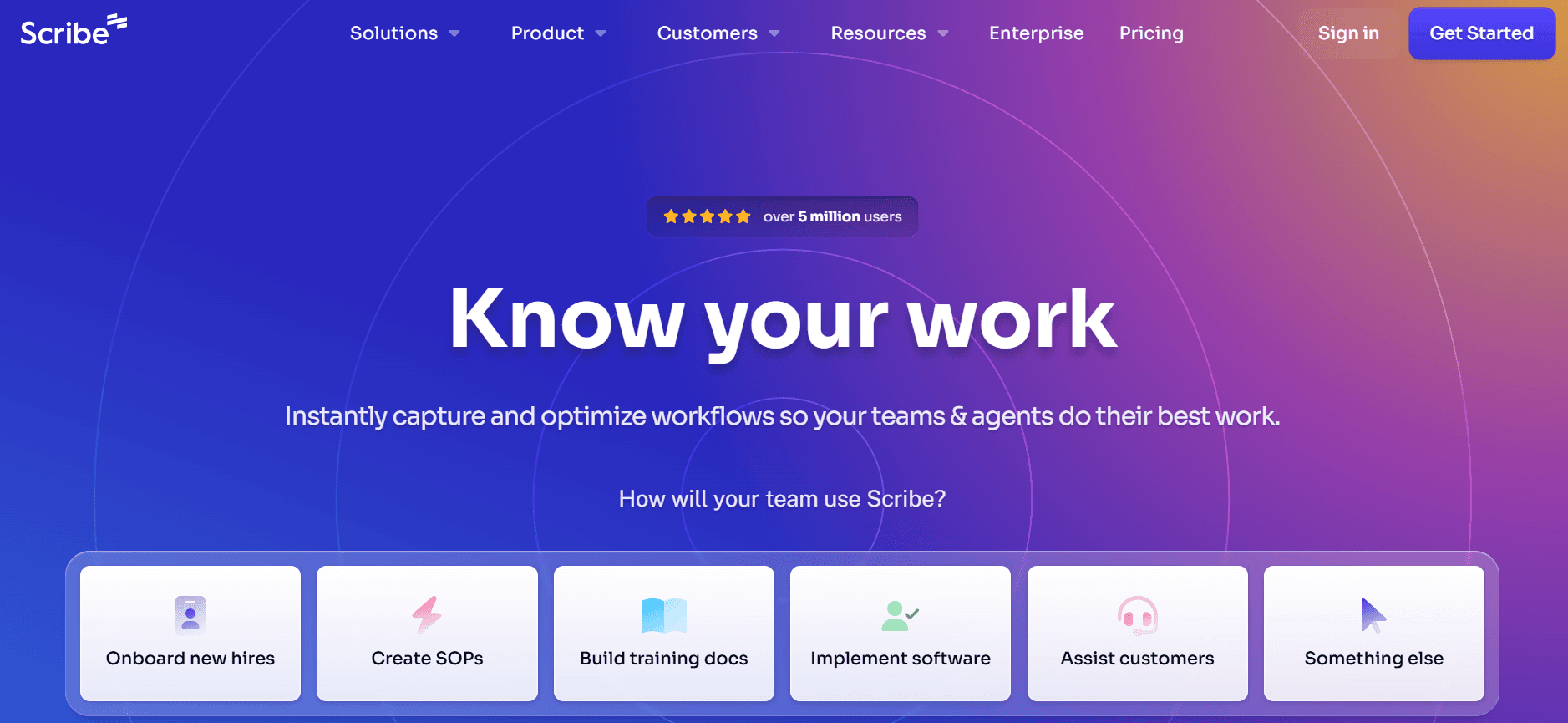
O Scribe é perfeito para equipas que precisam de criação de PON simples e sem complicações. Destaca-se pela simplicidade e facilidade de utilização, tornando-se uma escolha popular entre equipas mais pequenas ou entre quem está a começar com PONs digitais. As capacidades de gravação de processos do Scribe ajudam os utilizadores a criar guias passo a passo com facilidade. No entanto, falta-lhe funcionalidades mais avançadas como a geração de scripts por IA, que algumas equipas maiores podem considerar limitadora.
O Scribe foi criado para quem valoriza a simplicidade acima de funcionalidades extensas. Oferece ferramentas básicas de colaboração e garante que a documentação pode ser criada rapidamente, sem necessidade de formação ou integração extensas.
Principais Funcionalidades
Gravação simples de processos
Colaboração básica da equipa
Branding personalizado limitado
Deteção fácil de passos
Prós | Contras |
|---|---|
Interface intuitiva, fácil de usar | Falta de funcionalidades avançadas de IA |
Configuração e implementação rápidas | Opções de personalização limitadas |
Custo-benefício para equipas pequenas |
Preços
O Scribe oferece uma versão gratuita com funcionalidades básicas. Os seus planos pagos começam em [VERIFICAR ANTES DE PUBLICAR: preços atuais]
Ponto forte: Gravação simples de processos com configuração mínima
Não é ideal se: precisa de geração de scripts por IA ou de uma saída de vídeo mais rica.
Document360
Melhor para: Documentação orientada por base de conhecimento
Tipo de ferramenta: Base de conhecimento

O Document360 é uma ferramenta versátil, pensada para organizações que precisam de uma gestão completa da documentação para além de PONs simples. É especialmente adequado para empresas maiores que precisam de gerir bases de conhecimento extensas. Embora não ofereça gravação de processos, o seu ponto forte está nas capacidades robustas de IA para geração de scripts e artigos.
O Document360 é perfeito para equipas que procuram integrar a criação de PONs numa estratégia mais ampla de documentação. O software suporta vários formatos de exportação e oferece opções de personalização extensas, tornando-o uma escolha flexível para necessidades complexas.
Principais Funcionalidades
Geração de scripts por IA
Gestão robusta da base de conhecimento
Branding personalizado e exportação em vários formatos
Geração de artigos por IA
Controlo de versões e colaboração da equipa
Prós | Contras |
|---|---|
Funcionalidades abrangentes de documentação | Sem capacidades de gravação de processos |
Integração forte com IA | Pode ser exagerado para PONs simples |
Excelente controlo de versões |
Ponto forte: Gerir documentação extensa para além de PONs individuais, com geração de artigos por IA
Não é ideal se: a sua prioridade é capturar fluxos de trabalho, já que não tem gravação de processos.
Tango
Melhor para: Guias visuais, passo a passo
Tipo de ferramenta: Capture-first
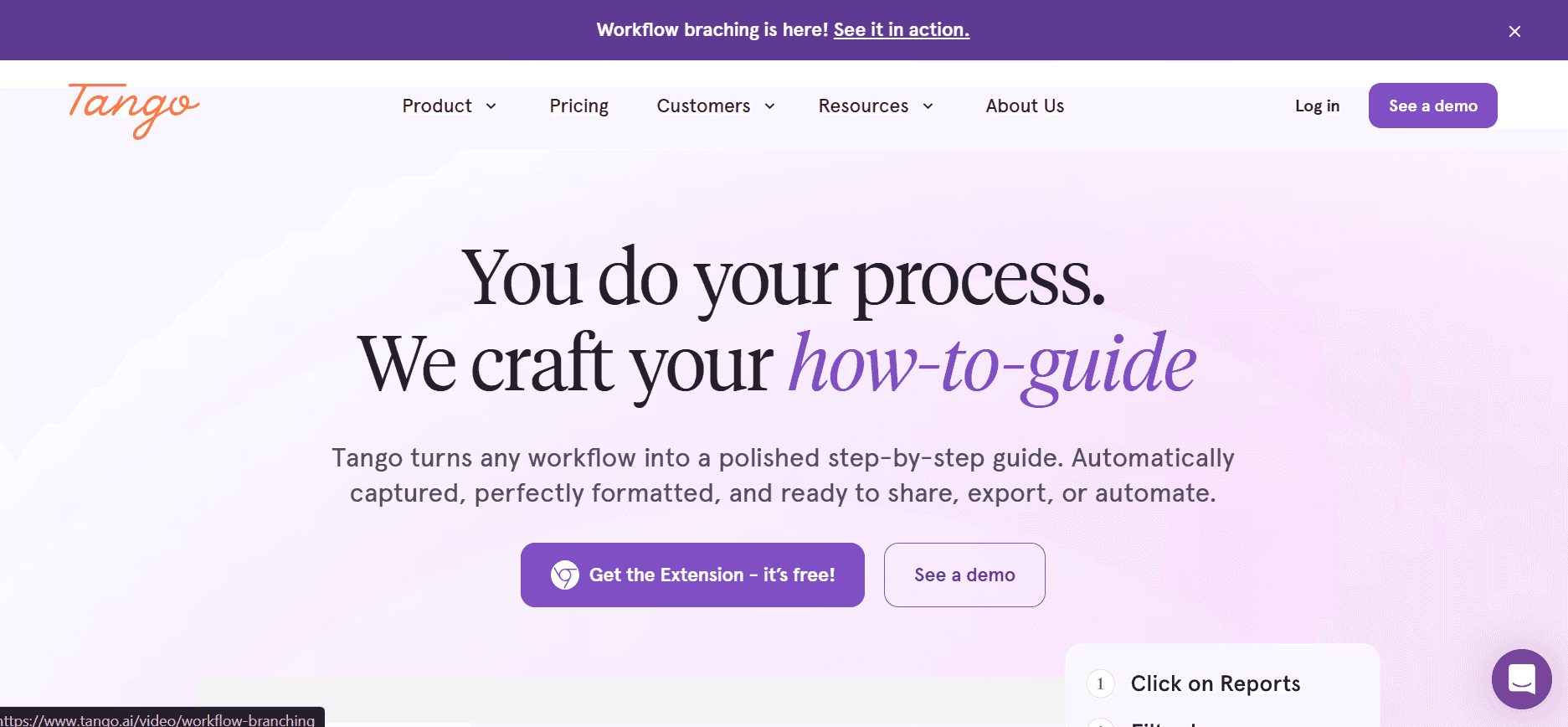
O Tango oferece uma abordagem única para criar PONs, com foco em guias visuais e documentação passo a passo. É particularmente adequado para equipas que precisam de criar PONs visualmente apelativos, embora não ofereça muito em termos de funcionalidades orientadas por IA. O Tango é perfeito para equipas criativas ou para empresas do setor do design que pretendem manter uma documentação visualmente atrativa.
A ferramenta é construída em torno da criação de guias e vídeos interativos, o que a torna uma boa opção para cenários de formação e integração. No entanto, falta-lhe algumas das funcionalidades mais avançadas orientadas por IA presentes noutras ferramentas.
Principais Funcionalidades
Criação de guias em vídeo
Guias passo a passo interativos
Capacidades de IA limitadas
Opções básicas de branding
Prós | Contras |
|---|---|
Excelente para criar conteúdo visual | Falta de funcionalidades avançadas de IA |
Ideal para cenários de formação | Opções de exportação limitadas |
Capacidades de guias interativos |
Ponto forte: Guias visualmente apelativos, construídos em torno de walkthroughs interativos
Não é ideal se: pretende geração orientada por IA ou uma camada completa de gestão de procedimentos.
Trainual
Melhor para: PONs combinados com formação e integração
Tipo de ferramenta: Plataforma de formação
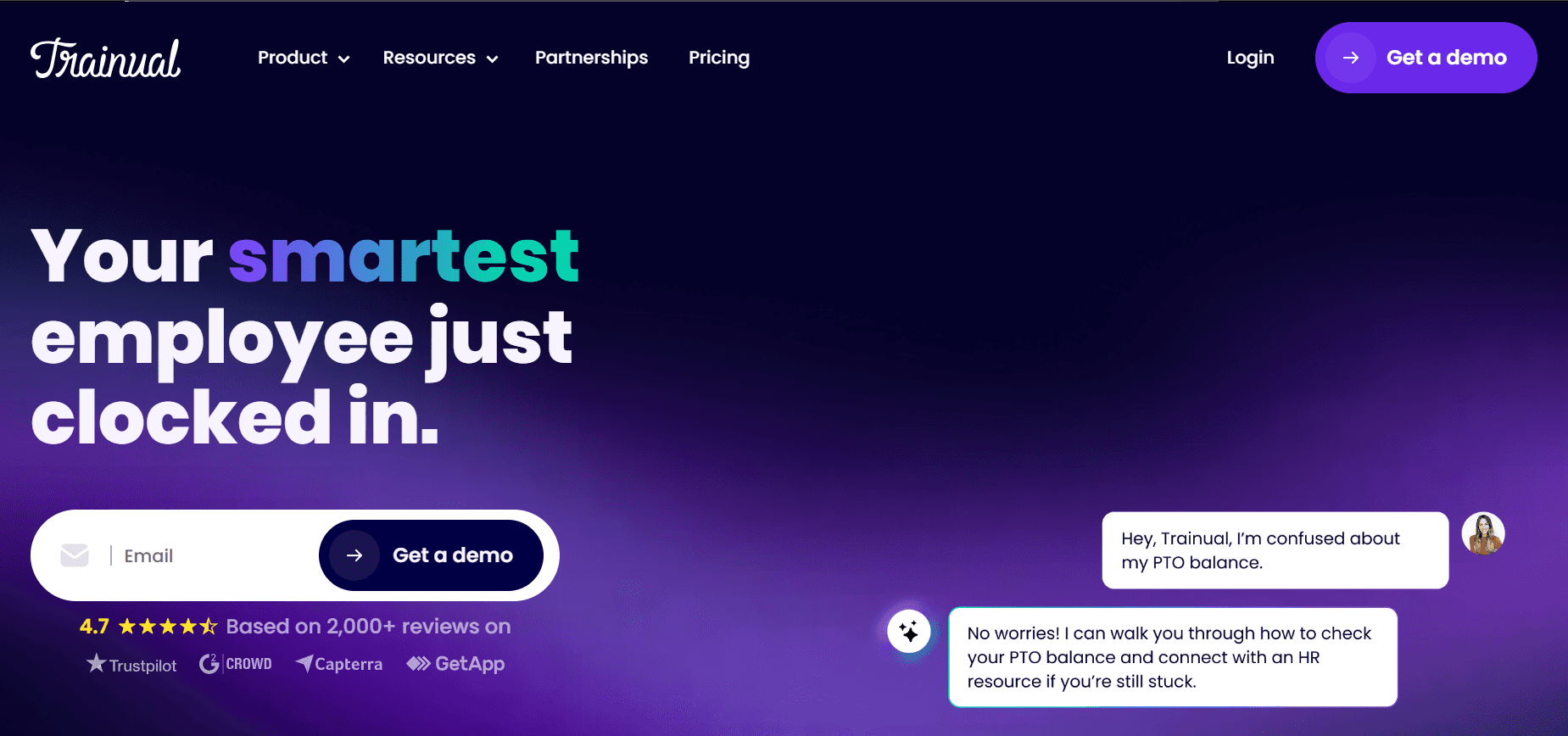
O Trainual foi concebido especificamente para empresas pequenas a médias que procuram criar e gerir PONs de forma eficiente. É uma escolha forte para equipas que precisam de soluções abrangentes de formação e integração. A ferramenta destaca-se pela facilidade de utilização e pelas opções de personalização robustas, permitindo que as equipas adaptem os PONs às suas necessidades específicas.
O Trainual oferece excelentes capacidades de integração, o que o torna ideal para empresas que querem ligar os seus PONs a outras ferramentas e plataformas. No entanto, não tem as funcionalidades avançadas de IA que alguns concorrentes oferecem.
Principais Funcionalidades
Soluções abrangentes de formação
Opções de personalização robustas
Integração fácil com outras ferramentas
Colaboração da equipa e branding personalizado
Prós | Contras |
|---|---|
Excelente para formação e integração | Sem geração de scripts orientada por IA |
Altamente personalizável | Capacidades de vídeo limitadas |
Excelentes capacidades de integração |
Ponto forte: Formação, integração e personalização para equipas pequenas a médias
Não é ideal se: precisa apenas de captura leve do ecrã, já que a deteção de passos não é o seu ponto forte.
Process Street
Melhor para: Executar PONs como fluxos de trabalho repetíveis e automatizados
Tipo de ferramenta: Execução de fluxos de trabalho
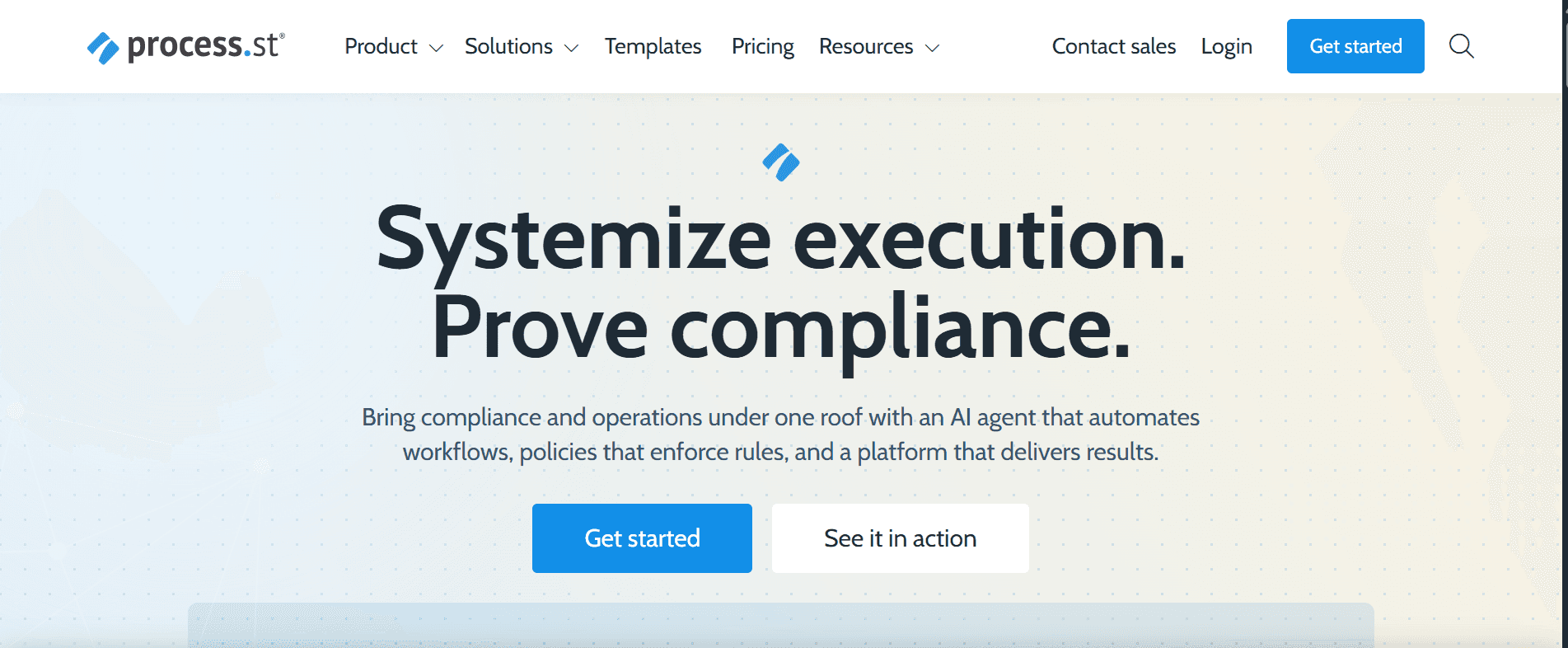
O Process Street é uma ferramenta robusta para criar e gerir PONs, pensada para equipas que precisam de capacidades avançadas de gestão de processos. É ideal para empresas que precisam de padronizar e automatizar fluxos de trabalho entre departamentos. A ferramenta destaca-se na automação de processos e numa interface fácil de usar.
Embora ofereça capacidades multimédia limitadas, o seu ponto forte está na criação e gestão de processos. Isto torna-a uma boa opção para organizações que querem simplificar e otimizar os seus fluxos de trabalho de forma eficiente.
Principais Funcionalidades
Gestão avançada de processos
Capacidades de automação de processos
Interface fácil de usar
Fluxos de trabalho personalizáveis
Prós | Contras |
|---|---|
Excelente para automação de processos | Opções multimédia limitadas |
Fluxos de trabalho altamente personalizáveis | Sem geração de scripts por IA |
Ótimo para equipas grandes |
Ponto forte: Automação de processos e padronização de fluxos de trabalho entre departamentos
Não é ideal se: o seu objetivo principal é documentação baseada em capturas de ecrã, em vez de execução.
SweetProcess
Melhor para: Documentação simples de PONs sem complexidade
Tipo de ferramenta: Documentação de PON
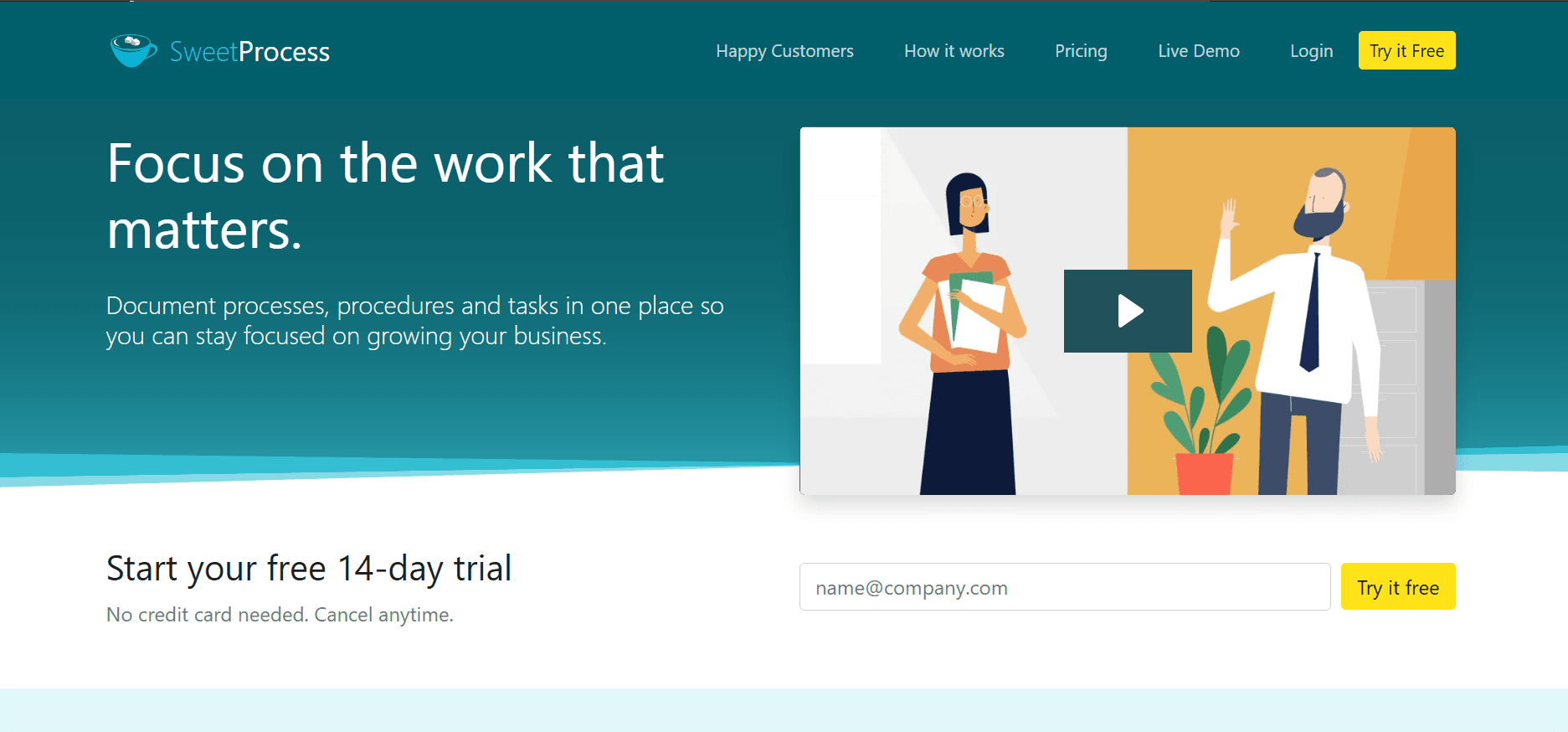
O SweetProcess é uma ferramenta simples para criar PONs, ideal para empresas pequenas a médias que precisam de uma solução simples, mas eficaz. Foi concebida para facilitar a documentação de processos sem complexidade desnecessária. O SweetProcess oferece uma interface intuitiva que torna a criação de PONs rápida e eficiente.
Embora não se destaque pelas funcionalidades mais avançadas, disponibiliza funcionalidades suficientes para equipas que precisam de documentação básica e gestão de processos. A sua simplicidade é, ao mesmo tempo, o seu ponto forte e a sua limitação, tornando-a ideal para equipas focadas na criação simples de PONs.
Principais Funcionalidades
Interface intuitiva
Documentação básica de processos
Funcionalidades de colaboração da equipa
Disponibilidade de templates: [VERIFICAR]
Prós | Contras |
|---|---|
Simples e fácil de usar | Funcionalidades avançadas limitadas |
Criação rápida de PONs | Sem integração com IA |
Custo-benefício para equipas pequenas |
Ponto forte: Uma interface simples para documentar processos rapidamente
Não é ideal se: precisa de automação avançada ou de uma camada de formação.
Whale
Melhor para: PONs interativos, focados no envolvimento
Tipo de ferramenta: Plataforma de formação

O Whale é uma ferramenta de criação de PONs que se concentra em criar PONs envolventes e interativos. Foi concebida para equipas que valorizam a formação e a integração, oferecendo funcionalidades que tornam o processo de aprendizagem mais envolvente. O Whale é particularmente eficaz para equipas que querem criar PONs mais interativos e menos “pesados” em texto.
Embora ofereça algumas capacidades de IA, o seu ponto forte está na capacidade de criar conteúdos visualmente apelativos, o que a torna ideal para equipas em áreas criativas ou para quem precisa de manter a formação fresca e envolvente.
Principais Funcionalidades
Criação interativa de PONs
Conteúdo visualmente apelativo
Capacidades básicas de IA
Disponibilidade de templates: 30 templates interativos
Prós | Contras |
|---|---|
Excelente para conteúdos de formação envolventes | Funcionalidades avançadas de IA limitadas |
Ideal para equipas criativas | Opções de exportação limitadas |
Capacidades de conteúdo interativo |
Ponto forte: PONs interativos, menos “pesados” em texto, pensados para formação e integração
Não é ideal se: precisa de deteção de passos ou de automação de processos.
O que Procurar no Software de Criação de PONs
A matriz de funcionalidades acima mostra como as oito ferramentas se comparam. Esta é a lista de verificação para avaliar uma shortlist, de forma aproximada pela ordem em que mais importa:
Captura de fluxos de trabalho, por gravação ou “click-through”
Geração assistida por IA de passos e redação
Capturas de ecrã e guias visuais, capturados em vez de colados
Templates e branding, para que a saída seja consistente entre autores. Se quiser ver primeiro como deve ser uma boa estrutura, existem templates de PON gratuitos e um único template de PON para começar
Edição e colaboração, incluindo revisão antes da publicação
Controlo de versões, com capacidade para ver e restaurar versões anteriores
Publicação e exportação, incluindo um formato de ficheiro aceito pelo seu sistema de qualidade
Funcionalidades de formação e atribuição, se as pessoas precisarem de ensino em vez de apenas instruções
Integrações, para que os procedimentos apareçam onde a equipa já trabalha
Segurança para empresas, incluindo SSO e permissões, se houver envolvimento de procurement
Como ponderar: as funcionalidades de criação determinam quantos procedimentos produz, e as funcionalidades de manutenção determinam se continuam corretos ao fim de um ano. A maioria das avaliações dá demasiado peso à primeira e ignora a segunda. Pergunte especificamente como é atualizado um procedimento depois de o processo subjacente mudar e avalie o tempo disso na demonstração.
O resto depende do que está a comprar a ferramenta para fazer. Se ninguém segue os procedimentos hoje, as funcionalidades de execução e atribuição são mais importantes do que a rapidez de autoria. Se tem muita documentação, mas não confia nela, o controlo de versões e a revisão são as funcionalidades decisivas.
Qual é o Melhor Software de PON para a Sua Equipa?
Melhor para equipas pequenas
Dê mais peso à velocidade de criação do que à governação. Uma ferramenta “capture-first” ou uma plataforma de documentação simples vai produzir mais procedimentos do que um sistema com fluxos de aprovação que ninguém tem tempo para executar. Scribe, SweetProcess e Trupeer encaixam neste objetivo. Se quiser testar a abordagem antes de comprometer orçamento, um criador de PON com IA gratuito é a forma mais barata de ver como fica a saída gerada.
Melhor para equipas enterprise
Permissões, controlo de versões, pesquisa numa biblioteca grande e separação entre unidades de negócio importam mais do que a velocidade de autoria. Document360 e Process Street foram construídos para escala; Trupeer cobre isso através de workspaces e separação de funções. Independentemente da shortlist, confirme diretamente com o fornecedor os requisitos de SSO, residência de dados e revisão de segurança. A Trupeer aborda estes pontos na sua página enterprise.
Melhor para BPOs e operações subcontratadas
As necessidades diferenciadoras são a separação ao nível do cliente, a elevada rotatividade de agentes e procedimentos que sejam claros em mais do que uma língua. Para BPOs, a publicação multilingue pode ser particularmente importante, juntamente com permissões, separação do cliente, controlos administrativos e facilidade de integração. Manter um documento separado por língua é o que faz com que bibliotecas grandes se desalinhem, por isso publicar a partir de uma única fonte vale a pena ponderar. A parte enterprise e de BPO deste tema é abordada separadamente em software de PON para equipas grandes e operações de BPO, e a publicação multilingue especificamente em tradução.
Melhor para documentação baseada em gravações do ecrã
Se os seus processos acontecem no ecrã, uma ferramenta “capture-first” ou uma ferramenta de documentação com IA elimina grande parte do trabalho de produção. Trupeer, Scribe e Tango são as três opções relevantes; a diferença está no que a ferramenta faz depois da captura. Para os detalhes específicos, veja a conversão de uma gravação do ecrã para um PON ou a conversão de uma gravação do Teams, se os seus walkthroughs já estiverem em gravações de reuniões.
Melhor para formação e integração
Precisa de atribuição, acompanhamento de progresso e estrutura do curso, além da documentação. Trainual e Whale foram construídos para isso. Uma ferramenta de documentação pura deixá-lo-á a acompanhar a conclusão numa folha de cálculo.
Melhor para automação de processos e execução
Se o objetivo é que as pessoas executem o procedimento dentro da ferramenta, com lógica condicional e transição de tarefas, isso é execução de fluxo de trabalho e não apenas documentação. O Process Street é a opção mais clara aqui.
Melhor para equipas técnicas
Runbooks, provisionamento e procedimentos de incidentes precisam de pesquisa, versionamento e estrutura mais do que de “polimento”. Uma plataforma de base de conhecimento como o Document360 serve para isso, assim como uma ferramenta baseada em gravações, em que voltar a capturar após uma mudança de sistema é barato. Em qualquer dos casos, a saída precisa de existir nalgum lugar pesquisável, e é isso que um base de conhecimento faz.
Melhor para equipas da linha da frente e industriais
O trabalho fora do ecrã precisa de captura de foto ou vídeo num dispositivo, acesso móvel no ponto de trabalho e, muitas vezes, evidência de auditoria. Nenhuma das oito ferramentas aqui foi construída principalmente para isso, por isso trate isto como uma categoria para shortlist separadamente, em vez de ser uma coluna nesta comparação.
O que torna Eficaz o Software de Criação de PONs
O custo de criação determina quantos procedimentos produz. O custo de revisão determina se continuam corretos ao fim de um ano. A maioria das avaliações dá peso à primeira e ignora a segunda. Para a prática de escrever e manter PONs, em vez de escolher uma ferramenta, veja boas práticas de PON.
Quanto Custa o Software de Criação de PONs?
Os preços de referência nesta categoria não são diretamente comparáveis, e é essa a principal razão pela qual listas de preços lado a lado induzem em erro. Os modelos diferem:
Por editor:
paga pelas pessoas que criam procedimentos, e os leitores são gratuitos ou baratos. Indicado para uma equipa pequena de documentação a publicar para um público grandePor utilizador:
todos os que precisam de acesso são faturados. Verifique se os visualizadores apenas de leitura contam, porque isso determina o custo de disponibilizar a documentação a toda a empresaPor workspace ou taxa fixa por equipa:
previsível e, normalmente, melhor valor quando vários utilizadores criamIA baseada no uso:
cobrada por minutos processados, gerações ou traduções, além de um plano baseContratos anuais ou enterprise personalizados:
quando estão envolvidos SSO, residência de dados ou revisão de procurement, o preço de tabela deixa de ser o número que importa
A comparação útil é um cenário consistente, e não um preço de partida. Preço cada ferramenta da shortlist para o mesmo tipo de equipa; por exemplo, três pessoas a criar e trinta a ler, e inclua o uso de IA se espera gerar regularmente.
Os planos atuais da Trupeer estão na sua página de preços.
[VERIFICAR ANTES DE PUBLICAR: preços atuais de cada ferramenta e um custo calculado para um tamanho de equipa consistente. Não publique valores que não tenham sido confirmados na página de preços de cada fornecedor.]
Que Ferramenta Deve Escolher?
O que precisa | Melhor opção | Porquê |
|---|---|---|
Transformar gravações do ecrã em PONs | Trupeer, Scribe, Tango | Fluxo de trabalho “capture-first” |
Obter um PON escrito e um vídeo a partir de uma única captura | Trupeer | Saída dupla a partir de uma única gravação |
Criar PONs e formar pessoas com base neles | Trainual, Whale | Camada de atribuição e formação |
Executar PONs como fluxos de trabalho repetíveis | Process Street | Execução condicional e automação |
Documentação simples de PONs, nada mais | SweetProcess | Feito à medida, baixa complexidade |
Criar uma base de conhecimento técnica pesquisável | Document360 | Base de conhecimento estruturada com geração de artigos por IA |
Publicar procedimentos em várias línguas | Trupeer | Publicação multilingue a partir de uma única fonte |
Guias visuais para equipas de design ou criativas | Tango | Walkthroughs visuais interativos |
Perguntas Frequentes
O que é software de criação de PONs?
Software para produzir procedimentos operacionais normalizados: capturar um processo, estruturá-lo em passos, adicionar capturas de ecrã e publicá-lo. As ferramentas desta categoria diferem principalmente naquilo que fazem depois da captura, por isso vão desde simples gravadores de guias até plataformas completas de fluxos de trabalho.
O software de criação de PONs consegue gerar procedimentos a partir de gravações do ecrã?
Algumas conseguem. As ferramentas “capture-first” e de documentação com IA registam o processo e produzem passos ordenados com uma captura de ecrã em cada passo; as plataformas de base de conhecimento e de fluxos de trabalho, em geral, esperam que escreva o procedimento por si. A matriz de funcionalidades acima mostra quais destas oito ferramentas suportam gravação de processos e deteção de passos. A conversão de uma gravação do ecrã para um PON explica como funciona na prática.
Qual é o melhor software de PON para formação?
As ferramentas com uma camada de atribuição e acompanhamento de progresso, já que só com documentação fica a monitorizar a conclusão numa folha de cálculo. Trainual e Whale são as duas opções aqui construídas em torno da formação, e não apenas da documentação.
Qual é o melhor software de PON para automação de fluxos de trabalho?
As plataformas de execução de fluxos de trabalho, em que o procedimento é algo que as pessoas executam dentro da ferramenta com lógica condicional e transição de tarefas, em vez de algo que apenas leem. O Process Street é a opção mais clara entre estas oito.
Qual é o melhor software de PON para equipas pequenas?
Dê mais peso à velocidade de criação do que à governação. Uma equipa pequena vai obter mais de uma ferramenta que produz procedimentos rapidamente do que de uma com fluxos de aprovação que ninguém tem tempo para executar. As ferramentas “capture-first” e as plataformas de documentação simples são adequadas para este segmento do mercado.
Quanto custa o software de criação de PONs?
Os modelos de preços diferem o suficiente para que os preços de referência não sejam comparáveis: por editor, por utilizador, por workspace, por uso para IA, ou contratos enterprise anuais. Faça o preço da sua shortlist para um tipo de equipa consistente; por exemplo, três autores e trinta leitores, e verifique se os visualizadores apenas de leitura são faturados. Os preços atuais devem ser confirmados na página de preços de cada fornecedor.
O software de PON certo depende do que precisa de corrigir
A documentação demora demasiado a ser produzida:
ferramentas “capture-first” ou de documentação com IAOs procedimentos existem, mas ninguém os segue:
plataformas de execução de fluxos de trabalhoAs pessoas precisam de ensino, não apenas de instruções:
plataformas de formaçãoNinguém consegue encontrar nada:
plataformas de base de conhecimentoTem muitos PONs, mas não confia neles:
isso é um problema de manutenção, não de criação, e é abordado em software de gestão de PON
Se a shortlist se resumir a criação baseada em gravações, os detalhes estão em a conversão de uma gravação do ecrã para um PON e no gerador de PON. Para a categoria em si, e não para uma escolha de produto, veja software de PON.
Artigos relacionados



