AI Training Video Creation Software

AI Training Video Creation Software

AI Training Video Creation Software

Let AI transform your screen recordings into polished, professional training videos automatically and in minutes.

Let AI transform your screen recordings into polished, professional training videos automatically and in minutes.

Let AI transform your screen recordings into polished, professional training videos automatically and in minutes.

Create Training Videos AI

無料で始める

クレジットカードは必要ありません

クレジットカードは必要ありません

AI Training Video Creation Software TL;DR

AI Training Video Creation Software TL;DR

AI Training Video Creation Software by Trupeer lets you create professional training videos from simple screen recordings with AI-powered automation. No editing skills, no expensive software, no production delays.

  • AI automatically edits, enhances, and polishes your screen recordings into training videos

  • Intelligent scene detection trims dead air and applies smooth transitions

  • AI-generated captions, transcripts, and voiceovers in 30+ languages

  • Contextual zoom effects follow your cursor and highlight relevant screen areas

  • Batch processing lets you produce dozens of polished training videos simultaneously

What Is AI Training Video Creation Software?

AI Training Video Creation Software is AI training video creation software that enables teams to produce professional training content directly from screen recordings. Instead of spending hours in traditional video editing software, you simply record your screen and the AI handles all post-production — adding zoom effects, annotations, transitions, captions, and branding automatically. The result is a polished, ready-to-share training video in minutes.

How Does AI Training Video Creation Software Work?

The process is designed to be as simple as possible so anyone on your team can create professional training videos.


Step 1: Record Your Screen

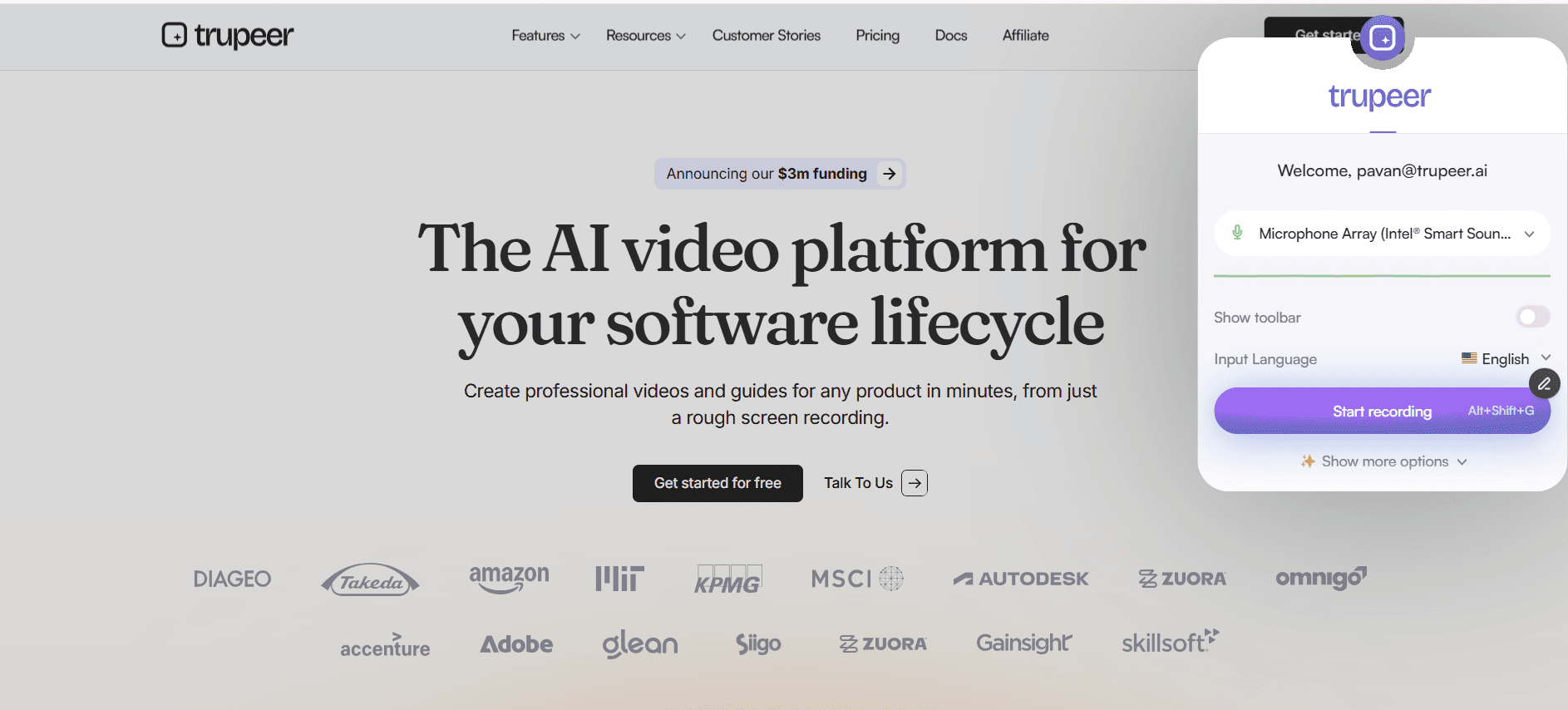
Install the Trupeer Chrome extension and click record. Capture any workflow, process demonstration, or software walkthrough directly from your browser. Narrate as you go or add voiceover later.


Step 2: AI Enhances Your Recording

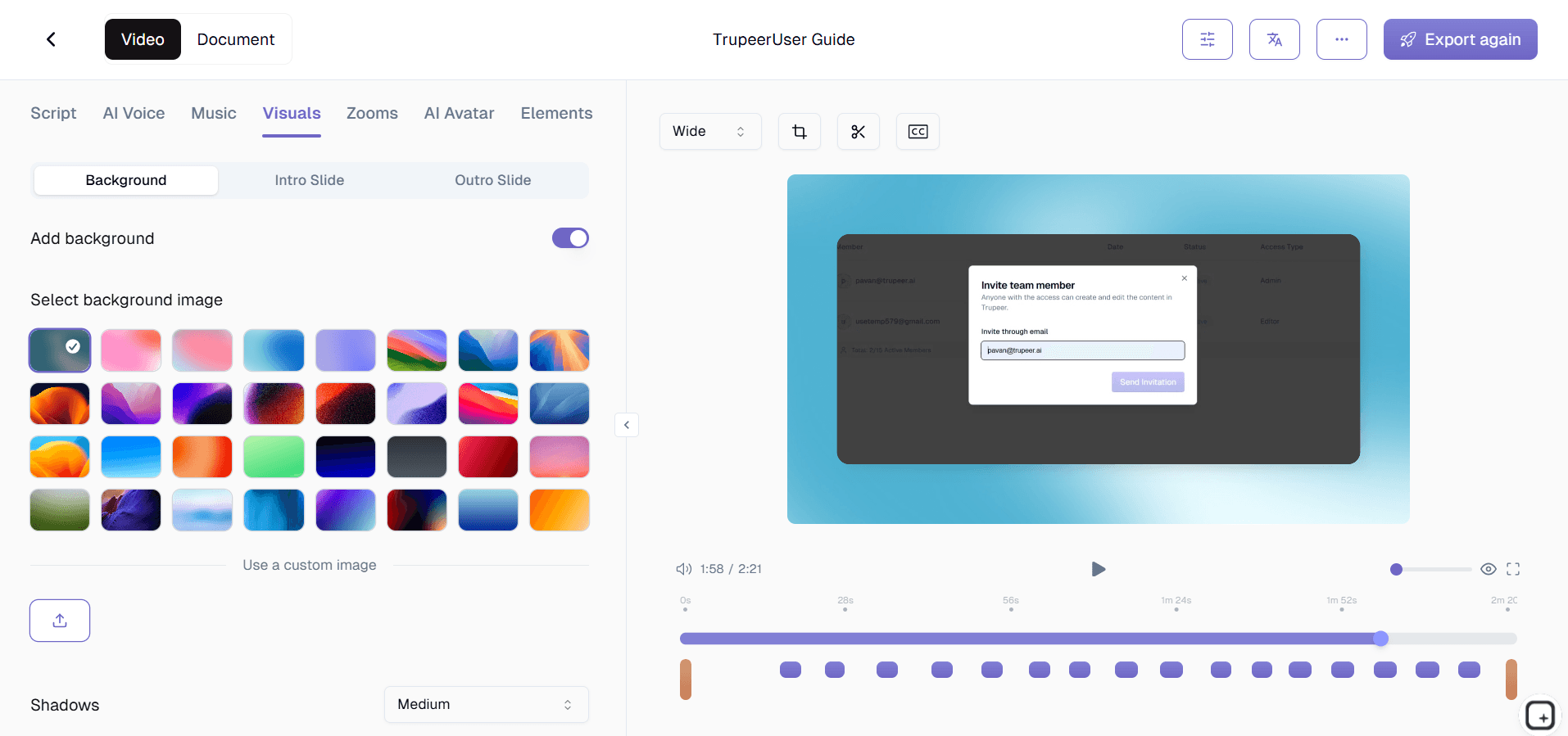
Once you stop recording, the AI engine processes your video automatically. It applies intelligent zoom effects, adds annotations and callouts, generates chapters, creates captions, removes dead air, and applies your brand styling all without any manual input.


Step 3: Publish and Share

Review the AI-polished result, make any optional adjustments, and share via link, embed code, or export. You can also use the process guide creator to generate written documentation from the same recording.


Key Features of AI Training Video Creation Software

  • Automatic Transcript and Caption Generation: Every video gets word-level timestamped transcripts powering full-text search across your library. Captions are generated in your primary language and translated into 30+ languages automatically. The AI handles technical terminology and industry jargon with high accuracy, with review options before publishing.

  • Smart Annotation and Callout Placement: The AI monitors cursor movements and screen interactions to place annotations, callouts, and highlights at optimal positions. Multi-step processes get numbered indicators, UI elements get highlight outlines, and application switches get contextual labels. All annotations match your brand guidelines.

  • One-Click Style Transfer: Define your preferred editing style, zoom intensity, transition speed, annotation design, pacing — and apply it to every future video. The AI learns your preferences over time. Update style preferences and retroactively apply changes to existing videos for a consistent library-wide look.

  • Batch Processing Pipeline: Process multiple videos simultaneously through the full AI enhancement pipeline scene detection, editing, zoom, annotations, captions, and branding — without manual intervention. Receive notifications as each video completes. A single creator can produce dozens of polished training videos per week at scale.

Why Choose Trupeer for AI Training Video Creation Software?

  • Speed: Go from recording to polished training video in minutes, not days. AI automation eliminates the production bottleneck that delays training content delivery.

  • Accessibility: Anyone on your team can create professional training videos regardless of their technical skills. No video editing experience is needed.

  • Consistency: AI-powered automation ensures every training video meets the same quality and branding standards, no matter who on your team created it.

  • Cost Efficiency: Eliminate the need for video editors, production teams, and expensive software licenses. One tool handles recording, editing, and distribution.

AI Training Video Creation Software for Internal Teams

1. Internal teams leverage AI video creation to produce professional training content without relying on design or video production resources. Anyone who can record their screen can create a polished training video.

2. The AI handles all post-production enhancements, meaning subject matter experts spend their time demonstrating processes rather than learning video editing software or waiting on production queues.

3. When processes change, updated training videos can be created and published the same day because the AI eliminates the production bottleneck that traditionally delays content updates.

4. Consistent quality across all training videos is guaranteed by the AI, regardless of which team member created the recording or their technical proficiency with video tools.

AI Training Video Creation Software for SaaS Teams

1. SaaS teams use AI video creation to keep training content in sync with rapid product development cycles. When features ship weekly, training videos need to be produced just as fast.

2. Product demo videos for prospects, customer training videos for onboarding, and internal training videos for support teams are all produced through the same AI-powered pipeline.

3. The AI's batch processing capability lets SaaS teams produce dozens of training videos for a major product release simultaneously, ensuring comprehensive coverage at launch.

4. Customer education teams use AI-generated training videos to build self-service learning libraries that scale without proportionally increasing the content production team.

AI Training Video Creation Software for Startups

1. Startups use AI training video creation to produce content that looks like it came from a company ten times their size, projecting professionalism without the corresponding production budget.

2. The speed of AI-powered creation means startups can document and train on evolving processes in real time, keeping pace with the rapid changes characteristic of early-stage companies.

3. Founder and early employee knowledge is captured in AI-polished training videos that become permanent organizational assets, surviving team changes and scaling transitions.

4. The cost efficiency of AI video creation means even pre-revenue startups can build comprehensive training libraries without diverting budget from product development.

AI Training Video Creation Software for Enterprises

1. Enterprise organizations use AI video creation to scale training content production across hundreds of departments without proportionally scaling their L&D teams or production budgets.

2. The AI ensures consistent quality and branding across training videos produced by thousands of creators throughout the enterprise, maintaining professional standards at scale.

3. Compliance training videos that previously took weeks to produce through traditional video production can be created, reviewed, and published in days using AI automation.

4. The enterprise analytics integration provides visibility into AI video creation velocity, quality metrics, and training content coverage gaps across the entire organization.

AI Training Video Creation Software for Remote Teams

1. Remote teams rely on AI video creation because it overcomes the quality challenges of recording in home offices. AI enhancement makes any recording environment sound and look professional.

2. Distributed team members can create AI-polished training videos independently without needing to coordinate with a centralized production team or ship equipment to remote locations.

3. The AI's voice enhancement and noise reduction capabilities are particularly valuable for remote workers recording in shared spaces, apartments, or other suboptimal audio environments.

4. Asynchronous training video creation means remote team members across time zones contribute to the training library on their own schedules with consistent AI-powered quality.

AI Training Video Creation Software for Developers

1. Developer teams use AI video creation to produce technical training content that clearly communicates complex code, architecture, and system design concepts through enhanced visual presentation.

2. The AI's intelligent zoom feature is especially useful for code walkthroughs, automatically focusing on the relevant lines and files as the developer navigates through the codebase.

3. Technical documentation videos produced with AI assistance are more maintainable than traditional screencasts because re-recording and re-processing is fast and painless.

4. Developer onboarding videos created with AI help new engineers understand complex systems faster by providing professional-quality visual explanations with intelligent emphasis and pacing.

AI Training Video Creation Software for Onboarding & Support Teams

1. Onboarding teams use AI video creation to rapidly build comprehensive new hire training programs that would take months to produce through traditional video production methods.

2. Support teams create AI-enhanced troubleshooting videos that clearly walk customers through complex solutions with smart zoom, annotations, and professional narration.

3. The AI's ability to produce consistent, high-quality output means onboarding teams can create hundreds of training modules that all feel like part of a cohesive, professionally produced program.

4. Support knowledge base videos created with AI assistance see higher engagement and completion rates because the professional quality and clear visual guidance improve the viewing experience.

Key Features

Key Features

Create Training Videos AI

無料で始める

AI Enhancement

Artificial intelligence automatically improves your recordings with professional-grade editing effects.

Auto Captions

AI generates accurate captions and transcripts in multiple languages for accessibility compliance.

Smart Editing

AI detects and removes dead air, mistakes, and filler words from your recordings automatically.

Create AI-Enhanced Training Videos in 3 Steps

Create AI-Enhanced Training Videos in 3 Steps

Create Training Videos AI

無料で始める

ステップ1

Record your screen

ステップ2

AI automatically generate

ステップ3

Review, customize if needed, and publish

よくある質問

How accurate is the AI editing?

How accurate is the AI editing?

The AI produces professional-quality results in the vast majority of cases. You can always review and fine-tune any AI-generated edits before publishing your training video.

The AI produces professional-quality results in the vast majority of cases. You can always review and fine-tune any AI-generated edits before publishing your training video.

Can the AI generate voiceovers?

Can the AI generate voiceovers?

Yes. The AI can generate natural-sounding voiceovers from your script or enhance your existing voice recording with noise reduction and clarity improvements.

Yes. The AI can generate natural-sounding voiceovers from your script or enhance your existing voice recording with noise reduction and clarity improvements.

Does the AI support multiple languages?

Does the AI support multiple languages?

Yes. The AI can generate captions, transcripts, and voiceovers in over 30 languages, making it ideal for global training programs.

Yes. The AI can generate captions, transcripts, and voiceovers in over 30 languages, making it ideal for global training programs.

How is this different from traditional video editing software?

How is this different from traditional video editing software?

Traditional editing requires manual work on timelines, effects, and transitions. Trupeer's AI automates all of this, reducing a multi-hour editing process to minutes with zero skill required.

Traditional editing requires manual work on timelines, effects, and transitions. Trupeer's AI automates all of this, reducing a multi-hour editing process to minutes with zero skill required.

Can I train the AI to match our style?

Can I train the AI to match our style?

Yes. You can set preferences for editing style, pacing, zoom behavior, and branding. The AI learns from your settings and applies them consistently across all future videos.

Experience the new & faster way of creating product videos.

Instant AI Product Videos and Docs from Rough Screen Recordings.

Get started for free

無料で始める

Experience the new & faster way of creating product videos.

Instant AI Product Videos and Docs from Rough Screen Recordings.

Get started for free

無料で始める

Experience the new & faster way of creating product videos.

Instant AI Product Videos and Docs from Rough Screen Recordings.

Get started for free

無料で始める