2026/03/30

Best Video Platforms for Client Training: Complete 2026 Guide

Best Video Platforms for Client Training: Complete 2026 Guide

Best Video Platforms for Client Training: Complete 2026 Guide

Best Video Platforms for Client Training: Complete 2026 Guide

Explore the best video platforms for client training in 2026. Compare tools to deliver tutorials, onboarding, and scalable learning content with AI-powered solutions like Trupeer.

Explore the best video platforms for client training in 2026. Compare tools to deliver tutorials, onboarding, and scalable learning content with AI-powered solutions like Trupeer.

目次

Trupeer AI enables you to create instant AI product Videos & Docs from Rough Screen Recordings

粗いスクリーン録画からのインスタントAI製品ビデオとドキュメント

無料で始める

無料で始める

Discover the top tools for effective client training through video platforms in 2026.

30 min read · 2026. March 10, 2026

Buyer's Overview

Businesses focused on training external clients often face unique challenges. Standard video platforms commonly lack features such as client portals, engagement analytics, and interactive elements, which are essential for effective client training. According to recent studies, 60% of training professionals find it challenging to ensure their clients actually engage with the training content.

60% of training professionals report difficulty in ensuring client engagement with training content.

Source: Training Industry Report by Training Magazine, 2025

This guide is designed for organizations like agencies, SaaS vendors, and consultancies that need specialized video platforms. You'll find an analysis of the best video platforms tailored for client training, including detailed comparisons of their features, pros, cons, and pricing.

Best Client Training Video Platforms: Head-to-Head Comparison

Feature

Trupeer

Panopto

Loom

Kaltura

Vidyard

Wistia

Camtasia

Client Portal

Yes

Limited

No

Yes

Yes

Limited

No

Access Controls

Yes

Yes

No

Yes

Yes

Limited

No

Interactive Video

Yes

Yes

No

Yes

Limited

Yes

No

Engagement Analytics

Yes

Yes

Limited

Yes

Yes

Yes

No

AI Voiceover

Yes

No

No

Limited

Yes

Limited

No

Custom Branding

Yes

Yes

Limited

Yes

Yes

Yes

No

Multi-language

Yes

Yes

No

Yes

Limited

Yes

No

LMS Integration

Yes

Yes

No

Yes

Yes

Limited

No

Free Tier

Yes

Limited

Yes

No

Yes

Limited

No

  1. Trupeer

    Trupeer

Trupeer is a comprehensive platform designed for businesses that require advanced client training capabilities. It's particularly suited for agencies and consultancies that need robust client portals and engagement analytics. Trupeer stands out with its AI-driven features and extensive customization options.

What sets Trupeer apart is its focus on client interaction and feedback, making it a go-to for customer-facing teams. The AI voiceover and multi-language support also make it versatile for global operations.

Key Features

  • Client Portals with granular access controls

  • AI-driven engagement analytics

  • Interactive video elements like quizzes and chapters

  • Custom branding with logo and color schemes

  • Multi-language subtitle support

  • Integration with major LMS systems

"Trupeer has transformed our client training programs. The engagement analytics are a game changer."

Pros

Cons

Comprehensive client portals streamline access.

Pricing can be high for smaller teams.

AI features enhance user experience.

Initial setup requires time and expertise.

Strong LMS integration for seamless workflows.

Limited offline access to content.

Pricing

Trupeer offers a free tier with basic features. Paid plans start at $49 per user per month.

  1. Panopto

    Panopto

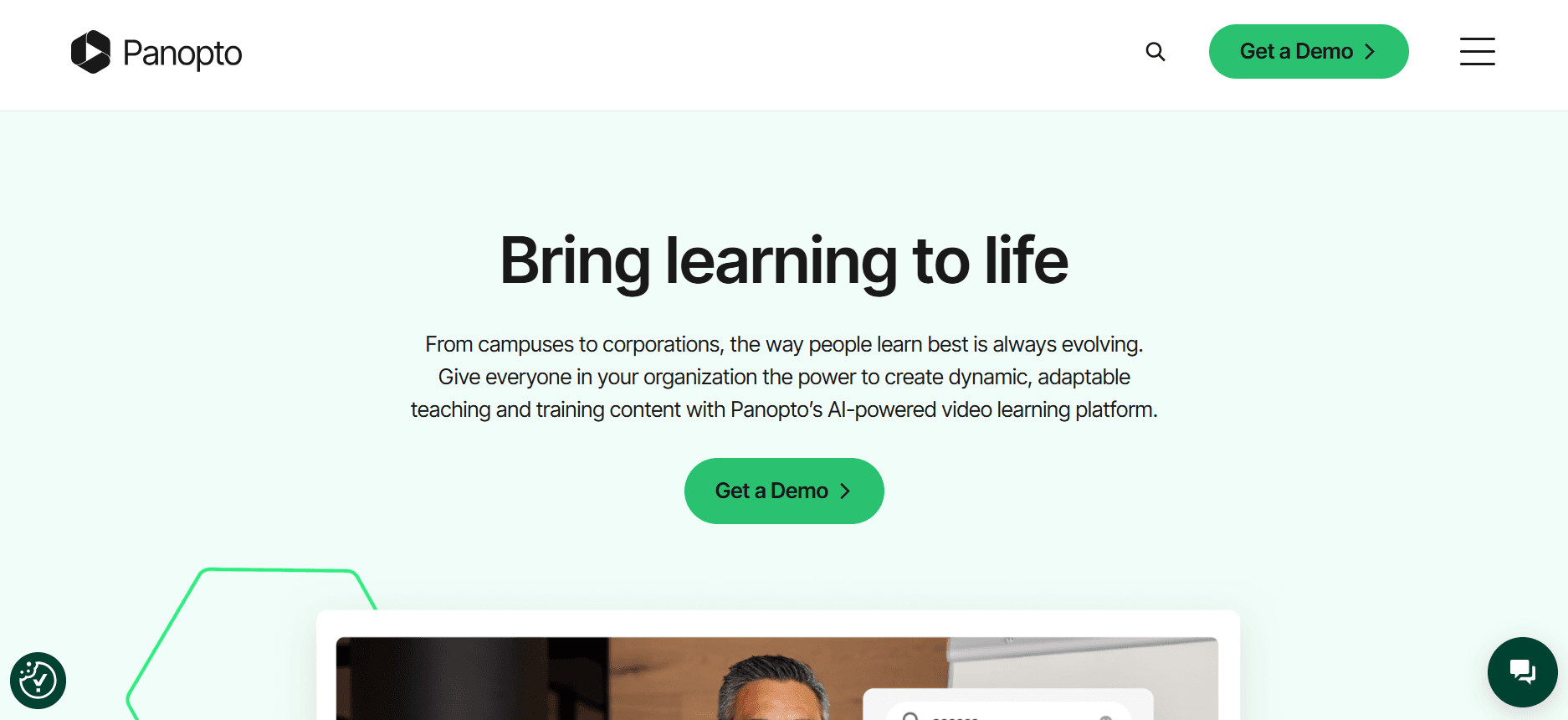
Panopto is a versatile platform known for its video content management capabilities. It's popular among educational institutions and enterprises seeking to manage large video libraries. Panopto excels in capturing and organizing video content but lacks some client-specific features that others offer.

It's perfect for organizations looking to store and analyze large volumes of video content, though it might not be the best fit for those needing interactive client training tools.

Key Features

  • Video content management system

  • Advanced search within video content

  • Automatic captioning and transcription

  • Integration with LMS like Blackboard and Canvas

  • Customizable video player

  • Secure sharing options

Pros

Cons

Excellent video content management capabilities.

Limited interactive features.

Strong integration with LMS platforms.

Pricing can be steep for smaller businesses.

Secure and customizable video sharing.

Interface can be complex for new users.

Pricing

Panopto does not offer a free tier. Pricing starts at $999 per year for small teams.

  1. Loom

    Loom

Loom is a straightforward tool for quick video communication, ideal for teams needing fast video messaging capabilities. It's widely used for internal communications and quick updates but isn't designed for detailed client training programs.

While it offers ease of use and convenience, Loom lacks the advanced analytics and interactive elements that are crucial for structured client training.

Key Features

  • Instant video recording and sharing

  • Simple user interface

  • Browser-based and mobile app support

  • Basic video editing tools

  • Viewer insights and engagement metrics

  • Integration with Slack and Google Workspace

Pros

Cons

Quick and easy video creation and sharing.

Limited functionality for in-depth client training.

User-friendly interface simplifies usage.

Minimal analytics compared to competitors.

Integration with popular work tools.

No client-specific access controls.

Pricing

Loom offers a free tier with limited features. Paid plans start at $10 per user per month.

  1. Kaltura

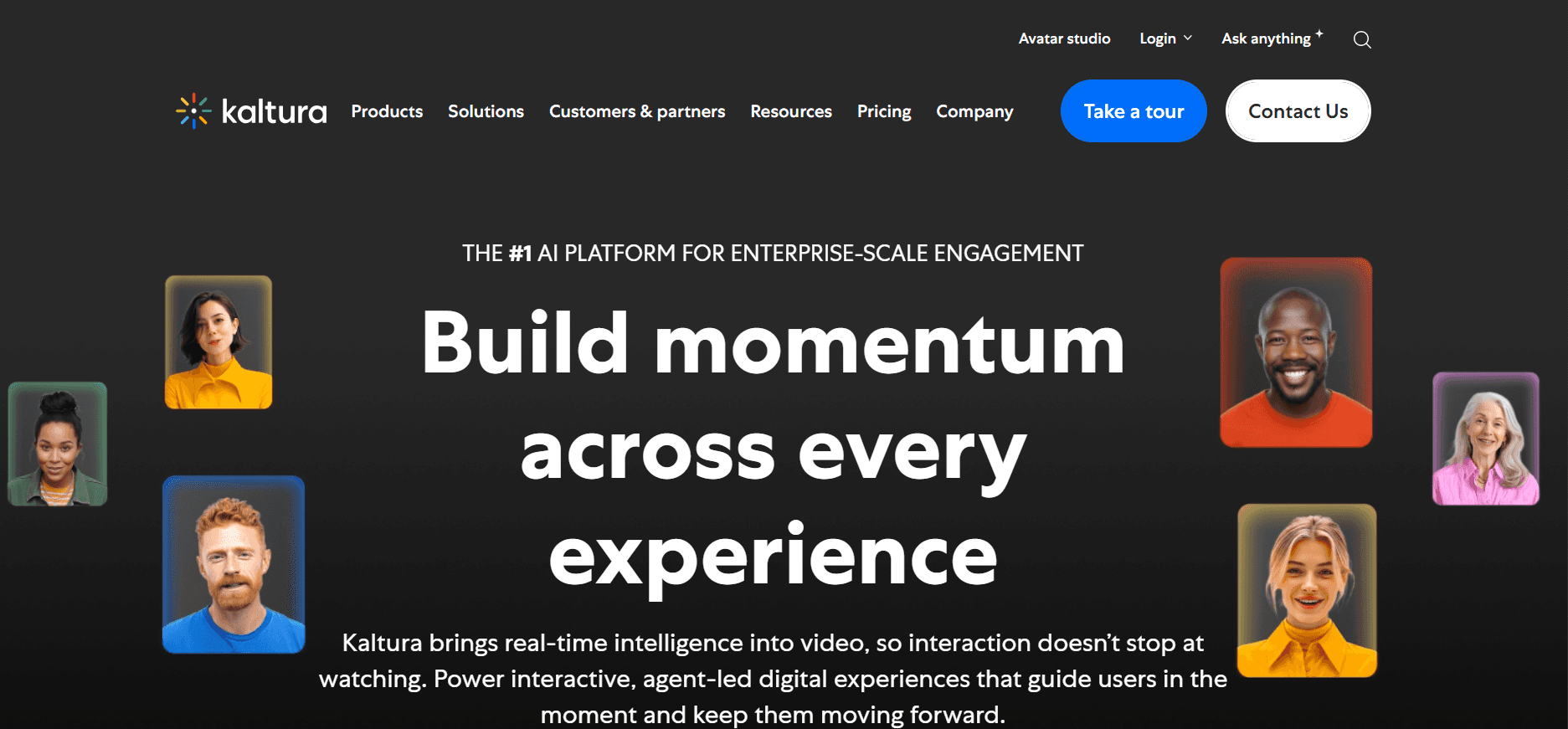
Kaltura is a powerful platform designed for large-scale video solutions, often used by educational institutions and enterprises. It's known for its customization and extensive feature set, making it suitable for organizations that need more than just basic video hosting.

However, Kaltura's complexity might be overwhelming for smaller teams or those looking for straightforward solutions.

Key Features

  • Highly customizable video solutions

  • Live streaming and video on demand

  • Analytics and engagement metrics

  • Interactive video features

  • Integration with major LMS platforms

  • Robust API support for developers

Pros

Cons

Extensive customization options for video content.

Can be complex to set up and manage.

Strong analytics and engagement tracking.

High cost for enterprise solutions.

Integration with a variety of LMS platforms.

Interface can be overwhelming for new users.

Pricing

Kaltura does not offer a free tier. Pricing is customized based on enterprise needs and starts at $500 per month.

  1. Vidyard

    Vidyard

Vidyard is a video platform primarily focused on businesses needing robust sales and marketing capabilities. It's excellent for teams that require video as a tool for customer engagement and lead generation.

While it's great for marketing purposes, Vidyard might not offer the depth of training-specific features that other platforms provide.

Key Features

  • Video hosting with detailed analytics

  • Personalized video messages

  • Custom call-to-actions and email gating

  • Integration with Salesforce and HubSpot

  • Video SEO tools

  • Interactive video capabilities

Pros

Cons

Excellent for sales and marketing video strategies.

May lack depth in training-specific features.

Strong integrations with CRM platforms.

Premium features come at a higher cost.

Interactive video adds engagement value.

Limited offline access to video content.

Pricing

Vidyard offers a free tier with limited features. Paid plans start at $15 per user per month.

  1. Wistia

    Wistia

Wistia is a video platform known for its focus on business marketing and brand building. It offers detailed analytics and customization options, making it ideal for teams that want to maintain a professional brand image.

While Wistia provides excellent marketing tools, it may not cover all the interactive and client-specific features needed for comprehensive training programs.

Key Features

  • Brandable video player

  • Advanced video analytics

  • Customizable call-to-actions

  • Integration with popular marketing tools

  • Video SEO features

  • Lead capture forms

Pros

Cons

Strong focus on brand building with video.

Limited interactive training features.

Detailed analytics support marketing efforts.

Higher cost for advanced features.

Custom branding keeps content professional.

Not ideal for extensive client training needs.

Pricing

Wistia offers limited features for free. Paid plans start at $99 per month.

  1. Camtasia

    Camtasia

Camtasia is a powerful tool for creating video tutorials and presentations. It's best suited for teams needing in-depth video editing capabilities and those who create detailed instructional content. Camtasia shines in editing features but lacks a robust platform for distribution and analytics.

It's ideal for educators and trainers who need advanced editing but may not fit businesses needing comprehensive training solutions with engagement tracking and client portals.

Key Features

  • Advanced video editing tools

  • Screen recording capabilities

  • Interactive quizzes and assessments

  • Annotations and callouts

  • Video templates and assets

  • Integration with PowerPoint

Pros

Cons

Strong video editing and creation capabilities.

No client portals or advanced analytics.

Interactive features for engaging content.

Not a comprehensive solution for all training needs.

Ideal for creating detailed instructional content.

Pricing can be prohibitive for small teams.

Pricing

Camtasia offers a one-time purchase option starting at $299. No free tier available.

Client Training Video Platform Challenges: What Teams Struggle With

  1. No Dedicated Client Access Controls

  • Teams often share generic video links instead of secure, gated access portals.

  • Lack of personalized access can lead to unauthorized viewing or sharing.

  • Clients may face difficulties in accessing content tailored specifically for them.

  • Security concerns arise when sensitive training materials are exposed.

  1. Lack of Visibility into Client Engagement

  • Trainers struggle to track whether clients have watched the training videos.

  • Without engagement metrics, it's challenging to assess the effectiveness of the training.

  • Limited feedback loops mean teams can't easily iterate on content.

  • Engagement insights are crucial for tailoring future training sessions.

  1. Absence of Professional Branding

  • Generic video platforms don't offer advanced branding options.

  • Videos without custom branding might not reinforce the company’s brand image.

  • Clients may perceive the training as unprofessional or generic.

  • Brand identity is crucial for fostering trust and recognition among clients.

  1. Interactive Elements for Self-Paced Training

  • Many platforms lack features like quizzes, chapters, or branching.

  • Interactive elements can significantly improve knowledge retention.

  • Clients often prefer engaging content that allows for active participation.

  • Without interaction, training can feel monotonous and less impactful.

  1. Re-recording for Every Product Update

  • Teams often need to create new content for each product change.

  • Frequent updates lead to a significant time investment in content creation.

  • Static videos don't allow for easy updates to reflect new features or changes.

  • Clients might receive outdated information if updates are delayed.

Challenge

Traditional Process

Business Impact

Time Cost

No Client Access Controls

Generic link sharing

Security risks, unauthorized access

High

No Visibility into Engagement

Manual follow-ups

Missed insights, ineffective training

Medium

Absence of Professional Branding

Default platform branding

Weak brand reinforcement

Low

No Interactive Elements

Passive video content

Lower engagement, poor retention

Medium

Re-recording for Updates

Complete video re-creation

Outdated content, resource drain

High

Must-Have Features in Client Training Video Platforms

  1. Client Portal with Granular Access Controls

A client portal with detailed access controls allows businesses to manage user permissions effectively. This ensures that only authorized clients can view the training materials, enhancing security and personalization. Tools like Trupeer excel in this area by providing configurable access settings tailored to individual client needs.

Such portals not only secure the content but also simplify the user experience by offering a dedicated space for each client to access their training materials. This feature is crucial for maintaining control over who can see what, thereby protecting sensitive information.

  1. Video Analytics Showing Per-Viewer Engagement

Detailed engagement analytics are indispensable for understanding how clients interact with training content. Platforms offering these insights, such as Vidyard, enable trainers to measure the impact of their videos precisely. This data helps in refining content for better effectiveness.

Knowing which sections of a video are most engaging or where viewers drop off can guide future content creation. It allows teams to iterate and improve their training strategies based on concrete data rather than assumptions.

  1. Interactive Elements: Quizzes, Chapters, and Branching

Interactive video elements transform passive watching into an engaging learning experience. Features like quizzes, chapters, and branching provide clients with a more personalized and effective training session. Kaltura is known for its robust interactive capabilities, making it a popular choice for educational and corporate training.

These elements not only make the training more engaging but also facilitate better retention of information. They allow clients to actively participate in their learning journey, which can significantly enhance the overall training outcome.

  1. AI Voiceover and Auto-Translation

As training programs go global, AI voiceover and auto-translation features become essential. Platforms like Trupeer offer AI-driven voiceovers that can convert text to speech in multiple languages, broadening the reach of training content. This feature is crucial for businesses operating in diverse linguistic regions.

Auto-translation capabilities ensure that language barriers do not impede the training process. It allows companies to deliver consistent training experiences across different geographies, which is vital for maintaining quality and coherence in global operations.

  1. Custom Branding with Logo and Colors

Maintaining brand consistency across all client touchpoints is vital, and video training platforms that support custom branding help achieve this. Wistia, for example, allows businesses to customize the video player with their logo and brand colors, ensuring that all content aligns with the company’s brand identity.

This feature not only enhances professionalism but also reinforces brand recognition. It allows companies to deliver a cohesive brand experience, which is crucial for building trust and loyalty among clients.

  1. Easy Content Updates Without Re-recording

In dynamic industries where products and services are frequently updated, the ability to update video content without re-recording is a game changer. Tools like Camtasia, with their advanced editing capabilities, allow for easy modifications, saving time and resources.

This feature ensures that training content remains current and accurate without the need to start from scratch every time there's an update. It provides flexibility and adaptability, which is essential for keeping training materials relevant and useful.

How to Choose Client Training Video Platforms Based on Your Use Case

  1. Software Onboarding Videos for Clients

Software companies often need to onboard clients quickly and effectively. Video onboarding can simplify complex processes and help clients understand software features. The right platform should provide interactive elements and detailed analytics to track client progress.

  • Key Challenges

  • Explaining complex software features in a simple way.

  • Ensuring clients complete the onboarding process.

  • Providing support for multilingual clients.

  • Solutions Needed

  • Interactive tutorials with quizzes and feedback.

  • Multi-language support and AI voiceover.

  • Analytics to track engagement and completion.

Platform

Interactive Tutorials

Multi-Language Support

Engagement Analytics

Trupeer

Yes

Yes

Yes

Kaltura

Yes

Yes

Yes

Vidyard

Limited

Limited

Yes

  1. Ongoing Product Training Libraries

Businesses that frequently update their products require a robust training library to educate clients about new features. Maintaining an up-to-date and accessible video library is crucial for continuous client education.

  • Key Challenges

  • Keeping training content current with product updates.

  • Providing easy access to the entire training library.

  • Ensuring content is engaging and interactive.

  • Solutions Needed

  • Easy content updates without re-recording.

  • Comprehensive client portal for library access.

  • Interactive elements to boost engagement.

Platform

Easy Updates

Client Portal

Interactive Elements

Camtasia

Yes

No

Yes

Panopto

Limited

Yes

No

Trupeer

Yes

Yes

Yes

  1. Compliance and Certification Training for Clients

Industries with strict compliance requirements need to ensure that their clients complete necessary training for certification. Platforms should offer detailed tracking and reporting features to monitor client progress.

  • Key Challenges

  • Ensuring all clients complete mandatory training.

  • Tracking and reporting on client progress.

  • Providing a certificate of completion.

  • Solutions Needed

  • Comprehensive tracking and reporting tools.

  • Automated certificate generation upon completion.

  • Engagement analytics to ensure content effectiveness.

Platform

Tracking & Reporting

Certificate Generation

Engagement Analytics

Wistia

Limited

No

Yes

Trupeer

Yes

Yes

Yes

Kaltura

Limited

No

Yes

  1. Partner Enablement Video Programs

For companies working closely with partners, consistent training is crucial for alignment and effectiveness. A platform that supports branded content and easy sharing is essential.

  • Key Challenges

  • Delivering consistent training across various partners.

  • Maintaining brand identity in all training materials.

  • Facilitating easy sharing of content.

  • Solutions Needed

  • Custom branding options for all videos.

  • Secure sharing and access management.

  • Comprehensive analytics to track partner engagement.

Platform

Custom Branding

Secure Sharing

Partner Analytics

Vidyard

Yes

Yes

Limited

Trupeer

Yes

Yes

Yes

Wistia

Yes

Yes

No

Best Practices for Client Training Videos

  1. Before Creating Videos

  • Define clear learning outcomes for each video.

  • Plan your video series by specific topics.

  • Identify your target audience's needs and preferences.

  • Gather input from stakeholders to ensure all needs are met.

  • Choose the right platform based on your specific use case.

  1. During Video Creation

  • Keep each video concise, ideally under 5 minutes.

  • Use chapters to structure longer content.

  • Include interactive elements to engage viewers.

  • Ensure high-quality audio and video production.

  • Incorporate branding elements consistently throughout the video.

  1. After Publishing Videos

  • Track completion rates and engagement metrics.

  • Gather feedback from clients to improve content.

  • Regularly refresh content to keep it relevant.

  • Send reminders to clients about new or updated material.

  • Analyze analytics to refine future training strategies.

Frequently Asked Questions

  1. What is a client training video platform?

A client training video platform is a tool designed to facilitate the creation, distribution, and management of video training materials for clients. These platforms provide features like interactive elements, engagement analytics, and secure access controls to enhance the training experience.

  1. How do video platforms improve client training?

Video platforms improve client training by offering interactive content, tracking engagement, and allowing for easy updates and distribution. They make training more engaging and accessible, leading to better retention and understanding of the material.

  1. Can I update training videos without re-recording?

Yes, many platforms like Camtasia offer advanced editing features that allow you to update content without needing to re-record the entire video. This saves time and ensures your content remains current.

  1. Do these platforms support multi-language content?

Yes, platforms like Trupeer and Kaltura offer multi-language support, allowing you to provide language-specific translations and subtitles. This feature is essential for training diverse audiences.

  1. Are there free video training platforms available?

Yes, some platforms like Loom and Vidyard offer free tiers with limited features. However, for comprehensive client training needs, investing in a paid plan often provides access to crucial features like advanced analytics and custom branding.

  1. What factors influence the cost of these platforms?

The cost is influenced by factors such as the number of users, required features, and support levels. Customization, branding options, and integration capabilities can also affect pricing.

  1. How long does it take to implement a video training platform?

Implementation time varies based on platform complexity and organizational needs. Simple setups may take a few days, while more comprehensive implementations could take several weeks, particularly if customization and integration are required.

  1. What support is available during implementation?

Most platforms offer customer support, tutorials, and resources to assist with implementation. Some may also provide dedicated onboarding assistance for larger teams or complex setups.

Final Thoughts

Choosing the right video platform for client training is crucial for delivering effective and engaging content. By understanding your specific needs and the features each platform offers, you can make an informed decision that aligns with your business objectives.

Trupeer offers a robust solution with comprehensive client portals, interactive features, and detailed analytics, making it a strong contender for businesses focused on client training. Discover more about Trupeer and how it can enhance your training programs by visiting Trupeer.ai.

無料でAIビデオ+ドキュメントジェネレーターを使って動画を作成し始めましょう

無料でAIビデオ+ドキュメントジェネレーターを使って動画を作成し始めましょう

Experience the new & faster way of creating product videos.

Instant AI Product Videos and Docs from Rough Screen Recordings.

Get started for free

無料で始める

Experience the new & faster way of creating product videos.

Instant AI Product Videos and Docs from Rough Screen Recordings.

Get started for free

無料で始める

Experience the new & faster way of creating product videos.

Instant AI Product Videos and Docs from Rough Screen Recordings.

Get started for free

無料で始める