Trupeer Blog

Best Learning Management Systems Software

Best Learning Management Systems Software

要約

目次

AIで魅力的な製品動画とドキュメントを作成

無料で始める

Buyer's Overview

Choosing the best learning management system (LMS) can be a daunting task for organizations. Many mid-sized companies find themselves spending 3-5 weeks just on the software review stage. The stakes are high: selecting the wrong LMS can lead to stalled adoption, frustrated learners, and overburdened support teams. According to a recent study by eLearning Industry, 64% of organizations say their biggest challenge is finding an LMS that meets all their needs.

Source: eLearning Industry

This guide is designed to help decision-makers navigate the complex LMS landscape by comparing top platforms like Docebo, Skilljar, and more. Whether you're a small business looking to improve training efficiency or a large enterprise needing robust analytics, this guide is for you.

Best Learning Management Systems Tools: Head-to-Head Comparison

Feature

Docebo

Skilljar

iSpring Learn

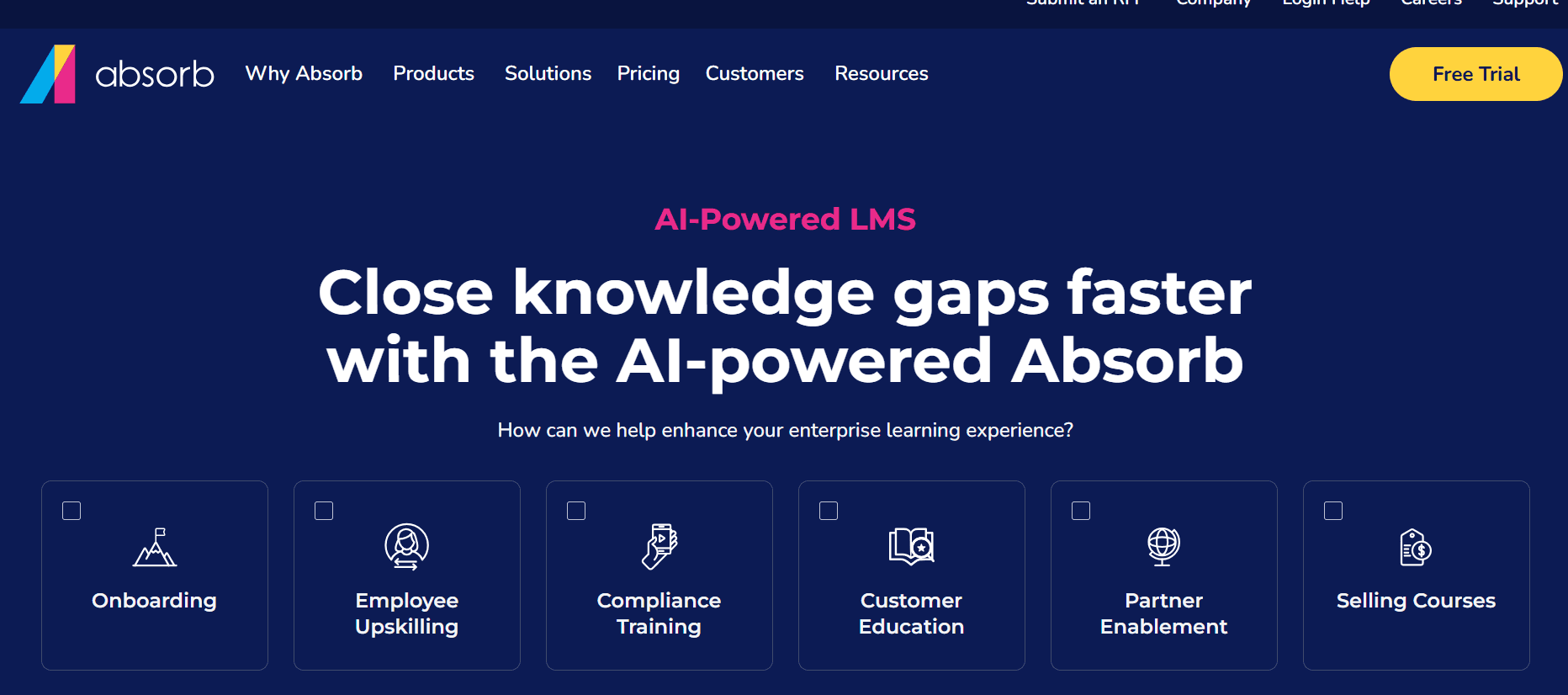
Absorb LMS

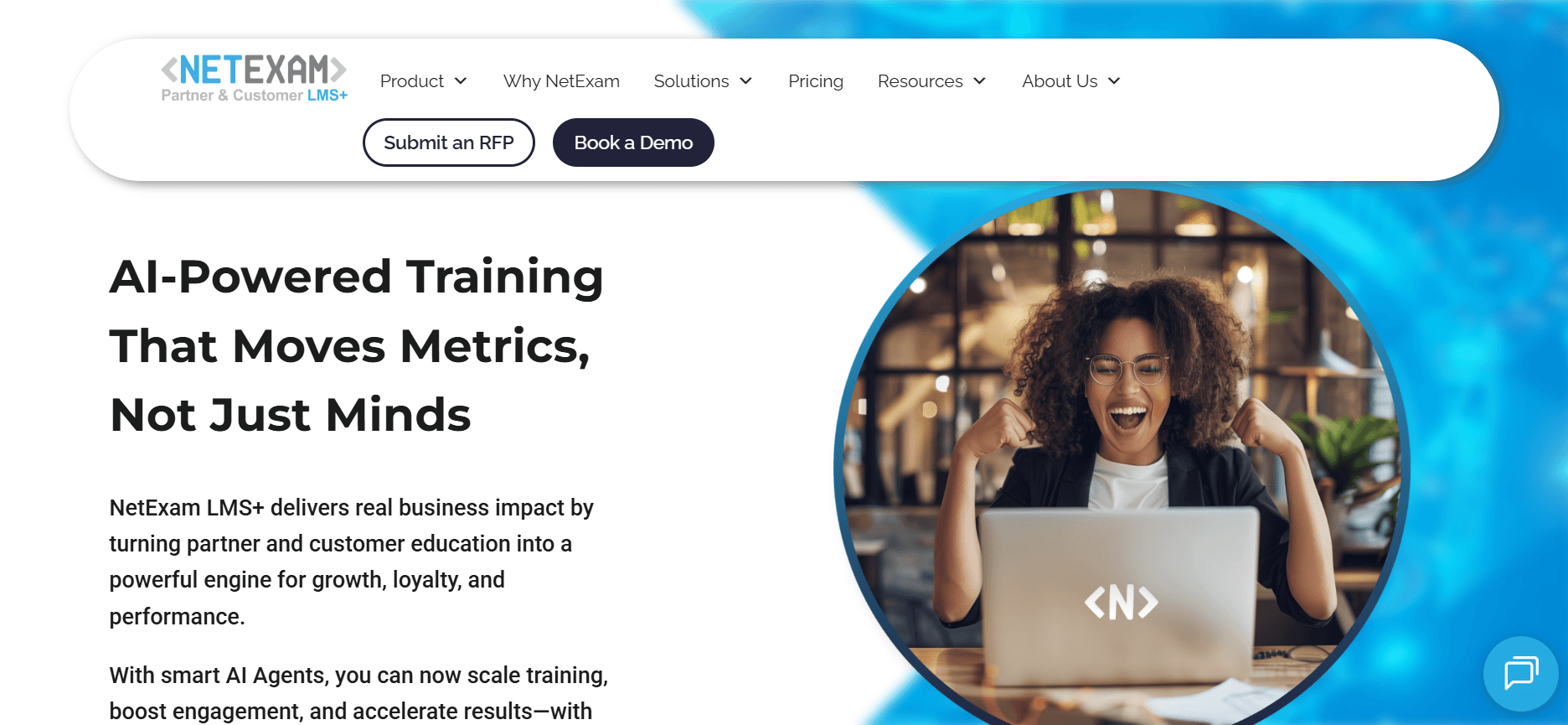
NetExam

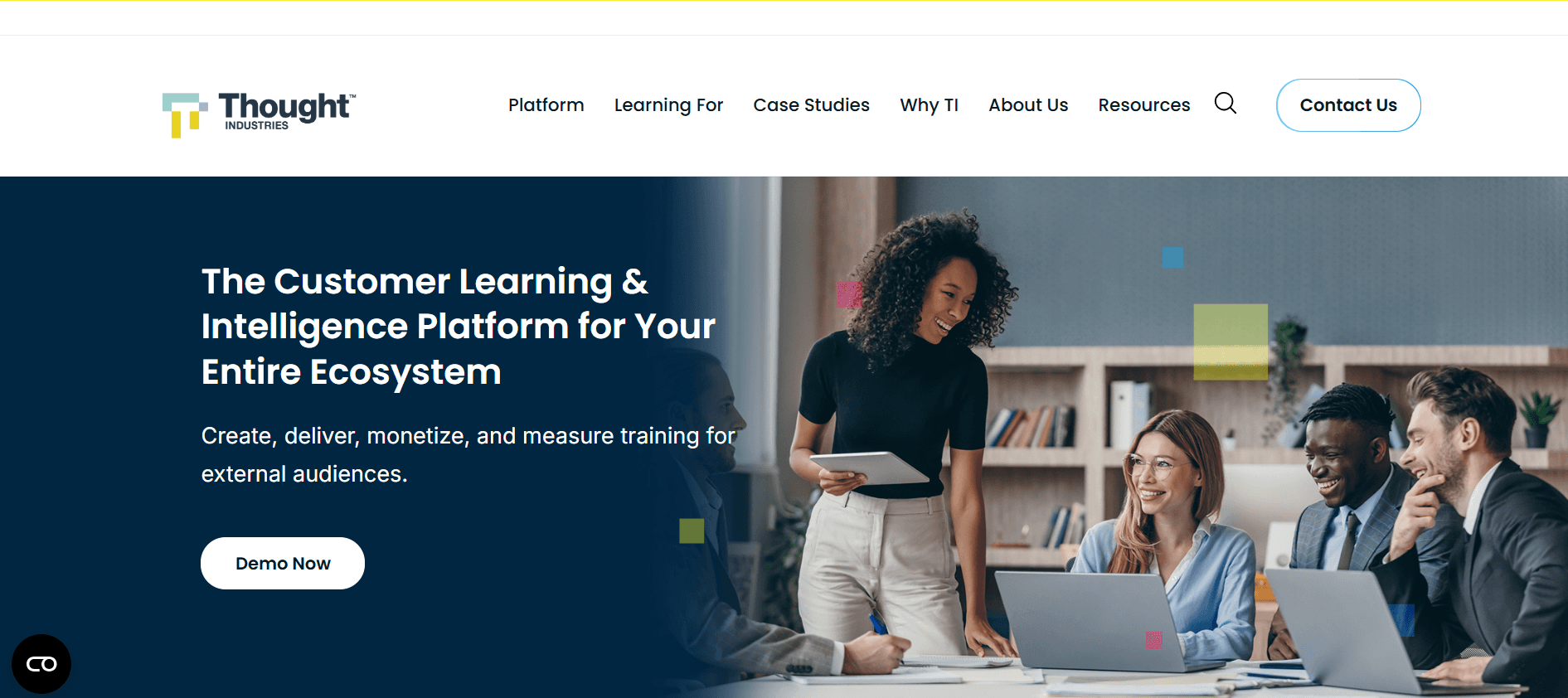
Thought Industries

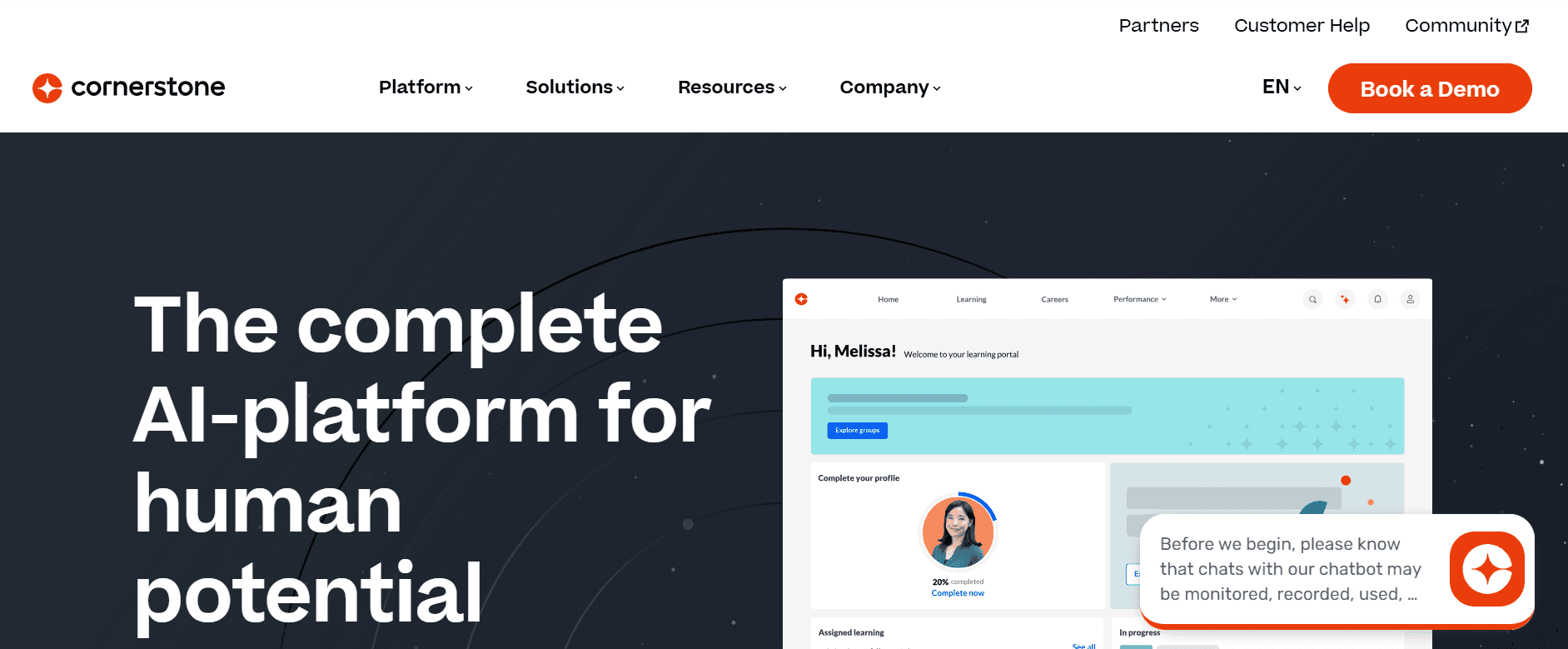
Cornerstone OnDemand

Trupeer

AI Content Generation

Limited

Limited

Certification Engine

Advanced Analytics

Limited

Limited

Limited

SCORM/xAPI

Limited

White-labeled UX

Mobile-ready UI

Salesforce/HubSpot Integration


1. Trupeer

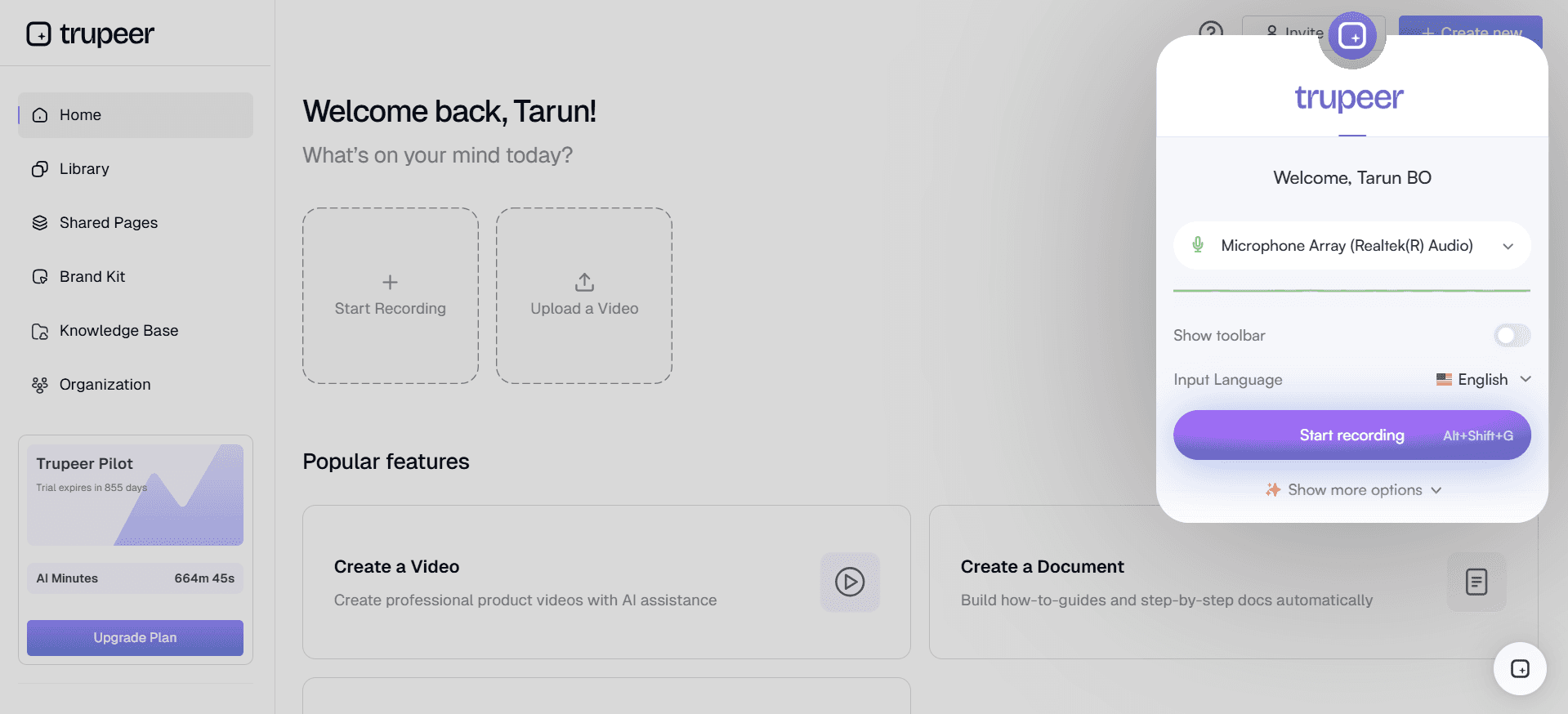
Trupeer

Trupeer isn't an LMS, but rather, it's a powerful content creation tool designed to complement LMS platforms. It's perfect for organizations that need to produce high-quality training materials, such as videos and documents, which can then be integrated into any LMS. Trupeer is especially useful for teams that require rapid content creation without sacrificing quality.

Its strength lies in its user-friendly interface and advanced features like AI-assisted content generation. While it's not a standalone LMS, it enhances LMS platforms by providing polished content that engages learners effectively.

Key Features

  • AI-powered content generation

  • Easy video editing and creation

  • Document and training material authoring

  • Seamless integration with major LMS platforms

  • Customizable templates

  • Collaborative tools for team projects

  • Multi-format export options

  • Intuitive drag-and-drop interface


"Trupeer has dramatically improved our training content quality and reduced our production time by half." - Alex J., Learning Manager

Pricing

Trupeer offers a free version with limited features, while premium plans start at $49 per user per month. Custom enterprise pricing is available for larger teams.

  1. Docebo

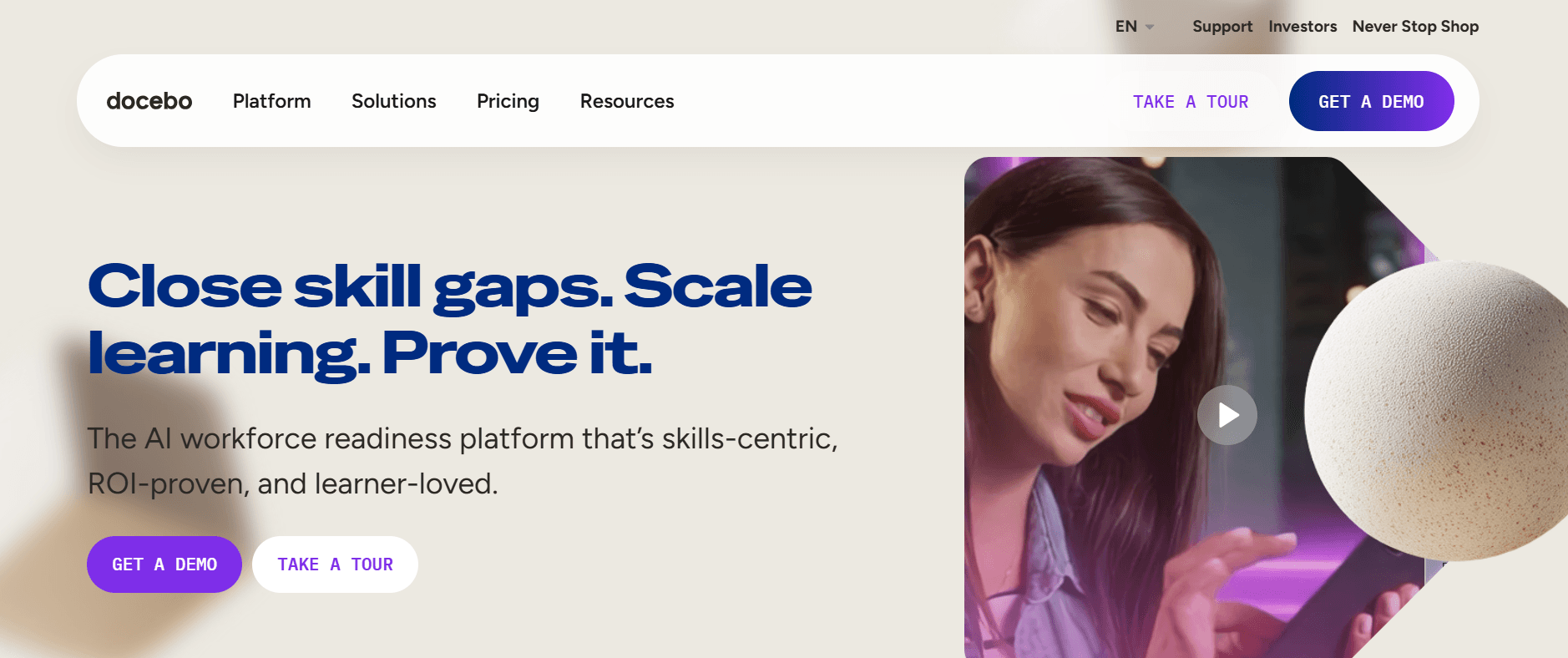
    Docebo

    Docebo is a versatile LMS designed to scale with organizations of all sizes. It's particularly strong in AI-driven learning pathways, which helps personalize the learning experience. The platform caters well to both corporate training and extended enterprise scenarios, making it suitable for organizations that train employees and external partners. Docebo's intuitive interface makes it accessible for users without a steep learning curve.

    What sets Docebo apart is its AI capabilities that enhance content recommendations and improve engagement. But it can be a bit pricey for smaller teams. The platform excels in compliance training, thanks to its robust reporting and analytics features.

    Key Features

    • AI-powered learning pathways

    • Multi-language support

    • Social learning modules

    • Customizable branding options

    • Advanced reporting tools

    • Gamification features

    • SCORM/xAPI compliance

    • Salesforce integration

    Pros

    Cons

    Supports over 35 languages, ideal for global teams.

    Higher cost may be prohibitive for small businesses.

    Excellent AI-driven content recommendations.

    Can be complex for non-tech users to set up.

    Robust analytics and reporting features.

    Limited customizability in lower-tier plans.

    Pricing

    Docebo offers a free trial, with paid plans starting at $1,600 per year for small teams. Custom pricing is available for larger enterprises.

  2. Skilljar

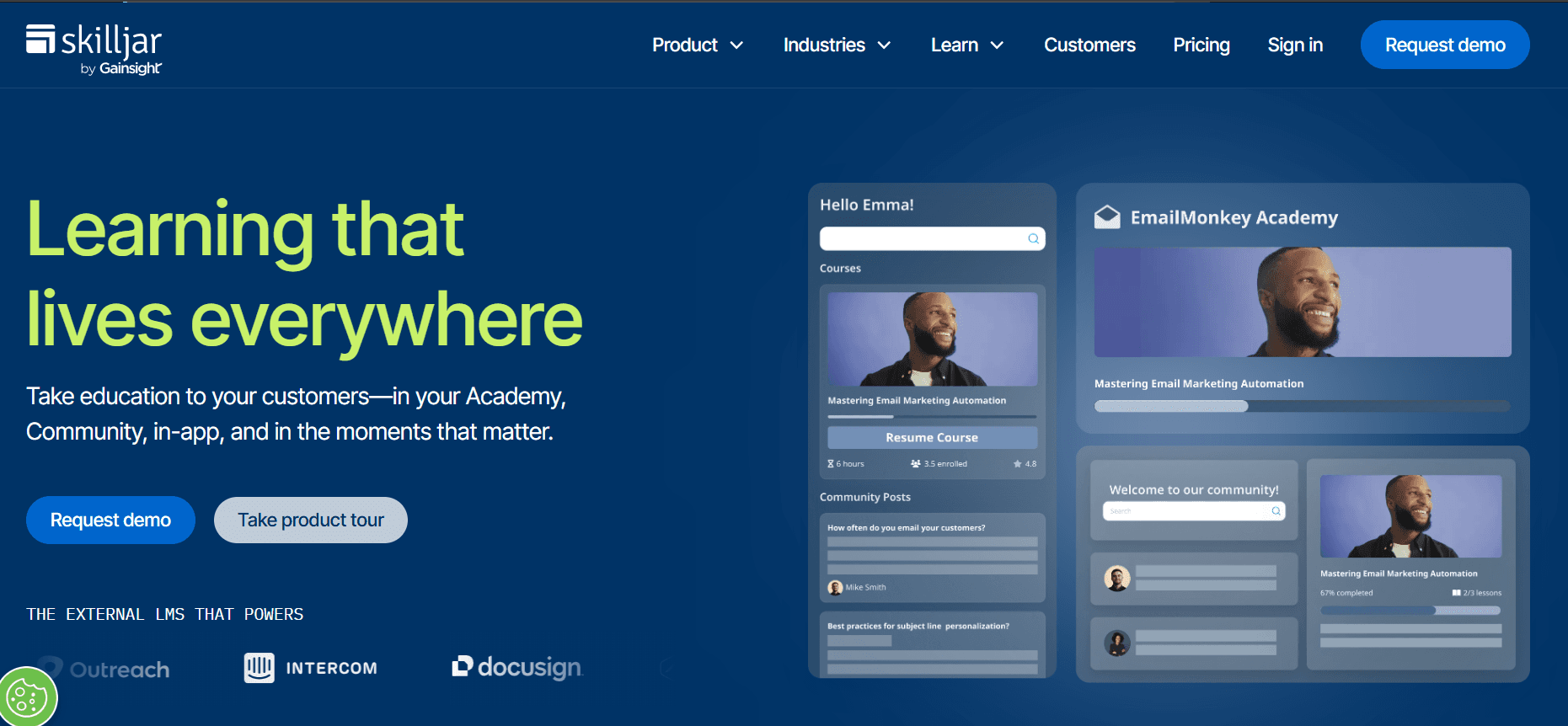
    Skilljar

    Skilljar stands out as a customer and partner training platform, making it an excellent choice for organizations aiming to educate external audiences. It's known for its ease of integration with CRM tools like Salesforce, which helps streamline training workflows. Skilljar's user-friendly interface ensures that learners can navigate the system without any hassle, enhancing user experience.

    The platform excels in delivering certification programs and has robust capabilities for managing and tracking learner progress. However, its focus on external training means that it may not be the best fit for purely internal employee training programs.

    Key Features

    • CRM integrations with Salesforce and HubSpot

    • Certification and compliance tracking

    • Customizable learning portals

    • Extensive reporting and analytics

    • Mobile-responsive design

    • Multi-language support

    • SCORM/xAPI support

    • API access for custom development

    Pros

    Cons

    Seamless CRM integrations enhance training workflows.

    Limited features for internal employee training.

    Strong support for certification and compliance.

    Higher cost for large-scale deployments.

    User-friendly interface with customizable portals.

    Customization options can be overwhelming for new users.

    Pricing

    Skilljar offers custom pricing based on the number of learners and specific features needed. A free demo is available upon request.

  3. iSpring Learn

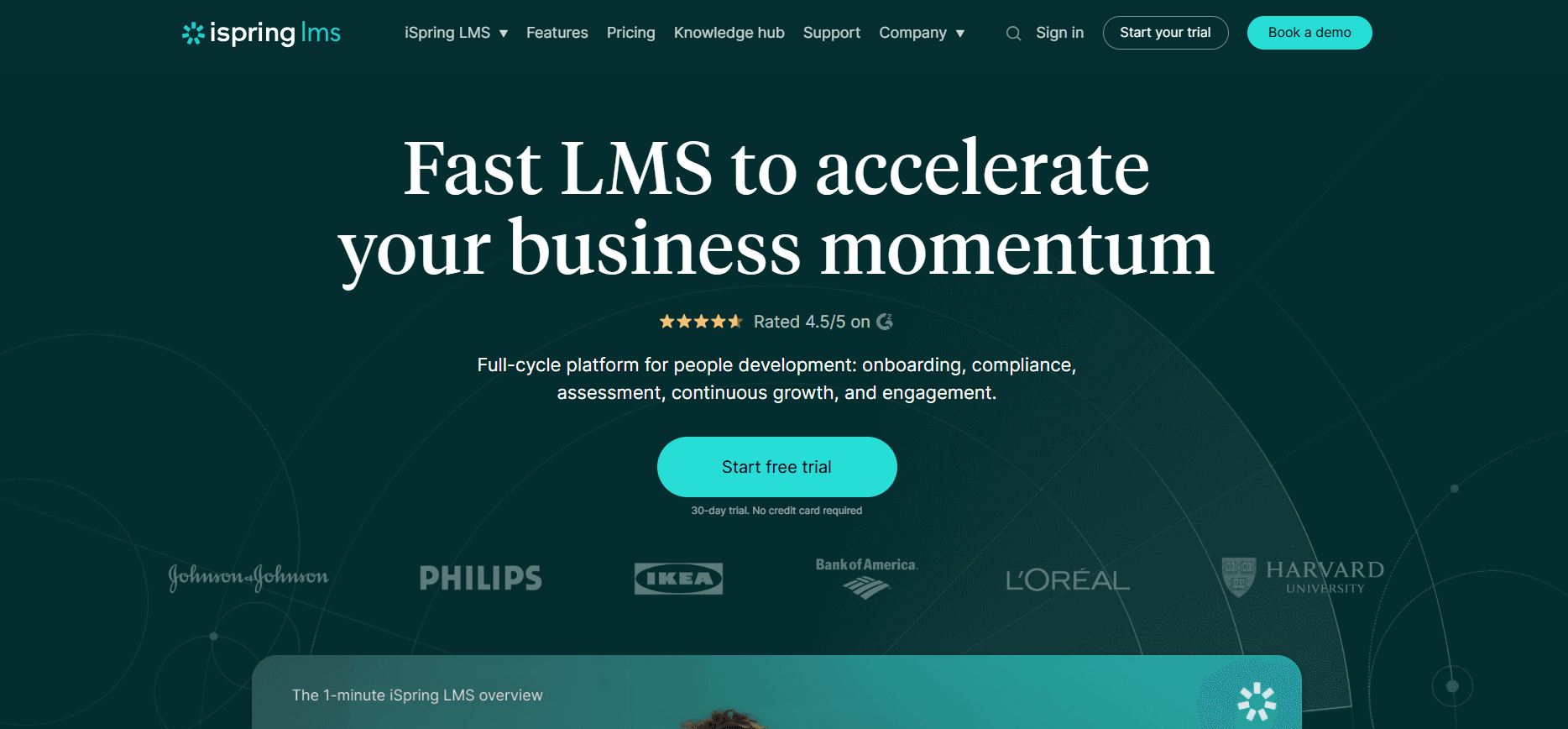
    iSpring Learn

    iSpring Learn is a straightforward LMS that's perfect for small to medium-sized businesses looking for an easy-to-use platform. It shines in its ability to quickly deploy courses and track learner progress without unnecessary complexity. The platform is particularly strong in creating interactive learning experiences, thanks to its integration with iSpring Suite, which allows the creation of engaging content.

    While iSpring Learn is ideal for businesses just starting with online training, it may not offer the advanced analytics and integrations needed by larger enterprises. It's best suited for straightforward training needs.

    Key Features

    • Integration with iSpring Suite for content creation

    • Mobile app for on-the-go learning

    • Simple course management tools

    • Customizable learning paths

    • Progress tracking and reporting

    • Webinars and live training sessions

    • SCORM/xAPI compliance

    • Automated email notifications

    Pros

    Cons

    Easy to use, ideal for small to medium businesses.

    Lacks advanced analytics for larger enterprises.

    Strong integration with iSpring Suite for content creation.

    Limited third-party integrations.

    Affordable pricing makes it accessible.

    Customization features are somewhat limited.

    Pricing

    iSpring Learn offers a free trial, with paid plans starting at $2.99 per user per month. Discounts are available for annual billing.

  4. Absorb LMS

    Absorb LMS

    Absorb LMS is a robust platform designed for businesses that require a comprehensive training solution. It offers a wide range of features including e-commerce capabilities, making it suitable for organizations that sell courses. Absorb's intuitive interface and powerful analytics tools make it a favorite among companies that need to manage large-scale training programs effectively.

    The platform supports a high degree of customization and integration options, which is perfect for enterprises with complex training needs. However, its extensive feature set can be overwhelming for smaller teams just beginning their LMS journey.

    Key Features

    • Advanced analytics and reporting

    • E-commerce integration for course sales

    • Customizable user interface

    • Gamification to boost engagement

    • Multi-language support

    • SCORM/xAPI and Tin Can API compliance

    • Mobile accessibility

    • Integration with CRM and HR systems

    Pros

    Cons

    Highly customizable, perfect for large enterprises.

    Complex setup process for new users.

    Strong e-commerce capabilities for course selling.

    Higher price point may deter smaller businesses.

    Comprehensive analytics for in-depth insights.

    Feature-rich interface can be overwhelming.

    Pricing

    Absorb LMS offers custom pricing based on the organization's size and specific needs. A free demo is available for interested parties.

  5. NetExam

    NetExam

    NetExam specializes in channel partner training, making it an excellent choice for organizations that need to educate and certify their extended enterprise network. The platform is known for its robust certification engine and ease of use, which streamlines the management of partner training programs. Its integration capabilities with CRM systems like Salesforce further enhance its utility for channel training.

    However, NetExam's focus on partner training means it may not be as well-suited for internal employee training needs. It's best for organizations with established partner networks looking to optimize their training processes.

    Key Features

    • Certification engine for partner programs

    • CRM integration, including Salesforce

    • Multi-language support for global reach

    • Comprehensive reporting and analytics

    • Mobile-friendly design

    • Custom branding options

    • SCORM/xAPI compliance

    • Automated notifications and reminders

    Pros

    Cons

    Ideal for channel partner certification and training.

    Limited features for internal training.

    Strong CRM integration enhances training management.

    Not ideal for small businesses with few partners.

    Robust certification engine supports compliance needs.

    Complex pricing structure may deter some users.

    Pricing

    NetExam offers custom pricing based on the number of users and specific features. A demo can be requested through their website.

  6. Thought Industries

    Thought Industries

    Thought Industries is targeted at organizations seeking to deliver customer training programs at scale. It's a comprehensive platform designed to handle complex training scenarios with ease. The platform's strength lies in its ability to deliver engaging content and track learner engagement through advanced analytics.

    However, Thought Industries can be a bit overkill for smaller organizations that don't require extensive customization or advanced analytics. It's best used by companies with a strong focus on external training and customer education.

    Key Features

    • Customer training portals

    • Advanced reporting and analytics

    • Content authoring tools

    • Customizable user experience

    • Multi-language support

    • Mobile-ready design

    • SCORM/xAPI compliance

    • Integration with CRM systems

    Pros

    Cons

    Excellent for customer training and engagement.

    May be too complex for smaller teams.

    Strong analytics for tracking learner engagement.

    High cost could be a barrier for small businesses.

    Comprehensive content authoring capabilities.

    Learning curve can be steep initially.

    Pricing

    Thought Industries offers customized pricing plans. Interested users can request a demo to explore the platform's capabilities.

  7. Cornerstone OnDemand

    Cornerstone OnDemand

    Cornerstone OnDemand is a versatile platform that's well-suited for large enterprises looking for a full-suite talent management solution. It's not just an LMS; it integrates learning with performance, succession, and recruiting tools, making it a powerful choice for organizations aiming to align learning with overall talent management strategies.

    The platform offers a high degree of customization and a wide range of features, which can be both its strength and its Achilles' heel, as smaller organizations might find the platform overly complex for their needs.

    Key Features

    • Integrated talent management solutions

    • Comprehensive learning libraries

    • Customizable learning paths

    • Advanced reporting and analytics

    • Mobile-ready design

    • Multi-language support

    • SCORM/xAPI compliance

    • Integration with HR systems

    Pros

    Cons

    Comprehensive talent management integration.

    Complex for smaller businesses to implement.

    Strong analytics and reporting capabilities.

    Expensive, especially for smaller teams.

    Highly customizable and scalable.

    Steep learning curve for new users.

    Pricing

    Cornerstone OnDemand offers tailored pricing plans based on the organization's size and requirements. A free demo is available for interested parties.

Learning Management Challenges: What Teams Struggle With

  1. Implementation Timelines

    • Many organizations underestimate the time required to implement an LMS, often taking 2-6 months.

    • Lack of a clear project plan can lead to delays and increased costs.

    • Coordination between IT, HR, and training departments often complicates timelines.

    • Customization needs can extend the implementation time significantly.

  2. Content Migration Hell

    • Transferring existing training materials to a new LMS can be a nightmare.

    • Compatibility issues with SCORM or xAPI standards often arise.

    • Loss of data fidelity during migration can affect training quality.

    • Manual migration processes are time-consuming and error-prone.

  3. Poor Learner Engagement

    • Learners often find LMS interfaces uninspiring and hard to navigate.

    • Content that isn't interactive or engaging can lead to low completion rates.

    • Lack of gamification or social learning features reduces learner motivation.

    • Inadequate mobile accessibility can deter modern, on-the-go learners.

  4. Reporting Fatigue

    • Complex reporting tools can overwhelm administrators with too much data.

    • Customizing reports to meet business needs is often cumbersome.

    • Inconsistent data across systems can lead to unreliable insights.

    • Manual data analysis is resource-intensive and prone to errors.

  5. Siloed Content vs. Searchability

    • Content stored in silos makes it difficult for learners to find relevant materials.

    • Lack of effective search tools hinders content discoverability.

    • Duplication of content across systems can lead to version control issues.

    • Inability to tag or categorize content limits personalized learning paths.

    Challenge

    Traditional Process

    Business Impact

    Time Cost

    Implementation Timelines

    Sequential planning

    Delayed launch, increased costs

    2-6 months

    Content Migration Hell

    Manual data transfer

    Data loss, inconsistent training

    Weeks to months

    Poor Learner Engagement

    Static content delivery

    Low course completion rates

    Ongoing

    Reporting Fatigue

    Manual report customization

    Inaccurate insights, wasted resources

    Ongoing

    Siloed Content vs. Searchability

    Decentralized content storage

    Difficulty in accessing resources

    Ongoing

    The challenges outlined above highlight the complex nature of managing an LMS effectively. As organizations strive to improve their training programs, addressing these pain points becomes crucial. This is where understanding the must-have features in modern LMS tools can make a significant difference.

Must-Have Features in Modern Learning Management Systems

  1. Course Builder

    A robust course builder is essential for any LMS, allowing administrators to create engaging and interactive courses. Tools like Thought Industries and Docebo offer drag-and-drop interfaces that simplify course creation. This feature should support multimedia content, quizzes, and assessments to cater to diverse learning styles. A good course builder not only enhances content delivery but also reduces the time and effort required to develop comprehensive training programs.

  2. Assessments and Quizzes

    Assessments are crucial for gauging learner understanding and retention. Platforms like Absorb LMS excel in offering customizable quizzes and tests, which can be tailored to meet specific learning objectives. This feature should include automated grading and feedback mechanisms to streamline the evaluation process. Effective assessments ensure that learners are meeting the desired competencies and allow instructors to identify areas needing improvement.

  3. Certification and Compliance Tracking

    For many organizations, tracking certifications and ensuring compliance is a top priority. Tools like Skilljar and NetExam provide comprehensive certification engines that automate the management of these processes. This feature should support automated renewals, reminders, and reporting to ease administrative burdens. Ensuring compliance not only aligns with industry standards but also protects organizations from potential liabilities.

  4. Advanced Reporting and Analytics

    In today's data-driven world, advanced reporting capabilities are non-negotiable. Platforms such as Cornerstone OnDemand and Absorb LMS offer powerful analytics tools that provide insights into learner performance and course effectiveness. This feature should include customizable dashboards and the ability to monitor key performance indicators (KPIs). Access to detailed analytics enables organizations to make informed decisions and optimize their training strategies.

  5. Mobile Accessibility

    With the increasing use of mobile devices, having an LMS that offers mobile accessibility is crucial. iSpring Learn and Docebo have strong mobile-ready designs that allow learners to access courses anytime, anywhere. This feature ensures that learning is flexible and adaptable to the needs of modern learners who prefer on-the-go training. Mobile accessibility also boosts engagement by offering a seamless learning experience across devices.

  6. Integration Capabilities

    Integration with other software systems is vital for creating a cohesive learning environment. Platforms like Skilljar and Absorb LMS offer extensive integration options with CRM, HR, and other enterprise systems. This feature should enable smooth data exchange and process automation, reducing manual efforts and enhancing operational efficiency. Effective integrations ensure that the LMS becomes a central hub for all learning activities, facilitating seamless workflow management.

    Understanding these must-have features helps organizations select an LMS that not only meets their current needs but also supports future growth and innovation. As you evaluate your options, consider how these features align with your training objectives and organizational goals.

How to Choose Learning Management Systems Based on Your Use Case

  1. Customer Education

    Businesses often rely on LMS platforms to educate their customers about products and services. This approach not only improves customer satisfaction but also reduces support costs by empowering users to solve issues independently. Effective customer education requires a platform that supports various content types and offers detailed analytics to track engagement.

    Key Challenges:

    • Creating engaging content that holds the customer's interest.

    • Ensuring content is accessible across different devices.

    • Tracking customer engagement and understanding content effectiveness.

    Solutions Needed:

    • Tools like Skilljar offer strong CRM integrations for seamless customer interaction.

    • Platforms with robust analytics, like Thought Industries, help track engagement.

    • Mobile-ready designs in platforms like Docebo ensure accessibility.

    Tool

    Skilljar

    Thought Industries

    Docebo

    NetExam

    CRM Integration

    Analytics

    Limited

    Limited

    Mobile Accessibility


    "Choosing the right LMS for customer education significantly enhanced our product adoption rates." - Jamie L., Customer Success Manager

  2. Employee Onboarding

    Onboarding is a critical process that sets the tone for new hires. An effective LMS can streamline this process by automating administrative tasks and delivering consistent training content. The goal is to quickly integrate new employees into the company culture while ensuring they acquire the necessary skills and knowledge.

    Key Challenges:

    • Delivering standardized training across diverse geographical locations.

    • Keeping new employees engaged throughout the onboarding process.

    • Tracking progress and completion rates efficiently.

    Solutions Needed:

    • Absorb LMS offers customizable onboarding paths to cater to different roles.

    • Gamification features in Docebo enhance engagement.

    • Advanced reporting tools in Cornerstone OnDemand track progress effectively.

    Tool

    Absorb LMS

    Docebo

    Cornerstone OnDemand

    iSpring Learn

    Customizable Onboarding

    Limited

    Engagement Features

    Limited

    Limited

    Progress Tracking

    Limited

    Limited

  3. Sales Enablement

    Equipping sales teams with the right tools and knowledge is pivotal for driving revenue. An LMS focused on sales enablement should offer content that's easily accessible and up-to-date. It's essential to provide sales reps with the information they need at their fingertips to close deals efficiently.

    Key Challenges:

    • Keeping training materials current with product updates.

    • Providing easy access to training resources on the go.

    • Ensuring consistent training across all sales teams.

    Solutions Needed:

    • Trupeer enhances content creation for dynamic sales training.

    • Mobile-ready platforms like iSpring Learn offer flexibility.

    • Skilljar's CRM integration ensures alignment with sales processes.

    Tool

    Trupeer

    iSpring Learn

    Skilljar

    NetExam

    Content Creation

    Limited

    Mobile Accessibility

    CRM Integration


    "With Trupeer's content creation capabilities, our sales training materials are always fresh and engaging." - Ryan T., Sales Director

  4. Compliance & Certification Training

    For industries that require compliance and certification, an LMS must effectively manage and track certifications. This is crucial not only for meeting regulatory requirements but also for maintaining trust and credibility with clients and stakeholders.

    Key Challenges:

    • Ensuring all employees complete mandatory compliance training.

    • Managing expiration and renewal of certifications.

    • Providing proof of compliance to regulatory bodies.

    Solutions Needed:

    • NetExam's strong certification engine automates compliance tracking.

    • Cornerstone OnDemand offers comprehensive reporting tools for audits.

    • Skilljar automates certification renewals and reminders.

    Tool

    NetExam

    Cornerstone OnDemand

    Skilljar

    Absorb LMS

    Certification Management

    Limited

    Automated Renewals

    Limited

    Reporting Tools

    Limited

    Limited

  5. Partner & Channel Training

    Organizations that rely on partners and channels for distribution need a robust training program to ensure consistency and quality across the board. An LMS should facilitate content delivery that aligns with corporate standards while being adaptable to different partner needs.

    Key Challenges:

    • Delivering consistent training across diverse partner networks.

    • Tracking partner progress and engagement.

    • Aligning partner training with strategic goals.

    Solutions Needed:

    • NetExam is specifically designed for channel partner training.

    • Thought Industries offers customizable portals for partner engagement.

    • Absorb LMS provides comprehensive analytics to track partner performance.

    Tool

    NetExam

    Thought Industries

    Absorb LMS

    Cornerstone OnDemand

    Partner-Specific Training

    Limited

    Engagement Tracking

    Limited

    Limited

    Customizable Portals

    Limited

    Each of these use cases demonstrates the versatility required in a learning management system. By understanding the specific challenges and solutions needed, organizations can tailor their LMS choice to better meet their strategic goals and operational requirements.

Best Practices for Implementing a Learning Management System

  1. Before Launch

    • Define clear learning objectives aligned with business goals to ensure relevance and impact.

    • Involve stakeholders from IT, HR, and training departments early to gather requirements and ensure buy-in.

    • Conduct a thorough needs analysis to determine the features and capabilities necessary for success.

    • Plan and prioritize content migration to ensure a smooth transition and minimal disruption.

    • Test the platform extensively with a pilot group to identify issues before full deployment.

  2. During Rollout

    • Communicate regularly with learners and stakeholders about new features and training schedules.

    • Offer training sessions and resources to help users become familiar with the LMS interface and capabilities.

    • Collect feedback from users to make necessary adjustments and improve the learning experience.

    • Monitor user engagement and completion rates to identify areas needing improvement.

    • Utilize gamification and social learning features to boost engagement and motivation.

  3. After Launch

    • Regularly review analytics and reports to assess the effectiveness of training programs.

    • Update and refresh content periodically to keep it relevant and engaging.

    • Encourage a culture of continuous learning by promoting ongoing training opportunities.

    • Seek feedback for continuous improvement and adapt strategies to meet evolving needs.

    • Integrate new technologies and features as they become available to enhance the LMS.

Frequently Asked Questions

  1. What is an LMS?

    An LMS, or Learning Management System, is a software platform used to create, deliver, and manage educational courses, training programs, or learning and development programs. It allows organizations to track learner progress, manage course content, and facilitate interactive learning experiences.

  2. Who uses LMS platforms?

    LMS platforms are used by educational institutions, businesses, non-profits, and government agencies to provide training and development for students, employees, and partners. They are valuable for any organization that needs to deliver structured learning programs efficiently.

  3. Do all LMS platforms support SCORM and xAPI?

    Not all LMS platforms support SCORM and xAPI standards, but many do, such as Absorb LMS and Docebo. These standards ensure interoperability between different e-learning software products, making it easier to integrate and migrate content across systems.

  4. Can I integrate an LMS with other software?

    Yes, most modern LMS platforms offer integration capabilities with other software systems like CRM or HR software. This integration streamlines data flow and enhances functionality. Some platforms, like Skilljar, offer seamless integrations with Salesforce and HubSpot.

  5. What factors influence LMS pricing?

    LMS pricing can be influenced by several factors, including the number of users, the features included, hosting options (cloud-based or self-hosted), and the level of customization required. Additional costs may include setup fees and technical support.

  6. Are there free LMS platforms available?

    Yes, there are free LMS platforms available, though they often come with limitations on features and user capacity. Open-source platforms like Moodle offer free access but may require more technical expertise for setup and customization.

  7. How long does it take to implement an LMS?

    The time required to implement an LMS can vary widely depending on the platform's complexity and the organization's specific needs. Generally, it can take anywhere from two to six months to complete implementation, including planning, setup, and testing phases.

  8. What are common challenges during LMS implementation?

    Common challenges during LMS implementation include data migration issues, aligning the platform with organizational goals, ensuring user adoption, and integrating with existing systems. Effective planning and stakeholder involvement can mitigate these challenges.

  9. Can I customize my LMS?

    Many LMS platforms offer customization options to tailor the user interface, branding, and course pathways to match an organization's unique requirements. However, the extent of customization can vary depending on the platform and pricing tier.

  10. How do I ensure user engagement with an LMS?

    User engagement can be enhanced by using features like gamification, social learning, and mobile accessibility. Regularly updating content and providing interactive and relevant learning materials also help maintain user interest and engagement.

Closing

Choosing the right LMS is a strategic decision that can transform how your organization approaches learning and development. Whether you're focused on customer education, employee onboarding, or compliance training, there's a platform that fits your specific needs. Our top recommendations, including Docebo, Skilljar, and Thought Industries, offer a range of features to support diverse learning environments.

For organizations seeking to create high-quality training content that integrates seamlessly with their LMS, consider using Trupeer. This tool enhances your learning strategy by providing powerful content creation capabilities, ensuring your training materials are as engaging as they are effective. Explore how Trupeer can complement your LMS today.

動画編集者、翻訳者、脚本家が必要ですか?

Trupeerを無料でお試しください

デモを予約する

動画編集者、翻訳者、脚本家が必要ですか?

Trupeerを無料でお試しください

デモを予約する

動画編集者、翻訳者、脚本家が必要ですか?

Trupeerを無料でお試しください

デモを予約する