Trupeer Blog
总结

From the day a role is approved to the day an employee retires, dozens of HR, payroll, IT and management tasks have to happen in the right order. The hire to retire process flow connects them into one end-to-end process. When it works, new hires have their laptop on day one, people are paid correctly, promotions update every system and leavers lose access the day they go. When it doesn't, the cracks show up as payroll errors, compliance gaps and a poor employee experience.
This guide explains the hire to retire process flow stage by stage, with a diagram, who is involved, the systems that support it, how it compares with procure to pay and order to cash, the KPIs to track and how to document your own H2R process with SOPs.
What is the hire to retire process flow?
The hire to retire process flow, also called H2R, recruit to retire or the employee lifecycle process, is the end-to-end sequence of HR activities that covers an employee's whole time with an organisation: planning the role, hiring, onboarding, paying, developing, managing changes and, finally, offboarding or retirement. For a short definition, see our glossary entry on hire to retire (H2R).
H2R is one of the core end-to-end processes in shared services and global business services, alongside procure to pay and order to cash. Thinking of it as one flow, rather than separate HR activities, is what makes handoffs between HR, payroll, IT and managers visible and manageable.
Hire to retire process flow diagram
The H2R flow runs through seven stages. Each stage has its own tasks, owners and systems, and each hands work to the next.

The 7 stages of the hire to retire process flow
1. Workforce planning
The business decides what roles it needs, approves headcount and budget, and creates or updates the job description. HR, finance and hiring managers work together, and the output is an approved requisition.
2. Recruitment
Talent acquisition sources candidates, screens applications, runs interviews and makes an offer, usually in an applicant tracking system. Use a recruitment plan template to plan hiring for each role.
3. Onboarding
HR operations issue contracts and run checks, IT provides equipment and system access, and the manager plans the first weeks. Good onboarding gets new hires productive faster; see the employee onboarding process guide.
4. Payroll and benefits
The employee is set up in payroll and benefits, time and attendance is recorded, and pay, deductions and statutory reporting run every cycle. See Workday payroll training videos for finance teams.
5. Performance and development
Managers set goals and run reviews, and L&D provides training and career development. An employee development plan helps structure it.
6. Employee changes
Promotions, transfers, salary changes, leave and personal data updates are processed in the HCM system and flow through to payroll, IT and reporting. These changes are where errors most often slip between systems.
7. Offboarding and retirement
When someone resigns, retires or is let go, HR processes the exit, payroll pays final amounts, IT removes access and retrieves equipment, and the manager arranges knowledge transfer. Use the employee offboarding template, and capture the leaver's knowledge before they go.
Who is involved in the hire to retire process flow?
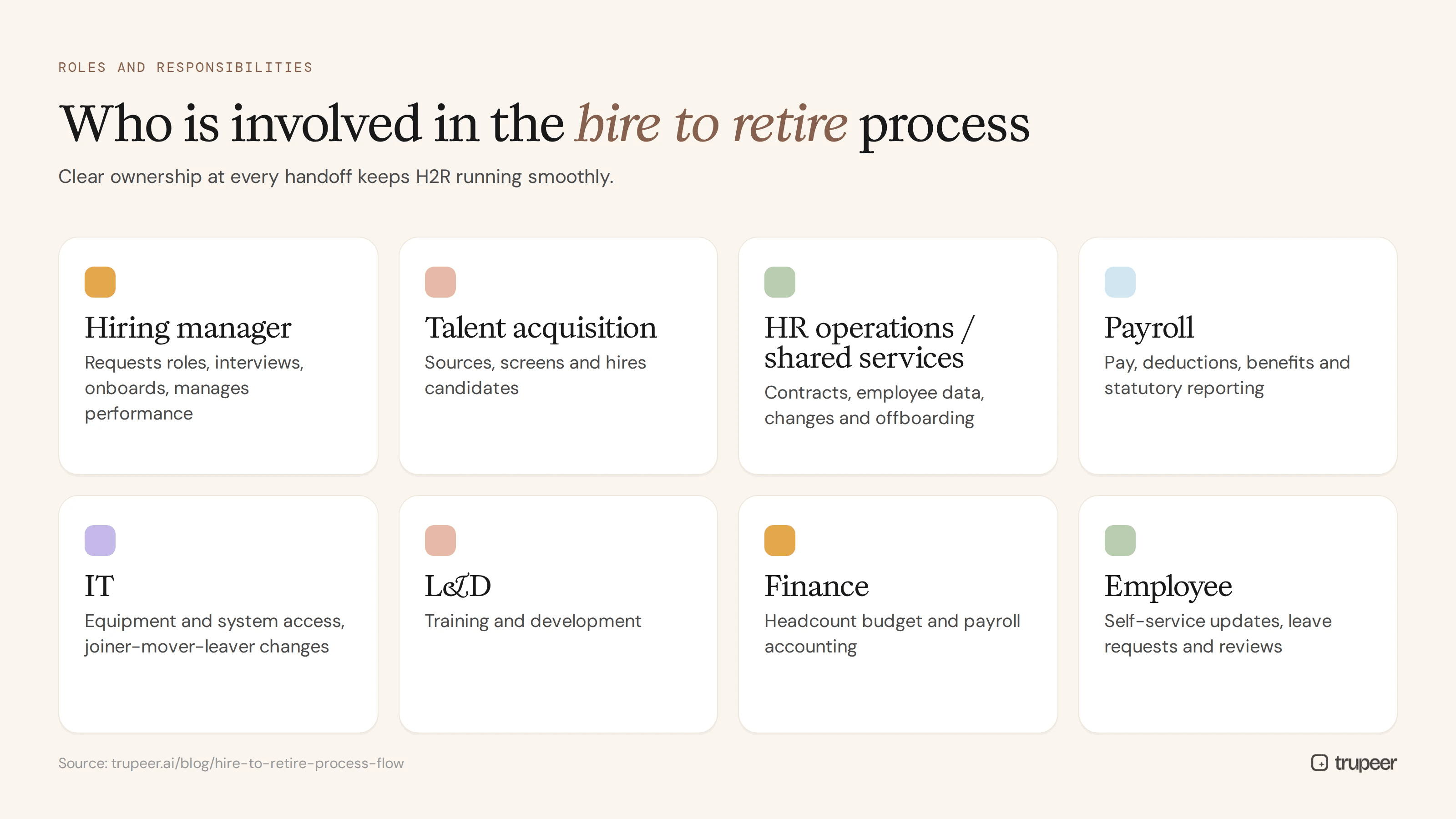
Role | Responsibility in H2R |
|---|---|
Hiring manager | Requests roles, interviews, onboards, manages performance |
Talent acquisition | Sources, screens and hires candidates |
HR operations or HR shared services | Contracts, employee data, changes and offboarding |
Payroll | Pay, deductions, benefits and statutory reporting |
IT | Equipment and system access, joiner-mover-leaver changes |
L&D | Training and development |
Finance | Headcount budget and payroll accounting |
Employee | Self-service updates, leave requests and reviews |
Clear ownership at every handoff is what keeps the H2R process running smoothly. A RACI matrix makes it explicit.
Which systems support the hire to retire process flow?
HCM or HRIS: the system of record for employee data, such as Workday, SAP SuccessFactors or Oracle HCM. See the Workday HCM training guide for HR managers.
Applicant tracking system: for recruitment.
Payroll system: for pay and statutory reporting.
Learning management system: for training and compliance.
IT service management and identity tools: for access and equipment.
Knowledge base: for the SOPs and guides that tell people how to use all of the above.
Hire to retire vs procure to pay vs order to cash
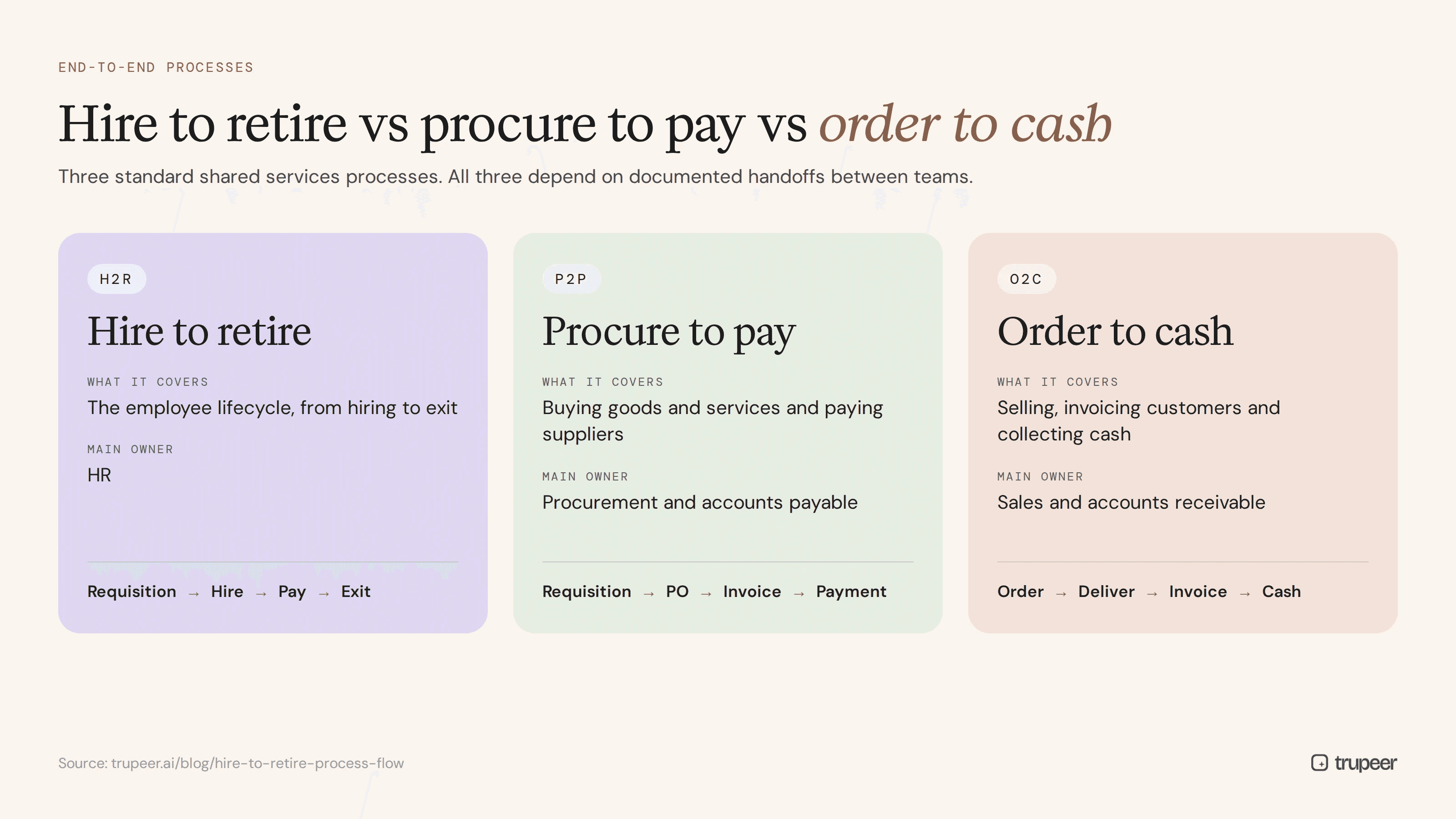
Process | What it covers | Main owner |
|---|---|---|
Hire to retire (H2R) | Employee lifecycle from hiring to exit | HR |
Procure to pay (P2P) | Buying goods and services and paying suppliers | Procurement and accounts payable |
Order to cash (O2C) | Selling, invoicing customers and collecting cash | Sales and accounts receivable |
All three are standard end-to-end processes in shared services, and all three depend on documented handoffs between teams.
How does the hire to retire process flow work in shared services?
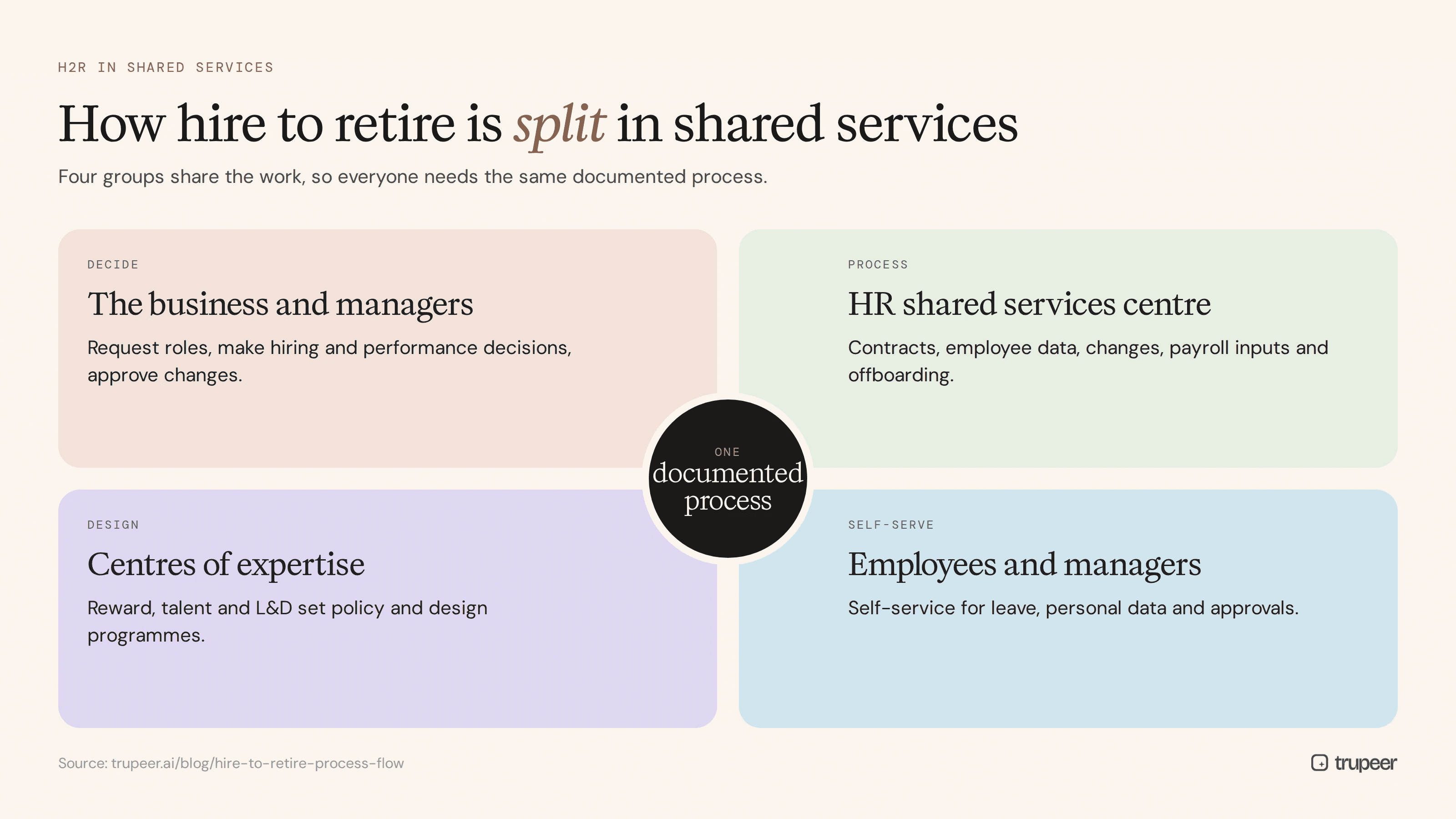
Many large organisations run H2R through an HR shared services centre or a global business services (GBS) organisation, sometimes with parts outsourced to a provider. In that model, the H2R process is split between a few groups:
The business and managers request roles, make hiring and performance decisions and approve changes.
The HR shared services centre handles the transactional work: contracts, employee data, changes, payroll inputs and offboarding.
Centres of expertise in reward, talent and L&D set policy and design programmes.
Employees and managers use self-service for leave, personal data and approvals.
This split makes documentation essential. The shared services team needs an SOP for every transaction, the business needs clear request routes and everyone needs the same version of the process across countries. When H2R work moves into a shared services centre or to a provider, recording each task during knowledge transfer is the fastest way to build that documentationHR shared services SOP template.
Common problems in the hire to retire process flow
Slow onboarding: access and equipment not ready on day one.
Payroll errors: changes in the HCM system that don't reach payroll in time.
Access risks: leavers or movers keeping system access they shouldn't have.
Inconsistent processes across countries, entities or HR teams.
Compliance gaps in employment law, data protection and audit evidence.
Undocumented steps: tasks only one HR specialist knows how to do, which become a risk when they leave.
Hire to retire KPIs to track
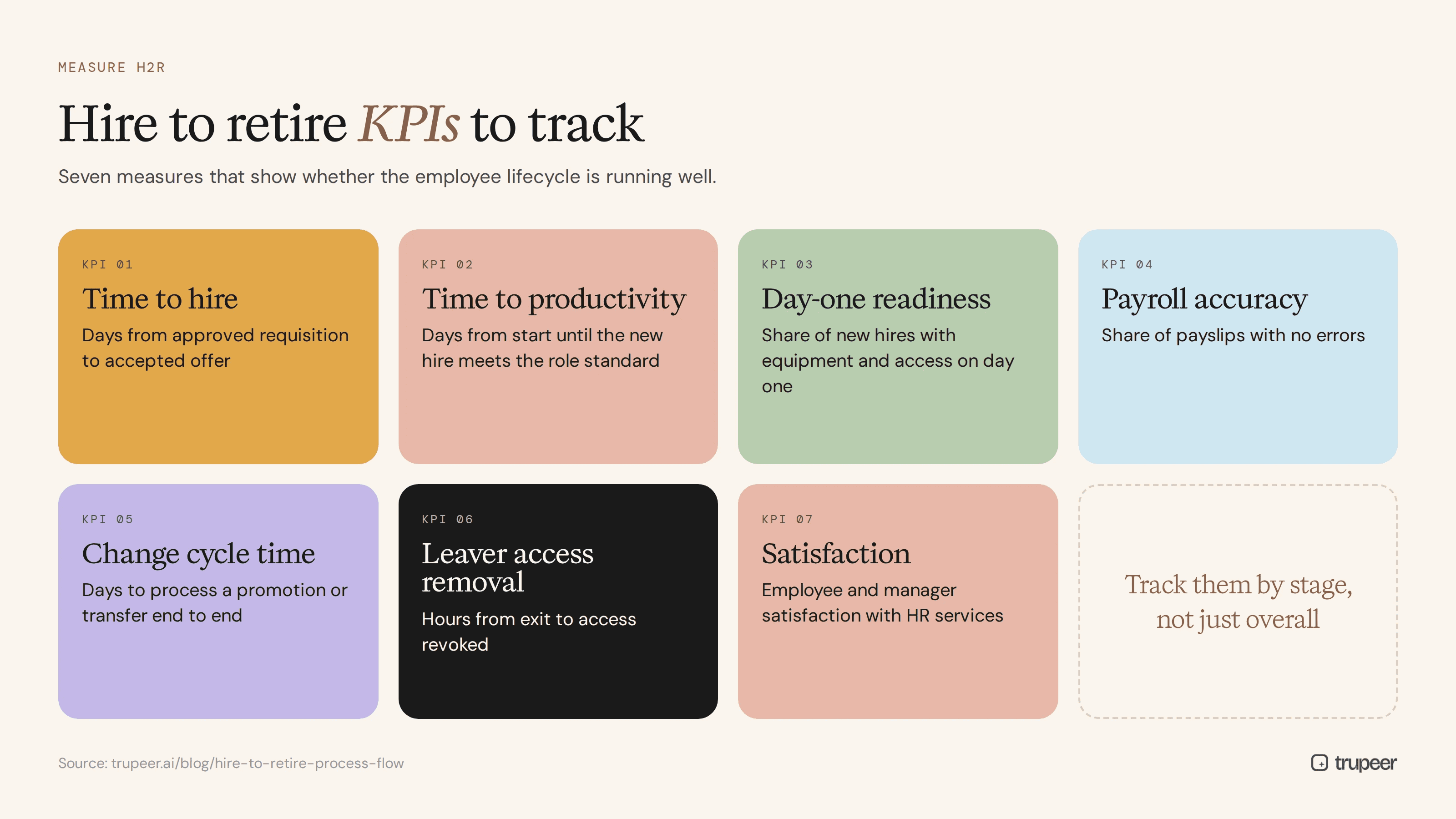
Time to hire: days from approved requisition to accepted offer.
Time to productivity: days from start until the new hire meets their role standard; see time to proficiency.
Day-one readiness: the share of new hires with equipment and access on their first day.
Payroll accuracy: the share of payslips with no errors.
Employee change cycle time: days to process a promotion or transfer end to end.
Leaver access removal time: hours from exit to access revoked.
Employee and manager satisfaction with HR services.
How do you document the hire to retire process flow?
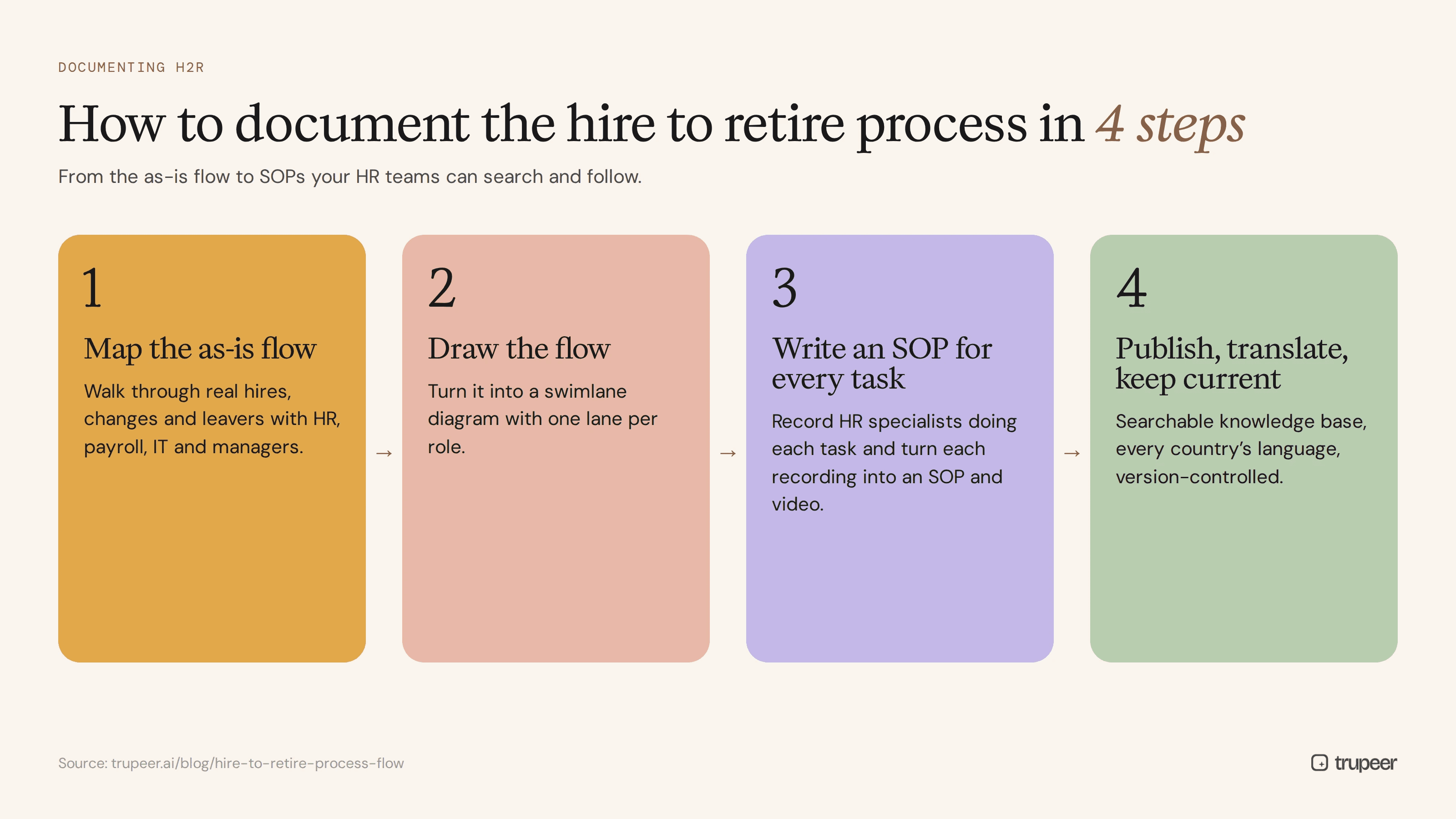
Step 1: Map the as-is flow
Interview HR, payroll, IT and managers, and walk through real hires, changes and leavers to see how your H2R process actually works today. See as-is vs to-be process.
Step 2: Draw the flow
Turn it into a swimlane diagram with a lane for each role, using the free process flow template.
Step 3: Write an SOP for every task
Record HR specialists doing each task in the HCM system with Trupeer's AI screen recorder, and Trupeer turns each recording into a step-by-step SOP and video with the SOP creator. Start from the HR SOP template.

Step 4: Publish, translate and keep current
Publish SOPs in a searchable knowledge base, translate them for every country, break them into task articles and keep them current with SOP version control.
Best practices for the hire to retire process flow
Assign one end-to-end process owner for H2R, not just owners for each stage.
Standardise globally, document local variants for each country or entity.
Automate joiner, mover and leaver triggers between HCM, payroll and IT.
Measure the whole flow, not just individual teams.
Document before you transform or outsource; see shared services SOP documentation at scale.
Capture tribal knowledge early, before experienced HR specialists move on.
Get the free hire to retire SOP template
Map your H2R process with the free process flow template, then document each step with the HR SOP template or the general SOP template. To turn every H2R task into a recorded SOP and training video, try Trupeer AI.
Frequently asked questions
What is the hire to retire process flow?
It's the end-to-end sequence of HR activities covering an employee's whole time with an organisation, from workforce planning and recruitment through onboarding, payroll, development and changes, to offboarding or retirement.
What are the stages of hire to retire?
Workforce planning, recruitment, onboarding, payroll and benefits, performance and development, employee changes, and offboarding and retirement.
What does H2R stand for?
H2R stands for hire to retire. It's also called recruit to retire or the employee lifecycle process.
What is the difference between hire to retire and procure to pay?
Hire to retire covers the employee lifecycle and is owned by HR. Procure to pay covers buying goods and services and paying suppliers, and is owned by procurement and accounts payable.
Who owns the hire to retire process?
HR usually owns it, ideally with one end-to-end process owner, working with payroll, IT, finance and managers at each handoff.
What systems support hire to retire?
An HCM or HRIS such as Workday, SAP SuccessFactors or Oracle HCM, an applicant tracking system, payroll, a learning management system, IT service management and a knowledge base for SOPs.
What KPIs measure hire to retire performance?
Common KPIs include time to hire, time to productivity, day-one readiness, payroll accuracy, employee change cycle time, leaver access removal time and employee satisfaction.
How do you document a hire to retire process flow?
Map the as-is flow, draw it as a swimlane diagram, record an SOP for every task, and publish them in a searchable knowledge base that's translated and kept current.



