Trupeer Blog

Buyer's Overview
Crafting user manuals is a time-consuming task that can easily drain resources. Teams often spend anywhere from 8 to 12 hours drafting a single manual, which is quickly outdated. This reality places a strain on businesses striving to keep pace with rapid product updates. According to recent data, 60% of documentation teams struggle to maintain current user guides, resulting in inefficiencies and user frustration.
"60% of documentation teams struggle to keep user guides current."
Source: State of Documentation Report by Documentation Research Group, 2025
This guide is designed for project managers, technical writers, and product teams looking to streamline their documentation processes with cutting-edge tools. By leveraging user guide generators, you can produce comprehensive manuals in minutes, reducing errors and enhancing user satisfaction. Whether you're in tech, finance, or retail, this guide will help you choose the right tool for your needs.
Best User Guide & Manual Creation Tools: Head-to-Head Comparison
Feature | Trupeer | Scribe | Document360 | Tango | Notion | Confluence | GitBook | Helpjuice |
|---|---|---|---|---|---|---|---|---|
Core Features | ||||||||
Auto-Capture Steps | Yes | Yes | No | Yes | No | No | Limited | No |
AI Writing | Yes | Limited | No | Yes | Limited | No | Yes | No |
Professional Features | ||||||||
Video Support | Yes | Yes | No | Yes | Limited | Limited | Yes | No |
PDF Export | Yes | Yes | Yes | Limited | No | Yes | Yes | Limited |
Web Knowledge Base | Yes | No | Yes | No | Yes | Yes | Yes | Yes |
Integrations | ||||||||
Version Control | Yes | Limited | Yes | No | Limited | Yes | Yes | No |
Team Collaboration | Yes | Yes | Yes | Limited | Yes | Yes | Yes | Yes |
Search | Yes | Limited | Yes | No | Yes | Yes | Yes | Yes |
Templates | Yes | Yes | No | Limited | Limited | Yes | Yes | Limited |
Free Tier | Yes | Yes | No | Yes | Yes | Limited | Yes | No |
Trupeer

Trupeer excels in automating the creation of user guides, making it ideal for businesses that need to produce up-to-date documentation quickly. Designed for teams in fast-paced sectors, it uses AI to capture and document workflows seamlessly. Trupeer stands out with its ability to auto-generate detailed guides, reducing manual effort significantly. It's perfect for teams that value accuracy and speed.
Key Features
AI-powered step capture and documentation
Seamless integration with existing tools
Real-time collaboration features
Multi-format export including PDF and HTML
Version control and update management
Customizable templates for various use cases
Advanced search capabilities
Video embedding for rich media documentation
"Trupeer cuts our documentation time in half while improving consistency across our manuals."
Pros | Cons |
|---|---|
High degree of automation reduces manual input. | Requires initial setup time for optimal use. |
Supports multiple output formats. | Some users find the interface complex. |
Real-time collaboration enhances team efficiency. | Limited offline capabilities. |
Comprehensive version control features. | Free tier has limited storage options. |
Pricing
Trupeer offers a free tier with limited features, with pricing starting at $49 per user per month for more advanced functionalities.
Scribe
Scribe is an intuitive tool designed for capturing processes and creating step-by-step guides, making it a popular choice for small to medium-sized businesses. It excels in simplicity and quick setup, allowing users to generate guides without extensive training. Scribe is especially useful for teams needing clear, process-driven documentation quickly.
Key Features
Automatic step-by-step guide generation
User-friendly interface with minimal learning curve
Limited AI writing assistance
Integration with major productivity tools
Customizable branding and templates
Basic search and navigation tools
Video support for enriched guides
Cloud storage for all documentation
Pros | Cons |
|---|---|
Easy to use with minimal setup required. | Limited AI capabilities compared to competitors. |
Generates clear, concise guides quickly. | Fewer integration options than some tools. |
Good support for video-enhanced documentation. | Limited customization for advanced users. |
Cost-effective for small teams. | Basic search functionality can be improved. |
Pricing
Scribe offers a free basic tier, with premium features available starting at $10 per user per month.
Document360
Document360 is a knowledge base software tailored for creating detailed documentation and user manuals. It's particularly well-suited for larger organizations needing a robust platform to manage extensive content libraries. The tool excels in providing a centralized location for all company documentation, ensuring consistency and accessibility.
Key Features
Comprehensive web-based knowledge base
Advanced version control and audit trails
Rich text editor with multimedia support
Powerful search engine with tagging capabilities
Collaborative editing and review workflows
Customizable access controls and permissions
Insights and analytics on documentation usage
Integration with major helpdesk platforms
Pros | Cons |
|---|---|
Centralizes all company documentation efficiently. | No free tier, limiting accessibility for small teams. |
Strong version control features. | Can be complex for new users. |
High customizability for different business needs. | Limited video support for guides. |
Detailed analytics for performance tracking. | Higher cost compared to simpler tools. |
Pricing
Document360 does not offer a free tier. Pricing starts at $99 per project per month, which includes advanced features.
Tango
Tango is a unique tool that focuses on creating interactive guides, making it ideal for teams that want to offer more engaging user experiences. It allows users to capture workflows and convert them into interactive tutorials, which can be extremely beneficial for training and onboarding purposes. However, it may lack some of the advanced features found in more comprehensive tools.
Key Features
Interactive guide creation for engaging tutorials
Step capture with minimal manual input
Browser-based tool with no installation required
Basic AI-driven insights and suggestions
Collaboration tools for team-based projects
Template library for quick setup
Limited PDF export capabilities
Supports embedding in web pages
Pros | Cons |
|---|---|
Creates highly engaging, interactive content. | Limited professional features compared to others. |
No software installation needed, fully browser-based. | Limited export options beyond web integration. |
Ideal for training and onboarding processes. | Not suitable for detailed or technical documentation. |
Collaborative features for team projects. | Basic AI capabilities might not meet advanced needs. |
Pricing
Tango offers a free version with limited features, with premium tiers starting at $20 per user per month.
Notion
Notion is a versatile tool that functions as more than just a user guide generator. It's an all-in-one workspace where users can write, plan, and collaborate. While it's not specifically designed for user manuals, its flexibility makes it a favorite for teams looking to integrate documentation with broader project management workflows.
Key Features
All-in-one workspace for notes, tasks, and projects
Extensive template library for various use cases
Rich media support including images and videos
Real-time collaboration and editing
Customizable dashboards for data visualization
Integration with third-party apps and tools
Basic version control features
Advanced search functionality
Pros | Cons |
|---|---|
Highly flexible for various documentation needs. | Not specifically tailored for user guide creation. |
Great for integrating documentation with project management. | Can be overwhelming for new users. |
Supports a wide range of media types. | Less structured than dedicated documentation tools. |
Collaboration features enhance team productivity. | Limited AI-driven features for automation. |
Pricing
Notion offers a free tier for personal use, with team plans starting at $8 per user per month.
Confluence
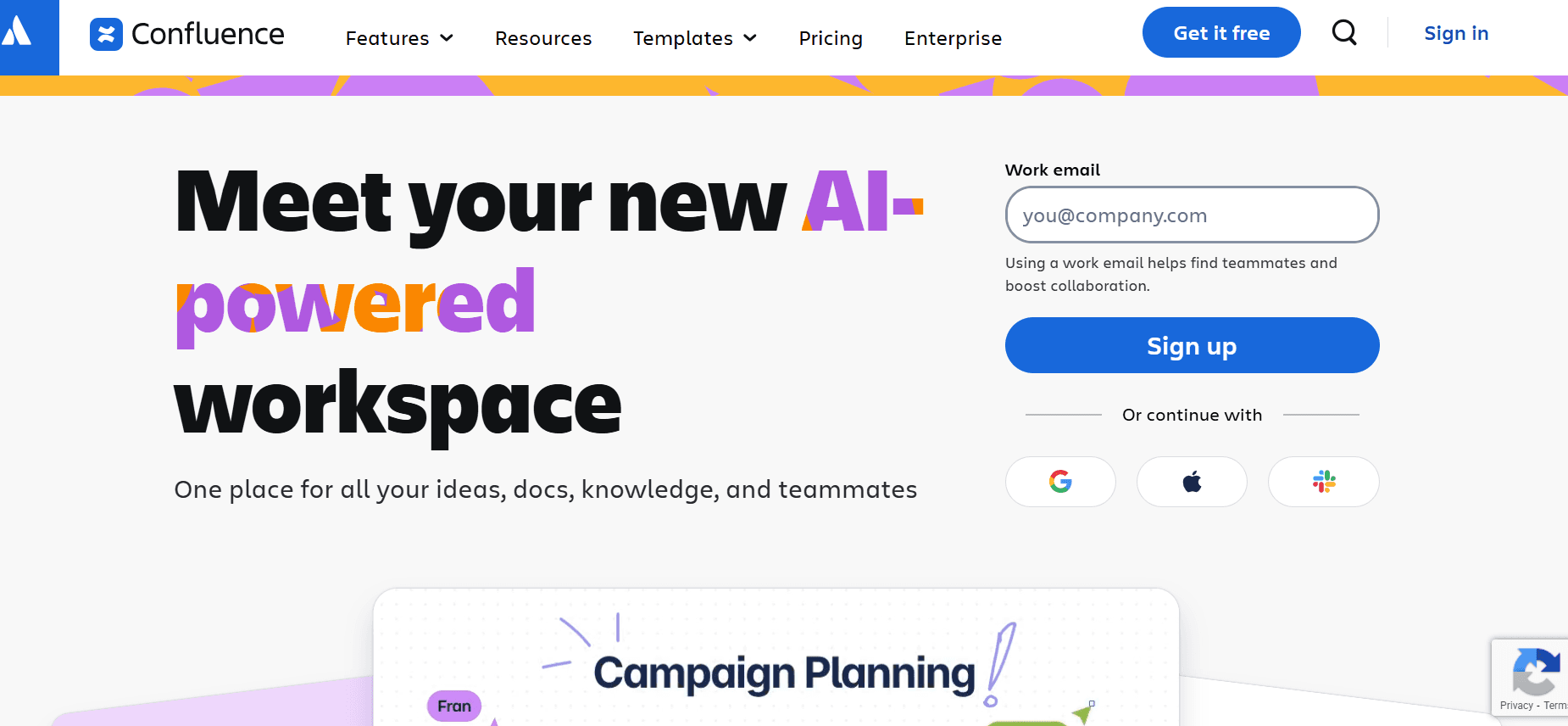
Confluence by Atlassian is a comprehensive collaboration tool widely used for documentation and team communication. It's particularly beneficial for large teams that require a centralized platform to manage a wide range of content, from technical guides to project updates. While it excels in collaboration, its focus isn't primarily on user guide generation, which may limit its appeal for certain use cases.
Key Features
Robust collaboration and communication platform
Integration with other Atlassian products
Extensive template options for various content types
Advanced permission settings for content control
Real-time editing and co-authoring
Centralized knowledge base for easy access
Version history tracking and rollback
Powerful search capabilities
Pros | Cons |
|---|---|
Strong integration with other Atlassian tools. | Steep learning curve for new users. |
Excellent for team collaboration and document sharing. | Not specifically built for creating user guides. |
Extensive template library for various needs. | Pricing can be high for larger teams. |
Comprehensive version control and history tracking. | Limited AI and automation features. |
Pricing
Confluence offers a free tier with limited features, with pricing for more advanced capabilities starting at $10 per user per month.
GitBook
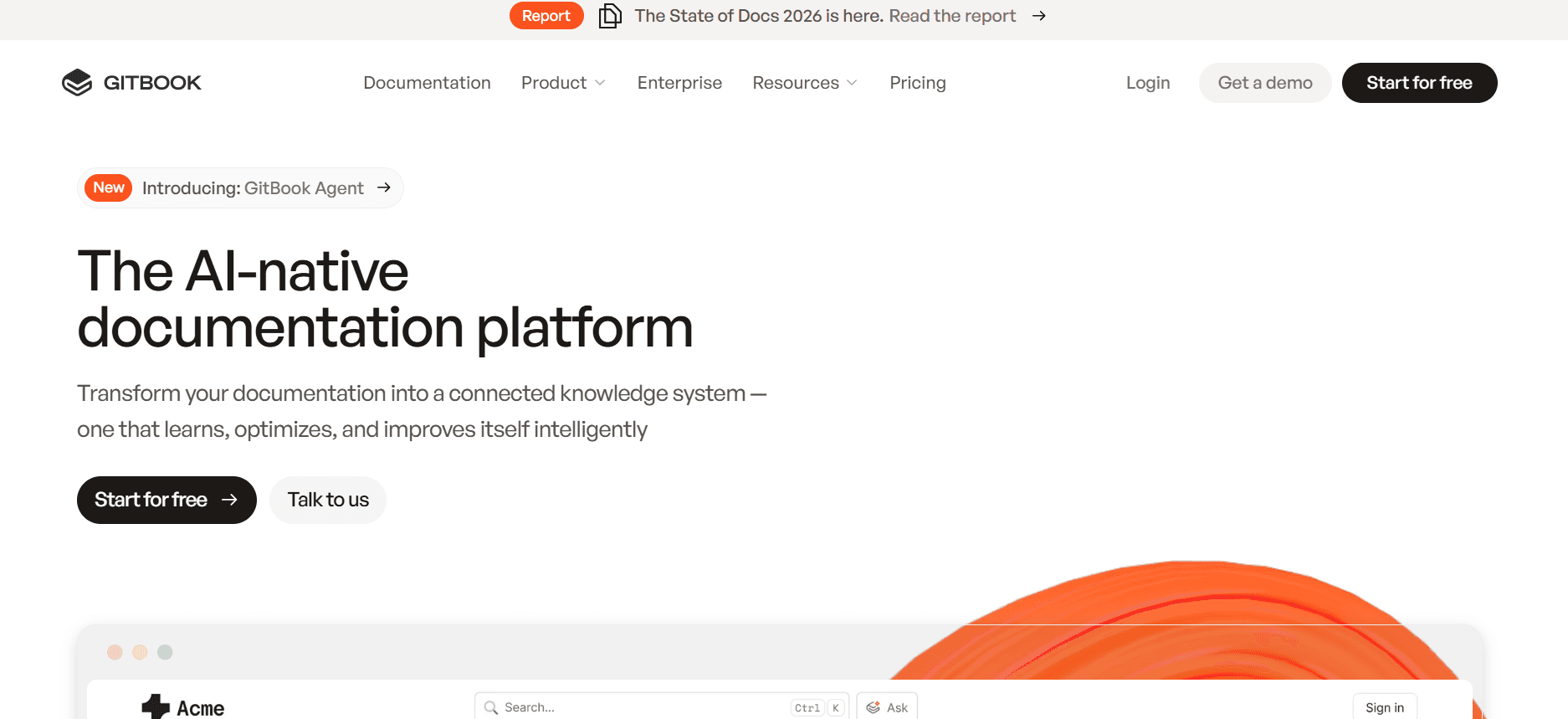
GitBook is designed specifically for developers and technical teams who need to create and maintain API documentation and other technical guides. It shines in its simplicity and integration with version control systems like Git, making it a preferred choice for tech-savvy users. However, its niche focus might limit its usability for broader business documentation needs.
Key Features
Markdown editor for seamless documentation writing
Integration with Git for version control
Customizable themes and templates
Real-time collaboration and document sharing
Support for multilingual documentation
Rich text editing with code block support
Easy web publishing and sharing
Analytics to track document engagement
Pros | Cons |
|---|---|
Seamless integration with Git for technical teams. | Niche focus limits broader documentation use. |
Ideal for API and developer documentation. | Less intuitive for non-technical users. |
Real-time collaboration enhances team efficiency. | Limited features for rich media documentation. |
Support for multilingual projects. | Pricing can be high for full feature access. |
Pricing
GitBook offers a free version with public documentation, with private projects starting at $4 per user per month.
Helpjuice
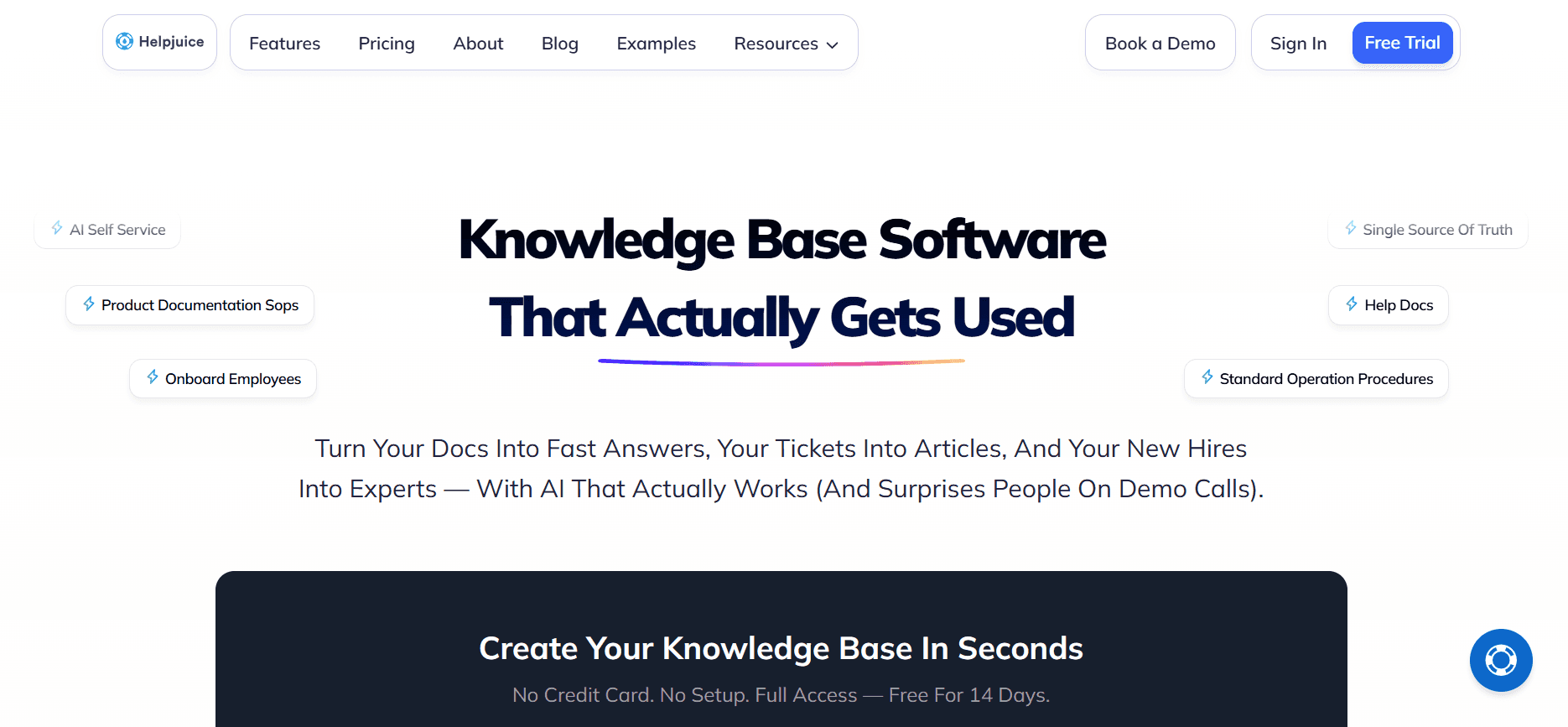
Helpjuice is a specialized tool for creating and managing a company knowledge base. It is particularly suited for businesses looking to provide comprehensive customer support documentation. Its analytics and search capabilities make it a strong contender for teams focused on customer satisfaction and support efficiency.
Key Features
Advanced analytics to track knowledge base usage
Customizable design and branding options
Comprehensive search engine with filtering
Collaboration features for team-based editing
SEO optimization for better searchability
Multi-language support for global reach
Integration with CRM and support tools
Real-time updates and content management
Pros | Cons |
|---|---|
Strong focus on customer support documentation. | Higher pricing compared to similar tools. |
Excellent search and analytics capabilities. | Limited features for non-support use cases. |
Customizable options for brand consistency. | No free tier available. |
Multi-language support enhances global usability. | Complex setup for first-time users. |
Pricing
Helpjuice offers plans starting at $120 per month for up to four users, with additional charges for more users and advanced features.
User Guide & Manual Creation Challenges: What Teams Struggle With
Manual Documentation is Slow
Creating user guides manually involves taking screenshots, writing detailed steps, and formatting content.
Proofreading and ensuring consistency in style and tone can be time-consuming.
Teams often face bottlenecks as documentation requires coordination with multiple departments.
Redundant tasks such as duplicating similar content across different guides further slow down the process.
Content Becomes Outdated After Every Product Release
Frequent product updates necessitate continuous revisions of user guides to ensure accuracy.
Teams struggle to keep pace with development cycles, leading to outdated documentation.
Lack of real-time updates and version control can cause inconsistencies across various guides.
End users may receive inaccurate information, diminishing the perceived value of the product.
Poor Search and Findability for End Users
End users find it challenging to locate specific information quickly due to inadequate search functionalities.
Lack of proper indexing and tagging can lead to user frustration and increased support queries.
Complex navigation structures within guides can hinder user experience.
Inconsistent terminology across documents can confuse users and reduce effectiveness.
Documentation Siloed Across Different Tools
Using multiple platforms like Notion, Word, and Google Docs leads to fragmented documentation.
Teams face challenges in maintaining consistency and accessibility across these disparate tools.
Collaboration becomes cumbersome when team members need to cross-reference multiple documents.
Integration issues between tools can result in data loss and version conflicts.
No Consistency in Format or Style Across Team Members
Different writing styles and formats can create a disjointed user experience.
Without standardized templates, guides may appear unprofessional and lack coherence.
Inconsistencies can lead to misinterpretation and misapplication of product features.
Brand credibility may be compromised if documentation fails to align with brand guidelines.
Challenge | Traditional Process | Business Impact | Time Cost |
|---|---|---|---|
Manual Documentation is Slow | Manual writing and formatting | Delays in product launches, reduced productivity | 8-12 hours per manual |
Content Becomes Outdated | Periodic manual updates | Inaccurate information, customer dissatisfaction | 4-6 hours per update |
Poor Search and Findability | Basic search tools | Increased support queries, user frustration | 2-3 hours troubleshooting |
Documentation Siloed | Multiple unintegrated platforms | Inconsistencies, collaboration hurdles | 3-5 hours for cross-referencing |
Inconsistent Format or Style | Varied templates and styles | Branding issues, reduced professionalism | 2-4 hours standardizing content |
Must-Have Features in User Guide & Manual Creation Tools
Auto Step Capture from Screen Activity
One of the most crucial features in modern user guide generators is the ability to automatically capture each step of a process directly from screen activity. This feature eliminates the need for manual screenshots and notes, allowing for a seamless documentation process. Tools like Trupeer and Scribe are equipped with this capability, significantly speeding up the creation of detailed and accurate guides.
By automating step capture, teams can focus more on refining content rather than spending time on repetitive tasks. This functionality is particularly beneficial for technical teams who need to document complex workflows efficiently.
AI-Written Step Instructions
Artificial Intelligence plays a pivotal role in transforming how user guides are created. With AI-written step instructions, tools can automatically generate detailed explanations for each captured step. This not only reduces the workload on technical writers but also ensures consistency in language and style across documents. Trupeer, for instance, excels in delivering precise and natural-sounding instructions, enhancing the overall quality of documentation.
This feature is indispensable for teams that regularly update their products, as it allows for quick adaptations to changes without extensive rewriting. The use of AI ensures that instructions are not only accurate but also easy to understand for end users.
Video Embedding Alongside Text
Incorporating multimedia elements like videos into user guides can greatly enhance the learning experience. Video embedding allows users to visualize processes in action, which is especially helpful for complex tasks that are difficult to convey through text alone. Tools like Tango and Notion offer robust support for video content, making them ideal for teams that prioritize engaging and interactive documentation.
Embedding videos alongside text instructions provides a richer, more comprehensive guide that caters to different learning preferences. This feature is crucial for training and onboarding materials where visual clarity can significantly improve user comprehension.
Multi-Format Export (PDF, Web, HTML)
Flexibility in exporting user guides is essential for catering to diverse user needs and preferences. The ability to export documentation in multiple formats such as PDF, web, and HTML ensures that guides are accessible and easily shareable across different platforms. Tools like Document360 and GitBook excel in offering versatile export options, enhancing distribution and accessibility.
Multi-format export is particularly valuable for organizations that need to distribute guides both internally and externally. It allows for consistent presentation and usability regardless of the format or platform used by the end user.
Version Control and Quick Update Workflows
Effective version control is a must-have for teams that frequently update their products and documentation. This feature allows for seamless tracking of changes, ensuring that the most current version of a guide is always available. Tools like Confluence and Trupeer provide robust version control capabilities, facilitating quick updates and minimizing the risk of outdated information.
Quick update workflows enable teams to implement changes swiftly without disrupting the user experience. This is crucial for maintaining accuracy and consistency, especially in fast-paced environments where time-to-market is critical.
Customizable Templates and Branding
Consistency in brand presentation is vital for maintaining a professional image. Customizable templates allow teams to align documentation with their brand guidelines, ensuring uniformity across all user guides. Tools like Helpjuice and Document360 offer extensive customization options, making them ideal for companies that prioritize brand identity.
By using customizable templates, teams can quickly produce polished and professional-looking documents that reinforce brand recognition. This feature is particularly beneficial for businesses that distribute documentation to external stakeholders, where first impressions are crucial.
How to Choose User Guide & Manual Creation Tools Based on Your Use Case
Product User Manuals and Help Center Articles
When creating product user manuals and help center articles, clarity and detail are paramount. These guides serve as the primary source of information for users seeking to understand and use your products effectively. The challenge lies in providing comprehensive, easy-to-navigate content that addresses varied user queries.
Ensuring accuracy and comprehensiveness in content.
Maintaining consistency across different product guides.
Balancing detail with simplicity for user friendliness.
Tools with robust search and indexing features like Document360.
Multi-format export capabilities for easy distribution, found in GitBook.
Version control features for efficient updates, offered by Trupeer.
Tool | Search Features | Export Options | Version Control |
|---|---|---|---|
Trupeer | Yes | Yes | Yes |
Document360 | Yes | Yes | Yes |
GitBook | Limited | Yes | Yes |
Internal SOP Documentation
Standard Operating Procedures (SOPs) are critical for internal consistency and efficiency. These documents ensure that all team members follow standardized processes, reducing errors and improving productivity. However, creating and maintaining SOPs can be cumbersome without the right tools.
Ensuring all team members have access to up-to-date procedures.
Maintaining consistency in format and style.
Quickly updating procedures as processes evolve.
Real-time collaboration features, essential in Confluence.
Customizable templates to maintain consistency, available in Notion.
Integration capabilities for seamless use with other tools, found in Trupeer.
Tool | Collaboration | Templates | Integration |
|---|---|---|---|
Trupeer | Yes | Yes | Yes |
Confluence | Yes | Yes | Yes |
Notion | Yes | Yes | Limited |
IT System and Admin Guides
IT system and admin guides require detailed technical documentation to support system administrators and IT staff. These guides must be precise and often include complex workflows and procedures. The challenge is to present this information clearly while keeping it accessible to varied skill levels.
Documenting complex technical processes accurately.
Ensuring guides are easily accessible and navigable.
Updating content quickly in response to system changes.
Advanced search capabilities to quickly find information, as in Helpjuice.
Support for rich media content to illustrate processes, offered by Tango.
Version control for managing updates, found in Trupeer.
Tool | Search | Rich Media | Version Control |
|---|---|---|---|
Trupeer | Yes | Yes | Yes |
Helpjuice | Yes | No | Limited |
Tango | Limited | Yes | No |
Customer-Facing Knowledge Base
A customer-facing knowledge base is crucial for providing users with self-service support options. These platforms help reduce the volume of support tickets by empowering customers to find solutions independently. The challenge is to create a comprehensive, easy-to-navigate repository of information.
Ensuring the knowledge base is comprehensive and user-friendly.
Maintaining consistent and accurate information across all entries.
Providing intuitive search functionalities for easy navigation.
SEO optimization for better discoverability, available in Helpjuice.
Integration with CRM systems for seamless support, offered by Document360.
Customizable branding to match corporate identity, found in Trupeer.
Tool | SEO Optimization | CRM Integration | Branding |
|---|---|---|---|
Trupeer | Limited | Yes | Yes |
Helpjuice | Yes | Limited | Yes |
Document360 | No | Yes | Limited |
Best Practices for Creating User Guides
Before You Start
Define the target audience and tailor the content to their needs.
Establish clear objectives for what the guide should achieve.
Gather all necessary materials and information beforehand.
Choose the right tool that aligns with your documentation goals.
Create a detailed outline to structure the guide efficiently.
During Creation
Use consistent language and style for clarity and professionalism.
Incorporate visuals where necessary to enhance understanding.
Regularly save drafts and track changes to avoid data loss.
Engage with team members for feedback and collaborative input.
Ensure accessibility by considering diverse user needs.
After Completion
Proofread the document to eliminate errors and inconsistencies.
Conduct usability testing to gather user feedback.
Publish the guide in multiple formats for broad accessibility.
Regularly update the document to reflect any changes or improvements.
Monitor user interactions and adapt content based on analytics.
Frequently Asked Questions
What is a user guide generator?
A user guide generator is a software tool that automates the creation of user manuals and documentation. It captures steps, writes instructions, and formats content, reducing the time and effort required to produce comprehensive guides.
Who can benefit from using these tools?
These tools are beneficial for technical writers, product managers, IT teams, and customer support staff. They help streamline the creation of documentation, ensuring consistency, accuracy, and timely updates.
Do these tools support multimedia content?
Yes, many user guide generators support multimedia content such as images and videos. This feature enhances the clarity and engagement of the guides, catering to different learning preferences.
How does AI assist in creating user guides?
AI assists by automatically writing step-by-step instructions based on captured screen activities. It ensures consistency in language and style, reducing manual input and speeding up the documentation process.
Are there free versions available?
Yes, most user guide tools offer free versions with basic features. However, advanced functionalities such as AI writing, multimedia support, and integration capabilities are typically part of paid plans.
What factors influence the cost of these tools?
Costs are influenced by the number of users, the range of features, integration capabilities, and the level of customer support provided. Businesses should evaluate their specific needs to choose the most cost-effective option.
How difficult is it to implement these tools?
Implementation difficulty varies by tool. Some require minimal setup and offer intuitive interfaces, while others might need more extensive configuration and training. It's important to choose a tool that aligns with your team's technical proficiency.
Can these tools integrate with existing software?
Many user guide generators offer integration with popular software like CRM systems, project management tools, and collaboration platforms. This enhances workflow efficiency and maintains data consistency across systems.
Final Thoughts
Choosing the right user guide generator can dramatically improve your team's efficiency and the quality of your documentation. By considering your specific use cases and the features that matter most, you can select a tool that meets your unique needs and enhances your documentation processes. Whether you're updating SOPs or creating engaging customer help articles, the right tool can make all the difference.
For teams looking to streamline their documentation efforts, Trupeer offers a versatile and powerful solution. Explore how Trupeer can revolutionize your documentation process by visiting Trupeer today.


