Trupeer Blog
Summarise

Why Salesforce training fails
Most Salesforce rollouts and migrations encounter similar issues. Typically, IT teams spend upwards of six months configuring a Salesforce org, while sales operations build dashboards. Assignments on Trailhead are distributed, and classroom sessions are scheduled. Yet, after the go-live date, the excitement fades, and within three months, data quality deteriorates, sales representatives fail to update opportunities, and managers revert to using spreadsheets. The substantial investment in Salesforce remains underutilized, not because of the tool itself but due to the inadequacy of the training approach. Trailhead provides a comprehensive overview of Salesforce as a product but falls short when it comes to your specific Salesforce setup: custom fields, validation rules, and individualized workflows. Moreover, classroom training, though often comprehensive, tends to be forgotten quickly; representatives who endure three-hour sessions in the initial month often can't recall crucial details by the third month.
In-app guidance, complemented by brief walkthrough videos and searchable documentation, addresses these challenges effectively. This approach offers real-time support, showing representatives exactly what steps to take when they need it most. The combination of videos and documents serves as a tailored reference resource that Trailhead can't provide, as these materials are specifically designed for your unique organizational setup.
The 5 Salesforce workflows to cover with in-app guidance
1. Opportunity creation and updates
Opportunity creation and updates represent the single highest-value workflow within Salesforce. Poor opportunity data can lead to disastrous consequences, corrupting forecasting, reporting, and pipeline reviews. To prevent such issues, in-app guidance should enforce a strict sequence of actions: entering the stage, amount, close date, key contacts, and a validated next step. By ensuring that each step is followed correctly, organizations can maintain data integrity and improve overall sales performance.
One common pitfall is allowing representatives to enter incomplete or incorrect data. This often results in skewed forecasts and inaccurate reports. To counteract this, organizations should implement in-app prompts that not only guide users through the process but also explain the importance of each field. For instance, detailing why the close date is critical for pipeline management can motivate representatives to input accurate information. The timing of these prompts is crucial; they should appear precisely when the representative is working on that particular stage of the opportunity.
2. Lead qualification and conversion
The lead qualification and conversion process is crucial for the sales pipeline's health. However, sales representatives often skip fields, dispositions, and essential handoff notes. This oversight can lead to unqualified leads entering the system, wasting time and resources. In-app guidance ensures each lead is thoroughly qualified according to your organization's specific criteria and converted with all necessary data attached.
To avoid these common pitfalls, organizations should deploy guidance that prompts representatives to complete all required fields and provide clear instructions for each part of the process. This can include highlighting why each piece of information is necessary and how it contributes to the overall sales strategy. Additionally, timing the guidance to appear when representatives are most likely to be working on lead qualification tasks can increase the likelihood of compliance.
3. Activity logging
Activity logging is another area where sales representatives often fall short. Calls, meetings, and emails frequently go unlogged, leaving managers unable to coach effectively and features like Sales Navigator and Salesforce Inbox underutilized. In-app guidance can trigger reminders for logging these activities at the appropriate moments, ensuring that all interactions are recorded accurately.
An effective strategy is to integrate guidance with calendar and email systems so that prompts to log activities appear immediately after a meeting or call concludes. This ensures that representatives don't forget to document these crucial interactions. Furthermore, explaining the benefits of accurate activity logging, such as improved coaching and performance insights, can motivate representatives to adhere to the process.
4. Custom-object workflows
Every Salesforce org features custom objects tailored to specific business needs, whether they're projects, partnerships, or deal rooms. These custom objects are often overlooked by users, as they aren't covered in Trailhead training. In-app guidance becomes indispensable in educating users about these unique workflows, providing the necessary instruction to navigate your org's custom features.
Organizations should prioritize creating guidance that explains the purpose and use of each custom object. This can involve step-by-step instructions for completing tasks related to the object, as well as context for why the object exists and how it fits into the larger workflow. By addressing these specifics, organizations ensure that users are well-equipped to take full advantage of custom objects.
5. Reporting and dashboards
Reporting and dashboards are essential tools for managers and representatives alike, yet they're often underutilized due to the complexity of the reports UI. Guided walkthroughs that demonstrate how to build and use reports can significantly accelerate usage and adoption.
To encourage engagement with reports and dashboards, organizations should create step-by-step guides that simplify the report-building process. Visual aids and interactive elements can help users understand the functionality and power of these tools. Additionally, highlighting the practical benefits, such as improved decision-making and performance tracking, can motivate users to explore and use the reporting features more fully.
Feature comparison: Salesforce guidance tools
Tool | Best for | Video support | Deploy time | Notes |
|---|---|---|---|---|
Trupeer | Video + SOP for Salesforce | Yes (AI) | Days | Works on any Salesforce screen via recording |
Salesforce In-App Guidance | Basic prompts | No | Days | Bundled with Salesforce; limited features |
WalkMe | Deep guidance | Limited | Months | Most mature, most expensive |
Whatfix | Enterprise guidance | Yes | 1-3 months | Good Salesforce-specific connectors |
Apty | Mid-cost enterprise | Limited | Weeks | Strong on Sales Cloud |
Spekit | In-app reinforcement | No | Days | Sales-focused, small tooltips |
Tool breakdowns
1. Trupeer
Trupeer enables users to record any Salesforce screen, whether it's standard or custom, and automatically generates a polished walkthrough video, a written SOP, and a searchable document. This allows representatives to access the video or SOP directly from within the CRM whenever they need to refresh their memory on a workflow. Managers can easily re-record content in just minutes whenever there are changes to processes.
Pros: Trupeer offers fast content production, compatibility with any Salesforce UI, and covers custom objects. Additionally, its per-user pricing model is flexible.
Cons: Trupeer isn't a real-time tooltip engine, so it should be paired with Salesforce In-App Guidance or WalkMe for instantaneous guidance needs.
2. Salesforce In-App Guidance
Salesforce In-App Guidance is bundled with Salesforce and allows admins to create simple prompts and walkthroughs. While it's adequate for basic guidance, it lacks depth for more complex workflows.
Pros: There's no extra cost involved, and it's native to Salesforce, ensuring smooth integration.
Cons: The tool offers limited targeting capabilities, lacks video support, and doesn't provide in-depth analytics.
3. WalkMe
WalkMe provides the deepest level of guidance, handling complex flows and multi-object transactions. However, it's also the most expensive option and requires extensive services for implementation.
Pros: WalkMe's depth, maturity, and Salesforce-certified services make it a strong choice for complex needs.
Cons: The high cost and lengthy rollout process can be prohibitive for some organizations.
4. Whatfix
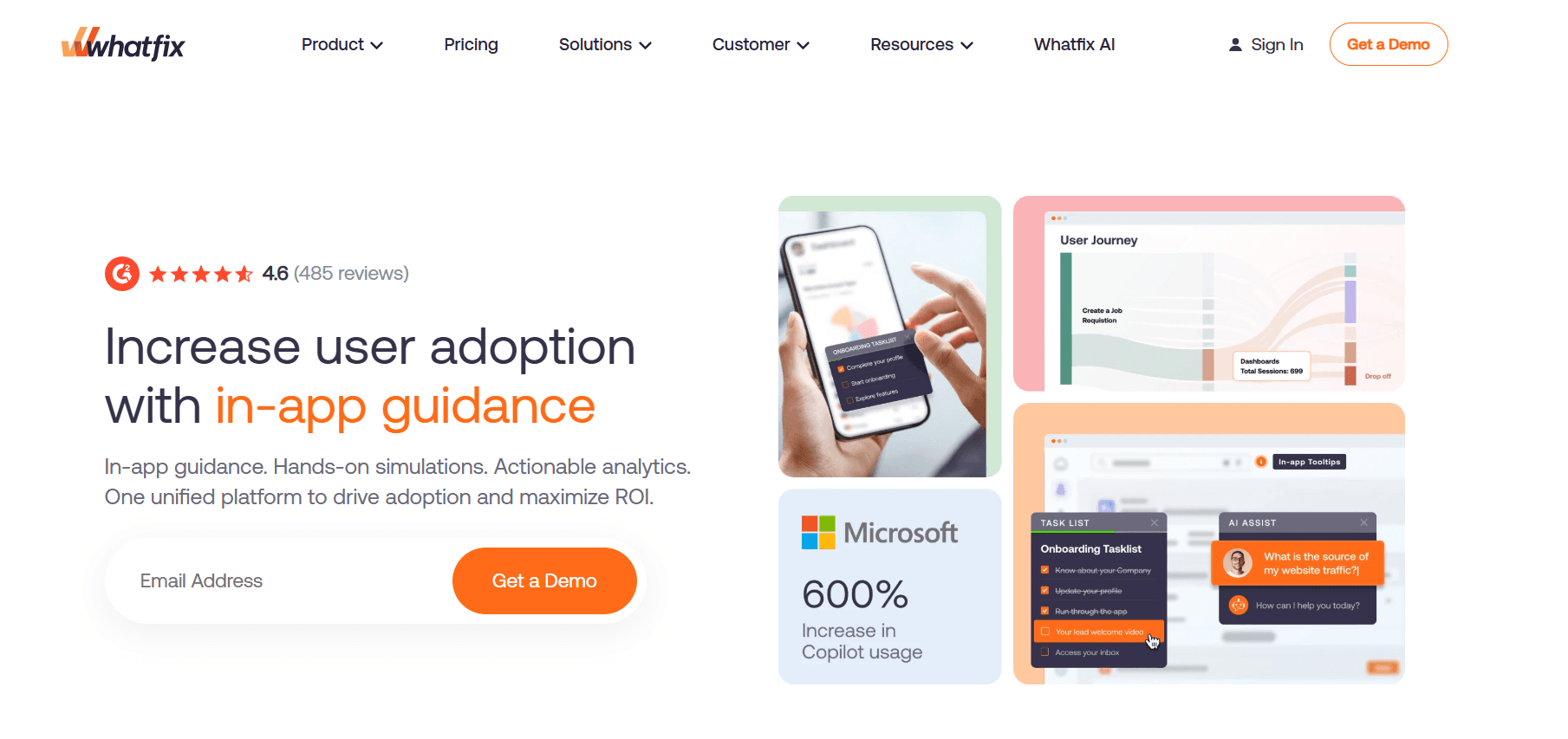
Whatfix offers solid Salesforce-specific connectors, striking a good balance between depth and cost.
Pros: It's enterprise-ready and more aggressively priced compared to WalkMe.
Cons: Despite its benefits, implementation can still take between one to three months.
5. Apty
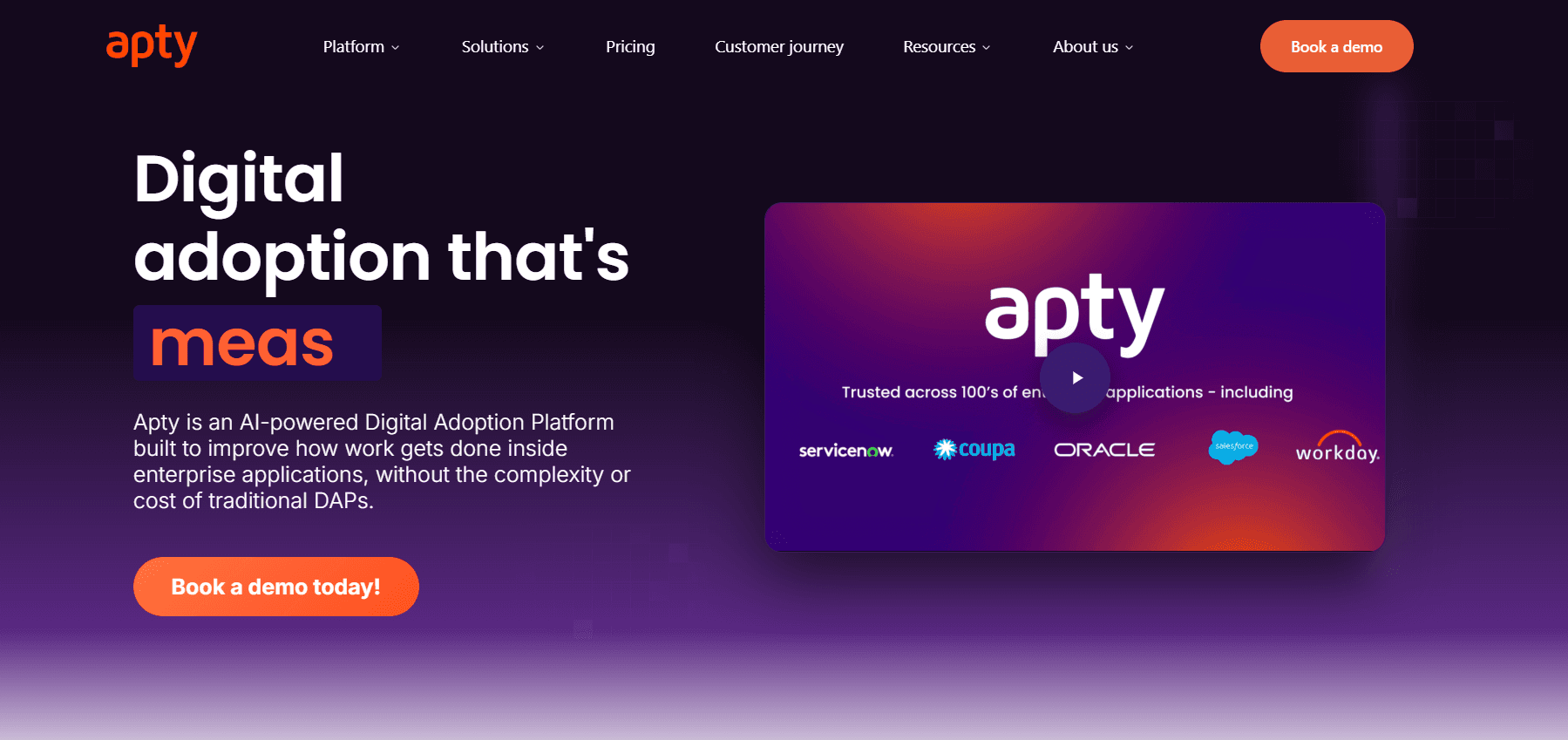
Apty serves as a mid-cost alternative with strong coverage for Sales Cloud, providing solid functionality without breaking the bank.
Pros: It offers reasonable pricing and is well-suited for enterprise needs.
Cons: Apty's smaller partner network may limit its integration capabilities.
6. Spekit
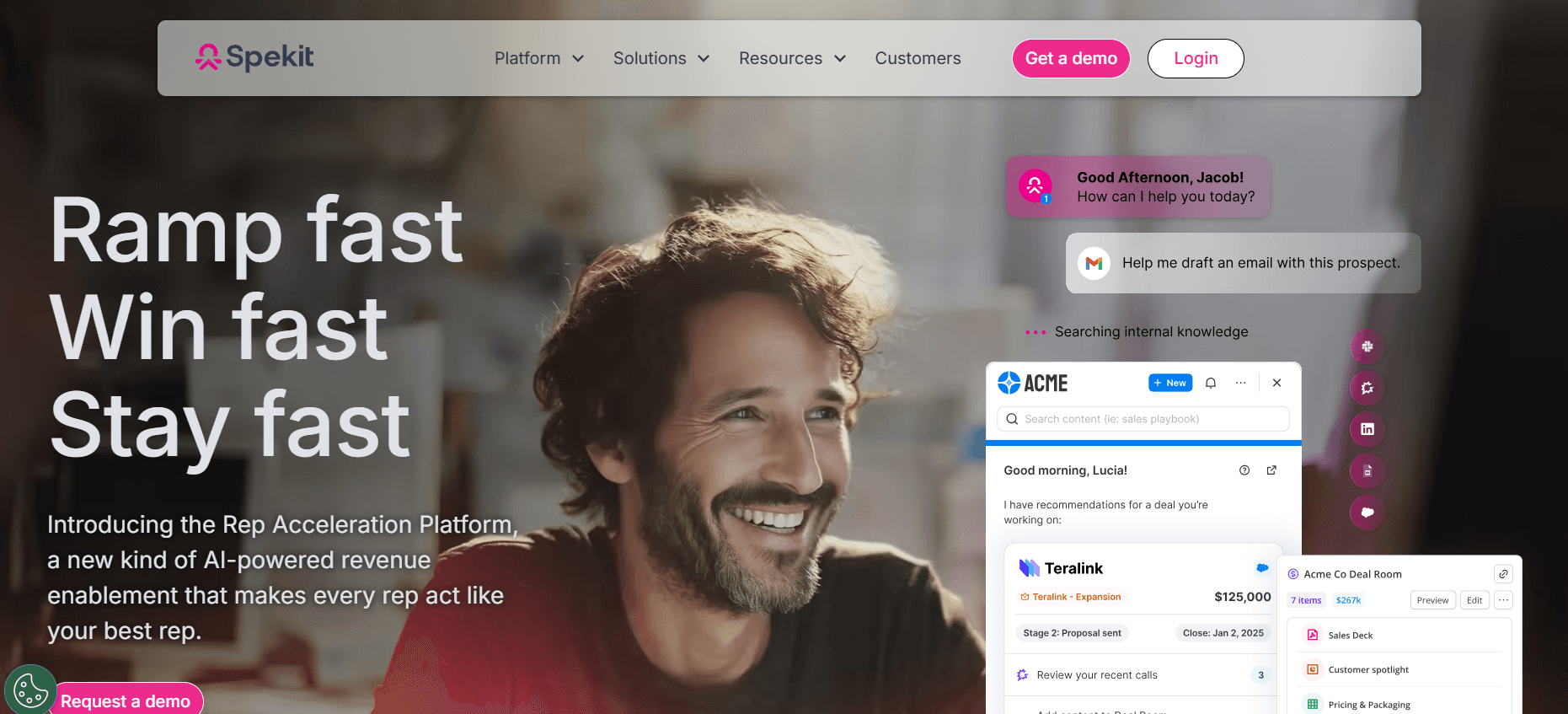
Spekit provides small in-app tooltips for just-in-time reinforcement, making it an excellent complement to more structured training approaches.
Pros: The tool is low friction and highly rep-friendly, making it easy to adopt.
Cons: Spekit isn't a comprehensive training tool on its own.
In-depth analysis: how to structure Salesforce enablement in 2026
Start with the data quality problem
Many Salesforce rollouts that are deemed "failures" actually stumble at the first hurdle: data quality. Representatives often skip fields, log activities inconsistently, and mis-stage opportunities, which undermines everything else, forecasting, reporting, and coaching, all depend on clean data. In-app guidance that prompts users for data entry at the right moments addresses these root issues. Classroom training, Trailhead, and manager pressure aren't effective because they aren't present when the representative is actually entering data.
The practical solution involves identifying the three or four fields that are most critical to forecasting accuracy. Build validation rules requiring completion of these fields and supplement them with in-app guidance that explains why each field is important and how to fill it correctly. This combination, consistently enforced, can improve data quality significantly in just a few weeks rather than months.
Video reference beats classroom for complex workflows
While classroom sessions are beneficial for motivation and relationship-building, they fall short as a reference tool. A representative who learns an eight-step opportunity workflow in a classroom session often can't reproduce it accurately weeks later without additional help. A four-minute video that they can access in real-time restores the workflow instantly. Video libraries that grow with each process change become invaluable as the real onboarding and ongoing reference tool, while classroom training serves as a supplement.
Organizations should record videos using their actual Salesforce org with their specific custom fields. Generic Salesforce videos from Trailhead don't cover the unique specifics of an organization, which is often where users encounter difficulties. Tools like Trupeer allow admins to record and publish custom-org walkthroughs quickly, making it easier to keep training material up-to-date.
The admin-as-enabler model
Effective Salesforce enablement involves placing content creation responsibilities in the hands of Salesforce admins rather than a separate training team. Admins possess intimate knowledge of the org's configuration and customizations, enabling them to record a walkthrough faster than a training team can coordinate and understand the specifics. The shift involves equipping admins with lightweight content tools and expecting them to produce two to four short videos per release cycle.
Challenges enterprises hit
Training goes stale with every release. Salesforce rolls out updates three times a year, and most training content fails to keep pace. To combat this, organizations should implement a content refresh strategy tied to each release cycle.
Too many overlays. Adding too many tooltips to every screen can create information overload and noise. It's important to target only high-value workflows and avoid cluttering the user interface with excessive guidance.
Reports and dashboards ignored. Many representatives are unaware of the existence or importance of reports and dashboards. Including a guided tour of key reports during onboarding can help increase awareness and usage.
Manager adoption lags rep adoption. If managers don't use Salesforce, representatives won't either. Training managers first ensures that they can set an example and lead by enforcing Salesforce usage standards.
Integrations add hidden complexity. Tools like HubSpot sync, Outreach, Gong, and Highspot each introduce changes to the representative's workflow. Guidance must cover the integrated flow, not just Salesforce's native features, to ensure a smooth user experience.
Must-have features for Salesforce enablement
Custom-object support to ensure guidance covers your specific configuration and needs.
Validation-rule integration to reinforce required fields and promote data accuracy.
Role-based targeting to provide tailored guidance for different roles like AE, SDR, CS, and managers.
Video capture capabilities on any Salesforce screen to facilitate easy content creation.
Searchable SOPs that are accessible from inside Salesforce, offering quick and convenient reference material.
Integration with tools representatives use alongside Salesforce to provide a cohesive user experience.
Analytics that track guidance completion and workflow compliance, offering insights into training effectiveness.
Security posture aligned with Salesforce data rules to ensure compliance and data protection.
Use cases and personas
New AE onboarding: Gabriela, Sales Enablement Director, 220-rep software company
Gabriela oversees new Account Executive (AE) onboarding at a large software company. Previously, new AEs spent their first week in classroom Salesforce training, yet they struggled to apply that knowledge by the third month. Gabriela revamped the onboarding process by replacing the classroom week with a Trupeer library of 25 role-specific videos covering opportunity creation, lead conversion, and custom deal-room objects. She also incorporated Whatfix tooltips for the five highest-value workflows. As a result, the time-to-first-opportunity-update for new AEs dropped from four weeks to one, and data quality on stage and close date improved by 35%.
Manager adoption: Ryan, RevOps Director, 80-rep startup
Ryan, a RevOps Director at a startup, faced challenges with manager adoption of Salesforce forecasting due to distrust in the data. To address this, he developed a manager-specific SOP library and guided managers through building their own forecast dashboards. Within two months, manager usage of Salesforce increased from 20% to 85% weekly. As managers began to enforce data quality more strictly, representative data quality improved significantly.
Custom-object rollout: Wen, CRM Admin, 350-person B2B SaaS
Wen, a CRM Admin at a B2B SaaS company, introduced a custom "deal room" object for managing enterprise deals. Initially, representatives ignored it for an entire quarter. To drive adoption, Wen created a three-minute video and an SOP, embedding the video in a Salesforce In-App Guidance prompt and adding a validation rule to require key fields. Adoption reached 78% of enterprise deals within six weeks. For more extensive rollouts, explore DAP options.
Best practices
Focus on data quality first. Clean data is the foundation for effective Salesforce usage, impacting forecasting, reporting, and all subsequent workflows.
Match content to release cycle. Regular content updates aligned with Salesforce's release schedule ensure that training materials remain relevant and accurate.
Train managers before reps. Ensuring manager proficiency in Salesforce encourages representative adoption, as managers can lead by example and enforce standards.
Keep videos under 5 minutes. Brief videos are more likely to be watched in their entirety, increasing the likelihood that users will retain the information presented.
Measure data quality, not training completion. The success of Salesforce enablement should be gauged by improvements in data quality, which directly impact business outcomes, rather than mere training completion rates.
Frequently asked questions
Is Salesforce In-App Guidance good enough?
Salesforce In-App Guidance is suitable for simple prompts and basic guidance needs. However, for complex workflows and video reference, you'll likely benefit more from a dedicated tool that offers greater depth and flexibility, such as Trupeer or WalkMe.
Should I use Trailhead?
Trailhead is valuable for developing general Salesforce skills and knowledge. However, it falls short when it comes to your organization's specific workflows and custom configurations. For those needs, consider creating custom training materials tailored to your Salesforce org.
What about Spekit?
Spekit's approach, which uses tooltips and flashcards for just-in-time reinforcement, is a great complement to more structured training programs. It's particularly effective as an add-on tool for reinforcing key concepts, but it shouldn't be relied upon as the primary training solution.
How much should I budget?
For mid-market organizations, expect to budget between $15,000 and $100,000 annually. Enterprise-level deployments can exceed $100,000. For detailed pricing information, refer to DAP pricing resources that outline costs based on specific needs and features.
Do I need a DAP for Salesforce, or is video + SOP enough?
If your organization has 20 to 30 critical workflows on a customized Salesforce org, a Digital Adoption Platform (DAP) like WalkMe or Whatfix can be worthwhile. However, for general reference and training, using video and SOPs often covers around 80% of your needs at just 20% of the cost of a full DAP.
Final word
Achieving successful Salesforce adoption doesn't hinge on Trailhead or classroom training alone. It requires integrating guidance, video, and SOPs into the daily workflows of your representatives. Concentrate on the key workflows that drive data quality, train managers first, and ensure your content is up-to-date with each Salesforce release. By focusing on these strategies, enterprises can realize the Salesforce ROI that the sales deck promised.


