Trupeer Blog

Buyer's Overview
Creating user guides manually is a time-intensive process that many teams find overwhelming. On average, teams spend between 8 to 12 hours crafting a single user manual from scratch, which can significantly delay product launches and updates. Most user guides become outdated almost immediately after they're published, necessitating constant revisions and updates.
According to a study, 60% of teams update their user documentation monthly, and 25% do so weekly.
Source: Documentation Trends Report by TechInsights, 2025
This guide is designed for product managers, technical writers, and team leads looking to streamline their documentation processes. It covers the latest tools that automatically generate user guides from screen recordings, offering a practical solution for teams that need to produce accurate, up-to-date documentation quickly. Whether you're part of a small startup or a large corporation, understanding these tools will help you optimize your workflow.
Best User Guide & Manual Creation Tools: Head-to-Head Comparison
Feature | Trupeer | Scribe | Document360 | Tango | Notion | Confluence | GitBook |
|---|---|---|---|---|---|---|---|
Core Features | |||||||
Auto-Capture Steps | Yes | Yes | No | Yes | No | No | Limited |
AI Writing | Yes | Limited | Limited | No | No | No | Yes |
Video Support | Yes | No | Yes | Yes | Yes | Limited | No |
PDF Export | Yes | Yes | Yes | Limited | Yes | Yes | Yes |
AI Capabilities | |||||||
Web Knowledge Base | Yes | No | Yes | No | Yes | Yes | Yes |
Version Control | Yes | No | Yes | Limited | Yes | Yes | No |
Professional Features | |||||||
Team Collaboration | Yes | Yes | Yes | No | Yes | Yes | Limited |
Search | Yes | Limited | Yes | No | Yes | Yes | Yes |
Templates | Yes | Yes | No | No | Yes | Yes | Yes |
Integrations | |||||||
Free Tier | Yes | Yes | No | Yes | Yes | No | Yes |
Trupeer

Trupeer is a cutting-edge tool designed for teams that need to quickly generate comprehensive user guides. It's ideal for product managers and technical writers who require a robust solution that can handle complex documentation tasks. Trupeer stands out for its AI-driven capabilities, such as auto-capturing steps from screen activity and generating detailed, accurate instructions.
Key Features
Auto-capture of on-screen steps
AI-generated step instructions
Video embedding alongside textual instructions
Multi-format export capabilities (PDF, HTML, web)
Version control for easy updates
Comprehensive search functionality
Team collaboration tools
Customizable templates
"Trupeer has revolutionized our documentation process, reducing the time spent on creating user guides by over 50%."
Pros | Cons |
|---|---|
Supports 40+ languages for global teams. | Initial setup can be complex for new users. |
AI capabilities significantly reduce manual workload. | Higher learning curve compared to simpler tools. |
Integrates with major platforms like Slack and Trello. | Requires a stable internet connection for optimal performance. |
Pricing
Free tier available; paid plans start at $49/month per user.
Scribe
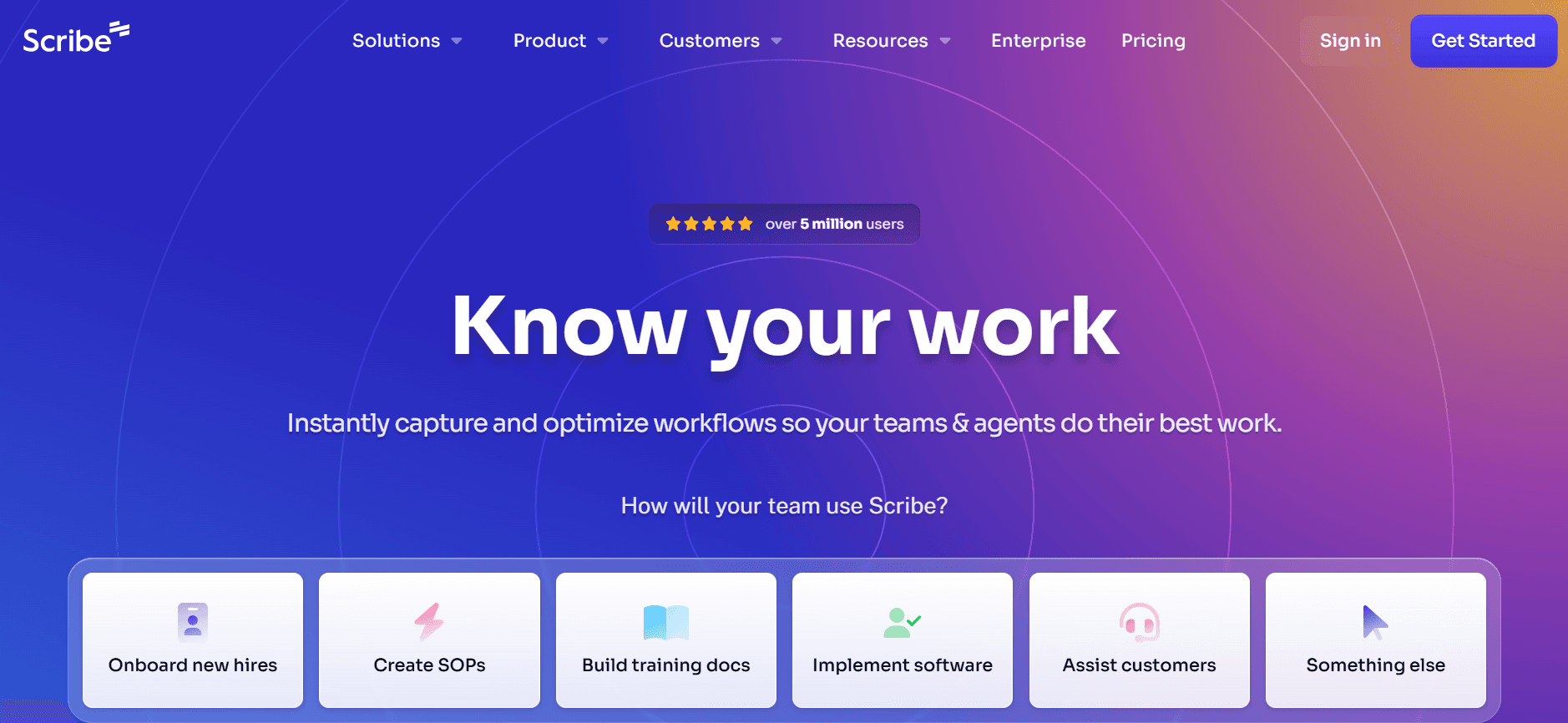
Scribe is a straightforward tool aimed at small to medium-sized teams needing a simple yet effective way to create user manuals. It excels in environments where quick documentation is essential but lacks some of the advanced features found in more robust platforms. Scribe is perfect for teams that prioritize ease of use over complex integrations.
Key Features
Step-by-step guide creation
Simple interface for quick learning
PDF export capability
Basic AI writing assistance
Easy sharing options
Basic version control
Limited team collaboration features
Customizable templates
Pros | Cons |
|---|---|
Very user-friendly interface with minimal learning curve. | Lacks advanced AI functionalities. |
Quick setup and immediate usage possible. | Limited export formats compared to other tools. |
Affordable pricing for small teams. | Does not support video embedding. |
Pricing
Free tier available; paid plans start at $15/month per user.
Document360
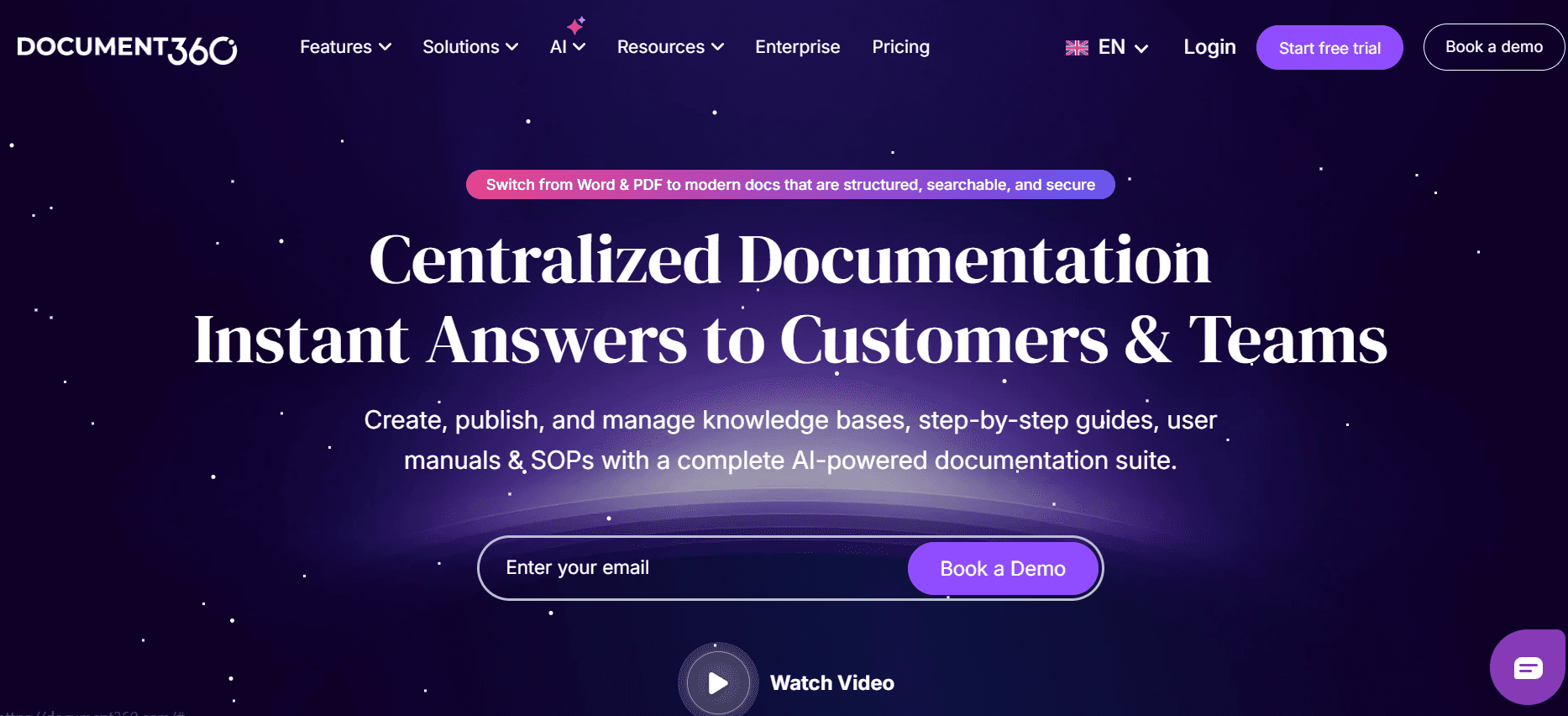
Document360 is designed for teams that need a comprehensive knowledge management solution. It's especially beneficial for larger organizations with complex documentation needs, offering an extensive range of features to support knowledge base creation. Document360 is known for its robust search capabilities and detailed analytics, although it may not be the best fit for teams looking for quick, on-the-go guide creation.
Key Features
Comprehensive knowledge base management
Advanced search functionality
Detailed analytics and reporting
Version history and rollback
Customizable branding options
Multi-language support
User feedback integration
PDF export feature
Pros | Cons |
|---|---|
Excellent search and tagging functionalities. | No auto-capture or AI writing capabilities. |
Strong analytics for performance tracking. | Higher price point compared to basic tools. |
Highly customizable for brand consistency. | May be overwhelming for small teams. |
Pricing
No free tier; plans start at $99/month for basic features.
Tango
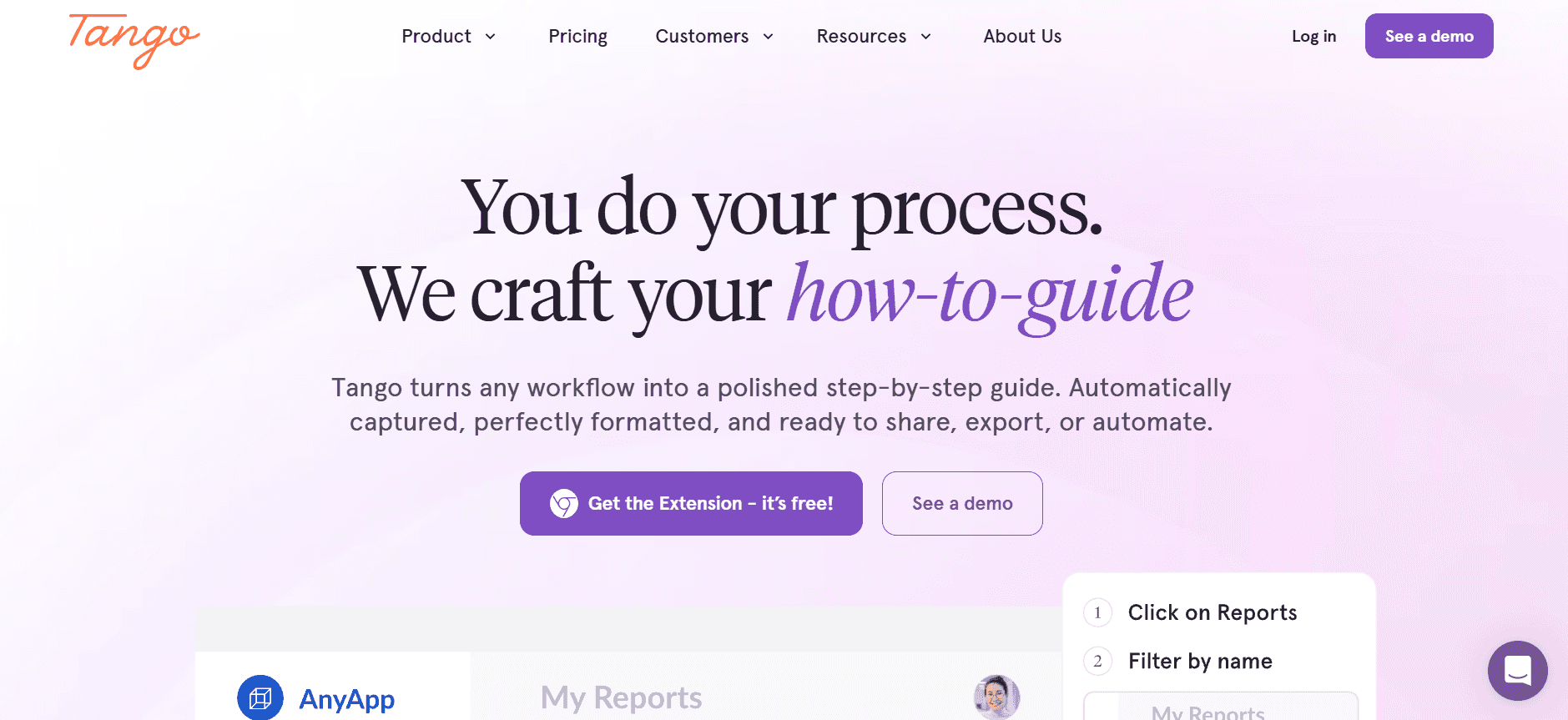
Tango is a modern tool that caters to creative teams looking to integrate visual elements into their documentation. It excels in environments where video support is crucial, making it a favorite among designers and developers who need to demonstrate workflows visually. However, it lacks some of the collaborative features seen in other platforms.
Key Features
Video embedding capabilities
Visual workflow documentation
Simple, intuitive interface
Basic template options
Limited version control
Customizable export options
Minimal AI assistance
Easy integration with creative tools
Pros | Cons |
|---|---|
Strong video support for visual documentation. | Limited collaborative features for teams. |
Intuitive design and easy to navigate. | No advanced AI or auto-capture features. |
Suits creative teams with visual requirements. | Limited export formats and integrations. |
Pricing
Free tier available; paid plans start at $20/month per user.
Notion
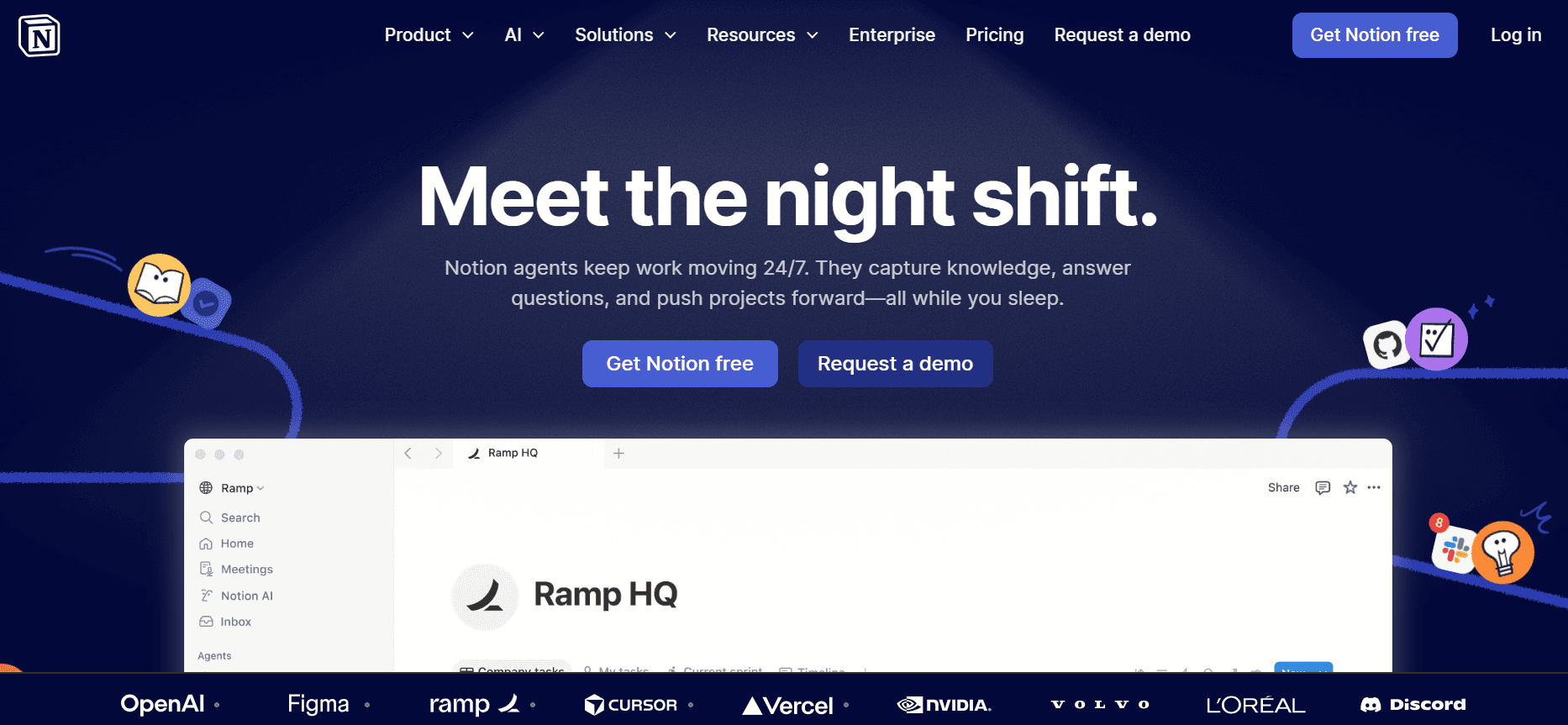
Notion is a versatile tool that serves as a hybrid between note-taking and project management software. It's popular among teams that need a flexible platform to manage projects, documentation, and databases in a single location. While Notion offers extensive customization, it doesn't specialize in auto-generating user guides.
Key Features
Highly customizable workspace
Integrated databases and task management
Real-time collaboration
Template library
Markdown support
Embedded content from various sources
Basic export options
Minimal AI and auto-capture features
Pros | Cons |
|---|---|
Extremely flexible and customizable for various needs. | Not specifically designed for user guide creation. |
Strong project management capabilities. | No auto-capture or advanced AI writing features. |
Free tier provides a lot of functionality. | Can be overwhelming due to its flexibility. |
Pricing
Free tier available; paid plans start at $8/month per user.
Confluence
Confluence by Atlassian is a well-established tool for enterprise teams that require strong collaboration and document management capabilities. It's designed for organizations that need to maintain comprehensive documentation, although its focus is more on collaboration than on quick user guide creation. Confluence is best suited for teams already integrated with the Atlassian suite.
Key Features
Strong collaboration tools
Integration with Jira and other Atlassian products
Detailed page hierarchy and organization
Comprehensive search and tagging
Version history and rollback
Extensive plugin marketplace
Real-time editing and comments
Basic export options
Pros | Cons |
|---|---|
Seamless integration with Atlassian products. | Not optimized for auto-generated guides. |
Excellent for team collaboration and project management. | Complex setup for new teams. |
Robust plugin ecosystem for added functionality. | Higher cost for enterprise features. |
Pricing
No free tier; plans start at $10/month per user.
GitBook
GitBook is a streamlined platform aimed at developers and tech teams who need to create and maintain technical documentation. It offers a clean, minimalist interface that focuses on content creation and management. While GitBook provides some AI capabilities, it's primarily designed for those who prioritize simplicity and markdown support.
Key Features
Markdown support
Simple, clean interface
Basic AI assistance for content creation
Version control and history
Multi-format export options
Integration with GitHub for developers
Customizable themes
Collaborative editing
Pros | Cons |
|---|---|
Highly suitable for developer-centric documentation. | Limited in non-technical features. |
Easy integration with GitHub repositories. | Does not support video or rich media embedding. |
Minimalist design reduces distraction. | Lacks comprehensive AI and auto-capture features. |
Pricing
Free tier available; paid plans start at $8/month per user.
User Guide & Manual Creation Challenges: What Teams Struggle With
Manual Documentation Process
Teams spend significant time capturing screenshots and writing explanations manually.
Proofreading and formatting take additional hours, delaying the release of guides.
Repetitive processes lead to employee burnout and reduced productivity.
Manual methods often result in inconsistent documentation quality.
Content Becomes Outdated Quickly
Every product update requires a documentation overhaul, consuming team resources.
Outdated guides can lead to customer dissatisfaction and increased support tickets.
Staying current with frequent software updates is challenging without automated processes.
Lack of real-time updates leaves users with obsolete information.
Poor Search and Findability
Users struggle to find relevant information within large document repositories.
Inefficient search functionalities increase time spent on issue resolution.
Inconsistent tagging and indexing lead to information silos.
Inaccessible documentation hampers the user experience and support efficiency.
Documentation Siloed Across Tools
Teams use multiple tools like Notion, Word, and Google Docs, leading to disjointed information.
Lack of centralized access increases the risk of version control issues.
Collaboration becomes difficult when documentation is spread across different platforms.
Inconsistency in format and style affects brand and communication standards.
No Consistency in Format or Style
Different team members use varied styles, resulting in a lack of coherent documentation.
Inconsistent formatting can confuse users and diminish the professionalism of the guides.
Standardizing documentation practices requires time and effort that teams may not have.
Inconsistent guides can hurt the company’s credibility and user trust.
Challenge | Traditional Process | Business Impact | Time Cost |
|---|---|---|---|
Manual Documentation Process | Manual screenshots and writing | Low productivity, inconsistent quality | 8-12 hours per guide |
Content Becomes Outdated | Periodic manual updates | User dissatisfaction, increased support load | 4-6 hours per update |
Poor Search and Findability | Disorganized document libraries | Frustrated users, inefficient support | 2-3 hours lost per query |
Documentation Siloed Across Tools | Multiple platforms used | Collaboration issues, version control problems | 3-5 hours spent syncing |
No Consistency in Format or Style | Varied styles by different authors | Confused users, damaged brand image | 2-4 hours to standardize |
Must-Have Features in User Guide & Manual Creation Tools
Auto Step Capture from Screen Activity
One of the most critical features in modern user guide tools is the ability to automatically capture steps from screen activity. This feature significantly reduces the time spent on capturing screenshots and writing manual descriptions. Tools like Trupeer and Scribe excel at this, allowing users to generate guides in minutes instead of hours. By automating this process, teams can focus more on refining content quality rather than spending time on repetitive tasks.
AI-Written Step Instructions
AI-generated instructions transform raw screen captures into coherent, easy-to-understand steps. This feature is particularly beneficial for teams that struggle with writing clear and concise documentation. Trupeer offers advanced AI writing capabilities, ensuring that every guide maintains a professional tone and style. By leveraging AI, companies can ensure consistent documentation quality across all team members.
Video Embedding Alongside Text
For many users, visual learning is more effective than text alone. Video embedding capabilities allow teams to include video demonstrations alongside written instructions, enhancing the user experience. Tango stands out in this regard, offering robust video support that helps illustrate complex processes. This feature is essential for guides that require detailed walkthroughs, such as software installations or configuration settings.
Multi-Format Export (PDF, Web, HTML)
The ability to export documentation in multiple formats is crucial for meeting diverse user needs. Whether users prefer reading from a PDF, browsing a web-based guide, or accessing HTML documents, flexibility in export options ensures that everyone can access information in their preferred format. Document360 provides extensive export capabilities, making it easier to distribute guides across various platforms and devices.
Version Control and Quick Update Workflows
Maintaining accurate and up-to-date documentation is a persistent challenge for many teams. Version control features allow teams to track changes, revert to previous versions, and manage updates efficiently. Confluence and GitBook offer powerful version management tools that help teams stay organized and ensure that users always have access to the latest information. Quick update workflows further streamline the process, reducing downtime between product updates and documentation revisions.
Comprehensive Search Functionality
A robust search feature is essential for helping users find the information they need quickly and efficiently. Poor search functionality can lead to frustration and increased support requests. Notion and Document360 excel in this area, providing advanced search capabilities that improve user experience and reduce time spent on information retrieval. By implementing comprehensive search tools, companies can enhance user satisfaction and support efficiency.
How to Choose User Guide & Manual Creation Tools Based on Your Use Case
Product User Manuals and Help Center Articles
Creating comprehensive user manuals and help center articles is essential for businesses offering complex products. These guides must be detailed and easy to navigate to reduce the burden on support teams.
Key Challenges:
Ensuring documentation is thorough yet accessible.
Keeping up with frequent product updates.
Managing large volumes of content across various topics.
Solutions Needed:
Tools with robust version control and update workflows.
Comprehensive search functionalities for easy navigation.
Tool | Version Control | Search |
|---|---|---|
Document360 | Yes | Yes |
Confluence | Yes | Yes |
Internal SOP Documentation
Internal standard operating procedures (SOPs) are critical for ensuring consistency and efficiency within organizations. These documents must be easily accessible to all employees.
Key Challenges:
Maintaining up-to-date procedures across departments.
Ensuring accessibility and clarity for all team members.
Facilitating collaboration in document creation.
Solutions Needed:
Tools with collaboration features and easy sharing options.
Customizable templates to ensure uniformity.
Tool | Collaboration | Templates |
|---|---|---|
Trupeer | Yes | Yes |
Notion | Yes | Yes |
IT System and Admin Guides
Documentation for IT systems and administration requires precision and clear instructions to support technical staff and end-users effectively.
Key Challenges:
Ensuring technical accuracy and completeness.
Facilitating updates as systems evolve.
Providing multi-format outputs for different user needs.
Solutions Needed:
Tools with strong AI writing capabilities and export options.
Version control to manage system changes effectively.
Tool | AI Writing | Multi-Format Export |
|---|---|---|
Trupeer | Yes | Yes |
GitBook | Yes | Yes |
Customer-Facing Knowledge Base
Customer-facing knowledge bases are crucial for providing end-users with self-service options and reducing the load on customer support teams.
Key Challenges:
Creating user-friendly and informative content.
Ensuring the knowledge base is constantly updated and accurate.
Providing search functions for easy navigation.
Solutions Needed:
Tools with robust search capabilities and content analytics.
Easy-to-use interfaces for non-technical users.
Tool | Search | Ease of Use |
|---|---|---|
Document360 | Yes | Yes |
Tango | Limited | Yes |
Developer and API Documentation
Developer and API documentation requires precision, clarity, and the ability to integrate with existing development workflows.
Key Challenges:
Ensuring technical accuracy and completeness.
Providing detailed code examples and explanations.
Facilitating collaboration between developers.
Solutions Needed:
Tools with markdown support and collaborative editing.
Integration with version control systems like Git.
Tool | Markdown Support | Collaboration |
|---|---|---|
GitBook | Yes | Yes |
Confluence | Limited | Yes |
Best Practices for Creating User Guides
Before You Start
Identify the target audience and their specific needs.
Outline the key objectives and scope of the user guide.
Gather all necessary materials and resources before beginning.
Create a structured plan to ensure comprehensive coverage of topics.
Choose the right tool that aligns with your team's workflow.
During the Creation Process
Use clear, concise language to ensure understanding.
Incorporate visuals, such as screenshots and videos, to enhance clarity.
Consistently apply formatting and style guidelines across the document.
Utilize templates to maintain uniformity and save time.
Regularly review and revise content to ensure accuracy.
After Publishing the Guide
Monitor user feedback to identify areas for improvement.
Update documentation as needed to reflect product changes.
Provide training sessions to ensure team members can effectively use the guide.
Analyze usage data to understand how the guide is being utilized.
Encourage collaboration and input from all stakeholders for continuous improvement.
Frequently Asked Questions
How often should user guides be updated?
User guides should be updated whenever there are significant changes to the product or service. Regular reviews every quarter can help ensure accuracy, while updates should be made more frequently if the product is undergoing rapid changes.What is the best format for a user guide?
The best format depends on the audience. PDFs are great for offline use, web-based guides offer easy updates, and HTML provides flexibility. It's often best to offer multiple formats to meet diverse user preferences.Can AI really improve the quality of documentation?
Yes, AI can enhance documentation by providing consistent, high-quality writing and by automating repetitive tasks. This allows team members to focus on higher-value activities like content strategy and user engagement.Is it necessary to include videos in user guides?
While not always necessary, videos can significantly enhance understanding, especially for complex tasks. They cater to visual learners and can reduce the need for extensive written explanations.Are there free options for user guide tools?
Yes, many tools offer free tiers with basic features. These can be suitable for small teams or simple projects. However, more advanced features typically require a paid subscription.What factors should I consider when budgeting for a documentation tool?
Consider the size of your team, the complexity of your documentation needs, and the specific features required. It's also important to factor in potential growth and the need for scalable solutions.How long does it typically take to implement a new documentation tool?
Implementation time varies based on the tool's complexity and the team's familiarity with such platforms. Generally, it can take anywhere from a few days to a couple of weeks, including training and initial setup.What are the common challenges when adopting a new tool?
Common challenges include resistance to change, the learning curve associated with new software, and integration with existing systems. Addressing these challenges with clear communication and training can facilitate smoother adoption.
Final Thoughts
Creating effective user guides is crucial for enhancing user experience and reducing support costs. By leveraging modern tools that automate and streamline the process, teams can produce high-quality documentation quickly and efficiently. The right tool will not only save time but also ensure that guides remain accurate and up-to-date.
For teams looking to optimize their documentation processes, Trupeer offers a comprehensive solution that integrates AI-driven features with intuitive design. Explore how Trupeer can transform your documentation strategy by visiting Trupeer today.


