Trupeer Blog

Buyer's Overview
The landscape of customer onboarding is evolving rapidly, with 60% of companies now investing in dedicated customer onboarding functions. Making the right choice in software is crucial; an inadequate platform can lead to inconsistent experiences, high early churn rates, and overwhelmed customer success teams. A comprehensive understanding of what's available and what matches your specific needs will set the foundation for successful customer relationships.
60% of companies are now investing in dedicated customer onboarding functions.
This guide is designed for decision-makers in customer success, product management, and operations. You'll find detailed comparisons, feature highlights, and practical insights to help you choose the right platform for your organization's unique needs.
Best Customer & Client Onboarding Platforms: Head-to-Head Comparison
Feature | Trupeer | Pendo | UserPilot | Appcues | Rocketlane | Dock | GuideCX | Intercom |
|---|---|---|---|---|---|---|---|---|
Core Features | ||||||||
In-App Guidance | Yes | Yes | Yes | Yes | Limited | No | Yes | Yes |
Client Portal | Yes | No | No | No | Yes | Yes | Yes | No |
AI Capabilities | ||||||||
Email Sequences | Yes | Limited | Yes | Yes | Yes | No | Limited | Yes |
Task Automation | Yes | Limited | Yes | Yes | Yes | Limited | Yes | Limited |
Professional Features | ||||||||
Video Content | Yes | No | Limited | Yes | Yes | No | Limited | No |
Progress Analytics | Yes | Yes | Yes | Yes | Yes | Yes | Yes | Yes |
Integrations | ||||||||
CRM Integration | Yes | Yes | Yes | Yes | Yes | Limited | Yes | Yes |
White-label | Yes | No | Yes | Limited | Yes | Yes | No | Limited |
Trupeer

Trupeer is designed for companies looking for a comprehensive onboarding solution that combines in-app guidance with a client portal. It's ideal for mid-sized businesses and enterprises that need a flexible, scalable platform. Trupeer stands out with its user-friendly interface and robust task automation capabilities. However, it may not be the best fit for very small teams due to its extensive features that may be more than necessary for simpler use cases.
Key Features
In-App Guidance
Client Portal
Email Sequence Automation
Task Automation
Progress Analytics
CRM Integration
White-label Options
Video Content Support
"Trupeer has transformed our onboarding process, making it seamless and highly efficient."
Pros | Cons |
|---|---|
Comprehensive feature set suitable for large teams. | Can be overwhelming for small teams. |
Excellent task automation and tracking. | Higher price point for premium features. |
User-friendly interface. | Limited customization for small businesses. |
Pricing
Starts at $49/month, with a free trial available.
Pendo
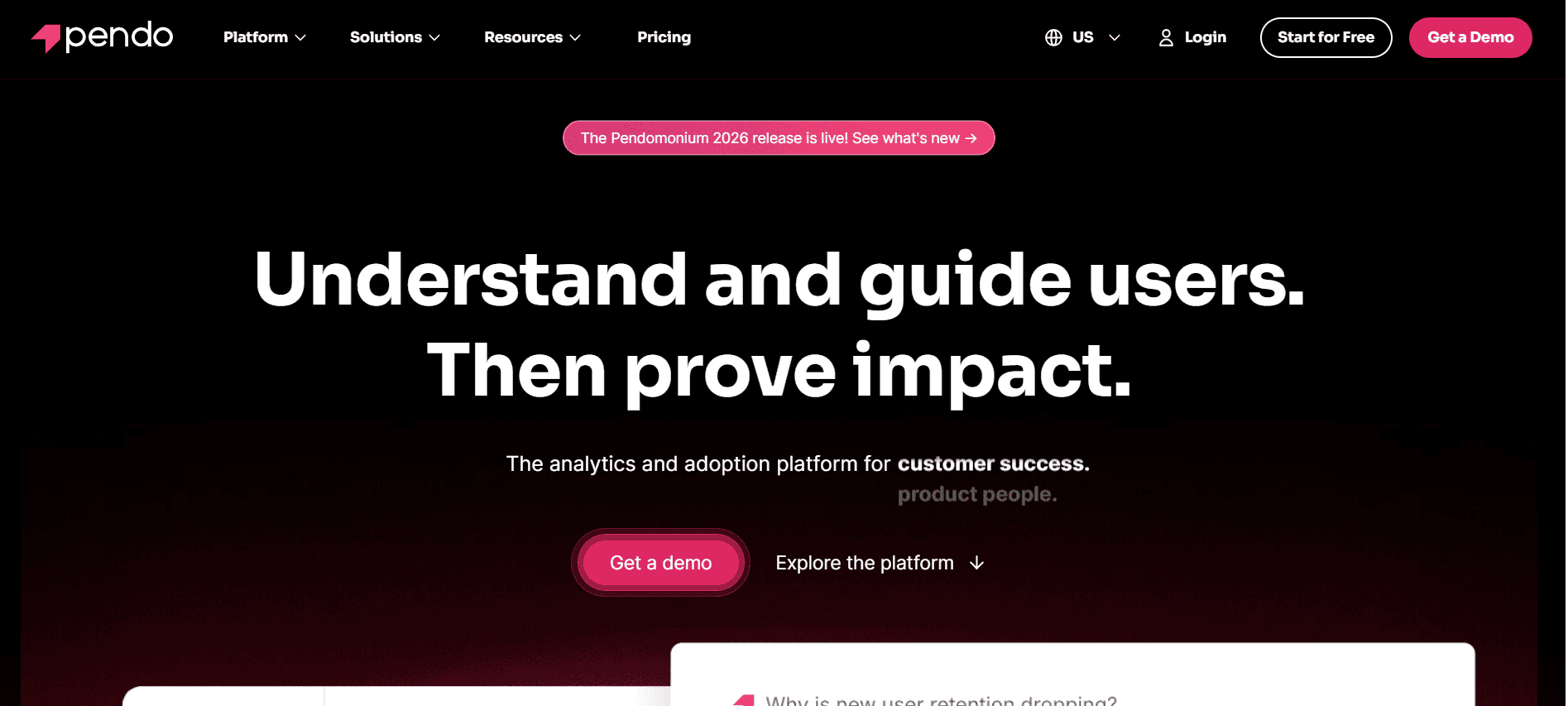
Pendo is a powerful onboarding tool best suited for product teams that need detailed insights into how users interact with their software. It's particularly strong in providing in-depth analytics and user guidance features. However, it lacks a dedicated client portal, which might be a drawback for those needing comprehensive external communications.
Key Features
User Guidance
In-Depth Analytics
Feedback Collection
Feature Adoption Tracking
Segmented User Insights
Integration with Product Management Tools
Email Sequence (Limited)
Pros | Cons |
|---|---|
Excellent analytics and insights. | Lacks a client portal feature. |
Robust in-app guidance tools. | Limited email automation capabilities. |
Integrates well with product management tools. | Higher learning curve for new users. |
Pricing
Custom pricing available on request.
UserPilot
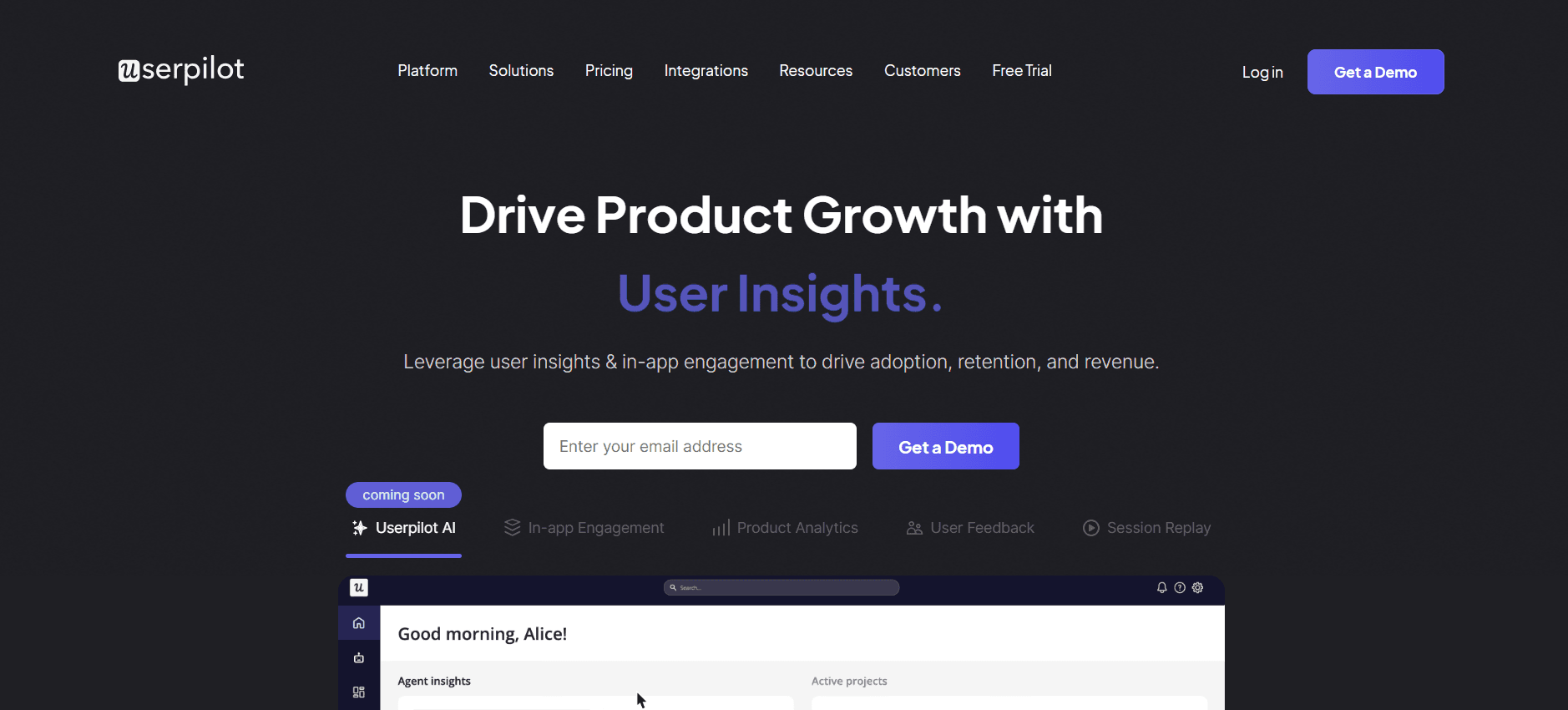
UserPilot is geared towards product teams aiming to enhance user experience through personalized onboarding flows. It excels in providing in-app experiences and custom user paths, making it perfect for SaaS companies that focus on user engagement. However, it offers limited external client communication features.
Key Features
Personalized In-App Experiences
Custom User Paths
Feature Adoption Metrics
User Segmentation
Progress Tracking
Integration with CRM Systems
Email Automation
Pros | Cons |
|---|---|
Highly customizable onboarding flows. | Lacks a client portal for external communication. |
Strong focus on user engagement metrics. | Limited video content support. |
Intuitive user interface. | Can be expensive for smaller companies. |
Pricing
Starts at $249/month for growth plans.
Appcues
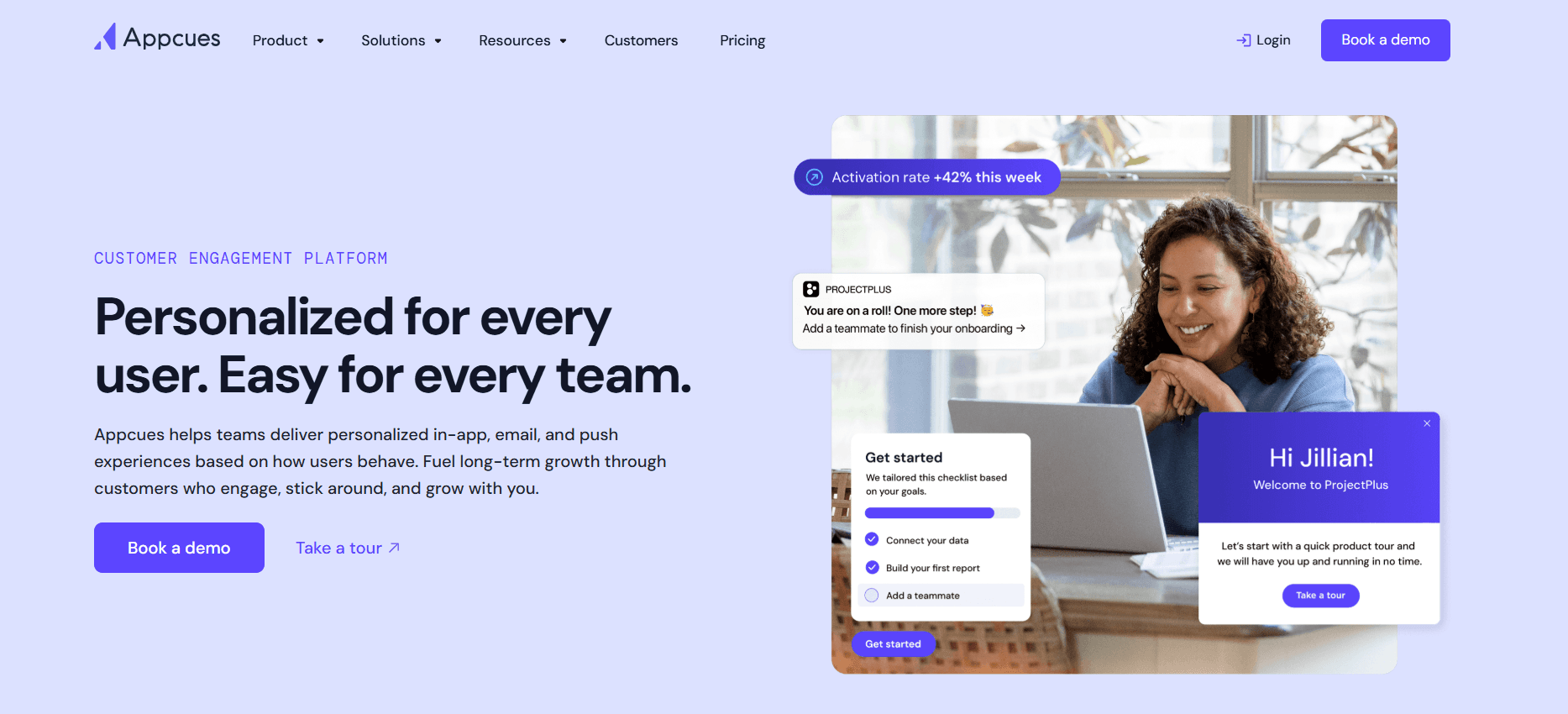
Appcues is tailored for teams that want to create beautiful, code-free onboarding experiences. It's ideal for product teams that require quick deployment without developer involvement. While it provides excellent in-app guidance and visual engagement, it falls short in offering a dedicated client portal and deep analytics.
Key Features
Code-Free Onboarding Flows
In-App Messaging
Customizable User Interface
Feature Adoption Tracking
Analytics Dashboard
Dynamic User Segmentation
Email Campaigns
Pros | Cons |
|---|---|
Easy to use with no coding required. | Limited client communication features. |
Great customization options for in-app guidance. | Basic analytics capabilities. |
Fast deployment. | No built-in client portal. |
Pricing
Pricing starts at $99/month, with a free trial available.
Rocketlane
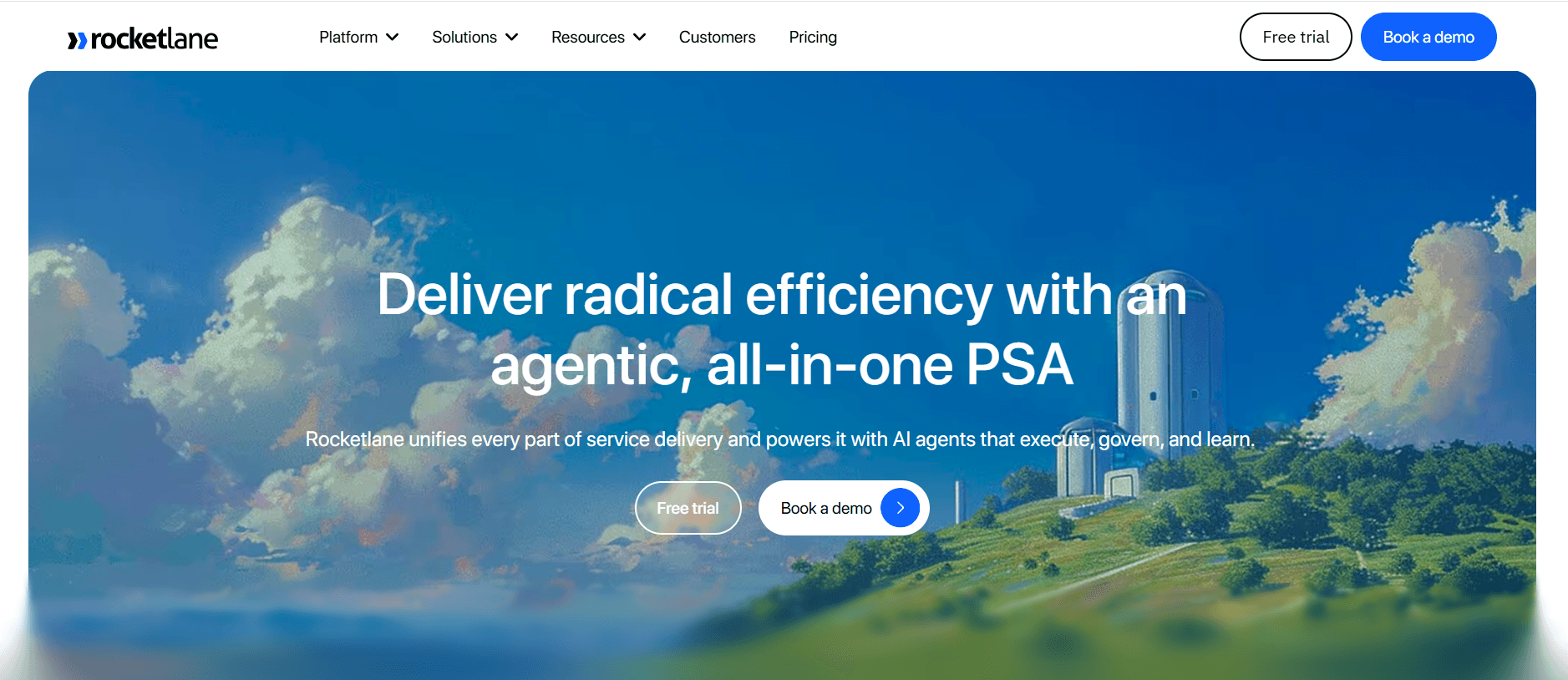
Rocketlane is designed for customer teams that need a dedicated client onboarding portal. It's best for organizations that prioritize external communications and detailed project management. The platform shines in its collaborative features and transparency, though it lacks in-app guidance capabilities, making it less ideal for product teams seeking user engagement metrics.
Key Features
Dedicated Client Portal
Project Management Tools
Collaboration Features
Task Automation
Progress Tracking
Milestone Alerts
Custom Branding
Pros | Cons |
|---|---|
Excellent for external project management. | Lacks in-app guidance features. |
Great task automation tools. | Higher cost for premium plans. |
Strong collaborative features. | Limited analytics capabilities. |
Pricing
Starts at $300/month for teams, with volume discounts available.
Dock
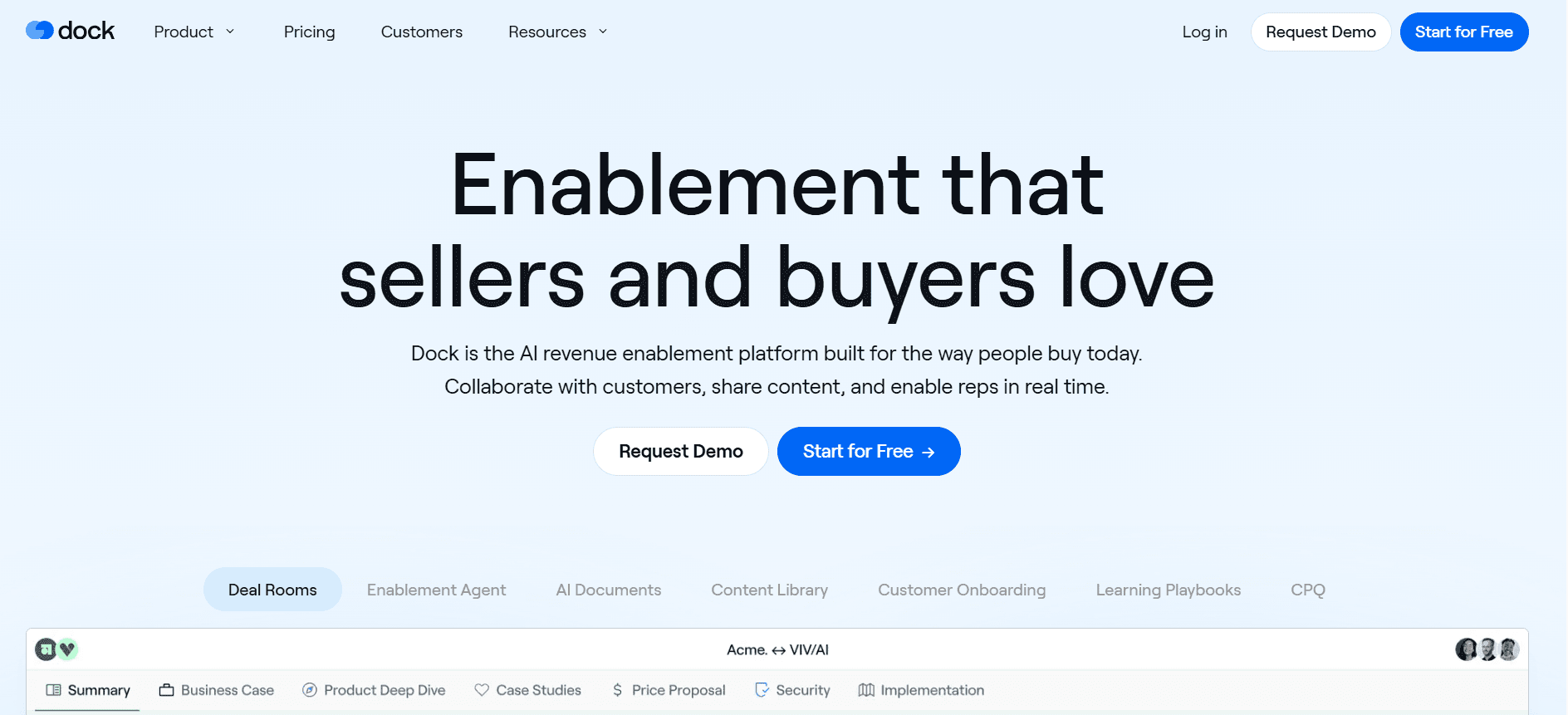
Dock is aimed at businesses that need a simple yet effective client onboarding solution. It offers a streamlined client portal and basic project management features. This tool is perfect for small to medium-sized businesses that don't require complex integrations or analytics. However, Dock may not meet the needs of organizations looking for extensive automation or in-depth reporting.
Key Features
Simple Client Portal
Basic Project Management
Document Sharing
Task Assignment
Limited CRM Integration
Minimal Customization
Basic Automation
Pros | Cons |
|---|---|
Very user-friendly for small teams. | Minimal automation capabilities. |
Affordable pricing. | Limited customization options. |
Easy document sharing. | Basic features might not suit larger teams. |
Pricing
Free tier available, premium plans start at $15/month.
GuideCX
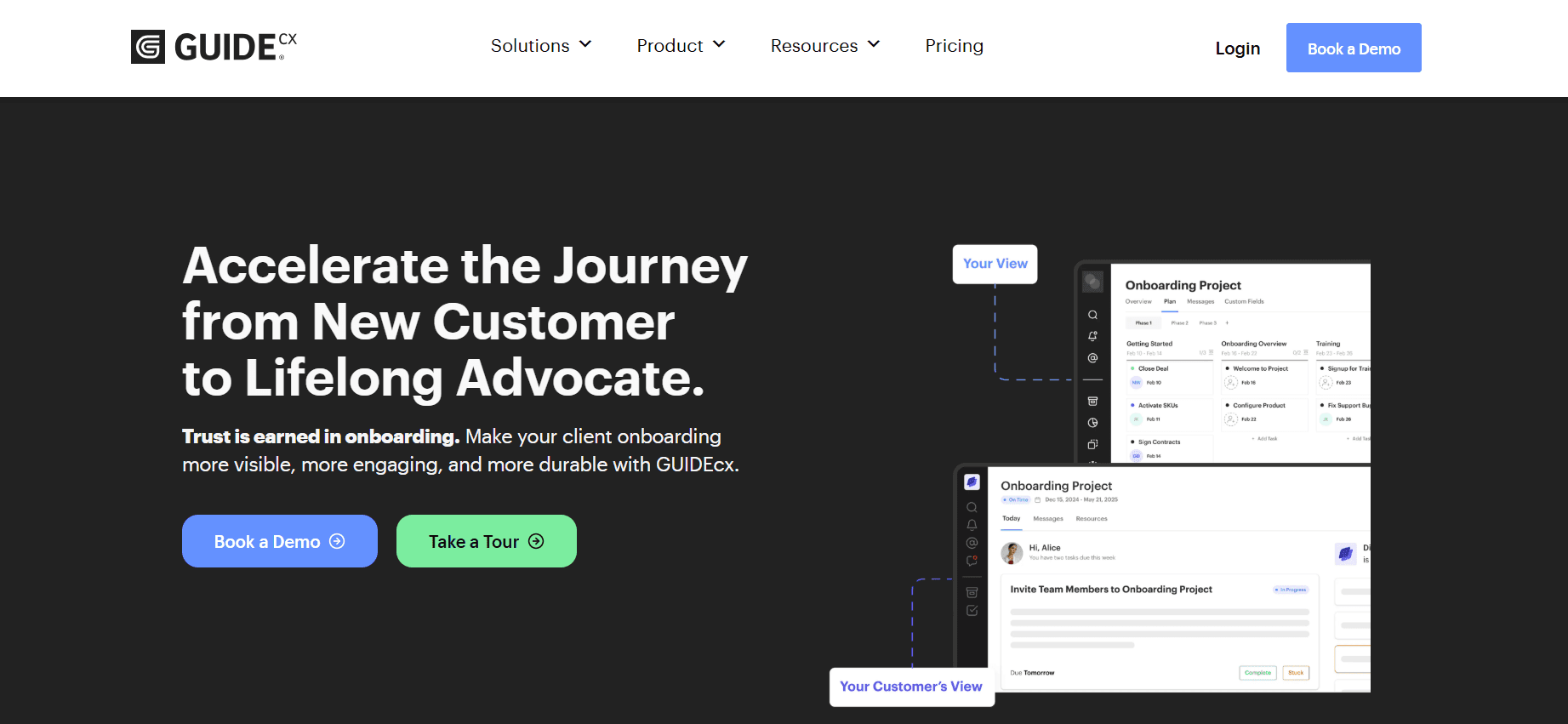
GuideCX focuses on transparency and collaboration during the onboarding process. It's ideal for companies that require a detailed view of client progress and seamless communication. The platform excels in providing a structured onboarding experience but is less suited for those who need in-app guidance or extensive CRM integrations.
Key Features
Client Progress Tracking
Collaborative Task Management
Automated Notifications
Customizable Onboarding Templates
Team Collaboration Tools
Limited CRM Integration
Progress Reports
Pros | Cons |
|---|---|
Great for detailed client tracking. | Limited in-app guidance features. |
Strong collaboration tools. | Lacks deep CRM integration. |
Customizable onboarding templates. | Higher cost for smaller teams. |
Pricing
Pricing starts at $500/month for larger teams.
Intercom
Intercom is a versatile platform that combines customer messaging with onboarding capabilities, making it ideal for businesses looking to enhance communication during the onboarding process. It integrates well with a variety of tools and offers robust in-app messaging, though it lacks a dedicated client portal and extensive onboarding features.
Key Features
In-App Messaging
Customer Segmentation
Automated Workflows
Integration with CRM Systems
Reporting and Analytics
Engagement Metrics
Email Sequences
Pros | Cons |
|---|---|
Excellent for enhancing customer communication. | Lacks a dedicated client portal. |
Strong integration capabilities. | Basic onboarding features. |
Robust in-app messaging tools. | Can be expensive for small teams. |
Pricing
Starts at $39/month with additional costs for advanced features.
Customer Onboarding Challenges: What Teams Struggle With
1. Inconsistent Onboarding Experience Across Different CS Reps
Onboarding delivery varies widely depending on the rep, leading to unequal customer experiences.
Lack of standardized procedures results in incomplete or incorrect information being shared.
Difficulty in maintaining a consistent brand voice and message throughout onboarding.
New hires face longer ramp-up periods without clear guidelines and resources.
2. Clients Don't Complete Onboarding Steps Without Proactive Nudges
Customers often forget or deprioritize tasks, delaying the onboarding process.
Lack of automated reminders leads to manual follow-ups, increasing workload.
Proactive communication is essential to keep clients engaged and motivated.
Potential loss of client interest if the onboarding process feels cumbersome or forgotten.
3. CS Team Has No Visibility Into Where Specific Clients Are Stuck
Without clear insight, it's challenging to provide timely assistance.
Manual tracking of client progress is inefficient and prone to errors.
Difficulty in identifying patterns of common stumbling blocks in the process.
Frustration both for the team and the client when issues are not addressed promptly.
4. CS Team Cannot Scale Their Capacity Without Adding Headcount
Limited by the number of clients a single rep can handle effectively.
High workloads can lead to burnout and reduced team morale.
Inability to scale the business quickly without significant investment in human resources.
Automation and self-serve options are necessary to maintain growth without parallel staff increases.
5. Poor Integration With Existing CRM and Support Ticketing Systems
Data silos result from systems that don't communicate, leading to incomplete client profiles.
Manual data entry increases the risk of errors and inefficiencies.
Difficulty in maintaining a seamless transition from sales to onboarding.
Clients may experience repetitive information requests, reducing their satisfaction.
Challenge | Traditional Process | Business Impact | Time Cost |
|---|---|---|---|
Inconsistent onboarding experience | Manual training, varying methods | Poor customer satisfaction, increased churn | High (40+ hours per rep for training) |
Clients don't complete onboarding | Email follow-ups, manual reminders | Delayed time to value, loss of engagement | Moderate (15+ hours per week) |
No visibility into client progress | Spreadsheets, email check-ins | Inability to assist clients in real-time | High (20+ hours per week) |
Scaling without additional headcount | Increasing team size | High operational costs | Very High (ongoing recruitment and training) |
Poor integration with CRM | Manual data transfer | Data inaccuracies, inefficient workflows | High (10+ hours per week) |
Must-Have Features in Customer Onboarding Tools
In-App Guidance and Product Tours
In-app guidance and product tours are essential for engaging users directly within the software. These features allow users to discover functionalities at their own pace, reducing the learning curve. By offering step-by-step instructions, users can complete tasks without external assistance.
Tools like Trupeer and UserPilot excel in providing robust in-app guidance, making them ideal for SaaS products that require users to quickly become self-sufficient. These features decrease support requests and enhance user satisfaction.
Client-Facing Onboarding Portal
A client-facing onboarding portal centralizes resources and communication, offering users a one-stop destination for all onboarding materials. This feature is crucial for maintaining transparency and giving clients a sense of ownership over their onboarding experience.
Rocketlane and Dock offer strong client portal capabilities, which are particularly beneficial for service-based industries where project management and client communication are key. These portals help streamline processes and improve client engagement.
Video Walkthroughs Embedded in the Platform
Video walkthroughs provide a dynamic way to communicate complex processes and features. They cater to visual learners and can significantly enhance a user's understanding and retention of information. Videos can be paused, replayed, and consumed at the user's convenience.
Appcues and Trupeer incorporate video content effectively, offering users an engaging and informative onboarding experience. This feature can lead to a decrease in training time and an increase in user adoption rates.
Automated Task and Milestone Tracking
Automation in task and milestone tracking ensures that both teams and clients are aligned on progress and deadlines. Automated reminders and alerts keep tasks , reducing the need for manual follow-ups.
GuideCX and Trupeer are strong in this area, providing detailed tracking and automated notifications that help keep projects on track. This feature is vital for maintaining momentum and ensuring timely onboarding completion.
Engagement and Health Score Analytics
Analytics that measure user engagement and health scores provide insights into how users interact with the platform and where they might be facing difficulties. These metrics are crucial for proactively addressing potential churn risks and improving the onboarding process.
Intercom and Pendo offer comprehensive analytics dashboards that help teams understand user behavior and adjust strategies accordingly. By leveraging these insights, teams can enhance user experience and increase retention rates.
CRM Integration
Seamless CRM integration is essential for maintaining a unified view of customer interactions and history. It allows for a smooth transition from sales to onboarding and ongoing support, ensuring that all team members have the information they need to provide personalized service.
Trupeer and Pendo excel in CRM integrations, making them ideal for businesses looking to streamline their workflows and enhance data accuracy. This feature reduces manual data entry and ensures that customer data remains consistent across platforms.
How to Choose Customer Onboarding Software Based on Your Use Case
SaaS Self-Serve Product Onboarding
SaaS companies often need onboarding solutions that allow users to get started without direct assistance. The focus is on offering intuitive guidance and reducing time to value for the user. Efficient onboarding can dramatically improve user adoption and retention.
Users need to understand the product quickly and independently.
High volume of sign-ups can overwhelm manual processes.
Need for scalable onboarding without increasing headcount.
In-app guidance and product tours.
Automated task tracking and reminders.
Comprehensive analytics for user engagement.
Feature | Trupeer | UserPilot | Appcues |
|---|---|---|---|
In-App Guidance | Yes | Yes | Yes |
Automated Tracking | Yes | Yes | No |
Enterprise CSM-Led Onboarding
Enterprises often require a more personalized onboarding approach, where a dedicated customer success manager (CSM) leads the process. The need for detailed project management and client communication is paramount.
Complex products require personalized guidance and training.
Large teams necessitate detailed project management tools.
Ensuring consistent communication and documentation.
Client-facing onboarding portals.
Robust project management features.
Integration with CRM and support systems.
Feature | Rocketlane | GuideCX | Dock |
|---|---|---|---|
Client Portals | Yes | Yes | Yes |
CRM Integration | Yes | Limited | Limited |
Agency Client Onboarding
Agencies must manage multiple client projects simultaneously, requiring tools that facilitate clear communication and project visibility. The ability to customize onboarding flows to meet diverse client needs is crucial.
Managing multiple clients with different requirements.
Need for transparency and clear communication.
Customization of onboarding processes.
Customizable onboarding templates.
Collaboration and document sharing tools.
Automated notifications and progress tracking.
Feature | GuideCX | Trupeer | Rocketlane |
|---|---|---|---|
Custom Templates | Yes | Yes | Yes |
Collaboration Tools | Yes | Limited | Yes |
Partner and Reseller Enablement
For companies expanding their reach through partners and resellers, onboarding must provide comprehensive training and resources. Ensuring partners are well-equipped to represent your brand is essential for success.
Need for scalable training processes.
Maintaining brand consistency and messaging.
Providing ongoing support and resources.
Video walkthroughs and training modules.
Access to a resource-rich client portal.
Regular updates and communication channels.
Feature | Trupeer | Appcues | Pendo |
|---|---|---|---|
Video Walkthroughs | Yes | Yes | No |
Resource Portals | Yes | No | No |
Best Practices for Customer Onboarding
Before Onboarding
Define clear onboarding objectives and goals for each client segment.
Customize onboarding flows to align with specific client needs.
Prepare all necessary resources and documentation in advance.
Ensure CRM and other integration systems are fully operational.
Communicate the onboarding process and expected outcomes to all stakeholders.
During Onboarding
Maintain open communication with clients, providing regular updates.
Utilize in-app guidance and product tours to facilitate learning.
Track progress and address any roadblocks immediately.
Offer personalized support and assistance as needed.
Gather feedback from clients to refine the onboarding process.
After Onboarding
Review onboarding outcomes against initial objectives and KPIs.
Schedule follow-up sessions to reinforce learning and gauge satisfaction.
Continue to provide resources and support for ongoing success.
Integrate client feedback into future onboarding strategies.
Establish a regular communication cadence to maintain client engagement.
Frequently Asked Questions
General
What is customer onboarding software?
Customer onboarding software helps businesses introduce new users to their products or services effectively. It typically includes features like product tours, task tracking, and client portals to ensure a smooth transition from initial interest to active use.
Why is customer onboarding important?
Effective onboarding reduces churn, increases user satisfaction, and accelerates the time it takes for a customer to realize the value of a product. It sets the foundation for long-term customer success and loyalty.
Technical
Can onboarding software integrate with my CRM?
Most onboarding tools offer CRM integrations to maintain seamless data flow and ensure that customer information is consistent across platforms. It's essential to check each tool's integration capabilities with your specific CRM system.
Do these tools support multi-language onboarding?
Many customer onboarding platforms support multiple languages, enabling businesses to cater to a diverse user base. However, the extent of language support can vary, so it's important to confirm with the provider.
Pricing
Is there a free version of customer onboarding software?
Some tools offer free tiers or trials, allowing businesses to test the software before committing to a paid plan. Free versions usually come with limited features, so evaluate if they meet your business's requirements.
What factors determine the cost of onboarding software?
Pricing is typically based on factors such as the number of users, features included, and the level of support provided. Customization options and integration capabilities can also affect the cost.
Implementation
How long does it take to implement onboarding software?
Implementation time varies depending on the complexity of the software and the level of customization required. Simple setups can be completed in a few days, while more complex integrations may take weeks.
What support is available during the implementation process?
Most vendors provide onboarding support, including setup assistance, training sessions, and ongoing technical support. It's important to clarify the level of support offered during the evaluation process.
Final Thoughts
Choosing the right customer onboarding software is a critical decision that can significantly impact your business's success. By evaluating your specific needs and exploring the features and capabilities of various tools, you can find a solution that enhances your onboarding process and boosts customer satisfaction.
Trupeer offers a comprehensive and flexible platform that can meet diverse onboarding needs. To learn more about how Trupeer can support your business, visit Trupeer today.


