Trupeer Blog
Summarise

Creating a user guide manually can be an overwhelming task for many teams. The process involves not only writing and formatting but also ensuring accuracy and consistency across every update. On average, teams spend about 8-12 hours crafting a single user manual from scratch. This time commitment can be daunting, especially when rapid product iterations require frequent updates. It's the same idea behind the user manual guide capture the process once and reuse it instead of redoing the work.
According to a recent survey, 65% of team leads reported that their documentation was outdated within six months of creation.
Source: Documentation Efficiency Report by Tech Insights, 2025
This guide explores the best tools available for generating user guides efficiently. It's designed for product managers, technical writers, and team leads who seek to streamline their documentation process. We'll look at the strengths and weaknesses of each tool, enabling you to choose the one that best fits your organization's needs.
Best User Guide Generator Tools: Head-to-Head Comparison
Feature | Trupeer | Scribe | Document360 | Tango | Notion | Confluence | GitBook |
|---|---|---|---|---|---|---|---|
Core Features | |||||||
Auto-Capture Steps | Yes | Yes | No | Yes | No | No | Limited |
AI Capabilities | |||||||
AI Writing | Yes | Limited | No | Yes | No | No | Yes |
Professional Features | |||||||
Video Support | Yes | No | Yes | Yes | Limited | Yes | No |
PDF Export | Yes | Yes | Yes | Limited | Yes | Yes | Yes |
Integrations | |||||||
Web Knowledge Base | Yes | Limited | Yes | No | Yes | Yes | Yes |
Version Control | Yes | No | Yes | Limited | Limited | Yes | Yes |
Team Collaboration | Yes | Limited | Yes | No | Yes | Yes | Yes |
Search | Yes | Yes | Yes | Limited | Yes | Yes | Yes |
Templates | Yes | Yes | No | Yes | Limited | Yes | No |
Free Tier | Yes | Yes | No | Yes | Yes | No | Limited |
Trupeer

Trupeer stands out as a versatile tool designed for creating comprehensive user guides with ease. It's particularly suited for teams that need to generate elaborate documentation swiftly. The platform leverages AI to automate the writing process, thus reducing the manual effort required. Trupeer's intuitive interface allows users to capture steps and integrate multimedia seamlessly, making it a favorite among product teams and technical writers.
Trupeer shines in its ability to handle complex documents without compromising on quality. Its robust version control and team collaboration features ensure that every update is smooth and traceable. However, while it excels at document creation, those looking for deep analytics might find it lacking.
Key Features
AI-Powered Writing
Auto-Capture Steps
Version Control
Video Integration
Web and PDF Export
Searchable Knowledge Base
Team Collaboration Tools
Template Library
"Trupeer revolutionized how our team approaches documentation. We cut our creation time by 60% without sacrificing quality."
Pros
Cons
Streamlines documentation creation with AI.
Limited analytics features.
Strong version control and collaboration.
May require a learning curve for new users.
Offers comprehensive export options.
Advanced features may require higher tier plans.
Pricing
Trupeer offers a free tier with essential features. Paid plans start at $49 per month for more advanced functionalities.
Scribe
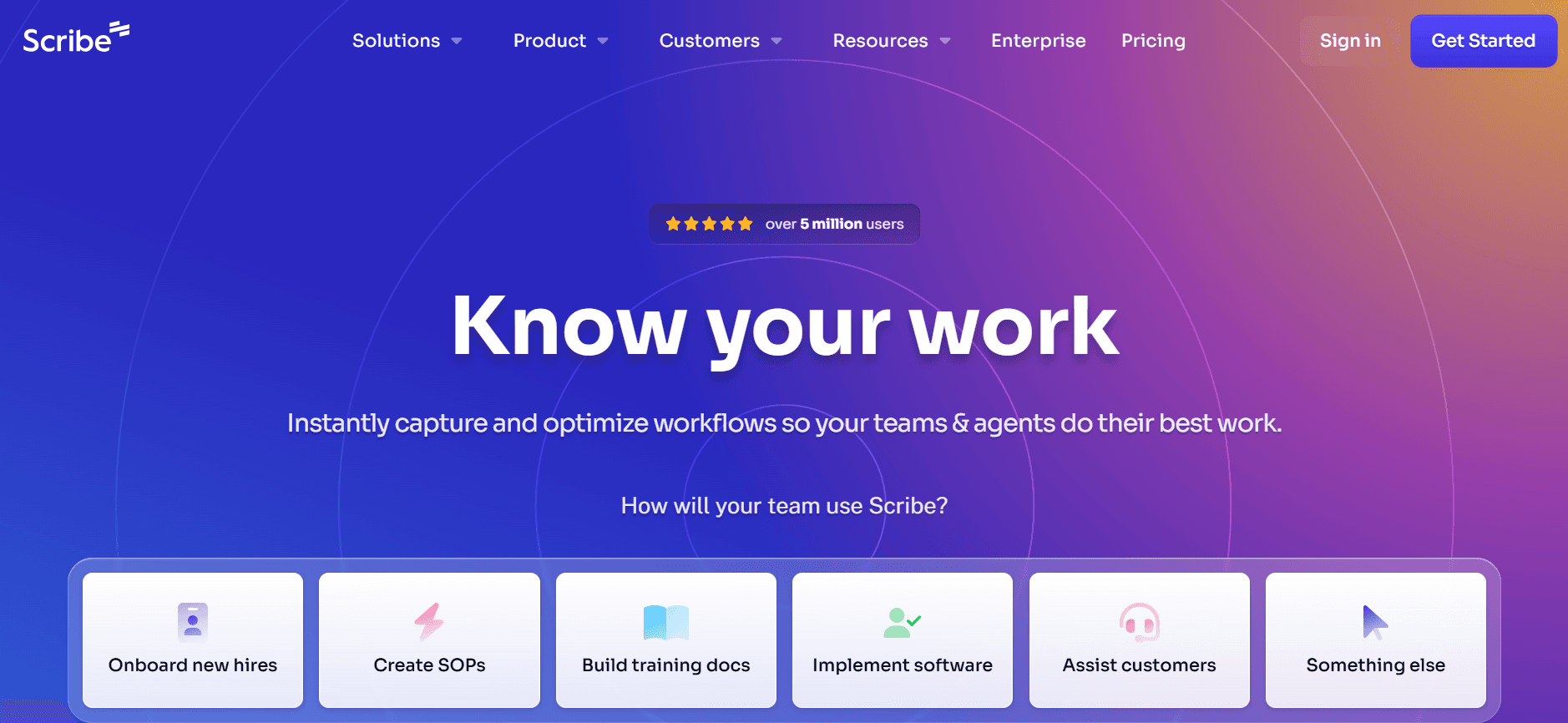
Scribe is an ideal tool for those who need a straightforward solution for creating user guides. It's perfect for teams that require quick setup and deployment without extensive customization. Scribe's clean interface and ease of use make it accessible to users of all skill levels. However, its simplicity might be a limitation for those who need comprehensive features.
Scribe primarily focuses on capturing straightforward procedural documentation. While it's excellent for smaller teams or individual users, larger organizations might find its capabilities limited when dealing with complex documentation needs.
Key Features
Easy-to-Use Interface
Step-by-Step Guidance
Quick PDF Export
Basic Template Options
Limited AI Writing
Simple Search Functionality
Free Plan Available
Basic Version Control
Pros
Cons
Very user-friendly and easy to learn.
Limited advanced features for complex needs.
Provides quick and efficient guide creation.
Does not support video integration.
Offers a free plan for basic use.
Limited AI capabilities compared to competitors.
Pricing
Scribe offers a free tier, with premium plans starting at $15 per month to unlock additional features.
Document360
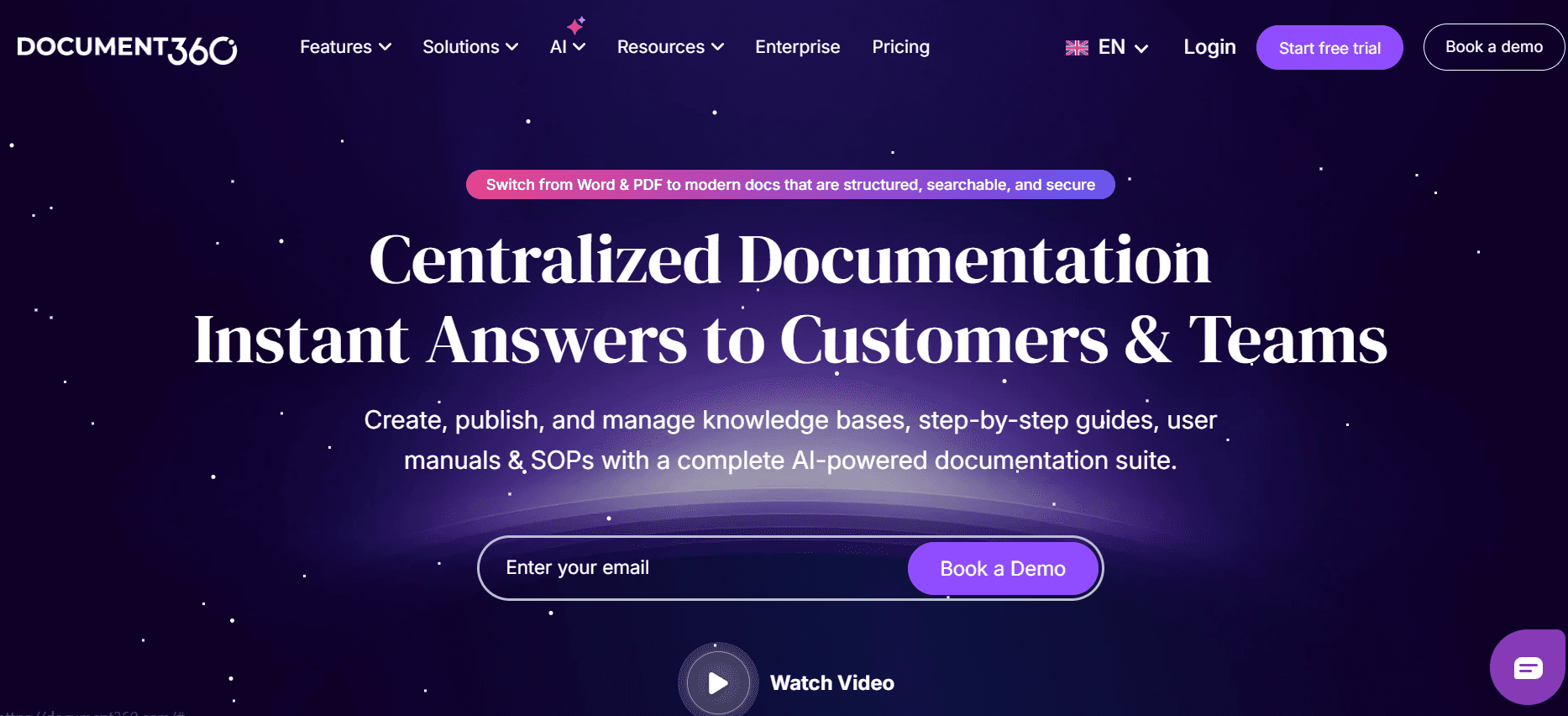
Document360 is tailored for businesses that require a robust knowledge base platform. It's particularly effective for teams focused on maintaining detailed and accessible online documentation. Document360's strength lies in its comprehensive web knowledge base capabilities, although it falls short in auto-generating user guides directly from screen recordings.
This platform excels at providing a centralized repository for all documentation needs. However, its primary focus on knowledge bases might not suit those looking for a traditional user guide generator.
Key Features
Extensive Knowledge Base
Collaborative Editing
Customizable Templates
SEO Optimization Tools
PDF Export
Version History Tracking
Advanced Search Capabilities
Integration with Third-Party Tools
Pros
Cons
Offers strong knowledge base management.
Lacks auto-capture step functionality.
Highly customizable to fit specific needs.
No free tier available.
Provides comprehensive export options.
More suited for web-based documentation.
Pricing
Document360 does not offer a free tier. Paid plans start at $49 per month.
Tango
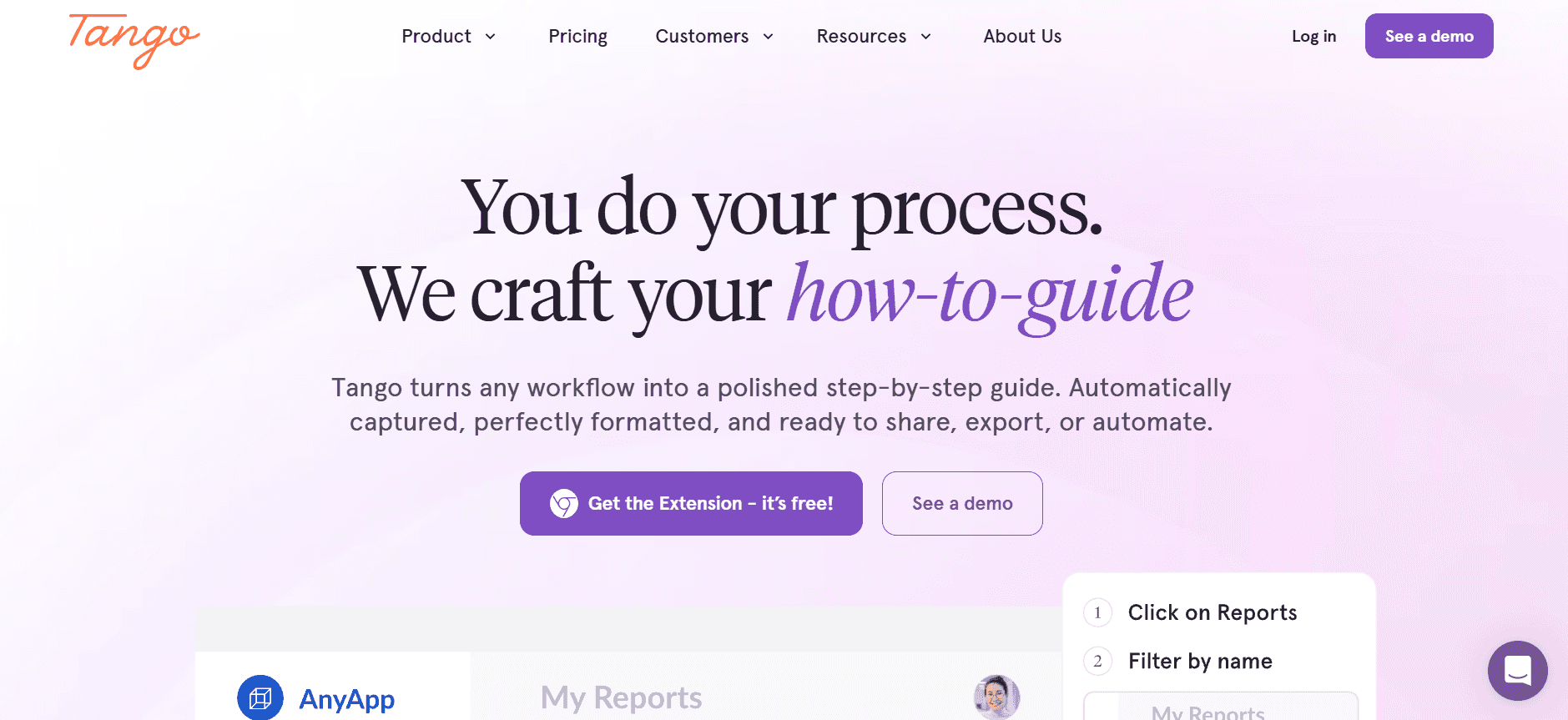
Tango is an innovative tool designed for quick and easy documentation creation. It's ideal for teams that need to capture on-screen processes and generate guides rapidly. Tango's unique selling point is its ability to create step-by-step guides directly from screen captures, making it extremely efficient for product teams.
While Tango excels in fast documentation, it offers limited advanced features found in more comprehensive tools. It's best suited for teams looking for simplicity and speed without the need for extensive customization.
Key Features
Instant Step Capture
Video and Image Integration
Automatic Step Annotation
Simple PDF Export
Basic Team Collaboration
Limited Web Integration
Quick Setup Process
Free Tier Available
Pros
Cons
Fast and efficient guide creation.
Limited integration with other tools.
Supports multimedia content.
Less robust in handling complex documents.
Offers a free tier for basic use.
Limited AI writing capabilities.
Pricing
Tango provides a free tier, with premium plans starting at $20 per month.
Notion
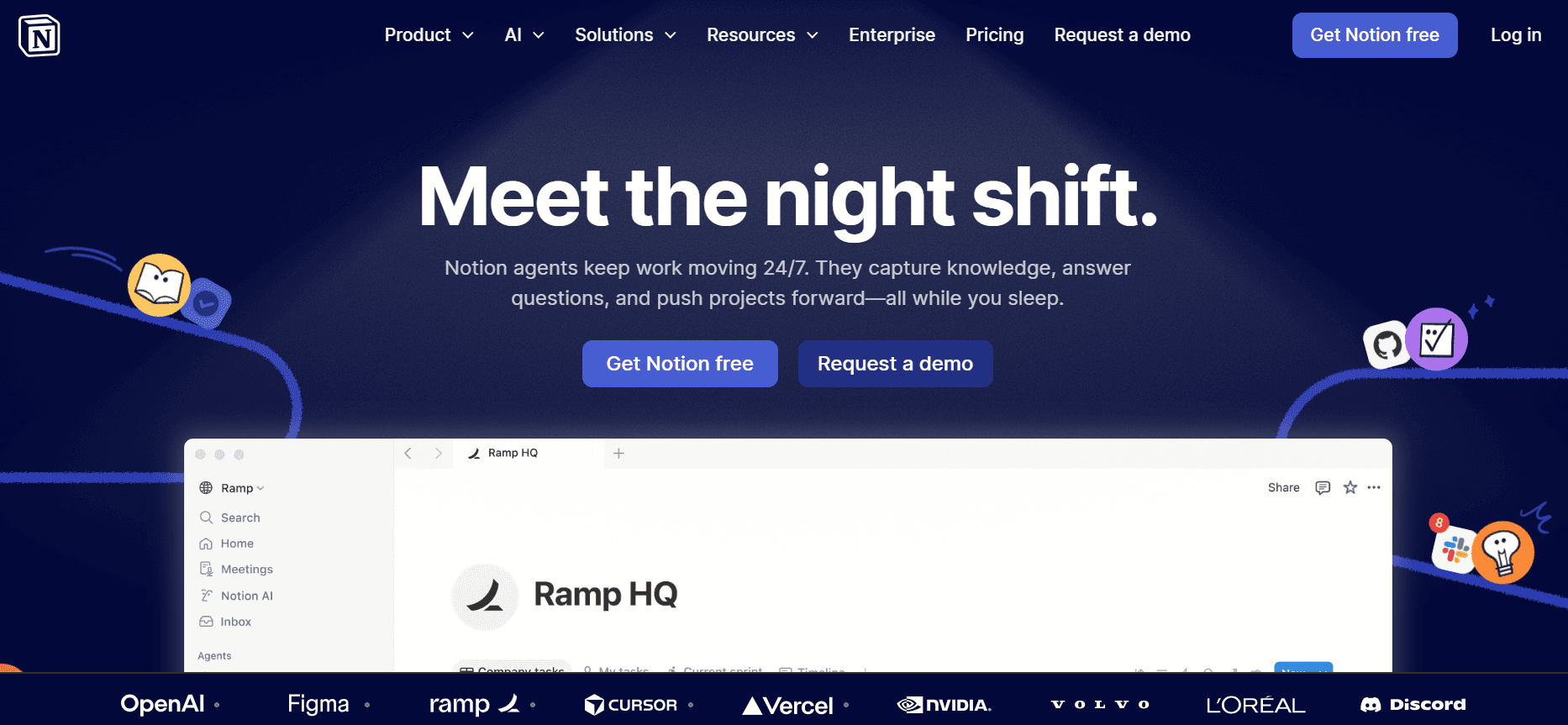
Notion is a versatile tool that serves as a combined workspace for notes, tasks, and databases. It's an excellent choice for teams that prefer to keep their documentation alongside other project management tasks. Notion's flexibility allows users to build custom layouts and integrate various types of content within a single platform.
While Notion is highly customizable, it lacks specialized features for generating user guides quickly. Its strength lies in its ability to organize content intuitively, though it may require more manual effort compared to dedicated user guide generators.
Key Features
Flexible Workspace
Customizable Templates
Database Integration
Task and Project Management
Basic Search Functionality
Collaborative Editing
Limited PDF Export
Free Personal Plan
Pros
Cons
Highly flexible and customizable.
Not specialized for user guide generation.
Supports a wide range of content types.
Can be complex for new users.
Offers free personal use plan.
Limited export options for professional use.
Pricing
Notion offers a free personal plan, with team plans starting at $8 per user per month.
Confluence
Confluence is an established tool for team collaboration and documentation management. It's often used by organizations that need a centralized platform for both internal and external documentation. Confluence excels in facilitating collaboration through its integration with other Atlassian products, making it ideal for teams already using tools like Jira.
Despite its strong collaborative features, Confluence can be overwhelming for users who only need a simple guide generator. It's best suited for larger teams that require extensive documentation capabilities and project integration.
Key Features
Advanced Collaboration Tools
Integration with Atlassian Suite
Customizable Templates
Version Control and History
Extensive Export Options
Advanced Search and Findability
Permission Management
No Free Tier
Pros
Cons
Strong integration with other Atlassian products.
Can be complex for simple documentation needs.
Facilitates extensive team collaboration.
No free tier available.
Offers comprehensive version control.
May require training for effective use.
Pricing
Confluence does not offer a free tier. Paid plans start at $10 per user per month.
GitBook
GitBook is a documentation platform designed for technical teams and developers. It provides a simple way to manage and publish documentation online, making it a favorite among those who need to keep technical documents up to date. GitBook's strength lies in its version control and markdown support, allowing for easy editing and collaboration.
While GitBook is excellent for developer documentation, it might not have all the features needed for comprehensive user guide generation, particularly for non-technical users.
Key Features
Markdown Support
Version Control
Web Publishing
Collaborative Editing
Customizable Themes
API Documentation
Basic Search Functionality
Limited Free Tier
Pros
Cons
Ideal for technical and developer documentation.
Limited multimedia support.
Offers strong version control features.
Not ideal for non-technical users.
Supports markdown for easy editing.
Limited free tier with basic features.
Pricing
GitBook offers a limited free tier, with premium plans starting at $12 per user per month.
User Guide Creation Challenges: What Teams Struggle With
1. Manual Documentation is Slow
Creating user guides manually often involves taking countless screenshots and editing them to fit the documentation style.
Writing detailed instructions requires careful attention to detail and consistency, which can be time-consuming.
Formatting and proofreading require multiple rounds of review, adding to the time spent on documentation. That's also where the annotation generator fits in: it takes the documentation you already have and turns it into something you can share.
Teams often face bottlenecks when waiting for approvals or input from different departments.
2. Content Becomes Outdated Quickly
With frequent product updates, user guides can become obsolete within weeks, necessitating constant revisions.
Manually updating documentation every time there's a product release is resource-intensive.
Outdated guides can lead to user frustration and increased support requests.
Keeping track of changes and ensuring all guides are up-to-date is challenging without proper version control tools.
3. Poor Search and Findability
End users often struggle to find the information they need quickly due to poorly organized content.
Without advanced search functionalities, locating specific guides or steps can become cumbersome.
Inconsistent terminology or unclear headings can lead to confusion and inefficiency.
Teams may lack the ability to tag content appropriately, reducing search effectiveness.
4. Documentation Siloed Across Tools
Using multiple tools for documentation can lead to fragmented information, making it hard to maintain consistency.
Switching between platforms like Notion, Word, and Google Docs can reduce productivity.
Lack of integration between tools can result in duplication of effort and data entry errors.
Teams often struggle with maintaining a single source of truth for all their documentation needs.
5. No Consistency in Format or Style
Different team members may use varying styles, leading to inconsistent documentation.
Without standardized templates, guides can vary in quality and appearance, affecting professionalism.
Ensuring consistency in tone and language requires additional oversight and editing.
Inconsistent documentation can confuse users and detract from the overall user experience.
Challenge | Traditional Process | Business Impact | Time Cost |
|---|---|---|---|
Manual Documentation | Screenshots, writing, formatting | Delays in product launches | 8-12 hours per guide |
Quickly Outdated Content | Manual updates post-release | Increased support tickets | 5-6 hours per update |
Poor Search | Basic search tools | Reduced user efficiency | 1-2 hours per search |
Documentation Silo | Multiple tools, no integration | Duplication of effort | 2-3 hours coordination |
Format Inconsistency | No standardized templates | Unprofessional output | 3-4 hours reformatting |
Must-Have Features in User Guide Generation Tools
Auto Step Capture from Screen Activity
One of the most crucial features in modern user guide tools is the ability to automatically capture steps from screen activity. This functionality significantly reduces the time required to document a process, allowing users to focus on content quality instead of manual input. With tools like Trupeer and Tango, users can effortlessly record their actions and generate comprehensive guides without the hassle of manual screenshots.
By capturing steps automatically, teams can ensure that no detail is missed, and each step is accurately represented. This feature not only boosts efficiency but also enhances the accuracy and reliability of the documentation produced.
AI-Written Step Instructions
AI-powered writing capabilities have revolutionized the way user guides are created. These tools offer intelligent suggestions and automatically generate step-by-step instructions, drastically reducing the need for manual writing. Trupeer and GitBook have incorporated AI to assist with crafting clear and concise instructions, making it easier for teams to maintain consistency and professionalism in their documentation.
AI-written instructions help eliminate human error and ensure that the language used is clear and understandable. This feature is particularly beneficial for teams with limited resources or those looking to scale their documentation efforts quickly.
Video Embedding Alongside Text
Embedding video content alongside text instructions provides a richer and more engaging user experience. Visual learners benefit from seeing processes in action, and video content can often convey complex concepts more effectively than text alone. Tools like Tango and Document360 offer video integration features that allow users to embed tutorials directly into their guides.
This feature is invaluable for products that involve intricate processes or software that requires visual demonstration. By combining both text and video, teams can cater to diverse learning preferences and enhance the overall usability of their guides.
Multi-Format Export (PDF, Web, HTML)
Flexibility in exporting documentation is essential for reaching a wide audience across different platforms. User guide tools that offer multi-format export options, such as Trupeer and Confluence, enable users to distribute their documentation in various formats, including PDF, web pages, and HTML files. This ensures that the content is accessible to users regardless of their preferred format.
Multi-format export is particularly beneficial for companies with diverse customer bases or those operating in different regions. By providing documentation in multiple formats, teams can enhance accessibility and ensure that all users have access to the information they need.
Version Control and Quick Update Workflows
Maintaining up-to-date documentation is a constant challenge, especially for teams dealing with frequent product updates. Version control and streamlined update workflows are essential features that help teams manage their documentation efficiently. Tools like Document360 and Confluence offer robust version control systems that allow users to track changes and revert to previous versions when necessary.
Quick update workflows ensure that documentation is always current, reducing the likelihood of outdated information causing confusion or frustration among users. These features empower teams to manage their documentation lifecycle effectively and ensure consistency across all guides.
How to Choose User Guide Generators Based on Your Use Case
Product User Manuals and Help Center Articles
Creating user manuals and help center articles requires tools that can handle detailed and structured documentation. These resources are essential for guiding users through product features and troubleshooting common issues. Companies need tools that offer robust search capabilities and multi-format export options to cater to diverse user needs.
Managing large volumes of content that need regular updates.
Ensuring information is accessible and easy to find for end users.
Maintaining consistency across all product documentation.
Advanced search functions for quick access to information.
Multi-format export options to reach a broader audience.
Tools with strong version control features to manage updates.
Tool
Search
Export Options
Trupeer
Yes
Yes
Document360
Yes
Yes
Internal SOP Documentation
Standard Operating Procedures (SOPs) are critical for ensuring consistency in internal processes. These documents often require frequent updates and need to be accessible to all team members. The ideal tool should facilitate collaboration and provide easy access to the latest versions of documents.
Frequent updates due to process changes and improvements.
Collaborative creation and review to ensure accuracy.
Ensuring all employees have access to the latest SOPs.
Collaborative editing features for team input.
Version control to track changes and updates.
Secure access controls to manage document visibility.
Tool
Collaboration
Version Control
Confluence
Yes
Yes
Notion
Yes
Limited
IT System and Admin Guides
Technical guides for IT systems and administration require precision and clarity. These documents are essential for ensuring smooth operations and quick troubleshooting. Tools that offer AI-powered instructions and step-by-step guidance are particularly beneficial in this context.
Complexity of technical information that needs to be clearly communicated.
Ensuring guides are up-to-date with the latest system updates.
Providing both textual and visual information for clarity.
AI-powered instructions for accurate and clear documentation.
Video embedding to supplement textual instructions.
Tools that support detailed technical documentation structures.
Tool
AI Instructions
Video Support
Tango
Yes
Yes
GitBook
Limited
No
Customer-Facing Knowledge Base
Customer-facing knowledge bases are vital for reducing support requests and empowering users to find solutions independently. These platforms need to be user-friendly and offer robust search capabilities to ensure users can quickly find the information they need.
High volume of user queries that need to be addressed efficiently.
Ensuring the knowledge base is easy to navigate for all users.
Keeping content updated with the latest product information.
Advanced search functionality for quick information retrieval.
Intuitive user interfaces that enhance user experience.
Regular updates and content management features.
Tool
User-Friendly
Search
Trupeer
Yes
Yes
Document360
Yes
Yes
Developer and API Documentation
Developer and API documentation requires precision and technical depth. These documents need to be clear and detailed, providing developers with the information they need to integrate and work with APIs effectively. The right tools offer strong version controls and markdown support for easy editing.
Complex technical specifications that need to be clearly communicated.
Frequent updates to documentation as APIs evolve.
Ensuring compatibility and integration with development tools.
Version control to manage documentation changes.
Markdown support for straightforward editing and formatting.
Integration capabilities with other development tools.
Tool
Version Control
Markdown Support
GitBook
Yes
Yes
Confluence
Yes
No
Best Practices for Creating User Guides
Before You Begin
Define the scope of your user guide to ensure it addresses all necessary topics.
Identify your target audience and tailor the content to their level of expertise.
Plan the structure and layout of your guide for logical flow and readability.
Gather all necessary resources, including screenshots, video clips, and reference materials.
Create a timeline for completion to keep the project on track.
During the Creation Process
Use consistent terminology and style throughout the document for clarity.
Incorporate multimedia elements, such as images and videos, where they enhance understanding.
Regularly save and back up your work to prevent data loss.
Collaborate with team members for feedback and additional insights.
Utilize tools with version control to manage changes effectively.
After Publishing the Guide
Encourage user feedback to identify areas for improvement.
Monitor the guide's usage and effectiveness through analytics tools.
Schedule regular reviews and updates to keep the content current.
Train team members on how to access and use the guide effectively.
Promote the guide through appropriate channels to reach your audience.
Frequently Asked Questions
What is a user guide generator?
A user guide generator is a software tool that helps automate the creation of user manuals and documentation. These tools streamline the process by capturing steps, generating instructions, and providing templates to ensure consistency and professionalism.
Why should I use a user guide generator?
Using a user guide generator can save time and resources by automating repetitive tasks, ensuring consistency, and providing an easy way to update documentation. It's particularly useful for teams with frequent product updates or those who need to produce detailed guides quickly.
Can these tools handle multimedia content?
Yes, many user guide generators support multimedia content, such as images and videos. This allows you to create more engaging and informative guides that cater to different learning styles.
How do version control features work in these tools?
Version control features allow you to track changes to your documentation over time. This means you can easily revert to previous versions if needed and ensure that all team members are working with the most up-to-date information.
Are there free versions available for these tools?
Some tools offer free tiers with basic features, allowing you to test their capabilities before committing to a paid plan. However, advanced features and larger team support typically require a subscription.
What should I consider when choosing a pricing plan?
Consider the size of your team, the complexity of your documentation needs, and the features that are most important to your workflow. It's also important to compare the cost of the plan against the potential time savings and productivity gains.
7. How easy is it to implement a user guide generator?
Implementation ease varies by tool, but most are designed to be user-friendly with intuitive interfaces. Some tools offer onboarding support and tutorials to help you get started quickly and efficiently.
What kind of support is available if I encounter issues?
Support options vary by provider, with many offering online resources, tutorials, and customer support teams. Some tools provide dedicated account managers for premium plans to assist with more complex issues.
Closing
Choosing the right user guide generator can transform your documentation process, improving both efficiency and user satisfaction. By understanding your specific needs and evaluating the available tools, you can select a solution that streamlines your workflow and enhances the quality of your guides.
If you're ready to take your documentation to the next level, consider exploring Trupeer. With its robust features and user-friendly interface, Trupeer is designed to meet the needs of modern teams. Visit Trupeer's website to learn more about how it can revolutionize your user guide creation process.


