Trupeer Blog

Buyer's Overview
Creating a user guide from scratch can feel like an uphill battle. On average, teams spend between 8 to 12 hours crafting a single user manual, only to find it outdated with the next product release. This constant cycle of creation and obsolescence is a major drain on resources. According to a recent report, a staggering 67% of user guides are considered obsolete within their first year of publication.
67% of user guides become obsolete within the first year of publication.
Source: User Documentation Trends Report by TechInsights, 2025
This guide is designed for documentation teams, product managers, and anyone involved in creating user manuals. You'll find insights into the latest tools that can automate and streamline the user guide creation process, ensuring your documentation is not only up-to-date but also engaging for users.
Best User Guide Creation Tools: Head-to-Head Comparison
Feature | Trupeer | Scribe | Document360 | Tango | Notion | Confluence | GitBook | Archbee |
|---|---|---|---|---|---|---|---|---|
Auto-Capture Steps | Yes | Yes | No | Yes | No | No | Limited | Yes |
AI Writing | Yes | No | Yes | No | Yes | Limited | No | No |
Video Support | Yes | Limited | Yes | Yes | No | Limited | No | Yes |
PDF Export | Yes | Yes | Yes | No | Yes | Yes | Limited | Yes |
Web Knowledge Base | Yes | No | Yes | Limited | Yes | Yes | Yes | No |
Version Control | Yes | No | Yes | No | Limited | Yes | Yes | Limited |
Team Collaboration | Yes | Yes | Yes | Limited | Yes | Yes | Yes | Yes |
Search | Yes | Yes | Yes | Limited | Yes | Yes | Yes | Yes |
Templates | Yes | No | Yes | No | Yes | Limited | Yes | Yes |
Free Tier | Yes | Yes | No | Yes | Yes | Limited | No | No |
Trupeer

Trupeer stands out as a dynamic tool for creating user guides with ease. It's designed for teams that need to produce comprehensive documentation quickly. Trupeer's strength lies in its ability to auto-generate content from screen recordings, significantly reducing the time spent on manual documentation. It's particularly useful for tech companies needing to keep up with rapid product updates.
Key Features
Auto-capture step-by-step guides from screen activity
AI-generated writing for instructional content
Seamless video integration with text guides
Multi-format export options (PDF, web, HTML)
Version control for document updates
Robust team collaboration tools
Customizable templates for different guide types
Advanced search functionality for quick access
"Trupeer transformed how our team manages documentation, cutting creation time by half."
Pros | Cons |
|---|---|
Auto-generation saves significant time. | Learning curve for new users. |
Integrates video seamlessly with text. | Limited offline access. |
Supports multiple export formats. | Higher cost for larger teams. |
Pricing
Free tier available; paid plans start at $49/month per user.
Scribe
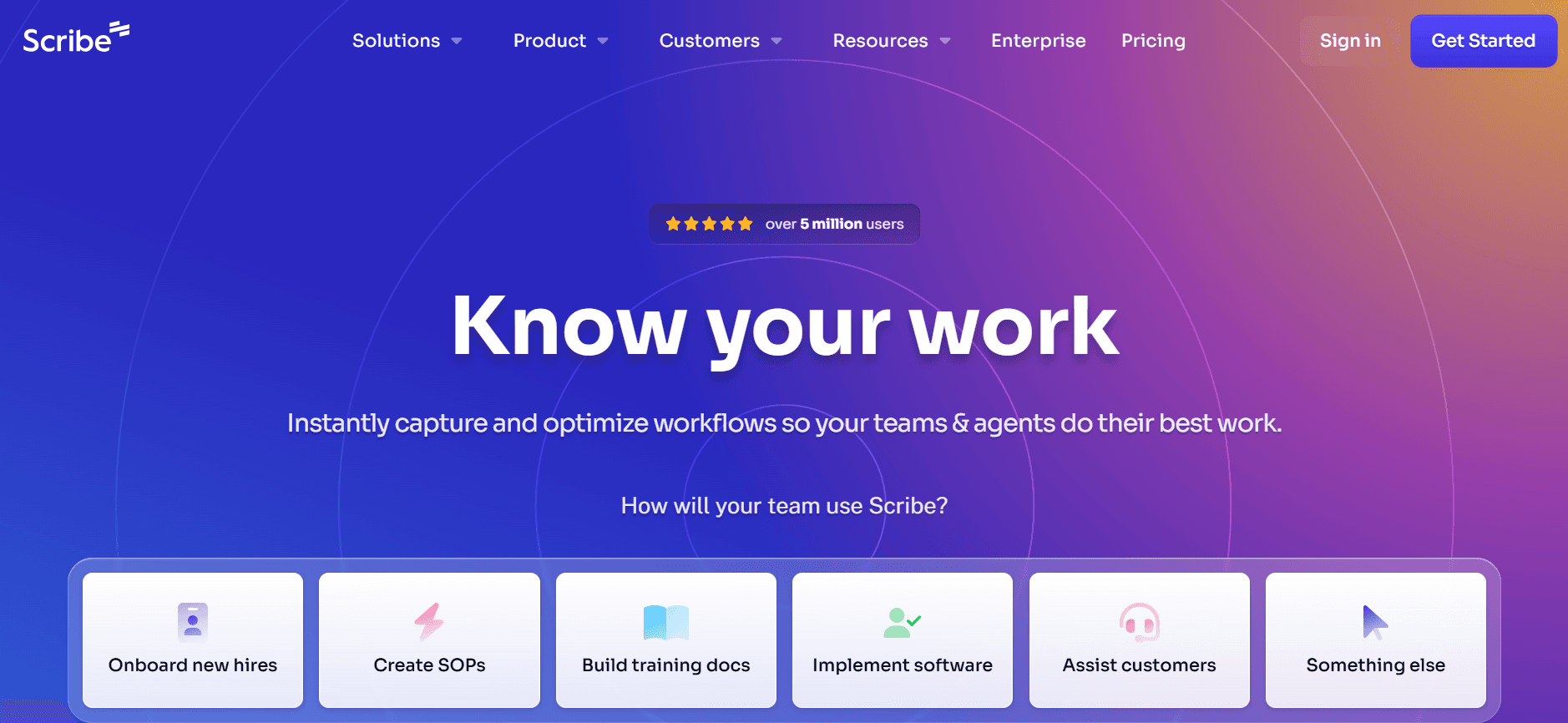
Scribe is an intuitive tool aimed at small businesses and startups that require straightforward documentation solutions. It excels in capturing step-by-step processes, making it ideal for teams that frequently update their guides. Scribe's focus on simplicity ensures that even non-technical users can create effective documentation without hassle.
Key Features
Step-by-step process capture
Simple user interface for easy navigation
Basic video support for visual learners
PDF export for offline use
Real-time collaboration for team projects
Built-in search to quickly find documents
Customizable templates to fit brand guidelines
Integration with popular cloud services
Pros | Cons |
|---|---|
Easy to learn and use. | Limited advanced features. |
Good for small teams and projects. | No AI writing capabilities. |
Cost-effective for startups. | Basic video support only. |
Pricing
Free tier available; paid plans start at $12/month per user.
Document360
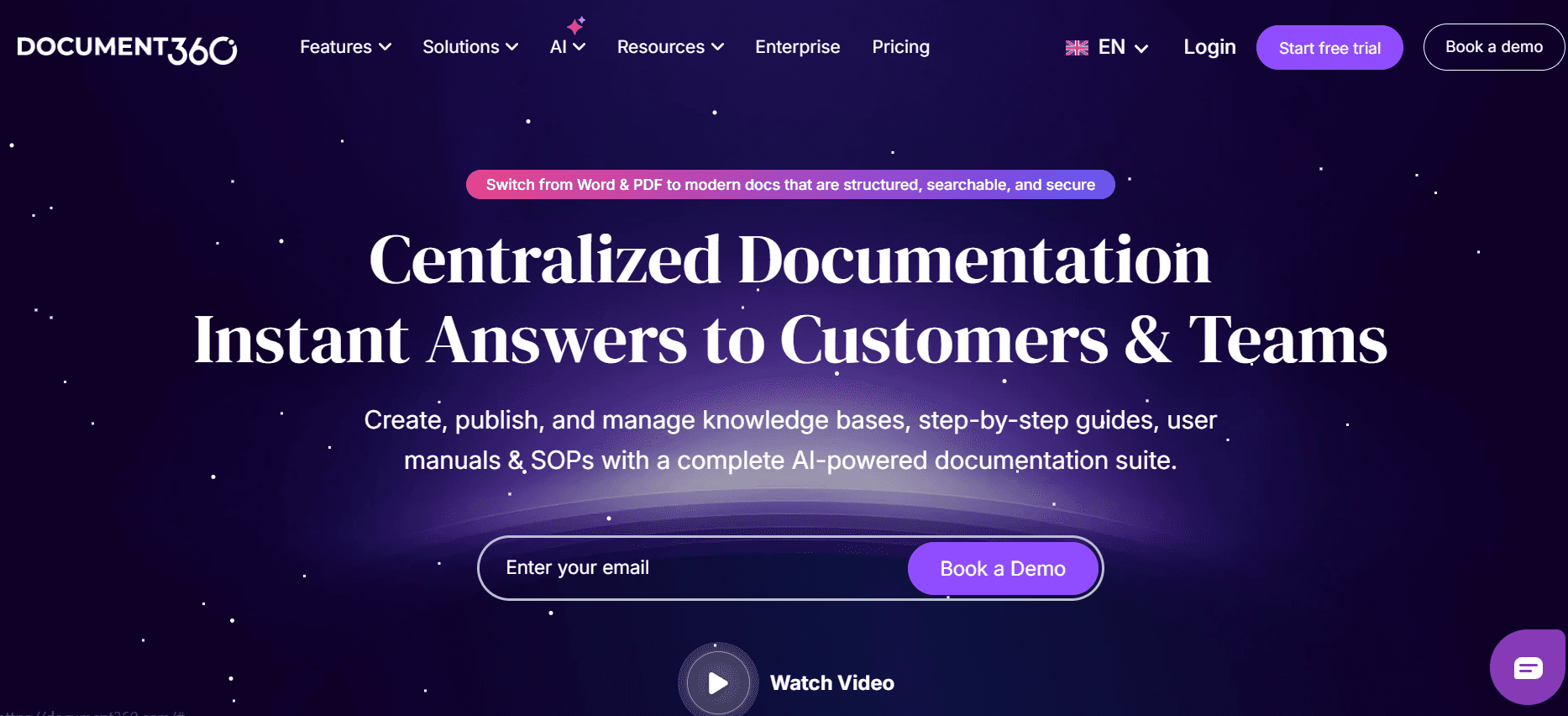
Document360 caters to enterprises needing a scalable and feature-rich documentation platform. It's designed for large teams that require a comprehensive knowledge base. With its advanced AI capabilities, Document360 automates content creation, ensuring that guides are accurate and consistent across the board.
Key Features
AI-driven content creation
Comprehensive knowledge base management
Video tutorials integration
PDF and web export options
Version control for document history
Extensive collaboration tools
Customizable templates and branding
Advanced analytics and reporting
Pros | Cons |
|---|---|
Great for large organizations. | Overwhelming for small teams. |
Advanced AI features. | Higher price point. |
Robust analytics for tracking usage. | Complex setup process. |
Pricing
No free tier; plans start at $99/month per project.
Tango
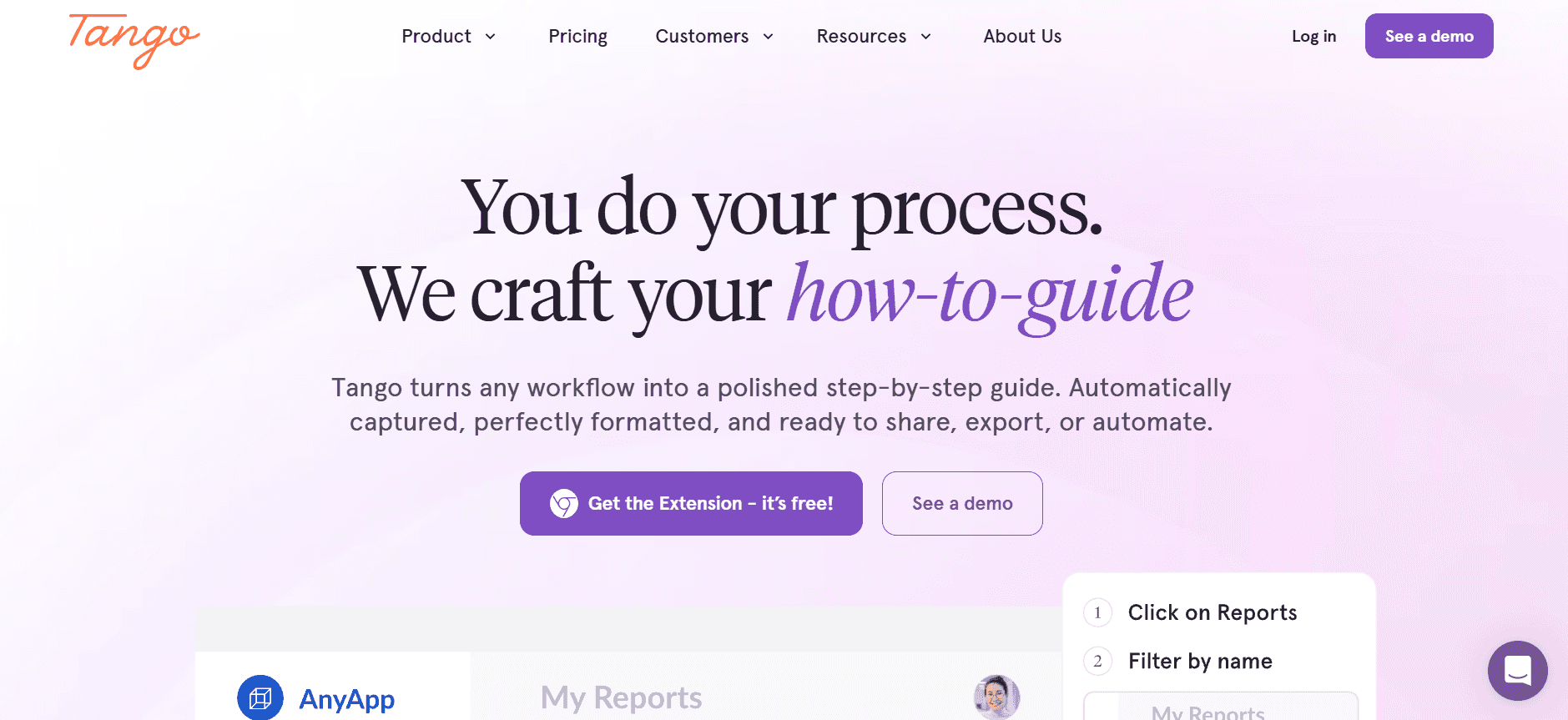
Tango is perfect for teams that need to document processes quickly and visually. It's particularly suited for creative teams and marketers who require visually appealing guides. While it lacks some advanced features, its simplicity and design-focused approach make it a favorite among smaller teams.
Key Features
Visual process documentation
Easy-to-use interface
Video support with annotations
Limited export options
Basic collaboration tools
Integrated search function
Customizable design templates
Integration with design tools
Pros | Cons |
|---|---|
Great for visual documentation. | Lacks advanced features. |
User-friendly interface. | Limited export formats. |
Cost-effective for small teams. | No AI writing support. |
Pricing
Free tier available; paid plans start at $20/month per user.
Notion
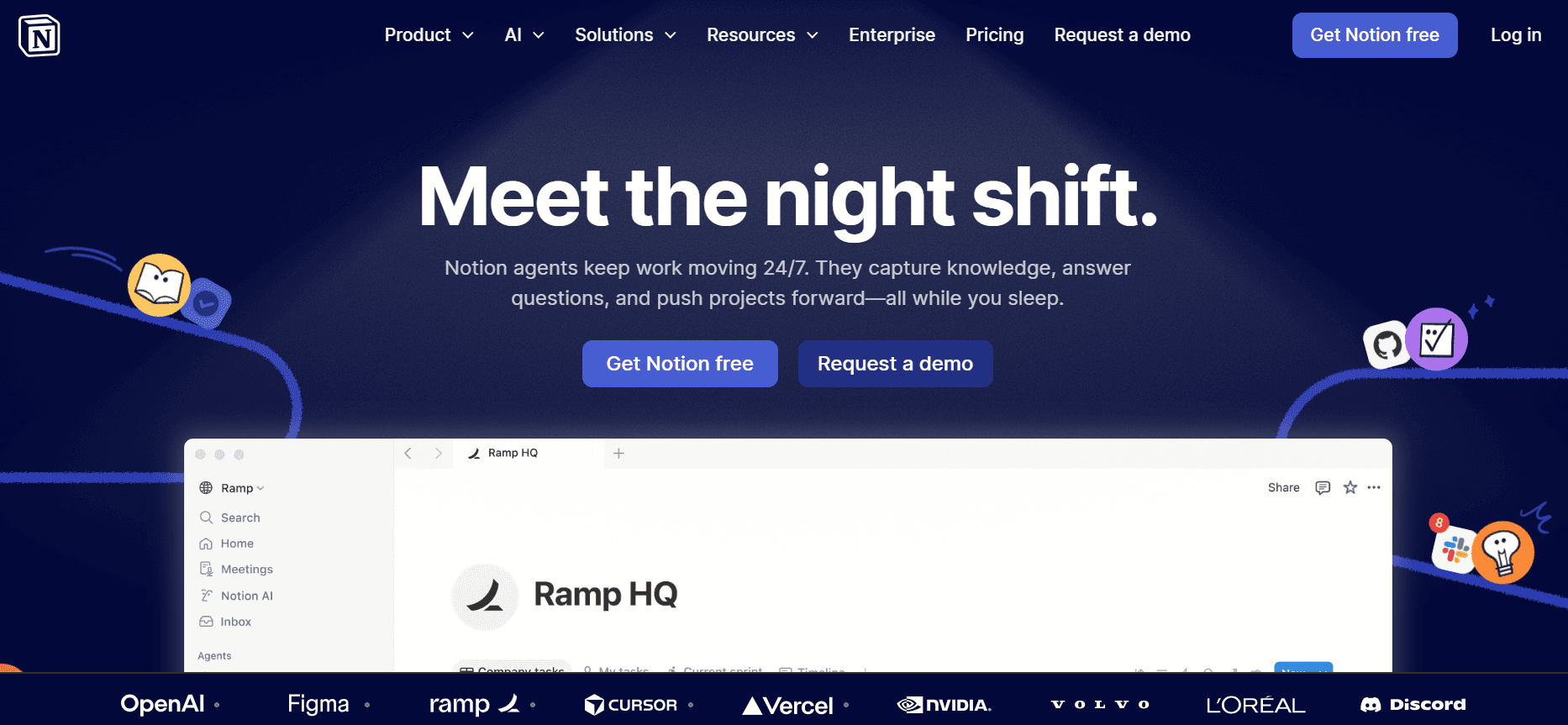
Notion is a versatile tool that serves as more than just a documentation platform. It's designed for teams that need an all-in-one workspace combining project management, notes, and documentation. Its flexibility makes it ideal for startups and creative teams who value customization over rigidity.
Key Features
All-in-one workspace for documents and projects
Highly customizable templates
Integrated collaboration features
Basic version control
Searchable database structure
PDF export capability
Collaboration and sharing tools
Integration with task management tools
Pros | Cons |
|---|---|
Highly customizable workspace. | Steep learning curve for new users. |
Great for team collaboration. | Limited AI capabilities. |
Multi-functional for various tasks. | Not specialized for documentation. |
Pricing
Free tier available; paid plans start at $8/month per user.
Confluence
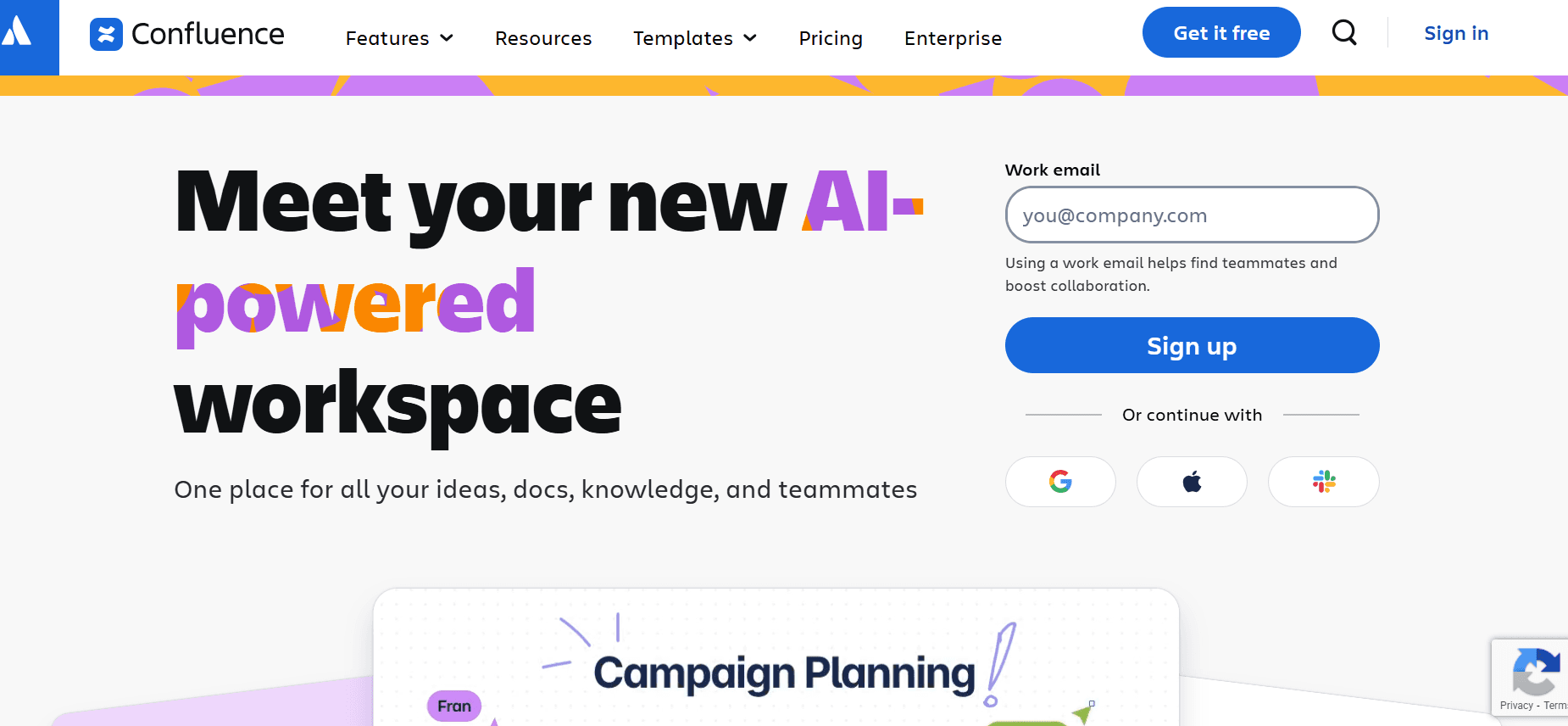
Confluence by Atlassian is a powerhouse for enterprise-level documentation and collaboration. It's tailored for companies that require a robust platform for managing complex documentation workflows. Confluence's integration with other Atlassian products makes it a favored choice for tech companies.
Key Features
Enterprise-grade documentation
Strong integration with Atlassian suite
Extensive collaboration tools
Advanced version control
Templates for standardized documents
Powerful search and organization capabilities
Detailed analytics and reporting
Customizable permissions and access control
Pros | Cons |
|---|---|
Seamless integration with other tools. | Not ideal for small teams. |
Comprehensive documentation capabilities. | Complex setup process. |
Strong security features. | Higher learning curve. |
Pricing
No free tier; plans start at $10/month per user.
GitBook
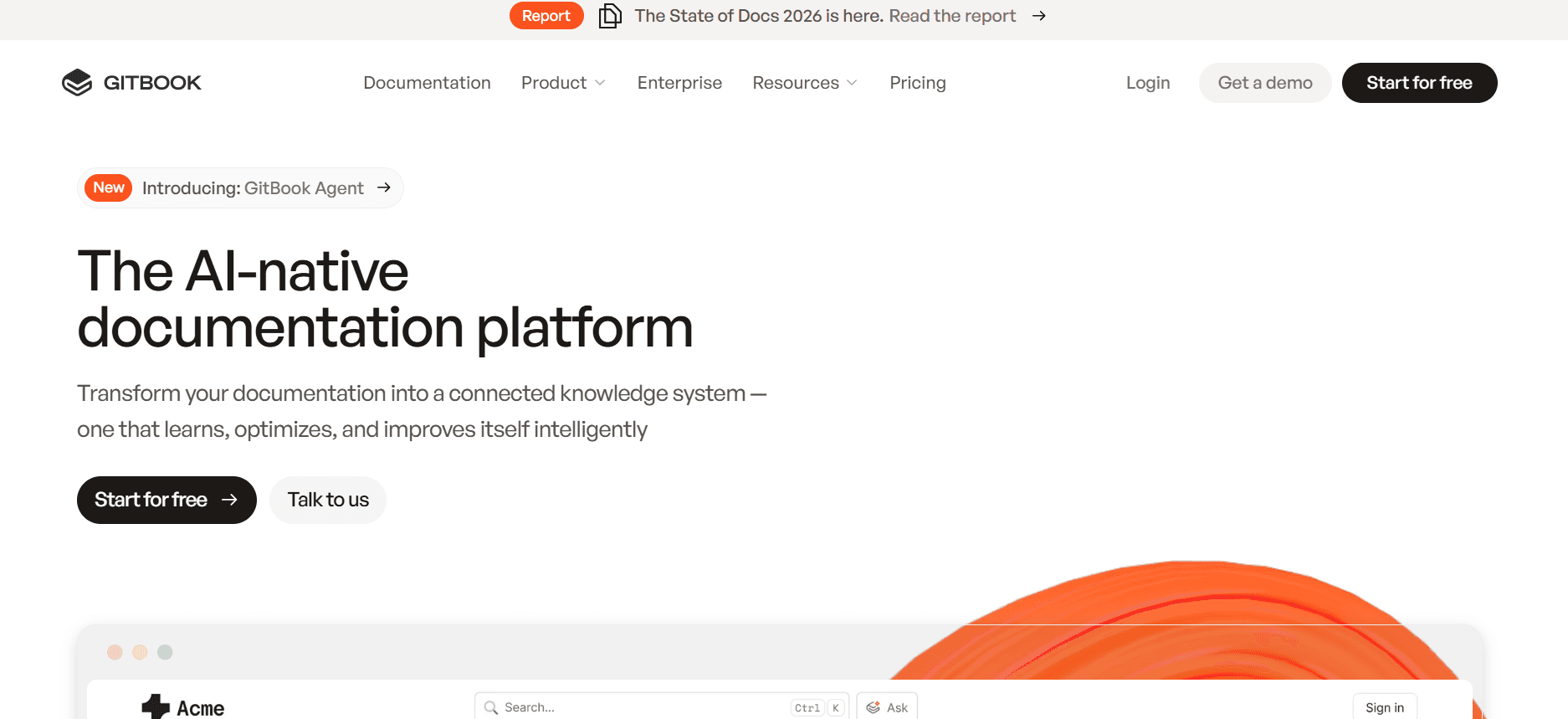
GitBook offers a modern approach to documentation, focusing on simplicity and collaboration. It's especially useful for developers and tech teams who need to create and maintain API documentation. GitBook's integration with GitHub is a major advantage for tech-focused teams.
Key Features
Modern documentation interface
Seamless GitHub integration
Real-time collaboration tools
Markdown support for easy editing
Version control for document updates
Custom domain support
Searchable content structure
Community and support forums
Pros | Cons |
|---|---|
Great for developer documentation. | Limited to technical audiences. |
Integration with version control systems. | Basic feature set for non-tech users. |
Real-time editing capabilities. | No video support. |
Pricing
No free tier; plans start at $32/month per user.
Archbee
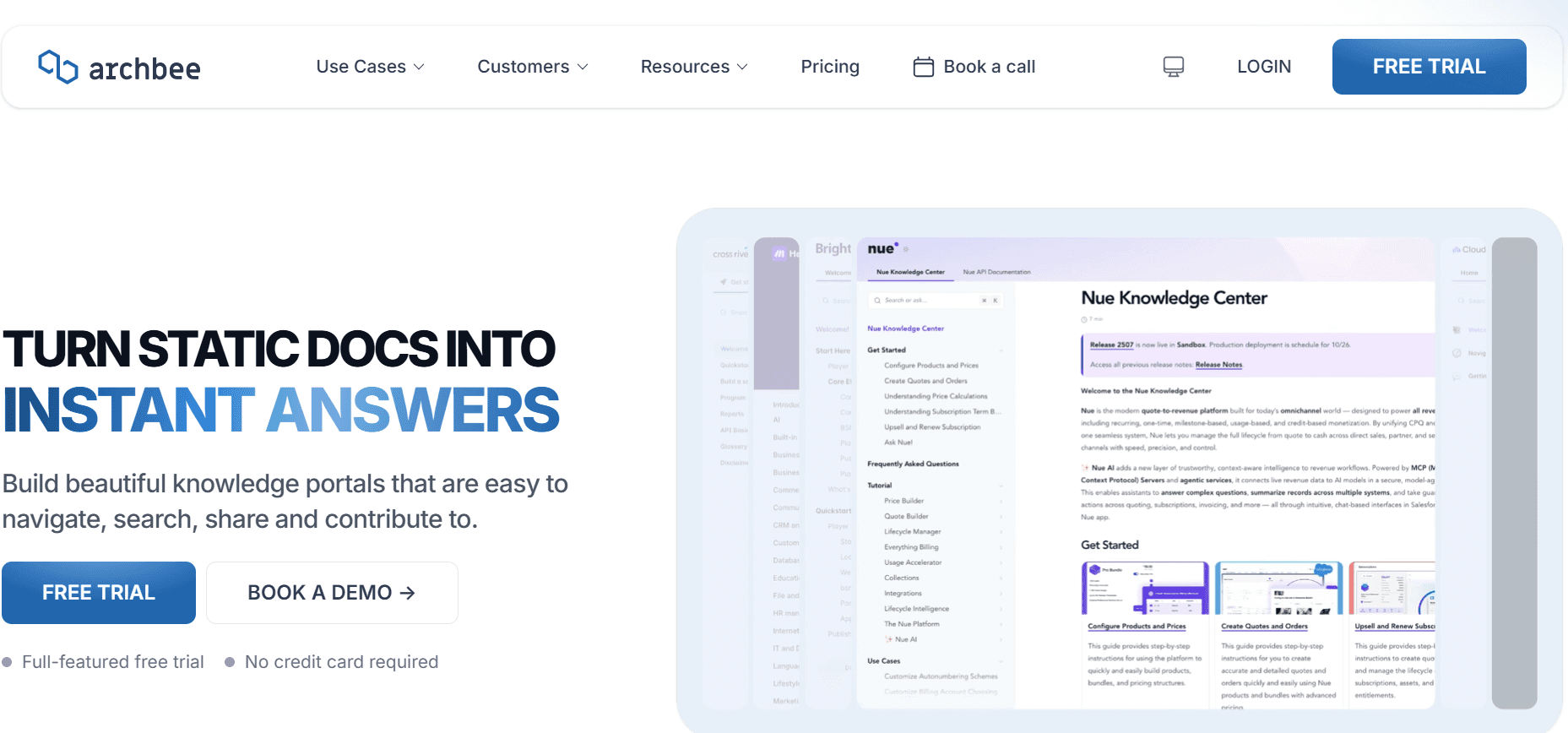
Archbee is designed for startups and tech companies that need a lightweight and efficient documentation tool. It's ideal for teams that require a simple yet effective platform for both internal and external documentation. With its focus on speed and collaboration, Archbee is perfect for agile environments.
Key Features
Quick setup and easy to use
Real-time collaboration tools
Markdown support for tech teams
Customizable document templates
Searchable knowledge base
Integration with popular SaaS tools
Version control for updates
Custom domain and branding options
Pros | Cons |
|---|---|
Fast and easy to set up. | Limited advanced features. |
Great for agile teams. | No AI writing support. |
Customizable templates. | Basic collaboration tools. |
Pricing
No free tier; plans start at $15/month per user.
User Guide Creation Challenges: What Teams Struggle With
Manual Documentation Processes
Time-consuming: Creating detailed guides manually takes hours, involving screenshots, formatting, and proofreading.
Prone to errors: Human error can result in missteps, leading to user confusion.
Resource-intensive: Requires significant manpower, often diverting resources from other critical tasks.
Inconsistent quality: Variability in team knowledge and experience can lead to inconsistent documentation.
Content Obsolescence
Frequent updates: Rapid product development cycles make it challenging to keep documentation current.
Outdated information: Users may follow outdated instructions, leading to frustration and support calls.
High maintenance: Constant updates necessitate a dedicated team to manage documentation changes.
Lack of automation: Without automated tools, manual updates are laborious and inefficient.
Poor Search and Findability
Inadequate search functions: Users struggle to find relevant information quickly.
Fragmented content: Information is often spread across multiple documents and platforms.
User frustration: Difficulty in locating information leads to a poor user experience.
Increased support burden: Users unable to find answers resort to contacting support.
Siloed Documentation
Multiple platforms: Teams use different tools like Notion, Word, and Google Docs, causing fragmentation.
Lack of integration: Disconnected tools complicate workflow and collaboration.
Data silos: Information is isolated, making it difficult to share and access across the organization.
Inconsistent updates: Different versions of documents can exist simultaneously, causing confusion.
Inconsistent Formatting and Style
Varied authoring styles: Different team members produce guides in varying formats and styles.
Branding issues: Lack of standardization affects brand consistency and professionalism.
Training requirements: New team members need training to adhere to the company's style guide.
Rework: Inconsistencies often require re-editing and reformatting, wasting time and resources.
Challenge | Traditional Process | Business Impact | Time Cost |
|---|---|---|---|
Manual Documentation Processes | Manual steps, screenshots, editing | High resource use, inconsistent quality | 8-12 hours per guide |
Content Obsolescence | Frequent manual updates | User confusion, increased support | 3-5 hours per update |
Poor Search and Findability | Fragmented across platforms | User frustration, support burden | Ongoing issue |
Siloed Documentation | Use of multiple non-integrated tools | Data silos, workflow inefficiencies | Continuous management required |
Inconsistent Formatting and Style | Varied authoring without guidelines | Rework, branding inconsistencies | 2-4 hours per guide |
Must-Have Features in User Guide Creation Tools
Auto Step Capture from Screen Activity
Automated step capture is a game-changer for documentation teams. This feature allows tools to record user actions directly from the screen, capturing every click and keystroke. It drastically reduces the time needed to create guides by eliminating the need for manual screenshots and annotations. Tools like Trupeer excel in this area, allowing teams to generate comprehensive guides in minutes.
With auto step capture, you ensure accuracy and completeness, as every action is documented precisely as it occurred. This level of detail is invaluable for technical guides where precision is crucial. It also simplifies the process for non-technical team members who might struggle with manual documentation techniques.
AI-Written Step Instructions
AI-generated writing offers a seamless way to convert captured steps into coherent, user-friendly instructions. By leveraging natural language processing, tools can draft detailed descriptions for each action, providing users with clear guidance. This feature is particularly beneficial for large organizations that produce extensive documentation regularly.
Document360 incorporates powerful AI capabilities, allowing it to produce consistent and high-quality documentation. AI writing reduces the burden on technical writers, freeing them to focus on higher-level tasks like content strategy and editing. It also ensures that all user guides maintain a uniform tone and style, enhancing the overall user experience.
Video Embedding Alongside Text
Embedding videos in user guides enhances the learning experience by catering to visual learners. Videos provide a dynamic way to demonstrate processes and concepts that might be difficult to convey through text alone. They also allow users to see the software in action, which can improve comprehension and retention.
Tango is particularly adept at integrating video content into documentation. This feature is essential for companies looking to create engaging, multimedia-rich guides. Videos can be used to highlight complex procedures, provide step-by-step walkthroughs, or offer additional context that complements the written content.
Multi-Format Export (PDF, Web, HTML)
Flexibility in export formats is crucial for meeting the diverse needs of users. Whether users prefer printed guides, online articles, or downloadable PDFs, offering multiple formats ensures accessibility and convenience. This feature is a must-have for companies that distribute documentation across various channels.
Trupeer and Notion both offer robust export options, allowing teams to easily adapt their content for different platforms. This capability not only enhances user accessibility but also supports brand consistency across all documentation formats. It enables teams to cater to different user preferences, ensuring that everyone can access information in their preferred manner.
Version Control and Quick Update Workflows
Version control is essential for maintaining accurate and up-to-date documentation. It allows teams to track changes, revert to previous versions, and manage updates efficiently. This feature is particularly important for organizations undergoing frequent product updates, as it ensures that documentation reflects the latest product features and specifications.
Confluence provides advanced version control capabilities, making it a preferred choice for enterprises that require detailed documentation management. Quick update workflows supported by version control reduce the time needed to implement changes, ensuring that user guides remain relevant and accurate. This feature also fosters collaboration by allowing multiple team members to work on a document simultaneously without fear of overwriting each other's contributions.
How to Choose User Guide Tools Based on Your Use Case
Product User Manuals and Help Center Articles
Creating detailed product user manuals and help center articles is crucial for enhancing customer satisfaction. These resources need to be comprehensive, user-friendly, and easily accessible. Many companies struggle with maintaining up-to-date documentation that aligns with their product's evolving features.
Key Challenges:
Ensuring all product features are accurately documented
Keeping the manuals updated with product changes
Providing information in a user-friendly format
Solutions Needed:
Tools with robust version control
Multi-format exporting capabilities
AI-assisted writing to streamline content updates
Tool | Version Control | Multi-Format Export | AI Writing |
|---|---|---|---|
Document360 | Yes | Yes | Yes |
Confluence | Yes | Yes | Limited |
Trupeer | Yes | Yes | Yes |
Internal SOP Documentation
For internal Standard Operating Procedures (SOPs), it's vital to have documentation that is clear, standardized, and easily editable. SOPs often require frequent updates to reflect changes in processes, and they need to be accessible to all team members.
Key Challenges:
Maintaining consistency across different SOPs
Ensuring quick updates to reflect process changes
Facilitating easy access for all team members
Solutions Needed:
Customizable templates for SOPs
Easy collaboration and sharing capabilities
Searchable database to find SOPs quickly
Tool | Templates | Collaboration | Searchable Database |
|---|---|---|---|
Notion | Yes | Yes | Yes |
Archbee | Yes | Yes | Yes |
GitBook | Limited | Yes | Yes |
IT System and Admin Guides
IT system and admin guides require precise, technical details and need to be updated frequently to keep up with system changes. These guides should be accessible to both IT professionals and non-technical staff who may need to perform basic tasks.
Key Challenges:
Documenting complex technical processes accurately
Updating documentation with software and system changes
Ensuring guides are accessible to all relevant staff
Solutions Needed:
Integration with version control systems
Technical writing support
Multi-user access for collaborative editing
Tool | Version Control | Technical Writing | Multi-user Access |
|---|---|---|---|
Trupeer | Yes | Yes | Yes |
Confluence | Yes | Limited | Yes |
GitBook | Yes | Yes | Yes |
Customer-Facing Knowledge Base
A customer-facing knowledge base should be user-friendly and provide comprehensive answers to common queries. It needs to be regularly updated to ensure accuracy and should support multiple formats to cater to diverse user preferences.
Key Challenges:
Providing accurate and up-to-date information
Ensuring the knowledge base is user-friendly
Supporting various content formats (text, video, etc.)
Solutions Needed:
Automated update workflows
Multimedia content support
Advanced search capabilities
Tool | Automated Updates | Multimedia Support | Search Capabilities |
|---|---|---|---|
Trupeer | Yes | Yes | Yes |
Tango | No | Yes | Limited |
Document360 | Yes | Yes | Yes |
Best Practices for User Guide Creation
Before You Start
Identify the target audience and their needs.
Define the scope and objectives of the user guide.
Gather all necessary resources and information.
Create a structured outline to organize content logically.
Select the right tools that fit your documentation needs.
During the Creation Process
Use clear and concise language to enhance readability.
Incorporate visuals like screenshots and videos to aid understanding.
Regularly save your work and use version control to track changes.
Ensure consistency in style and formatting across all sections.
Engage with stakeholders for feedback and validation.
After Completion
Conduct a thorough review and edit for accuracy and clarity.
Test the guide with real users to gather feedback.
Publish the guide in multiple formats for accessibility.
Set up a system for regular updates and maintenance.
Monitor user engagement to refine content over time.
Frequently Asked Questions
What is the primary purpose of a user guide?
A user guide provides detailed instructions on how to use a product or service. It aims to improve user experience by offering clear guidance, troubleshooting tips, and answers to common questions.
Who should be involved in the creation of a user guide?
Ideally, a user guide should be created by a team comprising technical writers, product managers, and subject matter experts. Input from customer support teams can also be valuable.
How can automation improve user guide creation?
Automation can significantly reduce the time and effort involved in creating user guides by automatically capturing steps, generating content, and updating documentation. This ensures accuracy and consistency.
What formats should a user guide be available in?
To maximize accessibility, user guides should be available in multiple formats, including web, PDF, and video. This allows users to choose the format that best suits their preferences and needs.
Are there any free tools for creating user guides?
Yes, several tools offer free tiers with limited features. Trupeer, Scribe, and Notion provide free versions that can be used to create basic user guides, though advanced features may require paid plans.
What factors influence the cost of user guide tools?
The cost is usually influenced by factors such as the number of users, the range of features offered, and the level of customer support. Enterprise solutions tend to be more expensive due to their advanced capabilities.
How long does it take to implement a new user guide tool?
The implementation time varies depending on the tool's complexity and the team's familiarity with similar software. Simple tools like Scribe can be set up in a few hours, while more complex solutions like Confluence may take several days.
What are the best practices for transitioning to a new documentation tool?
Start by training your team on the new tool and migrating existing documentation. Establish clear guidelines for using the tool and encourage feedback to improve processes. Regularly update your team on new features and best practices.
Final Thoughts
The right user guide creation tool can transform how your team produces and manages documentation. By choosing a tool that aligns with your specific use case, you can enhance efficiency, accuracy, and user satisfaction. Consider factors such as ease of use, feature set, and integration capabilities when making your decision.
Explore how Trupeer can streamline your user guide creation process at Trupeer.ai. Discover how it can save time, improve documentation quality, and provide a better experience for both your team and your users.


