4.8/5
Zet voice om naar AI-video in minuten met een gratis AI-tool
Transformeer je spraakopname in een verzorgde, door AI gegenereerde video met avatars, visuals en gesynchroniseerde voice-over.
Begin nu

Trupeer's Convert Voice to AI Video in Minutes zet elke audiobestandsopname om in een professionele voice-to-video AI-presentatie met avatars, ondertitels en visuals. Deze audio-naar-video converter AI voegt voice-over AI-narratie toe aan boeiende videobeelden zonder handmatige bewerking. Combineer het met onze demo video creator om een demo video te maken met ai, alleen op basis van voice notes.
Waarom is Convert Voice to AI Video in Minutes vereist?
Audiobestanden missen visuals, waardoor podcasts en voice notes minder effectief zijn voor training of marketing zonder dure videoproductie en onmogelijk te gebruiken wanneer teams snel een demo video met ai moeten maken. Handmatige voice-to-video conversie vereist het synchroniseren van beeldmateriaal, captions en effecten over bewerkingssoftware. Inconsistente audio-naar-video AI-kwaliteit schaadt de professionele geloofwaardigheid.
Teams verspillen uren aan het zoeken naar stock footage of het filmen van B-roll om de voice maker-narratie te matchen. Hulpmiddelen voor voice changer maken geen complete video’s, waardoor makers met gefragmenteerde workflows blijven zitten. Het opschalen van voice-over AI-content over talen wordt onmogelijk zonder toegewijde editors. Het opschalen van voice-over AI-content over talen wordt onmogelijk zonder toegewijde editors, tenzij je AI dubbing gebruikt om elke taal automatisch te genereren.
Wat deze Convert Voice to AI Video in Minutes doet
De tool van Trupeer analyseert je audio en genereert automatisch gesynchroniseerde visuals, AI-avatars, captions, overgangen en animaties voor een complete voice-to-video output. De audio-naar-video converter AI stemt de timing van scènes af op spraakpatronen, waardoor je in minuten van ruwe voice-opnames een verzorgde presentatie maakt—perfect wanneer je een demo video met ai moet maken zonder iets opnieuw op te nemen.
Belangrijkste mogelijkheden
Sync voice naar video AI met automatische visualgeneratie
Voeg pratende avatars toe met voice-over AI lip-sync
Genereer ondertitels en animaties voor audio-naar-video AI
Maak voice maker-opnames automatisch schoon en verbeter ze, ingebouwd in de demo video creator workflow
Zet een podcast of voice-opname om in een video
Audio op zichzelf is lastig om te publiceren. Podcasts, voice notes en opgenomen narratie presteren niet op YouTube, in social feeds of op trainingsportalen zonder iets om naar te kijken. Trupeer sluit dat gat. Begin met je voice-opname, kies een AI-avatar en visuele stijl, en de tool bouwt een genarrateerde video eromheen, compleet met ondertitels en je branding, zodat een eenvoudig audiobestand binnen minuten een deelbare video wordt. Het is een praktische manier om een podcast om te zetten in een video, een voice note te hergebruiken als trainingsclip, of een opgenomen uitleg een gezicht en captions te geven. Wanneer je dezelfde content voor andere markten nodig hebt, vertaal je die naar 65+ talen vanuit dezelfde bron.
Voice to Video versus conversie van losse audio
Het is de moeite waard om een veelvoorkomende verwarring recht te zetten. Sommige tools verpakken simpelweg een audiobestand in een stilstaand beeld om een mp3 als mp4 te exporteren. Dat is bestandsconversie, geen video-creatie. Trupeer doet het tweede: het produceert een echte AI-video met een avatar, gesynchroniseerde narratie, ondertitels en visuals—niet alleen een statisch frame bovenop geluid. Als je doel is dat mensen een video bekijken en ermee interacteren, in plaats van een geconverteerd bestand, dan is dit de juiste tool.
Zo werkt Trupeer’s Convert Voice to AI Video in Minutes
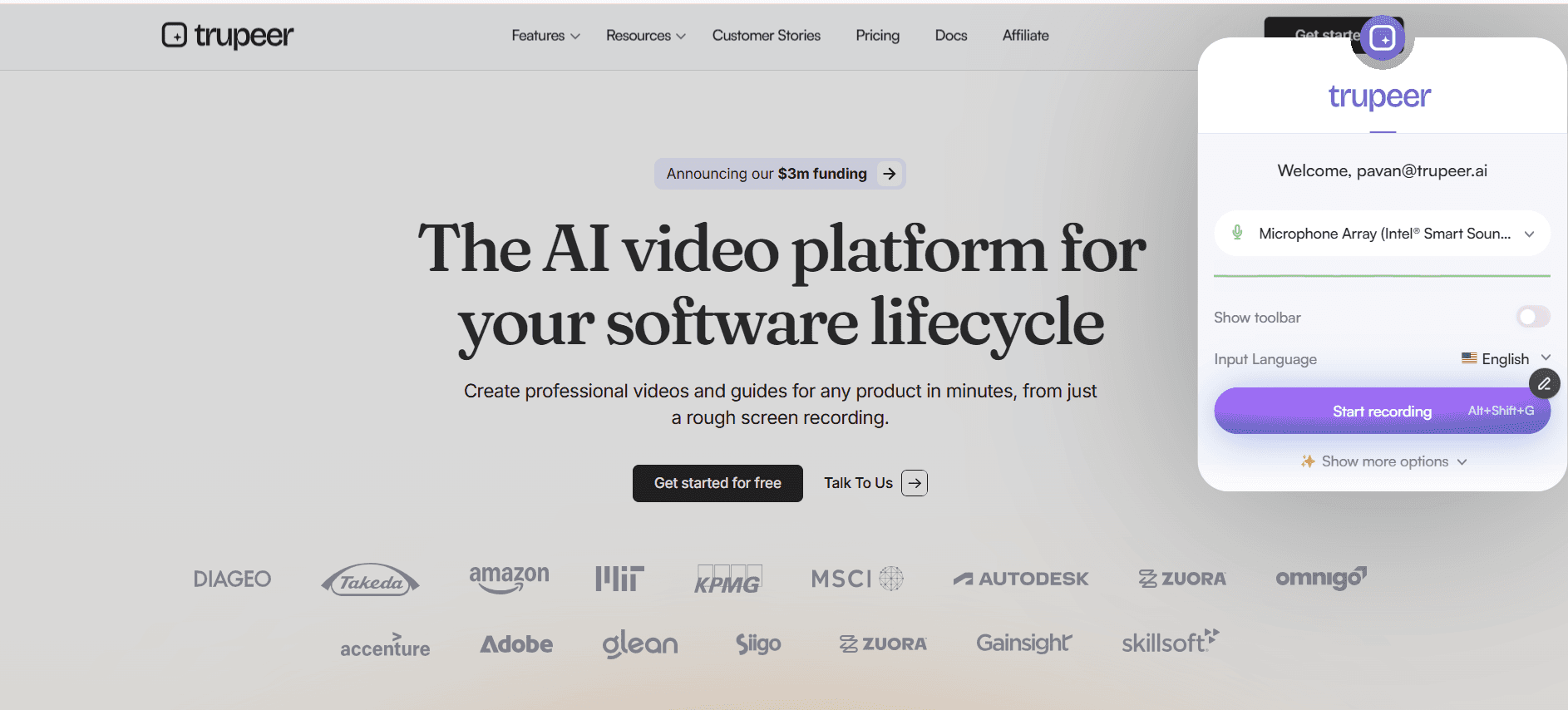
Stap 1: Upload video-opname
Deel videobestand of neem direct op voor voice-to-video verwerking
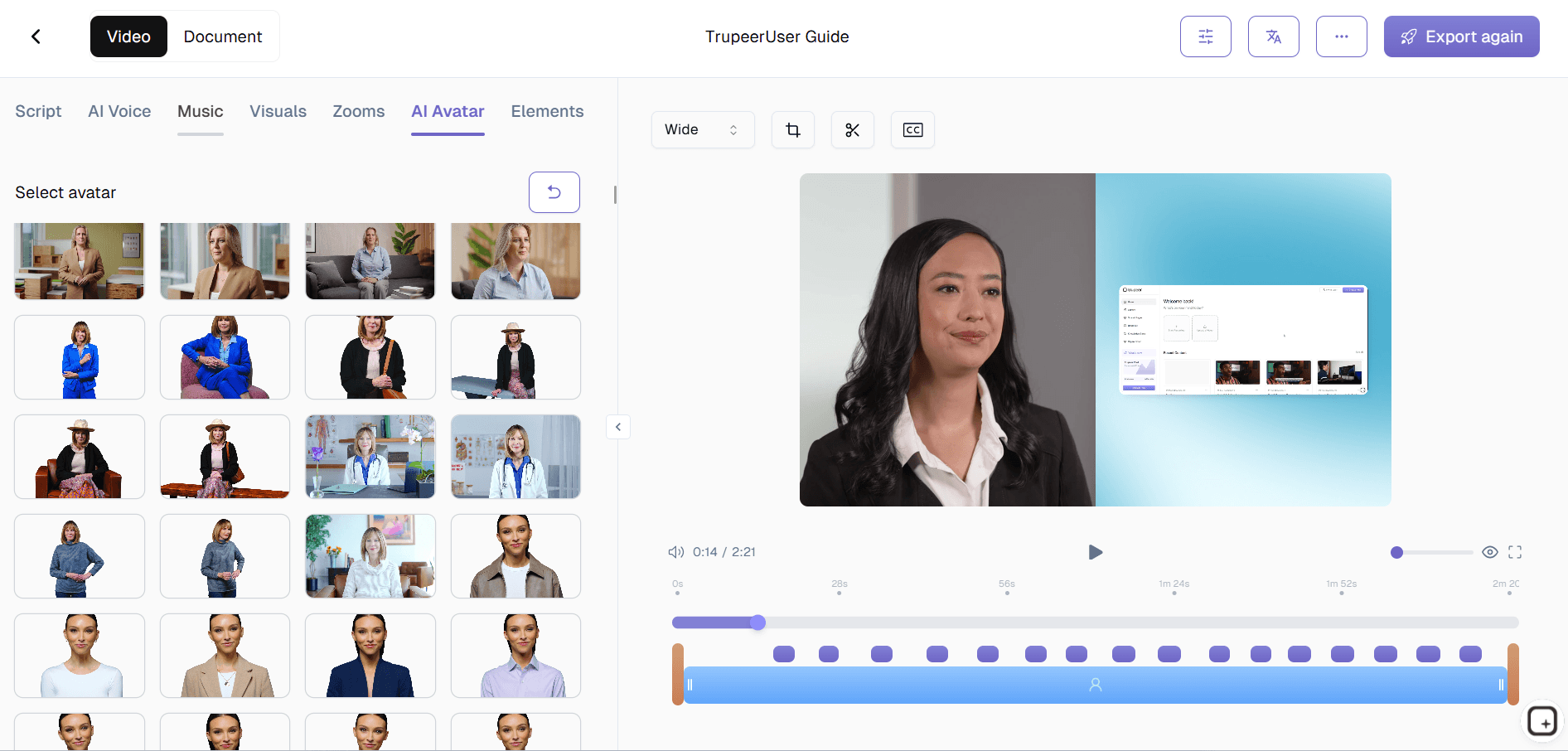
Stap 2: Kies avatar & stijl
Selecteer automatisch voice-over AI-avatar, achtergrond en visueel thema.
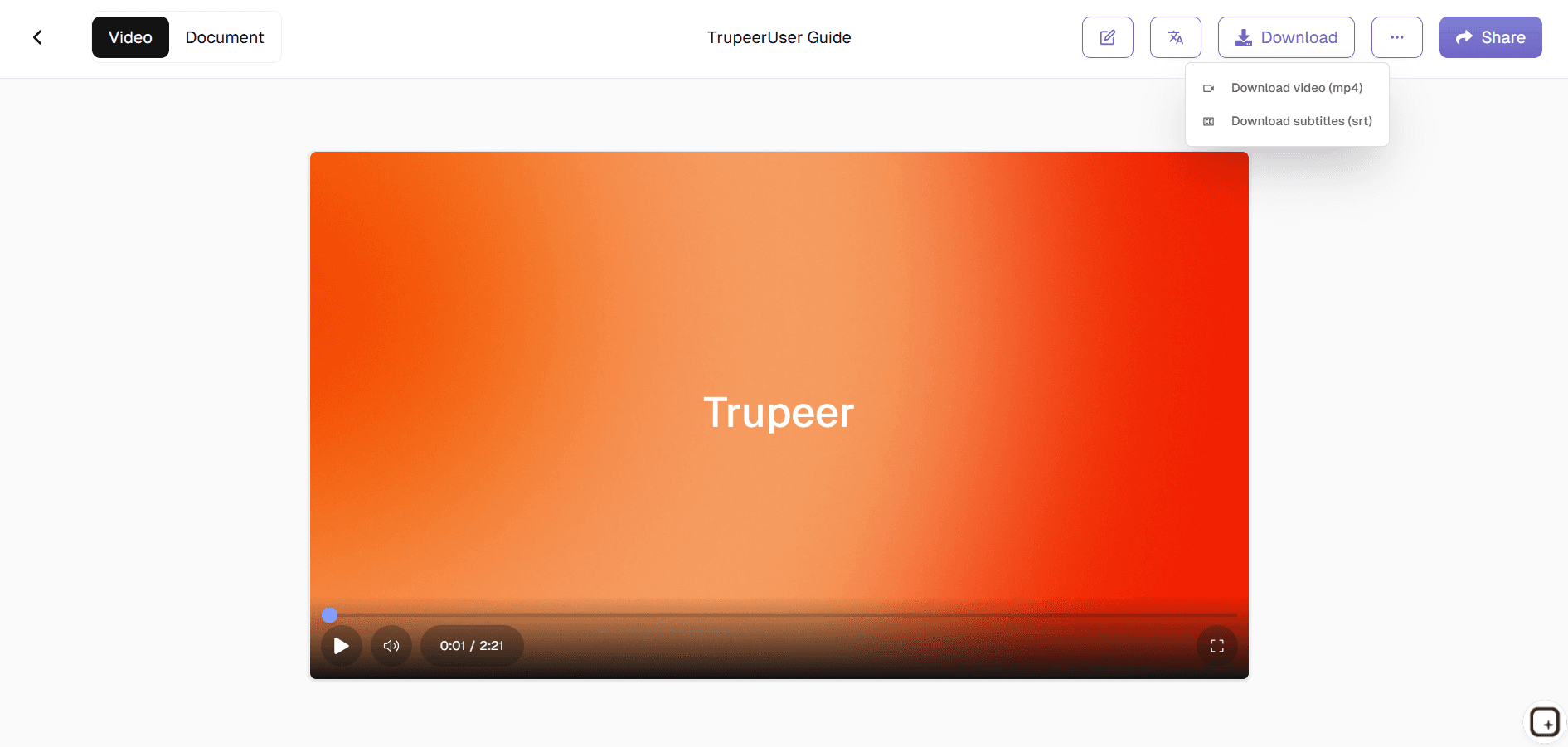
Stap 3: Genereer & exporteer
AI maakt direct een complete audio-naar-video converter AI-video.
Voor wie is Trupeer’s Convert Voice to AI Video in Minutes
Perfect voor creators die audio omzetten in professionele videobe content.
Podcasters:
Converteer afleveringen naar voice-to-video AI met visualsTrainers:
Maak een demo video met ai en lessen uit voice maker-narratiesMarketeers:
Bouw advertenties met voice-over AI-opnamesSupportteams:
Genereer explainers en demo video creator outputs met audio-naar-video AIContent creators:
Zet voice notes om in voice changer-video’s
Belangrijkste functies van Trupeer’s Convert Voice to AI Video in Minutes
Professionele video’s uit ruwe audio zonder bewerkingsvaardigheden.
Perfecte lip-sync:
AI-avatars matchen voice met video-timing tot op de secondeAuto-visuals:
Genereert relevante beelden voor audio-naar-video converter AISlimme captions:
Getimede ondertitels gesynchroniseerd met voice-over AIAudioverbetering:
Maakt voice maker-opnames automatisch schoonMeertalig:
Vertaalt voice changer-content wereldwijd
Ontdek gerelateerde tools
Voordelen van het gebruik van Trupeer’s Voice-to-AI-videogenerator
Snelle conversie
Zet elke spraakmemo of elk audiobestand binnen enkele minuten om in een professionele door AI gegenereerde video.
Perfecte lipsynchronisatie & visuals
AI synchroniseert automatisch je audio met avatars, ondertitels en visuals voor een verzorgde uitstraling.
Flexibele aanpassing
Verander avatars, scènes, thema’s en tempo om aan te sluiten bij je boodschap of merktoon.
Hoe je spraak omzet naar AI-video met Trupeer
Stap 1
Upload je video bevat een spraakopname
Stap 2
Kies je AI-avatar, visuele stijl & achtergrond
Stap 3
Genereer, bekijk en exporteer je AI-video direct
Veelgestelde vragen
Is Convert Voice to AI Video in Minutes gratis?
Ja, de belangrijkste voice-to-video AI-functies zijn beschikbaar in de gratis versie.
Welke invoer ondersteunt Convert Voice to AI Video in Minutes?
Audiobestanden, spraakopnames voor AI-conversie van audio naar video.
Welke formaten kan ik exporteren vanuit Convert Voice to AI Video in Minutes?
MP4-video's met AI-voice-over, geoptimaliseerd voor alle platforms.
Kan ik een podcast omzetten naar een video?
Ja. Upload je podcast of spraakopname, kies een AI-avatar en visuele stijl, en Trupeer bouwt er een vertelde video omheen met ondertiteling en je branding, klaar voor YouTube, social media of training.
Kan ik een AI-avatar toevoegen aan mijn spraakopname?
Ja. Je kunt je vertelling koppelen aan een AI-avatarpresentator, zodat de video een gezicht op het scherm heeft, samen met ondertiteling, in plaats van alleen audio over een stilstaand beeld.
Meer tools


