Trupeer Blog
요약

A ServiceNow upgrade is scheduled for next month. The platform team needs to know which business rules, flows and client scripts might be affected, the auditors want evidence of who can approve changes, and a new admin has just joined. Everyone turns to the documentation, and finds a design document from go-live, a folder of screenshots that no longer match the screens and a lot of knowledge that only exists in one consultant's head.
ServiceNow implementation documentation prevents that. It records what was built, why, how it's configured and how people use it, so the platform can be upgraded, audited and extended safely. This guide explains what ServiceNow implementation documentation should include, how to document workflows without manual screenshots, how to capture configurations for audit, what to document in each phase and how to keep it current across ServiceNow's regular releases.
What is ServiceNow implementation documentation?
ServiceNow implementation documentation is the set of records that explain a ServiceNow implementation: the requirements and process design, the instance setup, the configuration and customisation, integrations, data and CMDB decisions, testing, releases, and the guides that tell agents, employees and admins how to use and run the platform. It applies to ITSM and to other ServiceNow workflows, such as HR service delivery or customer service.
The same principles apply to other enterprise platforms; see how to document complex enterprise software processes across SAP, ServiceNow and Salesforce.
Why does ServiceNow implementation documentation matter?
Upgrades are safer. ServiceNow releases new versions twice a year, and documented customisations make it clear what to test.
Audits are easier. Auditors want evidence of configurations, access controls and change approvals.
Admin turnover is less risky. The reasons behind every setting don't leave with the person who built them.
Changes are faster. Teams don't have to reverse-engineer a business rule before changing it.
Adoption improves. Agents and employees who have clear guides use the platform as designed.
What should ServiceNow implementation documentation include?
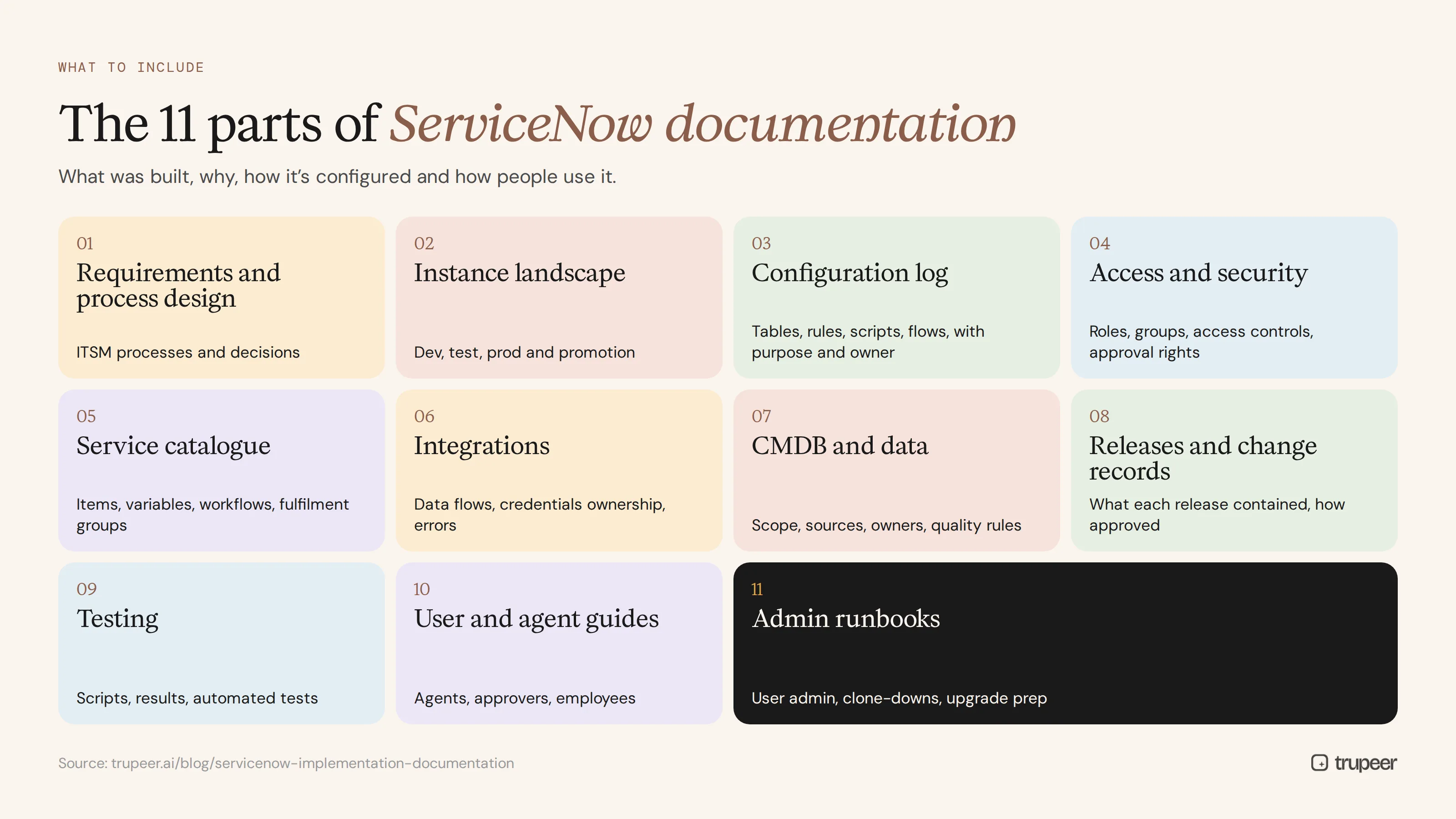
Document | What it covers |
|---|---|
Requirements and process design | ITSM processes, such as incident, request, problem and change, and the decisions behind them |
Instance landscape | Development, test and production instances, and how changes move between them |
Configuration log | Tables, fields, forms, business rules, client scripts, UI policies, flows and notifications, with their purpose and owner |
Access and security | Roles, groups, access controls and approval rights |
Service catalogue | Catalogue items, variables, workflows and fulfilment groups |
Integrations | Connected systems, data flows, credentials ownership and error handling |
CMDB and data | CMDB scope, data sources, ownership and data quality rules |
Releases and change records | What each release contained and how it was approved |
Testing | Test scripts, results and automated tests |
User and agent guides | Step-by-step guides and videos for agents, approvers and employees |
Admin runbooks | Routine tasks, such as user administration, clone-downs and upgrade preparation |
How do you document ServiceNow workflows without manual screenshots?
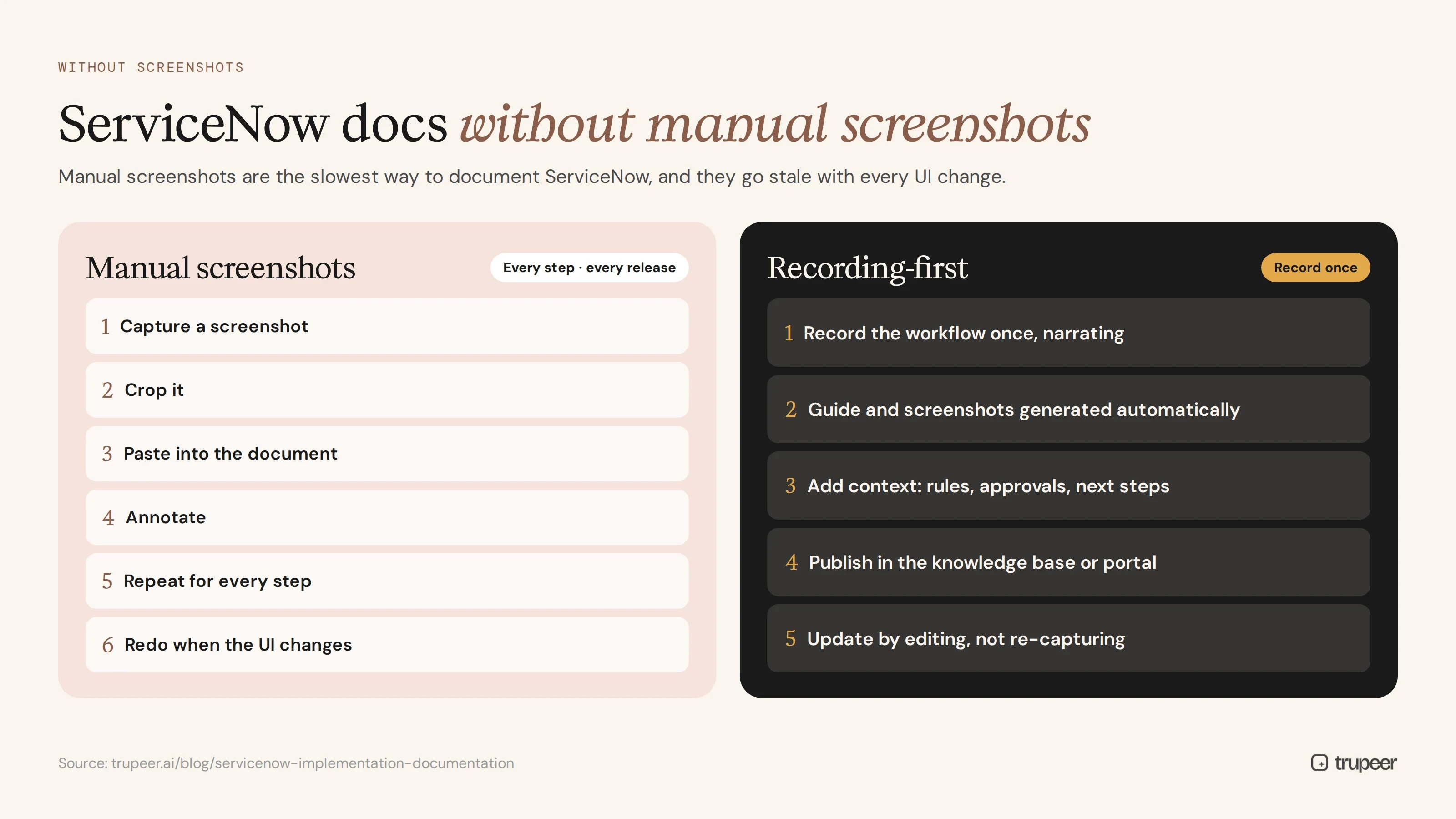
Manual screenshots are the slowest way to document ServiceNow. Every step means capture, crop, paste and annotate, and every UI change sends the screenshots out of date. A recording-first approach is faster and easier to maintain:
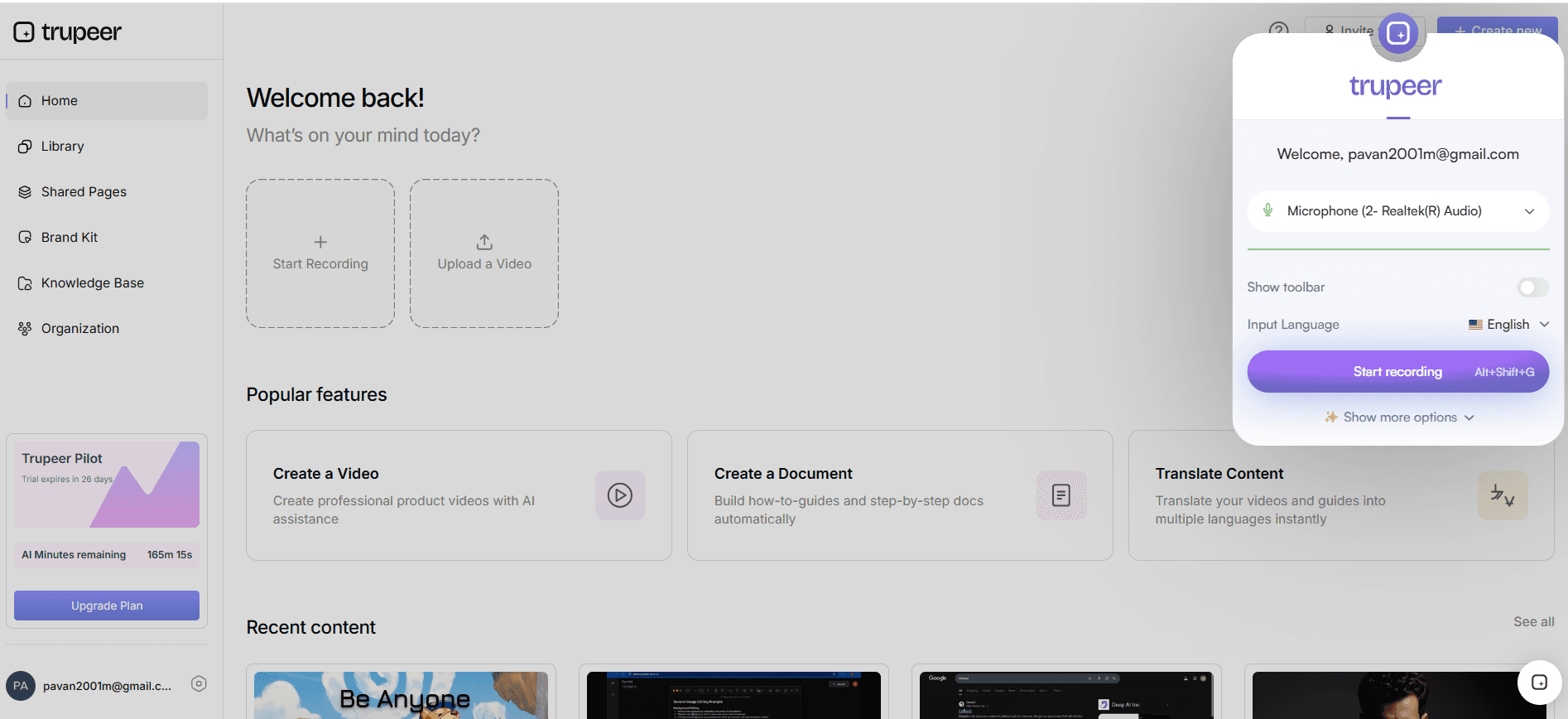
Record the workflow once, performing it in your instance while narrating each step, with Trupeer's AI screen recorder.
Generate the guide automatically. Trupeer turns the recording into a step-by-step guide with captured screenshots and a narrated video.
Edit and add context, such as business rules, approval criteria and what happens next.
Publish it where people look, in your knowledge base or portal.
Update by editing, not re-capturing, when a label or step changes.
This works for agent workflows, catalogue requests, approvals and admin tasks alike. For knowledge articles specifically, see ServiceNow knowledge article best practices.
How do you document ServiceNow configurations for audit?
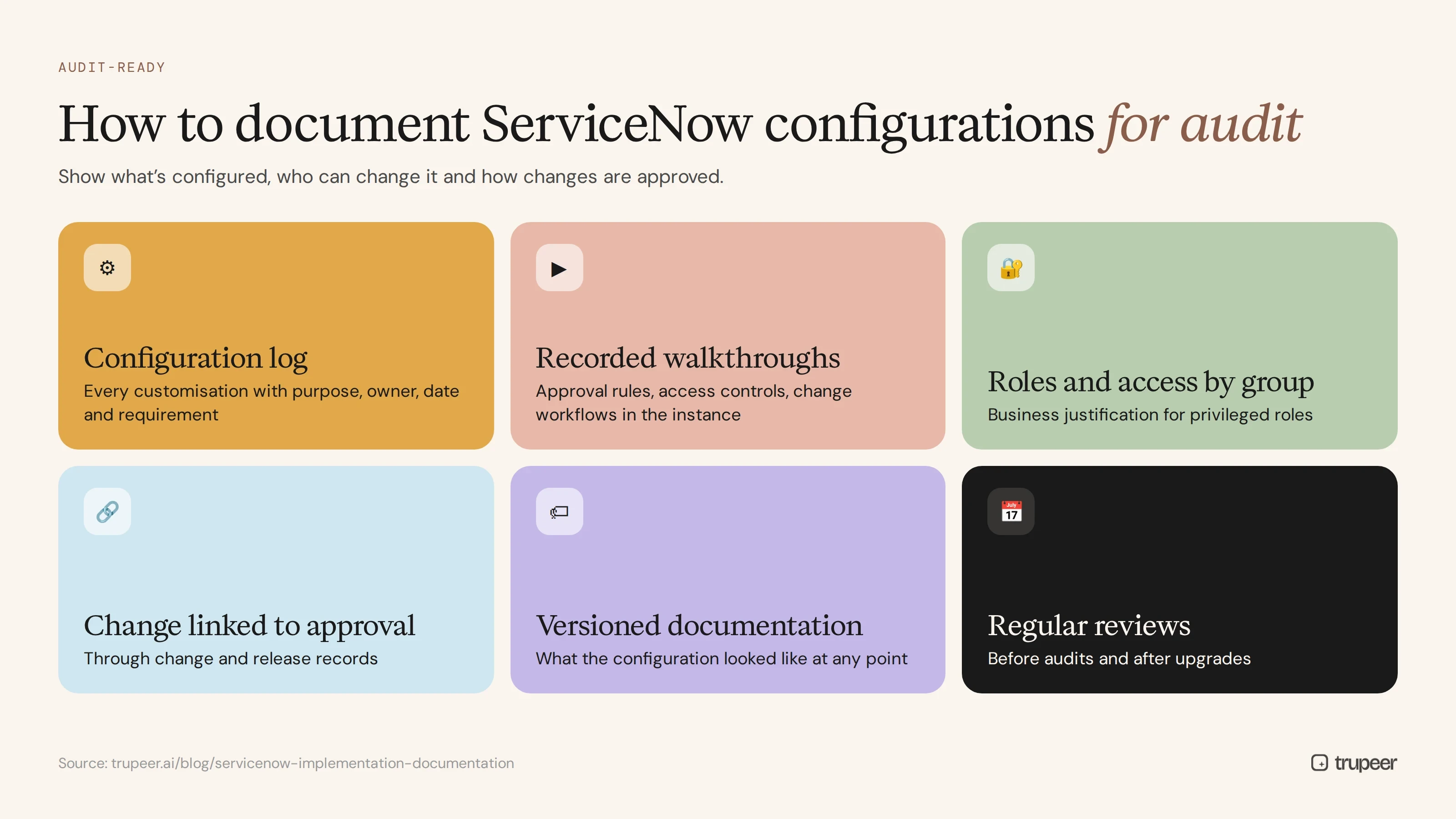
Auditors and platform governance teams need to see what's configured, who can change it and how changes are approved. To document ServiceNow configurations for audit:
Keep a configuration log for every customisation, with its purpose, owner, date and the requirement it meets.
Record walkthroughs of critical configurations, such as approval rules, access controls and change workflows, showing how they work in the instance.
Document roles and access by group, with the business justification for privileged roles.
Link every change to its approval, through your change and release records.
Version the documentation, so you can show what the configuration looked like at any point; see SOP version control.
Review regularly, especially before audits and after upgrades.
What should you document in each implementation phase?
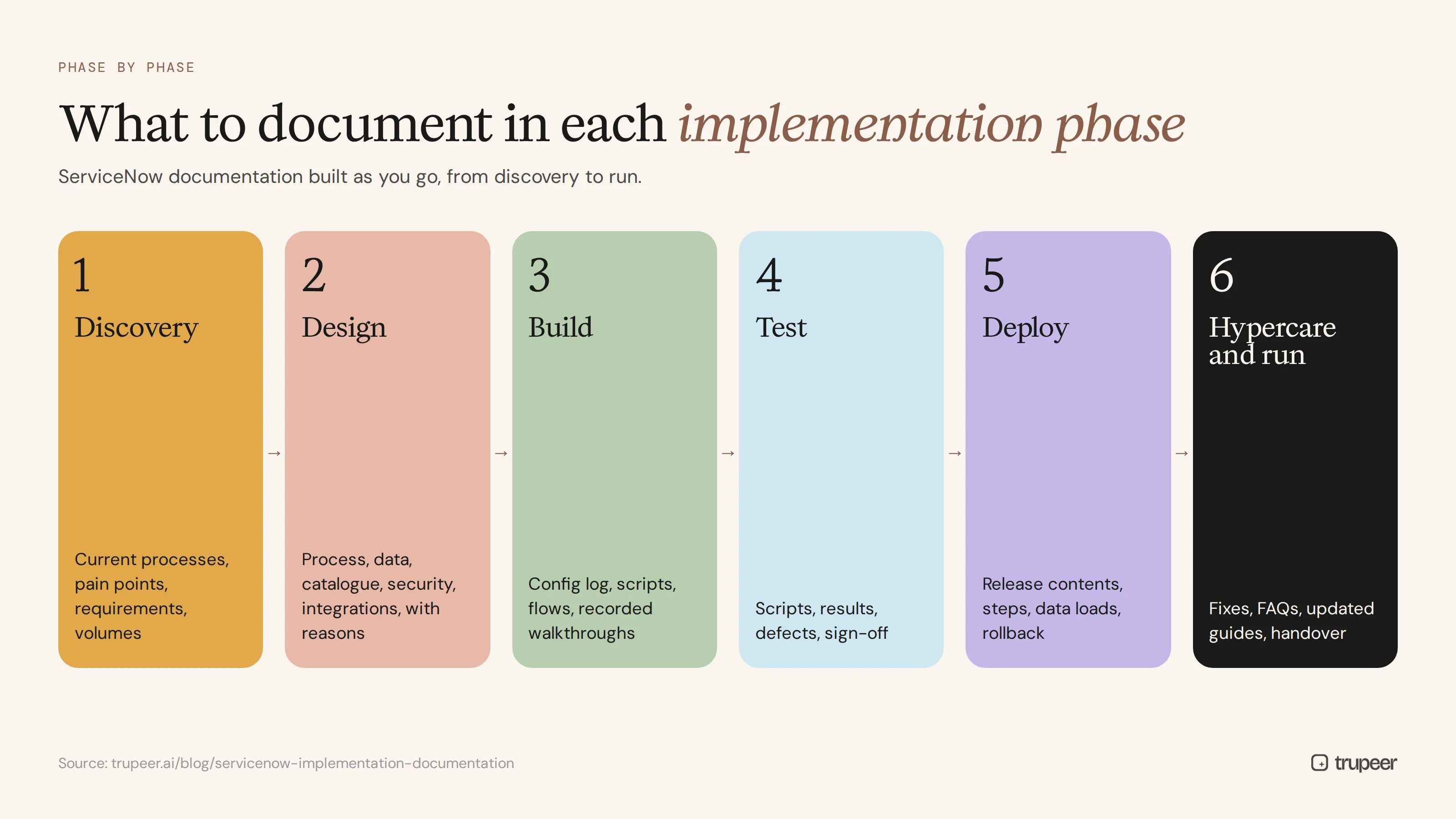
Phase | What to document |
|---|---|
Discovery | Current processes, pain points, requirements and the volumes the platform must handle |
Design | Process design, data model, catalogue design, security model and integration design, with reasons |
Build | Configuration log, scripts and flows, integration details, recorded walkthroughs of complex logic |
Test | Test scripts, results, defects and sign-off |
Deploy | Release contents, deployment steps, data loads and rollback plans |
Hypercare and run | Issues and fixes, FAQs, updated guides and handover to the run team |
For testing evidence, see the UAT documentation checklist.
How do you create ServiceNow implementation documentation step by step?
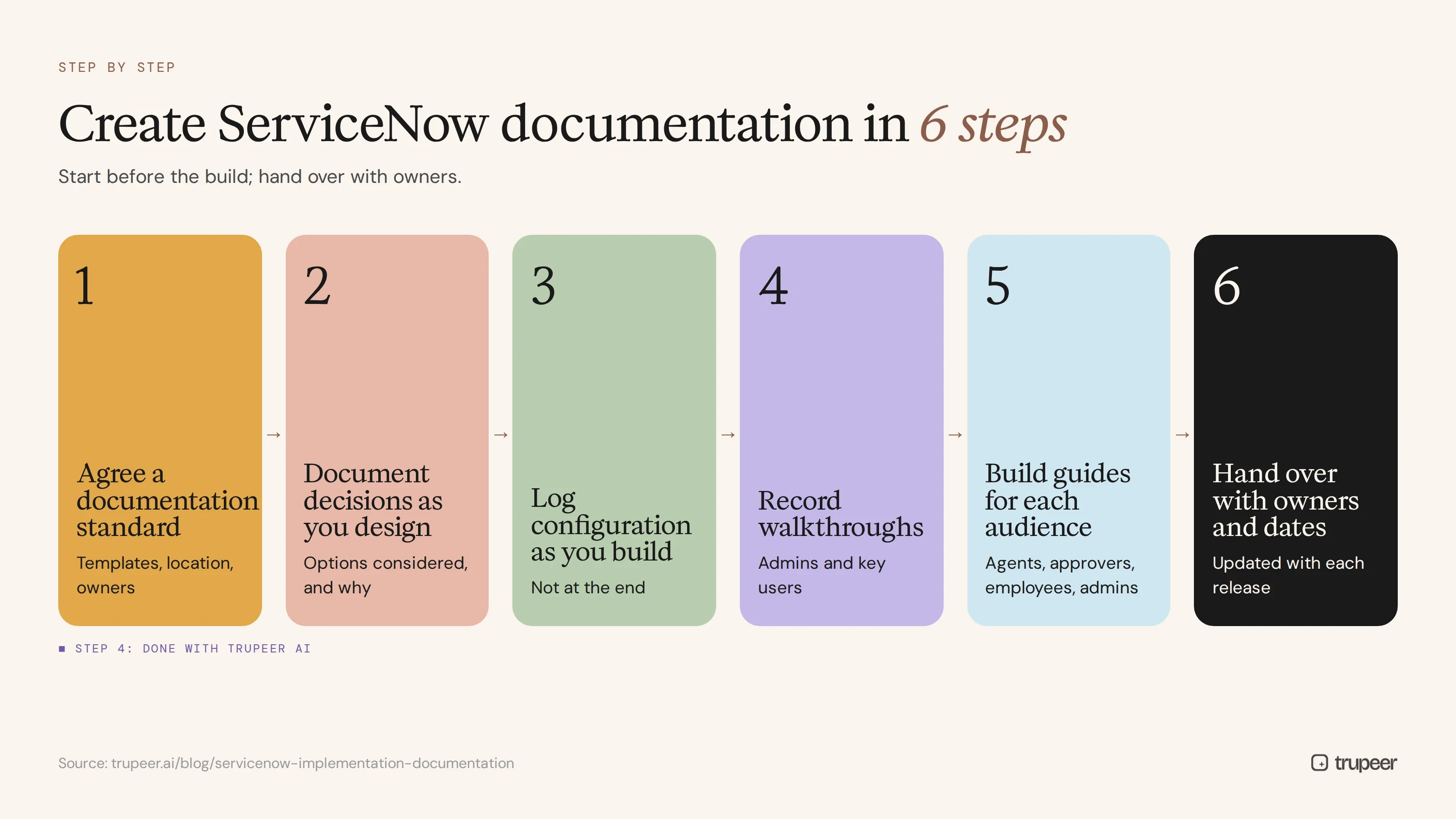
Step 1: Agree a documentation standard
Decide which documents you need, the template for each, where they'll live and who owns them, before the build starts.
Step 2: Document decisions as you design
Record design decisions with the options considered and why one was chosen. The reasoning is what future admins need most.
Step 3: Log configuration as you build
Add every customisation to the configuration log as it's created, not at the end of the project.
Step 4: Record walkthroughs of processes and configurations
Record admins explaining complex flows and rules, and key users performing agent and employee tasks, then turn the recordings into guides and videos.
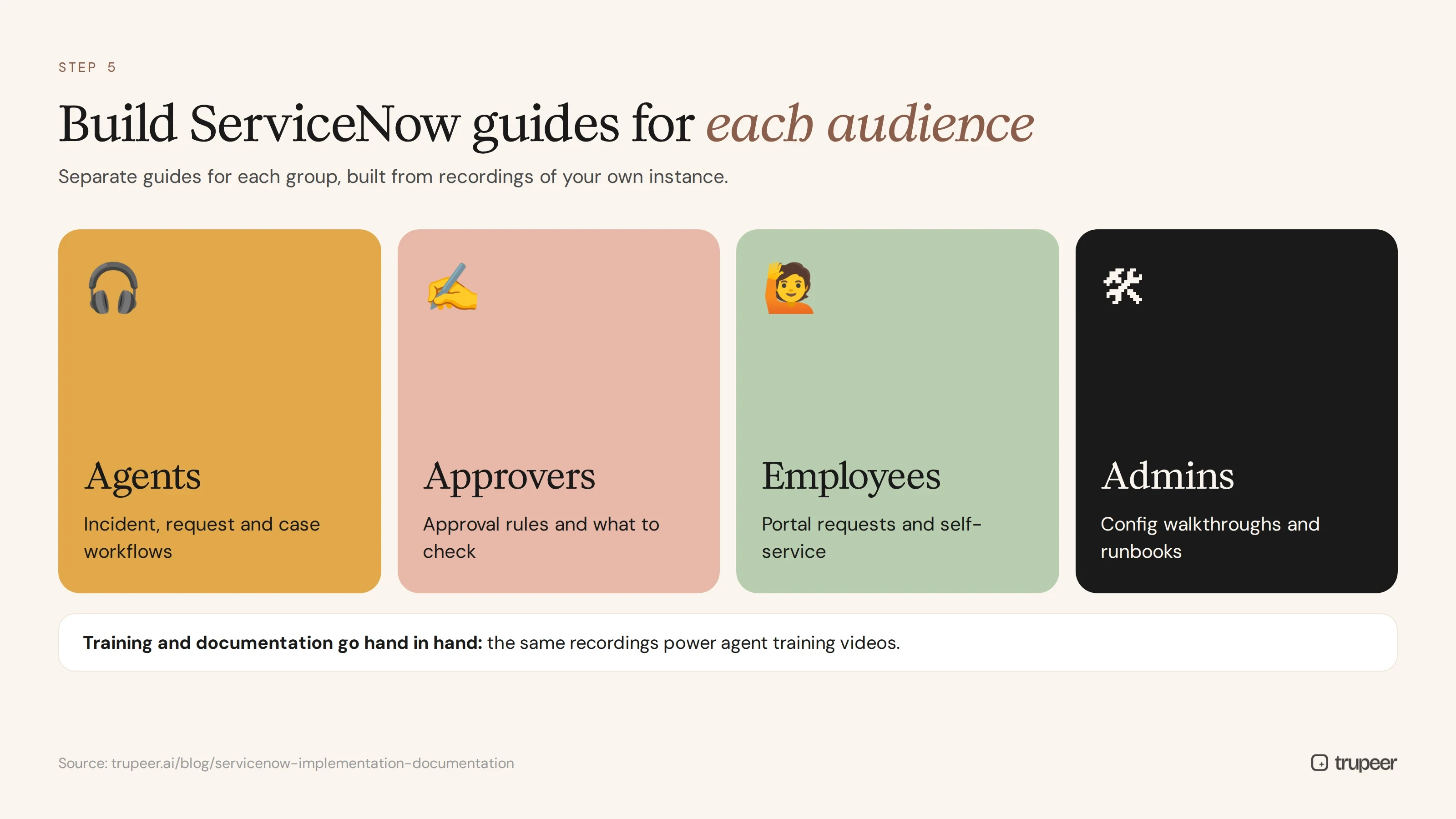
Step 5: Build guides for each audience
Create separate guides for agents, approvers, employees and admins. Training and documentation for agents should go hand in hand; see ServiceNow training video best practices.
Step 6: Hand over with owners and review dates
At project close, assign an owner to every document and agree how documentation is updated with each release.
How do you keep ServiceNow documentation current across upgrades?
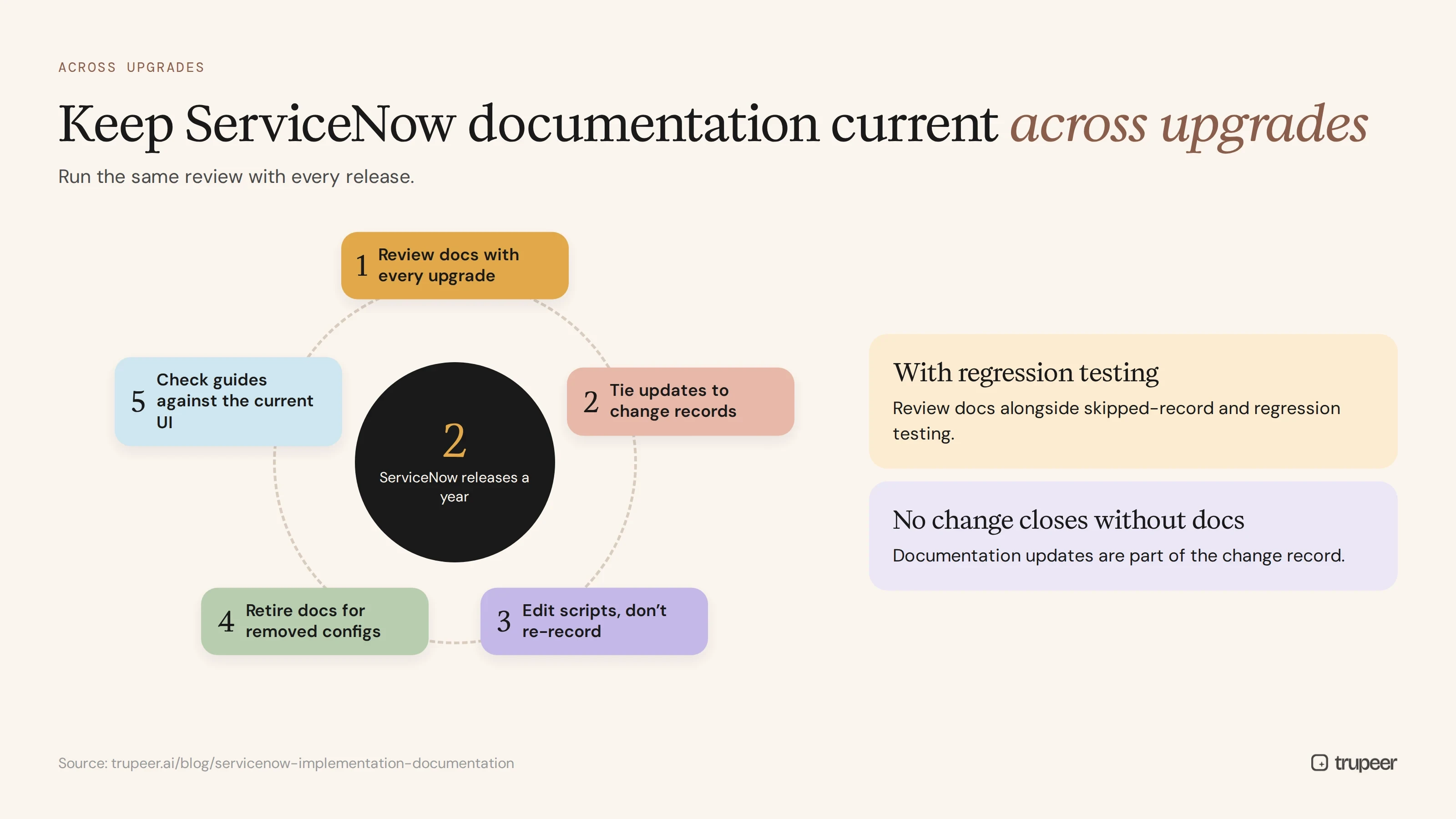
Review documentation as part of every upgrade, alongside skipped-record and regression testing.
Tie documentation updates to change records, so no change closes without its documentation updated.
Update guides by editing scripts rather than re-recording; see how to update a training video without re-recording.
Retire documentation for configurations that have been removed.
Check guides against the current UI after each release, especially for employees and agents.
Does the same approach work for other ITSM platforms?
Yes. Whether you run ServiceNow, Atomicwork, Freshservice or another ITSM tool, the same principles apply: document decisions and configurations, record walkthroughs instead of capturing screenshots by hand, give every document an owner and update documentation with every change. Only the terminology and screens differ. For a side-by-side view, see the ITSM platform documentation comparison.
ServiceNow implementation documentation checklist
Requirements and process designs are documented with the reasons behind key decisions.
The instance landscape and promotion process are documented.
A configuration log covers every customisation, with purpose and owner.
Roles, groups and access controls are documented and justified.
Catalogue items, integrations and CMDB decisions are documented.
Test evidence and release records are stored and linked.
Agent, approver, employee and admin guides are published.
Every document has an owner and a review date.
Documentation is reviewed with every upgrade and change.
Common ServiceNow documentation mistakes
Documenting what, not why, so nobody knows if a customisation still matters.
Relying on manual screenshots that go out of date with every release.
Leaving documentation until after go-live.
Keeping documents in project folders nobody visits after handover.
Ignoring end user and agent guides, which hurts adoption; see our ServiceNow user adoption strategy.
Never updating documentation after upgrades.
Create ServiceNow implementation documentation with Trupeer
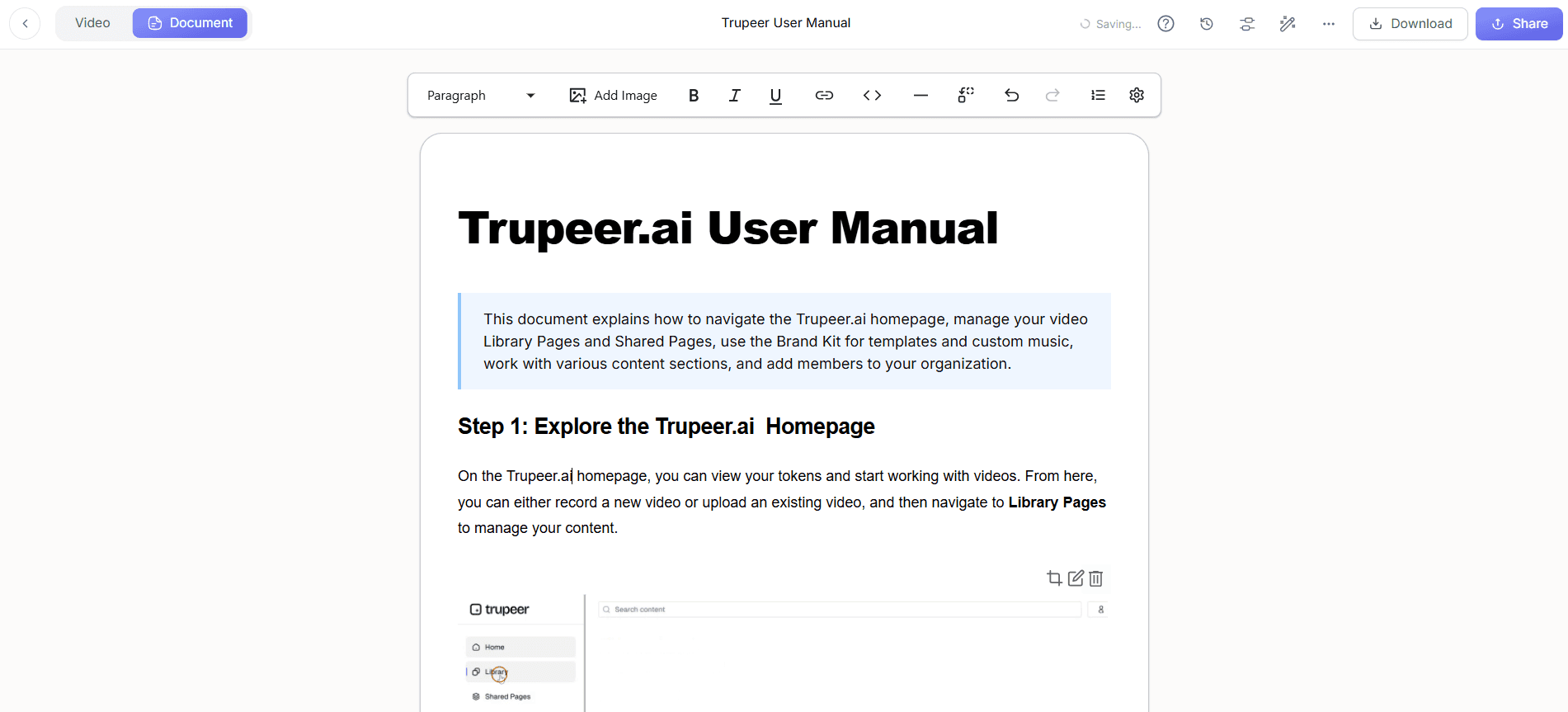
Trupeer turns recordings of your ServiceNow instance into step-by-step guides and videos, so configuration walkthroughs, agent workflows and employee how-tos are documented without manual screenshots and stay current after every upgrade. See Trupeer's IT knowledge base and SOP platform or start free with Trupeer.
Frequently Asked Questions
What is ServiceNow implementation documentation?
What should be included in ServiceNow documentation?
How do you document ServiceNow workflows without screenshots?
How do you document ServiceNow configurations for audit?
How often should ServiceNow documentation be updated?
Who should own ServiceNow documentation?
What's the difference between admin documentation and user guides?
Does this approach work for Atomicwork or Freshservice?



