2026/03/27

How to Generate User Guides Using AI: The Complete 2026 Guide

How to Generate User Guides Using AI: The Complete 2026 Guide

How to Generate User Guides Using AI: The Complete 2026 Guide

How to Generate User Guides Using AI: The Complete 2026 Guide

Learn how to generate user guides using AI in 2026. Create step-by-step tutorials, SOPs, and manuals from workflows quickly with automation using tools like Trupeer.

Learn how to generate user guides using AI in 2026. Create step-by-step tutorials, SOPs, and manuals from workflows quickly with automation using tools like Trupeer.

目次

Trupeer AI enables you to create instant AI product Videos & Docs from Rough Screen Recordings

粗いスクリーン録画からのインスタントAI製品ビデオとドキュメント

無料で始める

無料で始める

Buyer's Overview

Documentation teams are often burdened by the repetitive tasks of formatting and structuring content, which consume up to 70% of their time. This leaves minimal bandwidth for ensuring the accuracy and clarity of the documentation. A staggering 60% of teams report that formatting issues significantly delay their output.

60% of documentation teams report that formatting and structural tasks delay their deliverables by up to 40%.

Source: Documentation Efficiency Report by TechInsights, 2026

This guide is designed for technical writers, product documentation teams, and anyone involved in creating comprehensive user guides. It will explore various AI tools that automate the mundane tasks, allowing you to focus on what truly matters: delivering clear and accurate documentation.

Best AI Documentation Tools: Head-to-Head Comparison

Feature

Trupeer

Scribe

Tango

Document360

Notion AI

Confluence AI

GitBook AI

Archbee

AI Writing

Yes

Yes

Limited

No

Yes

Yes

Yes

Limited

Auto Step Capture

Yes

Yes

Yes

No

Limited

No

Yes

No

Screenshot Annotation

Yes

Yes

Limited

No

No

Limited

Yes

Yes

AI Voiceover

Yes

No

No

No

Limited

No

Yes

No

Video Generation

Yes

No

Limited

No

No

Limited

No

Yes

Smart Templates

Yes

Limited

No

No

Yes

Yes

No

Limited

Multi-language Support

Yes

Limited

No

Yes

Yes

Limited

No

No

API Integration

Yes

Yes

Limited

Yes

No

Yes

Yes

Limited

Free Tier

Yes

Yes

Yes

No

Yes

No

Yes

No

  1. Trupeer

    Trupeer

Trupeer stands out as an AI-first documentation tool that excels in automating tedious tasks like step capturing and AI voiceover. This tool is ideal for large documentation teams in tech companies that need to maintain dynamic user guides. Trupeer's robust AI capabilities are designed to enhance productivity by minimizing manual input, letting teams focus on content accuracy. Its edge lies in its comprehensive suite of AI features that streamline the entire documentation process.

Key Features

  • AI-driven writing and editing

  • Automatic step capture from screen activity

  • Advanced screenshot annotation tools

  • AI voiceover and video generation

  • Smart templates for quick setup

  • Multi-language support with AI translation

  • API integration for custom workflows

  • Collaborative editing with real-time updates

"Trupeer has transformed our documentation process, making it more efficient and less error-prone."

Pros

Cons

Comprehensive AI features for documentation.

Initial setup can be time-consuming.

Supports over 40 languages for global teams.

Requires integration with existing tools.

Excellent for teams with complex documentation needs.

Pricing may be high for small businesses.

Pricing

Free tier available; paid plans start at $49/user/month.

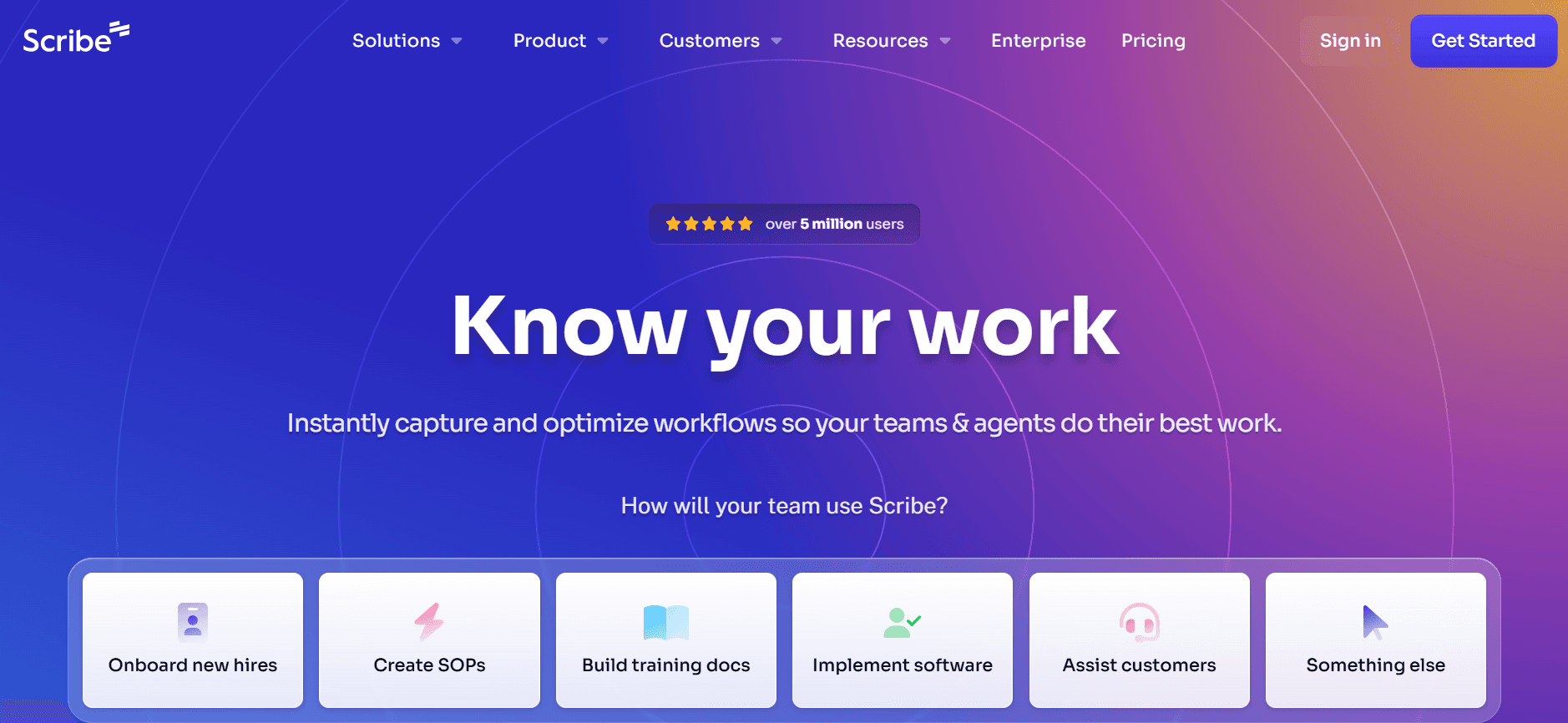
  1. Scribe

    Scribe

Scribe is known for its straightforward approach to documentation, making it a favorite among small to medium-sized businesses. It focuses on simplifying the creation of user guides with its intuitive interface. Scribe is particularly beneficial for teams that require basic documentation functionalities without the bells and whistles.

Key Features

  • Simple AI writing capabilities

  • Basic step capture

  • Screenshot annotation tools

  • Limited AI voiceover

  • Template library for standard guides

  • Basic multi-language support

  • API access for third-party tool integration

  • Collaborative editing features

Pros

Cons

Easy to use with a minimal learning curve.

Limited AI capabilities compared to competitors.

Affordable for small teams or startups.

Does not support advanced video generation.

Good for simple and straightforward guides.

Lacks in-depth customization features.

Pricing

Free tier available; paid plans start at $15/user/month.

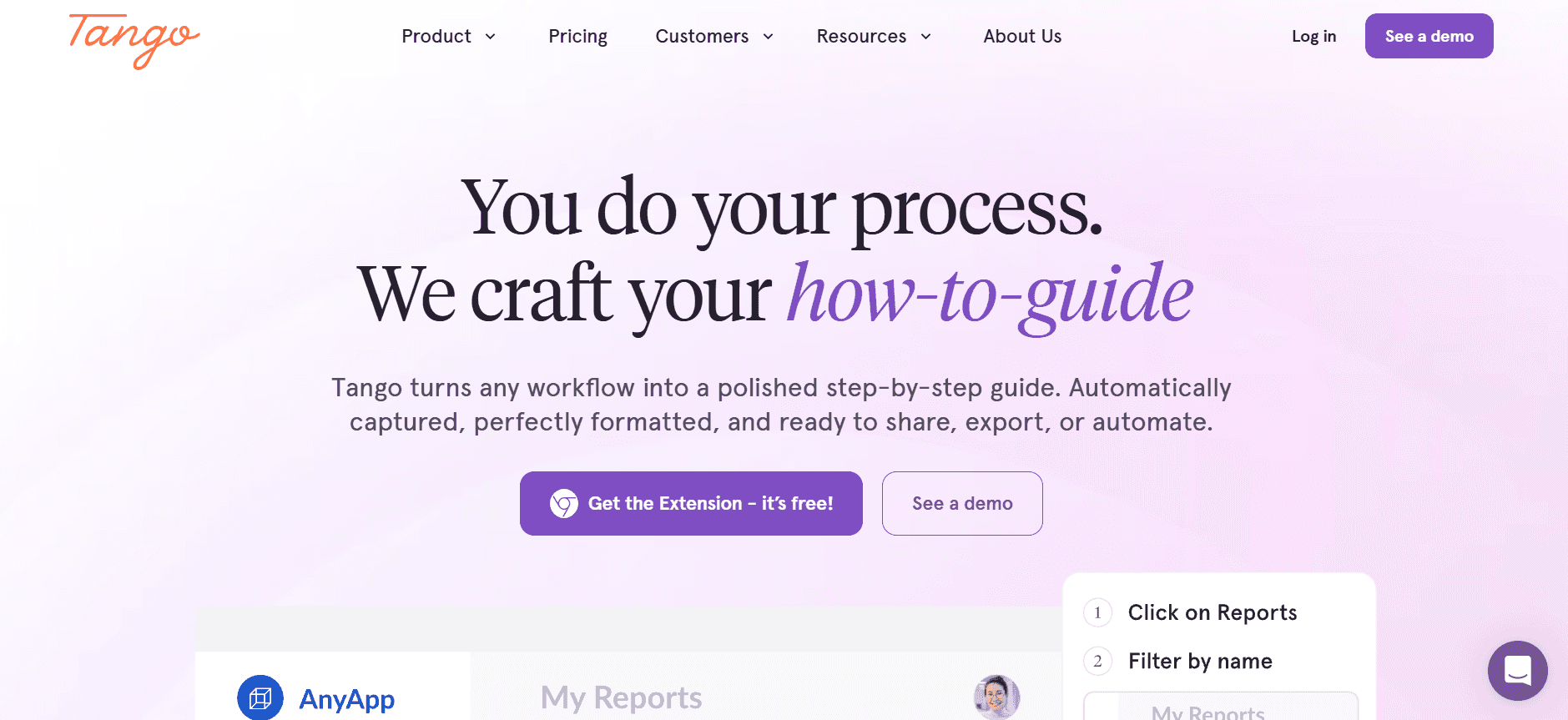
  1. Tango

    Tango

Tango offers a unique blend of visual documentation features, making it a preferred choice for teams that emphasize visual guides. Its auto step capture is a standout feature that automatically generates step-by-step guides from screen activity. Tango is perfect for product teams that need to create tutorials quickly and efficiently.

Key Features

  • Auto step capture from screen activity

  • Basic AI writing support

  • Limited screenshot annotation

  • No AI voiceover capabilities

  • Visual template options

  • Limited multi-language support

  • Basic API integration

  • Collaborative team features

Pros

Cons

Strong focus on visual documentation.

Limited AI functionalities.

Great for quick tutorial creation.

No video generation capabilities.

User-friendly and intuitive interface.

Limited language support.

Pricing

Free tier available; paid plans start at $20/user/month.

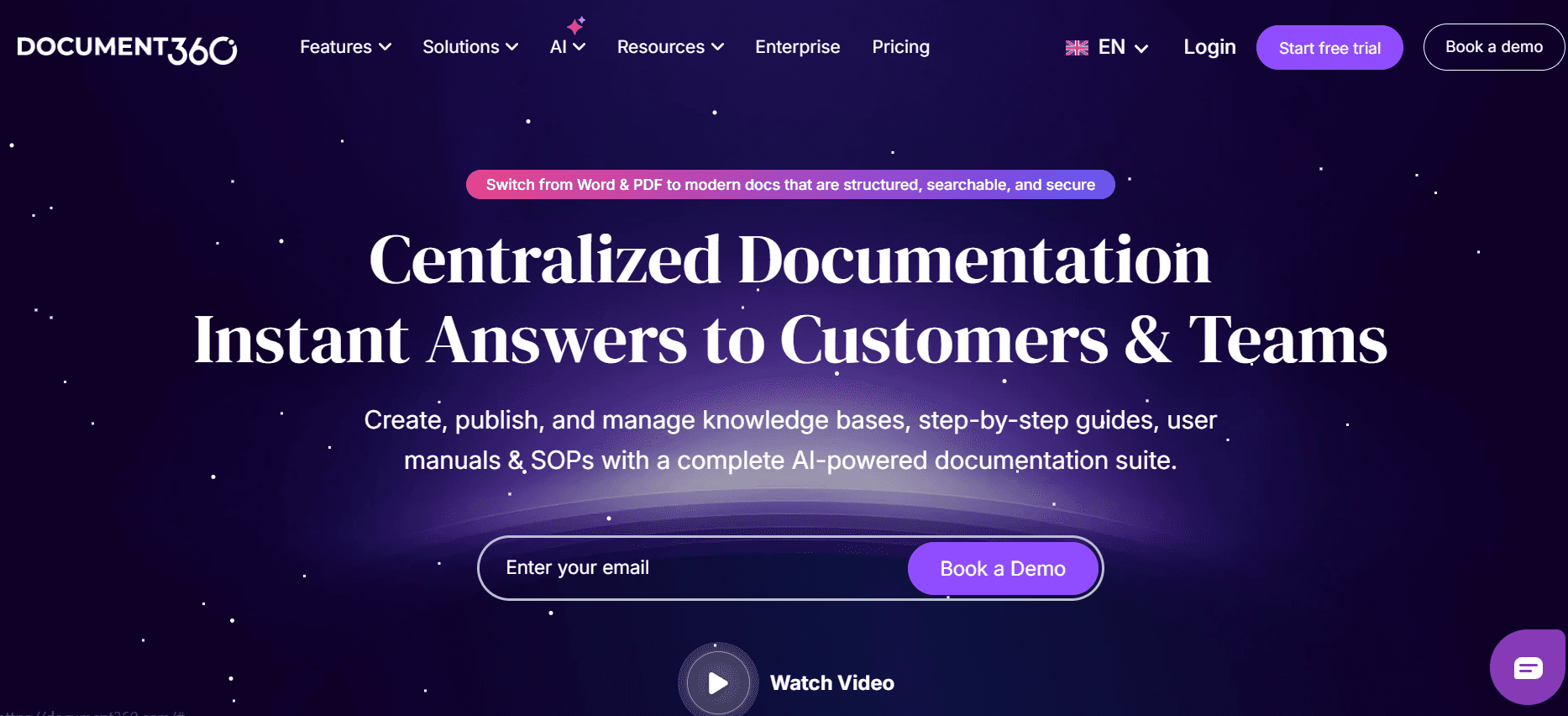
  1. Document360

    Document360

Document360 is a robust knowledge base tool tailored for companies that need a comprehensive platform for documentation and information management. While it lacks some AI features, it excels in offering an organized and searchable environment for user guides.

Key Features

  • Organized knowledge base platform

  • No AI writing capabilities

  • Basic step capture

  • Multi-language support

  • No AI voiceover or video generation

  • API integration for customized workflows

  • Extensive search functionalities

  • Collaborative editing and review

Pros

Cons

Excellent for comprehensive knowledge management.

Lacks advanced AI features.

Highly organized and searchable platform.

No video or voiceover options.

Strong API integration capabilities.

Higher learning curve for new users.

Pricing

No free tier; paid plans start at $50/user/month.

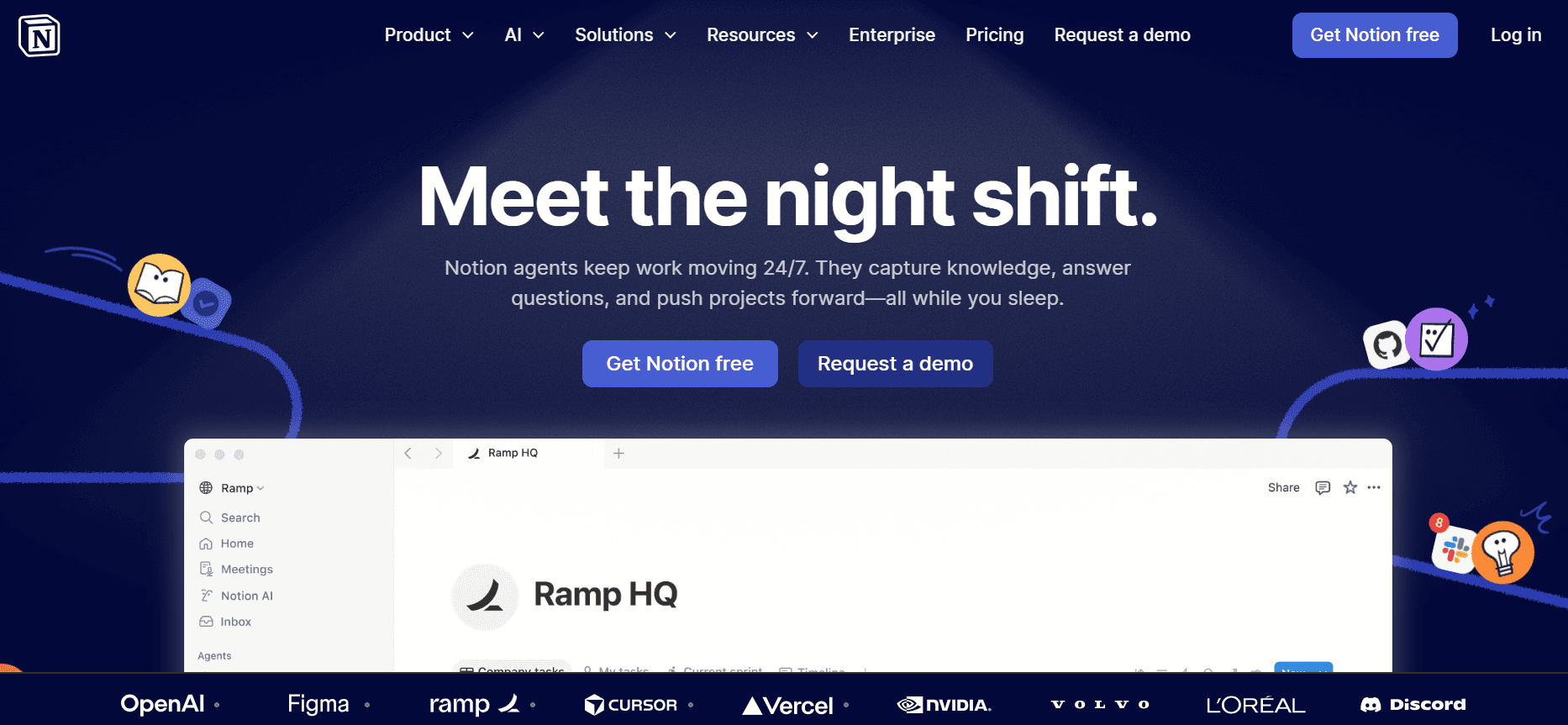
  1. Notion AI

    Notion AI

Notion AI is an extension to the popular Notion workspace tool, bringing AI capabilities to enhance its documentation and note-taking features. It's an excellent choice for teams already using Notion for project management and looking to integrate AI-driven documentation solutions seamlessly.

Key Features

  • AI-enhanced writing and editing

  • Limited auto step capture

  • No screenshot annotation tools

  • Basic AI voiceover capabilities

  • Smart templates for note-taking and guides

  • Multi-language support

  • API integration with Notion workspace

  • Real-time collaboration features

Pros

Cons

Seamless integration with Notion workspace.

Limited in terms of standalone documentation features.

AI-driven writing enhances productivity.

Lacks advanced screenshot and video tools.

Great for teams already using Notion.

Not the best choice for complex documentation needs.

Pricing

Free tier available; paid plans start at $10/user/month.

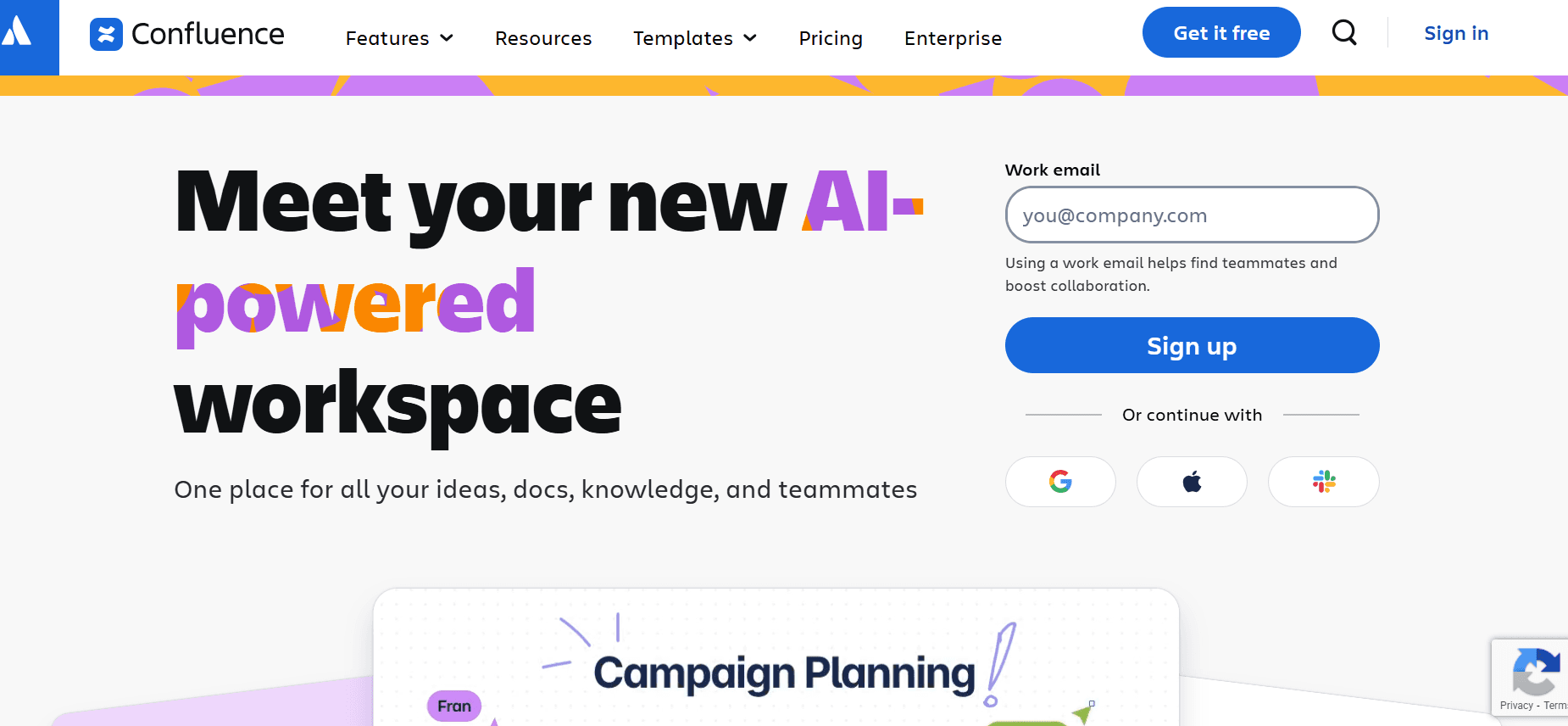
  1. Confluence AI

    Confluence AI

Confluence AI builds upon the well-established Confluence platform, adding AI features to improve documentation workflows. It is ideal for teams using Atlassian's suite of products and looking for tighter integration between project management and documentation.

Key Features

  • AI-enhanced content creation

  • No auto step capture

  • Limited screenshot annotation

  • No AI voiceover options

  • Standard templates for documentation

  • Limited multi-language support

  • API integration with Atlassian products

  • Real-time collaboration and feedback

Pros

Cons

Strong integration with Atlassian tools.

Limited AI capabilities.

Good for teams already using Confluence.

No video generation or voiceover.

Enhances existing documentation workflows.

Not ideal for standalone use.

Pricing

No free tier; paid plans start at $30/user/month.

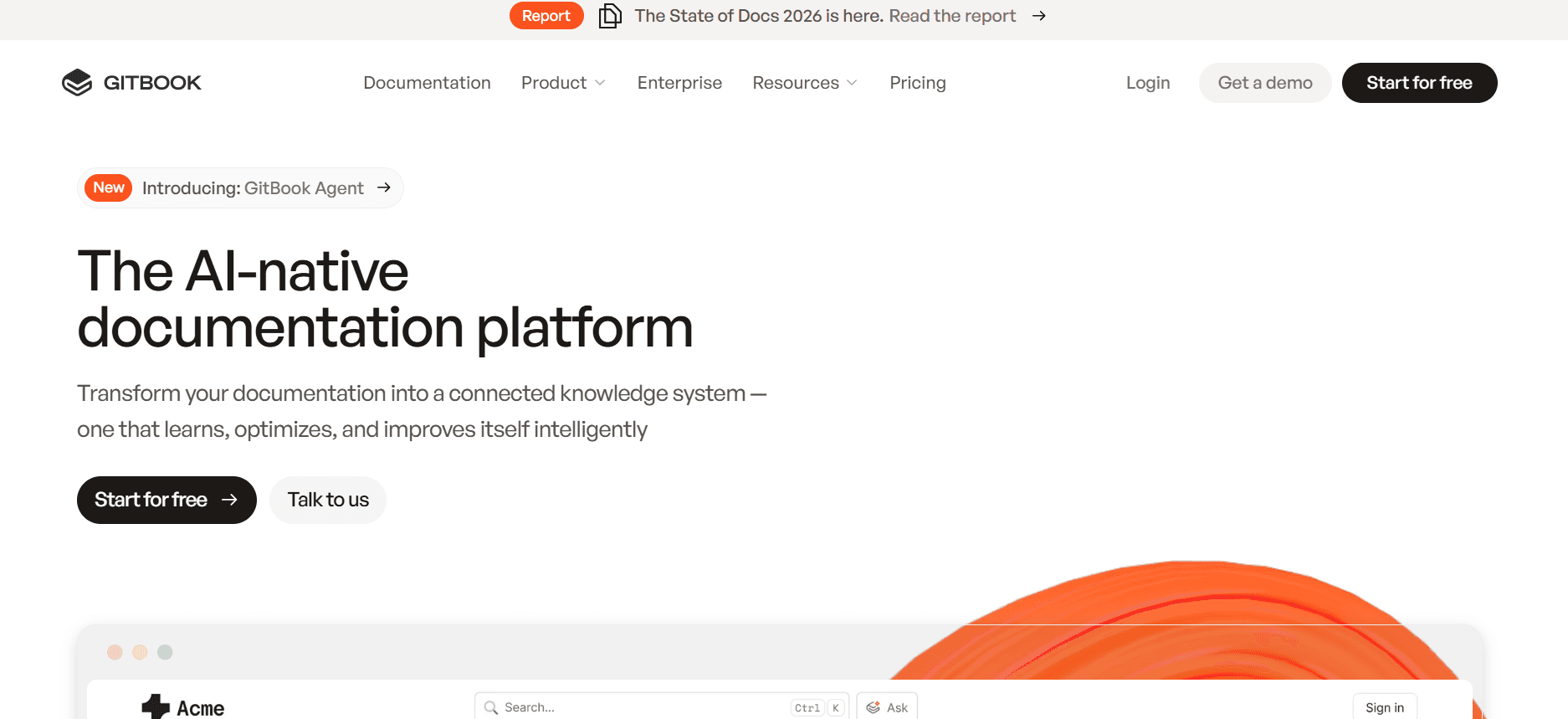
  1. GitBook AI

    GitBook AI

GitBook AI is designed for developers and technical writers who need to document APIs and codebases efficiently. Its AI capabilities enhance the already powerful GitBook platform, making it a reliable choice for engineering teams.

Key Features

  • AI-driven content assistance

  • Advanced step capture for technical documentation

  • Screenshot annotation tools

  • AI voiceover for technical tutorials

  • API documentation templates

  • Real-time collaboration and feedback

  • Multi-language support for global teams

  • API integration for developer tools

Pros

Cons

Excellent for API and technical documentation.

Higher cost compared to simpler tools.

Strong AI integration with existing workflows.

Complex setup process for new users.

Great support for multi-language documentation.

Not ideal for non-technical documentation needs.

Pricing

Free tier available; paid plans start at $30/user/month.

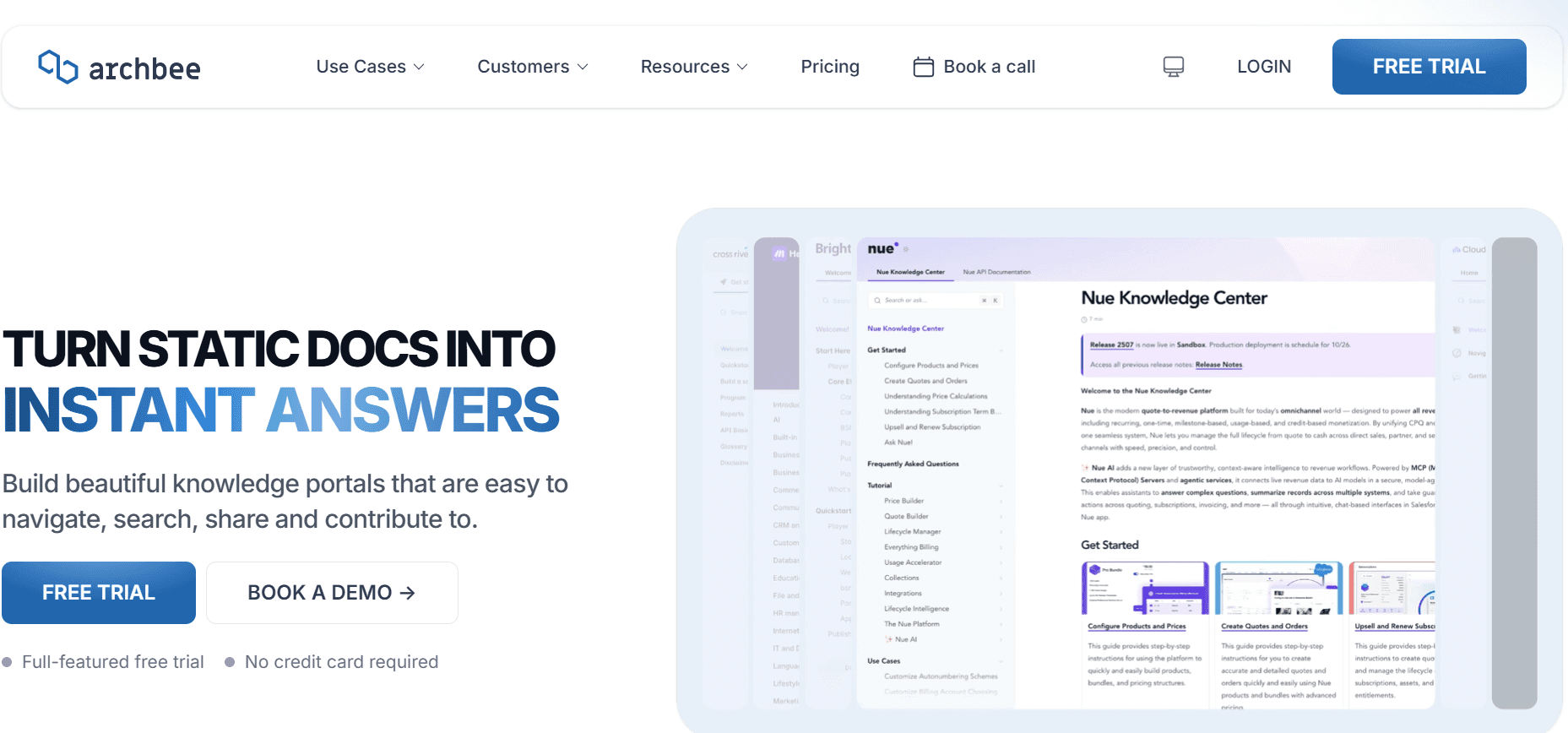
  1. Archbee

    Archbee

Archbee is designed for modern software teams who need a collaborative platform for documentation. While it lacks some AI features, it excels in team collaboration and seamless integration with development tools. It's perfect for tech startups and agile teams looking to document processes and APIs efficiently.

Key Features

  • Collaborative documentation platform

  • Limited AI writing capabilities

  • Screenshot annotation tools

  • No AI voiceover or video options

  • API documentation templates

  • Integration with development tools

  • Real-time collaboration and feedback

  • Multi-language support

Pros

Cons

Strong focus on team collaboration.

Limited AI features.

Excellent for tech startups and agile teams.

Lacks video generation options.

Seamless integration with dev tools.

Not ideal for extensive documentation needs.

Pricing

No free tier; paid plans start at $25/user/month.

AI Documentation Challenges: What Teams Struggle With

  1. Creating First Drafts Takes Too Long

  • Even experienced writers spend significant time drafting the initial version of user guides.

  • Manual writing processes involve repeated checks for accuracy and consistency.

  • The need to maintain a professional tone adds complexity to the initial drafting phase.

  • Delays in creating drafts can lead to bottlenecks in the entire documentation lifecycle.

  1. Keeping Documentation Current with Every Product Sprint

  • Product updates require immediate reflection in the documentation to avoid misinformation.

  • Teams often struggle with tight deadlines to update guides alongside sprint releases.

  • Manual updates risk introducing errors or inconsistencies with the new product features.

  • Outdated documentation can lead to customer dissatisfaction and increased support queries.

  1. Inconsistent Formatting Across Different Team Members

  • Different writing styles and formatting preferences can result in inconsistent documentation.

  • Without a standardized template, guides can appear unprofessional and confusing.

  • Manual formatting adjustments take valuable time away from content creation.

  • Inconsistencies can cause confusion, reducing the perceived reliability of the documentation.

  1. No Automatic Screenshot or Step-Capture Capabilities

  • Manually capturing and annotating screenshots is time-consuming and prone to errors.

  • Lack of automation in step-capture can slow down the process of creating visual guides.

  • Teams spend excessive time editing and inserting images into documentation.

  • Manual processes increase the risk of missing crucial steps in user guides.

  1. Translation and Localization Create Bottlenecks for Global Teams

  • Translating documentation into multiple languages requires specialized skills and time.

  • Localization processes often lag behind product releases, creating delays.

  • Manual translation can lead to inconsistencies across different language versions.

  • Delays in translated content can impact global user adoption and satisfaction.

Challenge

Traditional Process

Business Impact

Time Cost

Slow Draft Creation

Manual writing

Bottlenecks in workflow

High

Keeping Docs Current

Manual updates

Outdated information

High

Inconsistent Formatting

Manual standardization

Unprofessional appearance

Moderate

No Automatic Capture

Manual screenshots

Missed steps

High

Translation Bottlenecks

Manual translation

Delayed global adoption

High

Must-Have Features in AI Documentation Tools

  1. AI Writing and Auto-Completion

AI writing and auto-completion drastically reduce the time spent on drafting user guides. Tools like Trupeer and GitBook AI offer advanced AI writing capabilities that help in generating the initial drafts quickly. These features provide suggestions and complete sentences in real-time, ensuring that the content is not only accurate but also maintains a professional tone. This allows writers to focus more on refining and reviewing content rather than creating it from scratch.

  1. Automated Step Capture from Screen Activity

One of the most sought-after features in documentation tools is automated step capture. This feature allows users to automatically record screen activities and generate step-by-step guides. Tools like Tango excel in this area, making it incredibly easy to create visual documentation. By automating the capture process, teams save valuable time that would otherwise be spent on manually taking and editing screenshots. This feature is crucial for creating tutorials that are both accurate and easy to follow.

  1. Smart Screenshot Annotation

Smart screenshot annotation tools enhance the clarity of visual guides by adding context directly to images. Trupeer and Scribe provide robust annotation features that allow users to highlight, label, and comment on specific areas of a screenshot. This not only improves the comprehensibility of the guide but also ensures that users can quickly grasp crucial information. Effective annotation tools are indispensable for creating user guides that are both informative and visually engaging.

  1. AI Voiceover Generation for Video Docs

AI voiceover generation is a revolutionary feature for creating video documentation. GitBook AI employs advanced text-to-speech technology to generate natural-sounding voiceovers, eliminating the need for manual recording. This feature is particularly useful for technical tutorials where audio guidance can significantly enhance understanding. By automating voiceover production, teams can produce professional-quality video docs without the need for specialized audio equipment or voice actors.

  1. One-Click Export in Multiple Formats

Flexibility in exporting documentation is crucial for meeting diverse user needs. Tools like Document360 offer one-click export options in various formats, including PDF, HTML, and Markdown. This feature ensures that documentation can be easily distributed and accessed across different platforms and devices. The ability to export in multiple formats also supports version control and allows for seamless integration into existing content management systems.

  1. Multi-Language Support with AI Translation

For global teams, multi-language support with AI translation is essential. Trupeer's AI translation capabilities ensure that documentation is consistent and accurate across different languages. This feature automates the translation process, significantly reducing the time and resources needed for manual translation. By supporting multiple languages, documentation tools make it easier to reach a wider audience and enhance user satisfaction on a global scale.

How to Choose AI Documentation Tools Based on Your Use Case

  1. Product Documentation Teams at SaaS Companies

For SaaS companies, keeping product documentation up-to-date is crucial for user satisfaction and operational efficiency. These teams are often tasked with documenting rapidly evolving products, requiring tools that can easily manage and update content.

  • Frequent product updates demand real-time documentation changes.

  • Need for consistency across multiple product lines and features.

  • High volume of content that requires efficient management.

Solutions Needed

  • Dynamic content management with real-time updates.

  • AI-driven tools to automate routine tasks.

  • Collaboration features for team-wide consistency.

Feature

Trupeer

Document360

Real-Time Updates

Yes

Yes

AI Automation

Yes

No

Collaboration Tools

Yes

Yes

  1. Technical Writers and Content Operations

Technical writers often juggle multiple projects, requiring tools that enhance productivity and ensure high-quality outputs. Their primary need is for functionalities that simplify drafting and reviewing processes.

  • Multiple documentation projects with tight deadlines.

  • Need for high-quality, error-free content.

  • Limited time for drafting and revision.

Solutions Needed

  • AI-enhanced writing tools to improve draft quality.

  • Efficient reviewing and editing capabilities.

  • Time-saving features for quicker project turnaround.

Feature

Scribe

Notion AI

AI Writing

Yes

Yes

Review Tools

Limited

Yes

Time-Saving Features

Yes

Yes

  1. Engineering and API Documentation

Engineering teams working on APIs require tools that can handle technical content and integrate seamlessly with development environments. Their focus is on precision and clarity in documenting complex systems.

  • Complex technical content that requires precision.

  • Integration with existing development tools.

  • Need for detailed, clear, and concise documentation.

Solutions Needed

  • Tools that support technical writing and API documentation.

  • Seamless integration with developer environments.

  • Features that enhance clarity and precision.

Feature

GitBook AI

Archbee

Technical Writing

Yes

Yes

Developer Integration

Yes

Yes

Precision Tools

Yes

Limited

  1. HR and Compliance Documentation

HR teams often need to manage a wide range of documentation, from employee handbooks to compliance guides. They require tools that can handle large volumes of content while ensuring accuracy and compliance with regulations.

  • Wide range of documentation types and formats.

  • Need for compliance with legal and regulatory standards.

  • High volume of content requiring precise management.

Solutions Needed

  • Robust content management systems.

  • Compliance checks and legal review features.

  • Tools for managing large document volumes effectively.

Feature

Confluence AI

Document360

Content Management

Yes

Yes

Compliance Tools

Limited

Yes

Large Volume Handling

Yes

Yes

Best Practices for Generating User Guides with AI

  1. Before

  • Identify the key objectives and audience for your documentation.

  • Set up a standardized template to ensure consistency across documents.

  • Integrate AI tools with your existing documentation workflow.

  • Establish a clear review and approval process to ensure quality control.

  • Plan for regular updates to keep documentation current and relevant.

  1. During

  • Utilize AI writing and auto-completion features to streamline drafting.

  • Leverage automated step capture for visual documentation.

  • Annotate screenshots effectively to enhance user understanding.

  • Incorporate AI voiceover for video guides to improve accessibility.

  • Continuously collaborate with team members for feedback and improvements.

  1. After

  • Export documentation in multiple formats to suit different platforms and needs.

  • Review and update documents regularly to reflect changes in products or policies.

  • Gather user feedback to identify areas for improvement.

  • Track usage analytics to understand how documentation is being utilized.

  • Maintain a repository of past versions for reference and compliance purposes.

Frequently Asked Questions

  1. What is AI documentation?
    AI documentation refers to the use of artificial intelligence technologies to automate and enhance the creation, management, and updating of user guides and other documentation materials.

  2. Why should I use AI for documentation?
    AI can significantly reduce the time and effort required to produce high-quality documentation by automating repetitive tasks, ensuring consistency, and facilitating real-time updates.

  3. How does AI step capture work?
    AI step capture automatically records user actions on a screen and generates step-by-step instructions, making it easy to create visual guides without manual intervention.

  4. Can AI tools integrate with my existing systems?
    Most AI documentation tools offer API integration options that allow them to work seamlessly with existing content management and development systems.

  5. Are there free AI documentation tools available?
    Yes, several AI documentation tools offer free tiers with basic features. However, premium features typically require a paid subscription.

  6. How much do AI documentation tools cost?
    The pricing for AI documentation tools varies, with most offering plans starting around $10 to $30 per user per month, depending on the features included.

  7. How do I get started with AI documentation tools?
    Start by identifying your documentation needs and reviewing the features of various AI tools. Choose one that fits your requirements, sign up, and integrate it with your existing workflows.

  8. What training is required to use AI documentation tools?
    Most AI documentation tools are designed to be user-friendly, requiring minimal training. However, some may offer tutorials and support to help you get the most out of their features.

Final Thoughts on AI Documentation Tools

AI documentation tools have revolutionized the way teams create and manage user guides. By automating repetitive tasks and providing advanced features like AI writing and step capture, these tools allow teams to focus on what truly matters: delivering accurate and clear documentation. Whether you're part of a SaaS company, an HR team, or a technical writing group, these tools can enhance your productivity and ensure that your documentation meets the highest standards.

Explore the capabilities of Trupeer and see how it can transform your documentation process. With its comprehensive suite of AI features, Trupeer is designed to streamline your workflow and improve the quality of your user guides. Visit Trupeer to learn more and start your journey toward more efficient documentation.

無料でAIビデオ+ドキュメントジェネレーターを使って動画を作成し始めましょう

無料でAIビデオ+ドキュメントジェネレーターを使って動画を作成し始めましょう

Experience the new & faster way of creating product videos.

Instant AI Product Videos and Docs from Rough Screen Recordings.

Get started for free

無料で始める

Experience the new & faster way of creating product videos.

Instant AI Product Videos and Docs from Rough Screen Recordings.

Get started for free

無料で始める

Experience the new & faster way of creating product videos.

Instant AI Product Videos and Docs from Rough Screen Recordings.

Get started for free

無料で始める