Trupeer Blog
要約

Buyer's Overview
Creating user guides has traditionally been a time-consuming and cumbersome process. Teams often spend between 8 to 12 hours crafting a single manual from scratch, juggling between screenshots, text editing, and formatting. This inefficiency isn't just a productivity drain; it also impacts the timeliness and relevance of the documentation. A staggering 65% of user guides become outdated shortly after publication, especially in fast-evolving tech environments.
"The average company updates its software every 1.5 months, rendering older documentation obsolete."
This guide delves into the best user guide tools available in 2026, highlighting their strengths and weaknesses. It's tailored for product managers, technical writers, and support teams who seek to optimize their documentation process with modern, efficient tools.
Best User Guide Tools: Head-to-Head Comparison
Feature | Trupeer | Scribe | Document360 | Tango | Notion | Confluence | GitBook | Helpjuice |
|---|---|---|---|---|---|---|---|---|
Auto-Capture Steps | Yes | Yes | No | Yes | No | No | Limited | Yes |
AI Writing | Yes | Limited | No | Yes | No | No | Yes | No |
Video Support | Yes | No | Yes | Yes | Limited | No | No | Yes |
PDF Export | Yes | Yes | Yes | No | Yes | Yes | Yes | No |
Web Knowledge Base | Yes | Yes | Yes | No | Yes | Yes | Yes | Yes |
Version Control | Yes | No | Yes | No | Yes | Yes | Yes | Limited |
Team Collaboration | Yes | Yes | Yes | Limited | Yes | Yes | Yes | Yes |
Search | Yes | No | Yes | Yes | Yes | Yes | Yes | No |
Templates | Yes | Limited | Yes | No | Yes | Yes | Yes | Limited |
Free Tier | Yes | Yes | No | Yes | Yes | No | Yes | No |
Trupeer

Trupeer is a comprehensive tool that excels in automating the creation of user guides. Designed for teams that need to produce high-quality documentation quickly, it captures screen activities and automatically generates step-by-step instructions. This tool is particularly beneficial for product managers and customer support teams who are under tight deadlines.
Trupeer stands out for its AI capabilities, allowing for intelligent content suggestions and quick updates with version control. Its collaborative features facilitate teamwork and consistency across documents.
Key Features
Auto step capture from screen activity
AI-written step instructions
Video embedding alongside text
Multi-format export (PDF, web, HTML)
Version control and quick update workflows
Collaborative editing with real-time feedback
Pre-built templates for different document types
Advanced search functionality
"Trupeer transformed our documentation process. We reduced manual entry time by 70% and improved user satisfaction with up-to-date guides."
Pros
Cons
Automates guide creation, saving time.
Learning curve for new users.
AI-driven content suggestions.
Requires a modern browser for full features.
Comprehensive export options.
Limited offline capability.
Excellent version control.
Initial setup can be complex.
Pricing
Trupeer offers a free tier with basic features. Paid plans start at $29 per month for premium features and extended support.
Scribe
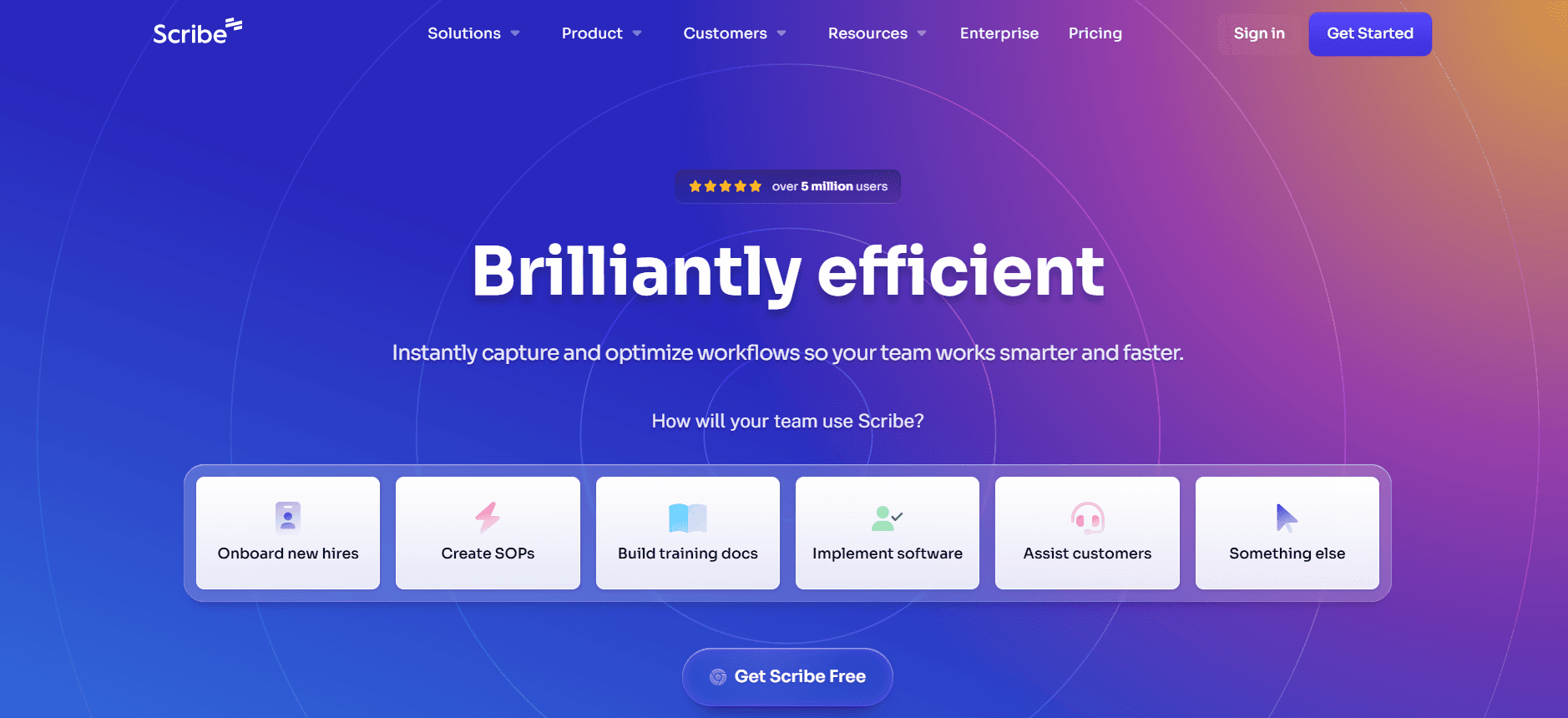
Scribe is designed for individuals and small teams who need a straightforward tool to document processes quickly. It's particularly useful for creating step-by-step guides directly from screen recordings. This tool is an excellent choice for technical writers and small business owners who need to create documentation without complex setups.
Scribe's simplicity is its main selling point. It focuses on ease of use and quick deployment, making it suitable for those who need to get started without extensive training.
Key Features
Screen activity capture
Automatic step documentation
Simple user interface
Template-based guide creation
Basic collaboration features
Limited AI content assistance
PDF export capability
Free tier available
Pros
Cons
Easy to use with minimal setup.
Limited advanced features.
Quick guide creation from screen recordings.
No video support.
Affordable pricing options.
Basic collaboration tools only.
Free tier offers substantial features.
Limited AI capabilities.
Pricing
Scribe offers a generous free tier. Paid plans start at $15 per month, focusing on additional storage and export options.
Document360
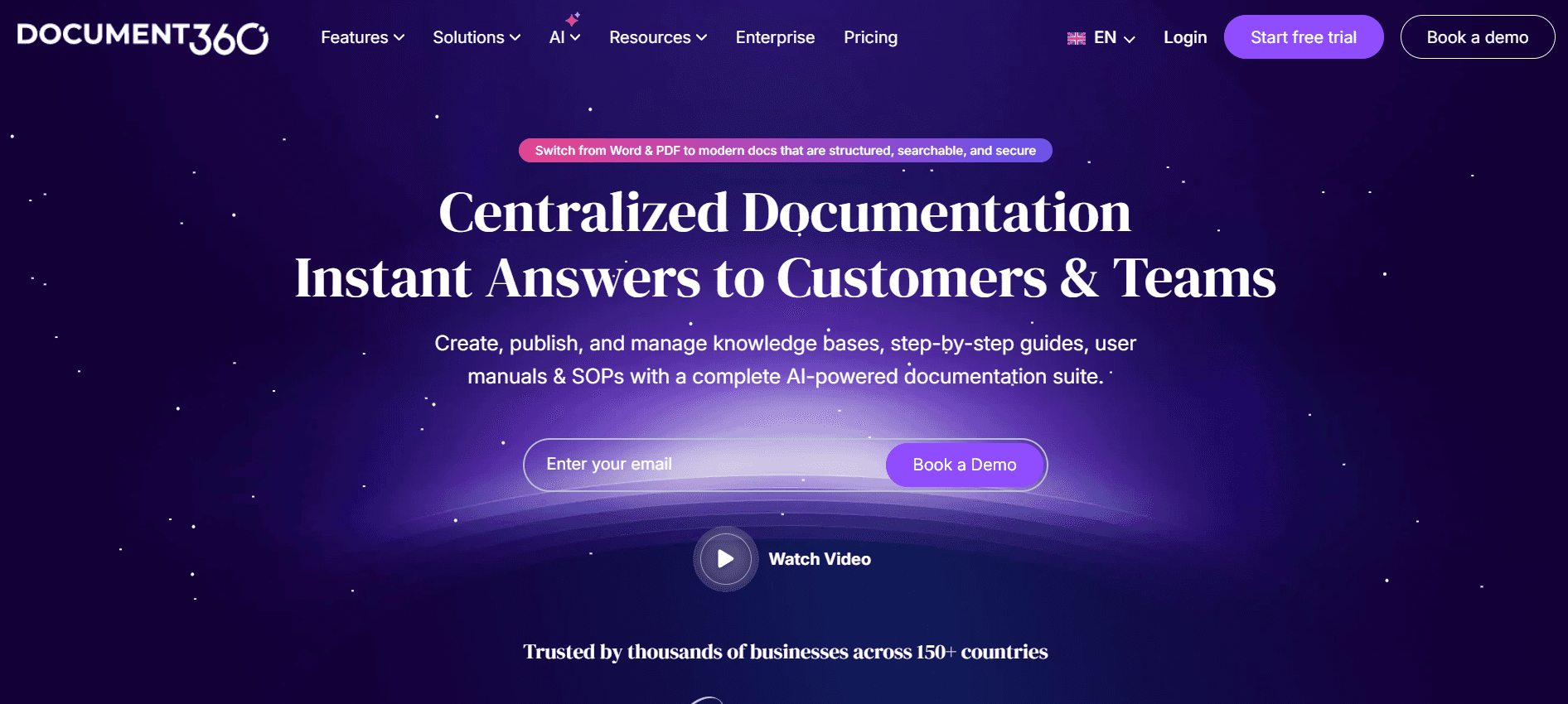
Document360 is a powerful tool aimed at larger teams and enterprises requiring extensive documentation solutions. It's well-suited for creating comprehensive knowledge bases and detailed user manuals. This tool excels in providing a structured environment for managing large volumes of content, making it an ideal choice for enterprise-level documentation needs.
The platform's strength lies in its robust content management system, which supports extensive categorization and tagging. Document360 is built for scalability and security, catering to organizations that handle sensitive and complex documentation.
Key Features
Advanced categorization and tagging
Comprehensive version control
Enhanced security features
Customizable knowledge base
Analytics and reporting tools
Collaboration features for large teams
Integration with third-party tools
24/7 customer support
Pros
Cons
Rich in features for enterprise needs.
Higher price point.
Strong version control and security.
No free tier available.
Highly customizable knowledge base.
Complex setup for smaller teams.
Excellent support and integration options.
Steeper learning curve.
Pricing
Document360 doesn't offer a free tier. Pricing starts at $99 per month for basic features and scales with enterprise needs.
Tango
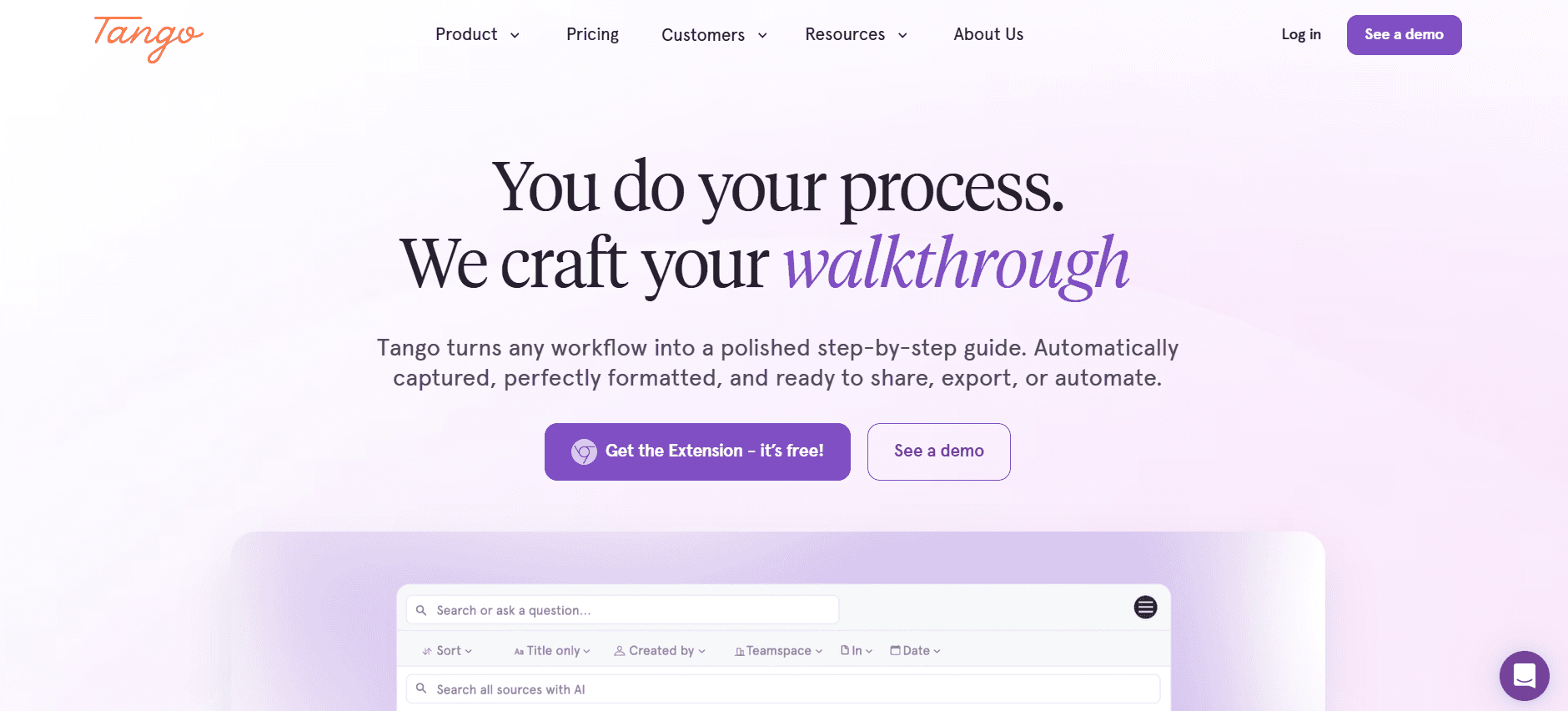
Tango is a user-friendly tool that appeals to small and medium-sized businesses. It's crafted for teams looking to create interactive user guides with minimal effort. Tango is particularly advantageous for customer service teams and educators who need to provide clear and engaging instructions.
What sets Tango apart is its ability to create interactive walkthroughs, making it ideal for training and onboarding processes. However, it doesn't offer the extensive features found in more enterprise-focused solutions.
Key Features
Interactive walkthrough creation
Simple drag-and-drop editor
Real-time collaboration
Customizable templates
Basic analytics
Video and audio embedding
Mobile-friendly design
Easy-to-use interface
Pros
Cons
Great for creating interactive content.
Limited professional features.
User-friendly interface.
No extensive analytics.
Includes video and audio options.
Not suitable for large documents.
Affordable for small teams.
Limited integration capabilities.
Pricing
Tango offers a free tier with basic features. Paid plans start at $25 per month, providing more templates and collaborative tools.
Notion
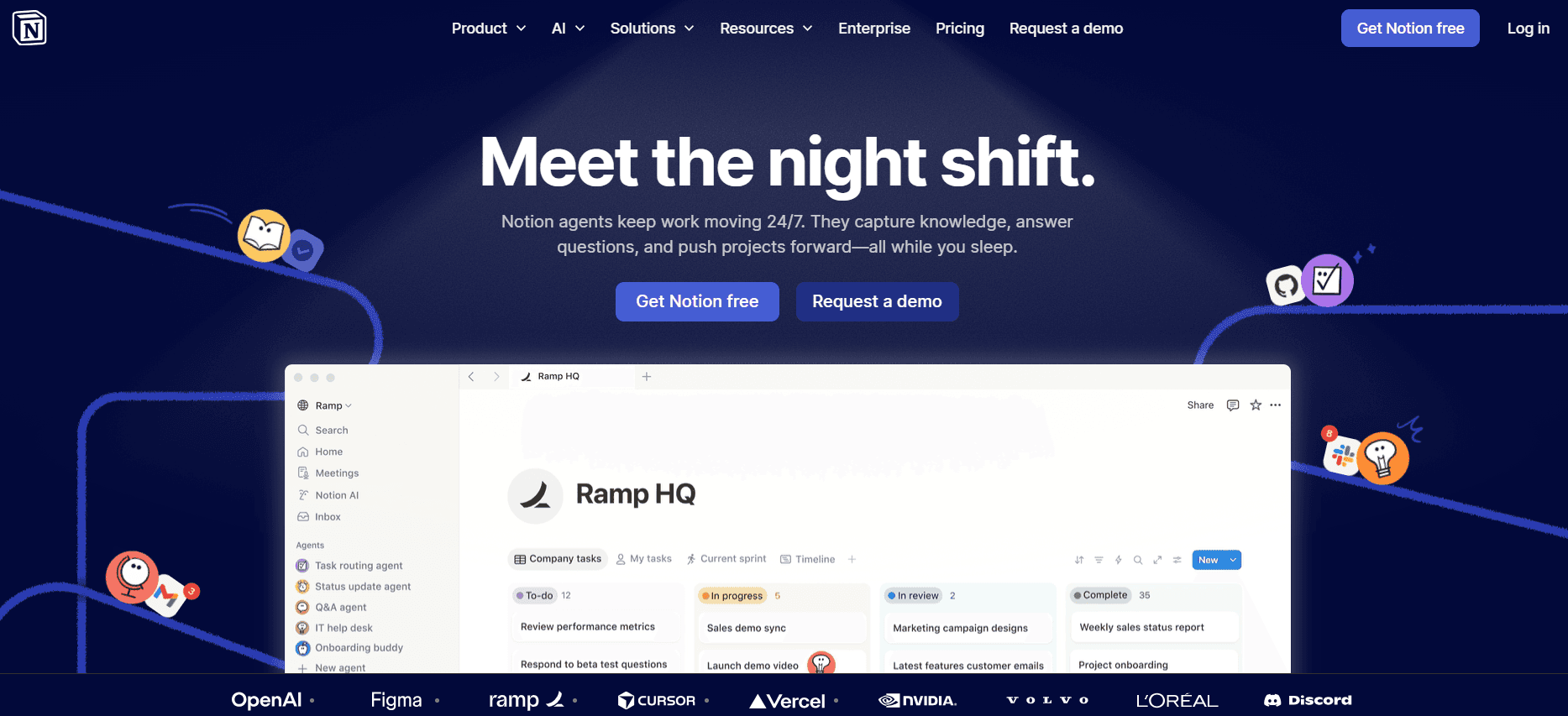
Notion is a versatile tool popular among startups and creative teams. It's not just for documentation but also serves as a project management and note-taking solution. With its flexible workspace, Notion is ideal for teams that need an all-in-one platform for organizing work and creating user guides.
Notion is known for its adaptability, supporting a wide range of use cases from simple note-taking to complex project management. However, its documentation-specific features are less advanced compared to dedicated user guide tools.
Key Features
All-in-one workspace
Customizable templates
Collaborative editing
Intuitive drag-and-drop interface
Integration with various apps
Database and spreadsheet capabilities
Rich media support
Mobile app availability
Pros
Cons
Highly flexible and customizable.
Not specialized for user guides.
Great for team collaboration.
Can be overwhelming for new users.
Includes project management tools.
Requires internet connection for full features.
Free tier is robust.
Limited export options for guides.
Pricing
Notion offers a free tier with limited storage. Paid plans start at $8 per month per user, unlocking more features and collaboration tools.
Confluence

Confluence by Atlassian is a well-established tool for teams that require comprehensive documentation and collaboration solutions. It's favored by development and IT teams for its integration with Jira and other Atlassian products. Confluence is ideal for creating and managing large-scale documentation projects.
The platform's strengths lie in its integration capabilities and collaborative environment, making it a good fit for tech-driven teams. However, it may not be the best option for smaller teams or non-technical users due to its complexity.
Key Features
Integration with Jira and other tools
Real-time collaboration
Customizable templates
Advanced search and filtering
Robust permissions and access controls
Version history and rollback
API access for custom development
Comprehensive analytics and reporting
Pros
Cons
Strong integration with Atlassian tools.
Can be expensive for small teams.
Robust collaboration features.
Complex for non-technical users.
Detailed analytics and reporting.
Limited offline capabilities.
Highly customizable.
No free tier.
Pricing
Confluence offers pricing that starts at $10 per user per month, with advanced features available in higher tiers.
GitBook

GitBook is a modern documentation platform that caters to developers and tech teams. It's designed for creating beautiful and functional developer documentation and API references. GitBook is best suited for development teams that need a straightforward way to manage technical documents.
GitBook's appeal lies in its simplicity and focus on developer needs, offering markdown support and Git integration. However, it lacks some of the broader features seen in more general user guide tools.
Key Features
Markdown support
Git integration for version control
Customizable themes
Collaboration tools
Public and private documentation options
API documentation capabilities
Easy publishing workflow
Search and indexing features
Pros
Cons
Excellent for developer documentation.
Limited to markdown format.
Integrates well with Git.
Not ideal for non-technical users.
Simple and clean interface.
Fewer features for non-developer use cases.
Supports both public and private docs.
Limited export options.
Pricing
GitBook offers a free tier with basic features. Paid plans start at $8 per user per month, which includes additional collaboration and customization options.
Helpjuice
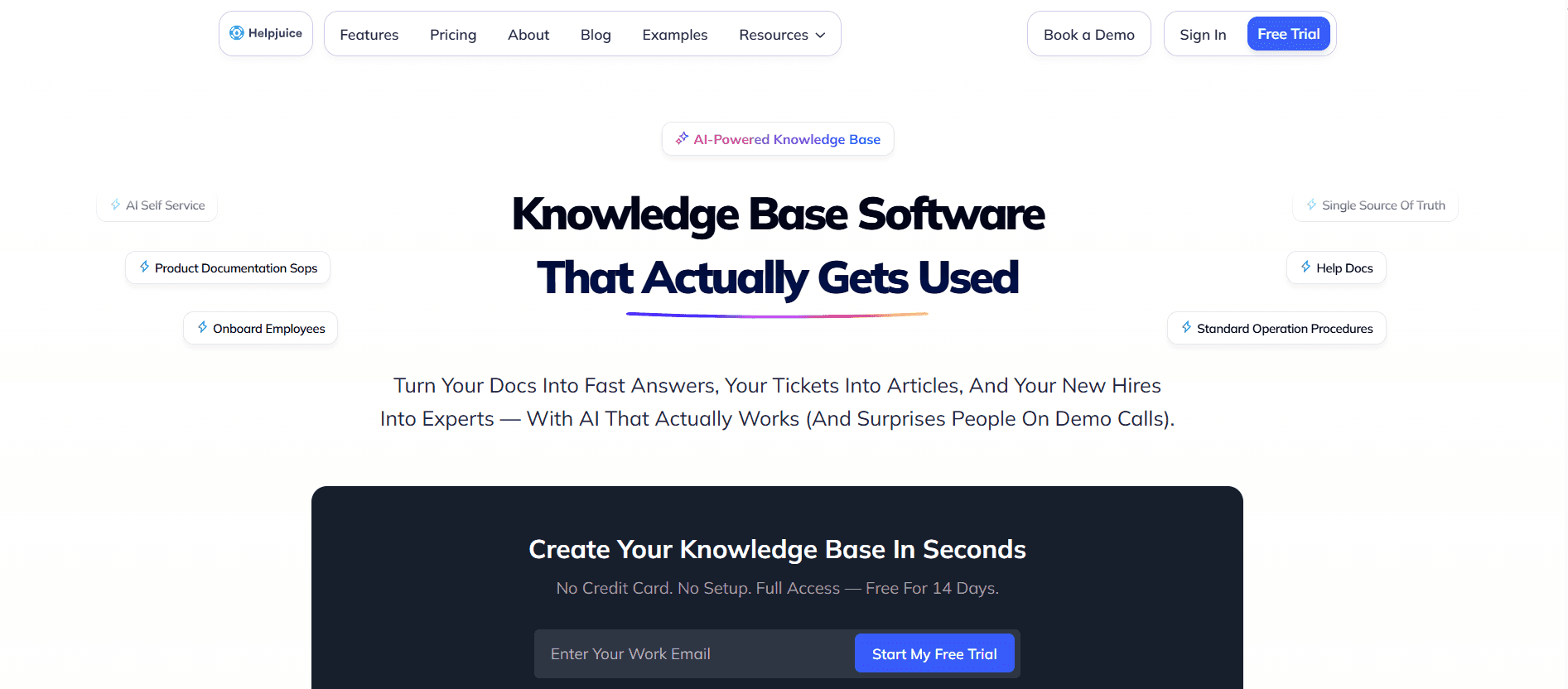
Helpjuice is designed for businesses that need a powerful knowledge base solution. It's particularly effective for support teams and customer service departments that aim to improve customer satisfaction through better self-service options. Helpjuice shines in its search capabilities and ease of use.
The tool's strengths include its powerful search functionality and analytics, which help teams understand how users interact with their knowledge base. However, it may not be as feature-rich in terms of collaboration and integration as some other tools.
Key Features
Powerful search functionality
Customizable knowledge base
Analytics and insights
User-friendly interface
Branding and customization options
Multi-language support
Simple setup process
24/7 customer support
Pros
Cons
Excellent search and analytics.
Higher cost compared to peers.
Intuitive and easy to use.
Limited free tier.
Highly customizable.
Fewer integration options.
Great support and user experience.
Not ideal for large-scale documentation.
Pricing
Helpjuice doesn't offer a free tier. Pricing starts at $120 per month, including advanced analytics and customization features.
User Guide Creation Challenges: What Teams Struggle With
Manual Documentation Process
Creating user guides manually is time-intensive, often requiring multiple team members to collaborate on text, images, and formatting.
Teams frequently have to switch between different tools like Word and Google Docs, leading to inefficiencies.
Proofreading and editing can be cumbersome, often leading to delays in publication.
Manual processes are prone to errors and inconsistencies, affecting the quality of the final document.
Outdated Content Post-Release
New software releases render existing documentation obsolete, necessitating frequent updates.
Keeping documentation current is challenging without automated update workflows.
Teams often lack a streamlined process to quickly revise and republish guides.
Outdated content can lead to customer dissatisfaction and increased support requests.
Poor Search and Findability
End-users struggle to find relevant information due to inadequate search functionalities.
Documentation is often scattered across multiple platforms, complicating search efforts.
Lack of indexing and tagging results in poor content discoverability.
Effective search is crucial for reducing support queries and enhancing user experience.
Documentation Siloed Across Tools
Documentation often exists in silos, spread across different tools like Notion and Word.
This fragmentation makes it difficult for teams to maintain consistency and control.
Collaboration is hindered when team members work on different platforms.
Consolidation of documentation into a single platform can enhance efficiency and consistency.
No Consistency in Format or Style
Lack of standardization leads to inconsistent formatting and style across documents.
Teams often struggle with maintaining a unified voice and presentation.
Inconsistent documentation can confuse users and diminish the perceived professionalism of the content.
Implementing templates and style guides can significantly improve consistency.
Challenge | Traditional Process | Business Impact | Time Cost |
|---|---|---|---|
Manual Documentation | Manual entry and formatting | Delays and errors in documentation | 8-12 hours per guide |
Outdated Content | Reactive updates post-release | Increased support queries | 4-6 hours per update |
Poor Searchability | Limited search functionalities | User frustration and inefficiency | Ongoing |
Siloed Documentation | Multiple tools and platforms | Inconsistent and fragmented content | Variable |
Formatting Inconsistency | No standardized templates | Unprofessional appearance | Variable |
Must-Have Features in User Guide Tools
Auto Step Capture from Screen Activity
This feature allows tools to automatically record user interactions and generate step-by-step guides. By capturing each click and keystroke, it creates a detailed and accurate representation of the process. This is particularly useful for complex software where manual documentation can miss critical steps.
Tools like Trupeer and Tango excel here, providing seamless integration with screen recording capabilities, making the documentation process not only faster but also more reliable.
AI-Written Step Instructions
Leveraging AI to write instructions can significantly reduce the time spent on crafting text manually. AI can suggest concise and clear instructions, ensuring consistency and reducing errors. This feature is essential for teams that need to produce large volumes of documentation quickly.
Trupeer stands out by offering AI-driven content suggestions that adapt to the context of the recorded steps, making it a powerful tool for dynamic environments.
Video Embedding Alongside Text
Incorporating video content alongside text instructions enhances user engagement and understanding. Videos can demonstrate complex processes more effectively than text alone, catering to different learning preferences. This feature is particularly beneficial for training and onboarding materials.
Both Tango and Trupeer offer robust video embedding capabilities, allowing teams to create multimedia-rich guides that cater to a broader audience.
Multi-Format Export (PDF, Web, HTML)
The ability to export documentation in multiple formats ensures that it is accessible across different platforms and devices. Whether users prefer PDFs for offline access or a web version for easy navigation, multi-format export is a crucial feature.
Document360 and GitBook provide comprehensive export options, accommodating varied user needs and ensuring documentation is always accessible.
Version Control and Quick Update Workflows
Effective version control allows teams to track changes, revert to previous versions, and maintain a history of documentation edits. Quick update workflows enable fast revisions, ensuring that documentation remains current after every software release.
Confluence and Document360 excel in version control, offering detailed change logs and easy rollback options, which are invaluable for maintaining up-to-date user guides.
Collaborative Editing and Real-Time Feedback
Collaboration is key to producing high-quality documentation. Tools that support real-time editing and feedback allow multiple team members to work simultaneously, ensuring consistency and speeding up the review process.
Trupeer and Notion provide robust collaborative features, making it easier for teams to create and refine documentation collectively, enhancing productivity and quality.
How to Choose User Guide Tools Based on Your Use Case
Product User Manuals and Help Center Articles
Creating comprehensive product user manuals and help center articles is essential for companies that want to ensure customers can effectively use their products. The right tool should allow for detailed documentation that can be easily updated with new releases.
Frequent product updates require quick documentation revisions.
Need for a centralized knowledge base to reduce support queries.
Ensuring consistency in documentation style and format.
Tools with strong version control and quick update workflows are essential.
Integration with customer support platforms can enhance user experience.
Search functionality is crucial for easy navigation of the help center.
Feature | Trupeer | Document360 | Confluence |
|---|---|---|---|
Version Control | Yes | Yes | Yes |
Search Functionality | Yes | Yes | Yes |
Integration with Support Platforms | Yes | Yes | Yes |
Internal SOP Documentation
Standard Operating Procedures (SOPs) are critical for maintaining consistency and efficiency within organizations. Tools that facilitate quick updates and easy access to documents are invaluable for internal use.
Frequent updates to procedures require efficient revision processes.
Access control is necessary to manage who can view or edit documents.
Consistency in document formatting is crucial for clarity.
Version control to track changes and updates.
Role-based access controls to ensure document security.
Templates to standardize formatting across documents.
Feature | Notion | Confluence | GitBook |
|---|---|---|---|
Version Control | Limited | Yes | Yes |
Access Control | Yes | Yes | Yes |
Templates | Yes | Yes | No |
IT System and Admin Guides
IT system and admin guides require technical precision and ease of access for IT staff. The chosen tool should support detailed technical documentation and seamless updates.
Complex technical details necessitate precise documentation.
Need for regular updates to reflect system changes.
Access control to ensure that only authorized personnel can edit documentation.
Tools with strong markdown support for technical writing.
Automatic update workflows to keep documentation current.
Integration with IT management tools for seamless updates.
Feature | GitBook | Confluence | Helpjuice |
|---|---|---|---|
Markdown Support | Yes | No | No |
Automatic Updates | Limited | Yes | No |
IT Tool Integration | Limited | Yes | No |
Customer-Facing Knowledge Base
For businesses seeking to improve customer self-service, a robust knowledge base is essential. The chosen tool should offer intuitive navigation, comprehensive search capabilities, and easy content management.
Need for intuitive interfaces to enhance user experience.
Comprehensive search and filtering capabilities to quickly find information.
Regular updates to reflect new information and resolve customer queries.
Strong search functionality and intuitive user interface.
Responsive design for access on various devices.
Integration with customer support systems for seamless user experience.
Feature | Helpjuice | Document360 | Notion |
|---|---|---|---|
Search Functionality | Yes | Yes | Yes |
Responsive Design | Yes | Yes | Yes |
Support System Integration | Yes | Yes | Limited |
Best Practices for Creating User Guides
Before
Define clear objectives for the user guide to align with business goals.
Identify the target audience to tailor content to their needs and expectations.
Gather all necessary information and resources before starting the documentation process.
Create an outline to organize the structure and flow of the guide.
Select the appropriate tools and templates to streamline the creation process.
During
Use clear, concise language to enhance readability and comprehension.
Incorporate visuals like screenshots and videos to support text instructions.
Ensure consistency in formatting and style across the document.
Collaborate with team members for feedback and validation of content accuracy.
Continuously save and back up work to prevent data loss.
After
Review and proofread the document for errors and inconsistencies.
Conduct user testing to gather feedback and identify areas for improvement.
Implement changes based on feedback to enhance guide effectiveness.
Publish the user guide across the appropriate channels for easy access.
Set up a schedule for regular updates and maintenance of the guide.
Frequently Asked Questions
What is a user guide tool?
A user guide tool is software designed to help teams create, manage, and distribute user manuals and documentation. It often includes features like templates, collaboration options, and different export formats to streamline the documentation process.
Why do we need user guide tools?
User guide tools help streamline the documentation process, improve content consistency, and ensure that guides are easy to update and distribute. They are essential for teams that need to produce accurate and up-to-date documentation quickly.
Can these tools integrate with other software?
Many user guide tools offer integration with other software like CRM systems, project management tools, and IT service management platforms. This enables seamless workflows and enhanced productivity.
Do these tools support multimedia content?
Yes, most modern user guide tools support multimedia content, including video and audio embedding, which enhances the user experience by providing more engaging and comprehensive guides.
Are there free user guide tools available?
Yes, some tools offer free tiers with basic features, suitable for small teams or individual users. However, advanced features typically require a paid subscription.
How is pricing structured?
Pricing for user guide tools is often structured on a subscription basis, with costs depending on the number of users and the features required. Some tools also offer discounts for annual subscriptions.
How long does it take to implement a user guide tool?
Implementation time varies based on the complexity of the tool and the specific needs of the organization. Basic setups can be completed in a few hours, while more complex configurations may take several days.
What kind of support is available?
Most tools offer customer support through various channels, including email, live chat, and phone. Some also provide extensive online resources like tutorials and knowledge bases to assist with implementation and troubleshooting.
Closing
The landscape of user guide tools in 2026 offers a diverse range of options tailored to different needs and industries. Whether you're crafting detailed manuals for complex software or creating simple guides for internal processes, the right tool can significantly enhance your documentation efficiency and quality.
Explore how Trupeer can transform your documentation process with its AI capabilities and robust features. Visit Trupeer today to learn more about how it can meet your specific needs and take your user guides to the next level.


