2026/04/01

User Manual Generator: The Complete Guide to AI-Powered Documentation in 2026

User Manual Generator: The Complete Guide to AI-Powered Documentation in 2026

User Manual Generator: The Complete Guide to AI-Powered Documentation in 2026

User Manual Generator: The Complete Guide to AI-Powered Documentation in 2026

Learn how AI user manual generators work, the best tools in 2026, and how to automatically create professional documentation, guides, and tutorials in minutes.

Learn how AI user manual generators work, the best tools in 2026, and how to automatically create professional documentation, guides, and tutorials in minutes.

目次

Trupeer AIを使用すれば、粗い画面録画から即座にAI製品のビデオやドキュメントを作成できます。

粗いスクリーン録画からのインスタントAI製品ビデオとドキュメント

無料で始める

無料で始める

Summarise with:

Claude

ChatGPT

Gemini

Perplexity

Grok

Buyer's Overview

In 2026, one of the most pressing challenges for product teams and technical writers is keeping user manuals updated. With technology evolving rapidly, manuals often become obsolete almost as soon as they're completed. A recent study revealed that teams spend between 8 to 12 hours creating a single user manual from scratch.

Manual creation can be a significant drain on resources, with productivity losses estimated at 20% for teams that rely solely on traditional methods.

This guide is essential for product managers, technical writers, and customer service teams looking to streamline their documentation process. We'll explore the top AI-powered user manual generators available today, comparing their features, benefits, and limitations to help you choose the right tool for your needs.

Best User Manual Generator Tools: Head-to-Head Comparison

Feature

Trupeer

Scribe

Document360

Tango

Notion

Confluence

GitBook

Archbee

Core Features

Auto-Capture Steps

Yes

Yes

No

Yes

No

No

Yes

Yes

AI Writing

Yes

Limited

No

Yes

No

Limited

Yes

Limited

Video Support

Yes

No

Yes

Limited

No

Yes

No

Yes

Professional Features

PDF Export

Yes

Yes

Yes

No

Yes

Yes

Yes

Limited

Web Knowledge Base

Yes

No

Yes

Yes

Yes

Yes

Yes

Yes

Version Control

Yes

No

Yes

No

Yes

Yes

Limited

Yes

Integrations

Team Collaboration

Yes

Yes

Yes

Limited

Yes

Yes

Yes

Yes

Search

Yes

Limited

Yes

Yes

Yes

Yes

Yes

Yes

Templates

Yes

No

Yes

No

Yes

Yes

Yes

Yes

Free Tier

Yes

Yes

No

Yes

Yes

No

Yes

Limited

  1. Trupeer

Trupeer is designed for teams seeking a seamless way to create user manuals through AI-powered automation. It's particularly suited for fast-paced environments where documentation needs to be accurate and up-to-date. Trupeer stands out with its ability to auto-capture steps directly from screen activity, significantly reducing the time needed to produce comprehensive guides.

The tool also excels with its AI writing capabilities, enabling users to generate well-structured instructions with minimal manual input. However, some users may find its advanced features require a learning curve.

Key Features

  • Auto-Capture Steps

  • AI-Generated Instructions

  • Video Integration

  • Multi-Format Export Options

  • Robust Version Control

  • Comprehensive Search Functionality

  • Custom Templates

  • Real-Time Collaboration

"Trupeer has transformed our documentation process, making it faster and more efficient."

Pros

Cons

Auto-capture feature drastically cuts down documentation time.

Advanced features may require training.

AI writing is highly accurate and reliable.

Initial setup can be time-consuming.

Comprehensive export formats support.

Some integrations are still in beta.

Pricing

Free tier available with limited features; paid plans start at $29/month.

  1. Scribe

Scribe

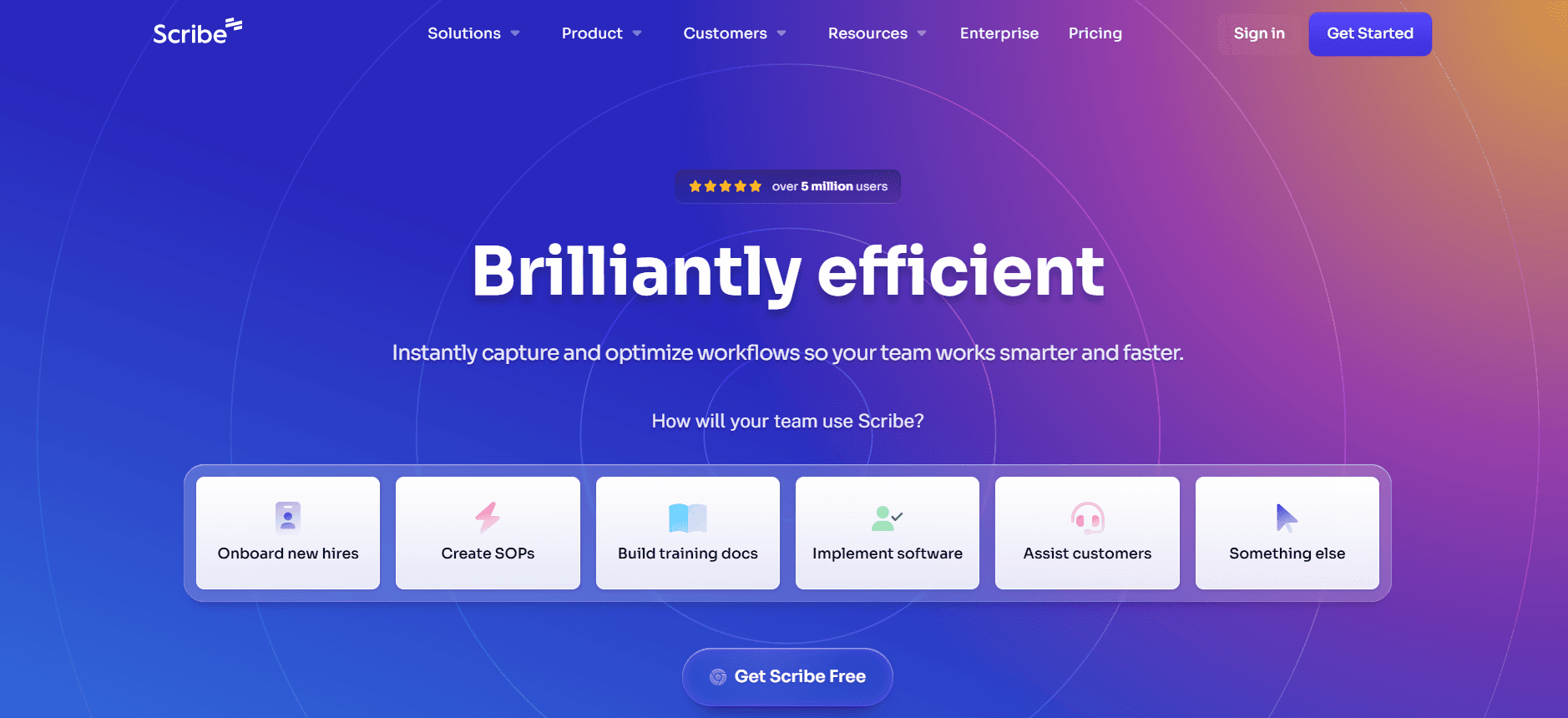
Scribe is a straightforward tool perfect for small teams or individual users who need to create quick guides. It's known for its simplicity and ease of use, making it accessible to users without technical expertise. However, it lacks some of the advanced AI features and integrations found in other tools.

The platform shines with its step-by-step guide creation process, allowing users to capture and annotate screenshots easily. Yet, it doesn't support video integration, which could be a limitation for multimedia-heavy documentation.

Key Features

  • Simple Step-by-Step Guide Creation

  • Screenshot Annotation

  • Basic AI Writing Support

  • PDF Export

  • Collaborative Editing

  • Online Knowledge Base

Pros

Cons

Easy to use for non-technical users.

Lacks advanced AI features.

Fast setup and guide creation process.

No video integration support.

Affordable pricing for small teams.

Limited customization options.

Pricing

Free tier available; paid plans start at $15/month.

  1. Document360

Document360

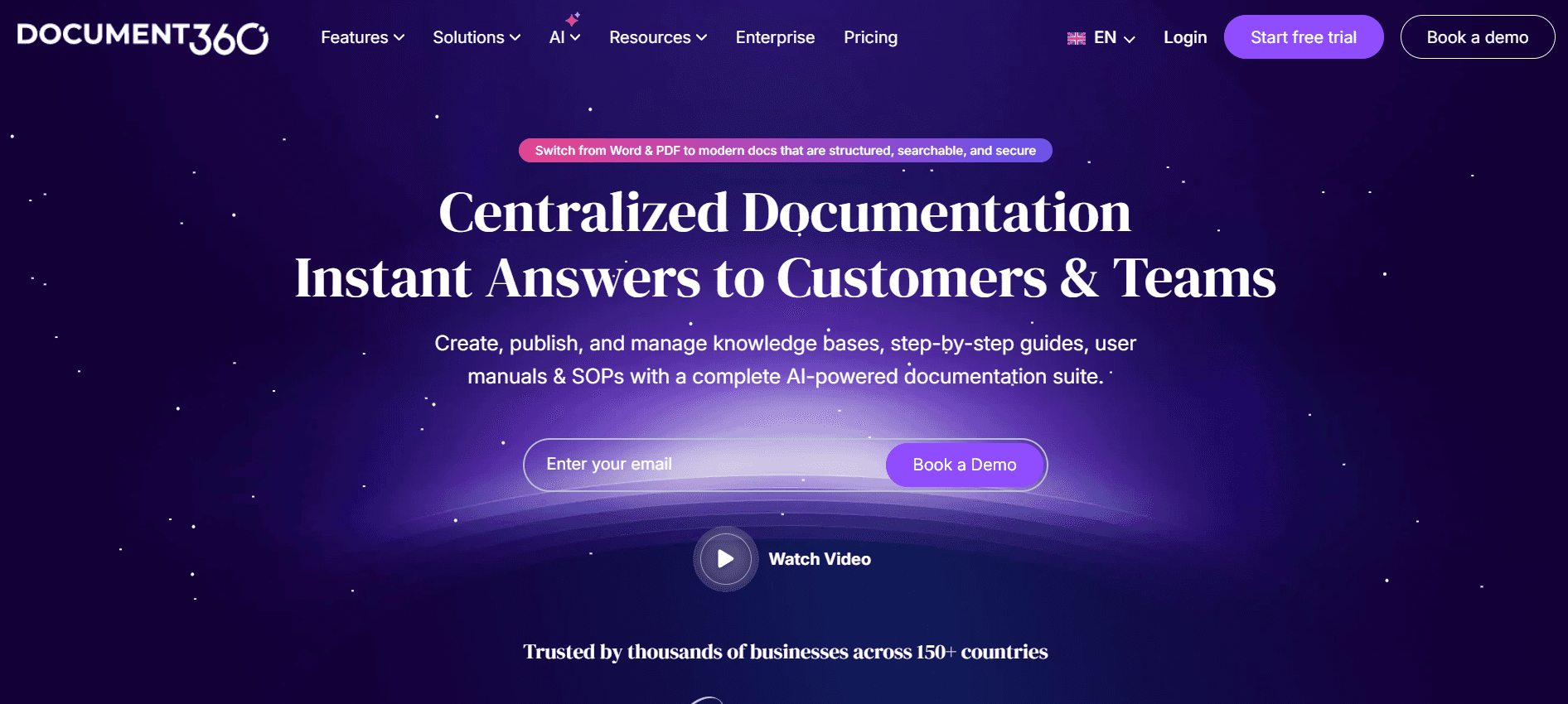
Document360 is tailored for medium to large businesses that need a robust documentation platform. It's particularly effective for teams that require a centralized knowledge base with extensive search capabilities. However, it falls short in the area of automated step capturing and AI writing, which might require more manual input from users.

Document360 excels in content management, allowing teams to organize and maintain detailed documentation efficiently. Its strength lies in its ability to integrate with multiple platforms, offering a seamless workflow across different tools.

Key Features

  • Comprehensive Knowledge Base

  • Advanced Search Functionality

  • Content Management System

  • Version Control

  • PDF and HTML Export Options

  • API Integration

  • Collaboration Tools

Pros

Cons

Strong content management and organization.

No auto-capture feature for steps.

Excellent integration capabilities.

Higher learning curve for new users.

Robust version control.

Limited AI writing support.

Pricing

No free tier; plans start at $99/month.

  1. Tango

Tango

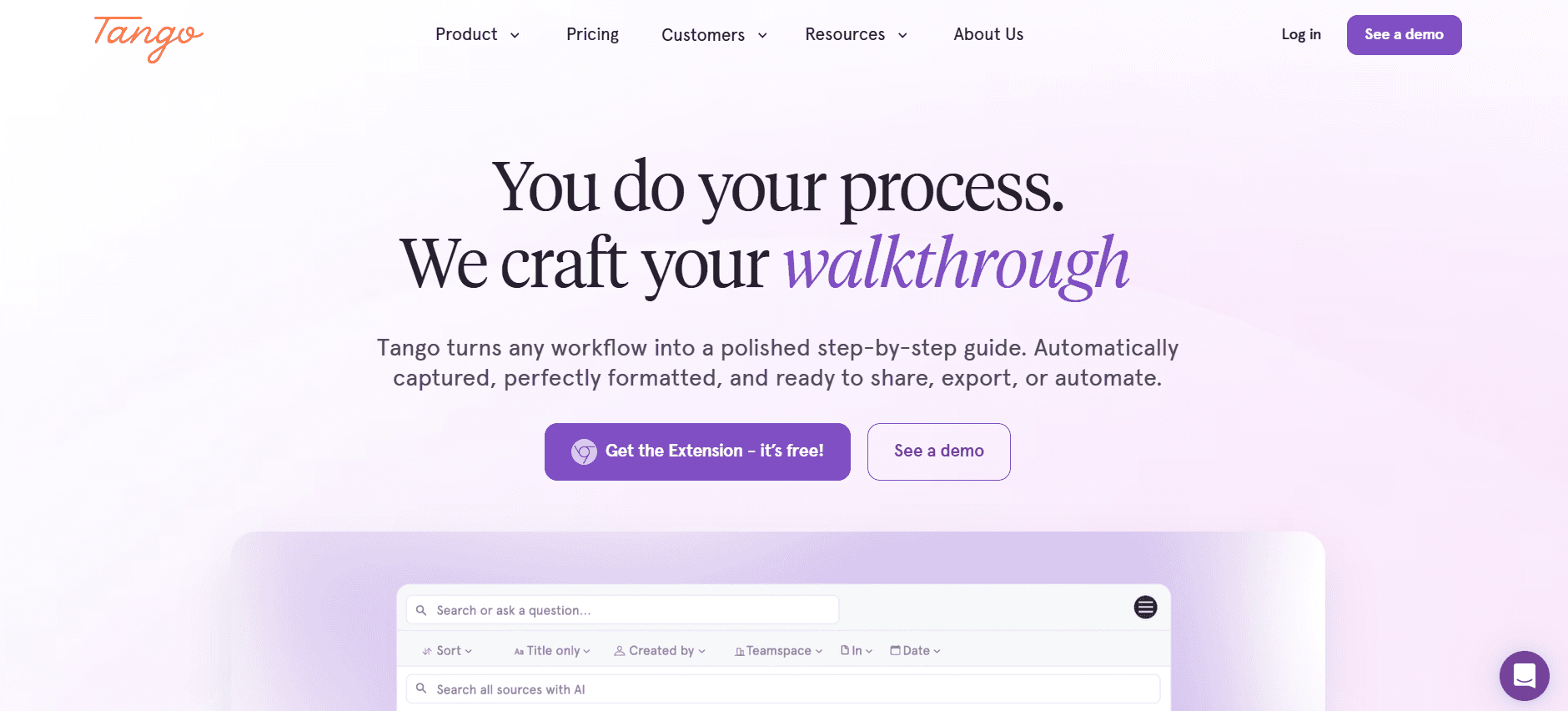
Tango stands out as a user-friendly tool for creating interactive walkthroughs and guides. It's ideal for teams that prioritize user engagement and need to incorporate interactive elements into their manuals. However, its limited AI writing capabilities and basic export options might not meet the needs of more advanced documentation requirements.

The tool's main advantage is its ability to create engaging content that can be easily shared with users, making it perfect for customer education and training purposes.

Key Features

  • Interactive Walkthrough Creation

  • User Engagement Analytics

  • Simple Export Options

  • Basic AI Writing

  • Collaboration Features

  • Custom Branding

Pros

Cons

Highly engaging interactive guides.

Limited AI writing capabilities.

Easy to use and implement.

Basic export options.

Good for user training and education.

Not suitable for detailed documentation.

Pricing

Free tier available; paid plans start at $20/month.

  1. Notion

Notion

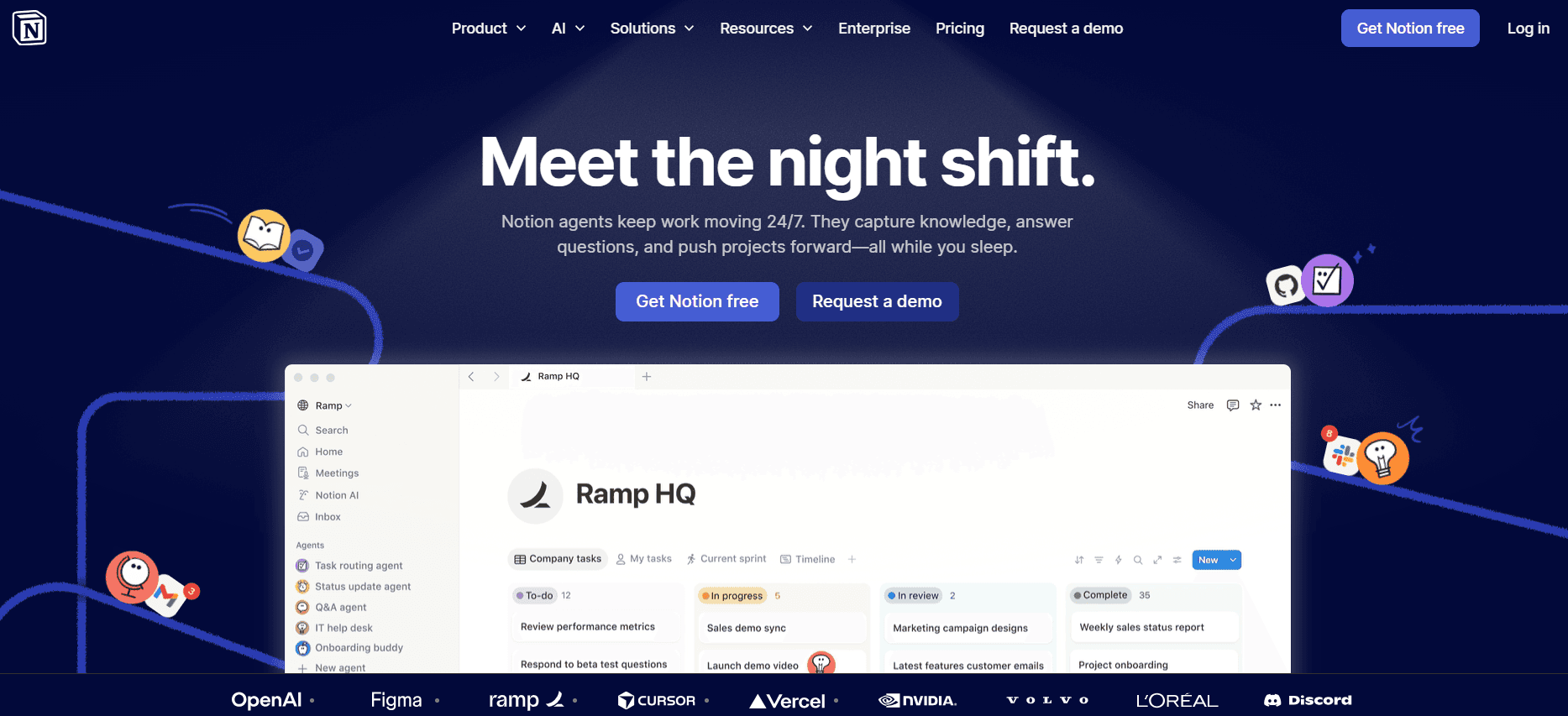
Notion is a versatile tool that combines note-taking, project management, and documentation capabilities. It's perfect for teams looking for a flexible workspace where they can document processes and collaborate in real-time. While Notion offers extensive customization, it lacks dedicated features for automatic step capturing and advanced AI writing.

The platform is particularly strong in its integration capabilities, allowing teams to connect with various apps and streamline their workflows. However, users may find it challenging to maintain consistency in documentation due to its highly customizable nature.

Key Features

  • Flexible Workspace

  • Real-Time Collaboration

  • Project Management Tools

  • Customizable Templates

  • Integration with Multiple Apps

  • Basic Export Options

Pros

Cons

Highly versatile and customizable.

No auto-capture or advanced AI writing.

Excellent for team collaboration.

Can be overwhelming for new users.

Strong integration capabilities.

Inconsistent documentation formatting.

Pricing

Free tier available; paid plans start at $8/month.

  1. Confluence

Confluence

Confluence by Atlassian is a well-established platform for team collaboration and knowledge management. It's ideal for organizations that require a centralized hub for documentation and team coordination. While it excels in collaboration and project management, its AI writing features are limited, making it less suited for automated manual creation.

The platform's strength lies in its seamless integration with other Atlassian products, providing a unified experience for teams already using tools like Jira or Trello.

Key Features

  • Team Collaboration Hub

  • Integration with Atlassian Suite

  • Knowledge Management

  • Customizable Templates

  • Version Control

  • Real-Time Editing

Pros

Cons

Strong integration with Atlassian tools.

Limited AI writing capabilities.

Excellent for team collaboration.

Can be expensive for small teams.

Robust knowledge management features.

Overwhelming for simple projects.

Pricing

No free tier; plans start at $10/month per user.

  1. GitBook

GitBook

GitBook is tailored for developers and technical teams that need to create and manage API documentation. It's known for its clean and professional presentation, making it a favorite among software teams. However, it does not offer auto-capture or advanced AI writing features, which may require more manual input for guide creation.

The tool's strengths are in its markdown support and Git integration, allowing developers to document directly within their existing workflows.

Key Features

  • API Documentation

  • Markdown Support

  • Git Integration

  • Custom Themes

  • Public and Private Docs

  • Version Control

Pros

Cons

Ideal for technical and API documentation.

No auto-capture feature.

Seamless Git integration.

Not user-friendly for non-developers.

Clean and professional layouts.

Limited AI writing support.

Pricing

Free tier available for open-source projects; paid plans start at $6/user/month.

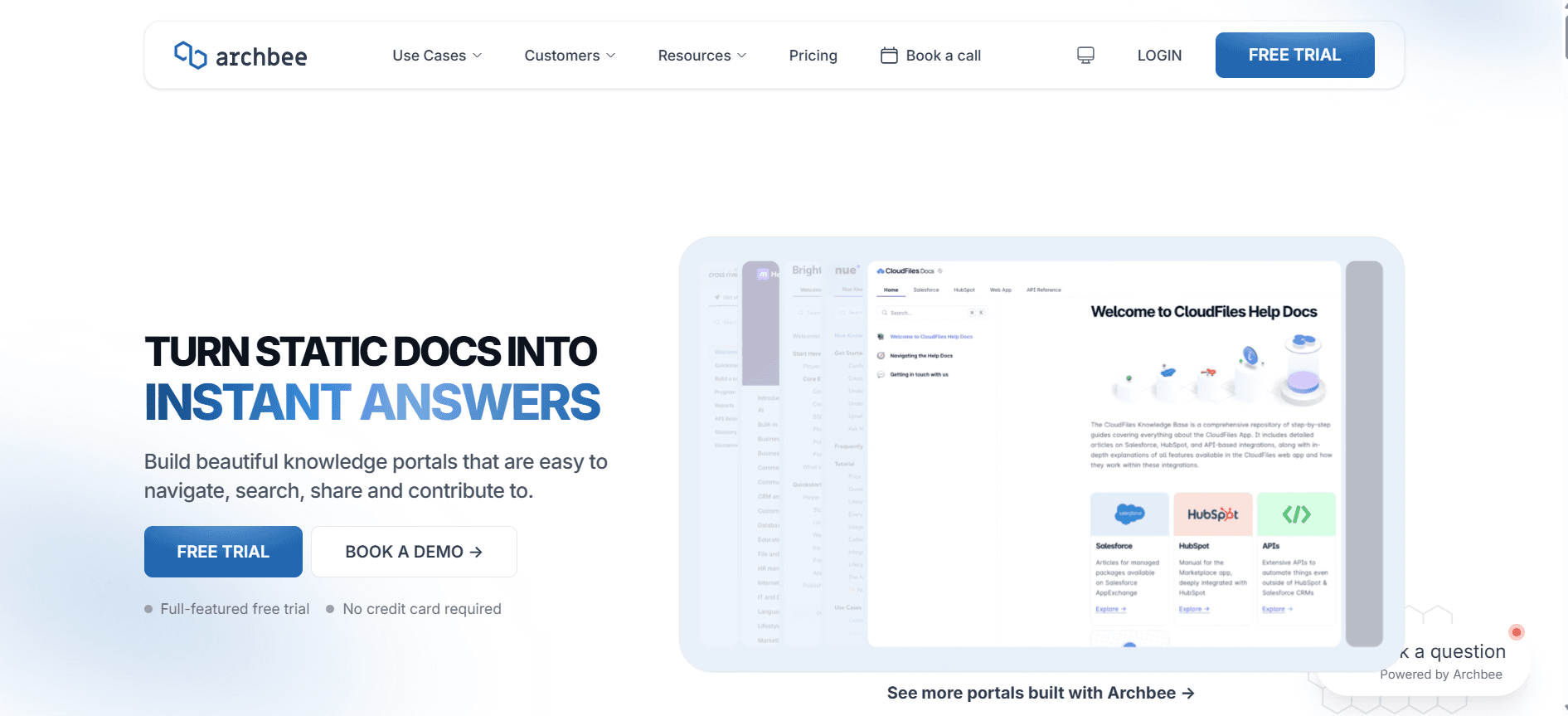
  1. Archbee

Archbee

Archbee is an emerging tool that offers a unique blend of documentation and collaboration features, making it suitable for startups and small teams. It provides a structured environment for creating user manuals, but its AI capabilities are not as advanced as some other options, which might limit automation.

Archbee's standout feature is its ability to create interconnected documentation, allowing users to link related content easily. However, the platform could improve in terms of exporting options and integration variety.

Key Features

  • Interconnected Documentation

  • Real-Time Collaboration

  • Customizable Templates

  • Basic AI Writing

  • Knowledge Base

  • Markdown Support

Pros

Cons

Great for interconnected document creation.

Limited export options.

Supports real-time collaboration.

AI capabilities need enhancement.

Ideal for small teams and startups.

Fewer integrations compared to competitors.

Pricing

Limited free tier; paid plans start at $10/user/month.

User Manual Generator Challenges: What Teams Struggle With

Manual Documentation is Slow

  • Teams often spend countless hours capturing screenshots and writing detailed step instructions.

  • Formatting and proofreading to maintain quality standards can be time-consuming.

  • Lack of automation leads to repetitive and mundane tasks, reducing overall productivity.

  • Manual updates are required for each software version release, adding to the workload.

Content Becomes Outdated Quickly

  • Rapid product development cycles mean documentation is frequently out of sync with the latest updates.

  • Manual revisions are needed after every product iteration, which can delay the release of accurate information.

  • Teams struggle to keep pace with continuous updates, often resulting in incomplete or incorrect guides.

  • Outdated content can lead to user confusion and increased support queries.

Poor Search and Findability

  • End users find it difficult to locate relevant information quickly within extensive manuals.

  • Lack of robust search functionality results in frustration and decreased user satisfaction.

  • Inconsistent keyword tagging and indexing further complicate the search process.

  • Users may turn to support teams for help, increasing the volume of inquiries.

Documentation Siloed Across Different Tools

  • Using multiple platforms such as Notion, Word, and Google Docs leads to fragmented documentation.

  • Teams struggle to maintain a cohesive and unified knowledge base.

  • Version control issues arise when consolidating documents from different sources.

  • Collaboration becomes challenging when documents are not accessible or editable in real-time.

No Consistency in Format or Style

  • Different team members may adopt varying writing styles, affecting the consistency of documentation.

  • Lack of standardized templates can lead to unprofessional-looking manuals.

  • Inconsistent formatting makes it difficult for users to navigate and understand the content.

  • Branding and tone may vary, reducing the perceived authority of the documentation.

Challenge

Traditional Process

Business Impact

Time Cost

Manual Documentation is Slow

Manual screenshot capture and writing

Reduced productivity

8-12 hours per manual

Content Becomes Outdated Quickly

Frequent manual revisions

Increased user support queries

4-6 hours per update

Poor Search and Findability

Lack of robust search tools

User dissatisfaction

2-3 hours in lost user productivity

Documentation Siloed

Using multiple, unintegrated tools

Inefficiencies in collaboration

3-4 hours per team sync

No Consistency in Format

Individualized documentation styles

Unprofessional appearance

1-2 hours reformatting

Must-Have Features in User Manual Generator Tools

Auto Step Capture from Screen Activity

One of the most revolutionary features in modern documentation tools is the ability to automatically capture steps directly from screen activity. This feature eliminates the need for manual screenshot-taking, allowing teams to focus on content quality rather than tedious tasks. Tools like Trupeer excel in this area, providing seamless step capture that integrates directly into the documentation workflow.

By using auto step capture, teams can drastically reduce the time spent on creating manuals, ensuring that guides are up-to-date with the latest software changes. This feature is indispensable for teams dealing with frequent product updates.

AI-Written Step Instructions

AI-written step instructions are a game-changer for documentation accuracy and consistency. Instead of relying on individual writing styles, AI can generate clear and concise instructions that maintain a professional tone across all documents. This is particularly beneficial for large teams where maintaining a unified style can be challenging.

Tools like Scribe and Tango offer basic AI writing capabilities, but Trupeer's advanced AI-generated instructions ensure high accuracy and readability, making the documentation process both faster and more reliable.

Video Embedding Alongside Text

Embedding video content alongside textual instructions enhances user engagement and comprehension. This feature allows users to see the steps in action, which can be crucial for complex processes. Document360 and Archbee provide robust support for video embedding, making it easy to integrate multimedia content into manuals.

Video content can significantly reduce the learning curve for users, as they can visualize the steps instead of merely reading them. This feature is essential for customer-facing guides and training materials.

Multi-Format Export (PDF, Web, HTML)

Flexibility in export options is critical for catering to diverse user needs. A powerful documentation tool should allow content to be easily exported in multiple formats, such as PDF, web-based, or HTML. This ensures that the documentation can be accessed in various environments, both online and offline.

Trupeer and GitBook offer comprehensive export options, enabling teams to distribute documentation efficiently across different platforms. This capability is particularly useful for organizations with a global audience.

Version Control and Quick Update Workflows

Version control is essential for maintaining the integrity of documentation over time. It allows teams to track changes, revert to previous versions, and ensure that everyone is working with the most current information. Confluence and Document360 provide robust version control systems that are invaluable for large teams.

Quick update workflows further enhance the ability to keep documentation current. These workflows streamline the process of updating content, ensuring that manuals reflect the latest product changes without delay.

Comprehensive Search Functionality

A robust search function is vital for users to find the information they need quickly. Without it, even the best documentation can become cumbersome to navigate. Tools like Notion and Confluence excel in providing powerful search capabilities that index content effectively, making it accessible to users.

Effective search functionality can drastically improve user experience, reducing frustration and enhancing the perceived value of the documentation. This feature is particularly crucial for knowledge bases and extensive user manuals where content volume is large.

How to Choose User Manual Generator Based on Your Use Case

Product User Manuals and Help Center Articles

Creating product user manuals and help center articles requires tools that can handle detailed content and provide easy navigation for end users. This use case is common among software companies that need to provide comprehensive guides for their products.

  • High volume of content that needs regular updates.

  • Requirement for detailed step-by-step instructions.

  • Need for multi-format outputs for diverse user access.

  • Auto-capture features to streamline content creation.

  • Comprehensive export options to cater to different formats.

  • Strong search functionality to enhance user experience.

Tool

Best Feature

Limitation

Trupeer

Auto-capture and AI writing

Advanced features require training

Document360

Content management system

No auto-capture

Internal SOP Documentation

Internal Standard Operating Procedures (SOPs) require precision and easy accessibility to ensure that all team members are aligned with company processes. This is crucial for industries where compliance and efficiency are key.

  • Ensuring consistency across all documentation.

  • Quick updates needed to comply with regulations.

  • Integration with existing workflow tools.

  • Version control to track changes and maintain compliance.

  • Real-time collaboration features to keep teams aligned.

  • Integration capabilities to streamline processes.

Tool

Best Feature

Limitation

Confluence

Integration with Atlassian suite

Can be expensive for small teams

Notion

Customizable workspace

No auto-capture

IT System and Admin Guides

IT system and admin guides are essential for maintaining the operational efficiency of technical infrastructure. These guides need to be detailed and easily accessible to IT staff.

  • Frequent updates with system changes.

  • Need for technical accuracy and clarity.

  • Access control to restrict sensitive information.

  • Comprehensive version control for tracking changes.

  • Markdown support for technical documentation.

  • Access control features to manage permissions.

Tool

Best Feature

Limitation

GitBook

Git integration

Not user-friendly for non-developers

Archbee

Interconnected documentation

Limited export options

Customer-Facing Knowledge Base

Customer-facing knowledge bases are crucial for empowering users to find solutions independently, reducing the burden on support teams. This use case focuses on creating user-friendly and comprehensive knowledge resources.

  • High demand for up-to-date and accurate content.

  • Need for intuitive navigation and search.

  • Brand consistency across all documentation.

  • Robust search functionality for quick information retrieval.

  • Custom templates to maintain brand consistency.

  • AI-generated content to ensure accuracy.

Tool

Best Feature

Limitation

Tango

Interactive walkthroughs

Limited AI writing

Scribe

Simple guide creation

No video support

Best Practices for Creating User Manuals

Before Creating the Manual

  • Define the scope and audience of the manual to tailor content appropriately.

  • Gather all necessary resources and information to ensure completeness.

  • Choose the right tool that aligns with your documentation needs and team capabilities.

  • Create a style guide to maintain consistency in tone, format, and terminology.

During the Creation Process

  • Utilize auto-capture features to streamline the documentation process.

  • Incorporate multimedia elements like videos and images to enrich the manual.

  • Collaborate with team members in real-time to get instant feedback and make adjustments.

  • Continuously check for accuracy and clarity to ensure high-quality output.

After the Manual is Created

  • Conduct thorough testing and proofreading to catch any errors or inconsistencies.

  • Implement version control to manage updates and track changes over time.

  • Publish the manual in multiple formats to reach a wide audience.

  • Gather user feedback to identify areas for improvement and future updates.

Frequently Asked Questions

What is a user manual generator?

A user manual generator is a tool designed to automate the process of creating user guides and documentation. These tools typically offer features like auto-capture of steps, AI writing, and multimedia support to streamline the documentation process.

Why should I use a user manual generator?

Using a user manual generator can save significant time and effort in creating comprehensive and accurate documentation. It helps maintain consistency, keeps content updated, and can improve user engagement and satisfaction with the documentation.

Can user manual generators integrate with other tools?

Yes, many user manual generators offer integration capabilities with tools like project management software, CRM systems, and other documentation platforms to enhance workflow and collaboration.

What formats can I export my documentation in?

Most user manual generators allow you to export documentation in various formats, including PDF, HTML, and web-based formats, ensuring flexibility and accessibility for users.

Are there free options available for user manual generators?

Yes, several tools offer free tiers with limited features, allowing you to try the basic functionalities before committing to a paid plan that offers more advanced features and capabilities.

How do pricing plans typically work for these tools?

Pricing plans for user manual generators vary, often based on the number of users, features required, and the level of support. It's important to evaluate the features you need to choose a plan that fits your budget and requirements.

How easy is it to implement a user manual generator?

Implementation ease varies by tool. Many platforms offer easy onboarding with tutorials and customer support to help you get started. Some tools may require a learning curve, especially those with advanced features.

Can I customize the look and feel of the documentation?

Yes, most user manual generators allow customization with templates and branding options to ensure that the documentation aligns with your company's brand guidelines and visual identity.

Closing

In a rapidly evolving technological landscape, staying ahead in documentation practices is crucial. Choosing the right user manual generator can significantly enhance your productivity and the quality of your guides. By leveraging AI-powered tools, teams can create accurate, up-to-date, and engaging documentation that meets the needs of both internal and external users.

Explore Trupeer to discover how our solutions can transform your documentation process. Visit Trupeer.ai to learn more and see how you can streamline your user manual creation with cutting-edge features and unparalleled support.

無料でAIビデオ+ドキュメントジェネレーターを使って動画を作成し始めましょう

無料でAIビデオ+ドキュメントジェネレーターを使って動画を作成し始めましょう

Experience the new & faster way of creating product videos.

Instant AI Product Videos and Docs from Rough Screen Recordings.

Get started for free

無料で始める

Experience the new & faster way of creating product videos.

Instant AI Product Videos and Docs from Rough Screen Recordings.

Get started for free

無料で始める

Experience the new & faster way of creating product videos.

Instant AI Product Videos and Docs from Rough Screen Recordings.

Get started for free

無料で始める