Trupeer Blog
要約

購入者向け概要
オンボーディングは、顧客の定着と従業員の満足度の両方にとって重要です。しかし、多くの組織がうまく進められていません。Wyzowlの2024年レポートによると、オンボーディングコンテンツに投資する企業に対して、顧客の86%が忠誠を維持しています。従業員の面では、意欲の低い従業員が米国の雇用主に毎年なんと4,500億〜5,000億ドルもの損失をもたらしています。さらに、Rocketlaneの「State of Customer Onboarding 2024」では、これらの課題に対処するために、60%のチームが専用のオンボーディング機能を整備し始めていることが示されています。ここでは、顧客・従業員の両方の文脈における最適なオンボーディングソフトウェアを解説し、オンボーディングプロセスを強化するための適切なツール選びをサポートします。顧客エンゲージメントの向上に注力している場合でも、従業員の離職率を下げたい場合でも、このガイドはあなたのために設計されています。
ベストなオンボーディングツール:徹底比較
ツール名 | 主な機能 | AI機能 | プロフェッショナル機能 | エンタープライズ機能 |
|---|---|---|---|---|
Trupeer | ✅ | ✅ | ✅ | ✅ |
Pendo | ✅ | 限定 | ✅ | 限定 |
UserPilot | ✅ | ✅ | 限定 | 限定 |
Appcues | ✅ | ✅ | ✅ | 限定 |
Rocketlane | ✅ | 限定 | ✅ | ✅ |
Dock | ✅ | 限定 | 限定 | ✅ |
GuideCX | ✅ | 限定 | ✅ | 限定 |
Synthesia | ✅ | ✅ | 限定 | 限定 |
Whatfix | ✅ | ✅ | ✅ | 限定 |
Tango | ✅ | 限定 | 限定 | 限定 |
BambooHR | ✅ | 限定 | ✅ | ✅ |
Trupeer

Trupeerは、高度なAI機能によって、顧客と従業員の両方のオンボーディング体験を改善したい企業向けに設計されています。特に、B2Bと人事(HR)の両方のニーズに対応する包括的なソリューションを必要とする企業に適しています。Trupeerの強みは、ユーザーの行動やフィードバックに基づいてオンボーディングプロセスを適応できる、インテリジェントなカスタマイズ機能です。これにより、効率性を損なうことなく、個別最適化されたオンボーディング体験を求める企業に最適です。
主な機能
AIによるコンテンツのパーソナライズ
リアルタイムの分析とレポート
主要なHRおよびCRMシステムとのシームレスな連携
カスタマイズ可能なワークフロー自動化
グローバルチーム向けの多言語対応
継続的な改善のためのフィードバックループ
モバイルフレンドリーなデザイン
24時間365日のカスタマーサポート
"Trupeerによってオンボーディング時間を30%削減し、顧客エンゲージメントが20%増加しました。" - Olivia Anderson, Head of Customer Success料金
Trupeerは、基本機能を利用できる無料トライアルを提供しています。有料プランはユーザー1人あたり月額49ドルからで、プレミアム機能と連携機能にアクセスできます。
Pendo
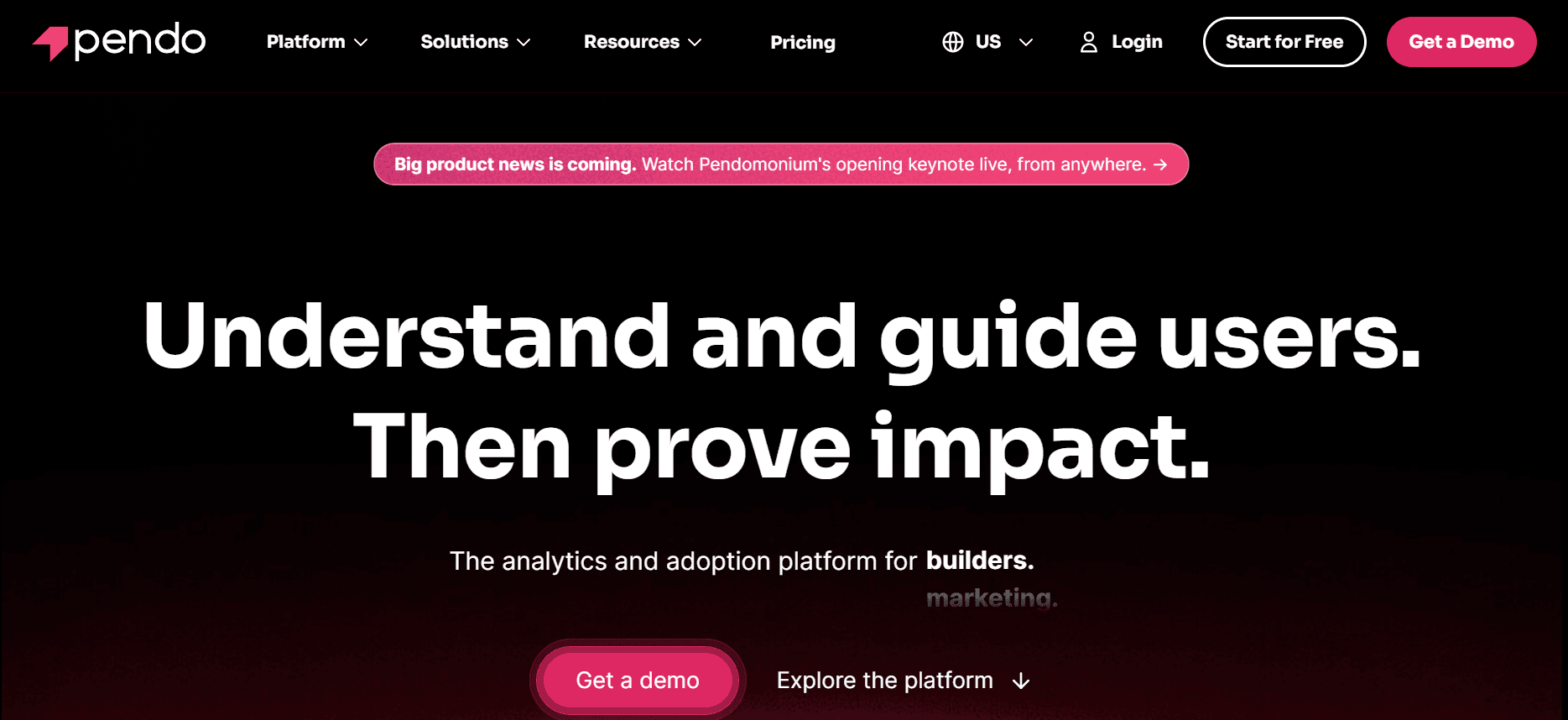
Pendoは、アプリ内メッセージやユーザーフィードバックを通じて、ユーザー体験を向上させるためのインサイトとツールをプロダクトチームに提供する点で優れています。特に、SaaS企業がプロダクトのオンボーディングを洗練させ、ユーザーの定着(アダプション)を改善したい場合に効果的です。Pendoの強みは、ユーザー行動データを収集・分析し、プロダクト開発やユーザーエンゲージメント戦略に関する意思決定をチームが行えるようにすることにあります。
主な機能
アプリ内ガイドおよびメッセージ
ユーザーフィードバックの収集と分析
強力なプロダクト分析
ユーザーデータのセグメンテーション
主要なCRMシステムとの連携
カスタマイズ可能なユーザーパス
モバイルアプリ対応
多言語対応
メリット
デメリット
ユーザー行動の詳細な分析
AI機能が限定的
効果的なアプリ内メッセージツール
新規ユーザー向けのセットアップが複雑
連携オプションが充実
プレミアム機能のコストが高い
料金
Pendoは、限定的な無料バージョンを提供しています。有料プランは月額200ドルからで、追加機能やユーザー席が利用可能です。
UserPilot
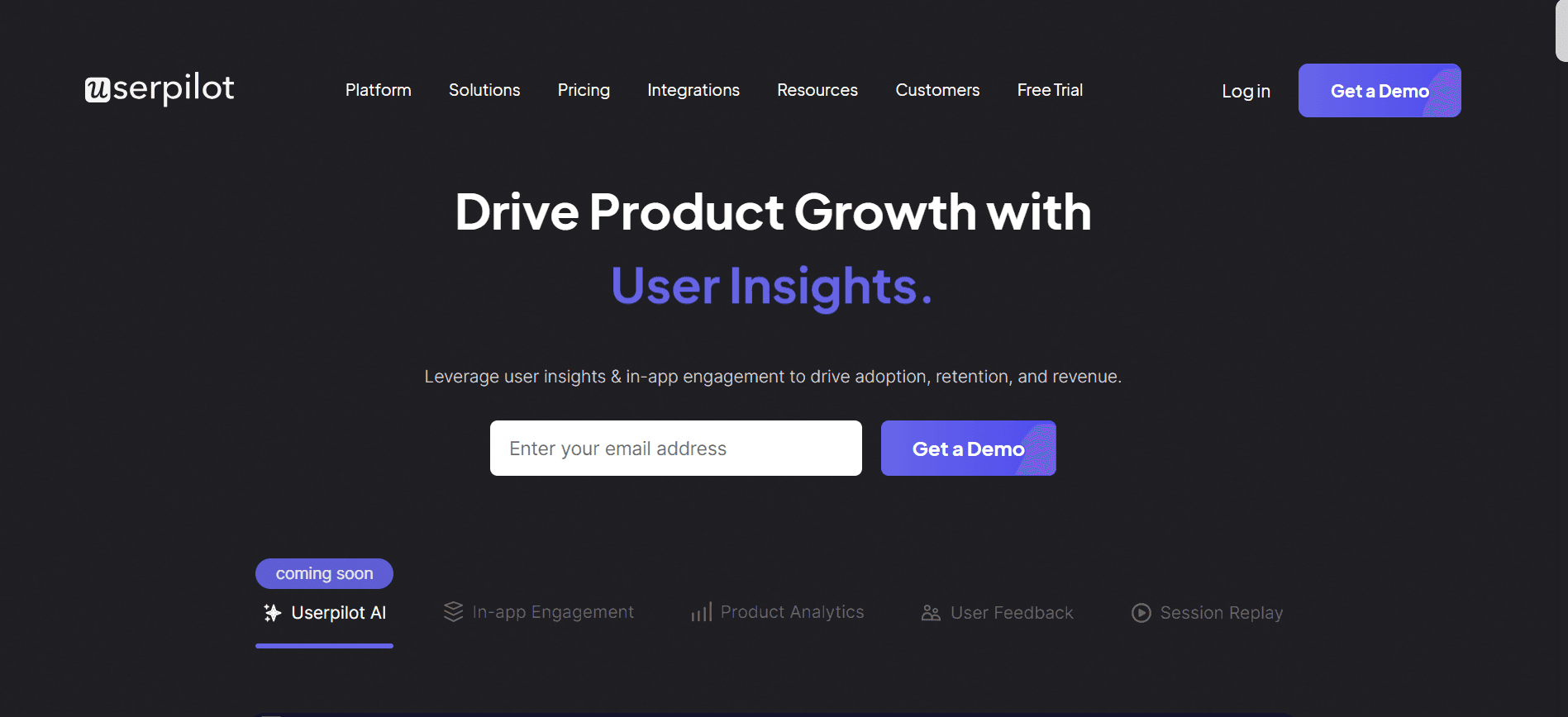
UserPilotは、パーソナライズされた体験によってユーザーのオンボーディングを強化したいSaaS企業に最適です。アプリ内チュートリアルやユーザージャーニーを作成するための幅広いツールを提供しており、新規ユーザーがすぐにスキルを身につけやすくなります。UserPilotの独自の強みは、ノーコードのプラットフォームで、チームが高度な技術スキルを必要とせずに変更を実装できる点です。
主な機能
オンボーディングフロー向けのノーコードビルダー
アプリ内メッセージとツールチップ
ユーザーのセグメンテーションとターゲティング
成長分析とレポート
カスタムユーザーパスとチュートリアル
リアルタイムのユーザー行動トラッキング
サードパーティツールとの連携
多言語対応
メリット
デメリット
ノーコードでのセットアップが可能
エンタープライズ機能が限定的
効果的なセグメンテーションツール
分析がやや弱い
ユーザーオンボーディングへの注力が強い
専用のモバイルアプリ対応がない
料金
UserPilotは、新規ユーザー向けに無料トライアルを提供しています。有料プランは月額249ドルからで、プレミアム機能とユーザーセグメンテーションツールへのアクセスが含まれます。
Appcues
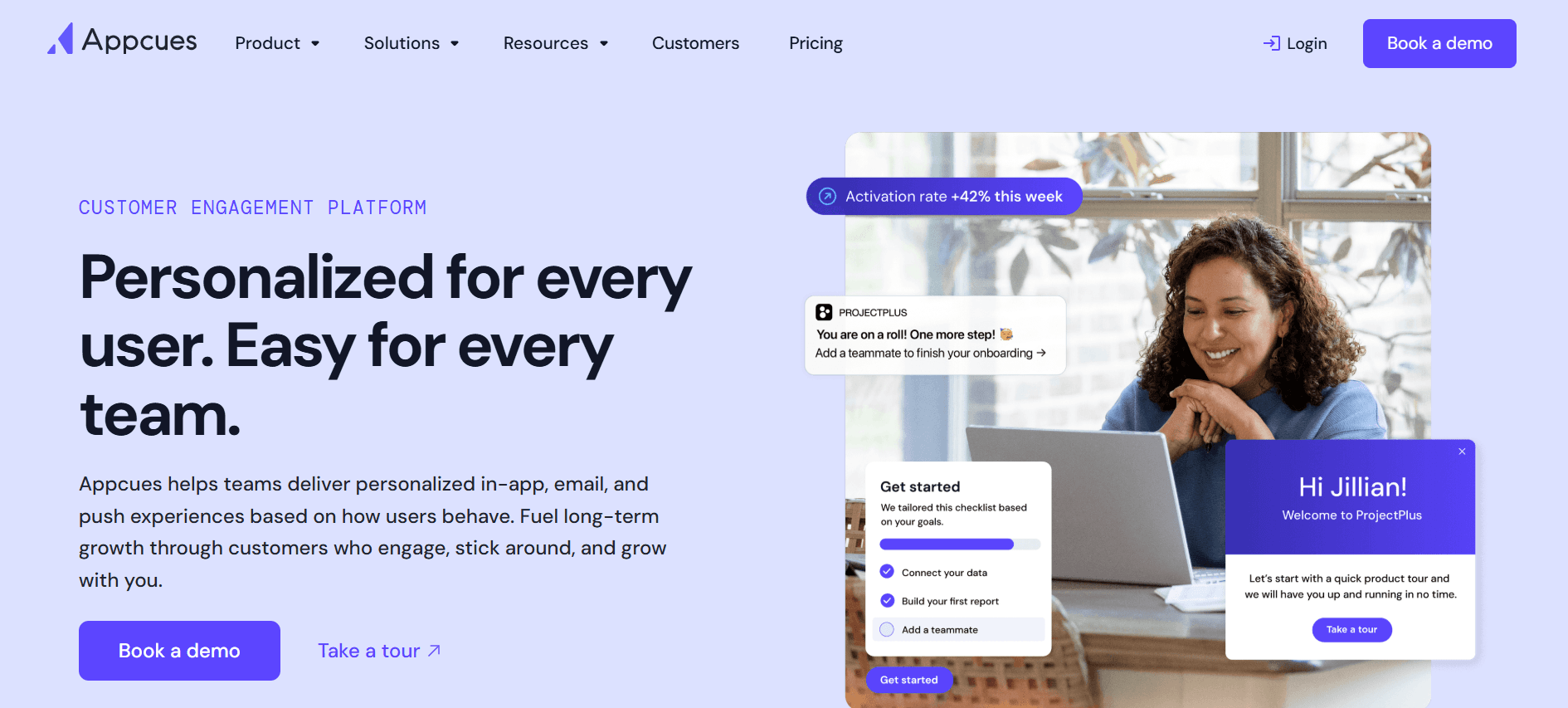
Appcuesは、ユーザーを新機能やプロダクトアップデートへと導くアプリ内体験の作成に特化しています。ユーザーエンゲージメントを高め、チャーンを減らしたいプロダクトチームに最適です。技術知識を必要とせずにパーソナライズされたオンボーディングフローを作成できるため、さまざまなチームメンバーが利用しやすくなっています。
主な機能
アプリ内ユーザーガイドおよびウォークスルー
カスタマイズ可能なオンボーディングパス
ユーザー行動分析
フィードバック収集ツール
フロー作成のためのノーコードエディター
CRMおよび分析ツールとの連携
多言語対応
モバイルフレンドリーなインターフェース
メリット
デメリット
使いやすいノーコードプラットフォーム
エンタープライズのスケーラビリティが限定的
強力なユーザーフィードバックツール
プレミアムの価格帯
包括的な分析
新規ユーザーの学習コスト
料金
Appcuesは、基本機能を備えた無料プランを提供しています。有料プランは月額249ドルからで、追加の機能やサポートも利用可能です。
Rocketlane
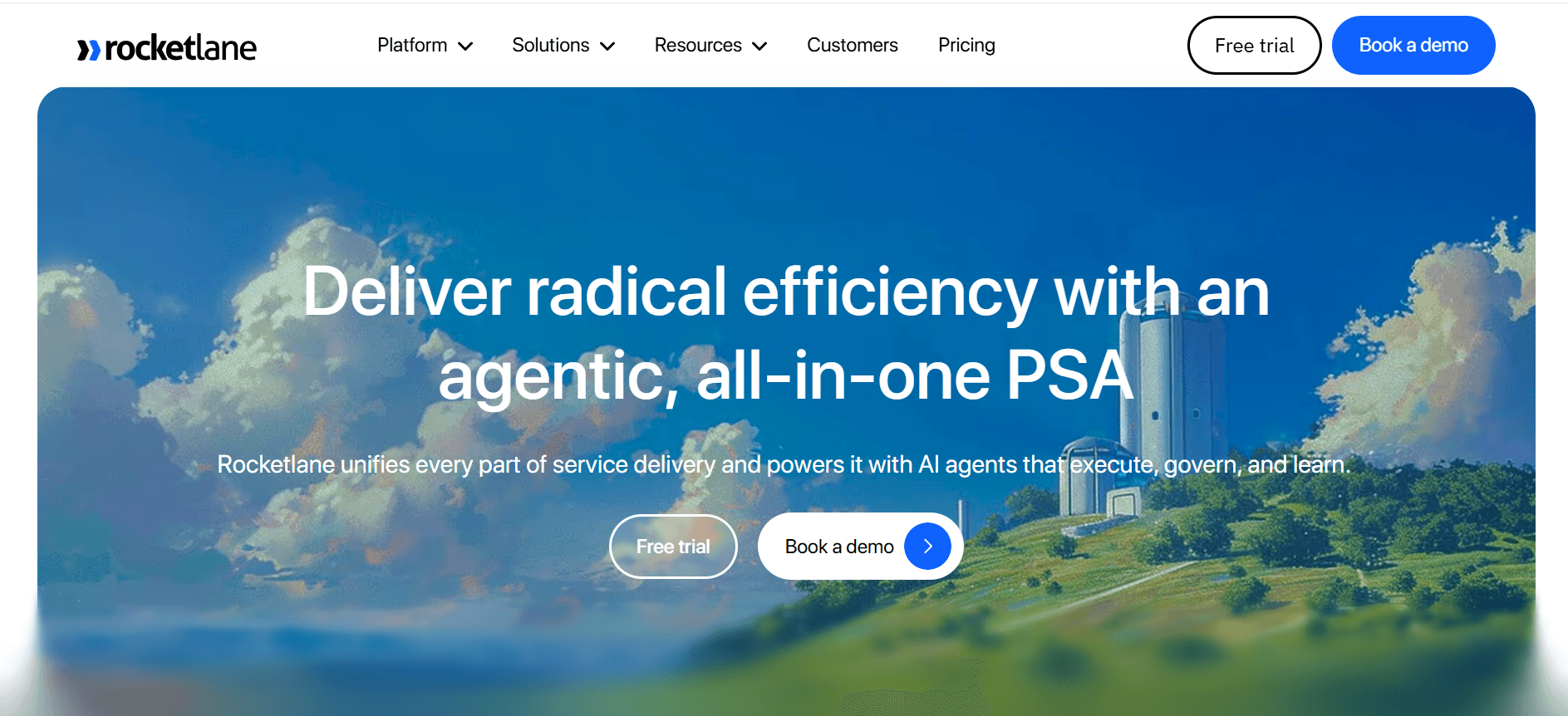
Rocketlaneは、特にクライアント対応の業界において、顧客オンボーディングを構造化して進める必要があるチームに最適です。プロジェクト管理の機能とオンボーディングツールを組み合わせることで、複数のオンボーディングプロジェクトを同時に把握しやすくなります。Rocketlaneは、複数の関係者が関わる複雑な顧客オンボーディングプロセスを扱う企業にとりわけ役立ちます。
主な機能
プロジェクト管理の連携
リアルタイムのコラボレーションツール
自動化されたタスクトラッキング
オンボーディング用のカスタムテンプレート
クライアントとのコミュニケーション機能
分析およびレポート用ダッシュボード
CRMシステムとの連携
多言語対応
メリット
デメリット
効果的なプロジェクト管理ツール
初期セットアップが複雑
強力なコラボレーション機能
AI機能が限定的
カスタマイズ可能なオンボーディングテンプレート
フル機能のコストが高い
料金
Rocketlaneは、限定的な機能を備えた無料プランを提供しています。有料プランはユーザー1人あたり月額19ドルからで、包括的なプロジェクトおよびオンボーディングツールにアクセスできます。
Dock
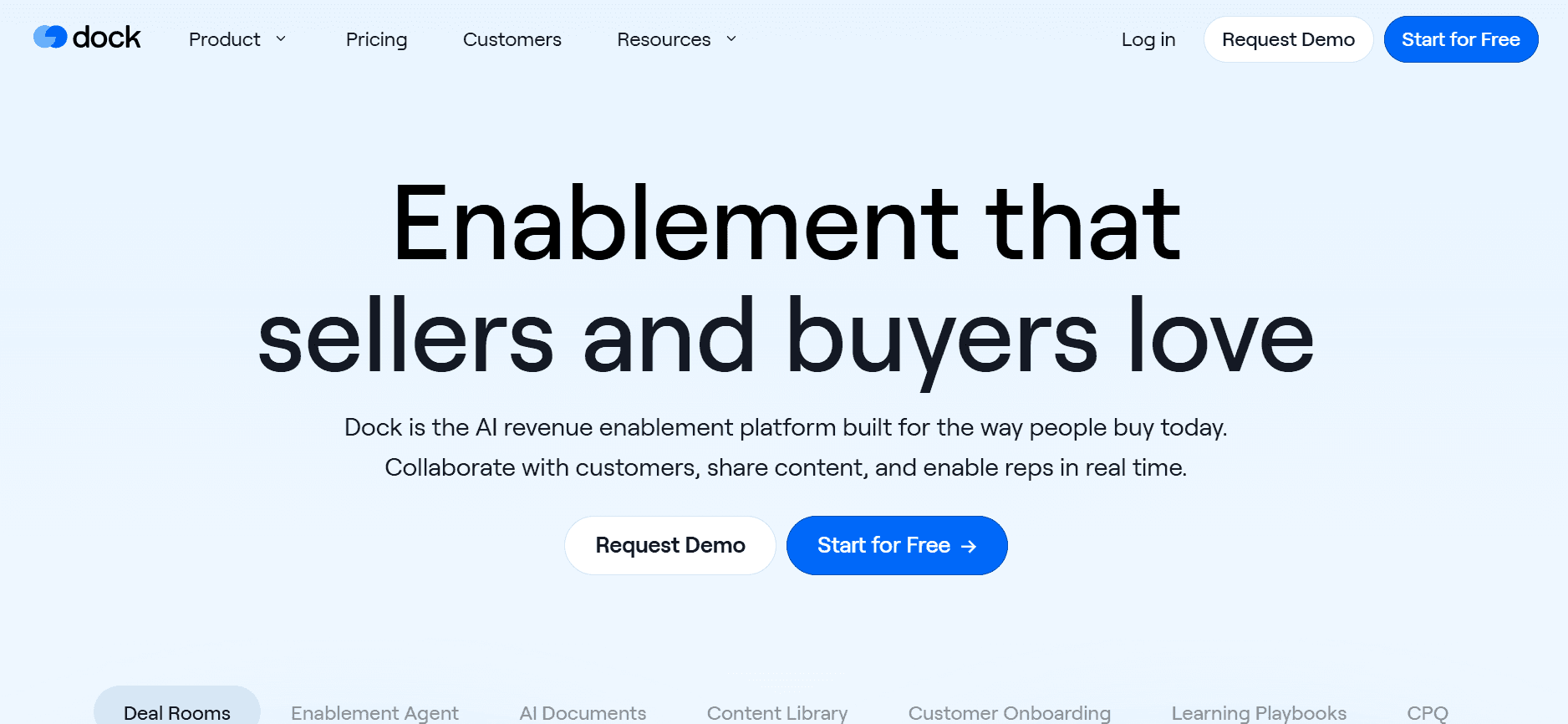
Dockは、共同でのドキュメント管理に重点を置きながら、顧客オンボーディングを管理するための多用途なプラットフォームです。オンボーディングプロセス中にクライアントとリソースやドキュメントを共有する必要があるチームにとって、特に価値があります。Dockは、オンボーディングのワークフローに統合された堅牢なドキュメント管理システムを必要とする企業に最適です。
主な機能
ドキュメントの共同編集と共有
カスタマイズ可能なオンボーディングワークフロー
CRMおよびドキュメントストレージとの連携
リアルタイム編集ツール
クライアントコミュニケーションの管理
分析およびレポート
モバイルアプリでのアクセス
多言語対応
メリット
デメリット
強力なドキュメント管理機能
AI連携が限定的
カスタマイズ可能なワークフロー
新規ユーザーの学習コストが高め
効果的なクライアントコミュニケーションツール
プレミアムの価格帯
料金
Dockは、基本機能を備えた無料バージョンを提供しています。有料プランはユーザー1人あたり月額50ドルからで、より高度なドキュメント管理とオンボーディング機能にアクセスできます。
GuideCX
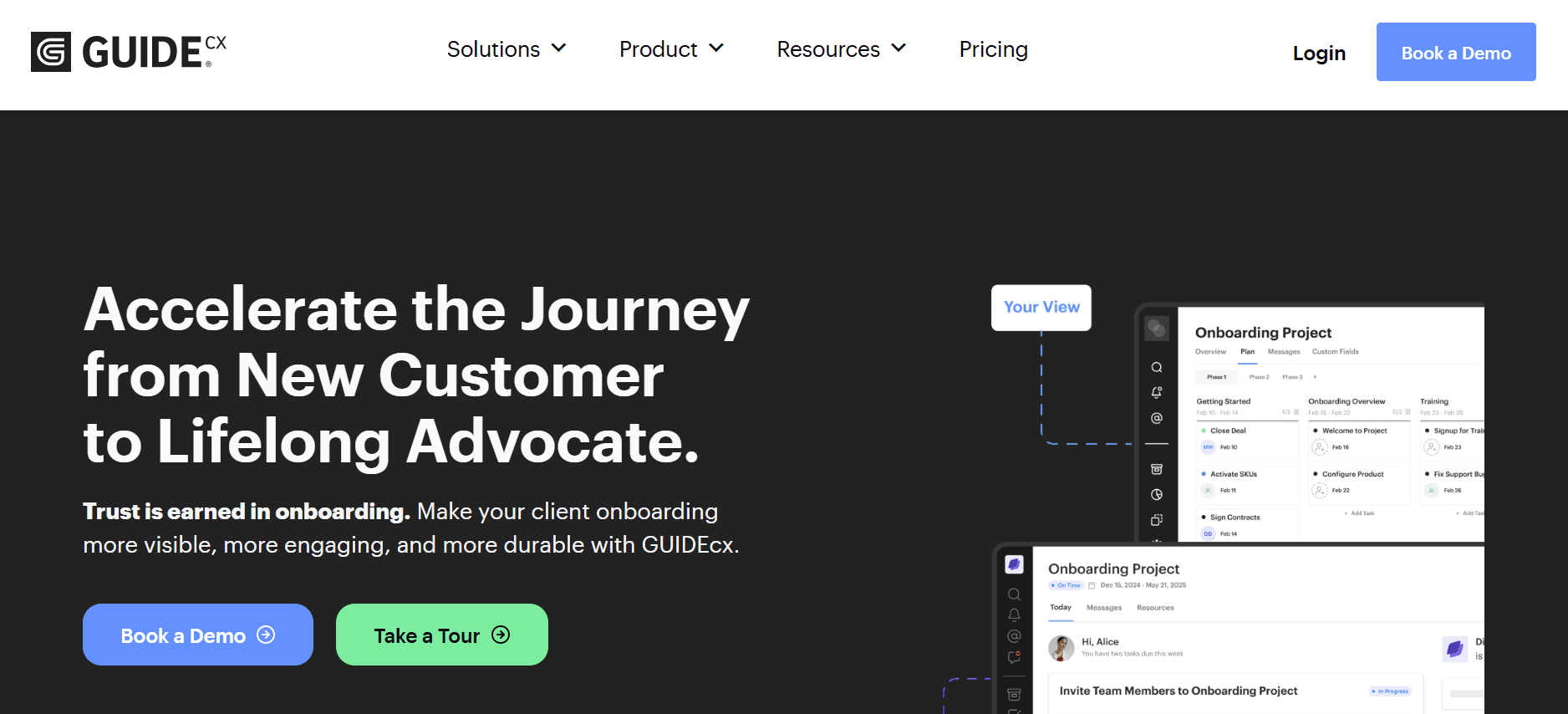
GuideCXは、透明性とコラボレーションに強いこだわりを持ちながら、クライアントのオンボーディングプロジェクトを管理する点で優れています。オンボーディングプロセスを通じてクライアントを常に最新状況に保つ必要があるチームに最適です。GuideCXは、関係者が進捗をリアルタイムで確認し、フィードバックを提供できるクライアントポータルを提供しており、複雑なオンボーディングニーズを持つB2B企業にとって理想的です。
主な機能
進捗管理のためのクライアントポータル
リアルタイムのコラボレーションツール
カスタマイズ可能なオンボーディングテンプレート
タスクの自動化と通知
CRMおよびプロジェクト管理ツールとの連携
分析およびレポート
多言語対応
モバイルでの利用
メリット
デメリット
透明性の高いクライアントコミュニケーション
AI機能が限定的
効果的なタスク自動化
初期セットアップが複雑
カスタマイズ可能なテンプレート
プレミアム機能のコストが高い
料金
GuideCXは、必須機能を備えた無料プランを提供しています。有料プランは月額300ドルからで、より高度なクライアント管理およびオンボーディングツールが含まれます。
オンボーディングの課題:チームがつまずきやすいこと
パーソナライズされた体験の不足
汎用的なオンボーディングプロセスでは個々のニーズに対応できず、意欲の低下につながります。
顧客や従業員は、個別に最適化された案内がないため「ただの一人」と感じることがよくあります。
パーソナライズには大規模な事前データ収集が必要で、多くのチームにとって負担になっています。
パーソナライズがないと、企業は新規顧客や従業員の定着に苦戦します。
リソース配分の不十分さ
多くの組織は、効果的なオンボーディングに必要なリソースを過小評価しています。
チームには、オンボーディングに専念する専任担当がいないことがよくあります。
業務過多の従業員は、新規ユーザーや採用者を導くために必要な時間を確保できません。
予算の制約により、オンボーディングツールやテクノロジーへの投資が不足します。
既存システムとの連携が不十分
レガシーシステムは、最新のオンボーディングプラットフォームと連携しにくいことがよくあります。
連携されていないシステムはデータサイロを生み、シームレスなオンボーディング体験を妨げます。
手作業でのデータ入力は、エラーのリスクを高め、貴重な時間を消費します。
連携が不足すると、進捗や成果の追跡が難しくなる場合があります。
成功を測定することの難しさ
チームは、オンボーディングの成功を正確に反映する指標を定義するのに苦労します。
明確なベンチマークがないと、オンボーディング改善が有効かどうか判断しにくくなります。
データ収集と分析には、多くの組織が持っていないツールが必要です。
成功指標は部門ごとに大きく異なることがあり、評価が複雑になります。
拠点間での一貫性を担保すること
グローバル企業では、一貫したオンボーディングプロセスを維持することが課題になります。
多様な規制環境により、テーラーメイドのオンボーディングが必要です。
言語の壁が、情報の均一な提供を妨げることがあります。
タイムゾーンの違いにより、同期型の研修セッションが難しくなります。
課題
従来のプロセス
ビジネスへの影響
時間コスト
パーソナライズ不足
ワンサイズのオンボーディング
解約率が高い
2〜3週間の調整
リソース不足
業務過多のスタッフ
オンボーディングの遅延
1〜2か月分の滞留
連携が不十分
手作業でのデータ入力
データエラーと非効率
毎週失われる時間
成功の測定
場当たりの指標
ROIが不明確
分析に数週間
拠点間での一貫性
拠点ごとのオンボーディングチーム
一貫しないユーザー体験
拠点によって異なる
これらの課題は、効果的なオンボーディングに伴う複雑さを浮き彫りにしています。これらの問題を理解することは、顧客と従業員の両方の体験を向上させるソリューションを導入するための第一歩です。次に、これらの課題に効果的に対処するために、現代のオンボーディングツールに必須となる機能を見ていきます。
現代のオンボーディングツールに必須の機能
パーソナライズされたコンテンツ配信
現代のオンボーディングツールには、ユーザーを効果的に惹きつけるためのパーソナライズされたコンテンツ提供が必要です。パーソナライズは、AIによる分析でユーザーの行動や嗜好に基づいてコンテンツを最適化することで実現できます。Trupeerのようなツールは、AIを活用してオンボーディング体験をカスタマイズし、各ユーザーが自分のニーズに合った形式で関連情報を受け取れるようにする点で、この領域に強みがあります。パーソナライズはユーザーエンゲージメントを高めるだけでなく、定着率を大幅に向上させます。
既存システムとのシームレスな連携
オンボーディングツールを既存システムと統合することは、シームレスなユーザー体験に欠かせません。この統合により、リアルタイムでのデータ転送が可能になり、手作業による入力ミスを減らし、進捗を正確に追跡できるようになります。Rocketlaneのようなツールは、主要なCRMやHRシステムとの連携機能が強力で、チームがユーザーデータを効率的に管理しやすくなります。効果的な連携は、整合性のあるオンボーディングプロセスを支え、チームが事務作業ではなく戦略的な活動に集中できるようにします。
リアルタイムの分析とレポート
分析とレポートは、オンボーディングプログラムの成功を測定するうえで重要です。現代のツールには、ユーザー行動に関するリアルタイムのインサイトを提供し、チームがデータに基づく意思決定を行えるようにすることが求められます。Pendoは、ユーザーがプロダクトとどのようにやり取りしているかをチームが理解するのに役立つ、堅牢な分析機能を提供します。リアルタイムのレポートにより、問題を早期に特定して迅速に対応でき、より効果的なオンボーディングプロセスにつながります。
多言語対応
グローバル市場で事業を展開する企業にとって、多言語対応は必須の機能です。この機能により、オンボーディングコンテンツを多様なユーザーベースに届けられ、理解を妨げる言語の壁を乗り越えられます。たとえばAppcuesは、広範な多言語対応を提供し、チームが地域をまたいで一貫したオンボーディング体験を提供できるようにします。多言語対応はインクルージョンを高め、ユーザー満足度の向上にもつながります。
カスタマイズ可能なワークフロー自動化
オンボーディングのワークフローを自動化することで、時間を節約し、手作業によるミスを減らせます。現代のツールには、反復作業を効率化し、一貫性を保つためのカスタマイズ可能な自動化オプションが必要です。Trupeerのカスタマイズ可能なワークフロー自動化により、チームは自社のニーズに合わせた独自のプロセスを作成できます。自動化は効率を高めるだけでなく、品質を損なうことなくオンボーディングの取り組みを拡張することも可能にします。
フィードバック収集の仕組み
フィードバックを集めることは、オンボーディングプロセスを継続的に改善するうえで欠かせません。内蔵されたフィードバック収集の仕組みを提供するツールなら、チームはユーザーから直接インサイトを集め、反復的な改善を促進できます。UserPilotは、ユーザーフィードバックを収集・分析するためのツール提供に強みがあり、チームが改善領域を特定するのに役立ちます。フィードバックの仕組みにより、オンボーディングプログラムは時間の経過とともに常に関連性があり、効果的であり続けます。
これらの必須機能があれば、現代のオンボーディングツールはよくある課題に対処でき、組織が効果的なオンボーディング体験を提供することを支援できます。さらに進むにあたり、具体的なユースケースとソリューションを見ていき、あなたの固有の要件に基づいて最適なツールを選べるようにします。
ユースケースに応じたオンボーディングの選び方
顧客教育
顧客教育は、ユーザーが自社のプロダクトを最大限に活用できるようにしたいSaaS企業にとって不可欠です。効果的な顧客教育プログラムは、ユーザー満足度を高めるだけでなく、チャーンを減らします。顧客に教育を行うことで、企業は顧客がプロダクトを使って目標を達成できるように後押しでき、その結果、定着率の向上につながります。
主な課題:
多様な学習ニーズに合う、魅力的なコンテンツの作成
アクセスしやすく理解しやすい形式でのコンテンツ提供
プロダクトの進化に合わせて教育用の資料を最新化すること
必要なソリューション:
動画チュートリアルやインタラクティブガイドをサポートするツール
コンテンツのパーソナライズとセグメンテーションを提供するプラットフォーム
CRMと連携してシームレスなデータフローを実現するシステム
ツール
動画チュートリアルをサポート
コンテンツのパーソナライズ
CRM連携
Trupeer
✅
✅
✅
Pendo
限定
限定
✅
UserPilot
限定
✅
限定
"Trupeerを使って顧客教育プログラムを大幅に改善し、ユーザーの定着率が25%増加しました。" - TechCorpのプロダクトマネージャー Alex Smith従業員オンボーディング
効果的な従業員オンボーディングは、新入社員を企業のカルチャーに統合し、成功に必要なツールを確実に提供するうえで重要です。構造化されたオンボーディングプロセスは離職率を下げ、従業員のエンゲージメントを高め、結果としてより生産性の高い組織につながります。
主な課題:
部門ごとにオンボーディングの一貫性を保つこと
包括的な研修資料の提供
新入社員の進捗とフィードバックの追跡
必要なソリューション:
複数部門にまたがるオンボーディングパスを提供するプラットフォーム
充実した研修コンテンツ機能を備えたツール
従業員の進捗をモニタリングしレポートするためのシステム
ツール
複数部門のパス
研修コンテンツ機能
進捗のモニタリング
Trupeer
✅
✅
✅
BambooHR
✅
限定
✅
Whatfix
限定
✅
限定
営業支援(セールスイネーブルメント)
営業支援とは、営業チームが案件を効果的にクローズするために必要なリソースを提供することです。強力なオンボーディングプログラムは、担当者がプロダクトや営業戦略に精通している状態を整えることで、営業パフォーマンスを向上させます。
主な課題:
プロダクト知識を備えた状態で、新しい営業担当を迅速にオンボーディングすること
プロダクトや市場が変化する中で、継続的な研修を提供すること
研修が営業パフォーマンスに与える影響を測定すること
必要なソリューション:
学習管理システム(LMS)を統合したツール
リアルタイムの営業分析を提供するプラットフォーム
外出先の営業チームにも対応できるモバイル学習をサポートするソリューション
ツール
LMS連携
リアルタイム分析
モバイル学習
Trupeer
✅
✅
✅
Appcues
限定
✅
限定
GuideCX
限定
限定
✅
Tip: "一貫した研修アップデートは、営業チームの成功を左右します。オンボーディングツールがコンテンツの更新を簡単にできることを確認してください。" - Sales Enablement Best Practicesパートナーオンボーディング
パートナーネットワークに依存する企業にとって、パートナーを効率的にオンボーディングすることは、彼らがあなたのブランドを効果的に代表できるようにするうえで重要です。構造化されたオンボーディングプロセスは、パートナーがあなたのプロダクトやポリシーを理解するのに役立ち、ビジネス目標との整合性を確保します。
主な課題:
地域ごとに異なるパートナーへ一貫した研修を提供すること
パートナーが必要なリソースとサポートにアクセスできるようにすること
パートナーのエンゲージメントとパフォーマンスを追跡すること
必要なソリューション:
カスタマイズ可能なパートナーポータルを備えたツール
安全なリソース共有をサポートするシステム
パフォーマンス分析を提供するプラットフォーム
ツール
パートナーポータル
リソース共有
パフォーマンス分析
Trupeer
✅
✅
✅
Rocketlane
✅
限定
✅
Dock
限定
✅
限定
クライアントオンボーディング
クライアントオンボーディングは、クライアントとの関係を強固に築くための基盤づくりに欠かせません。スムーズなオンボーディングプロセスを実現できれば、クライアント満足度の向上と長期的なロイヤルティにつながります。これは、クライアントの期待値を効率的に管理し、約束した価値を提供することを含みます。
主な課題:
オンボーディングプロセス中に複数の関係者を調整すること
パーソナライズされたオンボーディング体験を提供すること
クライアントとの明確なコミュニケーションを維持すること
必要なソリューション:
堅牢なプロジェクト管理機能を備えたツール
パーソナライズされたオンボーディングパスをサポートするプラットフォーム
シームレスなクライアントコミュニケーション機能を提供するシステム
ツール
プロジェクト管理
パーソナライズされたパス
クライアントコミュニケーション
Trupeer
✅
✅
✅
GuideCX
✅
限定
✅
Rocketlane
✅
限定
✅
これらのユースケースは、さまざまなオンボーディングシナリオが持つ多様なニーズを示しています。各シナリオに必要な課題とソリューションを理解することで、組織は、顧客教育の強化であれ、パートナーオンボーディングの効率化であれ、自社の目標に最も合うツールを選べます。
効果的なオンボーディングのベストプラクティス
オンボーディング前
ビジネス目標に沿うように、オンボーディングプロセスの明確な目的を定義します。
必要なリソースや資料を収集し、最新かつ関連性のある状態に保ちます。
関係者や新規ユーザーと期待値をすり合わせ、誤解を防ぎます。
自社のニーズに合う機能を評価して、適切なオンボーディングツールを選びます。
オンボーディングプログラムをテストし、本格導入の前に潜在的な問題を特定します。
オンボーディング中
インタラクティブなコンテンツでユーザーを惹きつけ、興味と参加を維持します。
ユーザーフィードバックや行動分析に基づいて、パーソナライズされたガイダンスを提供します。
定期的なチェックインとアップデートで、コミュニケーションの一貫性を確保します。
ユーザーの進捗をモニタリングし、リアルタイムのフィードバックを収集して必要な調整を行います。
ライブチャットやフォーラムなど、即時の支援が受けられるサポートチャネルを用意します。
オンボーディング後
ユーザーにフォローアップしてフィードバックを収集し、オンボーディング体験を評価します。
オンボーディングデータを分析して改善領域を特定し、プロセスを最適化します。
重要なメッセージを強化し、エンゲージメントを促すために、継続的なコミュニケーションを維持します。
プロダクトやプロセスの変更を反映するために、オンボーディング資料を定期的に更新します。
オンボーディングの成功を称え、チームと共有して士気を高めます。
よくある質問
オンボーディングソフトウェアとは?
オンボーディングソフトウェアは、組織が新しい顧客や従業員を自社のプロダクトや企業カルチャーに効率的に紹介するために設計されたツールです。タスクを自動化し、教育コンテンツを提供し、進捗を追跡することでプロセスを効率化し、最終的にユーザー体験と満足度を高めます。
オンボーディングソフトウェアは企業にどのようなメリットがありますか?
オンボーディングソフトウェアは、反復作業を自動化し、オンボーディングを構造化することで効率を向上させます。パーソナライズされたコンテンツによりユーザー体験が改善され、連携されたシステムによってエラーが減り、継続的な改善のための分析も提供されるため、定着率とエンゲージメント率が高まります。
オンボーディングソフトウェアは既存システムと連携できますか?
はい。ほとんどの最新のオンボーディングソフトウェアは、CRM、HR、その他のビジネスシステムとの連携機能を提供しています。これらの連携によりデータ転送がシームレスになり、オンボーディングプロセスの一貫性が保たれ、プラットフォーム間でユーザー情報が最新の状態に保たれます。
オンボーディングソフトウェアにはどのような技術サポートがありますか?
オンボーディングソフトウェアの提供元は、オンラインドキュメント、カスタマーサポートのホットライン、ライブチャットなど、さまざまなサポートオプションを通常提供しています。さらに、専任のアカウントマネージャーや研修セッションを用意して、ユーザーがソフトウェアを最大限に活用できるようにする場合もあります。
オンボーディングソフトウェアの無料版はありますか?
多くのオンボーディングソフトウェアツールには、基本機能を備えた無料プランまたはトライアル版があります。これにより、企業は有料プランに申し込む前にソフトウェアの機能を試せます。有料プランには、追加機能やサポートオプションが含まれることが多いです。
オンボーディングソフトウェアの料金に影響する要因は何ですか?
オンボーディングソフトウェアの料金は、ユーザー数、機能セット、連携機能、カスタマーサポートのレベルなど、いくつかの要因によって変わることがあります。高度な機能や連携を備えたエンタープライズ向けソリューションは、基本プランよりも費用が高くなるのが一般的です。
オンボーディングソフトウェアの導入にはどれくらい時間がかかりますか?
オンボーディングソフトウェアの導入にかかる時間は、システムの複雑さと組織の具体的なニーズによって異なります。一般的には、小規模な導入は数週間で完了する一方、大規模なプロジェクトは数か月かかる場合があります。
オンボーディングソフトウェアの導入にはどのような手順が含まれますか?
オンボーディングソフトウェアの導入には通常、目的の定義、特定のニーズに合わせたソフトウェアの設定、既存システムとの連携、コンテンツの作成、スタッフの研修、そしてスムーズな移行を確実にするための本格展開前のシステムテストが含まれます。
オンボーディングソフトウェア導入でよくある課題は何ですか?
よくある課題には、既存システムとの互換性の確保、組織内での変更管理、最新のコンテンツを維持することなどがあります。これらの課題を乗り越えるには、入念な計画、関係者の巻き込み、そしてソフトウェア提供元による継続的なサポートが必要です。
10. オンボーディングソフトウェアはセルフサービスの顧客コンテンツハブ構築に役立ちますか?
はい。最適なオンボーディングソフトウェアは、セルフサービスの顧客コンテンツハブの基盤としても機能します。顧客が質問するたびにあなたのチームに依存するのではなく、短いチュートリアル動画、ステップバイステップのガイド、ウォークスルーを整理されたライブラリとして構築し、顧客が自分で検索して独立してアクセスできるようにできます。Trupeerはこの用途のために設計されており、チームが動画コンテンツを素早く制作・整理できるため、プロダクトの進化に合わせてハブを常に新鮮で役立つ状態に保てます。
11. オンボーディングソフトウェアは、設定のためのコールを動画ライブラリに置き換えるのにどう役立ちますか?
動画機能を備えたオンボーディングソフトウェアなら、設定のウォークスルーを一度録画して、再利用可能な動画ライブラリとして提供できます。新しい顧客がセットアップで助けを必要とするたびに個別のコールをスケジュールする代わりに、チームは必要な動画をそのまま案内できます。これにより人員を増やさずにオンボーディングの対応力を拡張し、顧客が必要とするタイミングに関係なく、すべての顧客に正確で一貫したガイダンスを届けられます。
12. オンボーディングソフトウェアは、45〜60分のLMSコースを約2分の動画に置き換えることをサポートできますか?
これは、2026年のオンボーディング戦略における最大級の変化の一つです。従来の45〜60分のLMSコースは完了率が低く、開始する前から新規ユーザーを圧倒してしまいます。現代のオンボーディングソフトウェアなら、これらを短い約2分の動画に置き換え、段階的に提供できます。各動画は、単一のタスクまたは概念に焦点を当てます。このマイクロラーニングのアプローチにより、エンゲージメントが向上し、プロダクトの定着が加速し、最初の時点から顧客に勢い(モメンタム)を感じさせられます。
13. オンボーディングソフトウェアは、スケールするデジタル顧客エンゲージメントをどのように支援しますか?
オンボーディングソフトウェアは、スケールするデジタル顧客エンゲージメントを実現するための重要な推進要因です。動画の配信を自動化し、利用状況を追跡し、顧客ジャーニーの各段階で適切なコンテンツをトリガーすることで、あなたのチームが各アカウントを手作業でフォローアップしなくても、顧客がデジタル上でプロダクトに関わり続けられます。オンボーディングソフトウェアに投資するチームは、機能の定着、顧客ヘルススコア、長期的な定着率において測定可能な改善を実感しています。
まとめ
適切なオンボーディングソフトウェアを選ぶことは、顧客と従業員の両方の体験を向上させるうえで重要です。Trupeerは多用途なソリューションとして際立っており、多様なオンボーディングニーズに対応する包括的な機能を提供します。適切なツールに投資することで、企業はプロセスを効率化し、ユーザー満足度を高め、最終的に成長を後押しできます。
オンボーディング体験を変革する準備はできていますか?Trupeerを今すぐ訪れて、Trupeerの機能を確認し、先進的な機能とシームレスな連携機能によって組織にどのようなメリットがあるかを見てください。



